
AI Video Background ChangerFilm on a normal street. Put it anywhere after.
Change the background of a video with AI. Film yourself anywhere, then turn the street into a villa, a beach or a studio with Seedance on PicX.
- Credits never expire
- Commercial use
What you get with PicX Studio
Film on a normal street. Put it anywhere after.
Upload your own clip as a reference and describe the new place: a villa, a beach, a rooftop or a studio
Change the outfit too, or add props like sunglasses, in the same generation
Made with Seedance 2.5 and Seedance 2.0 reference-to-video, which take video clips as references
Add a photo of the place you want for a closer match
Make several versions of one take and cut between them for a reveal
Vertical 9:16 for TikTok and Reels, landscape 16:9 for YouTube
Make it in 3 steps
- 01
Describe it or pick a template
Write what you want, or open one of the AI video background changer templates below with its prompt filled in.
- 02
Choose a model
Seedance 2.5 is selected for you. Switch to any other image or video model in the studio; each shows its credit cost first.
- 03
Generate and download
Downloads are watermark-free and yours to use commercially.
AI video background changer prompt ideas
Open any of these in the studio with the prompt filled in, then change the subject.
Villa reveal
Keep the person in @Image1 walking toward the camera exactly as filmed. Replace the street with a modern villa, an infinity pool, the ocean behind and two sports cars in the driveway.
Use this promptOutfit and scene
Keep the walk and the camera move from @Image1. Dress the person in a tailored beige linen outfit and sunglasses, and put them on a sunny coastal terrace.
Use this promptStudio backdrop
Keep the person and their movement from @Image1. Replace the background with a clean white photo studio with soft light.
Use this prompt
AI video background changer examples
Real outputs from PicX Studio. Open any template to see its full prompt and make your own version.
Miniature City Flood Soundstage
Miniature City Flood Soundstage
MiniMax H3 Character Introduction
80s Bollywood Star
80s Golden Hour Cinema
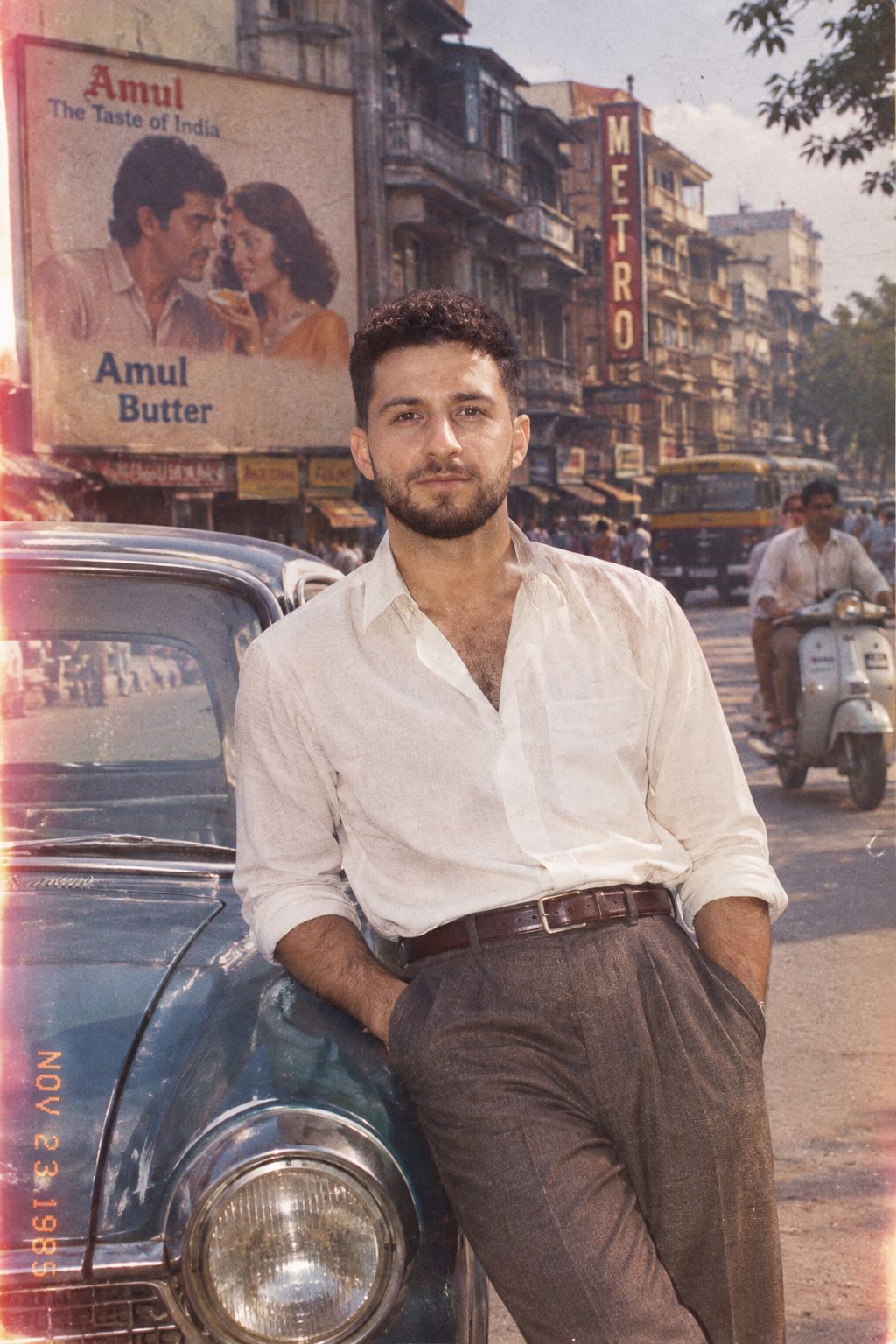
1985 Street Scene
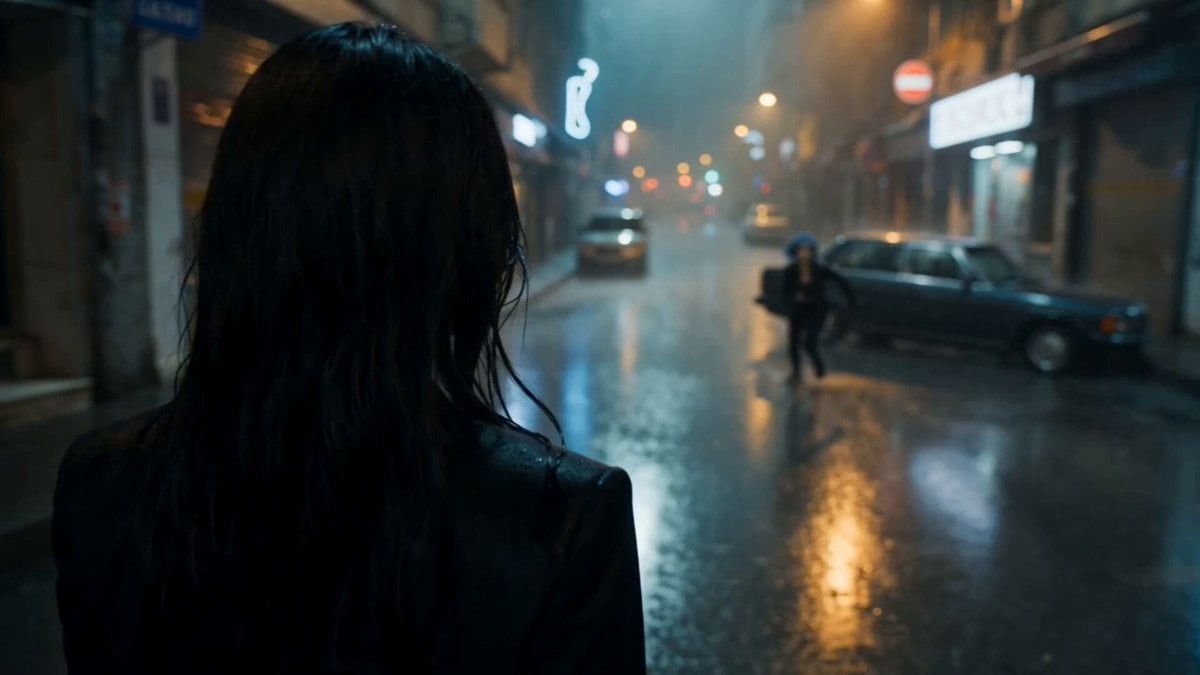
Cinematic Istanbul Night Fight - Seedance 2.5
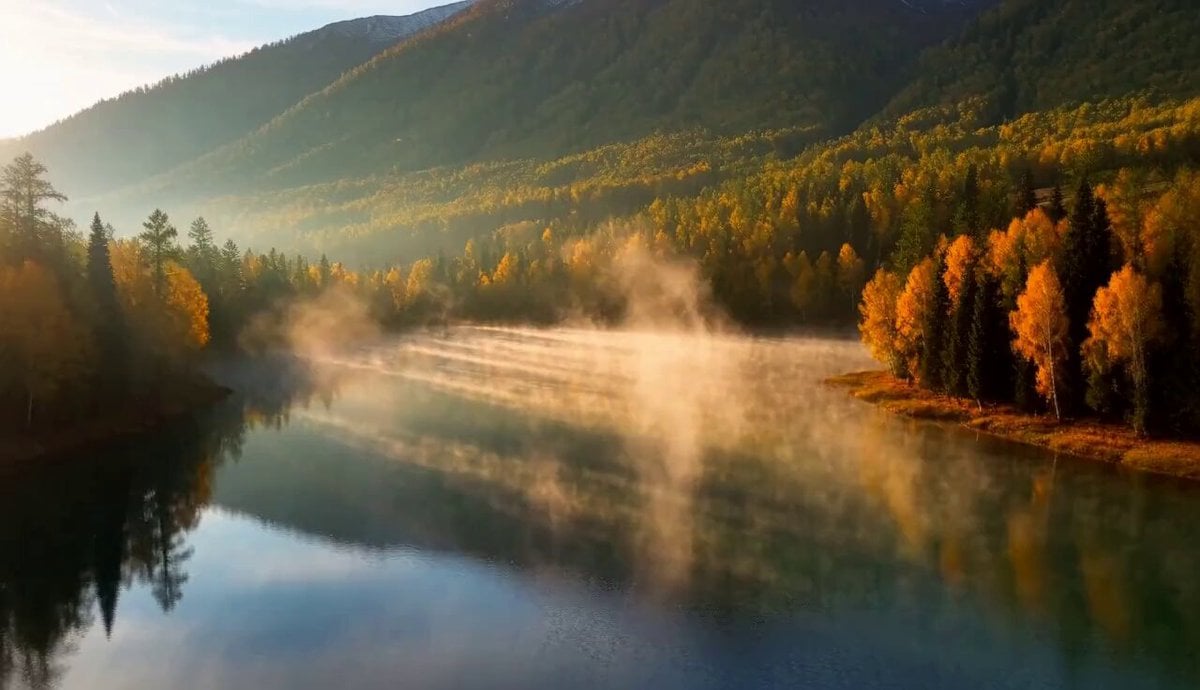
Cinematic Xinjiang Drone Landscapes - Seedance 2.5
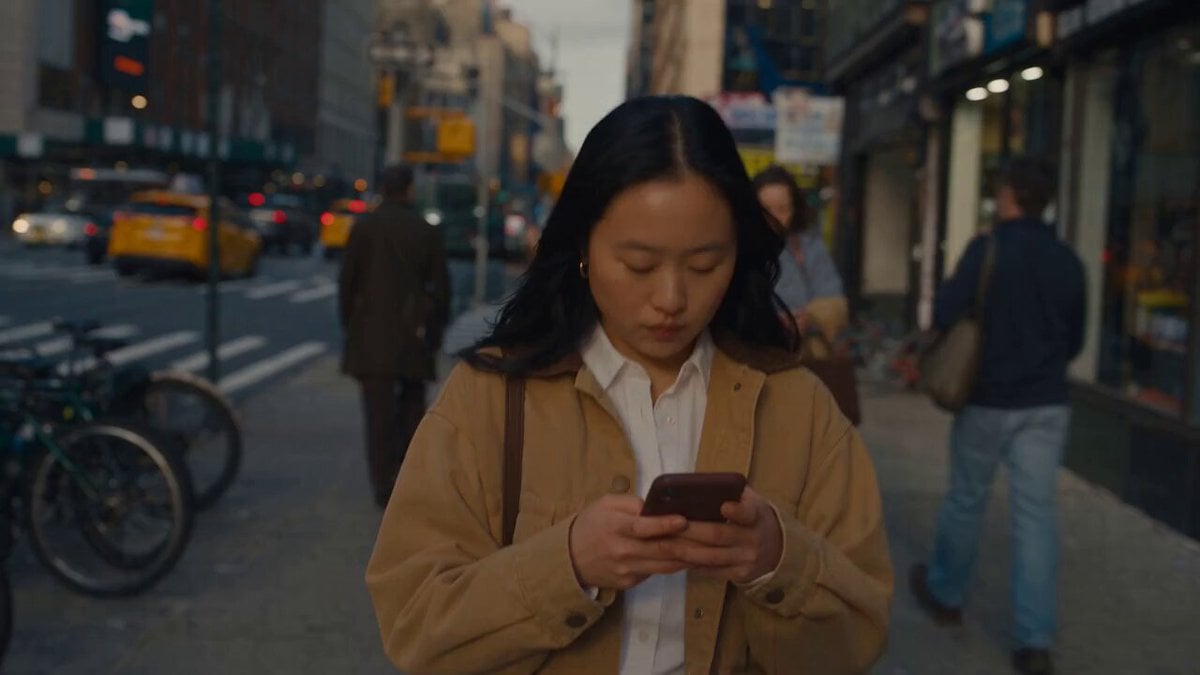
Realistic City Street Story Cinematic Video - Seedance
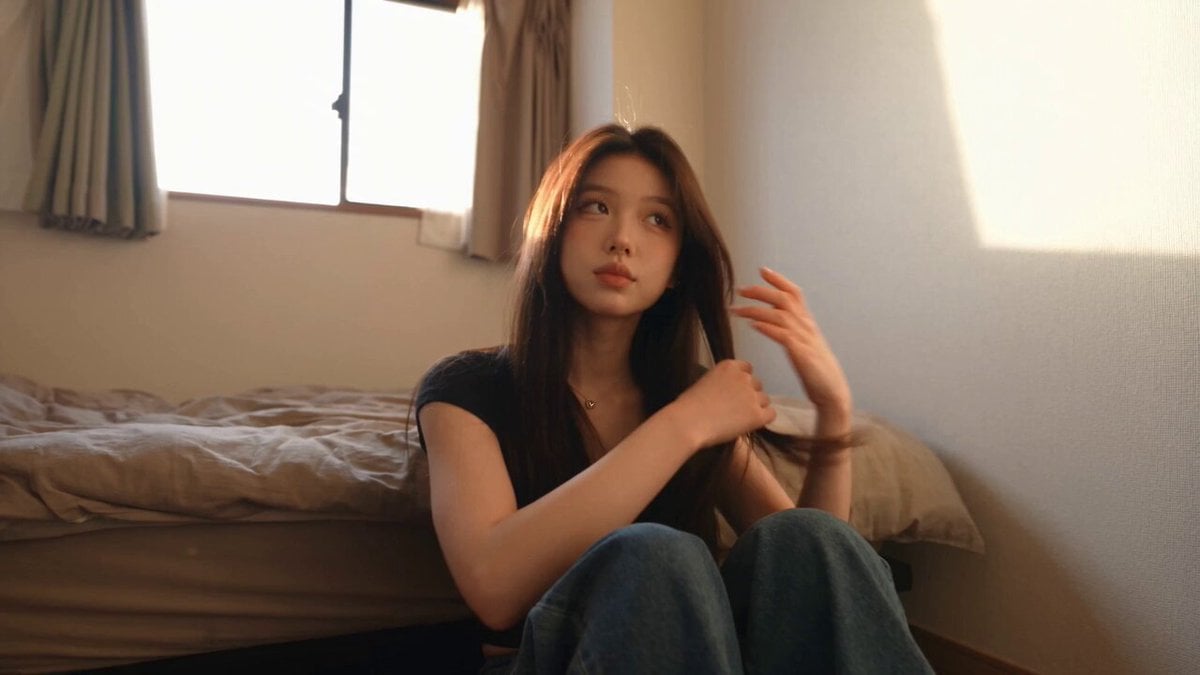
Handheld Tokyo Travel Vlog - Seedance 2.5
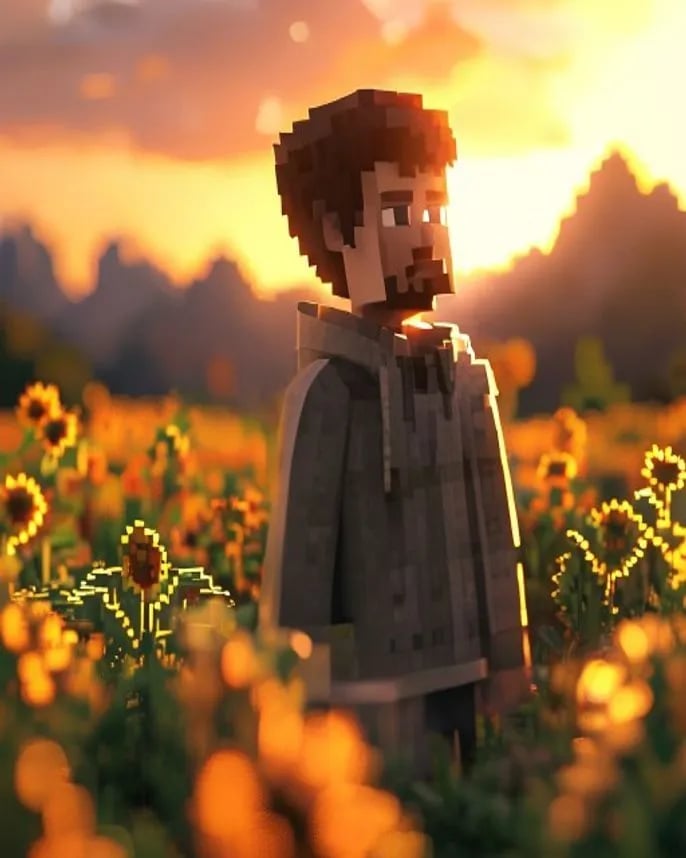
Hyper-Realistic Minecraft POV Portrait
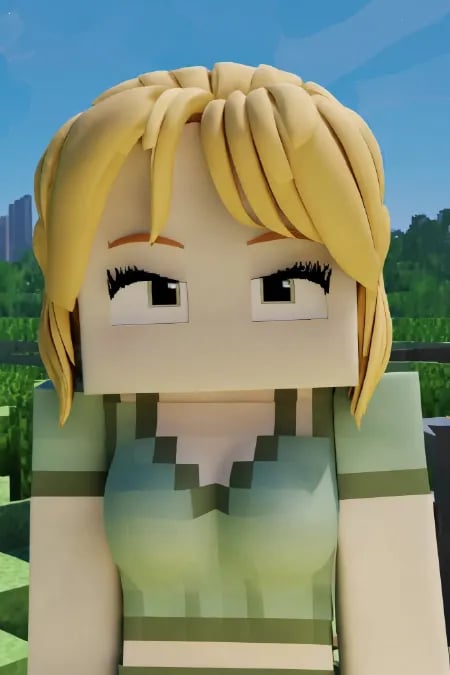
Minecraft Homage Illustrious Style
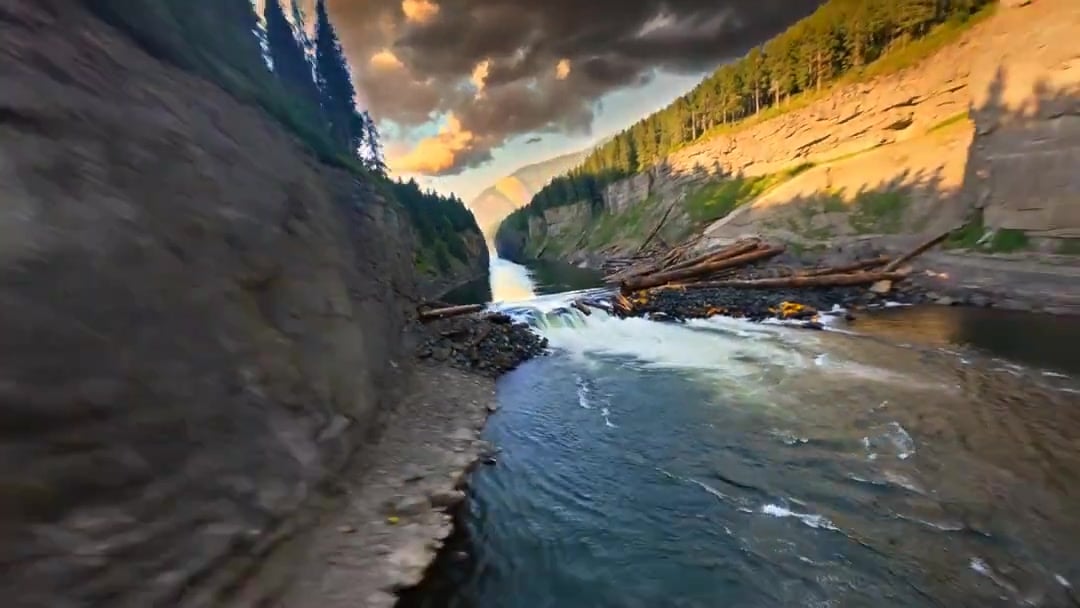
Cinematic Drone Specs Canyon — Kling 3.0 v3 Pro
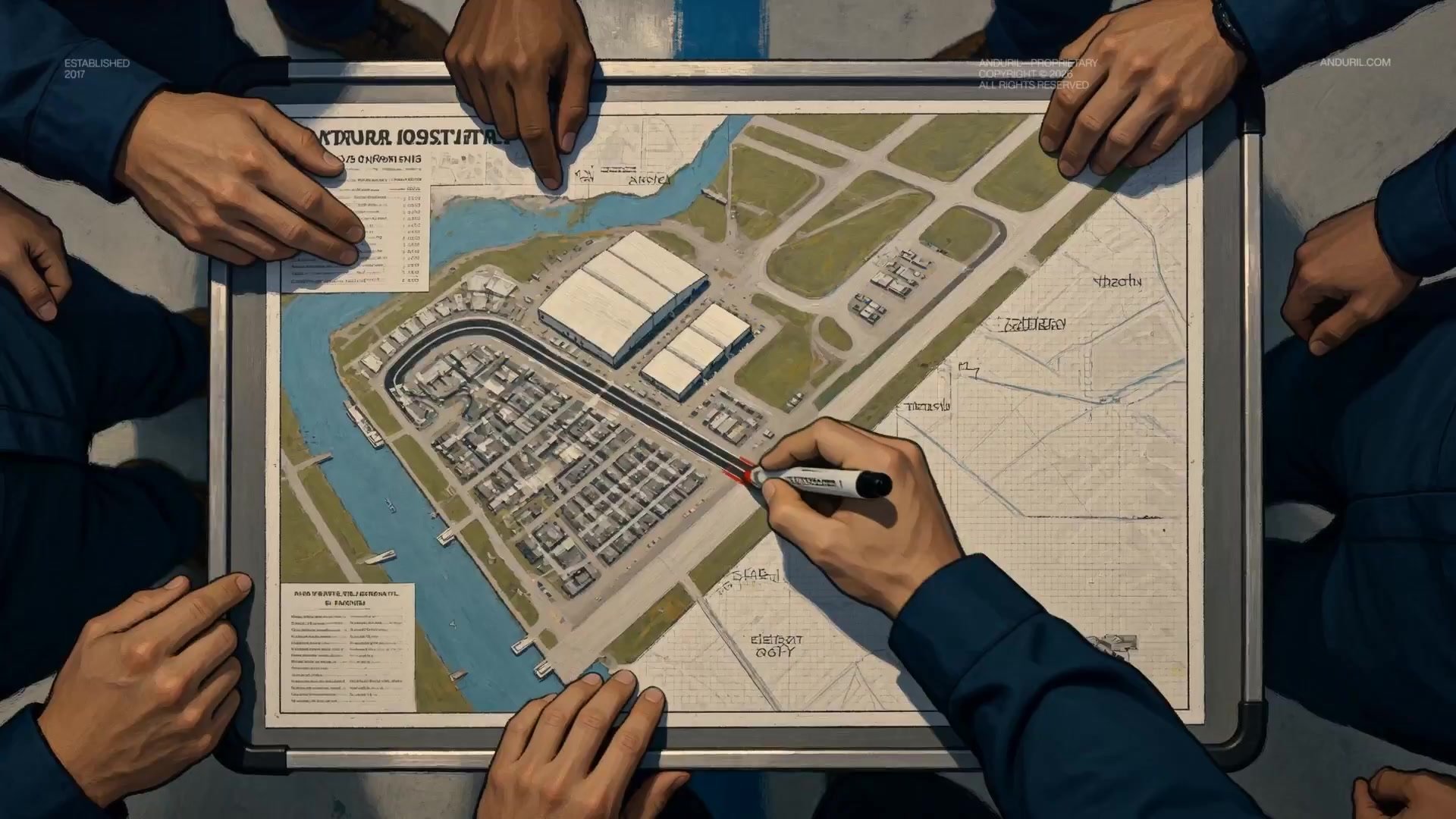
Fighter Jet Aerial Combat Montage — Seedance 2.5

Dragon Rider Cinematic Flight — Seedance 2.5

Oceanic Civilization Epic Sci-Fi Film
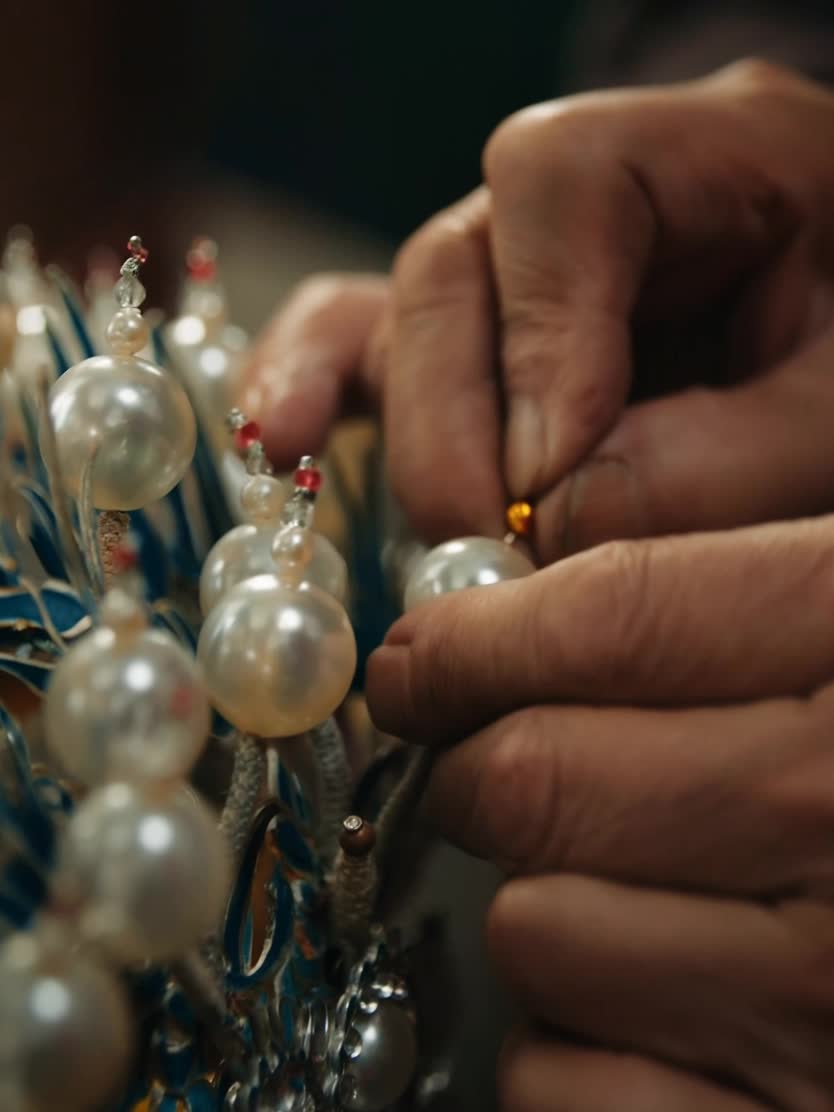
Peking Opera Heritage Short Film
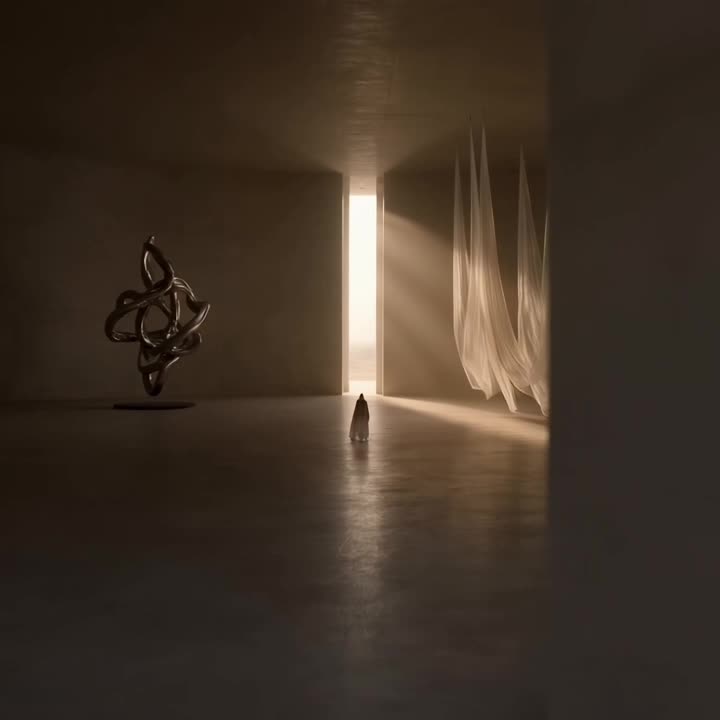
Floating Desert Museum Cinematic Film
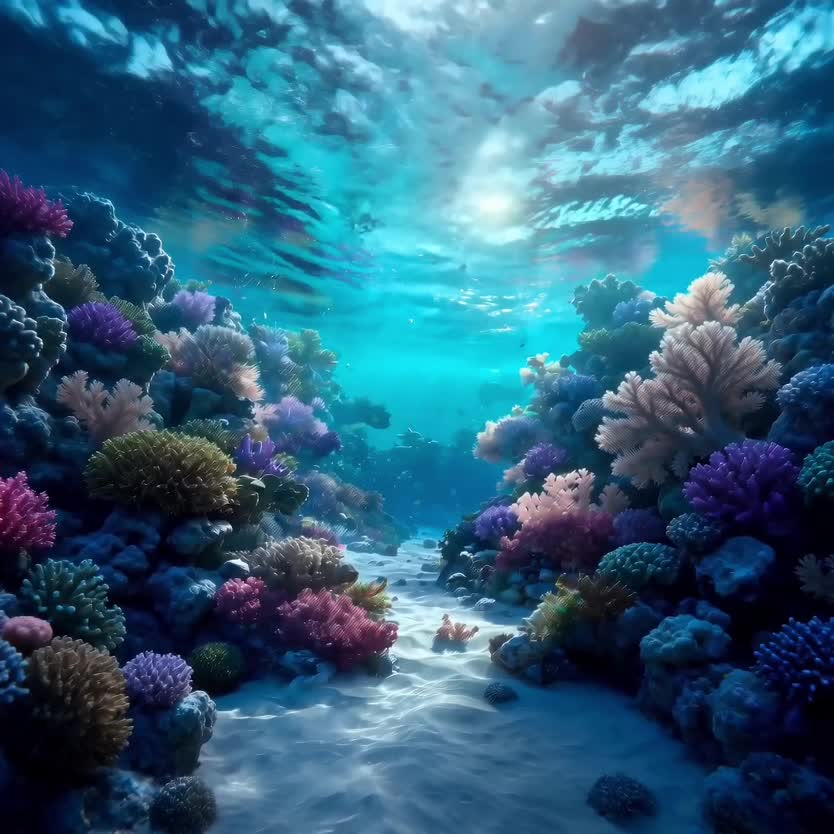
Deep-Sea Coral Reef Jellyfish Scene

Haute Couture Dream Bokeh Film
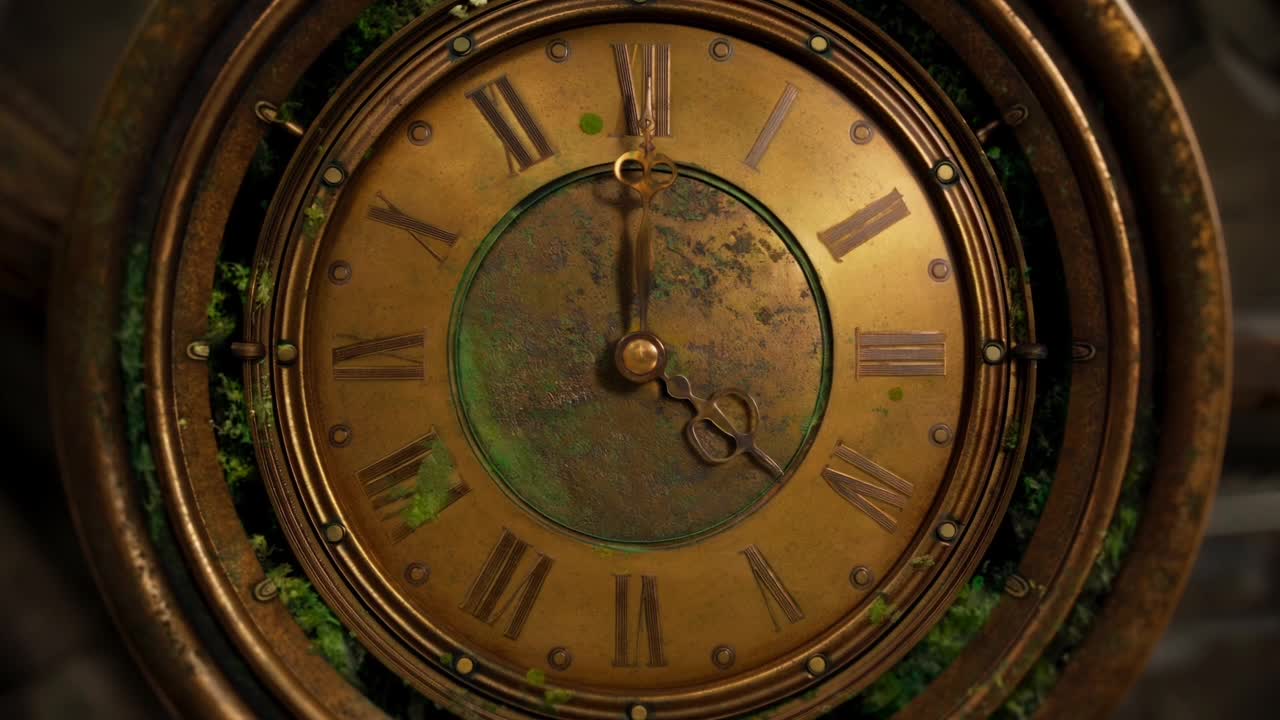
Steampunk Clockwork Odyssey
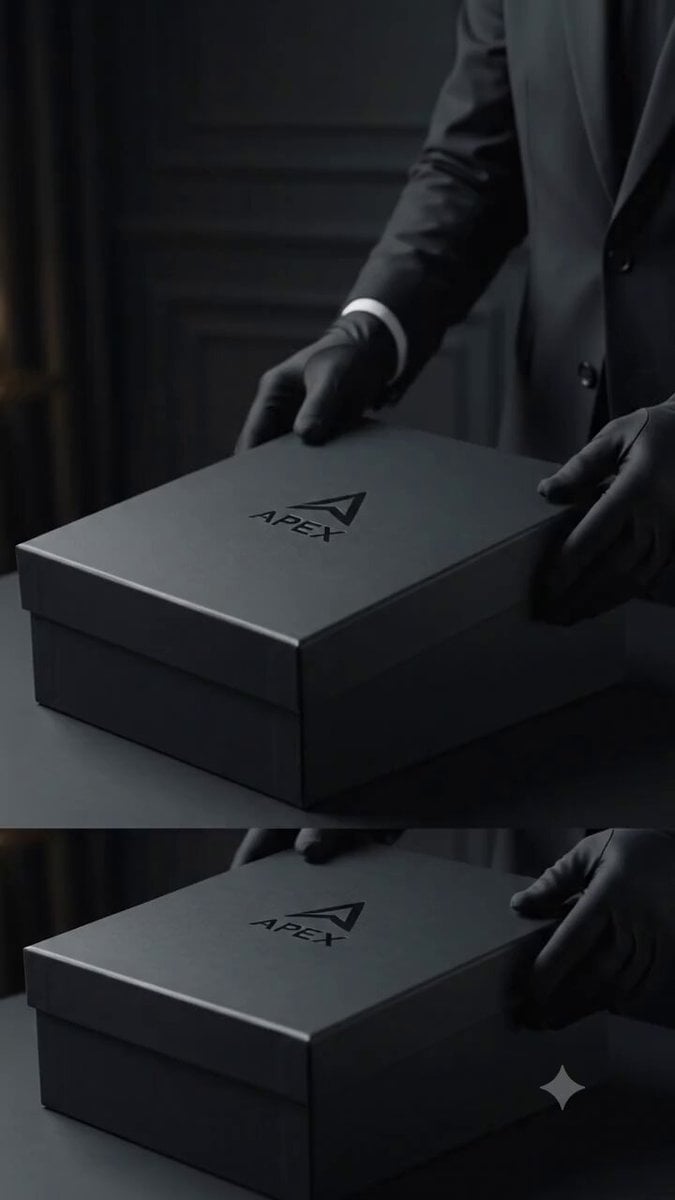
Sneaker Product Commercial

Cinematic Short Film Scene 3
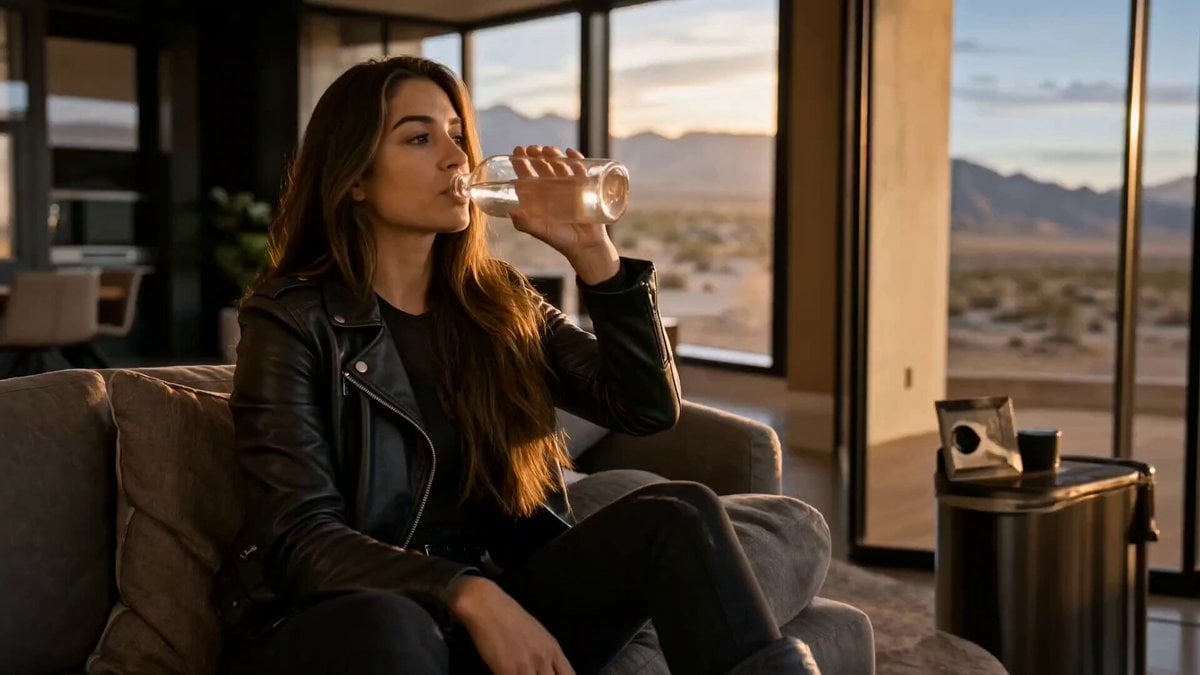
Cinematic Short Film Scene 2
AI video background changer templates & examples
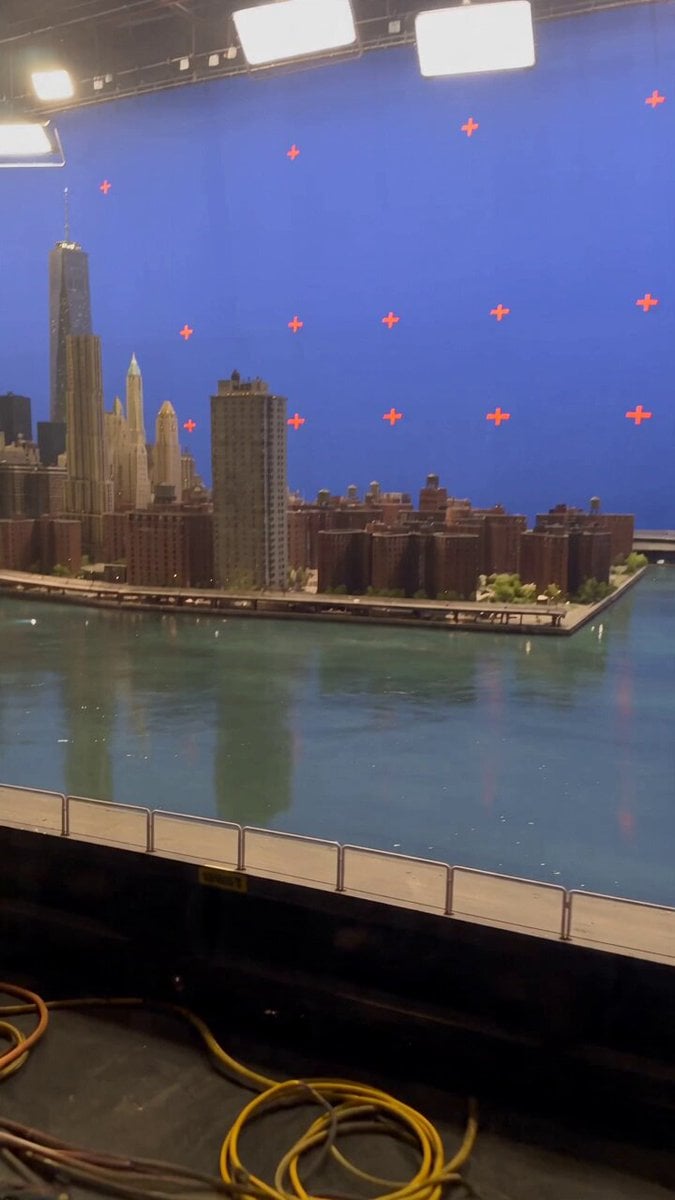
- Miniature City Flood Soundstage
A miniature city in a water tank on a soundstage, sluice gate opens, whole thing gets wiped out. The financial district towers stand between four and nine metres tall, and the crew walking the catwalks alongside them are
- Miniature City Flood Soundstage
A miniature city in a water tank on a soundstage, sluice gate opens, whole thing gets wiped out. The financial district towers stand between four and nine metres tall, and the crew walking the catwalks alongside them are
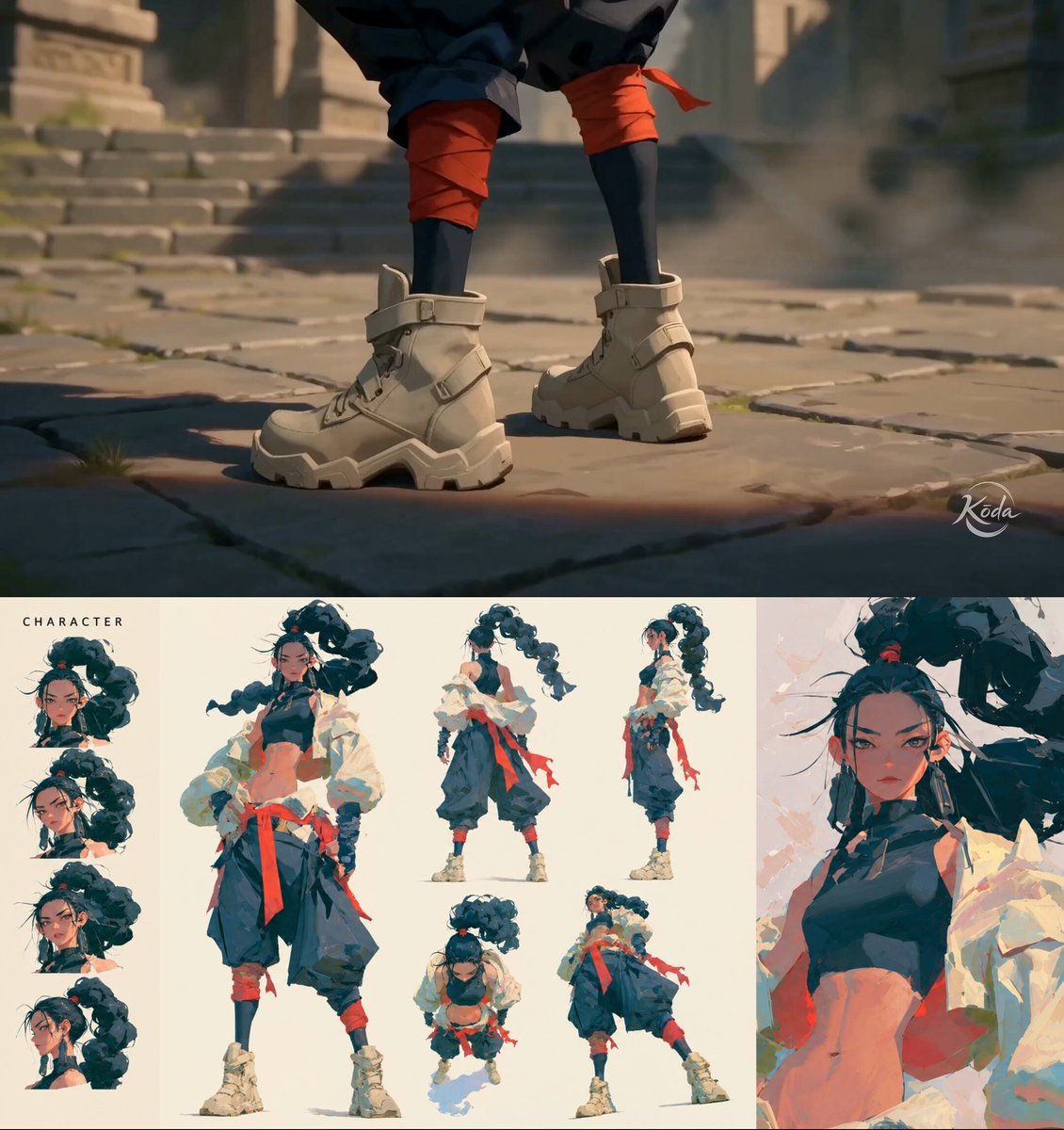
- MiniMax H3 Character Introduction
MiniMax H3 Character Introduction Prompt: Use @[char ref] as the sole character reference. Preserve the exact identity, face, body proportions, hairstyle, outfit, colors, materials and overall silhouette of the characte
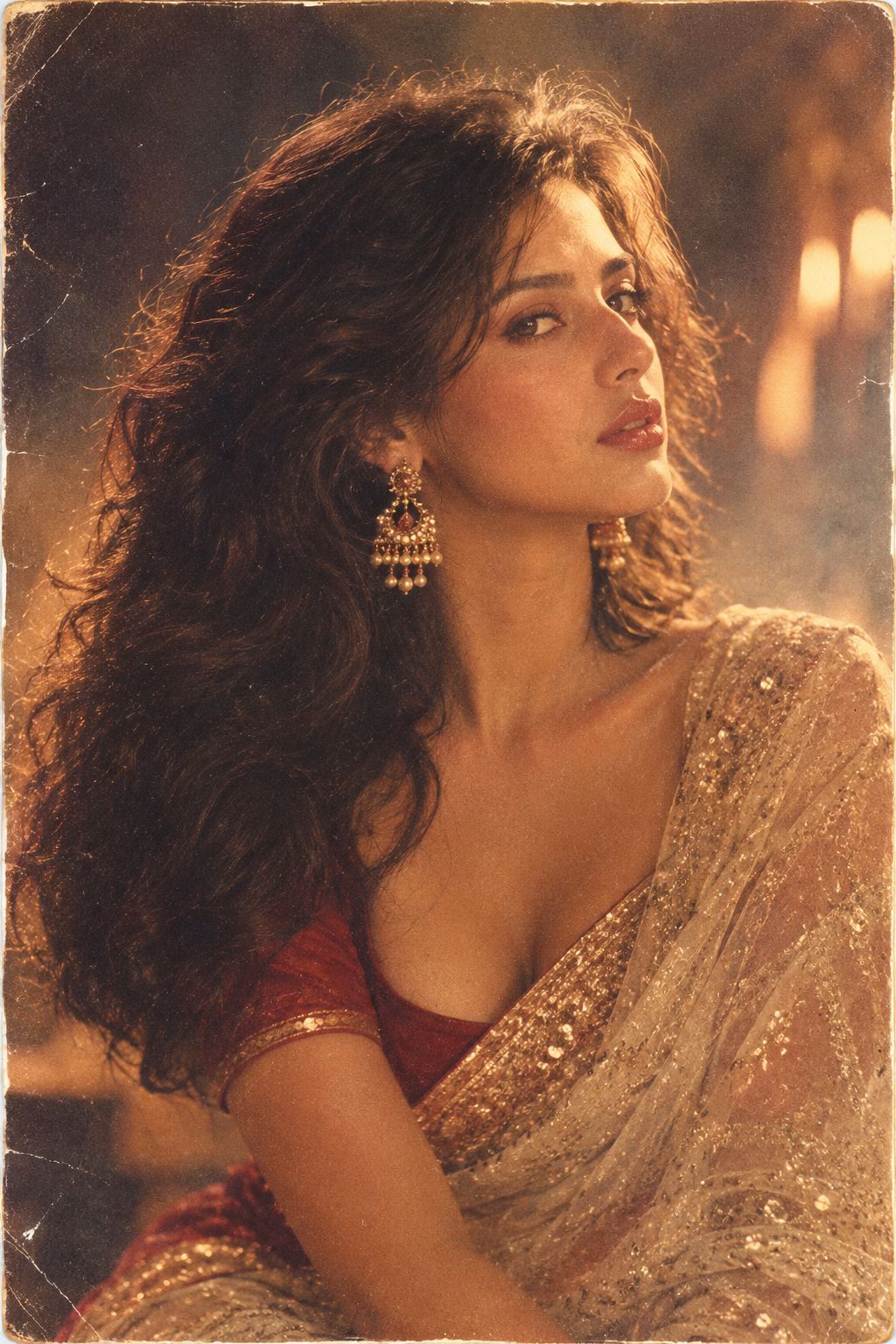
- 80s Bollywood Star
Transform the uploaded person into a glamorous 1980s Bollywood movie star while preserving their recognizable face and natural facial features. Style them with dramatic 1980s Indian cinema fashion, voluminous hair, expre
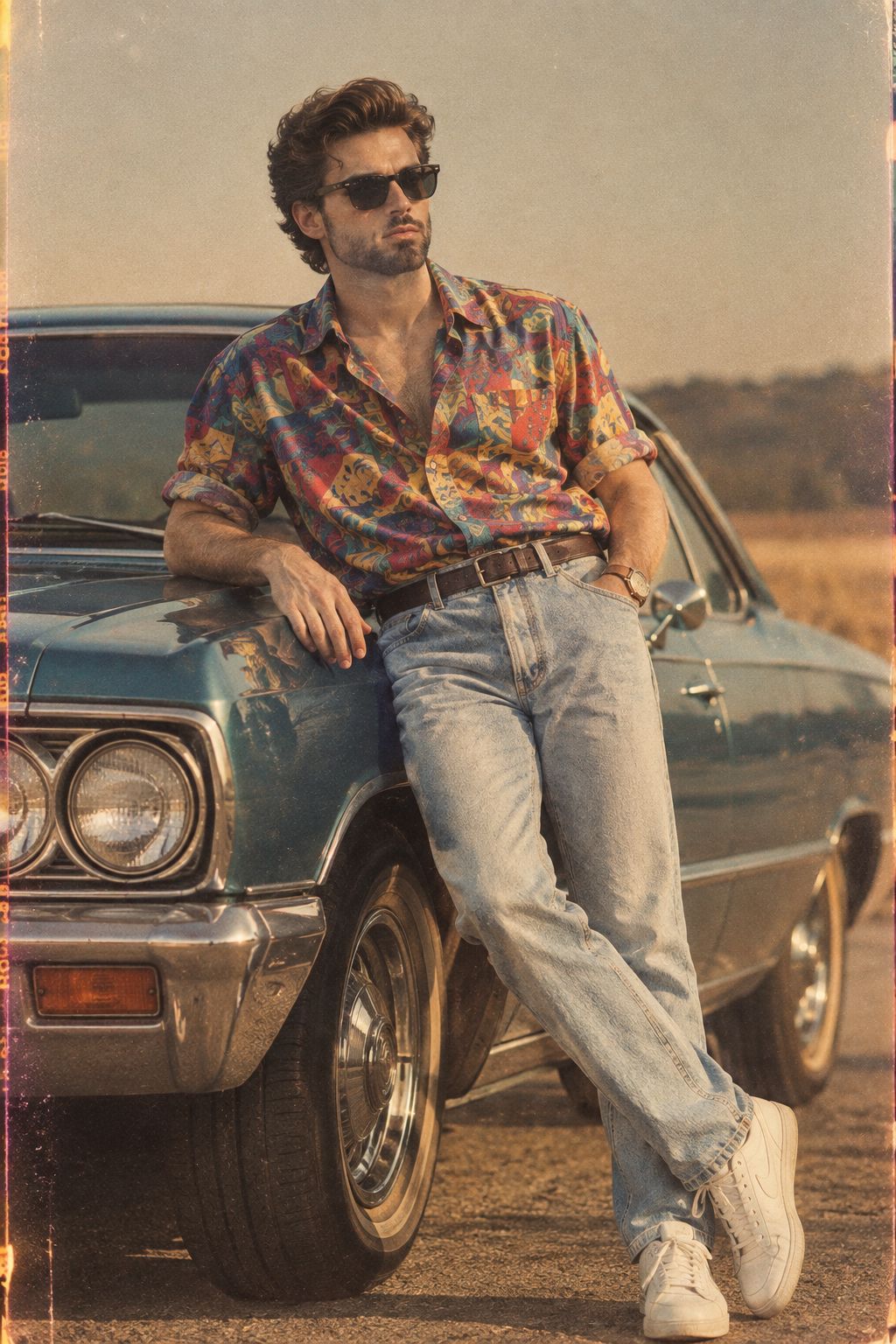
- 80s Golden Hour Cinema
Create a realistic 1980s-inspired portrait of a stylish young man. Preserve natural facial features and realistic skin texture. Dress him in a relaxed vintage shirt, high-waisted trousers, leather belt and classic wristw
- 1985 Street Scene
Transform the uploaded person into an authentic 1985 photograph from an alternate version of their life. Preserve their exact facial identity, facial structure, skin tone and recognizable features. Give them an iconic 19
- Cinematic Istanbul Night Fight - Seedance 2.5
Generate a 15-second ultra-realistic cinematic close-quarters combat video, strictly 16:9 landscape, native 4K, 24fps. The overall style is a gritty neo-noir action scene on the streets of Istanbul on a rainy night. The
- Cinematic Xinjiang Drone Landscapes - Seedance 2.5
Cinematic aerial drone footage of Xinjiang, China, sweeping natural landscapes, golden-hour and crisp daylight. Opening: a misty emerald lake (Kanas) at dawn, autumn forests ringing the shore, thin fog drifting over stil
- Realistic City Street Story Cinematic Video - Seedance
Scene 1 — Busy Morning | 0:00–0:05 “Photorealistic handheld street footage of a young Asian woman in her mid-20s walking through a busy city sidewalk in the morning. She wears a beige jacket, white shirt, loose blue jean
- Handheld Tokyo Travel Vlog - Seedance 2.5
Single unbroken handheld boyfriend vlog take throughout, 30 seconds total. A realistic personal travel vlog filmed by a boyfriend following his girlfriend during a normal day in Tokyo. Use the woman from the reference im
- Hyper-Realistic Minecraft POV Portrait
A hyper-realistic Minecraft-style 3D render of a young man standing in a sunflower field at golden hour. The character is rendered in Minecraft's iconic blocky voxel aesthetic but with cinematic lighting, volumetric god
- Minecraft Homage Illustrious Style
minecraft style, cute anime girl with cubic head and geometric body, voluminous flowing ribbon-like hair with beautiful highlights, large expressive anime eyes, clothing blending Minecraft block patterns with stylized fo
Related explorations
More pages and searches around AI video background changer.
AI video background changer questions
How do I change the background of a video with AI?
In the generator, pick Seedance 2.5 or Seedance 2.0, add your clip as a reference and describe the new background. Add a photo of the place if you have one. Generate a few takes and keep the best one.
Do I need a green screen?
No. The model uses your clip as a reference and generates the new scene around you, so any background works. A steady shot with the person clearly visible gives the cleanest result.
Can I make the before-and-after reveal videos?
Yes. Film one take, generate the versions you want (new scene, new outfit, both), then cut between them on a snap or a gesture in your editor.
How long can my clip be?
Keep reference clips short: a few seconds up to about 15 seconds works best. Seedance 2.5 takes up to 30 seconds of reference video in total.

Start your AI video background changer
Every top image and video model, one credit balance, credits that never expire.