
IMAGEBlack Forest Labs · from 20 credits / image
Black Forest Labs' instruction editor
FLUX Kontext AI Image Editor: Change One Thing, Keep the Rest
Pro or Max. One image in. Text to image too. About 1 MP.
Upload a photo and say what should change: the words on a sign, the season, the street behind someone. FLUX.1 Kontext edits that part and leaves the subject alone. Max is the tier for lettering and strict prompts.

- 1K
Say the change, keep the picture
One model edits and generates
Kontext reads text and an image together, so the same model that edits your photo also creates a scene from a prompt alone. No image attached means text to image, in any of six ratios from 21:9 to 9:16.

Max is the one for lettering
Black Forest Labs positions Kontext Max as the tier with the best typography and the tightest prompt following. Pick it when a label, a headline or a sign has to read correctly; Pro is the quicker everyday choice.
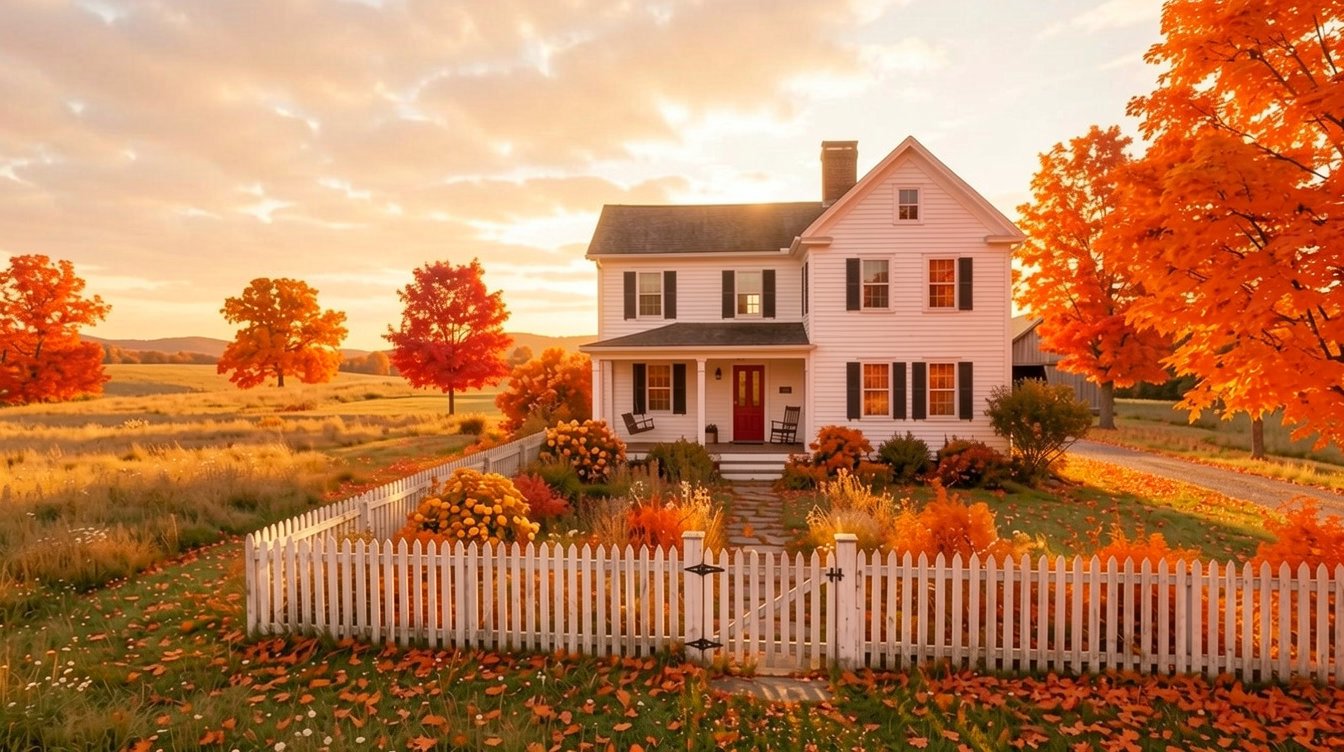
Edit one part, not the whole photo
Kontext was built for local edits: it changes what you name and tries to leave the rest untouched. Here the season changes while the house, the door and the fence stay where they were.
FLUX.1 Kontext
Pro or Max. One image in. Text to image too. About 1 MP.
Edits people actually ask for
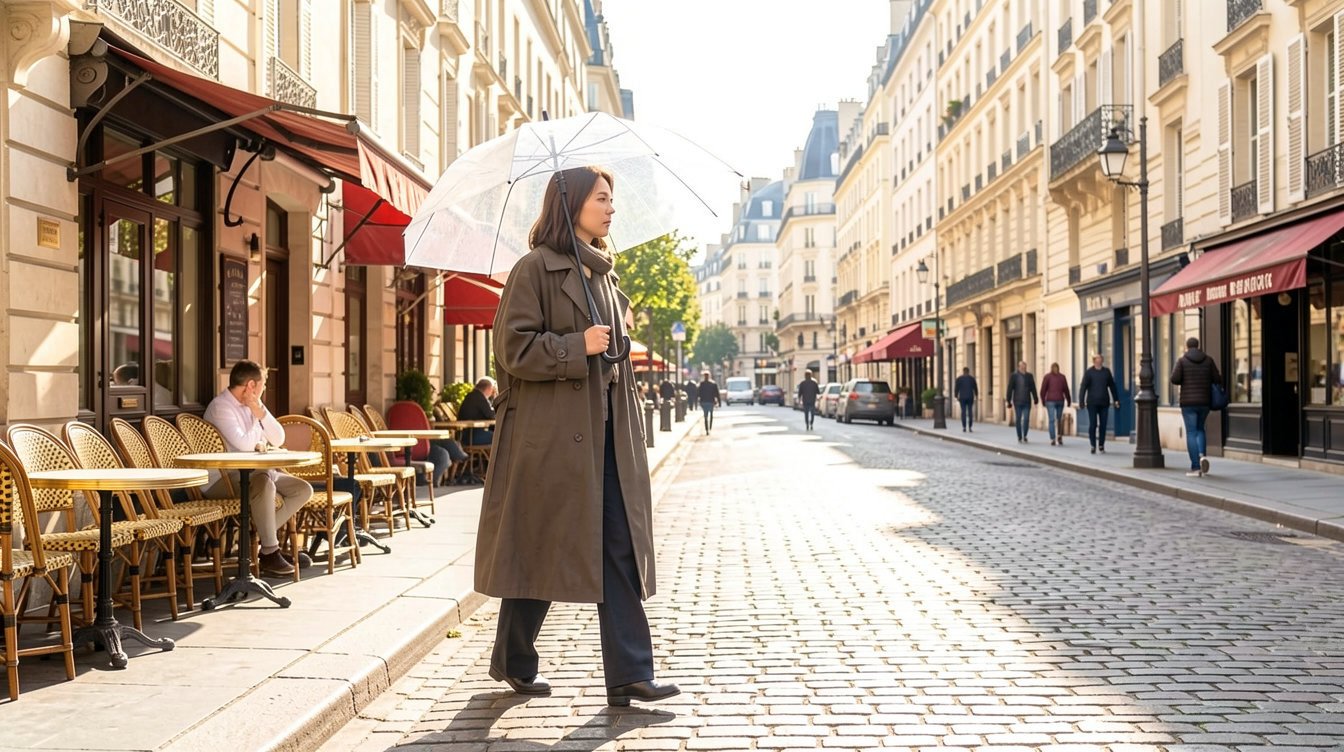
Same person, new place Keeping a character or product recognisable across scenes is the job Black Forest Labs built Kontext for. Move a subject to another street, room or light without redrawing them.
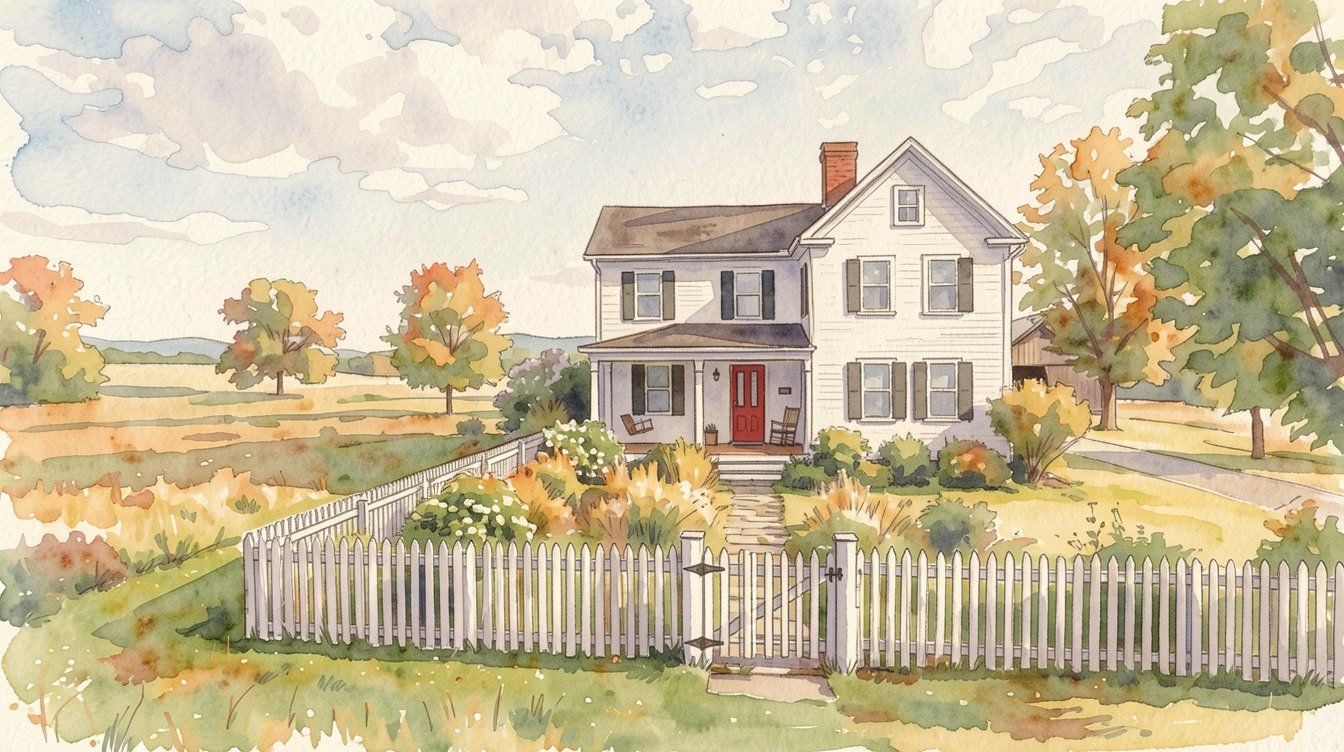
Restyle a photo Turn a snapshot into a watercolour, a sketch or a poster look, and say what must stay put so the layout survives the new style.
Fix the words on signs and labels Put the old and new wording in quotes, for example Replace 'Friday' with 'Saturday', and Kontext swaps the text on a sign, poster or package instead of repainting the image.
Edit in rounds Download a result, upload it again and ask for the next change. Kontext is designed for step-by-step editing, though quality can slip after many rounds, so keep the best version.
Why pick FLUX.1 Kontext
- TextSign and label editsPro scored highest at text edits in BFL's tests.
- IdentityKeeps the subjectFaces and products stay recognisable.
- LocalEdits one regionThe rest of the photo is left alone.
- Pro / MaxTwo tiersSpeed, or the best lettering.
- 6 ratios21:9 to 9:16Or keep the photo's own shape.
- No setupNo LoRA or masksOne image and one sentence.
What FLUX.1 Kontext costs
Billed per image, at the resolution you pick. The same prices the generator shows before you run it.
- 1K20credits / imageOn Starter≈ 180 images / mo
Every model on every planCredits never expireSee plans
Pay for FLUX.1 Kontext with crypto
Buy credits with Bitcoin, USDT, USDC, ETH, Solana and more — no card, nothing auto-renews, packs from $5, and 15% extra credits on crypto payments.
Kontext Pro vs Max vs FLUX.2
All three are Black Forest Labs models on PicX. Kontext is the one-image editor; FLUX.2 is the newer multi-reference model BFL now recommends for new work.
Live credit prices for each tier are in the pricing table.
How to use FLUX.1 Kontext in 3 steps
- 1
Add one photo, or none
Add the one image you want to change. Skip this step and Kontext makes a new image from your text instead.
- 2
Write the edit as an instruction
Say exactly what to change and what must not move: 'make the jacket red wool, keep her face, pose and the background'. Write it in English, and put any text you want on the image in quotes.
- 3
Pick Pro or Max and generate
Use Pro for quick passes and Max when text or a detailed instruction has to come out right. Choose a ratio or keep the photo's shape, then feed the result back in for the next edit.
FLUX.1 Kontext prompts to copy
Real prompts and what they made. Copy one, or open it in the generator with the model already picked.
Candle with a label
An amber glass candle with a cream label reading 'Ember & Oak' burning on a stack of old books next to a knitted blanket, warm evening light, product photo
Make it autumn
Change the season to autumn: orange and red leaves on the trees and on the grass, soft low sun
Same woman, new street
Move her to a sunny Paris street by day with cafe tables behind her, keep the woman, her clear umbrella, her outfit and her pose unchanged
Watercolour, same layout
Repaint this photo as a loose watercolour illustration, keep the house, the red door and the picket fence in the same places
Templates to start from
Browse all templates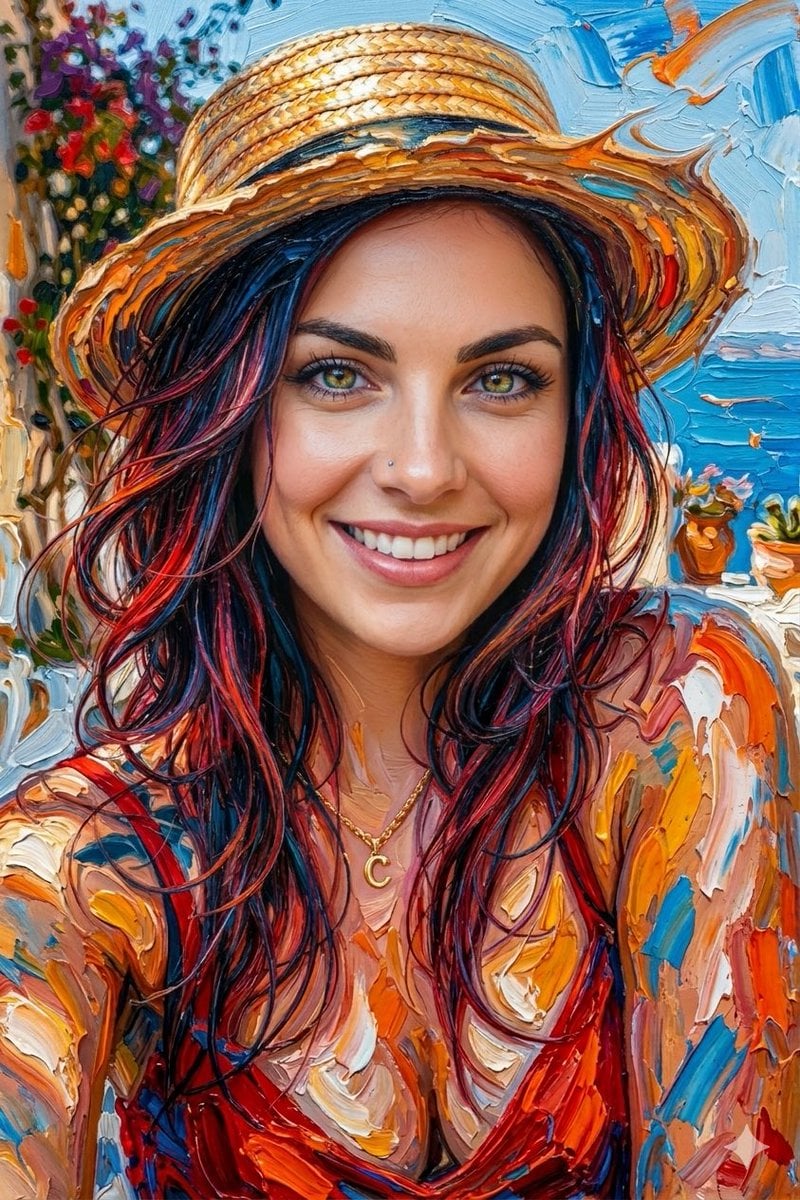







FLUX.1 Kontext questions
What is FLUX Kontext?
FLUX.1 Kontext is a Black Forest Labs model family that takes text and an image together, so you can edit a photo by describing the change. It also generates images from text alone. PicX offers the Pro and Max tiers.
What is the difference between FLUX Kontext Pro and Max?
Pro is Black Forest Labs' balance of speed and quality for everyday edits. Max is aimed at the highest quality, with better typography and closer prompt following, and it costs more per image. On PicX both take one image and output about 1 MP.
Is FLUX Kontext free?
Not on PicX: Kontext Pro and Max use credits per image. The free, open-weight version is FLUX.1 Kontext [dev], which runs locally under a non-commercial licence and is not available on PicX. New PicX accounts get one free image after sign-up, made with Nano Banana 2, our free-tier model, and any credits you buy can be spent on Kontext or any other model on PicX.
How do I write good FLUX Kontext prompts?
Say what changes and what stays: 'change the car to red, keep the street and the driver'. For text, quote the old and new words: Replace 'Sale' with 'New in'. Keep each edit to one or two changes, write in English, and run another edit on the result instead of packing everything into one prompt.
What is the FLUX Kontext max resolution?
Kontext outputs about 1 megapixel, on both Pro and Max. On PicX you can keep the uploaded photo's shape or choose 21:9, 16:9, 4:3, 1:1, 3:4 or 9:16. If you need a 2K output, FLUX.2 on PicX offers it.
FLUX Kontext vs Qwen Image Edit and Nano Banana: which should I use?
On PicX, Kontext and Qwen Image Edit both edit one photo from an instruction, but only Kontext can also create images from text. Nano Banana 2.1 takes up to 10 reference images and goes up to 4K. Pick Kontext for quick one-photo edits and sign text, and Nano Banana 2.1 when you need several references or a larger file.
Is FLUX Kontext still worth using now that FLUX.2 is out?
Black Forest Labs now calls Kontext its previous generation and recommends FLUX.2 for new projects. Kontext is still the simpler tool for one photo and one instruction. Move to FLUX.2 when you want to combine up to eight references or need a 2K image.
What are FLUX Kontext's limits?
Black Forest Labs lists a few: many rounds of editing on the same image can build up visual artifacts, the model sometimes skips part of an instruction, and its world knowledge is limited. It also takes only one input image, and prompts should be written in English.

Edit a photo with FLUX.1 Kontext
Say what changes and what stays. Pro for speed, Max for lettering.