
VIDEOLTX (Lightricks) · from 31 credits / sec
The open-weights LTX model, hosted for you
LTX 2.5 AI video generator: picture and sound in one pass
Text or an image. 6 to 20 seconds. 720p or 1080p. Sound in every clip.
LTX 2.5 is the August 2026 video model from LTX, the team behind Lightricks' LTX Video. It writes the soundtrack with the picture and can cut between shots in one clip. Run Fast or Pro here, no local install.
- 6–20s
- 720p–1080p
- Native audio
- Text · Image
One prompt, picture and sound
Sound comes with the picture
LTX 2.5 generates audio and video together: surf, sizzling pans, crowd noise. Put a line in quotation marks and it is spoken as dialogue, in the language you wrote it in.
Several shots in one clip
LTX 2.5 can render a sequence with cuts and keep the character, the place and the voice consistent across them. Write "Shot 1 / Shot 2" in the prompt to plan the cuts.
Fast for drafts, Pro for finals
LTX 2.5 Fast goes up to 20 seconds and costs less per second. LTX 2.5 Pro is the higher-quality tier, for 6, 8 or 10 second clips. Both render 720p or 1080p.
LTX 2.5, from its maker
Official release video by LTX (Lightricks)
LTX 2.5
Text or an image. 6 to 20 seconds. 720p or 1080p. Sound in every clip.
Where LTX 2.5 earns its keep
What LTX 2.5 does on PicX
- 20 sLongest Fast clip6 to 20 seconds in 2 second steps.
- ProHigher-quality tier6, 8 or 10 seconds for the keeper.
- SoundIn every clipEffects, ambience and spoken lines.
- 1080pTwo resolutions720p for drafts, 1080p to finish.
- ShotsMultishot promptsPlan cuts with Shot 1 / Shot 2.
- 0 GPUsNothing to installNo ComfyUI, no VRAM, no model download.
What LTX 2.5 costs
Billed per second of video, at the resolution you pick. The same prices the generator shows before you run it.
LTX 2.5 Fast
- 720p31credits / sec5s clip 155 creditsOn Starter≈ 19 clips / mo
- 1080p44credits / sec5s clip 220 creditsOn Starter≈ 13 clips / mo
LTX 2.5 Pro
- 720p41credits / sec5s clip 205 creditsOn Starter≈ 14 clips / mo
- 1080p58credits / sec5s clip 290 creditsOn Starter≈ 10 clips / mo
Every model on every planCredits never expireSee plans
Pay for LTX 2.5 with crypto
Buy credits with Bitcoin, USDT, USDC, ETH, Solana and more — no card, nothing auto-renews, packs from $5, and 5% extra credits on crypto payments.
LTX 2.5 Fast vs LTX 2.5 Pro
Both are on PicX Studio, on one credit balance. Live credit prices are in the pricing table.
Fast's 1440p and 48/50 fps modes are not offered on PicX.
How to use LTX 2.5 in 3 steps
- 1
Pick LTX 2.5 Fast or Pro
Open the studio and choose LTX 2.5 Fast for longer or cheaper clips, or LTX 2.5 Pro for the higher-quality tier. Add an image if you want it to be the first frame.
- 2
Describe the scene and the sound
Say what happens, how the camera moves and what we hear. Put dialogue in quotation marks, and write Shot 1, Shot 2 if you want cuts.
- 3
Choose length and resolution
Fast takes 6 to 20 seconds, Pro 6, 8 or 10, both at 720p or 1080p. Text clips take the aspect you pick; with a start image, the video keeps that image's shape.
LTX 2.5 prompts to copy
Real prompts and what they made. Copy one, or open it in the generator with the model already picked.
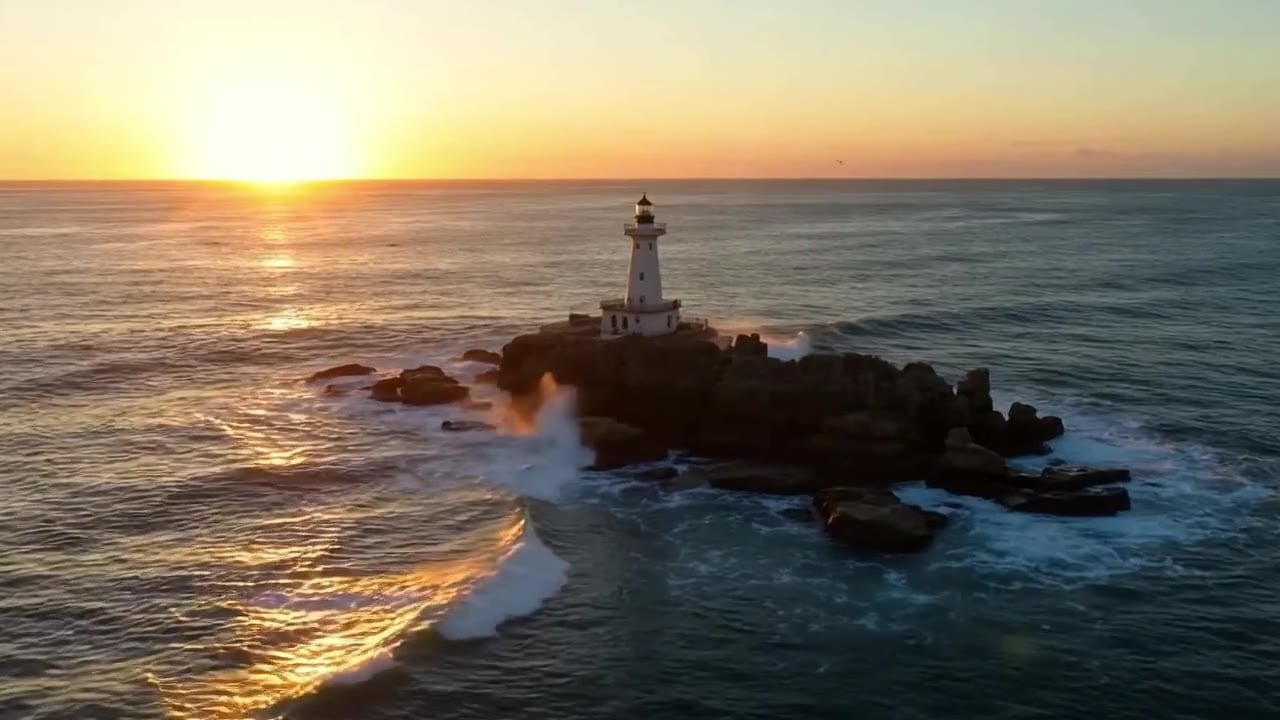
Lighthouse at golden hour (Fast, text)
A lighthouse on a rocky coast at golden hour, waves crashing against the rocks, seagulls calling, slow aerial drone push-in, cinematic
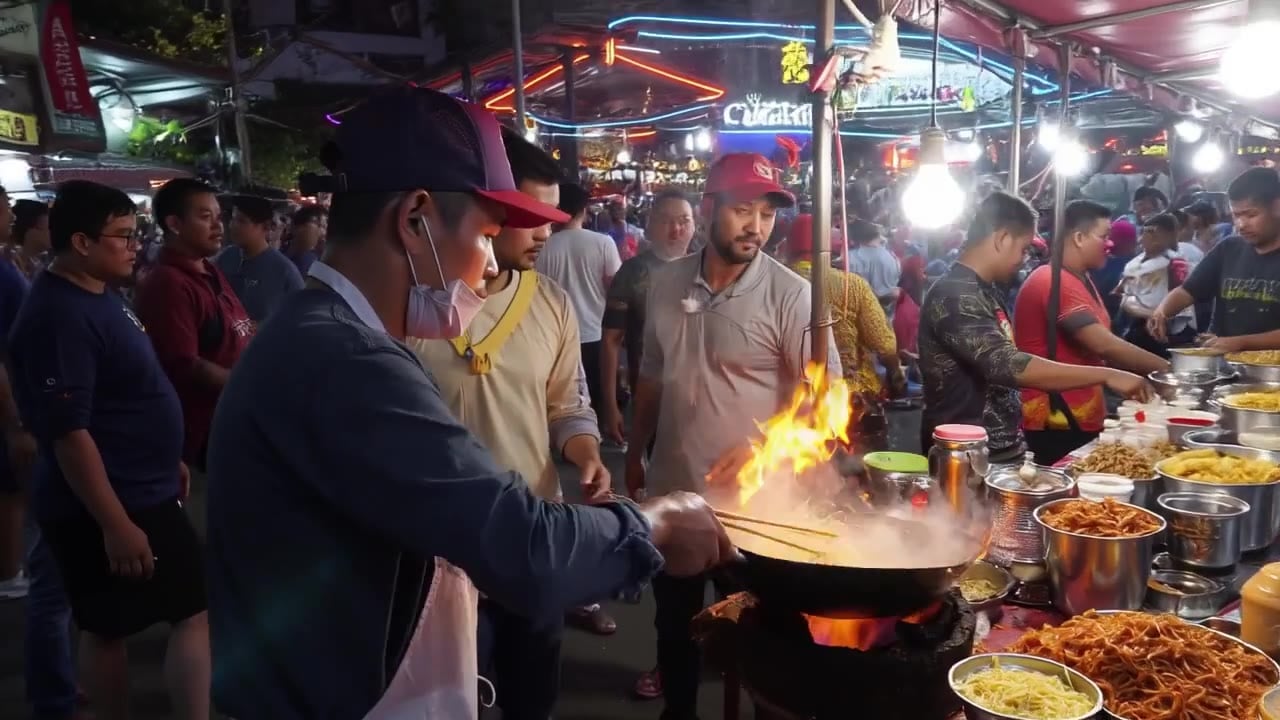
Night market wok (Pro, text)
A street food vendor in a neon-lit night market tosses noodles in a flaming wok, steam rising, sizzling sounds and crowd chatter, handheld close-up

Cube to paper bird (Fast, start image)
The red cube slowly rotates and unfolds like origami into a small red paper bird that flaps its wings, soft studio light, gentle paper rustle

Light sweeping over a cube (Pro, start image)
Camera slowly dollies in as the red cube casts a long shadow that sweeps across the table as the light changes from morning to sunset
Templates to start from
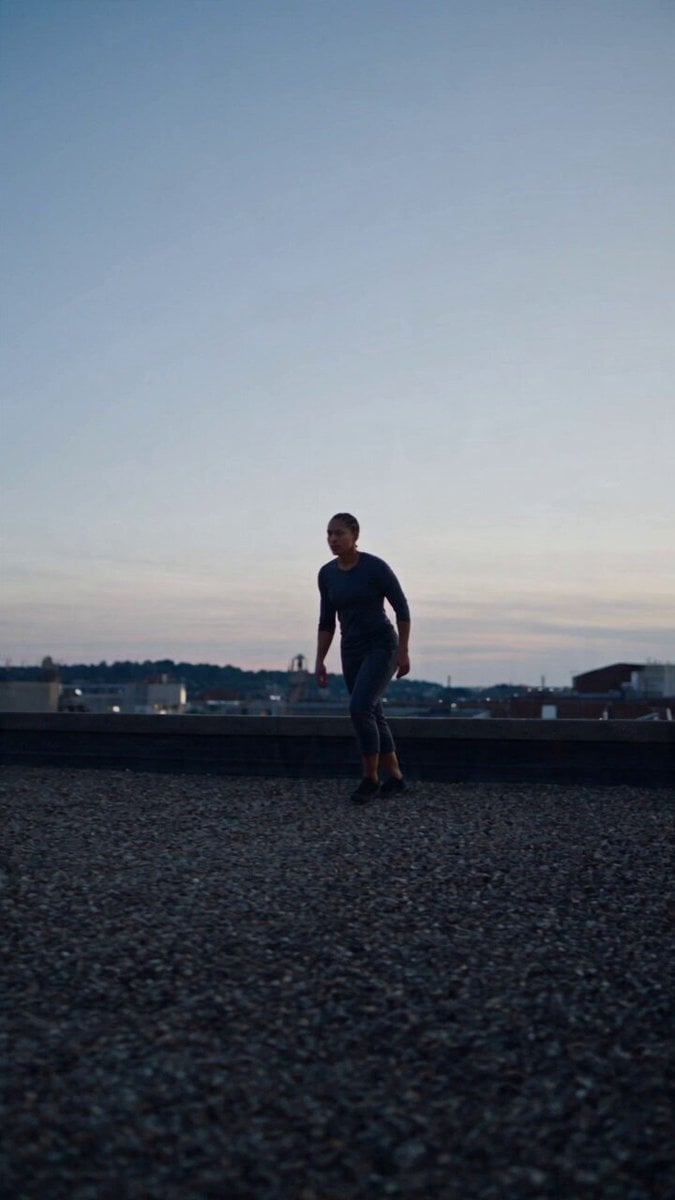
Browse all templates Rooftop Parkour Motion Control
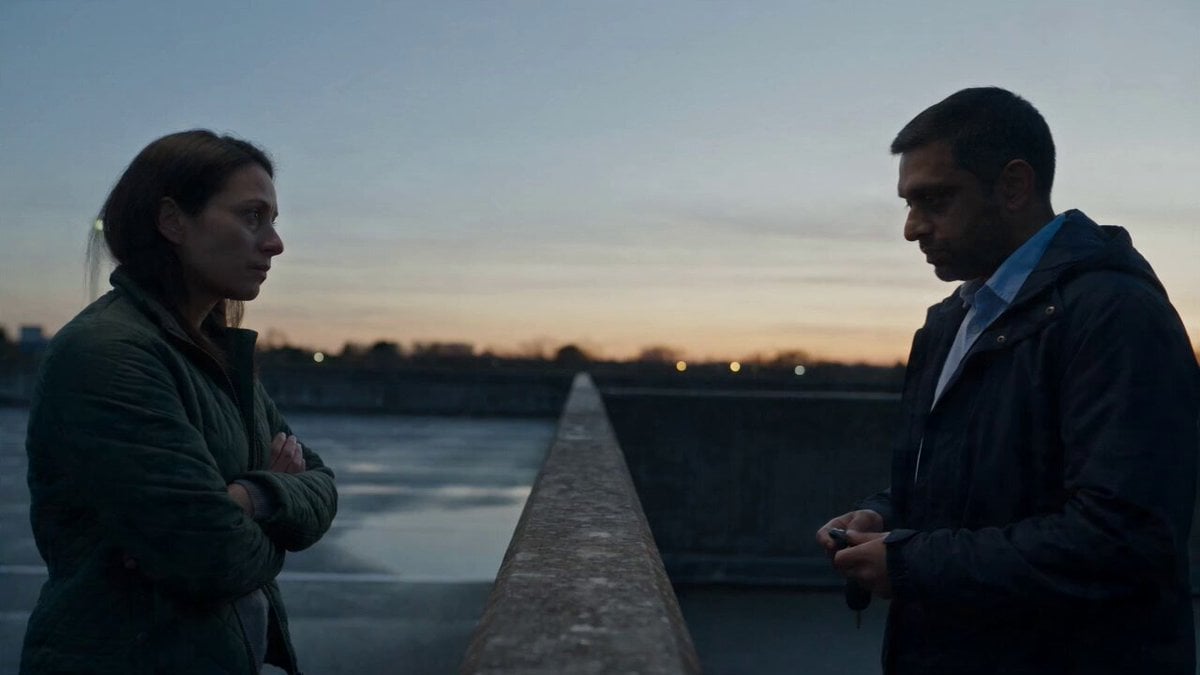 Hospital Car Park Dialogue Lip Sync
 Product Ad Drink Can 110° Orbit
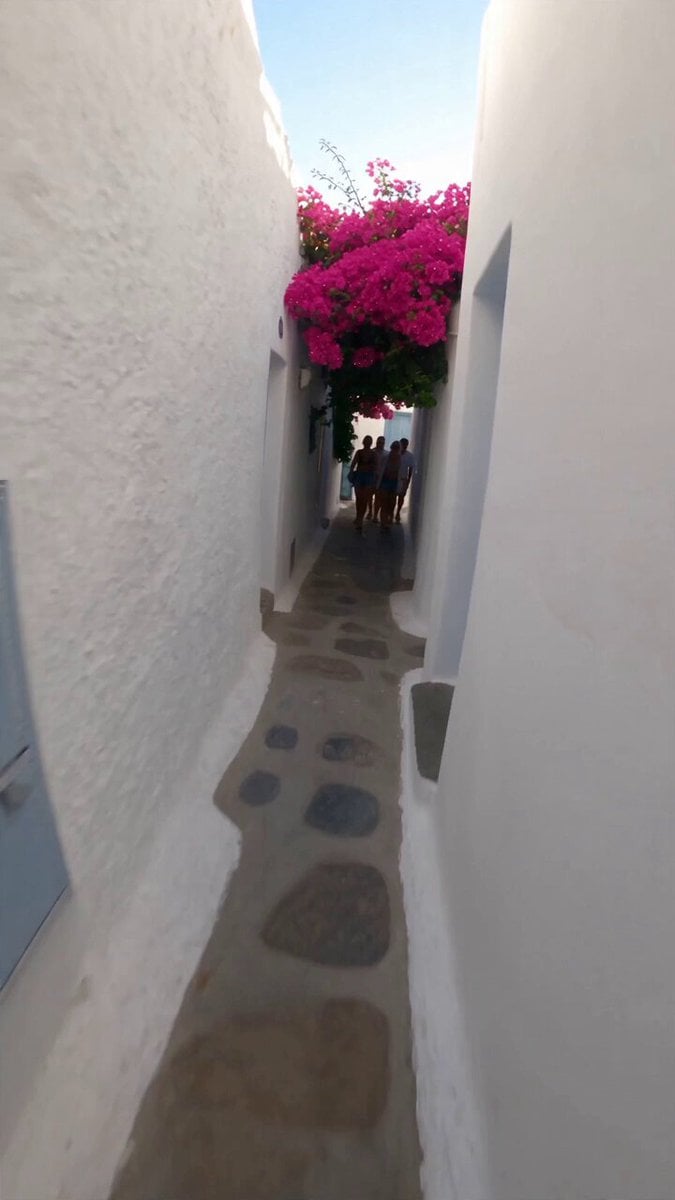 Selfie Travel Vlog Mykonos
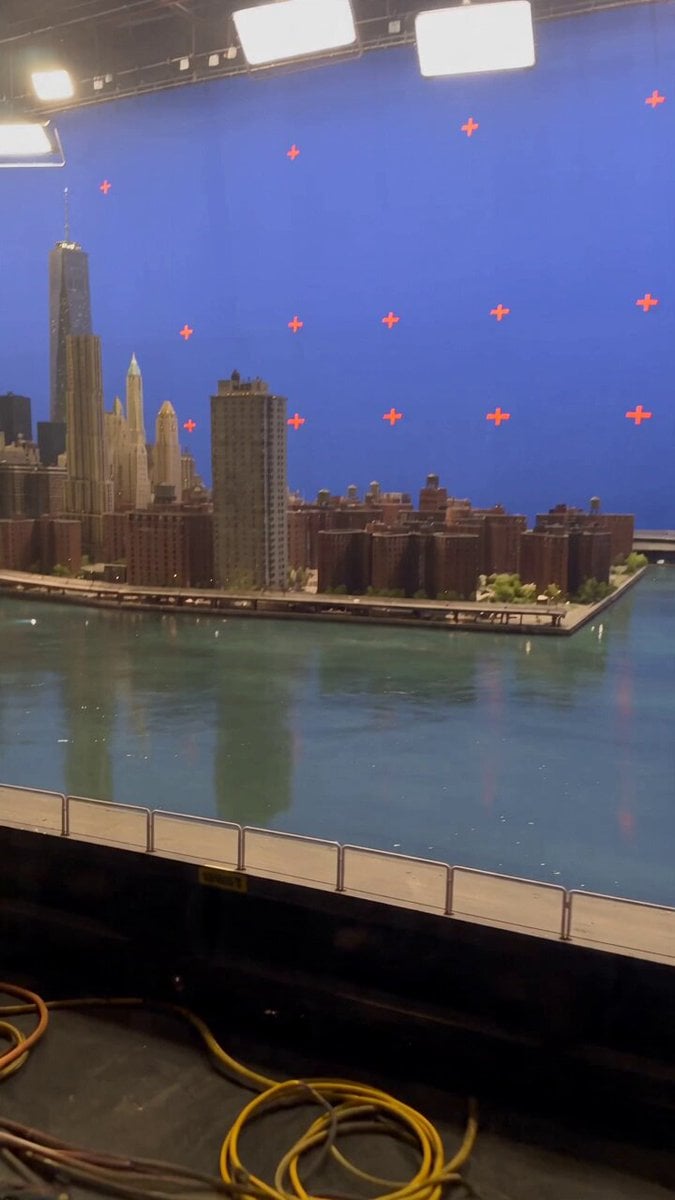 Miniature City Flood Soundstage
- Miniature City Flood Soundstage
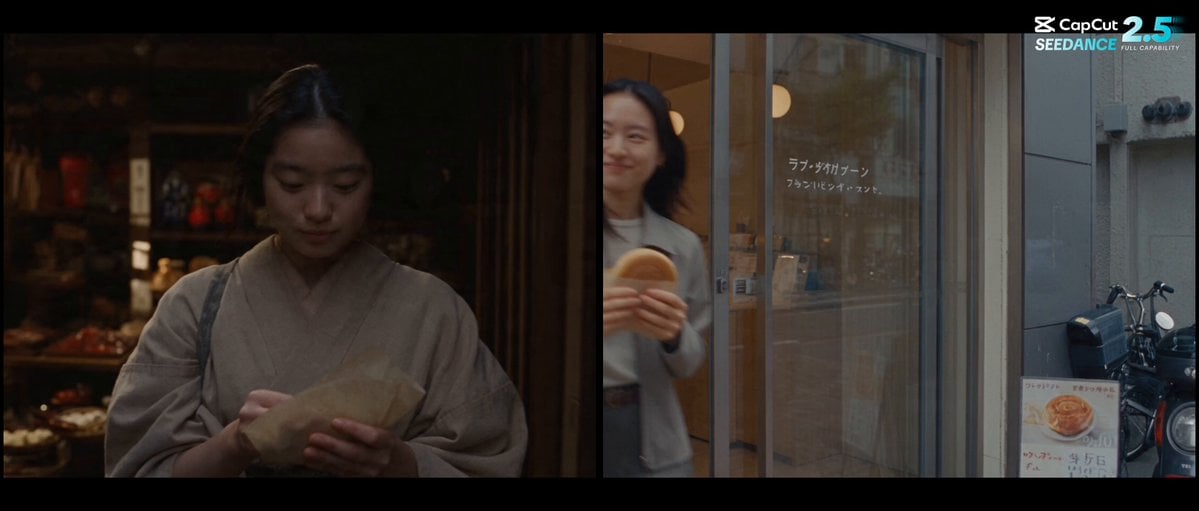 Forgotten 1980s High School Documentary Seedance
 RX-7 to Mech Transformation Cyberpunk
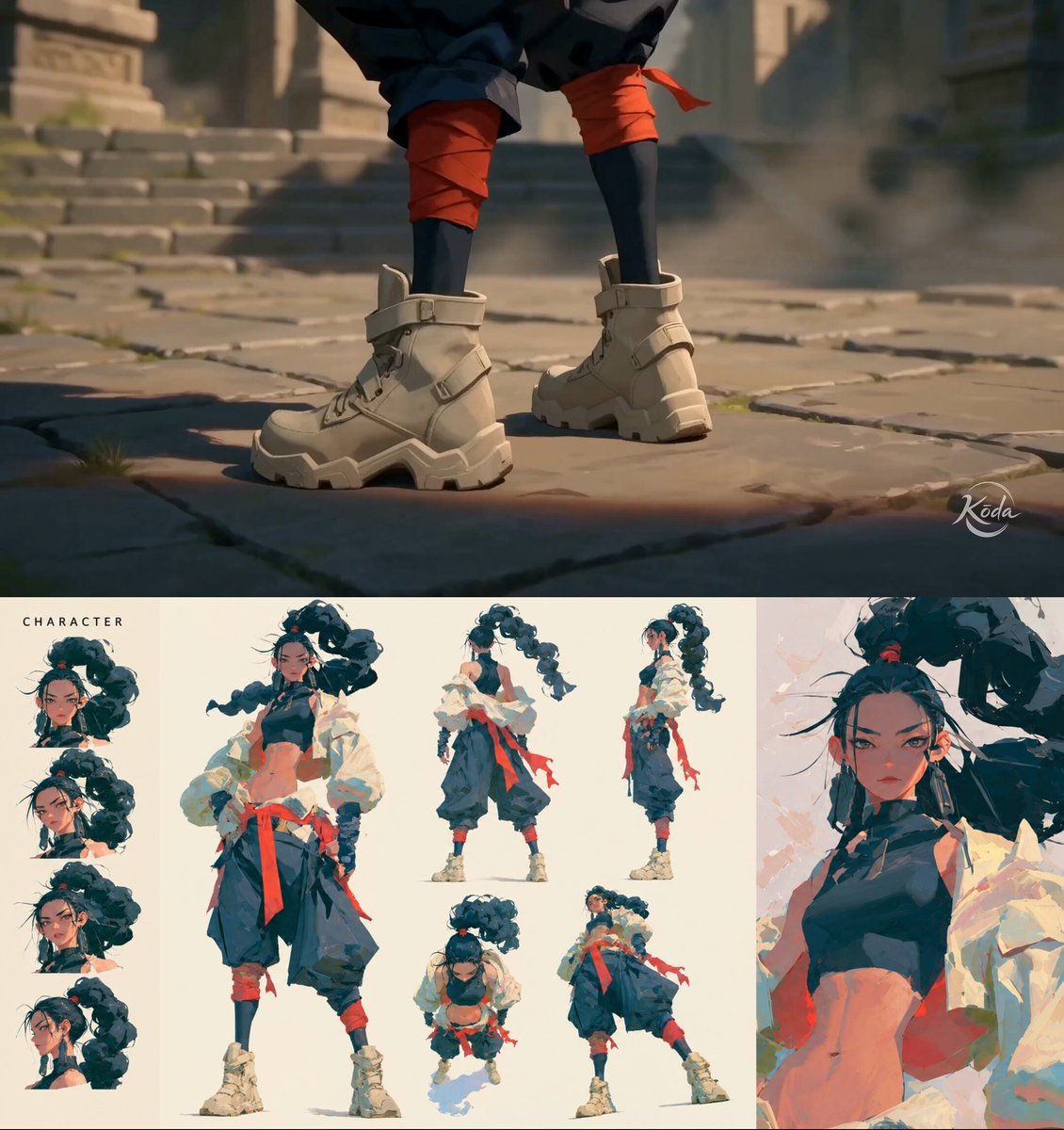 MiniMax H3 Character Introduction
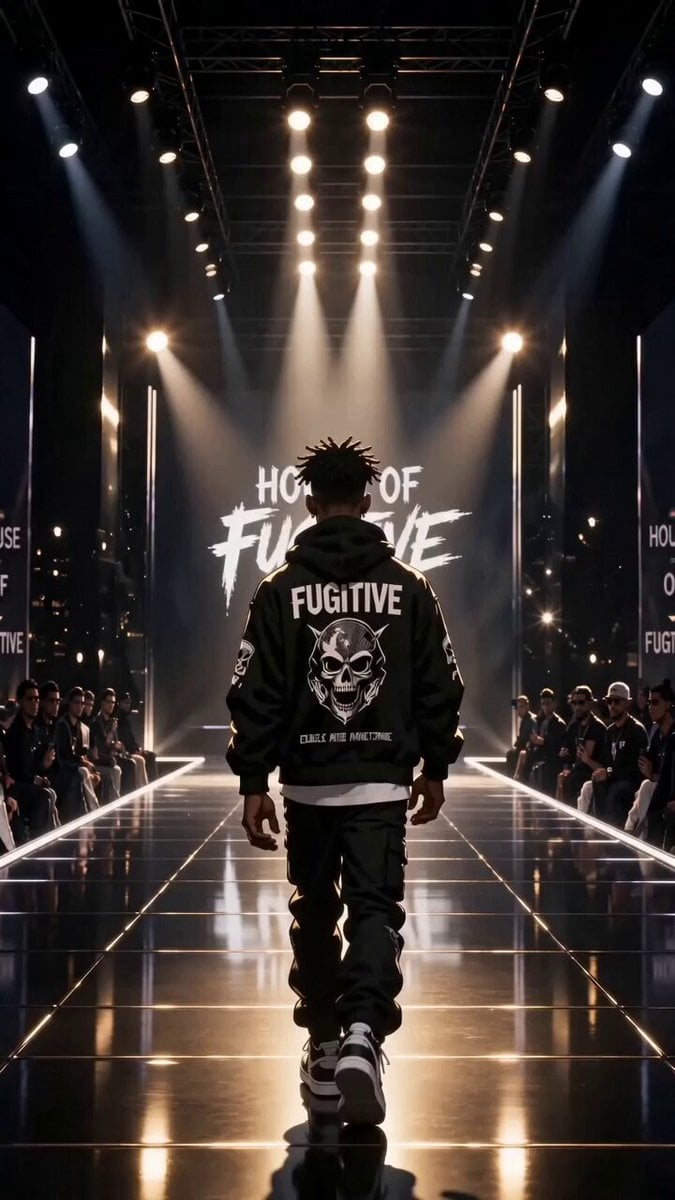 Luxury Streetwear Fashion Runway Film
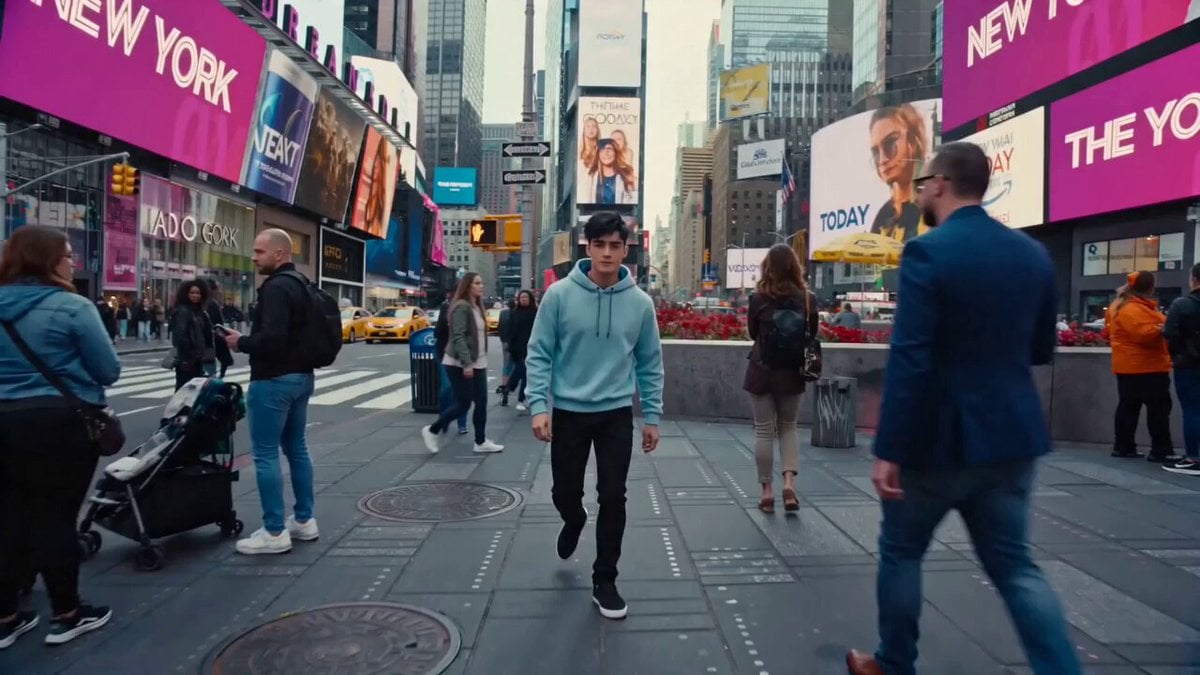 Cinematic Times Square Confidence Walk
 Cinematic Cave Exploration Multi-Shot Sequence
LTX 2.5 questions
What is LTX 2.5?
LTX 2.5 is a video model from LTX (formerly part of Lightricks), released on August 11, 2026 with open weights. It generates video and audio together from a prompt or a start image, can render several shots in one clip, and uses a new decoder that LTX says reduces artifacts in fast motion.
Can I use LTX 2.5 online without a GPU or ComfyUI?
Yes. On PicX Studio LTX 2.5 runs on hosted hardware: pick LTX 2.5 Fast or Pro in the video model menu, type a prompt or add an image, and generate. There is nothing to download and no VRAM to worry about.
What is the difference between LTX 2.5 Fast and Pro?
Fast is the quicker, lower-cost tier and makes clips of 6 to 20 seconds. Pro is the higher-quality tier, for clips of 6, 8 or 10 seconds. Both render 720p or 1080p with sound, from text or a start image.
Does LTX 2.5 generate audio?
Yes, every LTX 2.5 clip comes with sound generated alongside the picture. Describe the sounds you want, and put any spoken line in quotation marks: it is spoken in the language you wrote it in.
How long can an LTX 2.5 video be?
On PicX, LTX 2.5 Fast makes 6 to 20 second clips in 2 second steps and LTX 2.5 Pro makes 6, 8 or 10 second clips. Longer stories work best as several shots within one clip, or several clips edited together.
Can LTX 2.5 turn an audio track into a video?
LTX 2.5 Fast has an audio-to-video mode that uses your audio as the soundtrack, with an optional start image such as a portrait. On PicX it is available through the API (send an audio_url with the request); the studio generator does not have an audio upload for it yet.
Is LTX 2.5 free?
The open weights are free to download and run on your own GPU under LTX's community license. On PicX Studio, LTX 2.5 is billed per second of video from your credits, and the per-second price is in the pricing table on this page.
Does PicX offer LTX 2.5 at 1440p or 50 fps?
No. PicX renders LTX 2.5 at 720p or 1080p at 24 fps. The 1440p and 48/50 fps options of LTX 2.5 Fast are not offered.

Make your first LTX 2.5 clip
Text or an image in, picture and sound out, on LTX 2.5 Fast or Pro, with no GPU and one PicX Studio credit balance.