
Machu Picchu Peru Candid Portrait
Machu Picchu Peru Candid Portrait is a ready photo look.
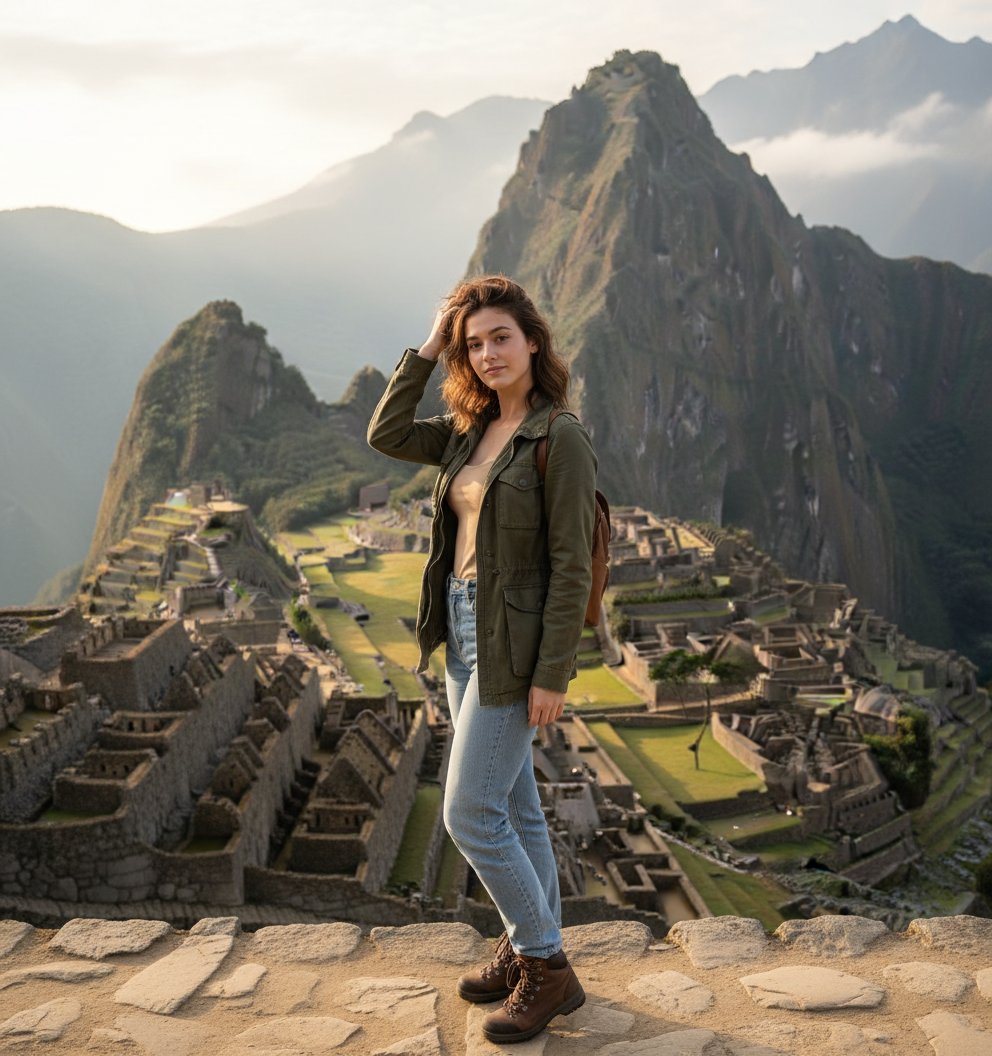
- Prompt included
- Model and format preset
- Free template
The prompt behind this image
Copy the exact prompt behind Machu Picchu Peru Candid Portrait, or open it in the studio and make it yours.
ultra-realistic outdoor portrait at Machu Picchu with morning light filtering through mist. subject wearing olive-green cargo jacket, beige fitted top, brown hiking boots, and a small backpack. hair slightly messy from the wind, soft natural makeup. ruins clearly visible behind her, with mountain peaks in warm haze. earthy tones, textured grass and stone, cinematic depth of field, professional travel photography look, crisp and believable lighting.
How to use Machu Picchu Peru Candid Portrait in 3 steps
- 1
Open
The prompt is already in the box next to the preview, with the template's model and format selected.
- 2…a portrait of your subject in softgolden-hour light, 85mm…
Personalize
Edit the subject and creative details for your destination.
- 3Generate
Generate
Press Generate — your image is created in PicX Studio, so you can compare it with the original and refine one variable at a time.
More like this
Templates with the same subject, style or setup. Open one to see its prompt.









Make it yours
Machu Picchu Peru Candid Portrait works as-is. These are the safest ways to change it without losing the look.
Change one field
Copy a single group, rewrite it, and generate again so you can see what that field is doing.
Keep the frame, change the subject
Hold the composition and light of Machu Picchu Peru Candid Portrait, then swap wardrobe, props or the person for a new take.
| If the result… | Why | Fix |
|---|---|---|
| The result drifts from the preview | Too many fields changed at once. | Reuse Machu Picchu Peru Candid Portrait as-is first, then change one group — subject, light, or setting. |
| The model over-stylizes the scene | The prose prompt leaves finish and camera underspecified. | Add one camera or lighting sentence and stay on PicX Studio. |
More image prompts
Fresh picks from across the catalog.
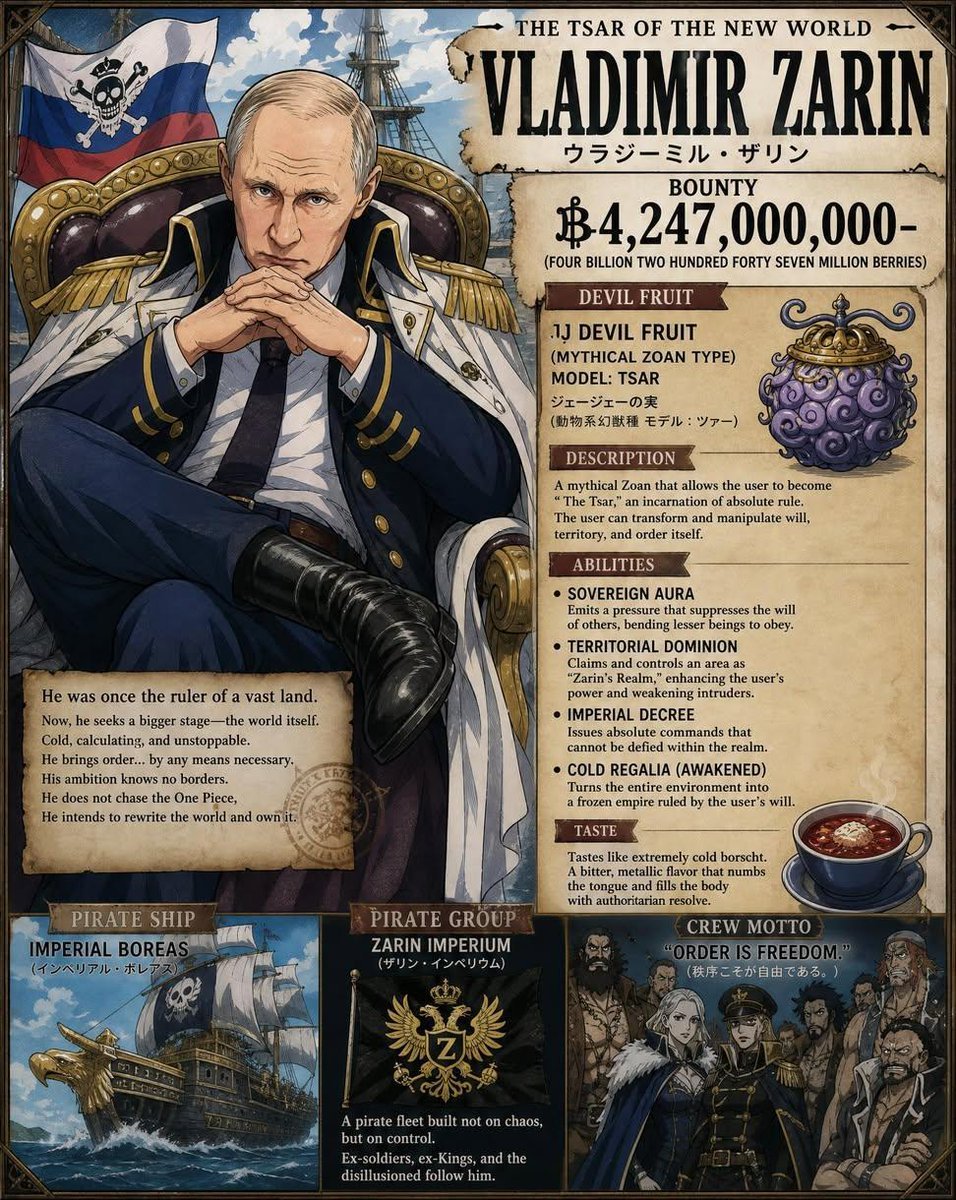
Custom One Piece Anime Character
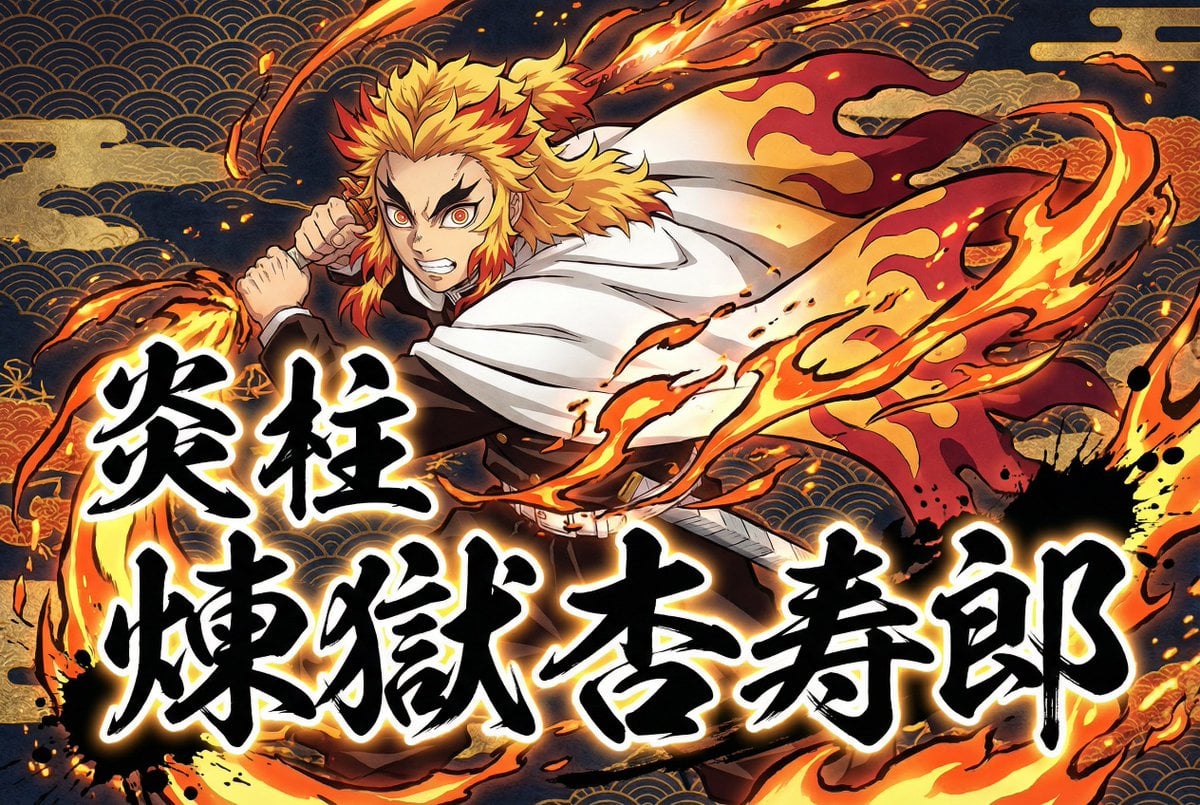
Kimetsu no Yaiba-style anime transformation with brush calligraphy
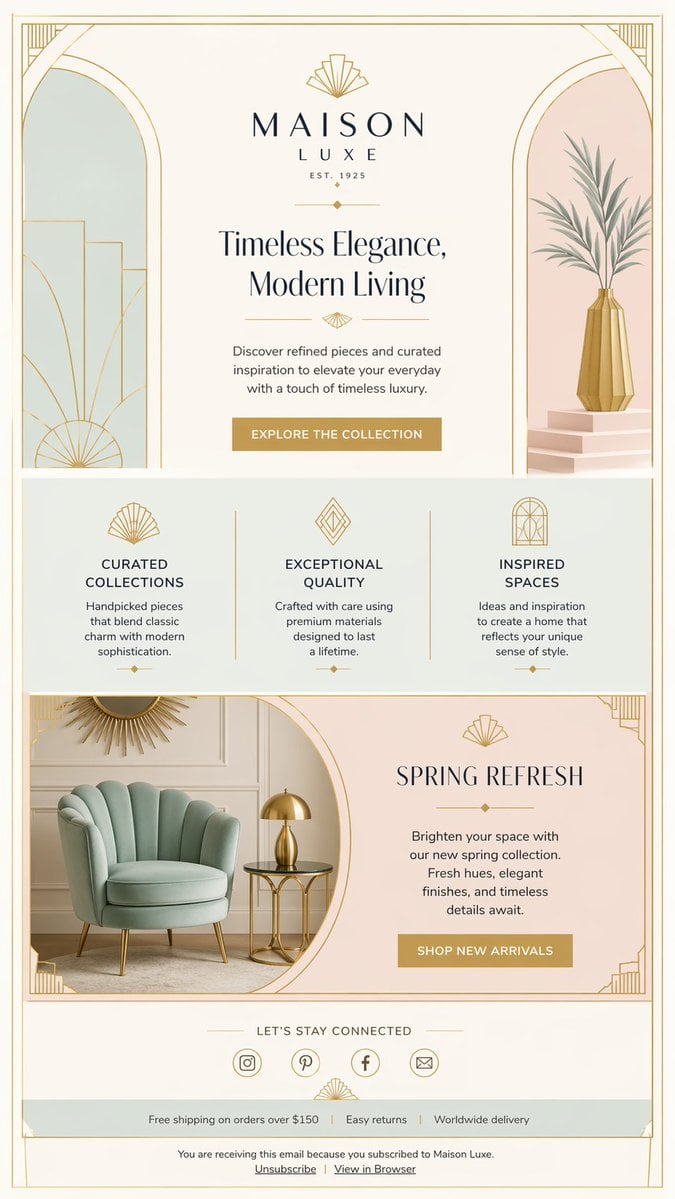
Luxury Art Deco Home Decor Email
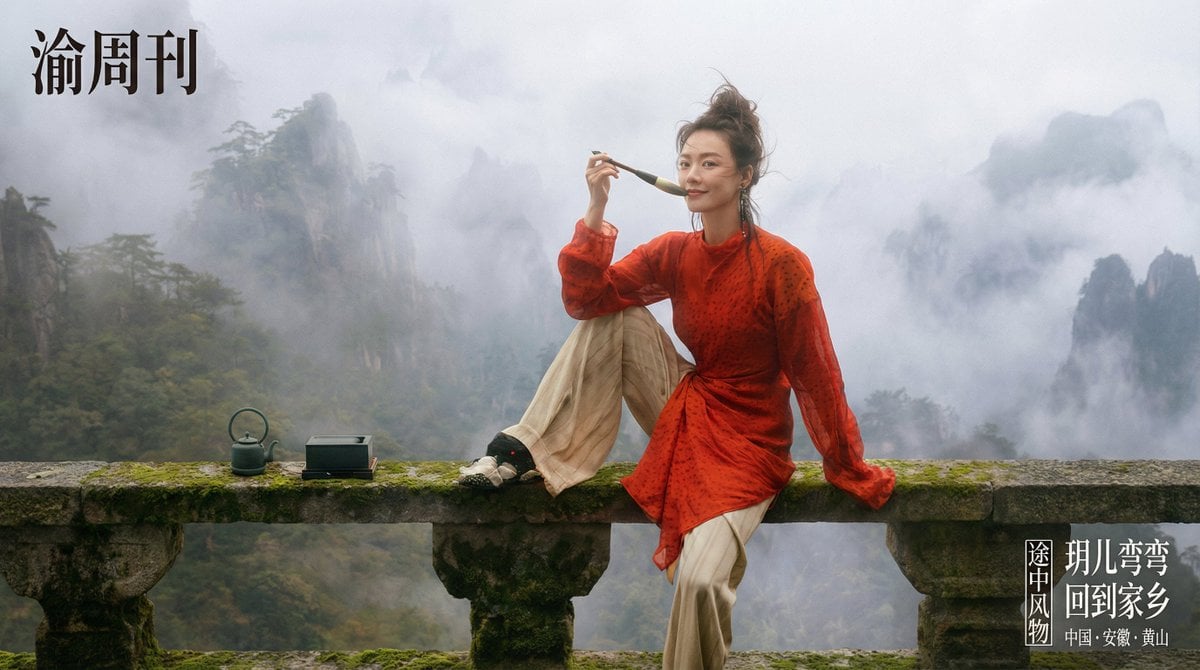
Cinematic Chinese Style Editorial Prompt (Ma Sichun Style)

Dynamic Football Victory Poster
Gemini Nano Banana 2
Collectible Card in Zip Bag Macro Photography Prompt
Premium Blueberry Product Poster
Cinematic Editorial of a Young Man Leaving a Café
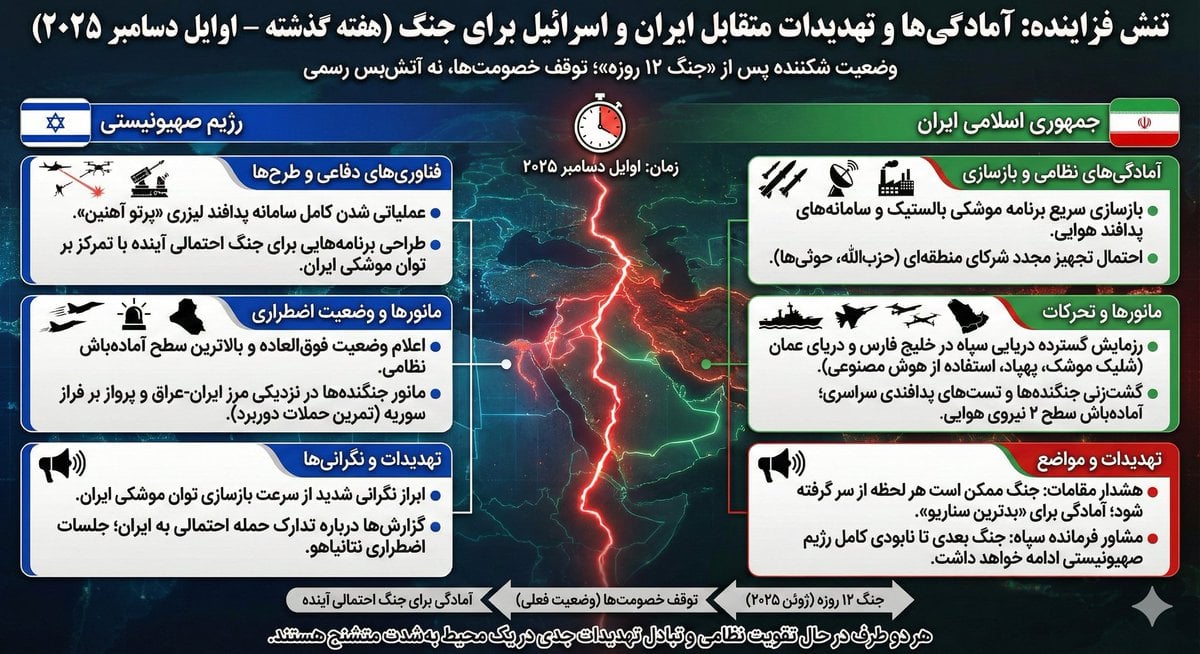
Infographic Generation based on Real-Time News Data
Browse template categories
Machu Picchu Peru Candid Portrait questions
How do I use the Machu Picchu Peru Candid Portrait template?
Add your photo if the template asks for one, edit the prompt if you like — the template's model and format are already selected — and press Generate. Your version opens in PicX Studio.
Can I customize the Machu Picchu Peru Candid Portrait template?
Yes. You can change the subject, setting, lighting, mood, format, and available model controls before creating your image.
Is the Machu Picchu Peru Candid Portrait template free?
Opening and editing this template is free. Generating uses credits, shown on the Generate button when you are signed in.
Which AI model should I use?
Choose a compatible model in PicX Studio based on the style, speed, and output controls your project needs.
Looking for something else? Browse all templates.

Your photo, any look
Thousands of ready templates for every top image and video model, from one credit balance.