
1995 CRT Monitor Candid Documentary Photo
A detailed JSON prompt for generating a photorealistic image that mimics a candid 35mm film photograph from 1995.
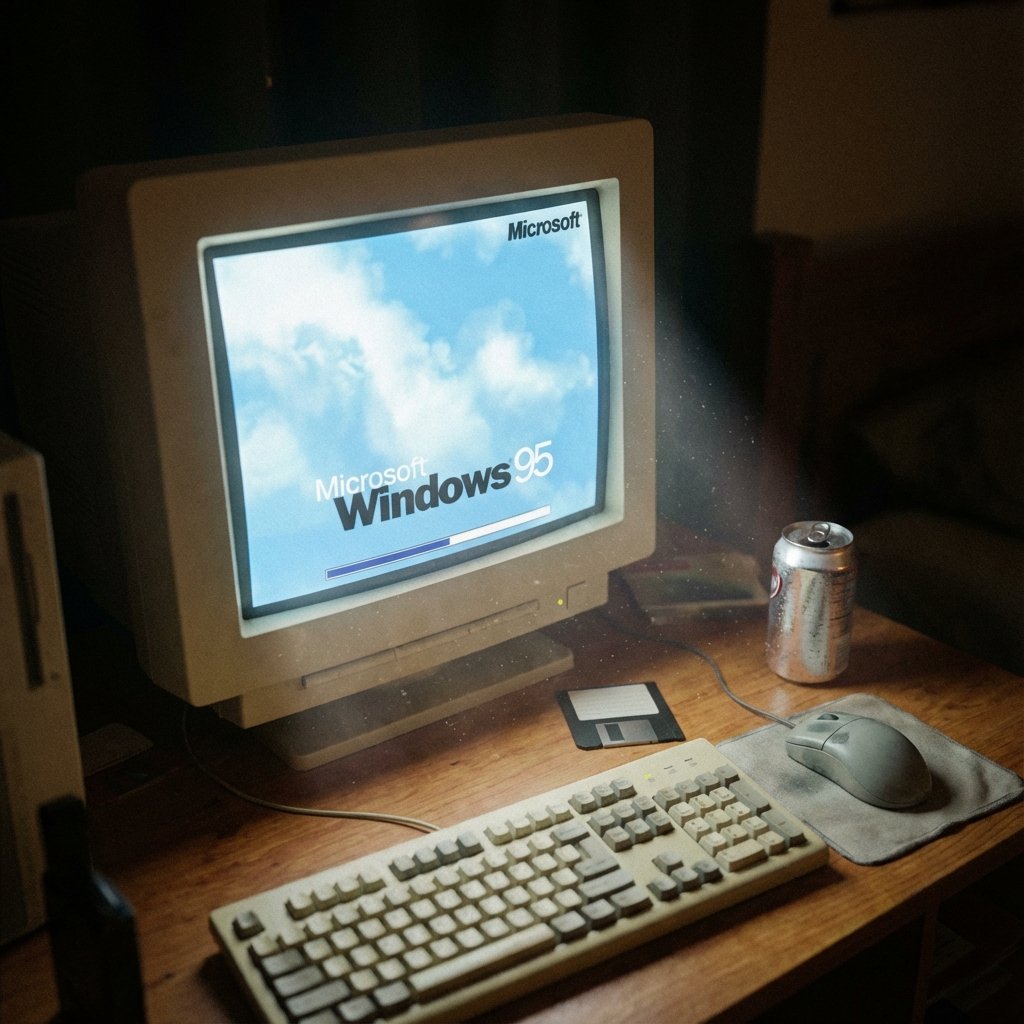
- Prompt included
- Model and format preset
- Free template
The prompt behind this image
Copy the exact prompt behind 1995 CRT Monitor Candid Documentary Photo, or open it in the studio and make it yours.
- Project Title
- The Glow
- Aspect Ratio
- 1:1
- Image Type
- Photorealistic photograph, 35mm film, candid documentary style
- Realism Direction
- This should look like a real photograph found in a shoebox from 1995, not AI art
- Scene › Primary Subject
- Vintage beige CRT monitor displaying Windows 95 startup screen
- Scene › Environment
- Dark bedroom at night, monitor is the sole light source
- Scene › Camera
- 35mm film camera, 50mm lens, shallow depth of field
- Scene › Camera Angle
- Eye-level, straight-on, intimate distance
- Scene › Lighting
- Only the CRT screen illuminates the scene, casting soft blue-white glow on desk surface and nearby objects
- Visible Elements › Monitor
- 14-inch beige CRT, thick plastic bezel, slight screen curvature
- Visible Elements › Screen Content
- Windows 95 startup screen, blue gradient, cloud logo, progress bar
- Visible Elements › Desk Surface
- Wood grain desk, illuminated by screen glow
- Visible Elements › Objects
- Beige mechanical keyboard, grey ball mouse on cloth mousepad, one floppy disk, open soda can
- Visible Elements › Atmosphere
- Dust particles visible in the screen light
- Photo Qualities › Film Stock
- Kodak Gold 400 aesthetic
- Photo Qualities › Grain
- Natural film grain, not digital noise
- Photo Qualities › Focus
- Sharp on screen, soft falloff on edges
- Photo Qualities › Imperfections
- Subtle lens vignette, natural color cast
- Negative Constraints
- Digital art style, Illustration or painting look, Modern LCD or LED screens, RGB lighting, Multiple light sources, Cluttered maximalist composition, People fully visible, Daylight, Watermarks or text overlays, Oversaturated colors, Clean commercial product photography
Raw JSON
{
  "project_title": "The Glow",
  "aspect_ratio": "1:1",
  "image_type": "Photorealistic photograph, 35mm film, candid documentary style",
  "realism_direction": "This should look like a real photograph found in a shoebox from 1995, not AI art",
  "scene": {
    "primary_subject": "Vintage beige CRT monitor displaying Windows 95 startup screen",
    "environment": "Dark bedroom at night, monitor is the sole light source",
    "camera": "35mm film camera, 50mm lens, shallow depth of field",
    "camera_angle": "Eye-level, straight-on, intimate distance",
    "lighting": "Only the CRT screen illuminates the scene, casting soft blue-white glow on desk surface and nearby objects"
  },
  "visible_elements": {
    "monitor": "14-inch beige CRT, thick plastic bezel, slight screen curvature",
    "screen_content": "Windows 95 startup screen, blue gradient, cloud logo, progress bar",
    "desk_surface": "Wood grain desk, illuminated by screen glow",
    "objects": "Beige mechanical keyboard, grey ball mouse on cloth mousepad, one floppy disk, open soda can",
    "atmosphere": "Dust particles visible in the screen light"
  },
  "photo_qualities": {
    "film_stock": "Kodak Gold 400 aesthetic",
    "grain": "Natural film grain, not digital noise",
    "focus": "Sharp on screen, soft falloff on edges",
    "imperfections": "Subtle lens vignette, natural color cast"
  },
  "negative_constraints": [
    "Digital art style",
    "Illustration or painting look",
    "Modern LCD or LED screens",
    "RGB lighting",
    "Multiple light sources",
    "Cluttered maximalist composition",
    "People fully visible",
    "Daylight",
    "Watermarks or text overlays",
    "Oversaturated colors",
    "Clean commercial product photography"
  ]
}How to use 1995 CRT Monitor Candid Documentary Photo in 3 steps
- 1
Open
The prompt is already in the box next to the preview, with the template's model and format selected.
- 2…a portrait of your subject in softgolden-hour light, 85mm…
Personalize
Edit the subject and creative details for your destination.
- 3Generate
Generate
Press Generate — your image is created in PicX Studio, so you can compare it with the original and refine one variable at a time.
More like this
Templates with the same subject, style or setup. Open one to see its prompt.

Sunday Afternoon, 1988

Our Song was on a Cassette

The Date After College

80s College Gate

Teen Girl Alpine Lake Mountain View

Cat Photobomb Selfie — 0.5x Wide Angle Café Chaos

Cinematic Street Fashion Photographer Portrait

Cinematic Street Fashion Portrait Motion Blur Crowd

Nostalgic Digicam Café Afternoon Portrait

Neon Night Crosswalk Candid Portrait
Neon Night Crosswalk Candid Portrait
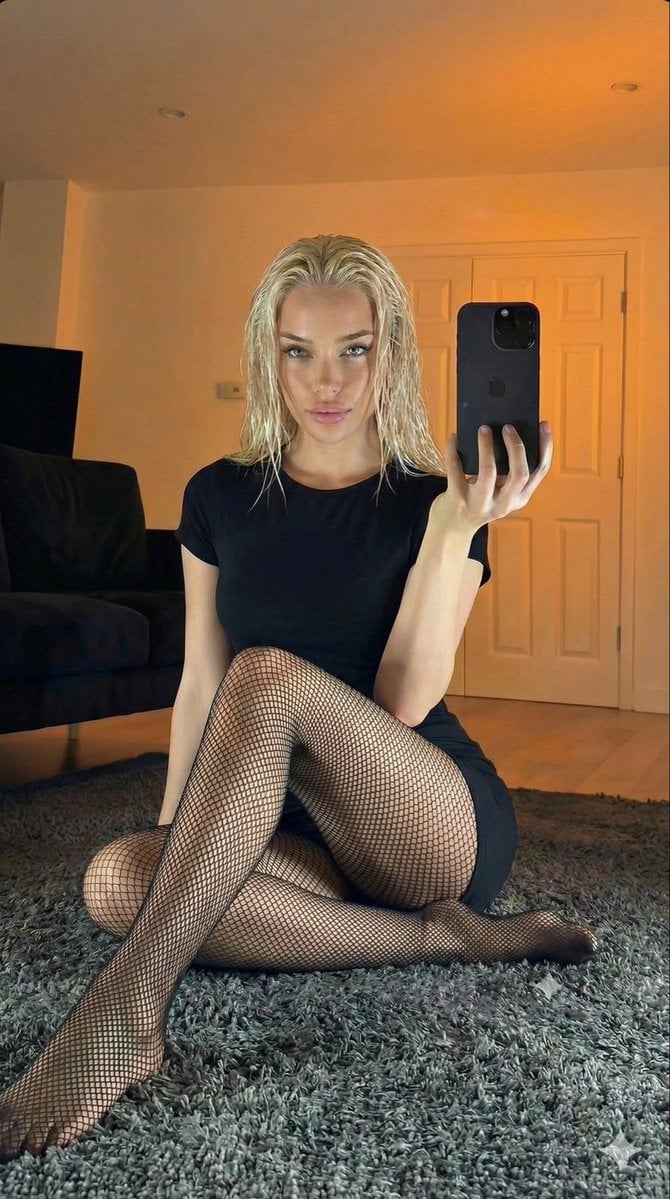
Living Room Rug Evening Mirror Selfie
Make it yours
1995 CRT Monitor Candid Documentary Photo works as-is. These are the safest ways to change it without losing the look.
Swap the setting
Keep the rest of the prompt and replace the location block. The current setting is “Dark bedroom at night, monitor is the sole light source”.
Swap the light
One lighting change is enough to compare takes. Current light: “Only the CRT screen illuminates the scene, casting soft blue-white glow on desk ”.
Change one field
Copy a single group, rewrite it, and generate again so you can see what that field is doing.
| If the result… | Why | Fix |
|---|---|---|
| The result drifts from the preview | Too many fields changed at once. | Reuse 1995 CRT Monitor Candid Documentary Photo as-is first, then change one group — subject, light, or setting. |
| Nano Banana 2 ignores part of the JSON | Some models flatten or skip nested keys. | Keep the same values and paste them as a short paragraph instead. |
More Nano Banana 2 templates
Other prompts made for Nano Banana 2.

Photorealistic Leaf Shaped Like a Dragon

K-Pop Idol Portrait Grid for Rapid Selection

Poetic Rain Forest Portrait During Golden Hour

Urban Street Portrait with Cartoon Inner Self Duo

Candid Nighttime Photo with Cat Prompt

High-Concept 3D Diorama Generation Prompt

Cinematic Futuristic Studio Portrait Template

Skincare Editorial Photography Collage Prompt

Hyper-Realistic Commercial Product Photography (Splash Effect)

Hyper-Realistic Nightclub Portrait Prompt
More image prompts
Fresh picks from across the catalog.
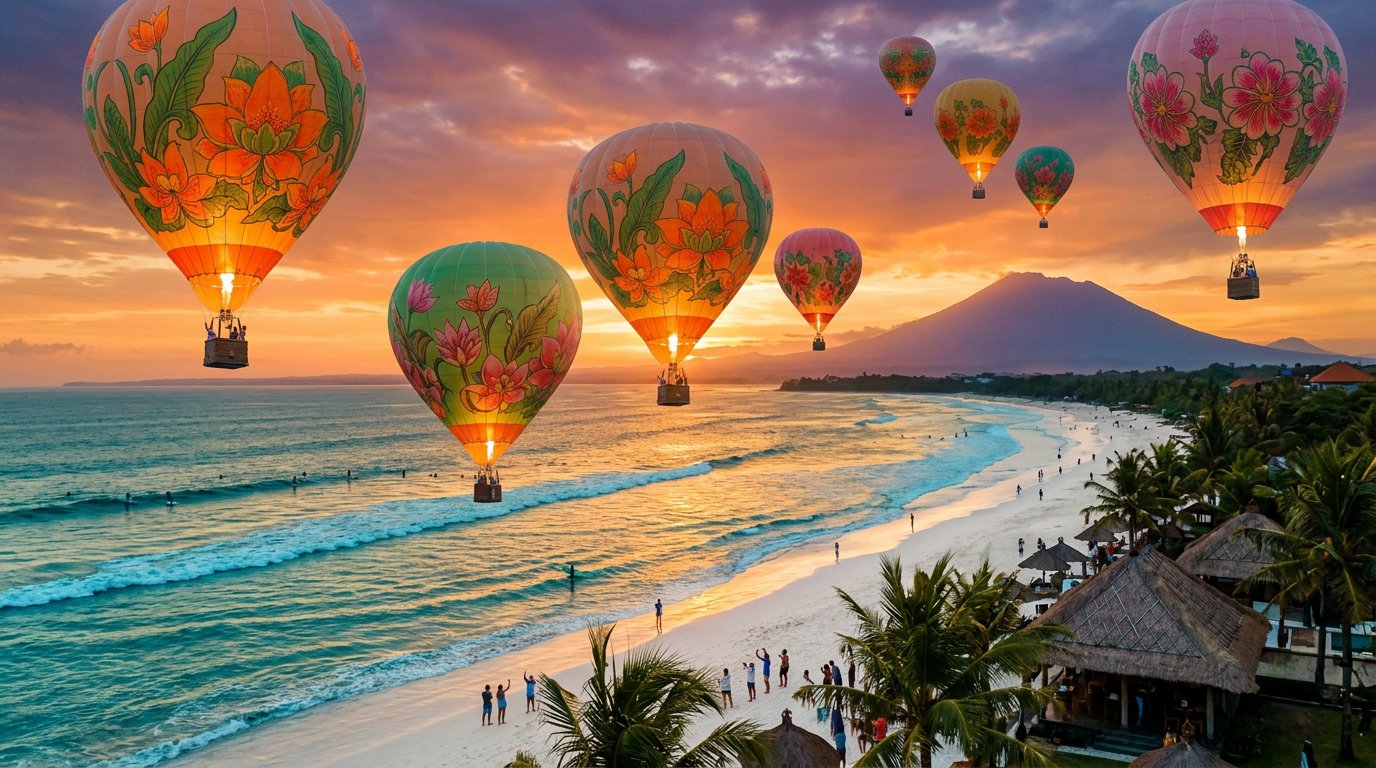
panoramic image

Pixar-Style Girl on a Floating Cloud
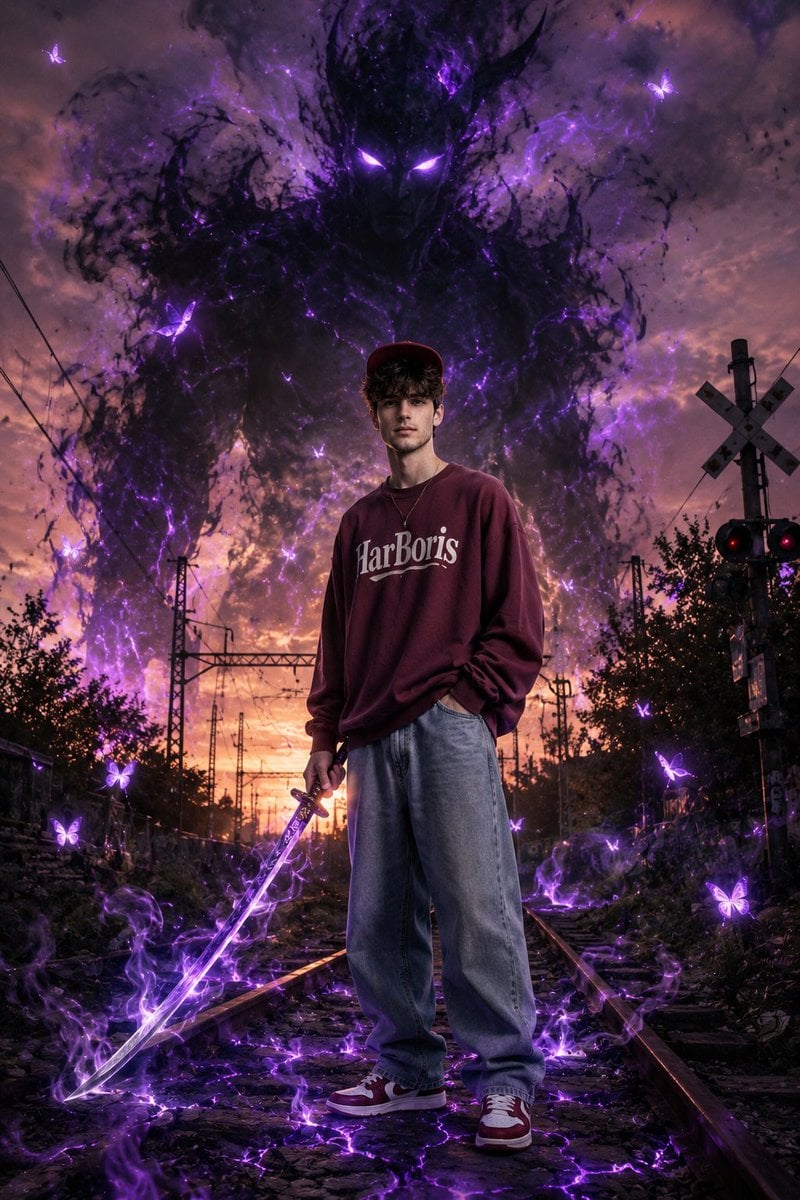
Dark Fantasy Portrait with Shadow Demon
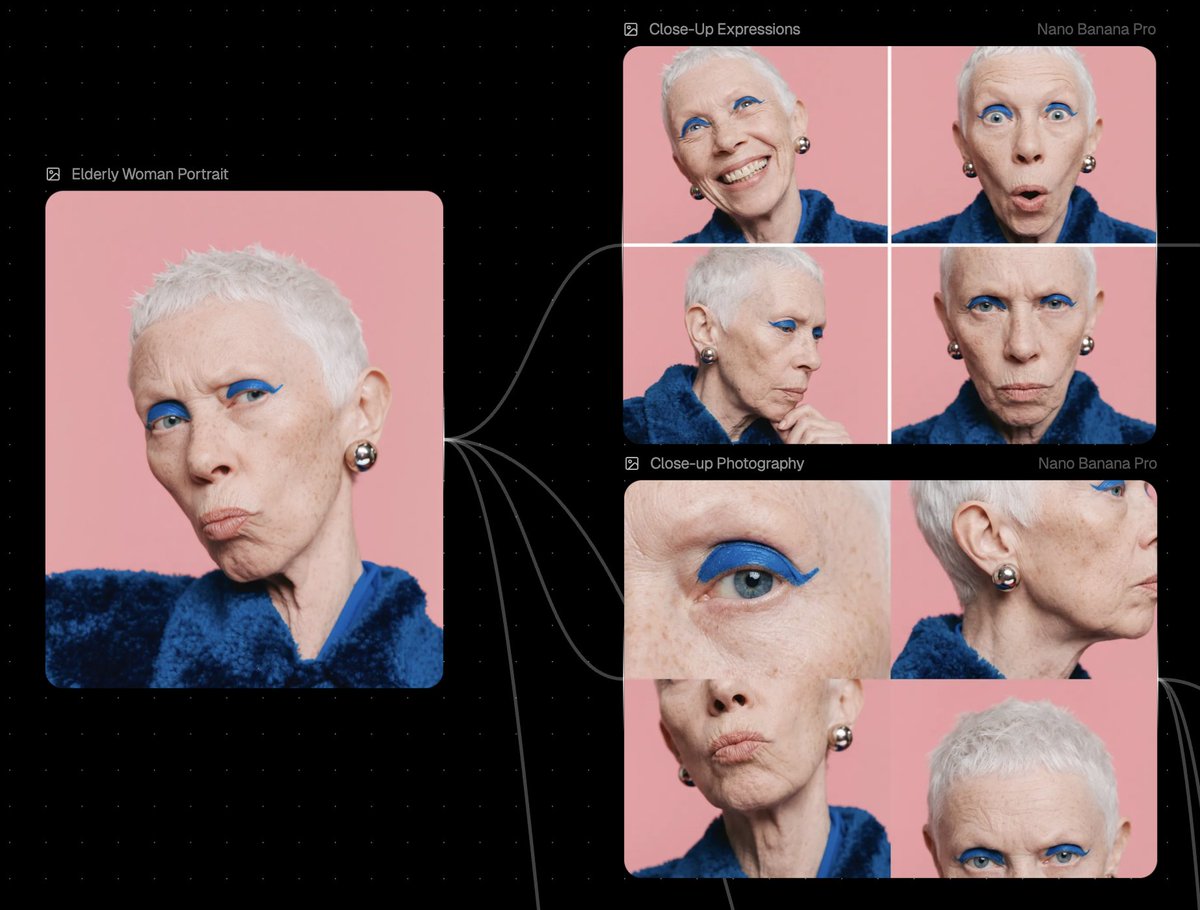
Reference Image Prompt for Facial Expression and Angle Variations
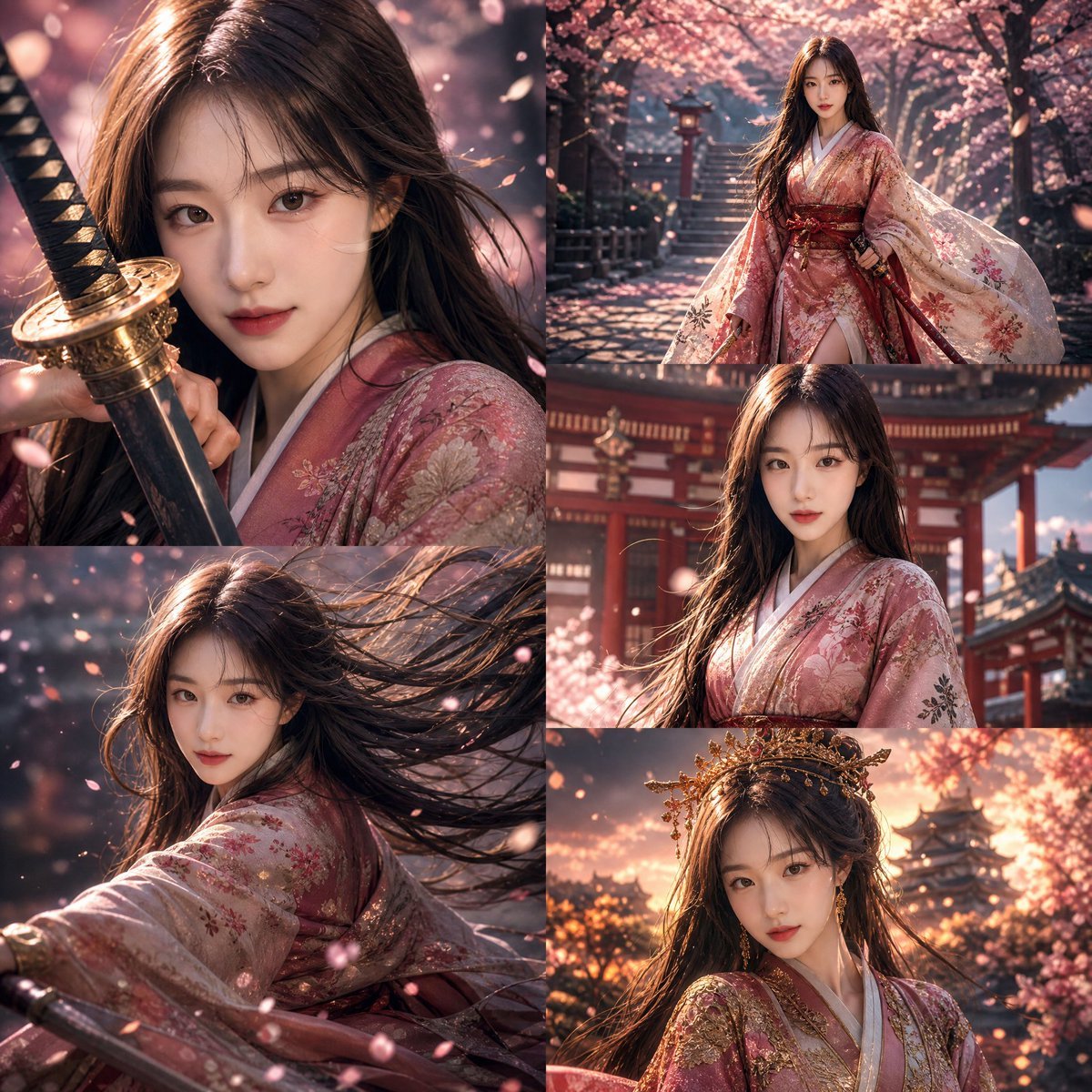
Anime Warrior Princess Editorial
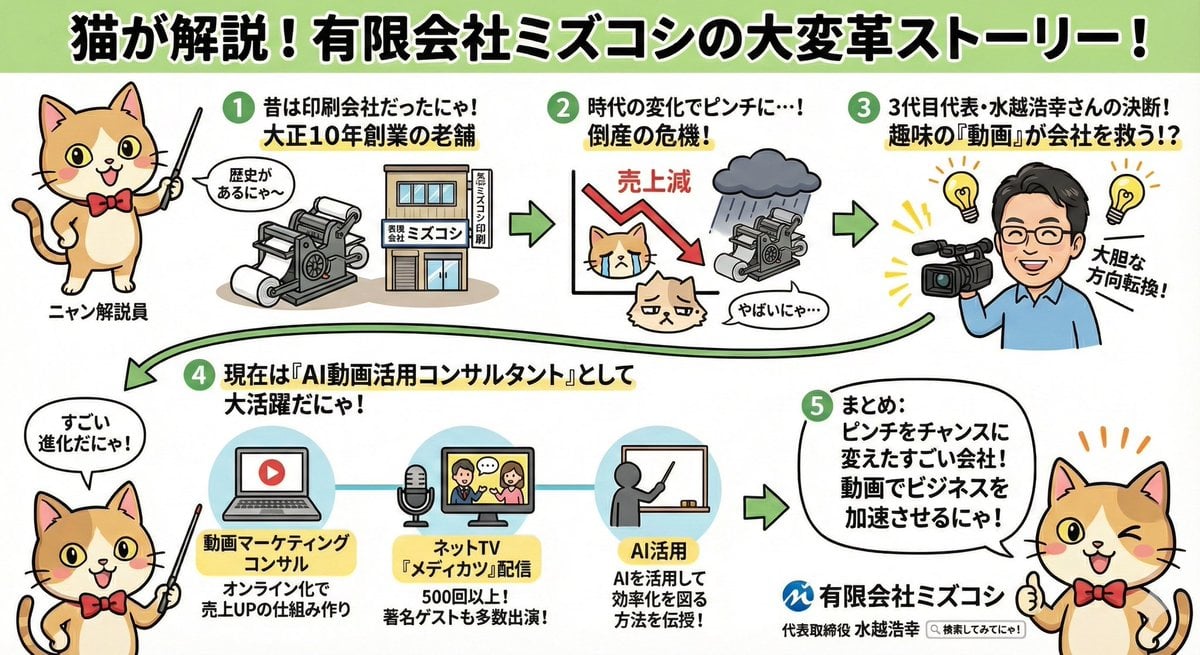
Anime-style Graphic Recording from Web Search Results
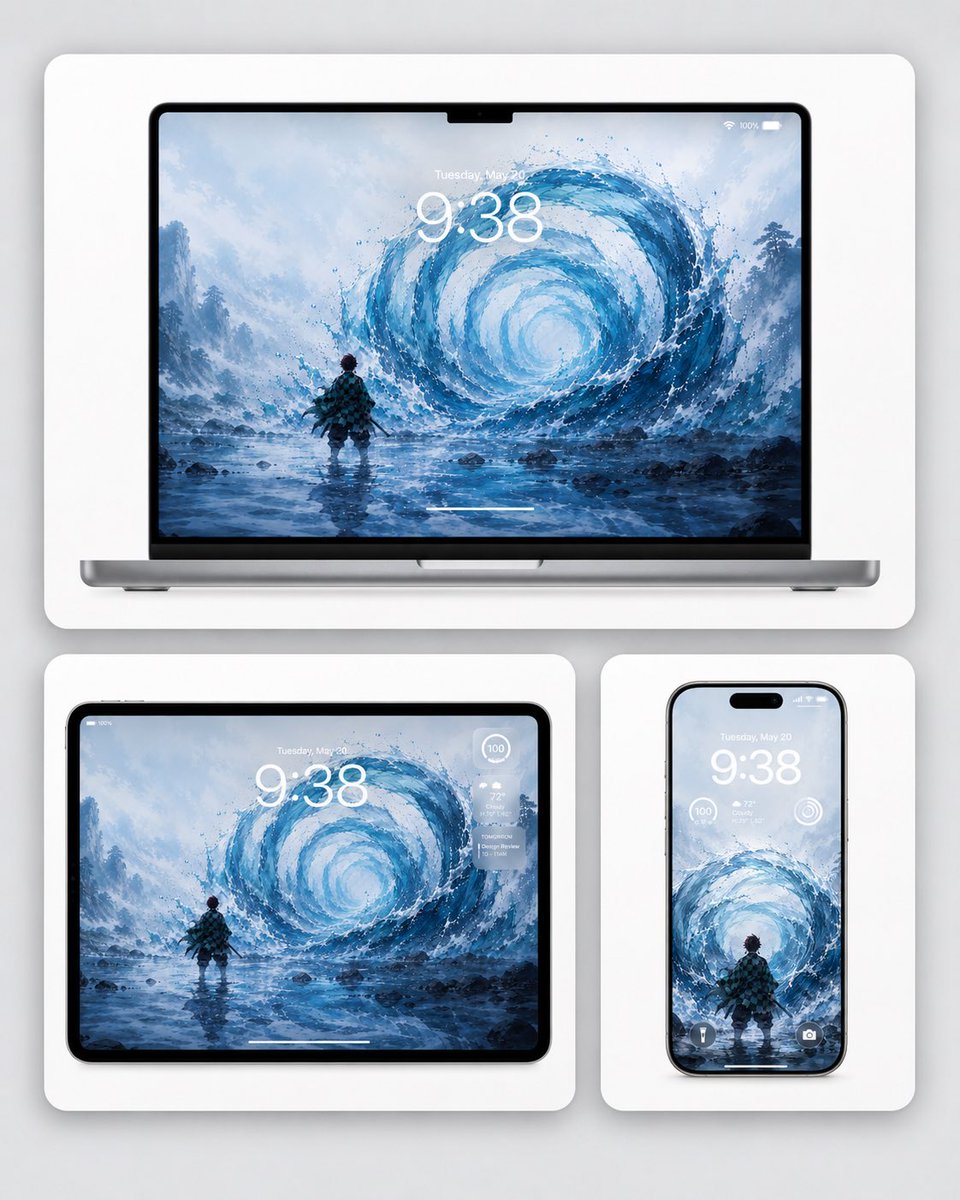
Water Breathing Device Wallpaper Mockup
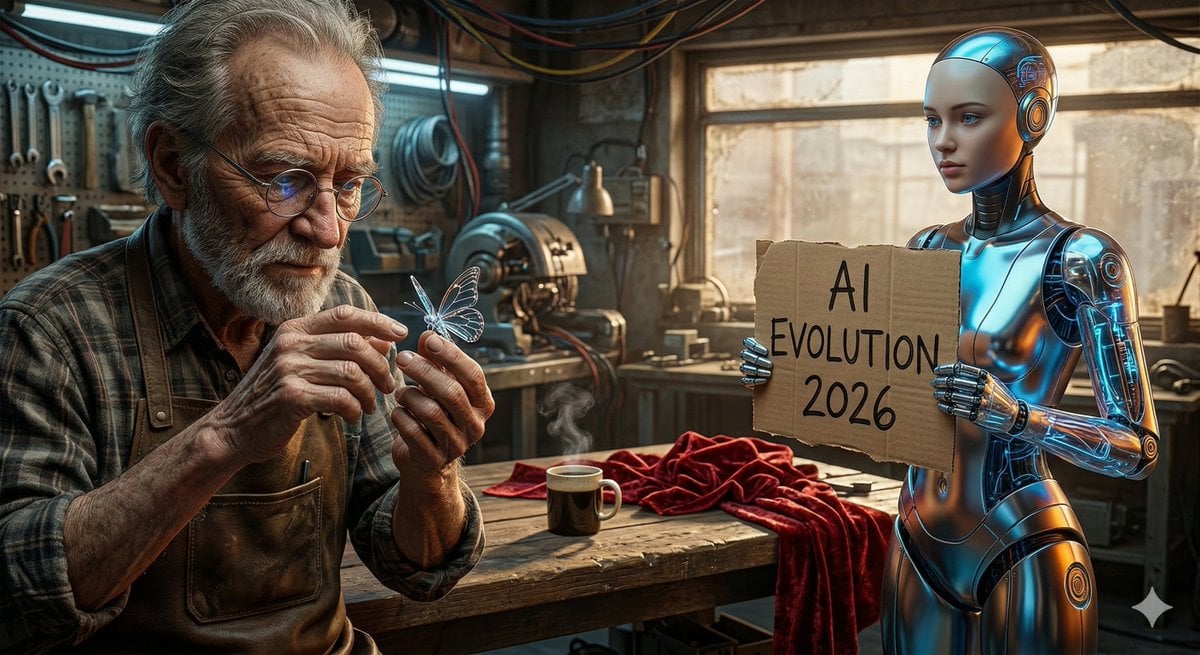
Benchmark Prompt for Nano Banana/Gemini Image Generation

German Citizenship Identity Card Mockup
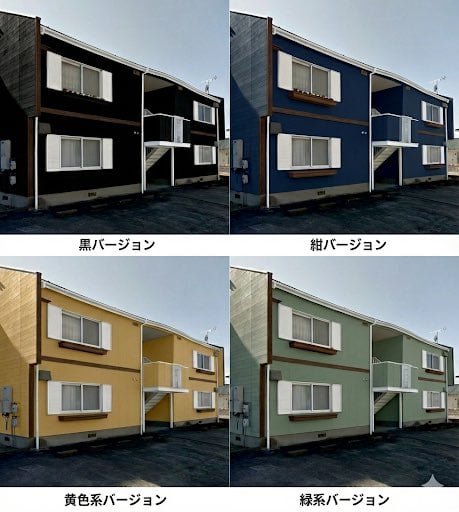
Paint scheme comparison image
Browse template categories
1995 CRT Monitor Candid Documentary Photo questions
How do I use the 1995 CRT Monitor Candid Documentary Photo template?
Add your photo if the template asks for one, edit the prompt if you like — the template's model and format are already selected — and press Generate. Your version opens in PicX Studio.
Can I customize the 1995 CRT Monitor Candid Documentary Photo template?
Yes. You can change the subject, setting, lighting, mood, format, and available model controls before creating your image.
Is the 1995 CRT Monitor Candid Documentary Photo template free?
Opening and editing this template is free. Generating uses credits, shown on the Generate button when you are signed in.
Which AI model should I use?
Start with Nano Banana 2, which is the model associated with this template. You can compare another compatible model for a different finish.
Looking for something else? Browse all templates.

Your photo, any look
Thousands of ready templates for every top image and video model, from one credit balance.