How do I use the 2x2 Grid Collage of Luxury Lifestyle Photos template?
Choose the primary action to open PicX Studio with the available template settings. Review the model and format, personalize the creative direction, and generate when ready.
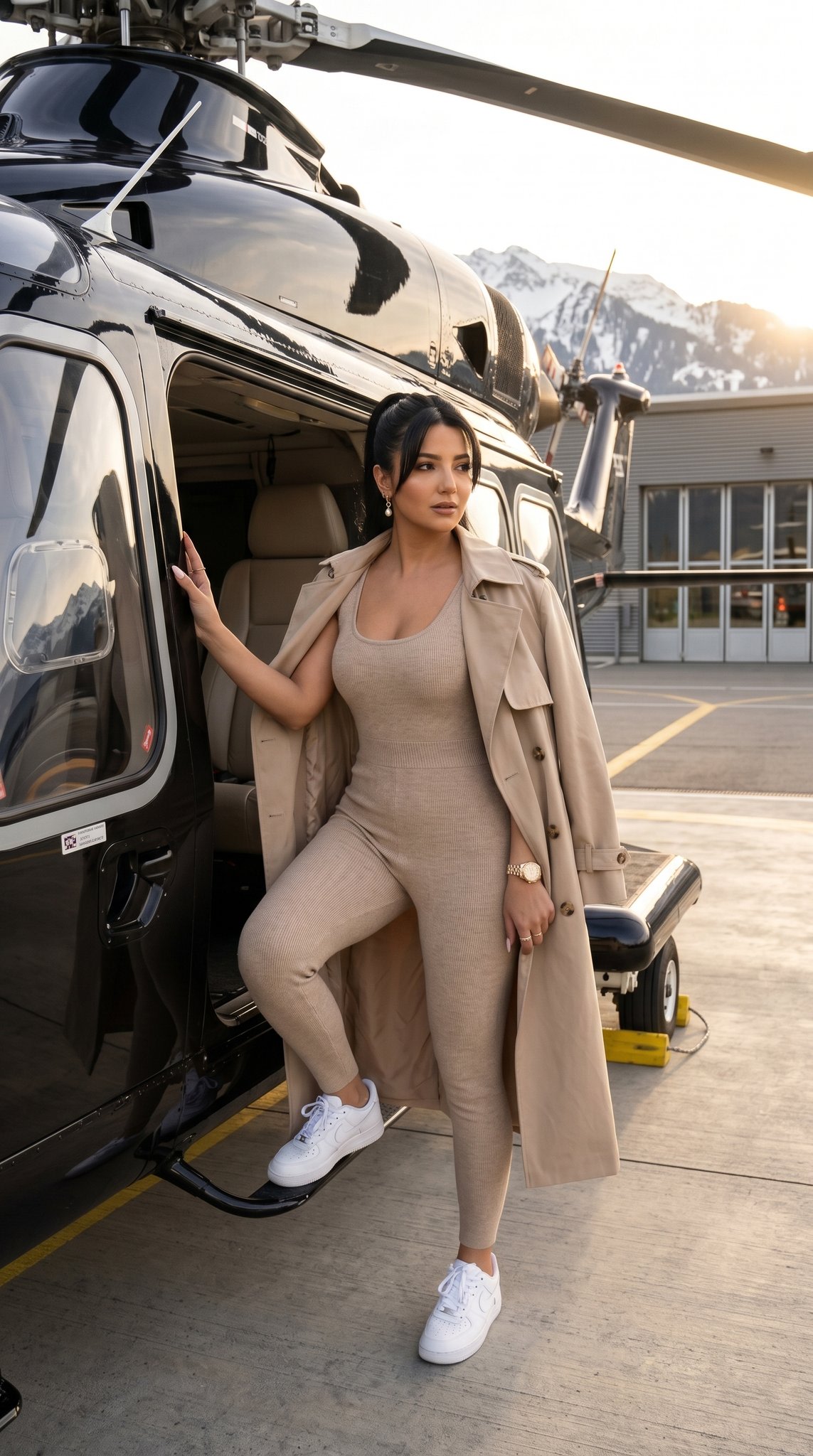
A highly structured prompt designed to generate a 2x2 collage featuring four distinct, glamorous lifestyle photographs of the same female subject. Each panel specifies a different setting, action, outfit, and lighting condition, mimicking an influencer's social media feed. (free to use) — Free AI image template on PicX Studio.
{ "image_layout": "2x2 grid collage featuring four distinct photographs of the same female subject.", "subject_general": { "gender": "Female", "hair_color": "Dark brown/black", "hair_style": "Long, styled in loose waves in three panels; sleek high ponytail in one panel", "aesthetic": "Glamorous, influencer, trendy, luxury lifestyle" }, "panels": [ { "position": "top_left", "setting": "Outdoors at night, dark background with illuminated green foliage", "action": "Subject is holding a cake with one hand and licking frosting off the index finger of the other hand", "outfit": { "top": "Black halter-neck sleeveless top", "jewelry": "Gold wristwatch, gold bangle bracelet, ring, small hoop earrings" }, "props": { "item": "Round white frosted cake", "details": [ "Red cherries on top", "Decorative white piping along edges", "Black icing text reading '{argument name="cake text" default="bad bitch energy"}'" ] } }, { "position": "top_right", "setting": "Daytime city street, likely an upscale shopping district (e.g., Rodeo Drive) with palm trees and storefronts visible", "action": "Subject is leaning out of the open door of a black luxury car, looking at the camera", "outfit": { "top": "White sleeveless ribbed crop top", "bottom": "Blue denim jeans", "accessories": "Shoulder bag (strap visible), gold hoop earrings" }, "lighting": "Bright natural sunlight casting shadows" }, { "position": "bottom_left", "setting": "Indoor hallway, beige walls, wooden floor", "action": "Full-body mirror selfie", "outfit": { "style": "Matching two-piece set", "color": "Dark brown/chocolate", "top": "Velvet/suede corset-style bustier top", "bottom": "Mini skirt", "accessories": "Patterned designer handbag (resembling Dior Saddle bag), stack of gold bracelets" }, "background_details": [ "Large rectangular mirror with gold frame leaning against wall", "Vase with pampas grass in the corner", "Doorway visible in reflection" ] }, { "position": "bottom_right", "setting": "Inside a vehicle or outdoors, golden hour sunlight", "action": "Close-up selfie, hand raised near mouth/chin", "outfit": { "top": "Light pink/mauve ribbed tank top", "outerwear": "Beige fuzzy/sherpa jacket worn off-the-shoulder", "jewelry": "Layered gold necklaces with pendants, hoop earrings" }, "hair_styling": "Sleeked back high ponytail", "background_details": "Car window frame, palm trees and blue sky visible in background" } ] }
Use 2x2 Grid Collage of Luxury Lifestyle Photos to plan an AI image around nano-banana-2 generation. Match the preview's composition first, then personalize the subject, setting, and mood for your own project.
Use the primary action to load the template settings in PicX Studio.
Adjust the subject and creative details for your destination.
Create the image, compare the result with the preview, and refine one variable at a time.
A continuous mix — similar concepts first, woven with same-model prompts and fresh picks from the catalog.
Choose the primary action to open PicX Studio with the available template settings. Review the model and format, personalize the creative direction, and generate when ready.
Yes. You can change the subject, setting, lighting, mood, format, and available model controls before creating your image.
This template is free to open and customize. Generation usage is shown in PicX Studio before you create.
Start with nano-banana-2, which is the model associated with this template. You can compare another compatible model for a different finish.
A continuous mix — similar concepts first, woven with same-model prompts and fresh picks from the catalog.
Follow a topic to a crawlable collection of related PicX Studio templates.
32,032 public templates available. Verified via the PicX Studio public templates API; refreshed hourly.