
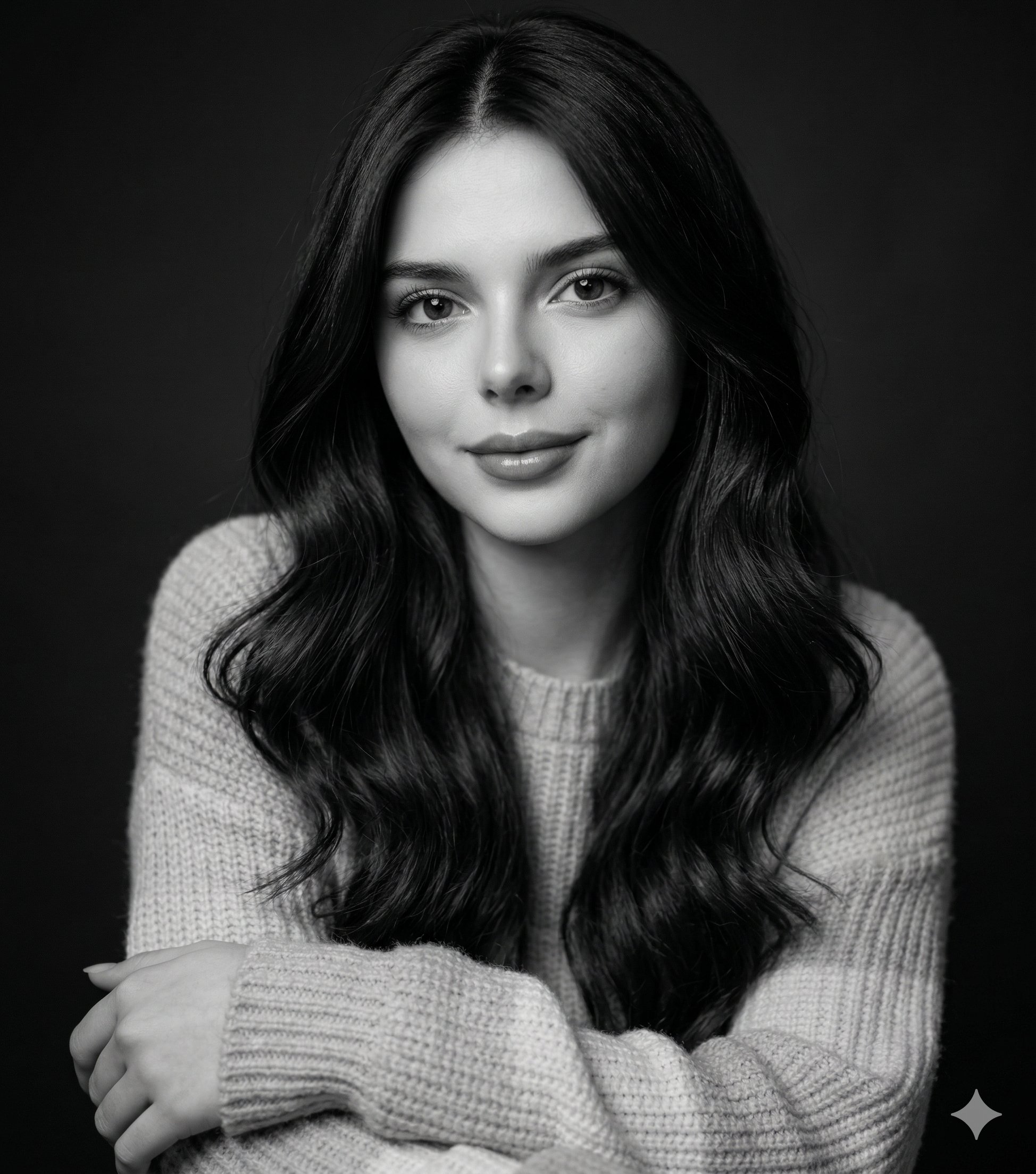
B&W Editorial Portrait
B&W Editorial Portrait is a ready photo look.
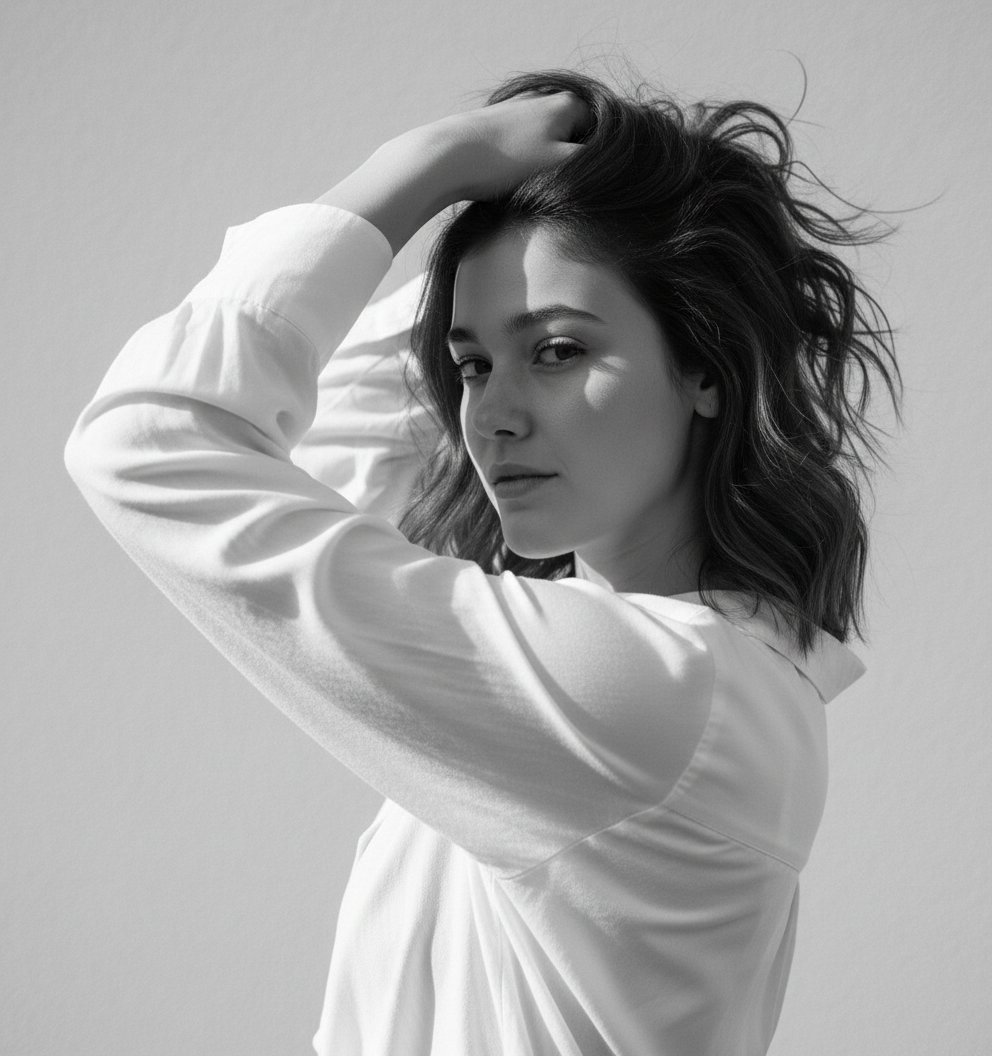
- Prompt included
- Model and format preset
- Premium template
The prompt behind this image
Copy the exact prompt behind B&W Editorial Portrait, or open it in the studio and make it yours.
USE THE ATTACHED IMAGE OF THE MODEL AS FACIAL REFERENCE AND PHYSICAL FEATURES. BLACK AND WHITE HIGH-FASHION EDITORIAL PORTRAIT OF UPLOADED PERSON, WEARING A LOOSE WHITE BLOUSE. SHE POSES WITH ONE ARM RAISED, PARTIALLY COVERING HER FACE WHILE HOLDING HER HAIR UP, CREATING A DRAMATIC AND ARTISTIC COMPOSITION. HER GAZE IS INTENSE AND CAPTIVATING, DIRECTED TOWARD THE CAMERA, EXUDING A STRONG, ENIGMATIC AURA. BACKGROUND: MINIMALIST PLAIN WALL WITH SHARP NATURAL DAYLIGHT CASTING DEFINED SHADOWS, ADDING DEPTH AND CONTRAST. LIGHTING: HARSH NATURAL SUNLIGHT, HIGH-CONTRAST SETUP HIGHLIGHTING FACIAL CONTOURS, SHARP CHEEKBONES, AND TEXTURE OF THE HAIR AND FABRIC. POSE: BOLD AND EXPRESSIVE, ARM LIFTED FRAMING THE FACE, EMPHASIZING RAW EMOTION AND EDITORIAL STYLE. CAMERA: EYE-LEVEL ANGLE, CLOSE-UP FRAMING FOCUSING ON FACIAL EXPRESSION, TEXTURE, AND DRAMATIC SHADOW PLAY. CAPTURED WITH A CANON EOS R5 FULL-FRAME DSLR, 85MM F/1.8 LENS FOR CRISP DETAIL, TONAL DEPTH, AND FINE GRAIN. STYLE: HIGH-FASHION EDITORIAL IN MONOCHROME,
How to use B&W Editorial Portrait in 3 steps
- 1Upload ImagePNG, JPG or paste
Add your photo
Upload the photo the template builds on. The prompt, model and format are already set.
- 2…a portrait of your subject in softgolden-hour light, 85mm…
Personalize
Edit the subject and creative details for your destination.
- 3Generate
Generate
Press Generate — your image is created in PicX Studio, so you can compare it with the original and refine one variable at a time.
More like this
Templates with the same subject, style or setup. Open one to see its prompt.
untitled
Gpt Image 2 Fashion Portrait
Caution Tape Fashion — Industrial Editorial
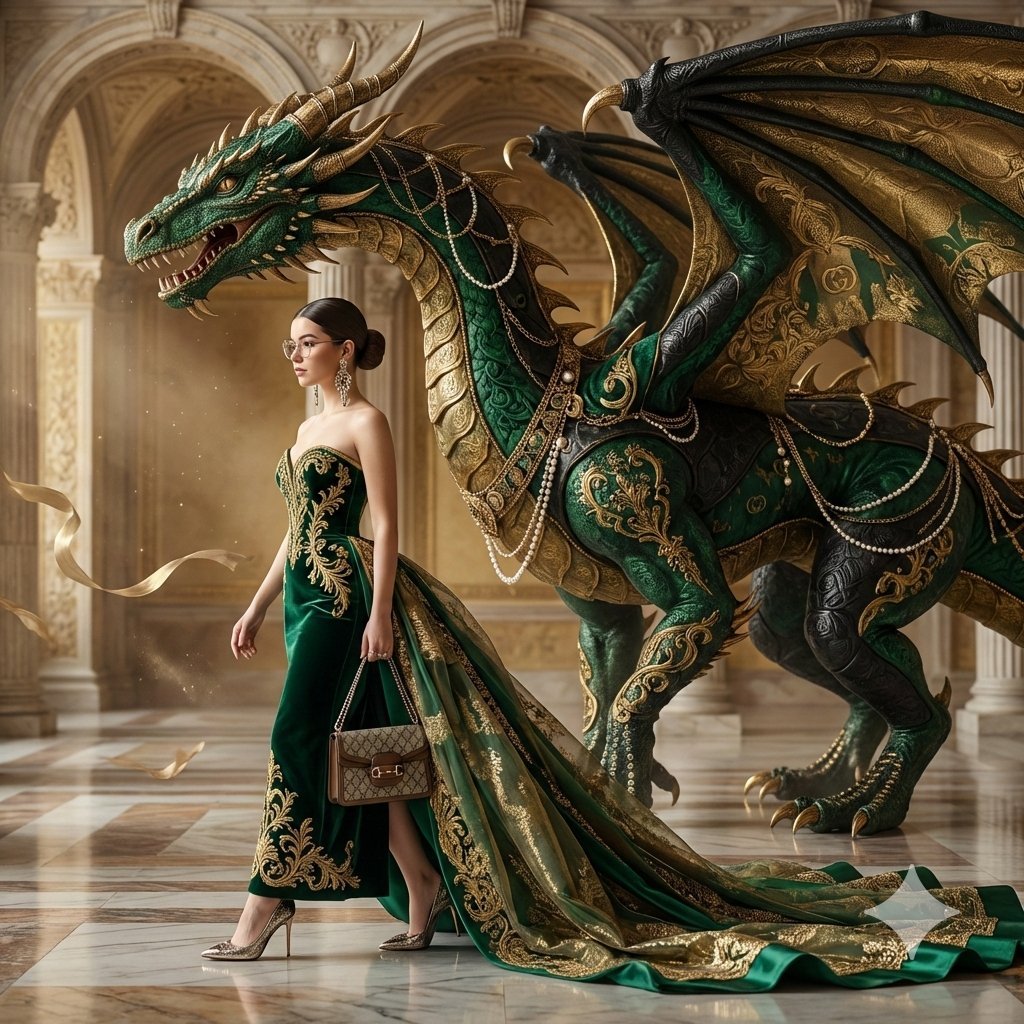
Couture Fashion Editorial Woman and Drag
Nano Banana 2 Editorial Fashion Portrait

Found Photograph: Us, 1970

80s Couple Studio Portrait

80s Bollywood Star

80s Golden Hour Cinema

Me in 1985

1985 Studio Portrait

Hyper-Realistic Minecraft POV Portrait
Make it yours
B&W Editorial Portrait works as-is. These are the safest ways to change it without losing the look.
Change one field
Copy a single group, rewrite it, and generate again so you can see what that field is doing.
Keep the frame, change the subject
Hold the composition and light of B&W Editorial Portrait, then swap wardrobe, props or the person for a new take.
| If the result… | Why | Fix |
|---|---|---|
| The result drifts from the preview | Too many fields changed at once. | Reuse B&W Editorial Portrait as-is first, then change one group — subject, light, or setting. |
| The model over-stylizes the scene | The prose prompt leaves finish and camera underspecified. | Add one camera or lighting sentence and stay on PicX Studio. |
More image prompts
Fresh picks from across the catalog.
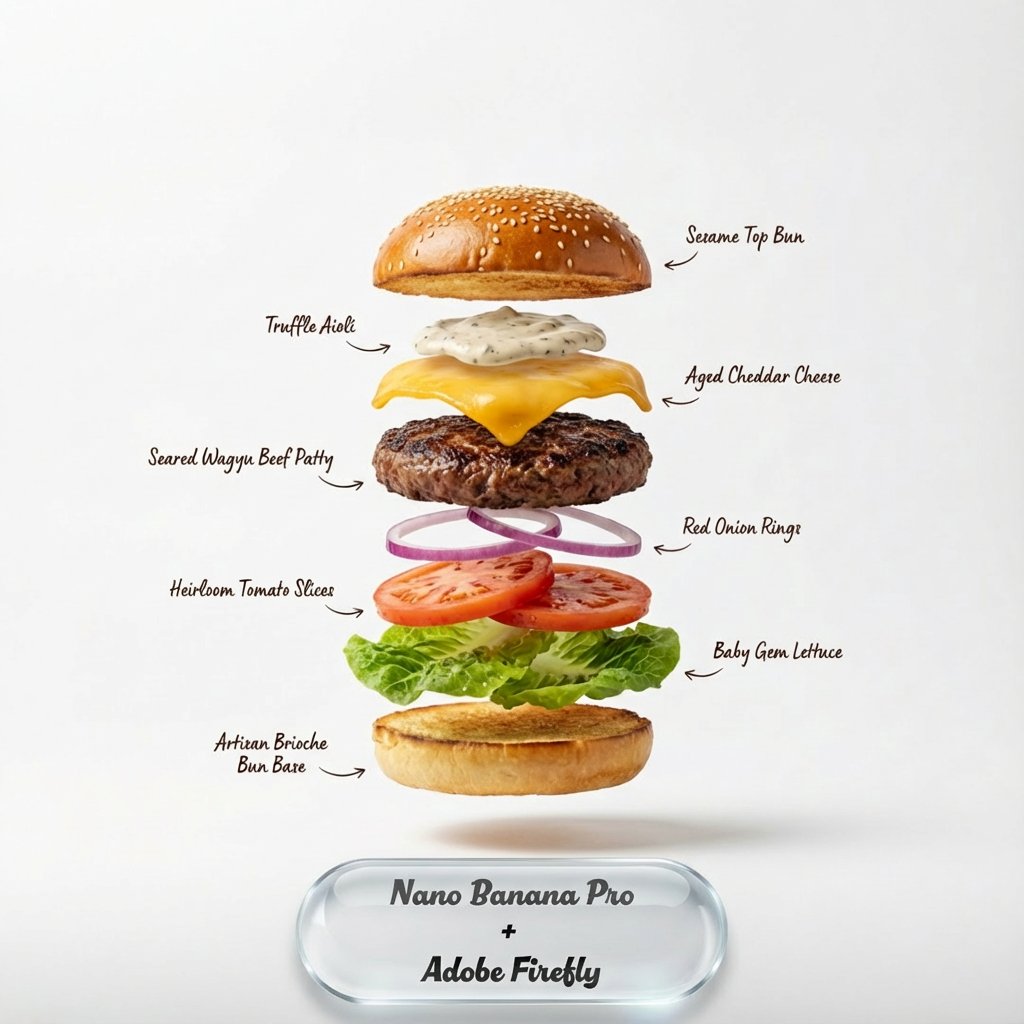
Liquid Glass UX Button Prompts for Nano Banana Pro
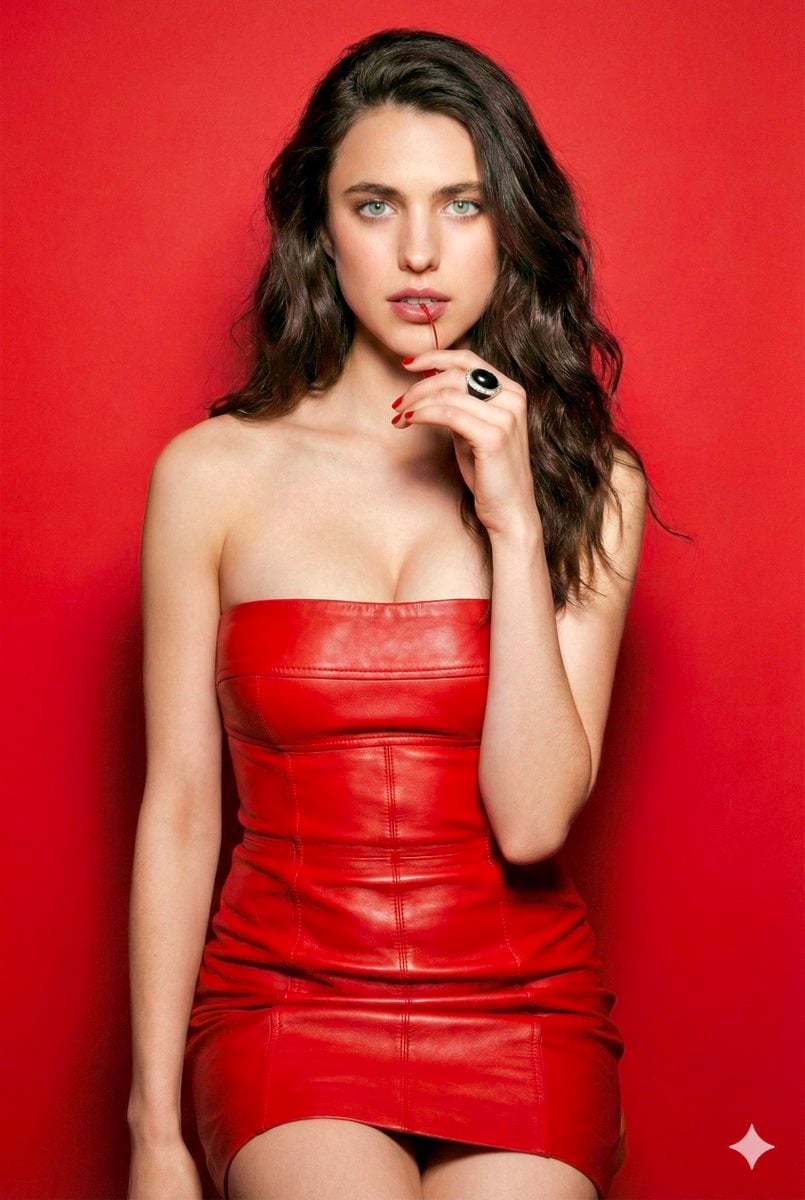
Margaret Qualley Red Leather Editorial Prompt
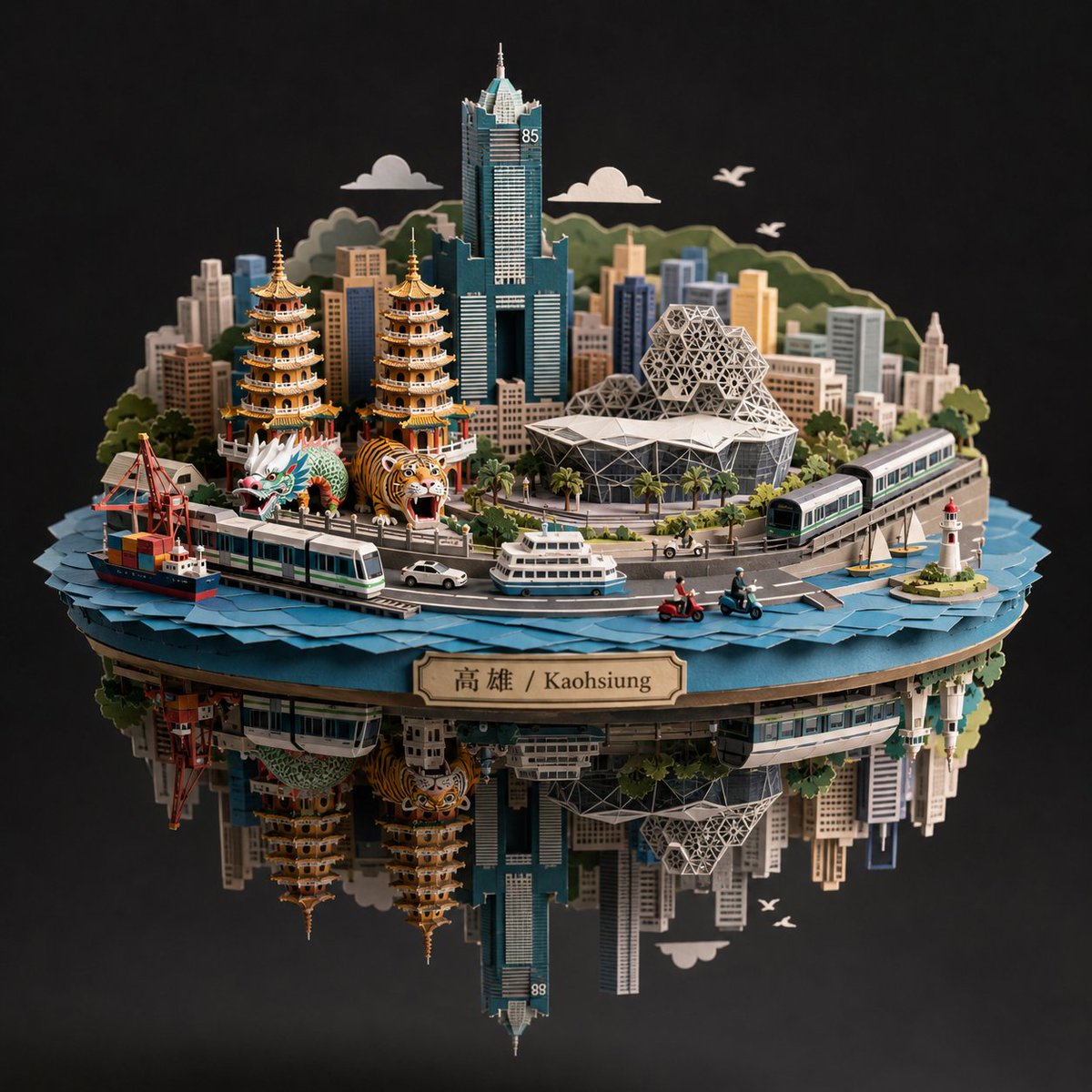
Kaohsiung Spherical Paper City Diorama
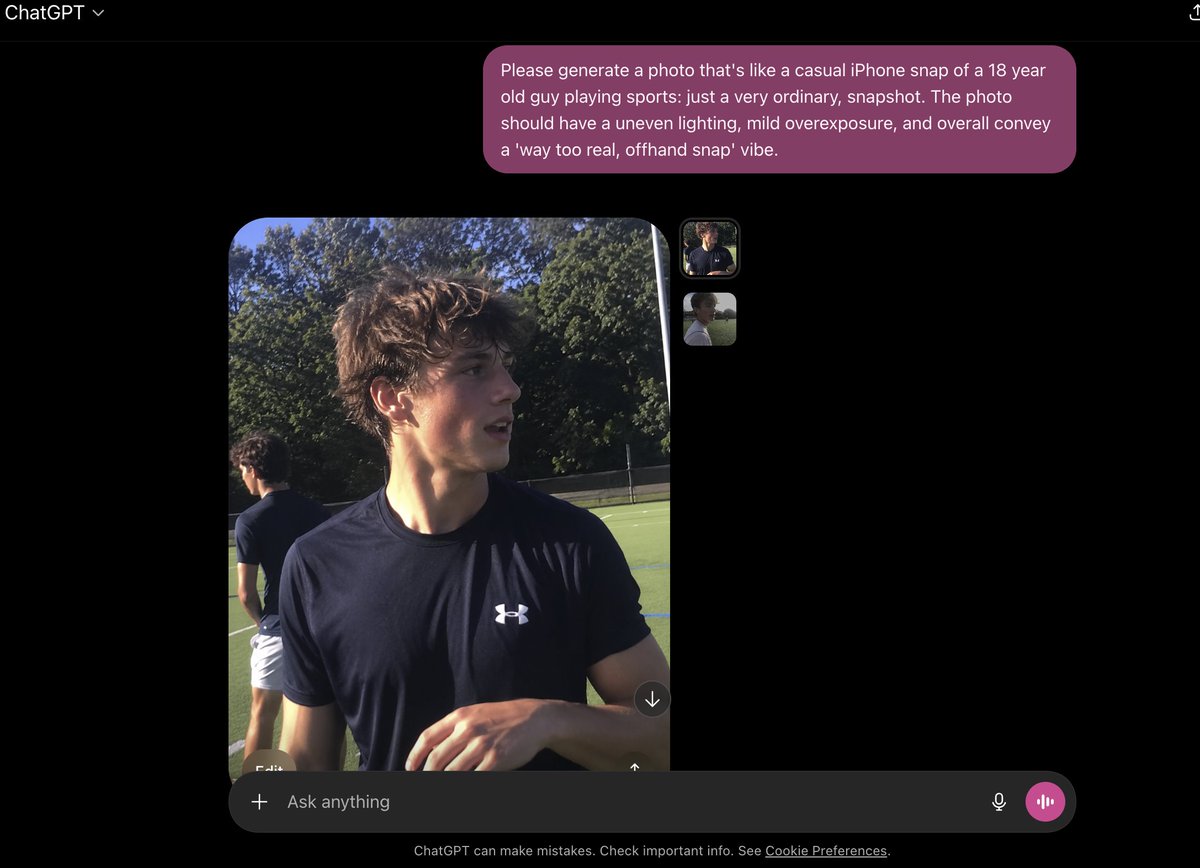
Base prompt: Please generate a photo that's lik
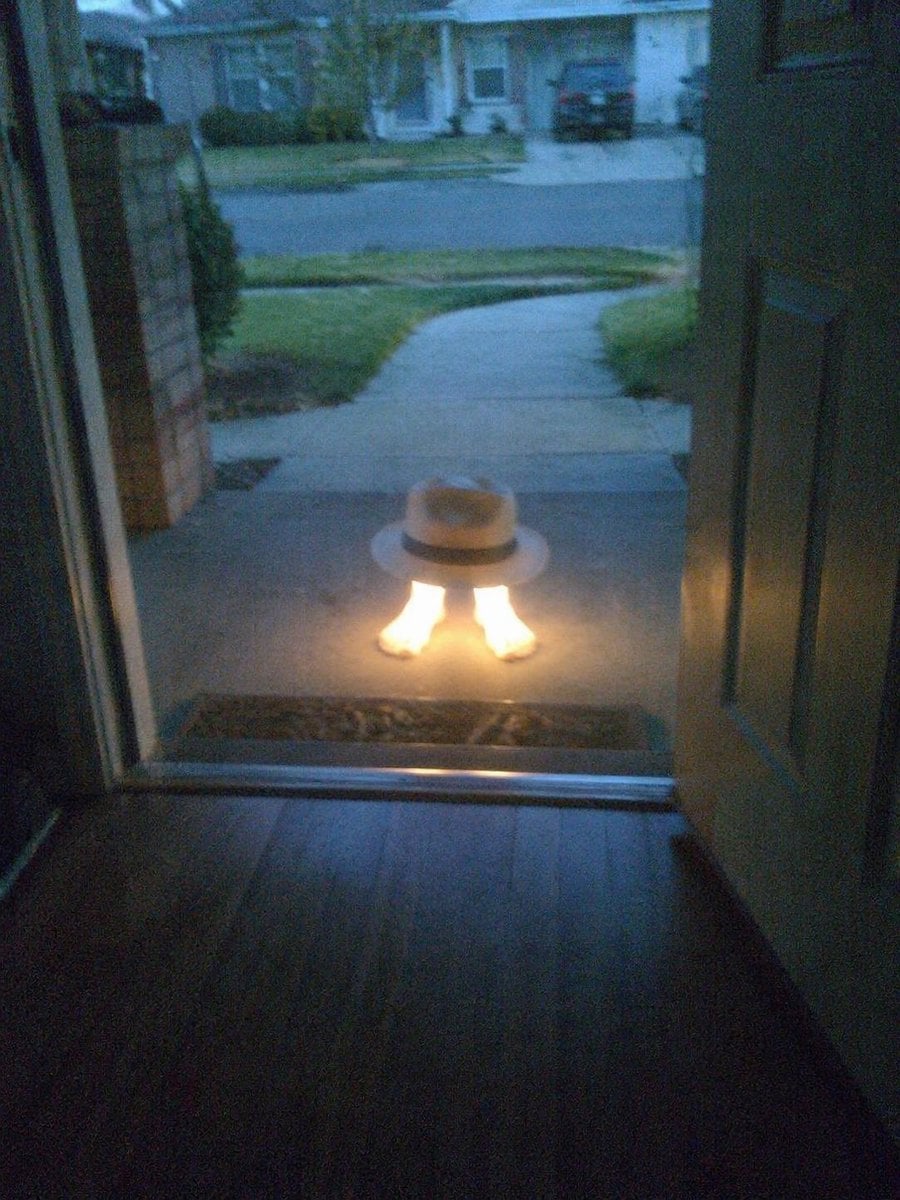
Subject Erasure and Hat Replacement
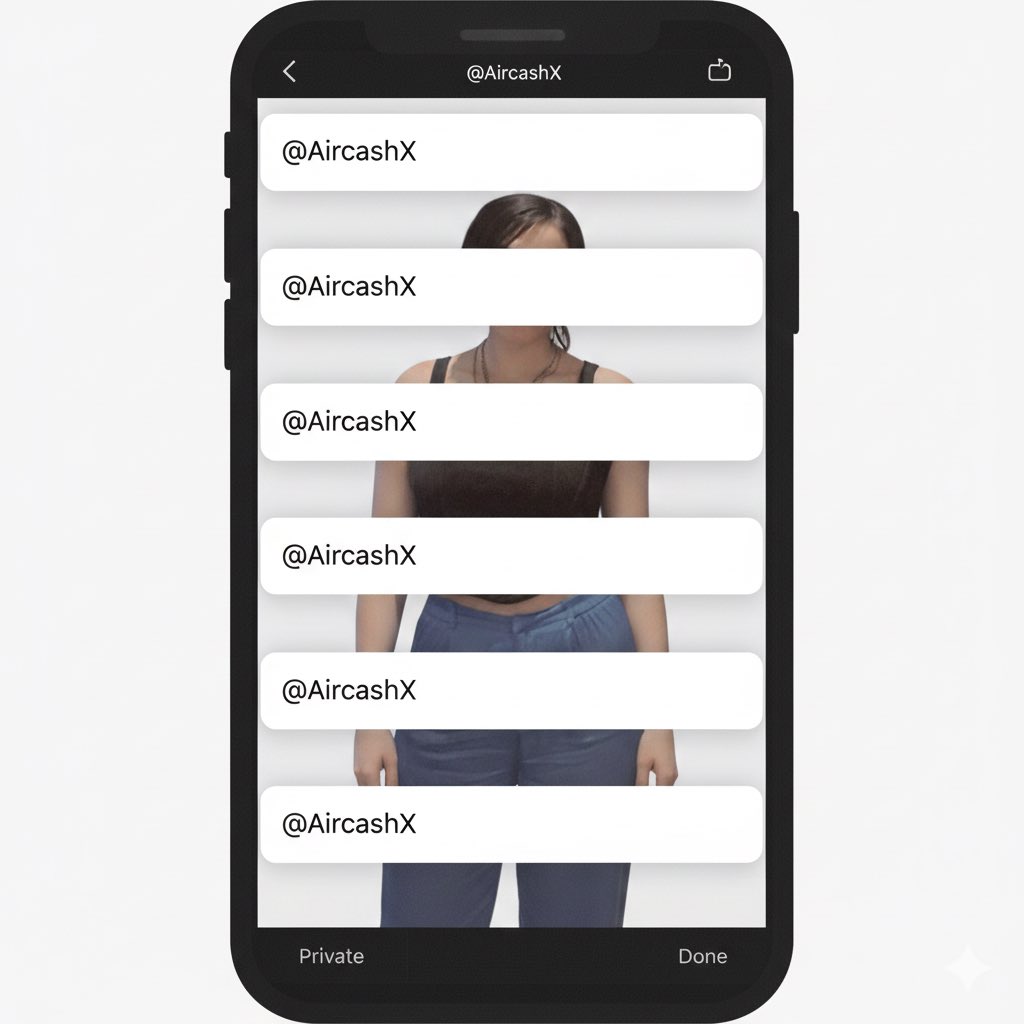
Studio Portrait with Digital UI Overlay
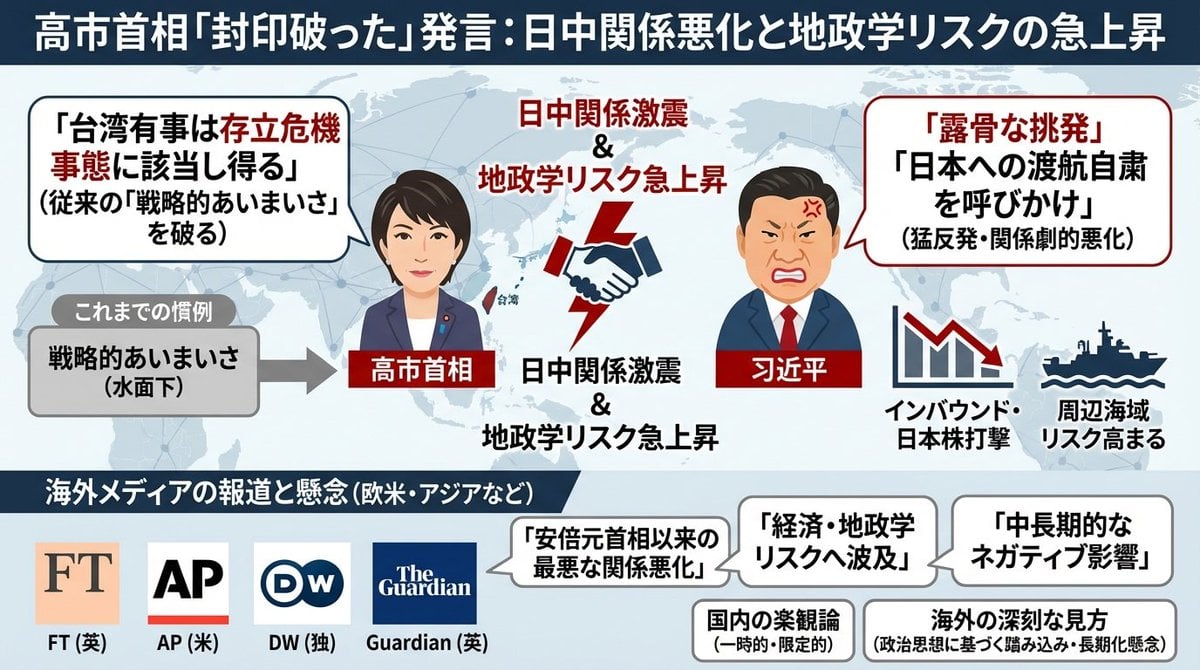
Single-slide illustration of a Yahoo News article

Kawaii Mother's Day Bento Food Art
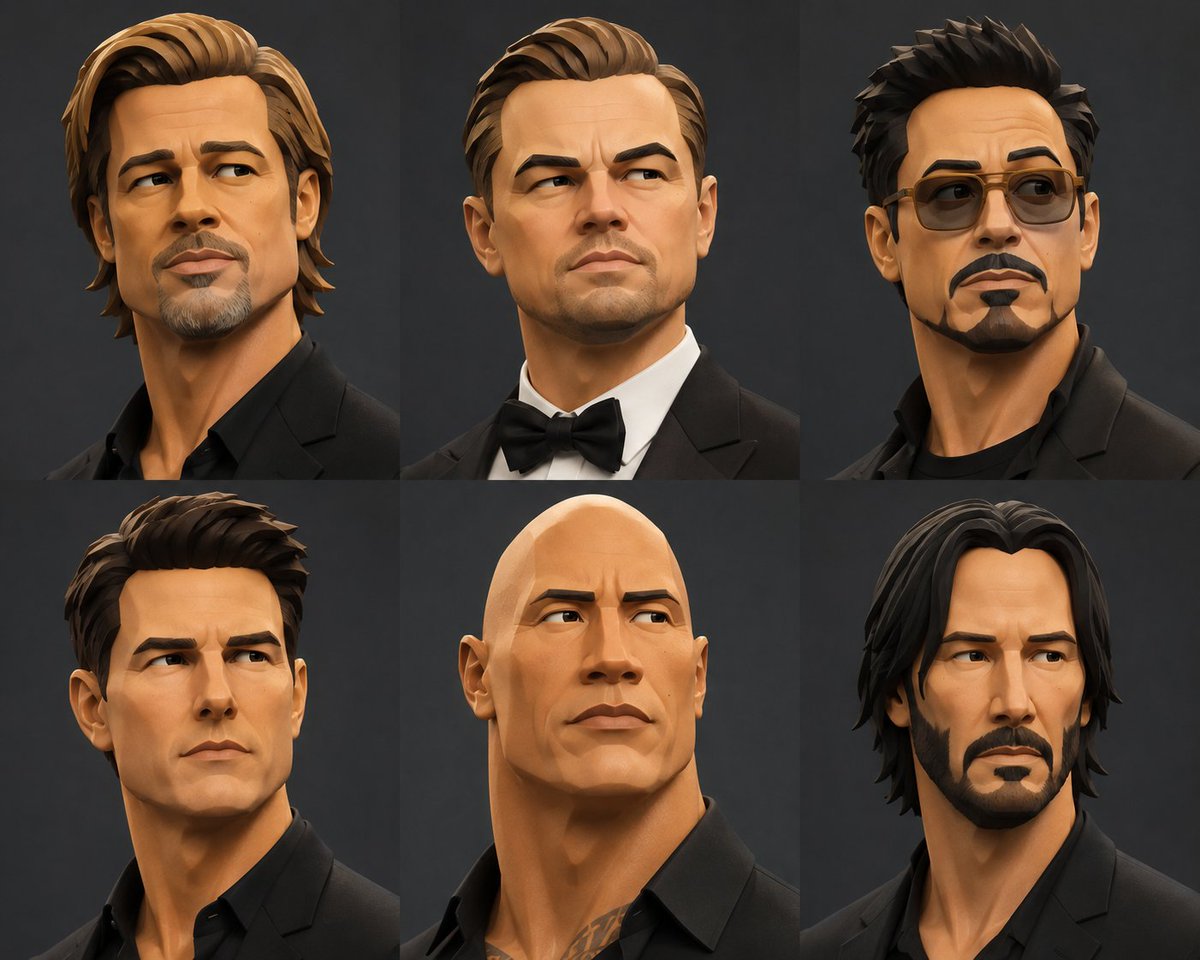
Stylized 3D Fashion Portrait
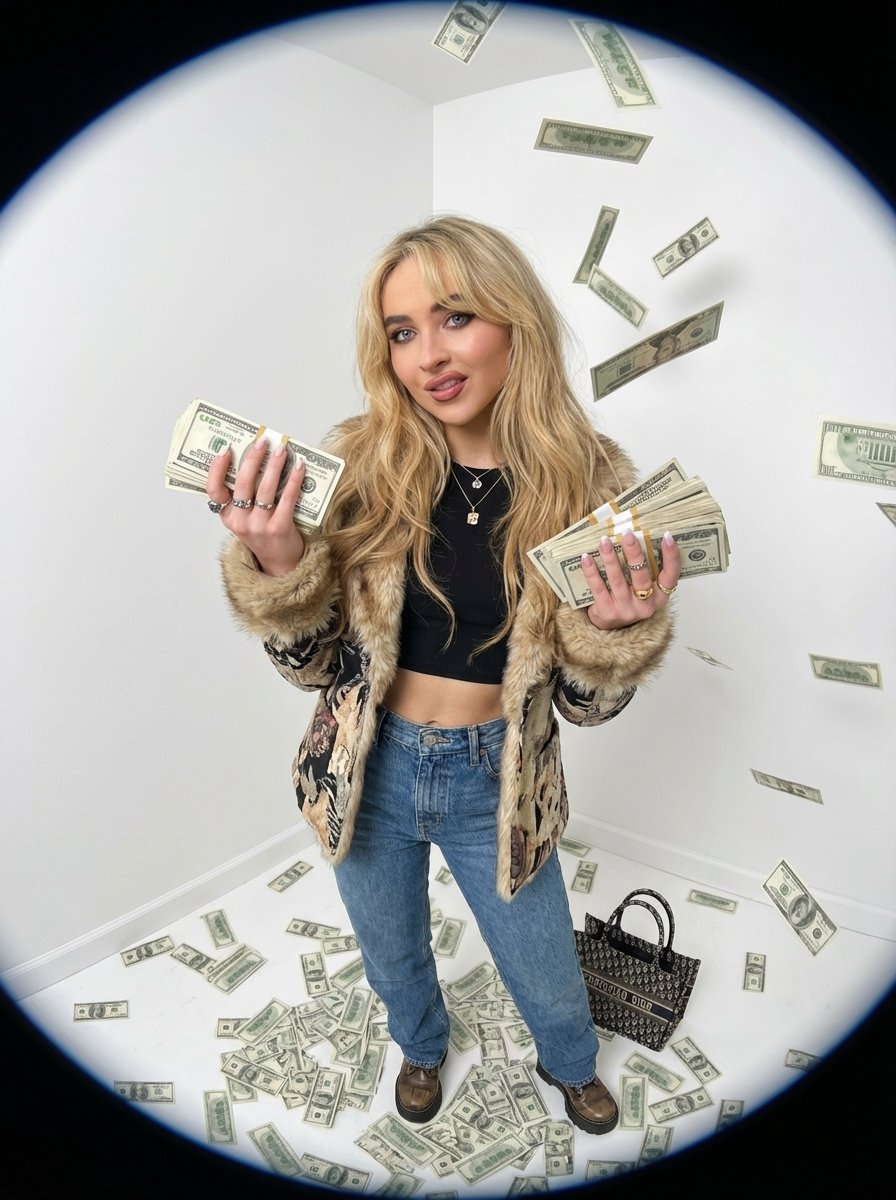
Fisheye portrait with money in a white studio
Browse template categories
B&W Editorial Portrait questions
How do I use the B&W Editorial Portrait template?
Add your photo if the template asks for one, edit the prompt if you like — the template's model and format are already selected — and press Generate. Your version opens in PicX Studio.
Can I customize the B&W Editorial Portrait template?
Yes. You can change the subject, setting, lighting, mood, format, and available model controls before creating your image.
Is the B&W Editorial Portrait template free?
Opening and editing this template is free. Generating uses credits, shown on the Generate button when you are signed in.
Which AI model should I use?
Choose a compatible model in PicX Studio based on the style, speed, and output controls your project needs.
Looking for something else? Browse all templates.

Your photo, any look
Thousands of ready templates for every top image and video model, from one credit balance.