Neon Rooftop Character Portrait
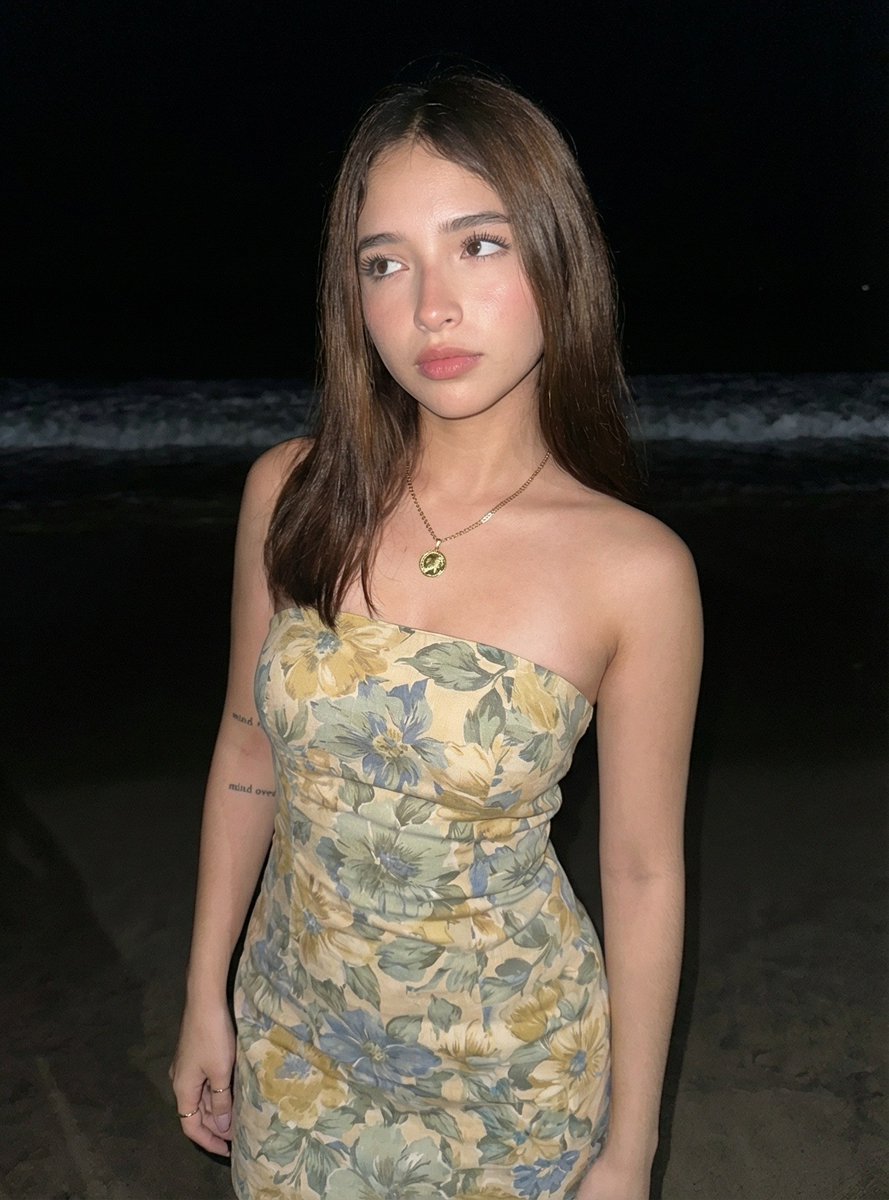
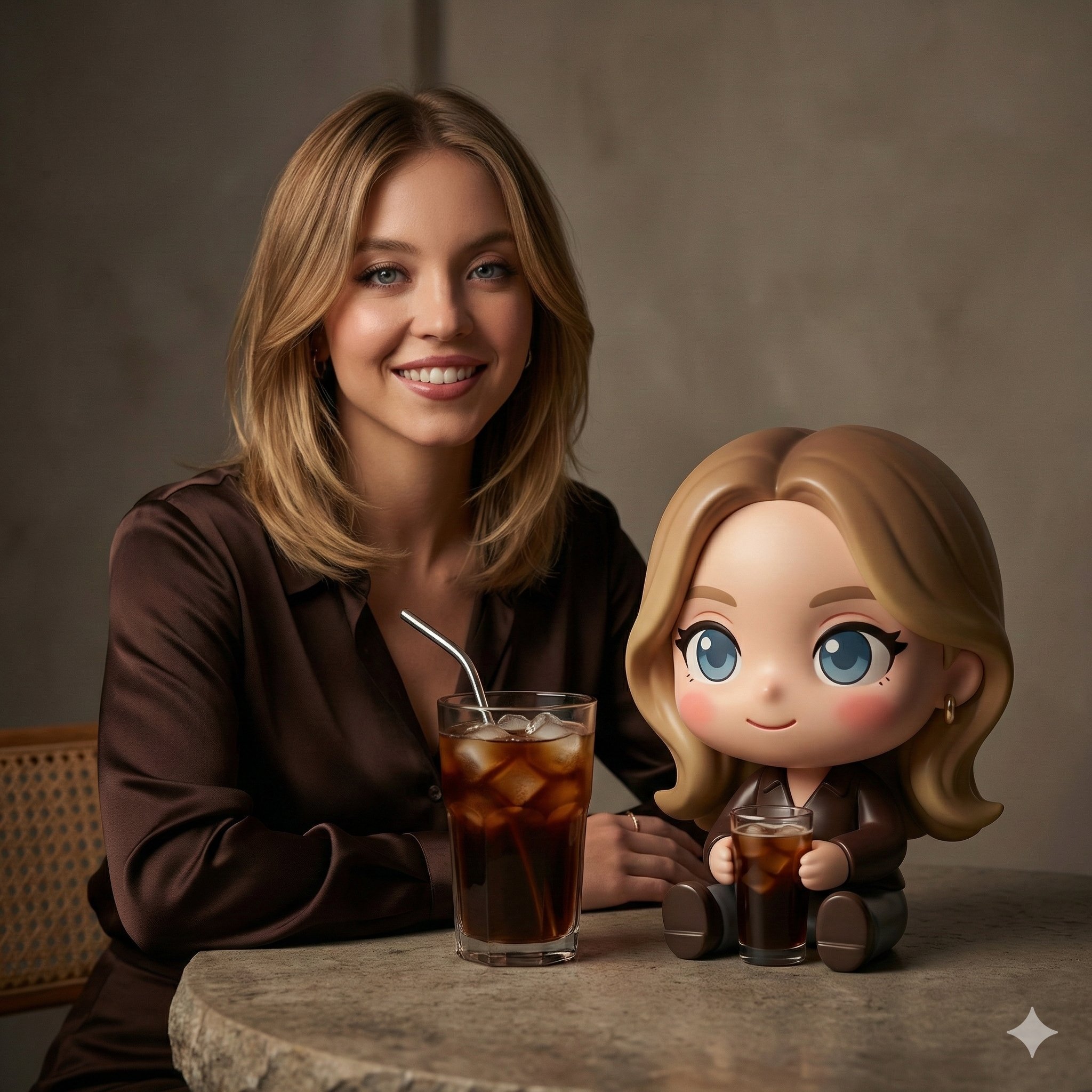
@image1 = Character Reference Image
Perform a deep visual analysis of @image1 before rendering. Treat @image1 as the absolute source of truth for the character's identity. Preserve the character from @image1 with maximum fidelity, including facial structure, eye shape, eye color, hairstyle, hair color, body proportions, skin tone, distinctive markings, accessories, and all defining visual traits. The final render must be immediately recognizable as the exact same character from @image1 placed into a new environment.
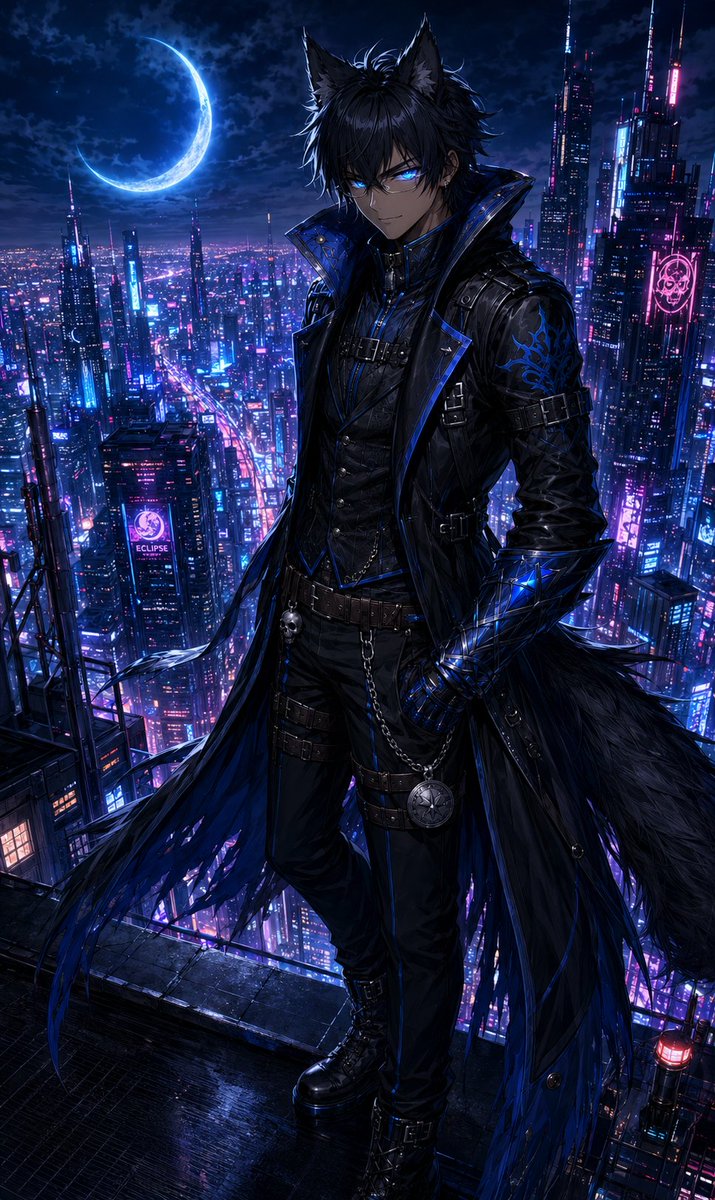
Depict the character from @image1 standing alone on the rooftop of an impossibly tall skyscraper overlooking a vast futuristic neon metropolis at night. Endless towers of glass and steel stretch toward the horizon below, illuminated by vibrant neon signage, holographic advertisements, and rivers of flowing traffic. The city should feel alive, immense, and breathtakingly detailed, extending far into the distance beneath the rooftop.
The character from @image1 stands near the rooftop edge with complete confidence and effortless authority. Their posture is relaxed yet commanding, as though they own the city beneath them. Every aspect of their body language should suggest absolute control. One hand may rest naturally at their side, in a pocket, or against a nearby structure, while maintaining an elegant silhouette.
The character from @image1 is looking directly at the viewer. Their expression is calm, knowing, and faintly amused. A subtle smile should rest on their face—not warm, not cruel, but impossible to fully interpret. The expression should create the unsettling feeling that the character from @image1 already knew the viewer would arrive.
Above the city hangs a brilliant crescent moon. The crescent moon glows with the exact same color as the eyes of the character in @image1. This visual connection should feel deliberate and symbolic, as though the moon itself answers to them. The moonlight casts a soft supernatural glow across the rooftop and surrounding skyline.
The eyes of the character from @image1 should emit a faint glow matching their natural eye color. The glow must remain subtle and elegant rather than overpowering, suggesting immense hidden power beneath their composed exterior. The eyes should serve as a focal point of the image, drawing the viewer's attention immediately.
The atmosphere should balance allure and danger. The viewer should be unable to determine whether the character from @image1 intends to offer companionship, temptation, protection, or destruction. The image should evoke the feeling that leaving would be the wise choice, yet staying feels impossible to resist.
Wind gently moves the hair, clothing, and accessories of the character from @image1. Neon reflections dance across surfaces. Atmospheric haze drifts between distant skyscrapers. Rooftop details such as antennas, maintenance structures, steel framework, glass barriers, rooftop lighting, and subtle weathering should add realism and scale to the scene.
Color palette: deep midnight blues, rich blacks, vibrant neon magentas, electric violets, and luminous gold accents. The moon glow and eye glow should perfectly match the eye color of the character from @image1, creating a cohesive visual motif throughout the composition.
Cinematic night photography composition. Dramatic rim lighting. Volumetric moonlight. Extraordinary depth and scale. Beautiful neon reflections. Intricate environmental storytelling. Hyper-detailed anime rendering. Ultra-fine texture work. Exceptional material rendering. Masterpiece composition. AAA anime film quality. Breathtaking atmosphere. Professional promotional artwork quality.
The emotional response should be:
"They are beautiful."
"They are powerful."
"They are dangerous."
"And they already knew I would come."
The character from @image1 should feel less like a person and more like a force of nature that has learned perfect manners.
NEGATIVE PROMPT:
low quality, worst quality, normal quality, low resolution, blurry, soft focus, compression artifacts, jpeg artifacts, pixelated, oversaturated, undersaturated, washed out colors, poor lighting, flat lighting, bad composition, amateur composition, cropped subject, out of frame, duplicate elements, cloned objects, extra characters, background errors, floating objects, inconsistent perspective, unrealistic shadows, unrealistic reflections
bad anatomy, incorrect anatomy, broken anatomy, malformed anatomy, dislocated joints, twisted limbs, impossible pose, unnatural posture, broken spine, uneven shoulders, asymmetrical limbs, disconnected limbs, detached body parts, floating hands, floating arms, floating feet, missing limbs, extra limbs, extra arms, extra legs, duplicate limbs
bad hands, malformed hands, mutated hands, fused fingers, extra fingers, missing fingers, uneven fingers, broken fingers, distorted hands, poorly drawn hands, incorrect hand anatomy, disconnected hands, oversized hands, undersized hands
bad face, malformed face, distorted face, asymmetrical eyes, crossed eyes, lazy eye, extra eyes, missing eyes, uneven pupils, distorted pupils, misplaced facial features, warped jaw, malformed mouth, duplicate facial features
bad proportions, incorrect proportions, giant head, tiny head, elongated neck, short neck, oversized body parts, undersized body parts, distorted torso, warped anatomy
poor character consistency, identity drift, face mismatch, altered facial structure, inaccurate eye shape, inaccurate hairstyle, inaccurate hair color, inaccurate facial markings, inaccurate accessories, loss of defining features from @image1
text, watermark, signature, logo, username, artist name, copyright mark, frame, border, caption, speech bubble
3d render artifacts, plastic skin, wax skin, uncanny face, lifeless eyes, dead expression, mannequin appearance, low-detail textures, unfinished rendering, sketch, rough draft, poorly rendered background




![Sports Tribute Photo Mosaic Poster — [PERSON NAME]. Act as a high-end sports graphic designer creating a conceptual tribute poster. The style is a complex "dual](/_next/image?url=https%3A%2F%2Fcdn.picxstudio.com%2Fuploads%2Fmeigen_2008976966255337666_aa5d7e8e-7eae-4f71-b023-c29c54d6584e.jpg&w=828&q=100)







![Naive doodle-style subject illustration — A doodle-style {argument name="subject" default="[subject]"}, naive lines, humorous shape exaggeration](https://pbs.twimg.com/media/G6Wl2YxbsAARB2b.jpg)