How do I use the Flash Night Beach Portrait template?
Choose the primary action to open PicX Studio with the available template settings. Review the model and format, personalize the creative direction, and generate when ready.
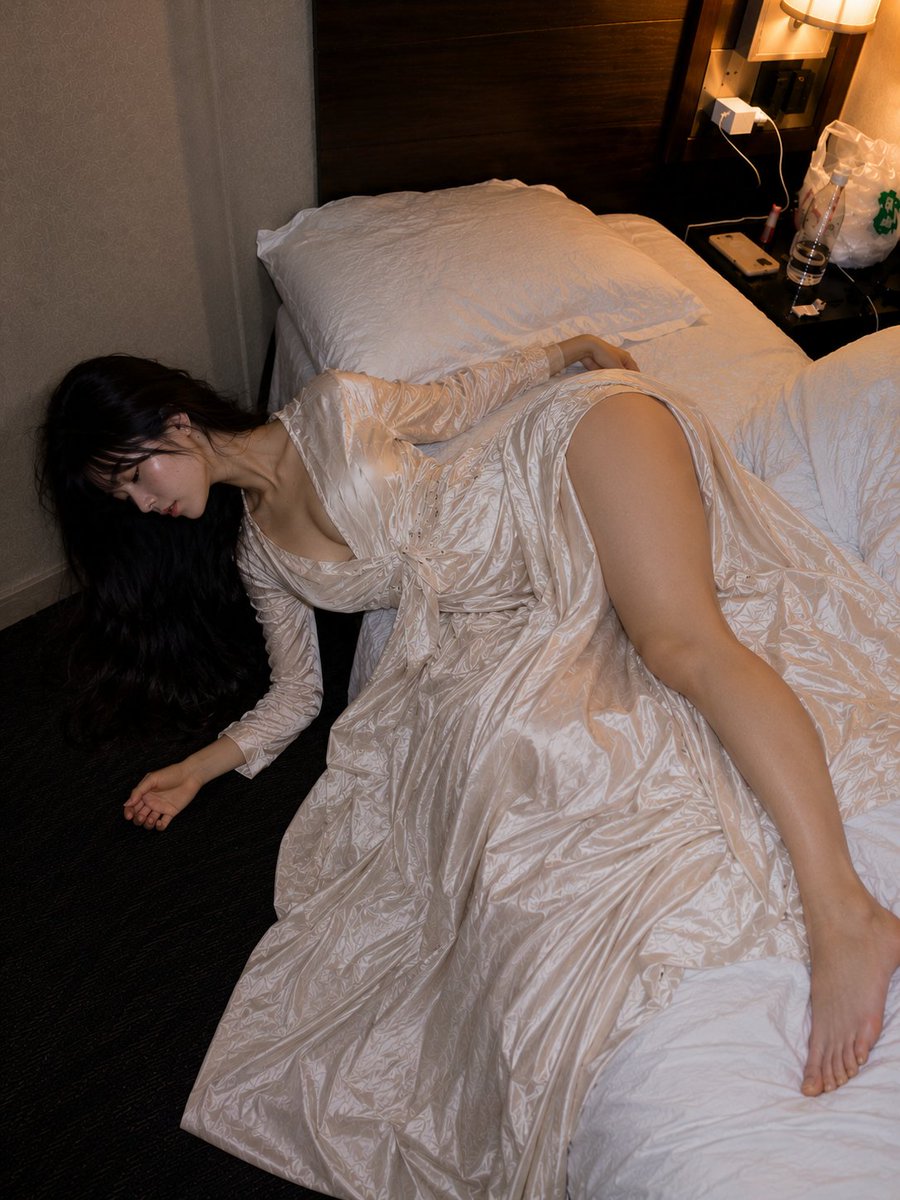
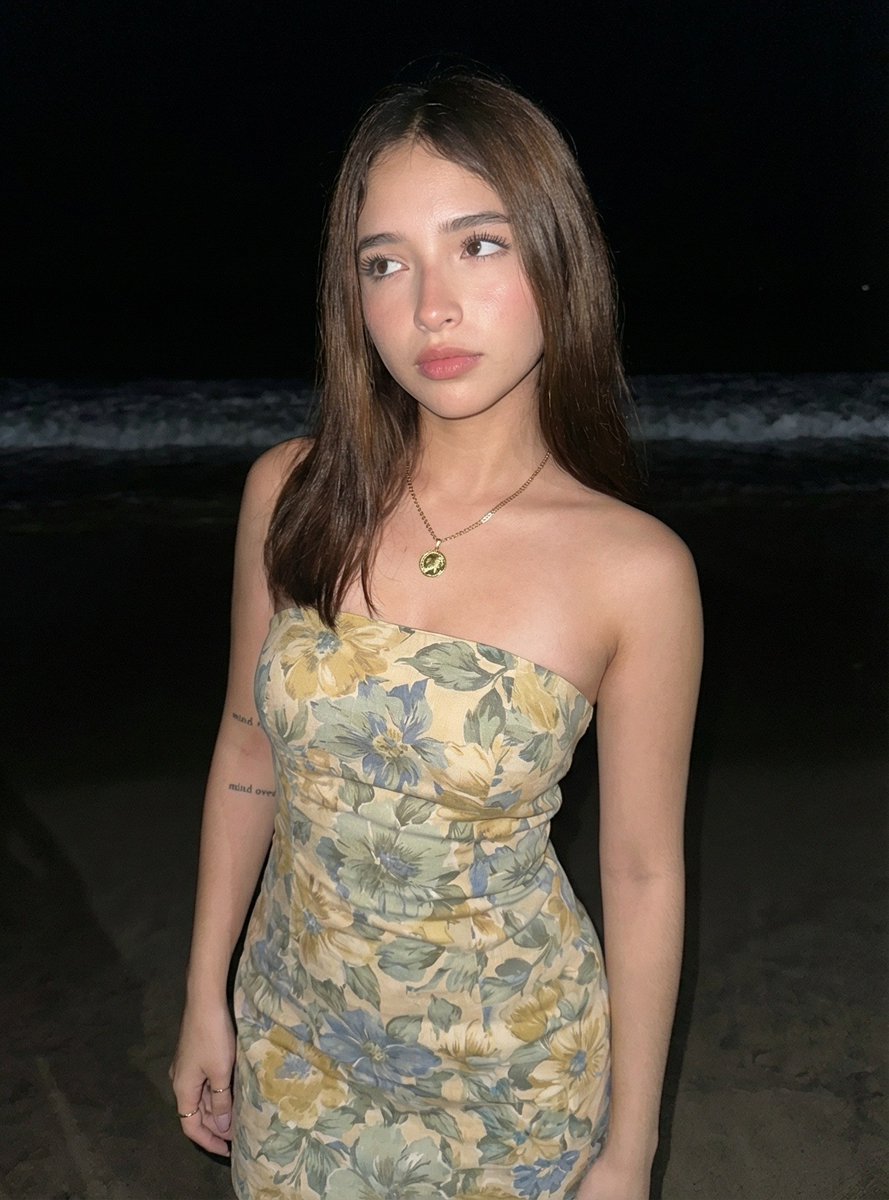
A photorealistic smartphone-style beach portrait at night, ideal for generating casual social media photos that look naturally shot with flash. (free to use) — Free AI image template on PicX Studio.
A candid photorealistic night beach portrait of a young woman standing on wet sand near the shoreline, framed from mid-thigh up, facing the camera with a relaxed posture and one arm hanging naturally at her side. She has long straight dark brown hair parted near the center, smooth light-to-medium skin, and wears a fitted strapless bodycon dress with a soft vintage floral print in muted cream, pale yellow, sage green, and dusty blue. Add a delicate gold necklace with a small round pendant and subtle rings on her fingers. The scene is lit with direct on-camera flash, creating sharp realistic highlights on the skin, a crisp subject against a very dark background, and a visible band of foamy ocean waves behind her. The beach and sea should look natural and dim, with the horizon fading into black night sky. Smartphone snapshot aesthetic, realistic skin texture, slight flash harshness, casual social-photo composition, shallow ambient detail, centered subject, authentic nightlife beach vibe.
Use Flash Night Beach Portrait to plan an AI image around gpt-image-2 generation, themes such as en and gpt-image-2. Match the preview's composition first, then personalize the subject, setting, and mood for your own project.
Use the primary action to load the template settings in PicX Studio.
Adjust the subject and creative details for your destination.
Create the image, compare the result with the preview, and refine one variable at a time.
A continuous mix — similar concepts first, woven with same-model prompts and fresh picks from the catalog.
Choose the primary action to open PicX Studio with the available template settings. Review the model and format, personalize the creative direction, and generate when ready.
Yes. You can change the subject, setting, lighting, mood, format, and available model controls before creating your image.
This template is free to open and customize. Generation usage is shown in PicX Studio before you create.
Start with gpt-image-2, which is the model associated with this template. You can compare another compatible model for a different finish.
Follow a topic to a crawlable collection of related PicX Studio templates.
39,157 public templates available. Verified via the PicX Studio public templates API; refreshed hourly.
A continuous mix — similar concepts first, woven with same-model prompts and fresh picks from the catalog.