
Sheep Girl Pop-Up Storybook
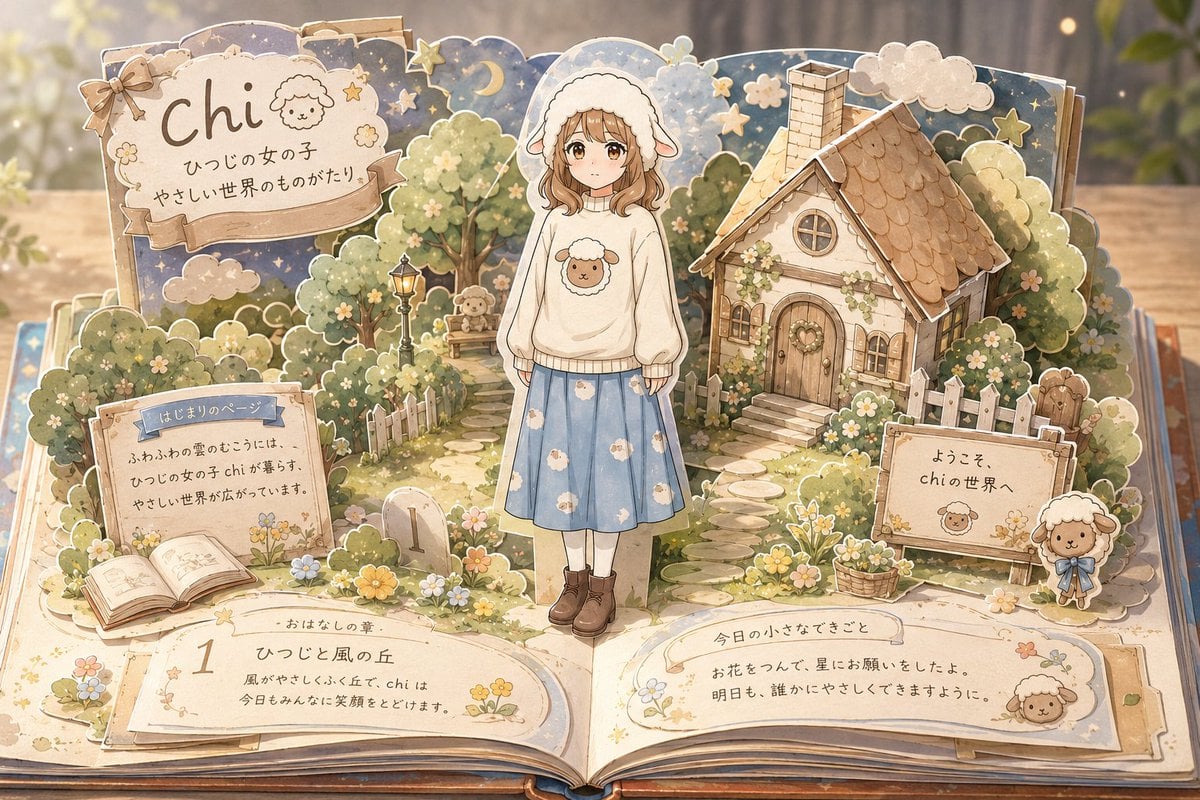
Generates a cozy watercolor pop-up picture book scene featuring a sheep-hooded girl in a gentle storybook village with Japanese-style hand-lettered panels.
- Prompt included
- Model and format preset
- Free template
The prompt behind this image
Copy the exact prompt behind Sheep Girl Pop-Up Storybook, or open it in the studio and make it yours.
- Type
- whimsical pop-up storybook diorama illustration
- Style
- soft watercolor and colored-pencil children's picture book art, layered paper-cut pop-up construction, warm golden lighting, delicate outlines, cozy pastel palette, shallow depth of field, highly detailed but gentle
- Main Subject › Count
- 1
- Main Subject › Description
- a young girl standing upright in the center of an open pop-up book, face intentionally featureless and softly blurred, wearing a fluffy white sheep-eared hood, a cream oversized sweater with a sheep face motif, a pale blue knee-length skirt printed with small white sheep, white socks, and brown lace-up boots
- Main Subject › Customizable Name
- {argument name="character name" default="chi"}
- Main Subject › Sweater Motif
- {argument name="sweater motif" default="sheep"}
- Setting › Default Concept
- {argument name="setting concept" default="a gentle sheep-themed world emerging from an open picture book"}
- Setting › Environment
- an open book lies on a wooden table, with layered pop-up pages forming a miniature village garden; background is softly blurred with forest-like vertical shadows and glowing bokeh
- Setting › Major Scenery Count
- 7
- Setting › Major Scenery Items
- storybook title arch at upper left, moon-and-stars night sky backdrop, small cottage with chimney at upper right, garden path with stepping stones, white picket fences, flower beds and baskets, open book and paper plaques on the lower pages
- Layout › Composition
- wide horizontal 16:9 image, the open book fills the foreground, the central girl stands between the title arch and cottage, with readable paper signs distributed around the scene
- Layout › Labeled Text Panels Count
- 5
- Layout › Labeled Text Panels › 0 › Position
- upper left large scalloped sign
- Layout › Labeled Text Panels › 0 › Visible Text
- {argument name="title text" default="chi"}, ひつじの女の子, やさしい世界のものがたり
- Layout › Labeled Text Panels › 1 › Position
- left middle rectangular page sign
- Layout › Labeled Text Panels › 1 › Visible Text
- はじまりのページ, ふわふわの雲のむこうには、, ひつじの女の子 chi が暮らす、, やさしい世界が広がっています。
- Layout › Labeled Text Panels › 2 › Position
- lower left open-book chapter panel
- Layout › Labeled Text Panels › 2 › Visible Text
- 1, おはなしの章, ひつじと風の丘, 風がやさしくふく丘で、chi は, 今日もみんなに笑顔をとどけます。
- Layout › Labeled Text Panels › 3 › Position
- lower right long paper note
- Layout › Labeled Text Panels › 3 › Visible Text
- 今日の小さなできごと, お花をつんで、星にお願いをしたよ。, 明日も、誰かにやさしくできますように。
- Layout › Labeled Text Panels › 4 › Position
- right middle welcome sign
- Layout › Labeled Text Panels › 4 › Visible Text
- ようこそ、, chi の世界へ
- Characters And Mascots › Total Living Figures Count
- 4
- Characters And Mascots › Items
- 1 central sheep-hooded girl, 1 small sheep mascot sitting on a bench in the left background, 1 small sheep character printed on the central sweater, 1 freestanding sheep mascot doll with blue bow beside the right welcome sign
Raw JSON
{"type":"whimsical pop-up storybook diorama illustration","style":"soft watercolor and colored-pencil children's picture book art, layered paper-cut pop-up construction, warm golden lighting, delicate outlines, cozy pastel palette, shallow depth of field, highly detailed but gentle","main_subject":{"count":1,"description":"a young girl standing upright in the center of an open pop-up book, face intentionally featureless and softly blurred, wearing a fluffy white sheep-eared hood, a cream oversized sweater with a sheep face motif, a pale blue knee-length skirt printed with small white sheep, white socks, and brown lace-up boots","customizable_name":"{argument name=\"character name\" default=\"chi\"}","sweater_motif":"{argument name=\"sweater motif\" default=\"sheep\"}"},"setting":{"default_concept":"{argument name=\"setting concept\" default=\"a gentle sheep-themed world emerging from an open picture book\"}","environment":"an open book lies on a wooden table, with layered pop-up pages forming a miniature village garden; background is softly blurred with forest-like vertical shadows and glowing bokeh","major_scenery_count":7,"major_scenery_items":["storybook title arch at upper left","moon-and-stars night sky backdrop","small cottage with chimney at upper right","garden path with stepping stones","white picket fences","flower beds and baskets","open book and paper plaques on the lower pages"]},"layout":{"composition":"wide horizontal 16:9 image, the open book fills the foreground, the central girl stands between the title arch and cottage, with readable paper signs distributed around the scene","labeled_text_panels_count":5,"labeled_text_panels":[{"position":"upper left large scalloped sign","visible_text":["{argument name=\"title text\" default=\"chi\"}","ひつじの女の子","やさしい世界のものがたり"]},{"position":"left middle rectangular page sign","visible_text":["はじまりのページ","ふわふわの雲のむこうには、","ひつじの女の子 chi が暮らす、","やさしい世界が広がっています。"]},{"position":"lower left open-book chapter panel","visible_text":["1","おはなしの章","ひつじと風の丘","風がやさしくふく丘で、chi は","今日もみんなに笑顔をとどけます。"]},{"position":"lower right long paper note","visible_text":["今日の小さなできごと","お花をつんで、星にお願いをしたよ。","明日も、誰かにやさしくできますように。"]},{"position":"right middle welcome sign","visible_text":["ようこそ、","chi の世界へ"]}]},"characters_and_mascots":{"total_living_figures_count":4,"items":["1 central sheep-hooded girl","1 small sheep mascot sitting on a bench in the left background","1 small sheep character printed on the central sweater","1 freestanding sheep mascot doll with blue bow beside the right welcome sign"]},"decorative_elements":{"counted_groups_count":8,"groups":["crescent moon and small stars across the upper sky","cloud cutouts behind the title and cottage","rounded leafy trees and bushes","tiny white and yellow flowers scattered through the garden","vintage black lamp post near the path","wooden bench under the trees","stone marker with the number 1 near the lower center-left","ribbon bow attached to the upper-left title sign"]},"rendering_instructions":"make the entire scene look like layered cardboard pages rising from a real open book, with visible page edges, tabs, folds, shadows between paper layers, creamy off-white paper texture, hand-painted floral borders, and a dreamy bedtime-story atmosphere; keep all text hand-lettered and integrated into paper signs; no photorealistic people, no harsh contrast, no modern UI elements"}How to use Sheep Girl Pop-Up Storybook in 3 steps
- 1Upload ImagePNG, JPG or paste
Add your photo
Upload the photo the template builds on. The prompt, model and format are already set.
- 2…a portrait of your subject in softgolden-hour light, 85mm…
Personalize
Edit the subject and creative details for your destination.
- 3Generate
Generate
Press Generate — your image is created in PicX Studio, so you can compare it with the original and refine one variable at a time.
More like this
Templates with the same subject, style or setup. Open one to see its prompt.

Teen Girl Alpine Lake Mountain View
Handmade Pop-up Storybook Fairytale Diorama
Dragon Pop-Up Storybook Poster

Eid al-Adha Cute Chaos — Fisheye Selfie with Farm Selfie, Mosque & Animals

Master Pop-Up Storybook — 3D Paper Engineered Travel Diorama

Decorative Folk Flat Paper Cut Illustration

Watercolor Anim Finale Fireworks

Watercolor Anim Garden Maze

Watercolor Anim Rooftop Concert

Watercolor Anim Bicycle Coast

Watercolor Anim Castle Gate

Watercolor Anim Kitchen Chaos
Make it yours
Sheep Girl Pop-Up Storybook works as-is. These are the safest ways to change it without losing the look.
Swap the setting
Keep the rest of the prompt and replace the location block. The current setting is “{argument name="setting concept" default="a gentle sheep-themed world emerging f”.
Change one field
Copy a single group, rewrite it, and generate again so you can see what that field is doing.
Keep the frame, change the subject
Hold the composition and light of Sheep Girl Pop-Up Storybook, then swap wardrobe, props or the person for a new take.
| If the result… | Why | Fix |
|---|---|---|
| The result drifts from the preview | Too many fields changed at once. | Reuse Sheep Girl Pop-Up Storybook as-is first, then change one group — subject, light, or setting. |
| GPT Image 2 ignores part of the JSON | Some models flatten or skip nested keys. | Keep the same values and paste them as a short paragraph instead. |
More GPT Image 2 templates
Other prompts made for GPT Image 2.

Six VTuber Japanese Logo Sheet

Realistic Portrait of Woman and Deer

The Vista Modular Condo Poster

AI Model Routing Comparison Infographic

2.5D Anime Art Board

Isometric Productivity Desk Scene

New York Double Exposure Poster

Four-Panel AI Landscape Comparison

Japanese Tatami Lifestyle Magazine Cover

NESCAFÉ Coffee Map Poster
More image prompts
Fresh picks from across the catalog.

Structured Prompt for Automated Manga Generation

2026 Year of the Horse Poster Design Prompt
Heroic Dramatic Studio Portrait Prompt

Post-Workout Gym Moment (JSON Format)

Retro-Futuristic Arcade Photography Portrait
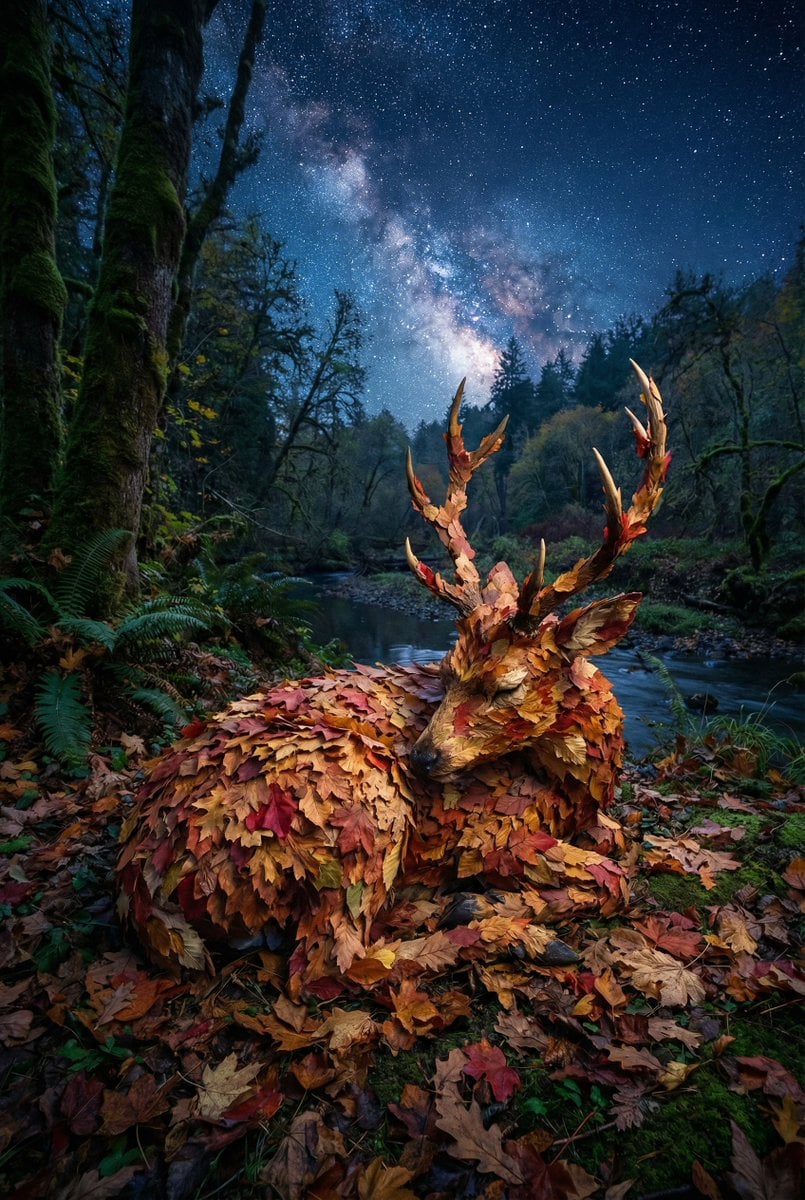
Surreal Deer Made of Autumn Leaves

Vintage Malta Travel Poster

Urban Street Motorcycle Portrait
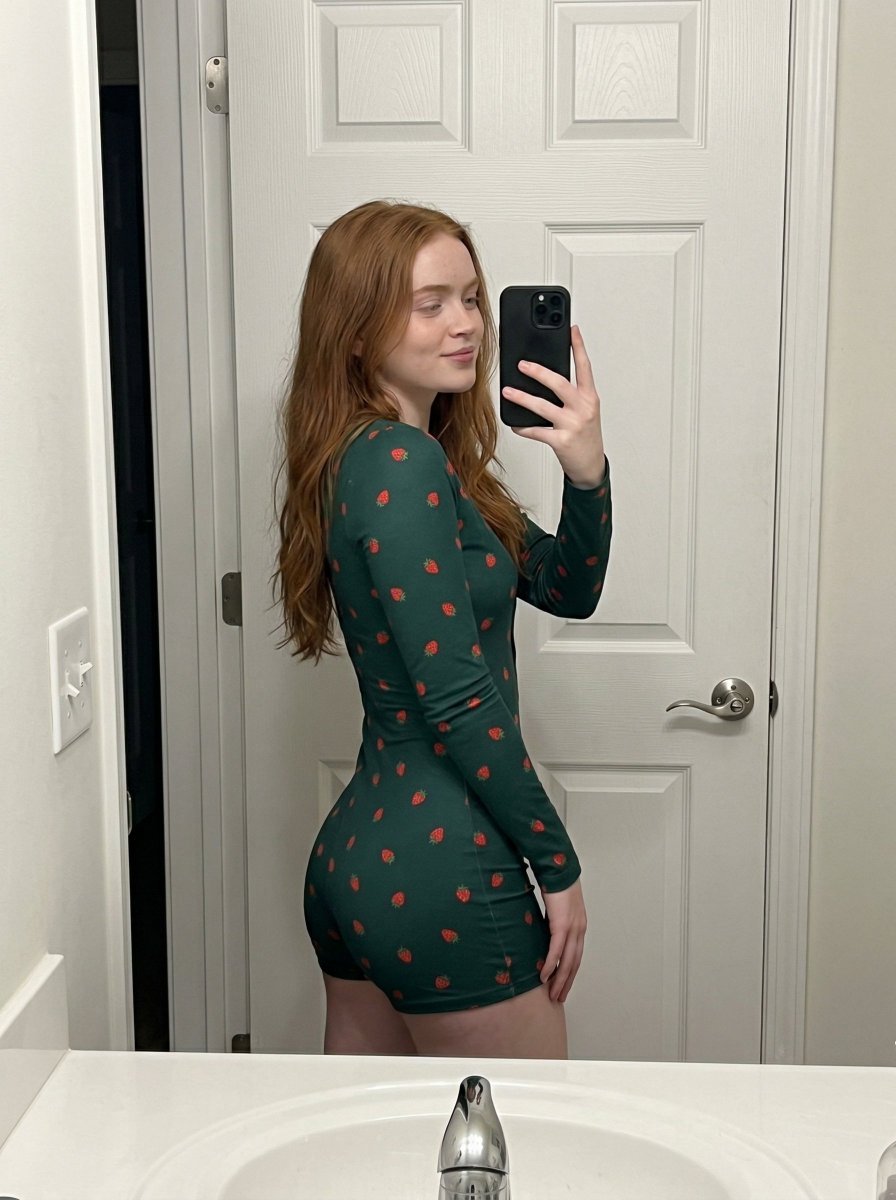
Strawberry Onesie Mirror Selfie with ControlNet
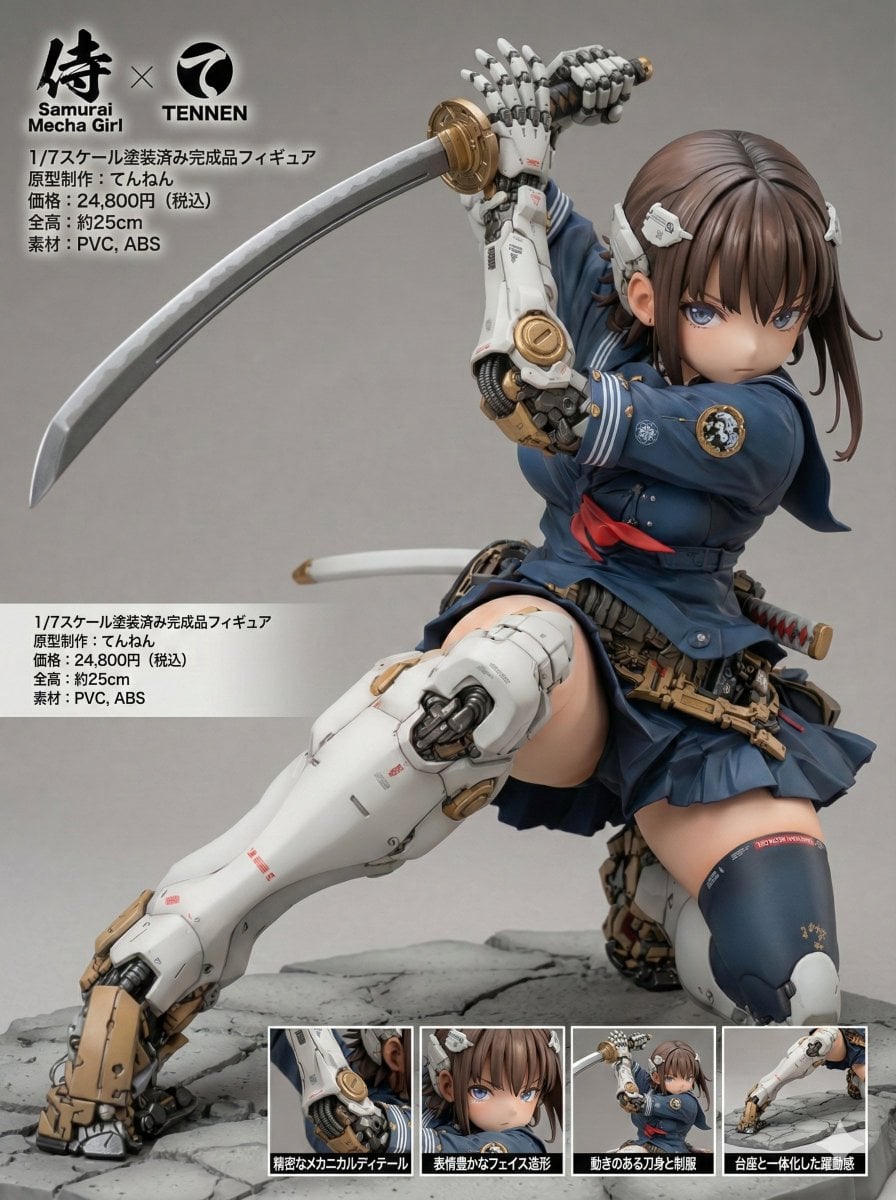
Multilingual Figure Product Introduction Layout Prompt for Nano Banana Pro
Browse template categories
Sheep Girl Pop-Up Storybook questions
How do I use the Sheep Girl Pop-Up Storybook template?
Add your photo if the template asks for one, edit the prompt if you like — the template's model and format are already selected — and press Generate. Your version opens in PicX Studio.
Can I customize the Sheep Girl Pop-Up Storybook template?
Yes. You can change the subject, setting, lighting, mood, format, and available model controls before creating your image.
Is the Sheep Girl Pop-Up Storybook template free?
Opening and editing this template is free. Generating uses credits, shown on the Generate button when you are signed in.
Which AI model should I use?
Start with GPT Image 2, which is the model associated with this template. You can compare another compatible model for a different finish.
Looking for something else? Browse all templates.

Your photo, any look
Thousands of ready templates for every top image and video model, from one credit balance.