
Handmade Pop-up Storybook Fairytale Diorama
A comprehensive prompt for generating a photorealistic 3D pop-up book scene with intricate paper mechanisms and a fairytale theme.
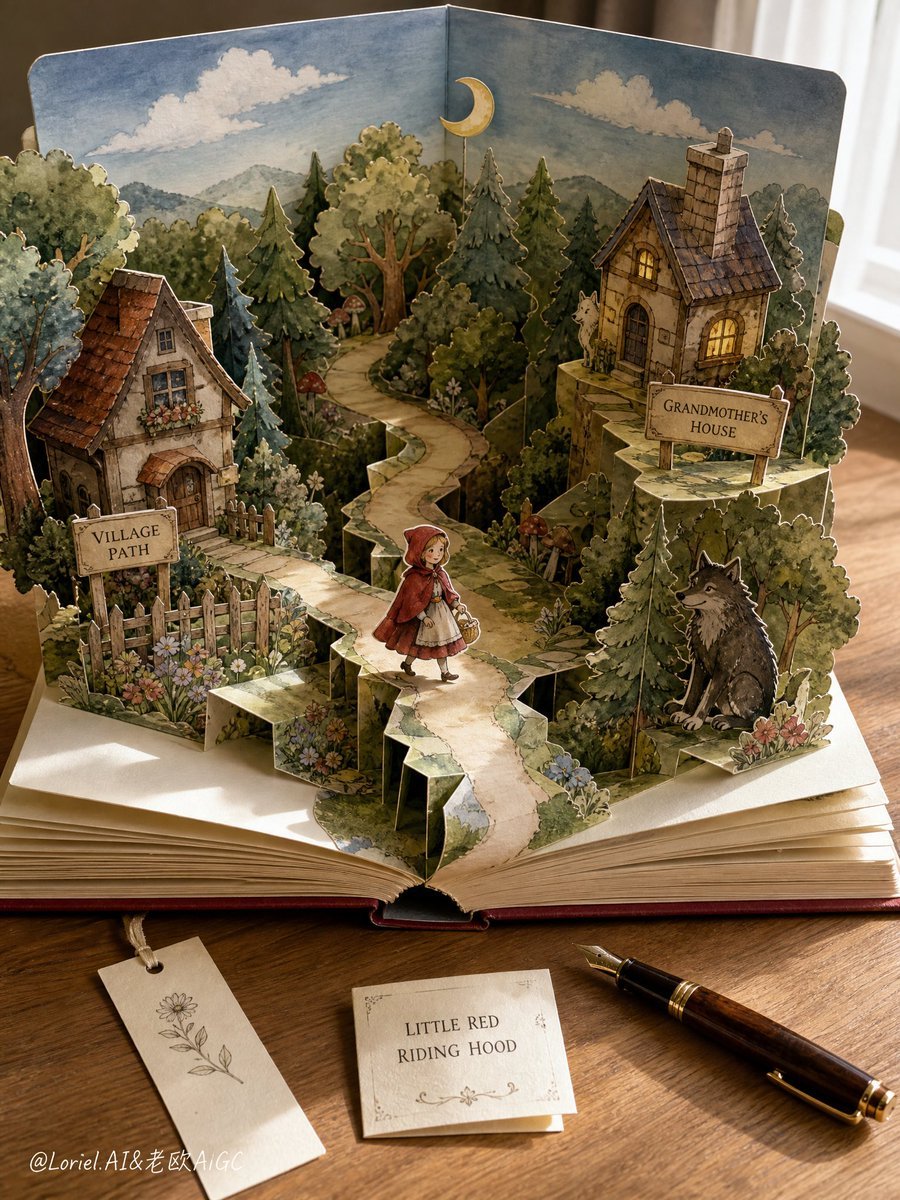
- Prompt included
- Model and format preset
- Premium template
The prompt behind this image
Copy the exact prompt behind Handmade Pop-up Storybook Fairytale Diorama, or open it in the studio and make it yours.
Photorealistic vertical product-style still life of a dramatically engineered handmade pop-up storybook on a clean {argument name="surface" default="wooden tabletop"}, viewed from a {argument name="camera angle" default="slightly overhead"} camera angle, clearly showing the 3D paper construction. The book is open wide at about 110 degrees, thick cream pages spread outward, with tall folded paper walls, accordion supports, V-fold mechanisms, stepped platforms, pull-tab layers, visible fold lines, support tabs, die-cut edges, and layered paper silhouettes casting real shadows across the pages.\n\nMain pop-up scene: a familiar {argument name="theme" default="Little Red Riding Hood fairytale world"} built as a deep multi-layer paper theater. Center foreground: a small adult-storybook-style girl character in a bright red hooded cloak walking on a raised winding paper path, holding a tiny basket, standing as a separate vertical cutout layer. Left side: a cozy village cottage with flower boxes, a wooden fence, and a sign reading “VILLAGE PATH”. Center background: a dense enchanted forest made of many upright tree cutouts in staggered depth planes, overlapping green canopies, mushrooms, wildflowers, and shadowed bushes. Right side: grandmother’s cottage standing on a raised paper platform, warm yellow window glow, stone chimney, and a sign reading “GRANDMOTHER’S HOUSE”. Lower right: a friendly storybook wolf silhouette partly hidden behind layered trees, non-threatening fairytale style. Rear background: pale blue sky, soft clouds, distant hills, and a small moon cutout rising from the book spine.\n\nStrong 3D pop-up emphasis: obvious paper hinges, slot joints, folded tabs, curled page edges, layered gap shadows, cardstock thickness, hand-cut edges, watercolor paper fibers, tiny glue marks, miniature stage depth from front to back. Clean desk environment: uncluttered warm wooden tabletop, one fountain pen placed neatly to the side, one small cream bookmark, one simple folded note card labeled “LITTLE RED RIDING HOOD”, no scattered clutter, no game cartridges, no messy papers. Soft natural window light from the right, gentle shadows, crisp central book scene, shallow depth of field, handcrafted watercolor-and-ink illustration style inside the book, realistic macro photography, nostalgic fairytale diorama, 9:16 vertical composition.
How to use Handmade Pop-up Storybook Fairytale Diorama in 3 steps
- 1
Open
The prompt is already in the box next to the preview, with the template's model and format selected.
- 2…a portrait of your subject in softgolden-hour light, 85mm…
Personalize
Edit the subject and creative details for your destination.
- 3Generate
Generate
Press Generate — your image is created in PicX Studio, so you can compare it with the original and refine one variable at a time.
More like this
Templates with the same subject, style or setup. Open one to see its prompt.
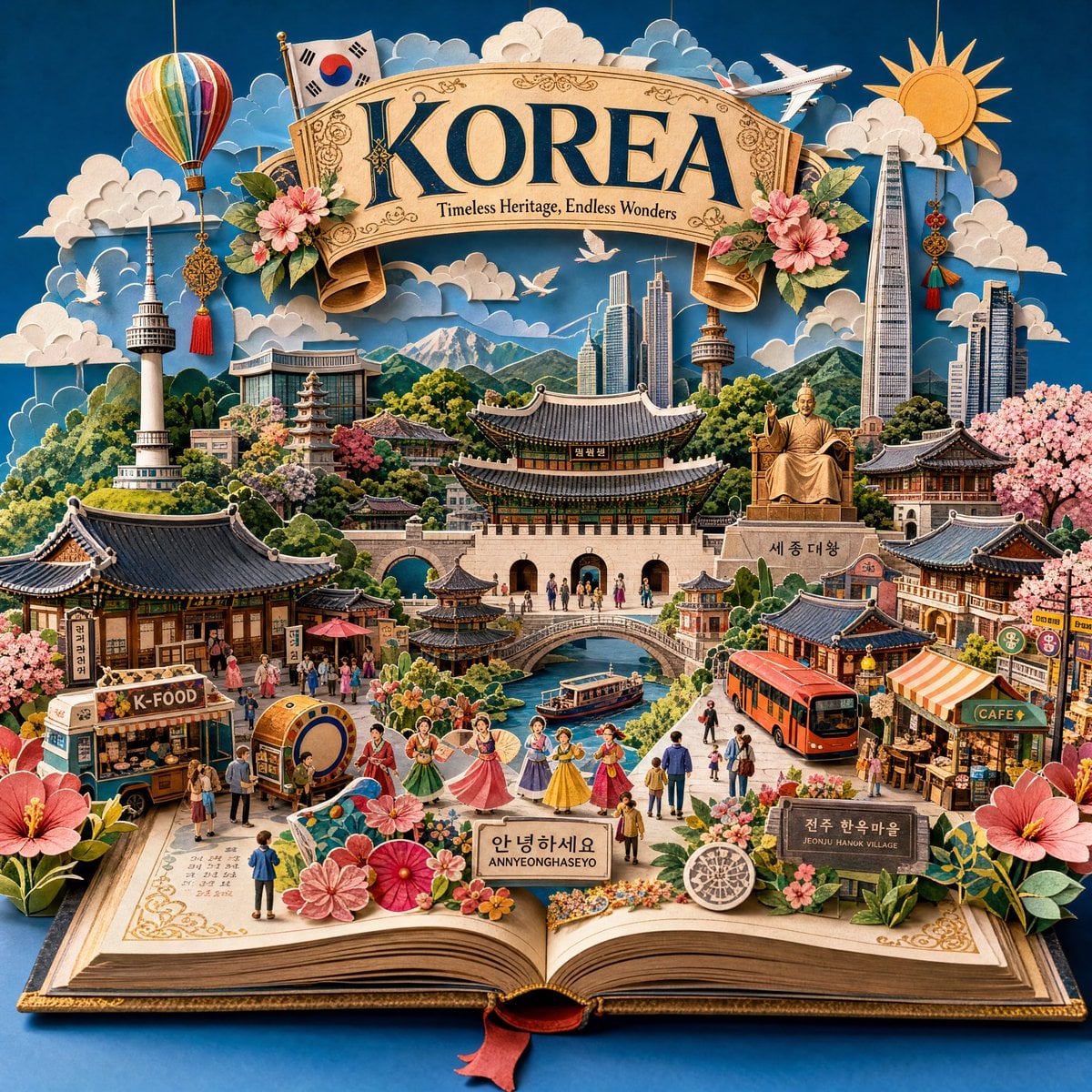
Master Pop-Up Storybook — 3D Paper Engineered Travel Diorama
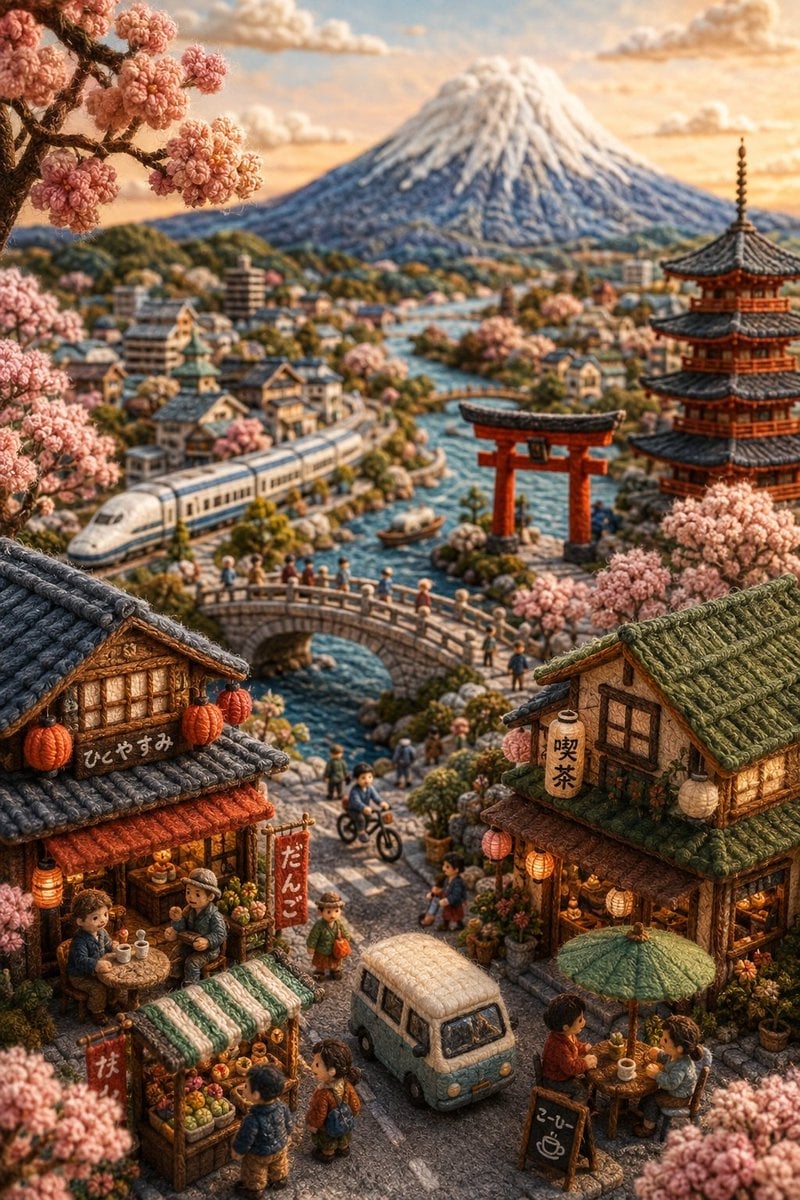
Handmade Miniature Diorama of Japan
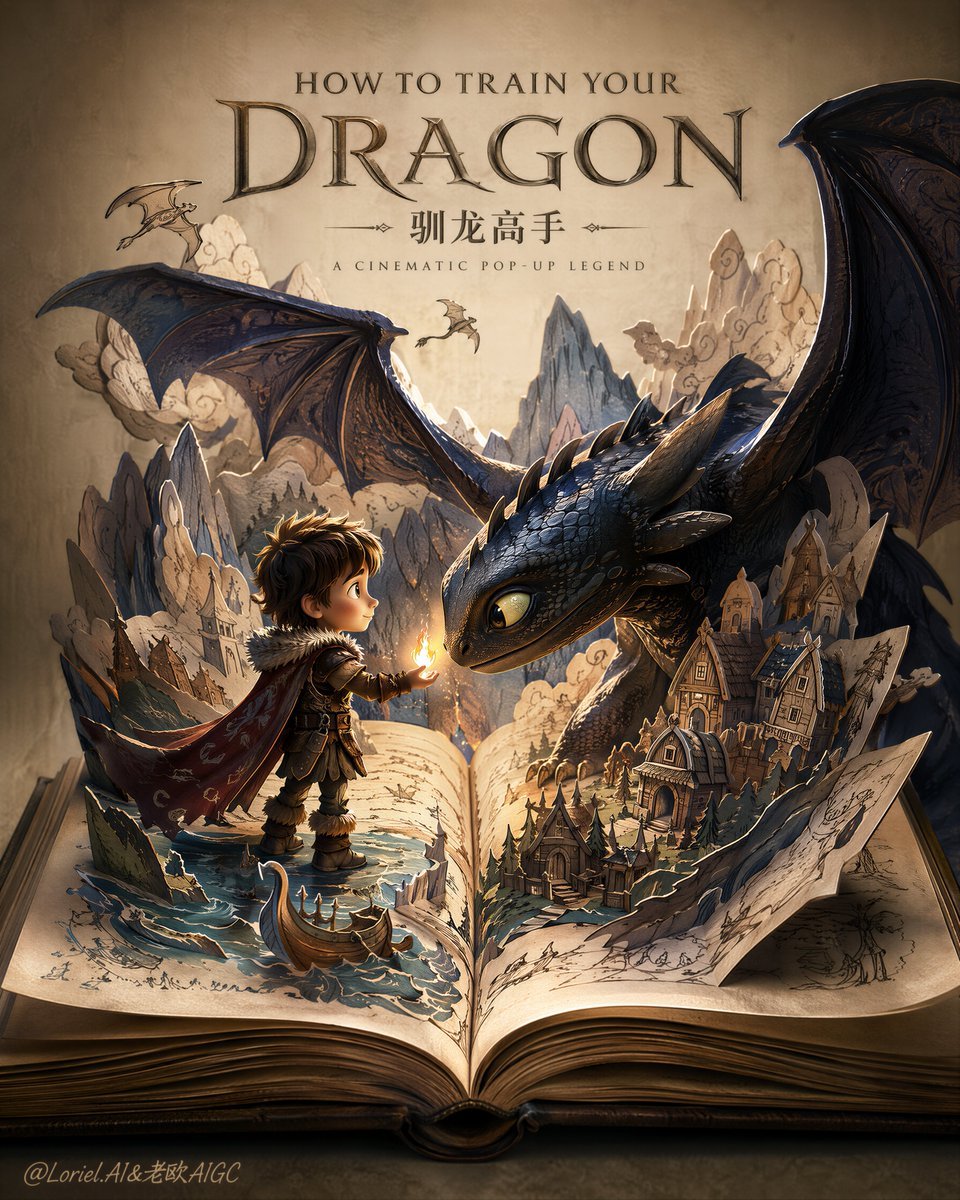
Dragon Pop-Up Storybook Poster

Felt & Knit 3D Character — Photo-Exact Face, Pixar-Quality Plush Figurine

Layered Paper Cut Forest Diorama

Soft Handcrafted Paper-Cut Layered Illustration

Decorative Folk Flat Paper Cut Illustration

Watercolor Anim Finale Fireworks

Watercolor Anim Garden Maze

Watercolor Anim Rooftop Concert

Watercolor Anim Bicycle Coast

Watercolor Anim Castle Gate
Make it yours
Handmade Pop-up Storybook Fairytale Diorama works as-is. These are the safest ways to change it without losing the look.
Change one field
Copy a single group, rewrite it, and generate again so you can see what that field is doing.
Keep the frame, change the subject
Hold the composition and light of Handmade Pop-up Storybook Fairytale Diorama, then swap wardrobe, props or the person for a new take.
| If the result… | Why | Fix |
|---|---|---|
| The result drifts from the preview | Too many fields changed at once. | Reuse Handmade Pop-up Storybook Fairytale Diorama as-is first, then change one group — subject, light, or setting. |
| The model over-stylizes the scene | The prose prompt leaves finish and camera underspecified. | Add one camera or lighting sentence and stay on GPT Image 2. |
More GPT Image 2 templates
Other prompts made for GPT Image 2.

Six VTuber Japanese Logo Sheet

Realistic Portrait of Woman and Deer

The Vista Modular Condo Poster

AI Model Routing Comparison Infographic

2.5D Anime Art Board

Isometric Productivity Desk Scene

New York Double Exposure Poster

Four-Panel AI Landscape Comparison

Japanese Tatami Lifestyle Magazine Cover

NESCAFÉ Coffee Map Poster
More image prompts
Fresh picks from across the catalog.
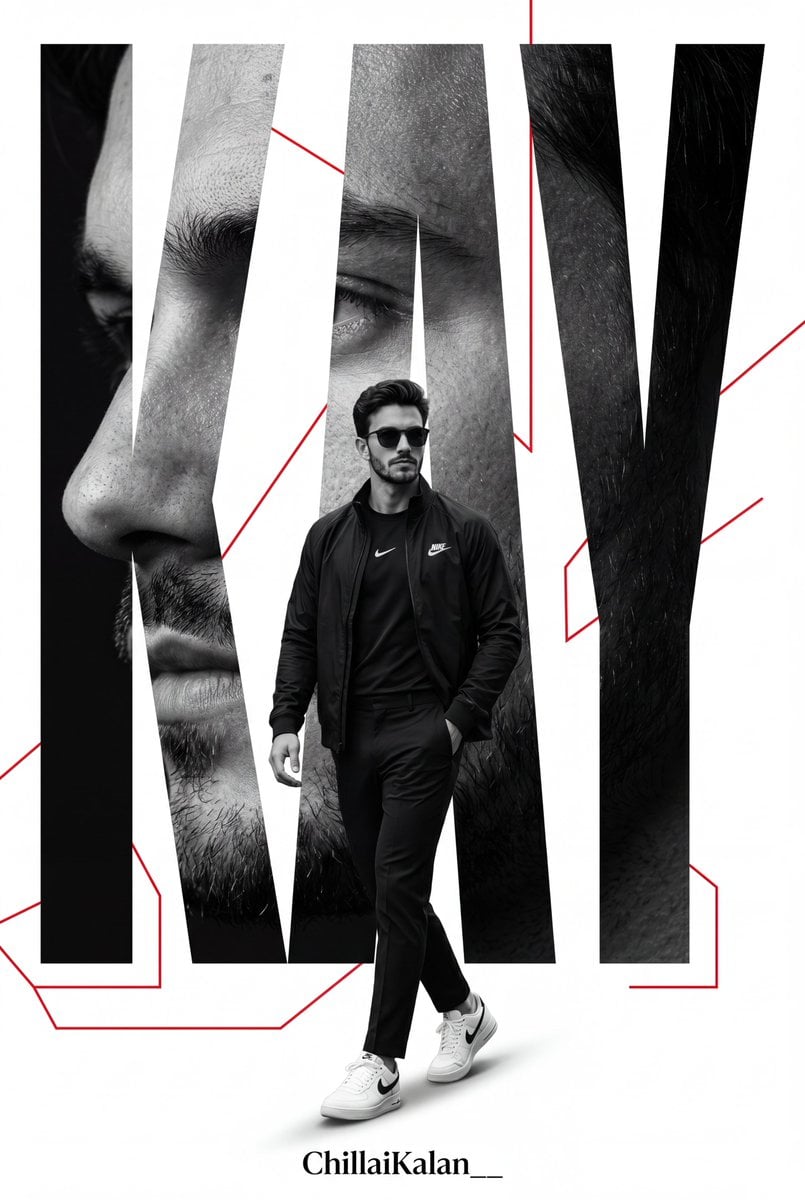
Premium Sports Magazine Poster
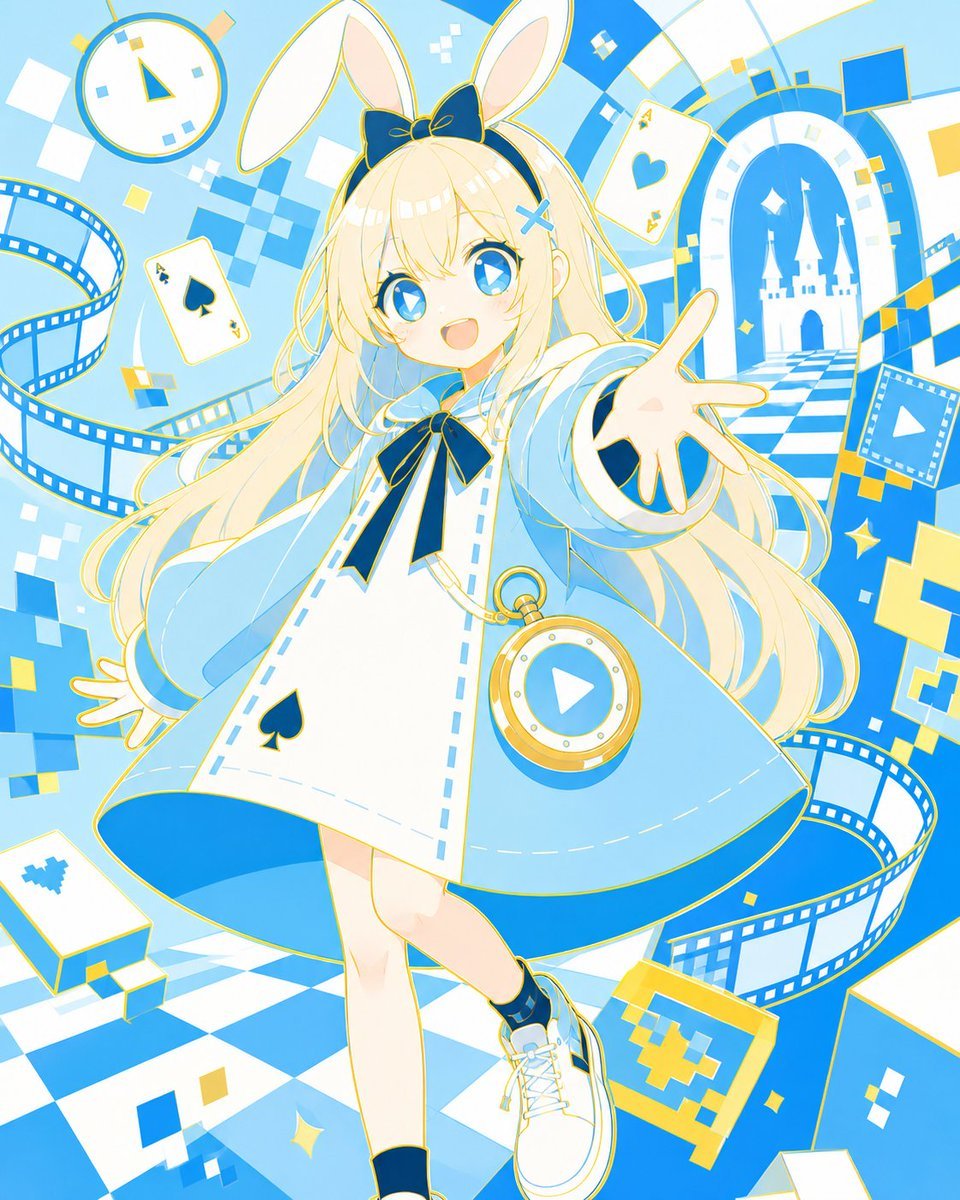
Neo Alice Video Wonderland Anime Poster
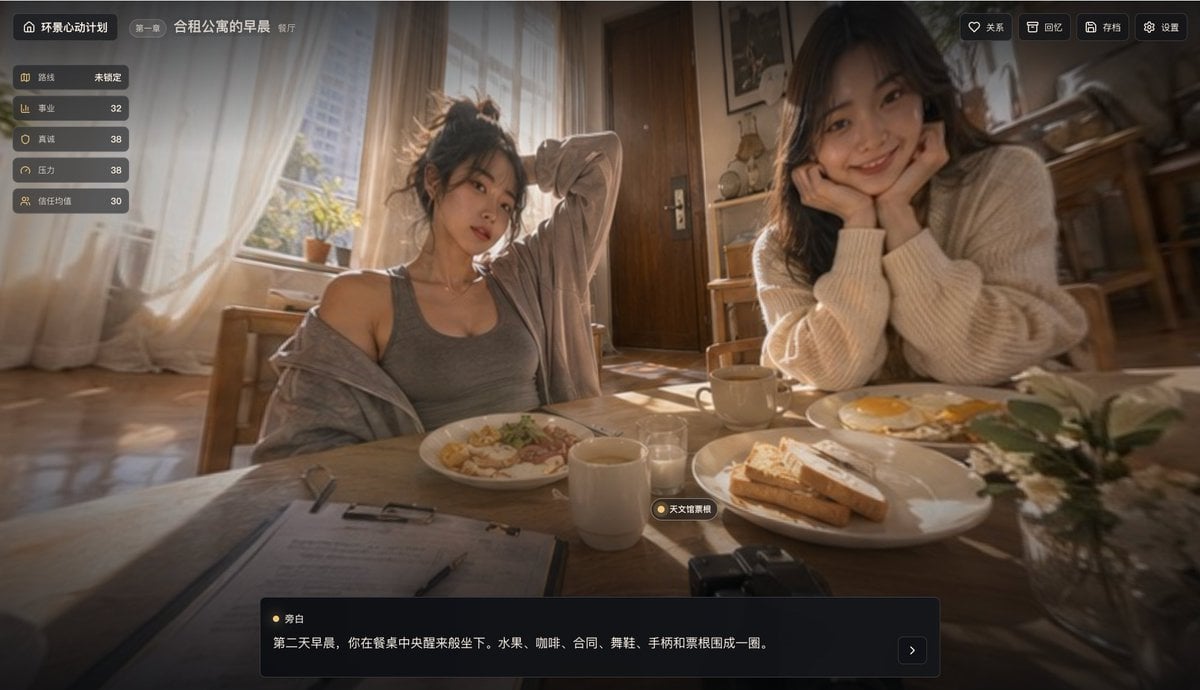
Cinematic Breakfast Dating Sim UI
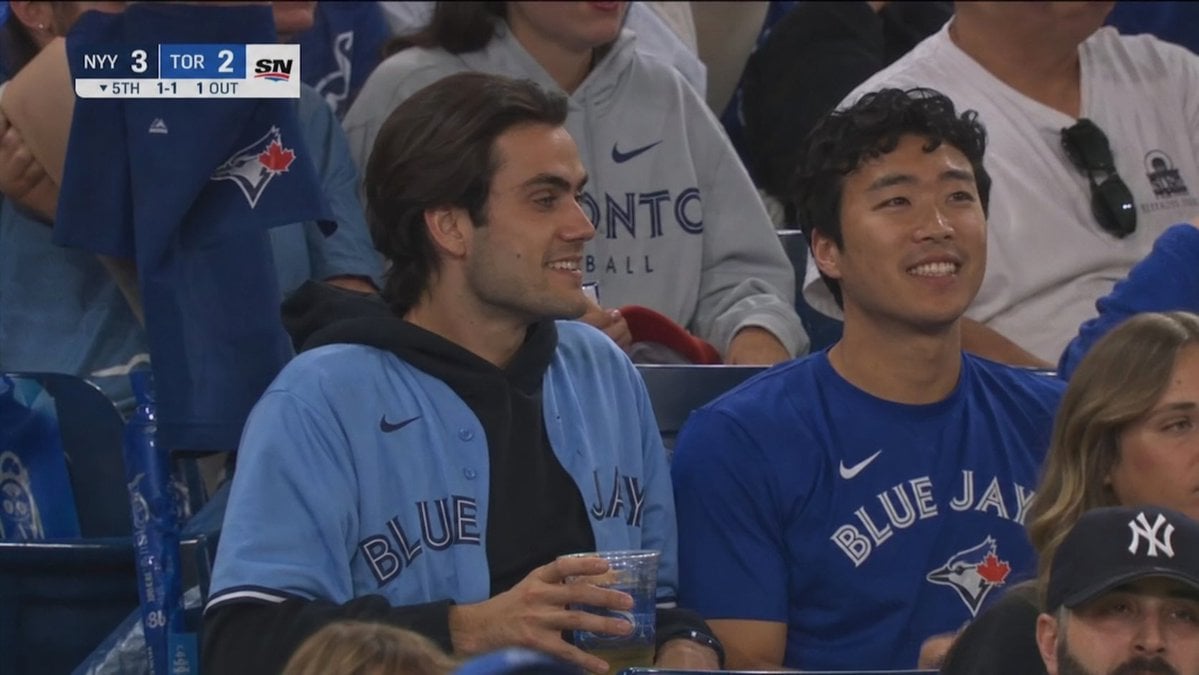
Blue Jays Broadcast Crowd Shot
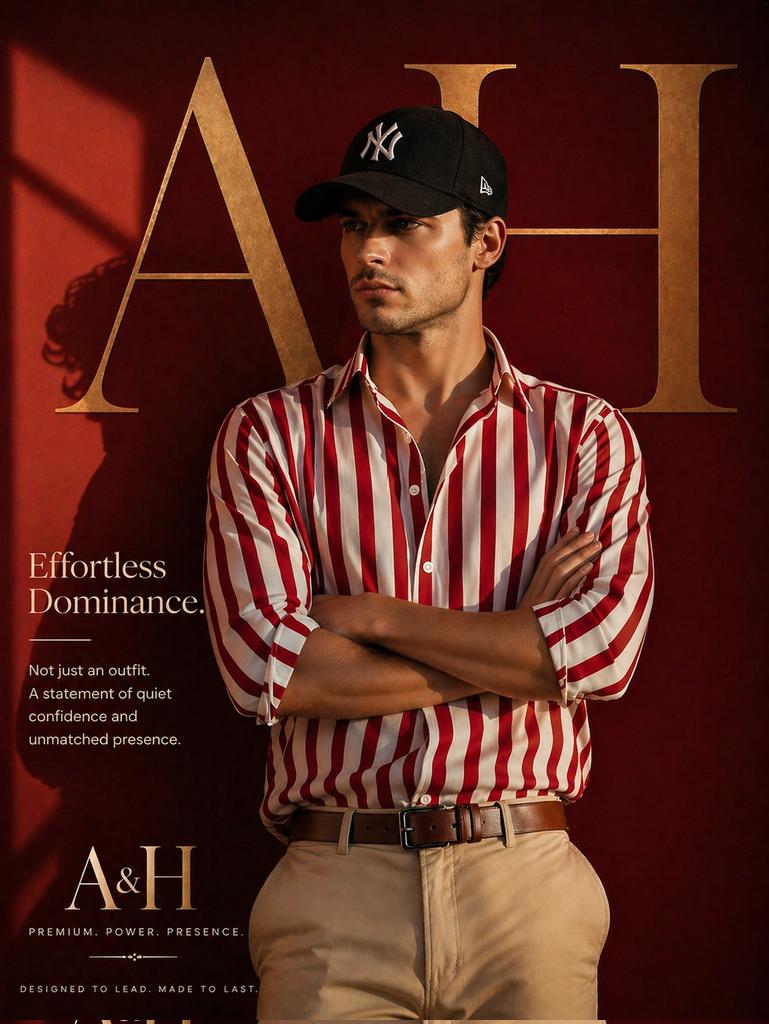
Luxury Fashion Brand Ad
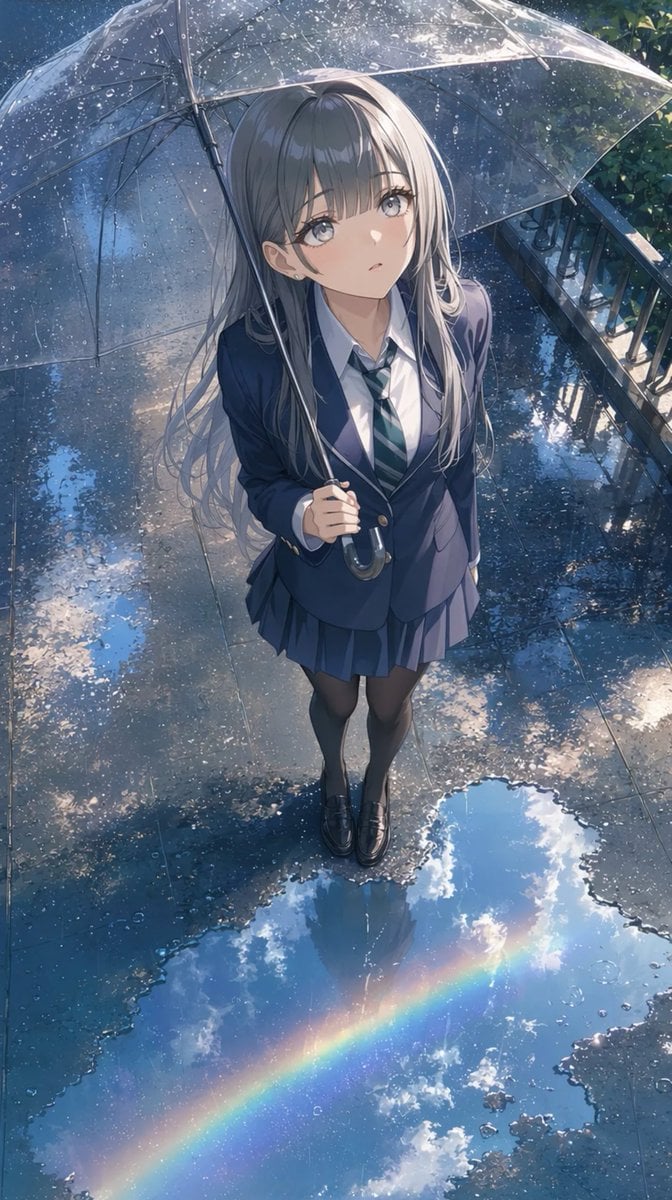
Anime Schoolgirl Under Clear Umbrella
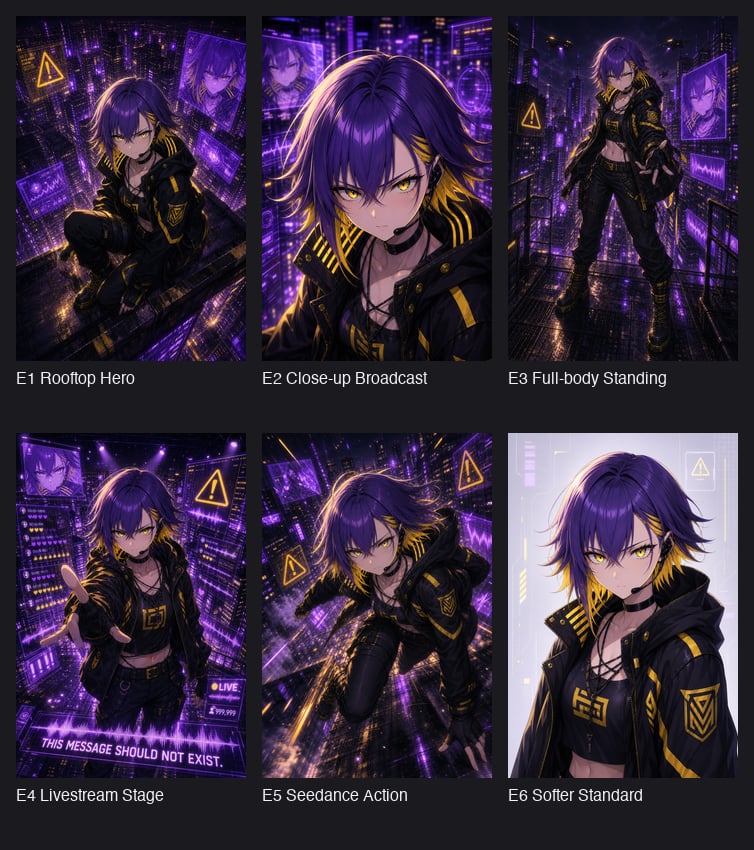
Cyberpunk Anime Hero Contact Sheet
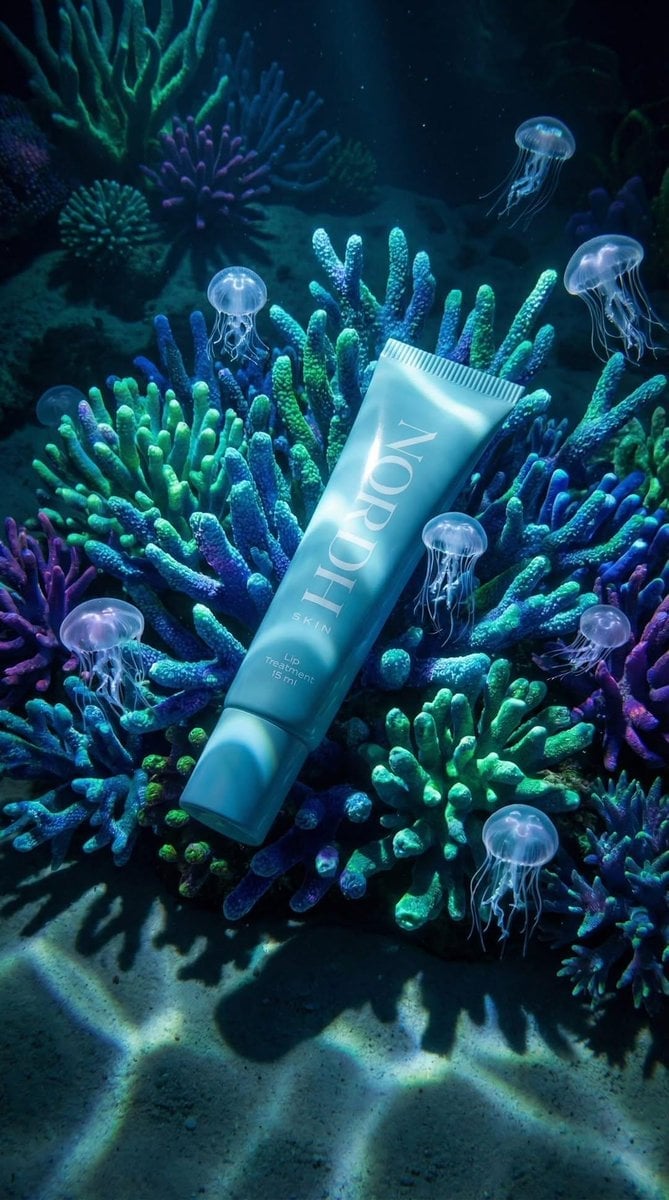
Underwater Luxury Skincare Product Ad
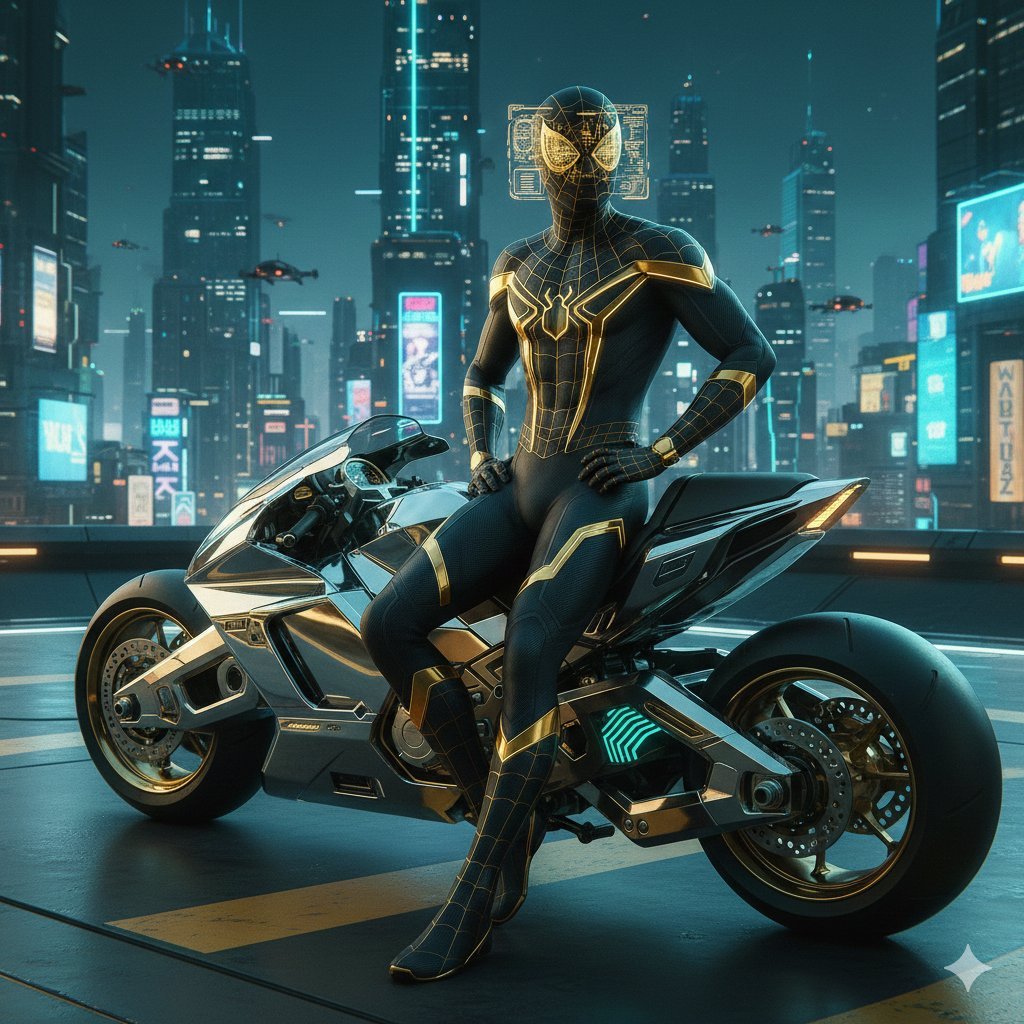
Cyberpunk Spider-Man in Matte Black and Gold
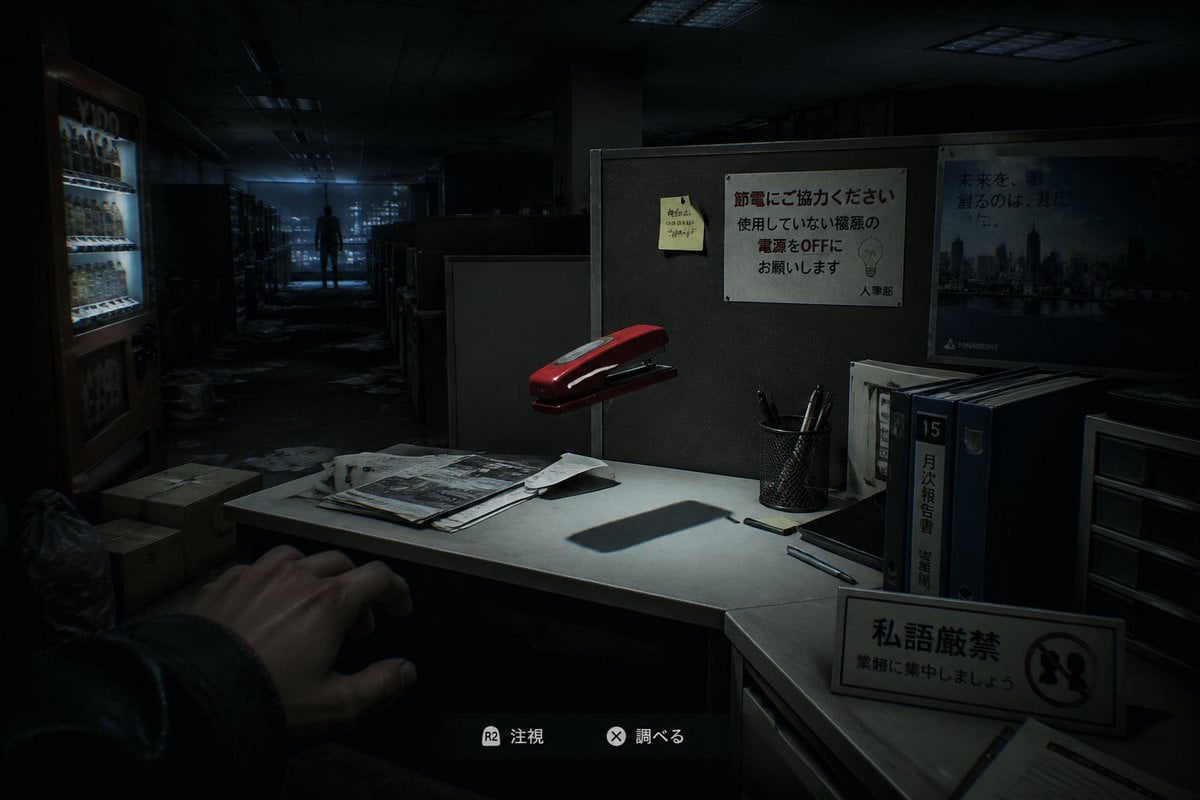
Japanese Office Horror Game Screenshot
Browse template categories
Handmade Pop-up Storybook Fairytale Diorama questions
How do I use the Handmade Pop-up Storybook Fairytale Diorama template?
Add your photo if the template asks for one, edit the prompt if you like — the template's model and format are already selected — and press Generate. Your version opens in PicX Studio.
Can I customize the Handmade Pop-up Storybook Fairytale Diorama template?
Yes. You can change the subject, setting, lighting, mood, format, and available model controls before creating your image.
Is the Handmade Pop-up Storybook Fairytale Diorama template free?
Opening and editing this template is free. Generating uses credits, shown on the Generate button when you are signed in.
Which AI model should I use?
Start with GPT Image 2, which is the model associated with this template. You can compare another compatible model for a different finish.
Looking for something else? Browse all templates.

Your photo, any look
Thousands of ready templates for every top image and video model, from one credit balance.