
Vintage Travel-Journal Scrapbook Page
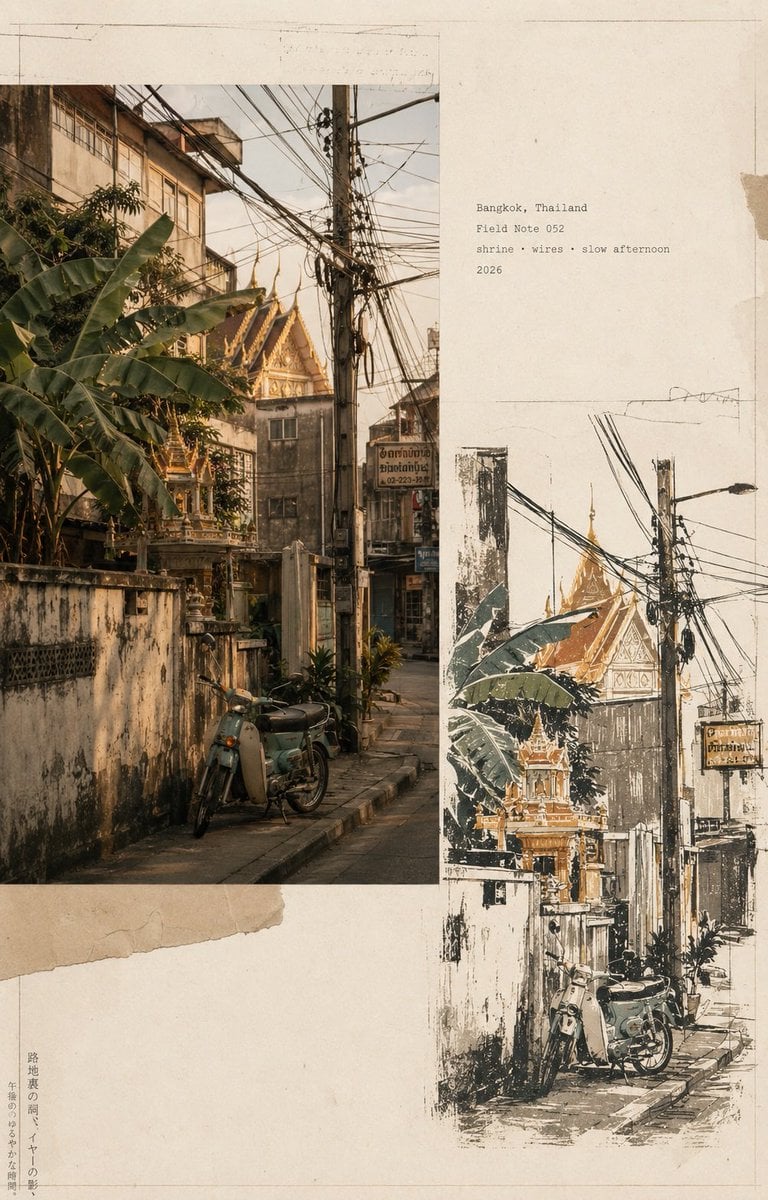
A sophisticated prompt that generates a side-by-side comparison of a photorealistic Bangkok street scene and a minimalist hand-drawn ink illustration, styled as a premium travel zine.
- Prompt included
- Model and format preset
- Free template
The prompt behind this image
Copy the exact prompt behind Vintage Travel-Journal Scrapbook Page, or open it in the studio and make it yours.
Create a premium vintage travel-journal editorial page, vertical 4:5, featuring a warm photorealistic documentary photograph of a quiet {argument name="location" default="Bangkok neighborhood street"} with a {argument name="monument" default="monumental golden Buddha statue"} rising behind modest buildings, tangled overhead electrical wires, concrete utility poles, lush tropical greenery, weathered walls, narrow alleyways, and a {argument name="vehicle" default="small orange-red scooter"} parked in the foreground, captured in soft late-afternoon sunlight with nostalgic analog film grain and slightly faded warm tones; beside it, create a minimalist hand-drawn screen-print illustration of the exact same scene using rough ink outlines, muted olive green, ochre gold, terracotta, charcoal and cream colors, distressed imperfect ink and visible warm ivory paper texture, surrounded by generous negative space, with small elegant monospaced typewriter-style archival text reading “Bangkok, Thailand / No. 035 / temple · alley · everyday / 2026”; sophisticated Japanese travel-zine and vintage scrapbook aesthetic, refined editorial composition, tactile aged paper, subtle printing imperfections, authentic analog character, cohesive photo-to-illustration transformation, understated typography, cinematic yet natural, high detail, premium magazine design, no watermark, no logos, no unnecessary elements.
How to use Vintage Travel-Journal Scrapbook Page in 3 steps
- 1
Open
The prompt is already in the box next to the preview, with the template's model and format selected.
- 2…a portrait of your subject in softgolden-hour light, 85mm…
Personalize
Edit the subject and creative details for your destination.
- 3Generate
Generate
Press Generate — your image is created in PicX Studio, so you can compare it with the original and refine one variable at a time.
More like this
Templates with the same subject, style or setup. Open one to see its prompt.

Japan Travel Brochure Poster
Vintage Travel Journal Collage
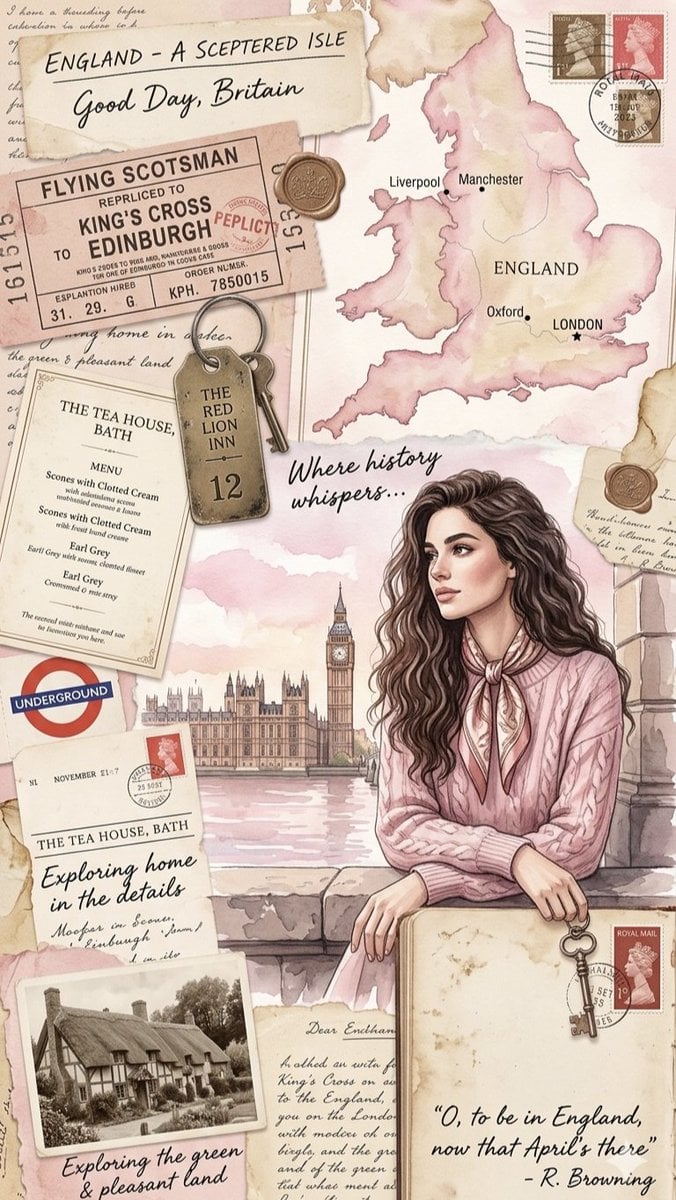
Vintage England Travel Scrapbook

Premium Vintage Travel Poster Landscape
Premium Vintage Travel Poster Landscape
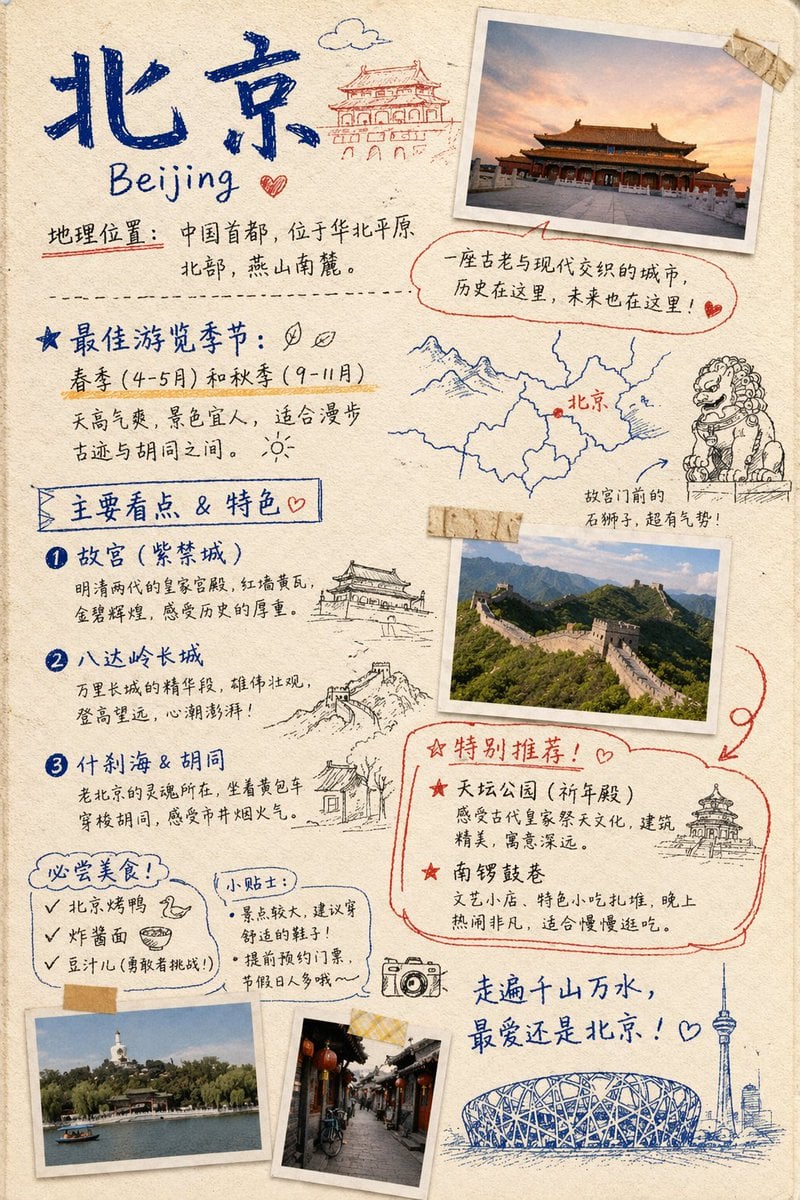
Travel Journal Scrapbook Infographic
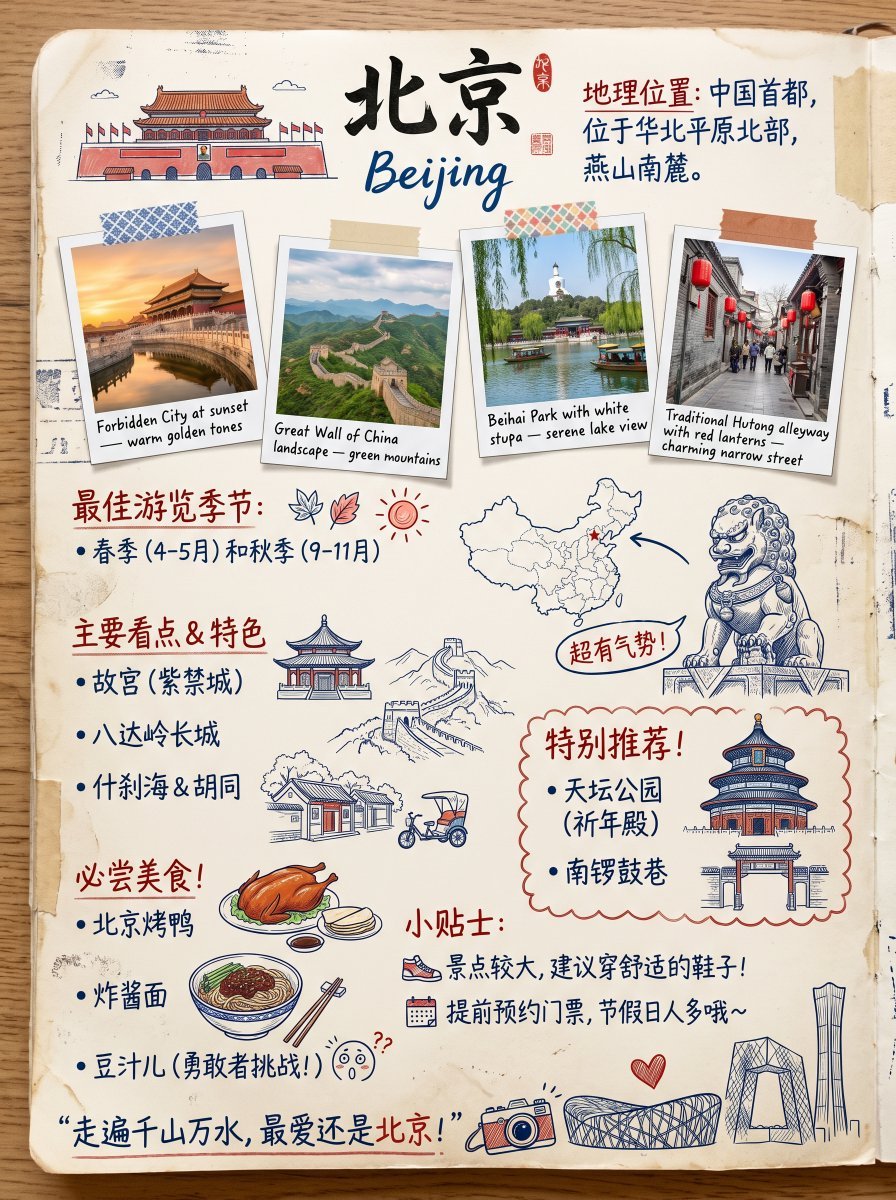
Vintage Beijing Travel Scrapbook Poster

Kids Crayon Travel Journal Illustration

Sunday Afternoon, 1988

Two Tickets, One Night

If We Met in 1985

Found Photograph: Us, 1970
Make it yours
Vintage Travel-Journal Scrapbook Page works as-is. These are the safest ways to change it without losing the look.
Change one field
Copy a single group, rewrite it, and generate again so you can see what that field is doing.
Keep the frame, change the subject
Hold the composition and light of Vintage Travel-Journal Scrapbook Page, then swap wardrobe, props or the person for a new take.
| If the result… | Why | Fix |
|---|---|---|
| The result drifts from the preview | Too many fields changed at once. | Reuse Vintage Travel-Journal Scrapbook Page as-is first, then change one group — subject, light, or setting. |
| The model over-stylizes the scene | The prose prompt leaves finish and camera underspecified. | Add one camera or lighting sentence and stay on GPT Image 2. |
More GPT Image 2 templates
Other prompts made for GPT Image 2.

Six VTuber Japanese Logo Sheet

Realistic Portrait of Woman and Deer

The Vista Modular Condo Poster

AI Model Routing Comparison Infographic

2.5D Anime Art Board

Isometric Productivity Desk Scene

New York Double Exposure Poster

Four-Panel AI Landscape Comparison

Japanese Tatami Lifestyle Magazine Cover

NESCAFÉ Coffee Map Poster
More image prompts
Fresh picks from across the catalog.
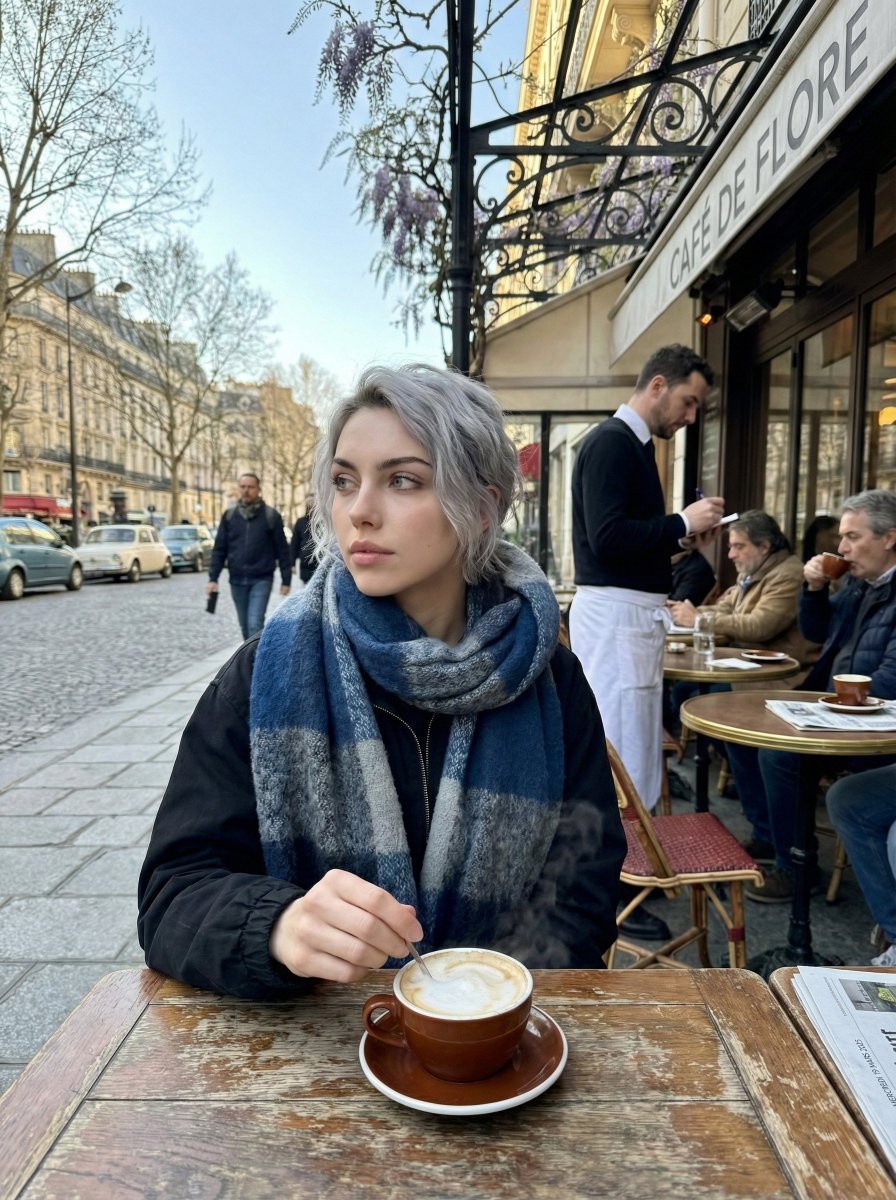
Paris Marais cafe terrace portrait prompt

Stylized 3D Cartoon Character Portraits
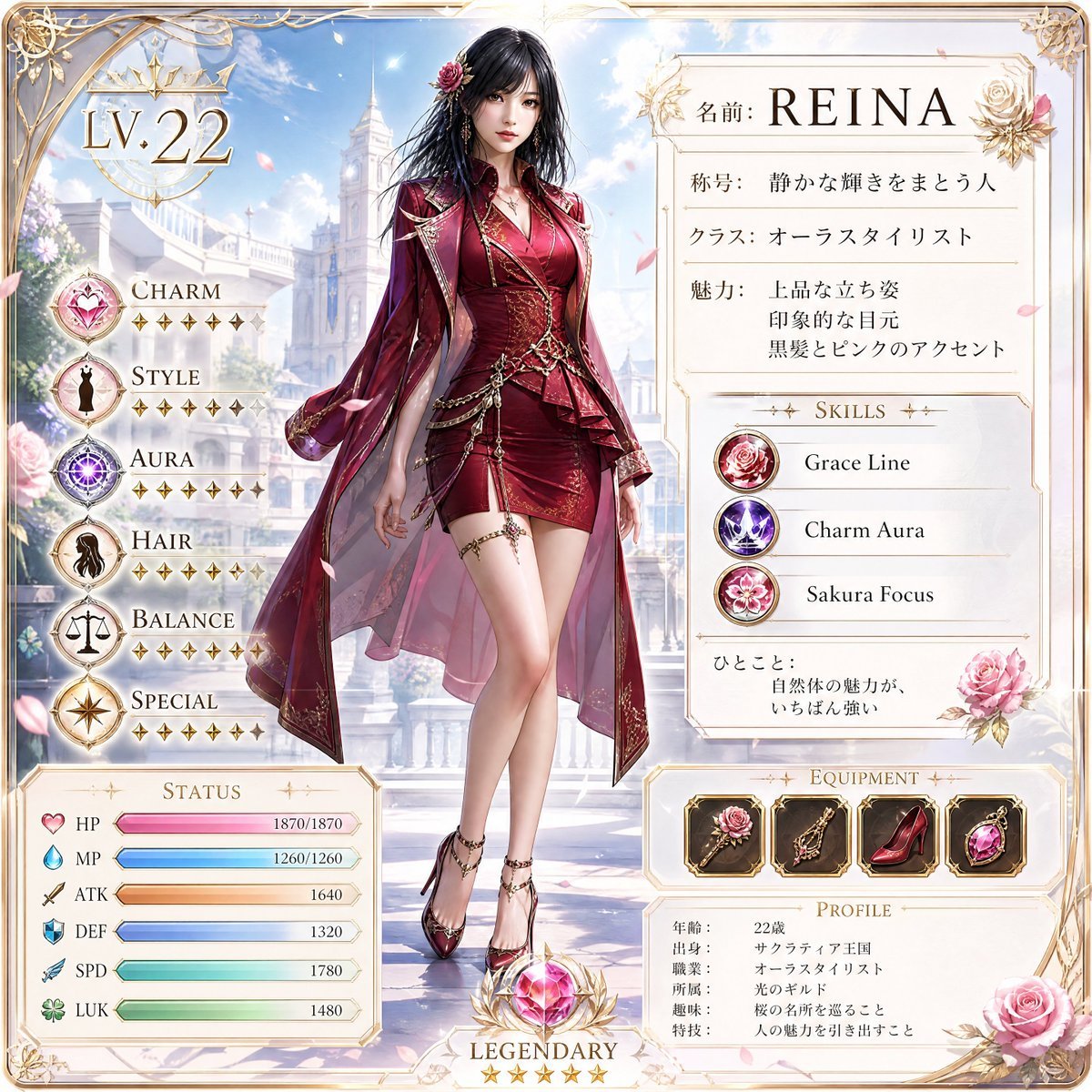
Premium RPG Character Card UI
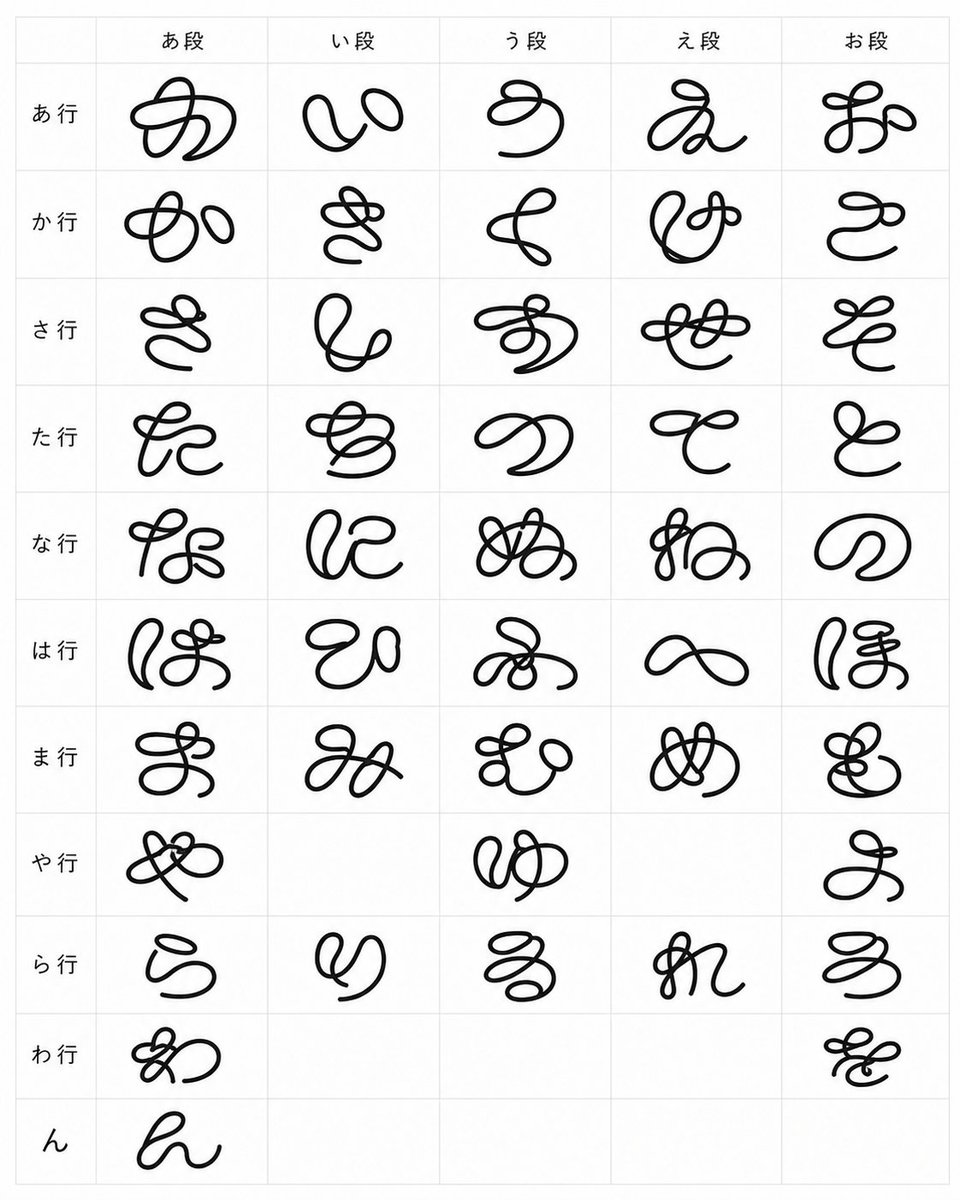
Looped Hiragana Font Chart
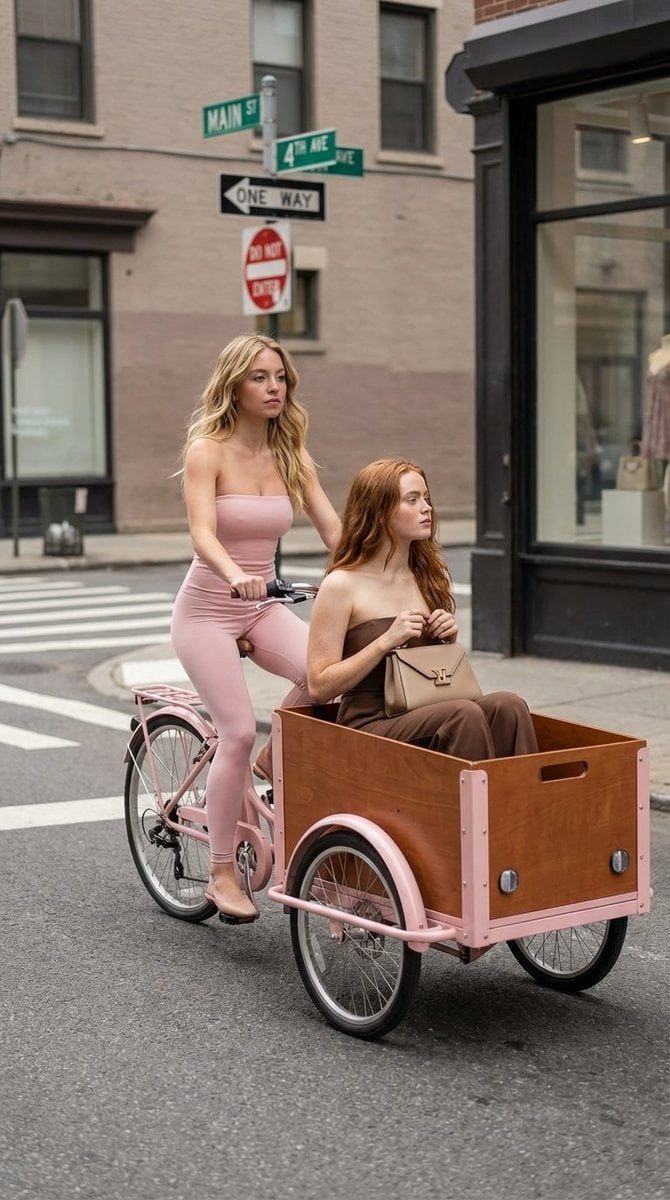
High Fashion Street Photography on a Pink Cargo Bike
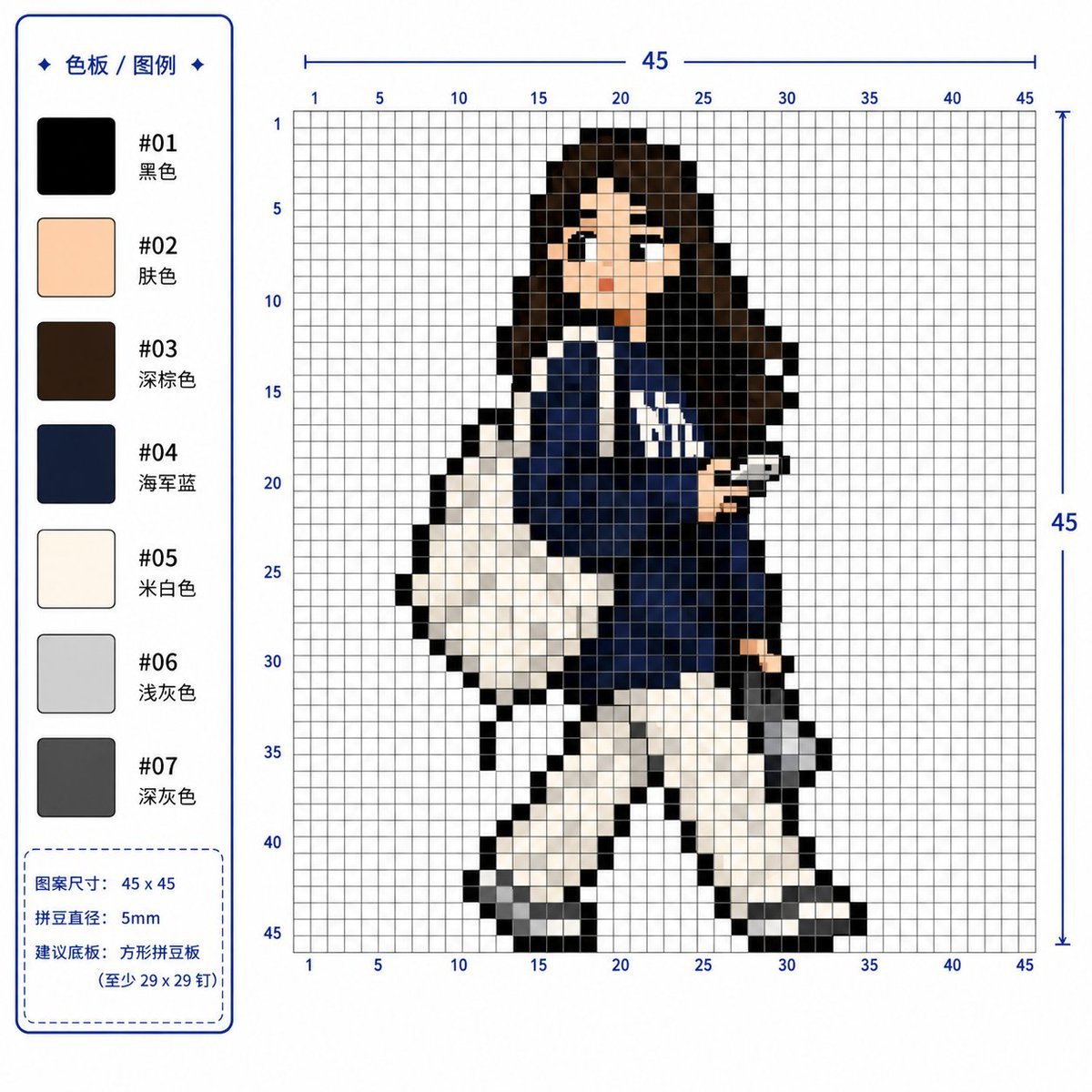
Professional 2D Perler Bead Pattern Design
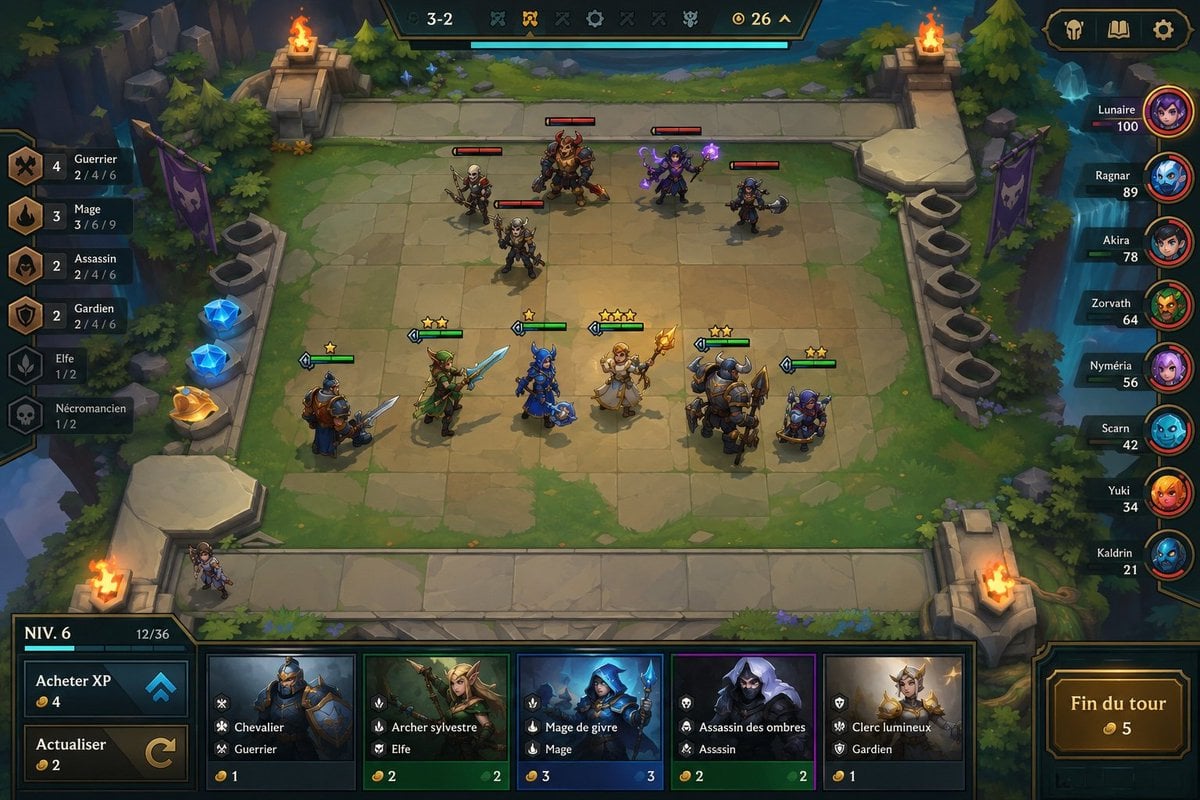
Fantasy Auto-Battler Gameplay UI

Anime Fox Girl Reaching for a Hug
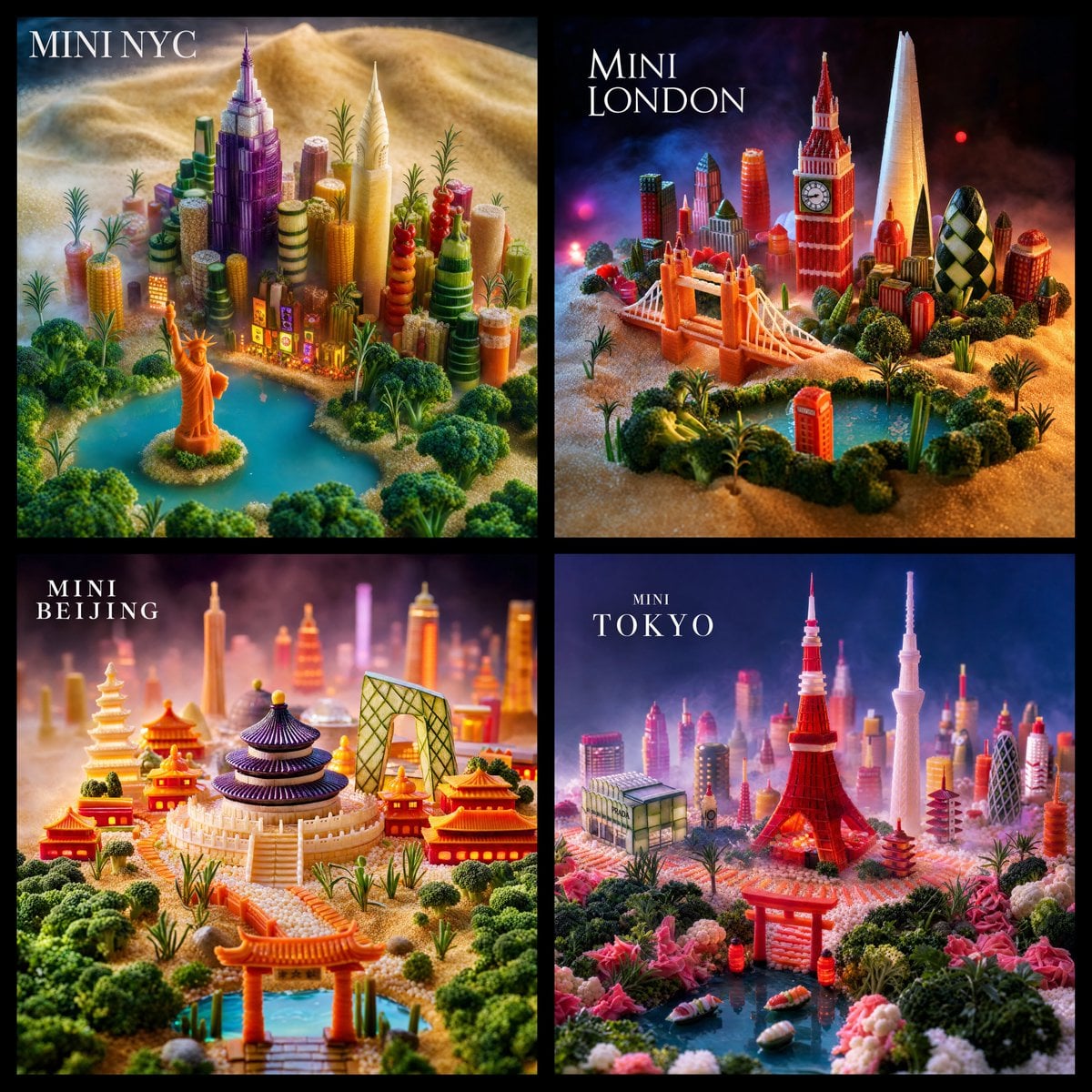
Mini World Foodscape Grid

Futuristic Sakura Itasha Supercar
Browse template categories
Vintage Travel-Journal Scrapbook Page questions
How do I use the Vintage Travel-Journal Scrapbook Page template?
Add your photo if the template asks for one, edit the prompt if you like — the template's model and format are already selected — and press Generate. Your version opens in PicX Studio.
Can I customize the Vintage Travel-Journal Scrapbook Page template?
Yes. You can change the subject, setting, lighting, mood, format, and available model controls before creating your image.
Is the Vintage Travel-Journal Scrapbook Page template free?
Opening and editing this template is free. Generating uses credits, shown on the Generate button when you are signed in.
Which AI model should I use?
Start with GPT Image 2, which is the model associated with this template. You can compare another compatible model for a different finish.
Looking for something else? Browse all templates.

Your photo, any look
Thousands of ready templates for every top image and video model, from one credit balance.