
Paris Café Travel Scrapbook Collage
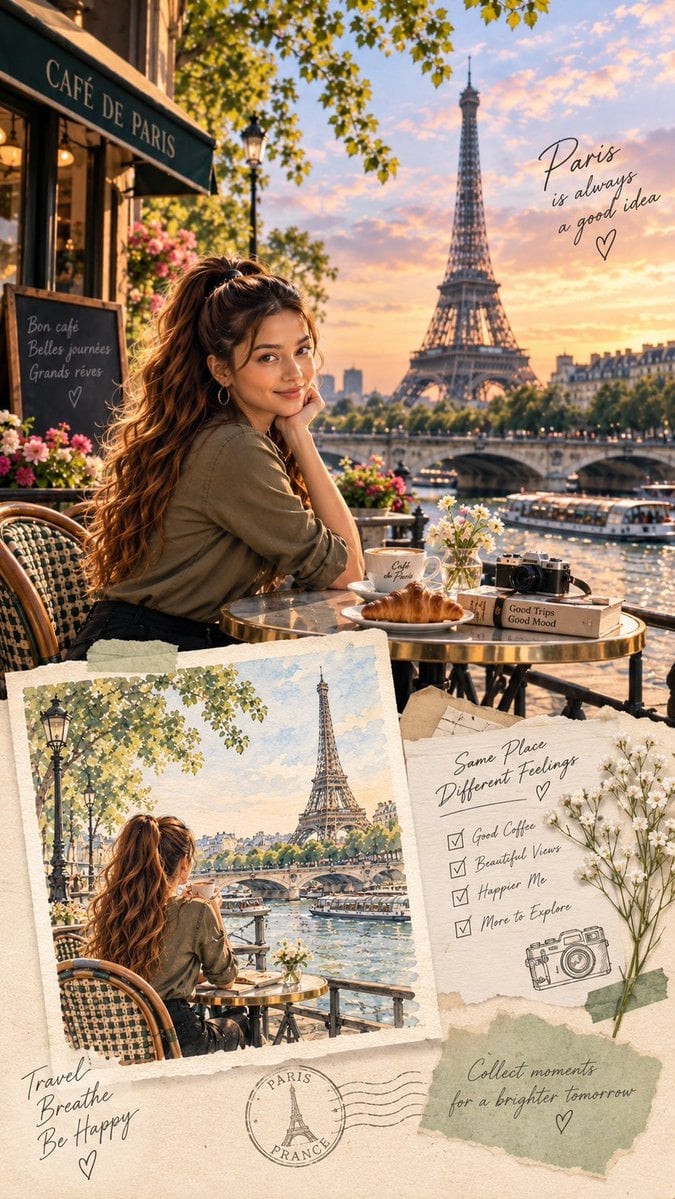
Generates a romantic vertical Paris travel-journal collage featuring a woman at a Seine-side café with Eiffel Tower views and handwritten scrapbook details.
- Prompt included
- Model and format preset
- Free template
The prompt behind this image
Copy the exact prompt behind Paris Café Travel Scrapbook Collage, or open it in the studio and make it yours.
Goal: Create a premium vertical 9:16 Paris travel-journal scrapbook collage with a warm, cinematic editorial aesthetic, featuring {argument name="character description" default="a stylish young woman with long naturally wavy dark-brown hair in a high ponytail, soft glam makeup, hoop earrings, olive button-up shirt, and black jeans"} at a Paris café by the Seine during golden hour. Canvas: Vertical 9:16 composition, high-resolution, layered scrapbook poster. Use warm sunset light, creamy beige paper textures, soft shadows, elegant travel-magazine color grading, and realistic paper collage depth. Main scene: The upper two-thirds is a photorealistic cinematic café terrace beside the Seine River. The woman sits at a small round brass café table, leaning her cheek on one hand and smiling gently toward the viewer. Behind her are the Eiffel Tower, the Seine, an arched bridge, river boats, Parisian buildings, leafy tree branches, and a glowing pastel orange-pink sunset sky. At the far left, include a black-green café awning reading {argument name="cafe awning text" default="CAFÉ DE PARIS"}, a chalkboard sign, flower boxes with pink flowers, warm interior café lights, and classic woven bistro chairs. Visible table items: Include exactly 6 discrete tabletop items in the main scene: 1 white coffee cup with small Paris café lettering, 1 saucer, 1 croissant on a plate, 1 small glass vase with white daisies, 1 vintage black camera, and 1 beige travel book labeled “Good Trips Good Mood.” Scrapbook lower section: The bottom third becomes a tactile collage on textured cream paper. Include exactly 4 layered paper elements: 1 large watercolor-style postcard/photo print on the lower left, 1 torn checklist note on the lower right, 1 muted sage-green torn paper patch beneath the checklist, and 1 Paris postal stamp graphic near the lower center. Add subtle tape, deckled edges, wrinkles, and shadows. Inset postcard image: The lower-left print shows the same woman from behind at the same café table, looking toward the Eiffel Tower across the Seine. Render it as a watercolor/travel sketch with soft paper texture, deckled border, muted pastel colors, lamp posts, leafy branches, boats, bridge, and Paris skyline. Checklist note: On the torn note at lower right, handwrite the heading {argument name="checklist heading" default="Same Place Different Feelings"}. Include exactly 4 checked checklist items: “Good Coffee,” “Beautiful Views,” “Happier Me,” and “More to Explore.” Add a simple line drawing of a camera beneath the checklist and a taped sprig of tiny white flowers along the right edge. Handwritten text elements: Add exactly 6 separate handwritten/printed text areas across the collage: 1 café awning text “CAFÉ DE PARIS,” 1 chalkboard phrase “Bon café / Belles journées / Grands rêves” with a small heart, 1 upper-right quote {argument name="upper right quote" default="Paris is always a good idea"} with a heart, 1 lower-left note “Travel / Breathe / Be Happy” with a heart, 1 lower-right checklist heading and four checked items, and 1 bottom quote {argument name="bottom quote" default="Collect moments for a brighter tomorrow"} with a heart. Also include 1 circular postal stamp reading “PARIS FRANCE” with an Eiffel Tower icon and wavy postmark lines. Visual style: Blend photorealistic luxury travel photography in the main scene with handcrafted scrapbook textures below. Use golden-hour highlights, shallow depth of field, romantic Paris atmosphere, soft bokeh, natural skin tones, realistic reflections on the table and river, and delicate black handwritten script. Constraints: Keep the composition elegant and uncluttered, preserve the exact counts of objects and text areas, make all text legible, avoid extra people in the foreground, avoid watermarks or logos, and maintain a cohesive beige, sage, pink, brass, and sunset-gold palette.
How to use Paris Café Travel Scrapbook Collage in 3 steps
- 1Upload ImagePNG, JPG or paste
Add your photo
Upload the photo the template builds on. The prompt, model and format are already set.
- 2…a portrait of your subject in softgolden-hour light, 85mm…
Personalize
Edit the subject and creative details for your destination.
- 3Generate
Generate
Press Generate — your image is created in PicX Studio, so you can compare it with the original and refine one variable at a time.
More like this
Templates with the same subject, style or setup. Open one to see its prompt.

Paris Travel Collage Grid - Face Reference

Travel Poster Graphic Collage

Paper Cut Cafe Morning

Nano Banana - Paris Cafe Editorial

Japan Travel Brochure Poster
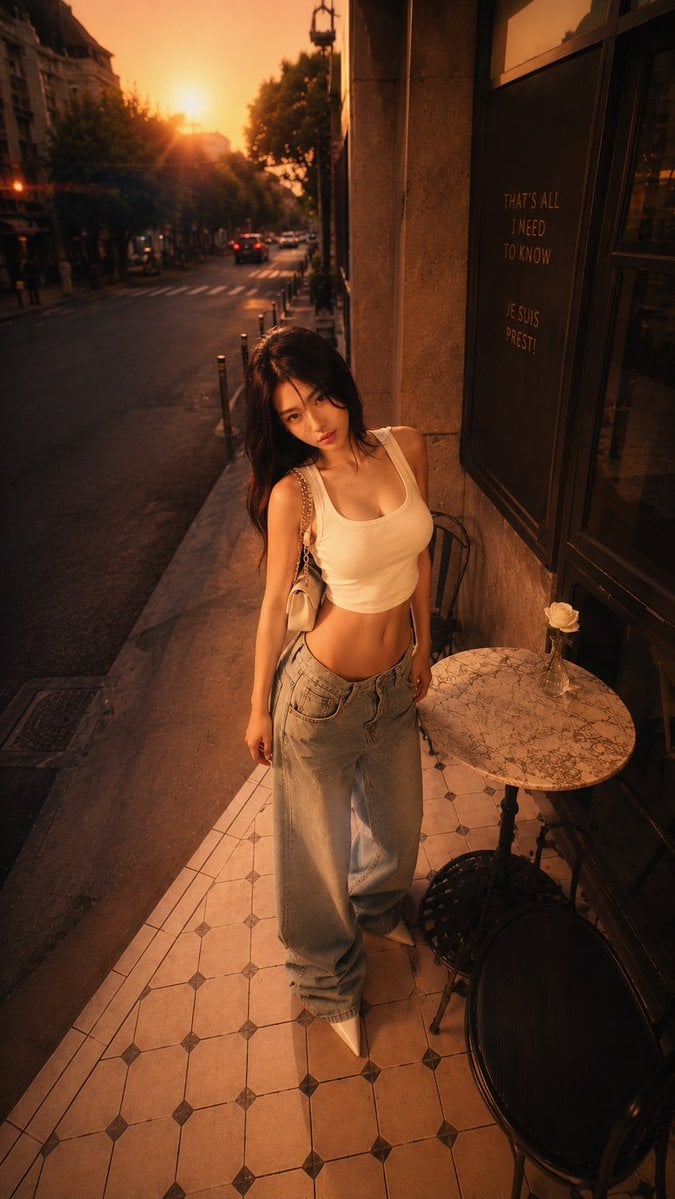
Golden Hour Paris Café Portrait
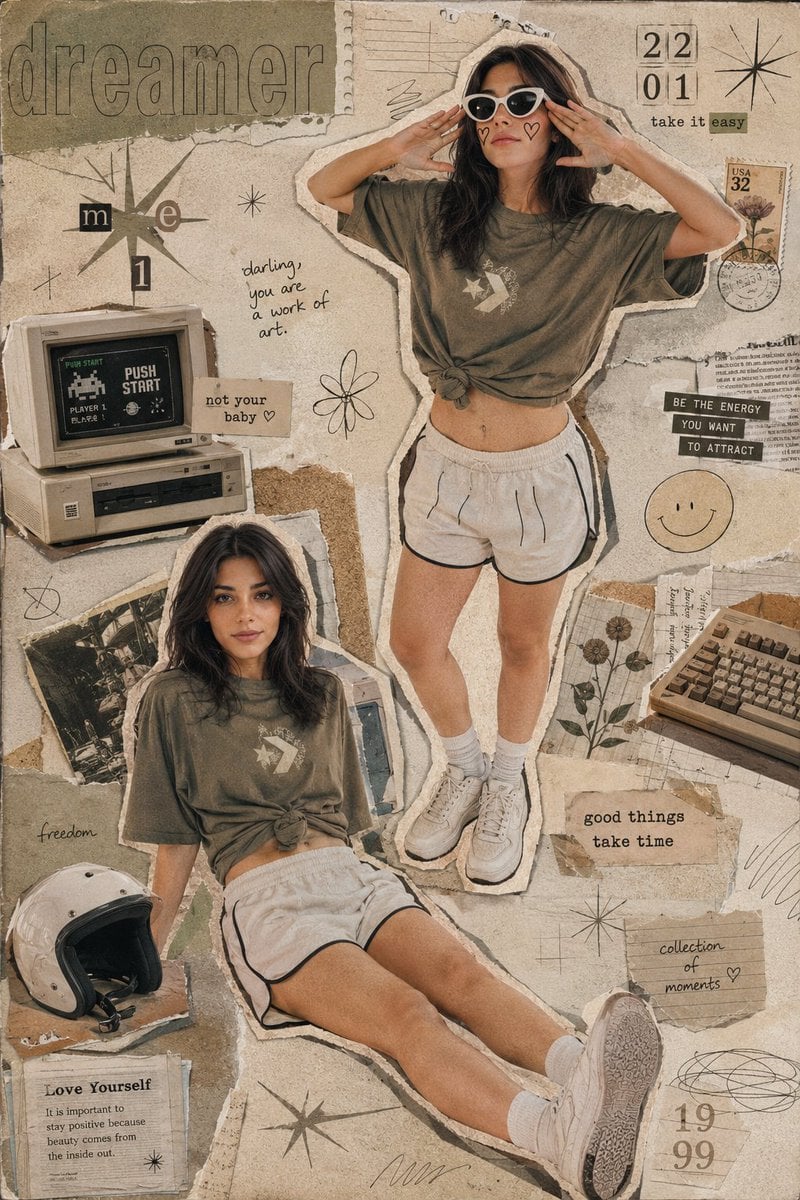
Y2K Retro Scrapbook Collage Poster
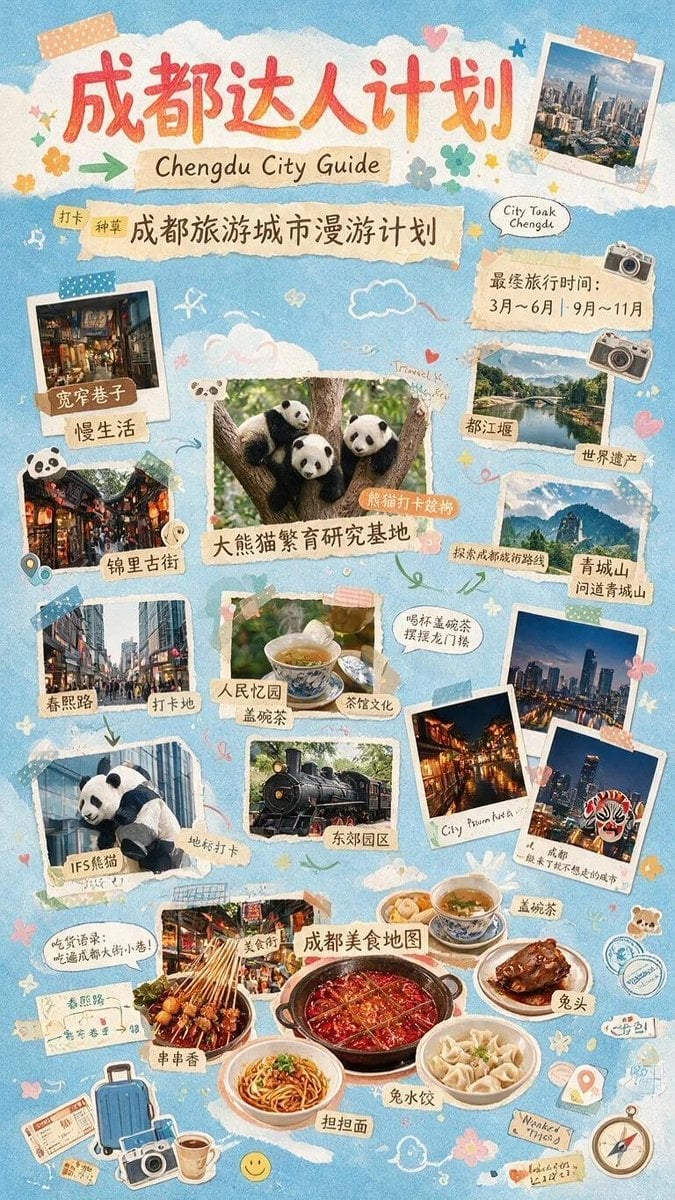
Chengdu Scrapbook Travel Guide Poster
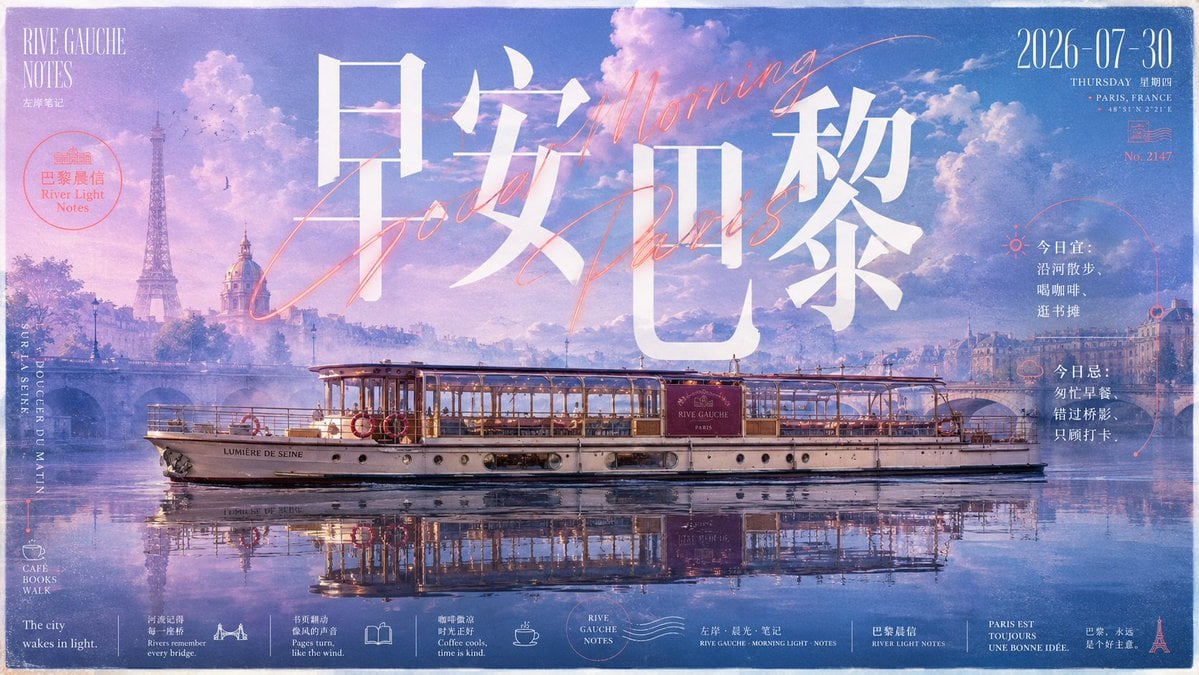
Paris Morning Travel Poster
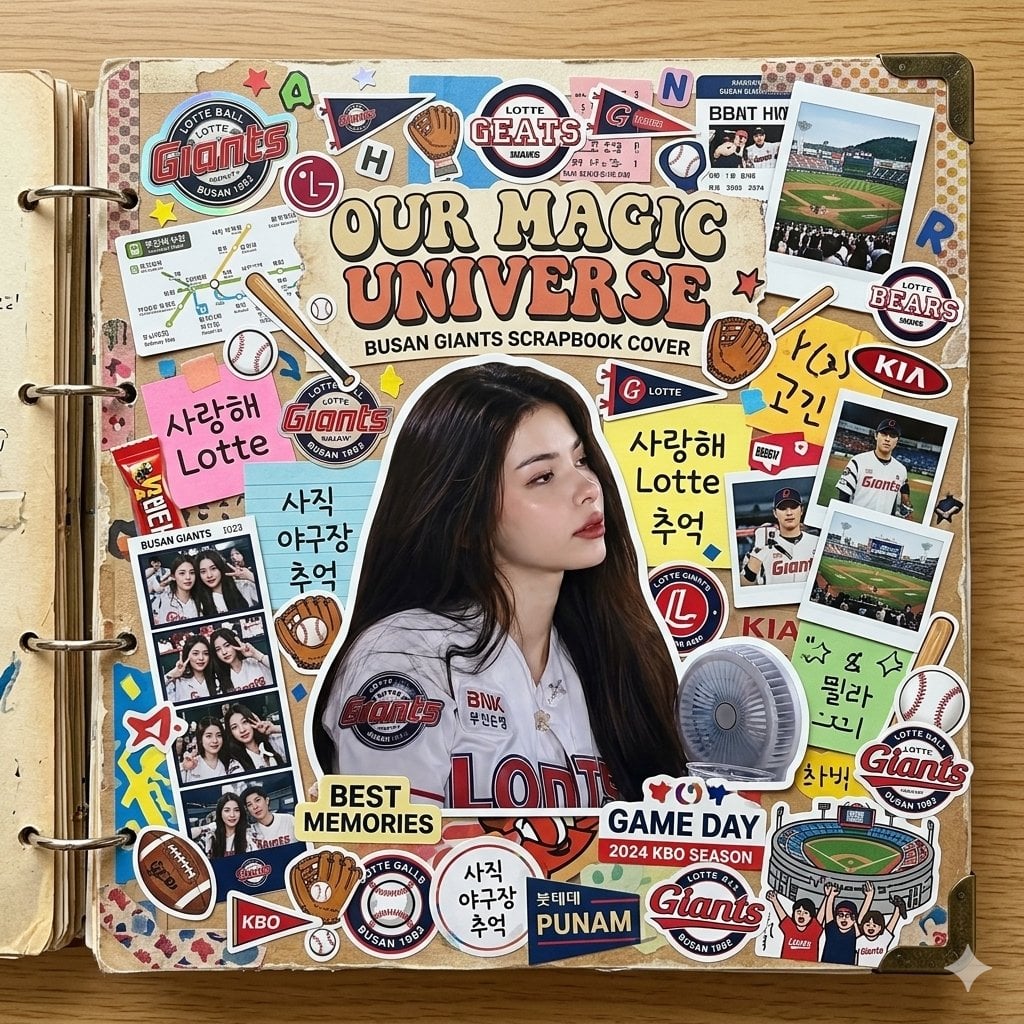
Scrapbook Cover Sticker Collage Effect
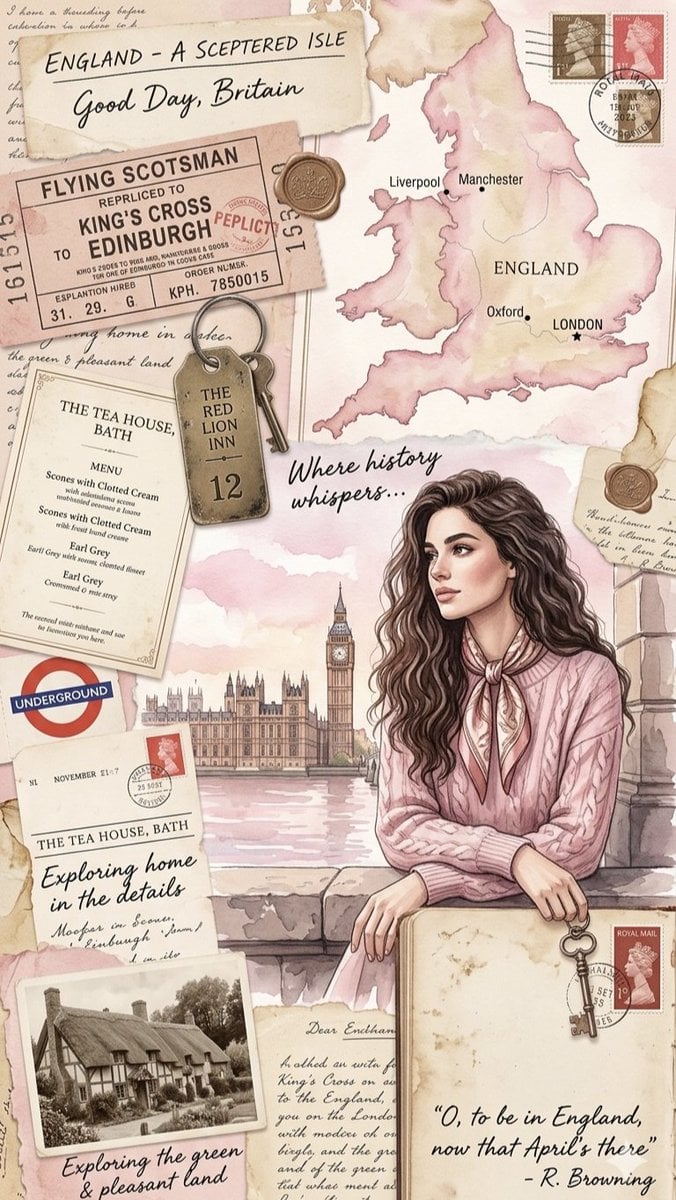
Vintage England Travel Scrapbook

Paper Cut Finale Fireworks
Make it yours
Paris Café Travel Scrapbook Collage works as-is. These are the safest ways to change it without losing the look.
Change one field
Copy a single group, rewrite it, and generate again so you can see what that field is doing.
Keep the frame, change the subject
Hold the composition and light of Paris Café Travel Scrapbook Collage, then swap wardrobe, props or the person for a new take.
| If the result… | Why | Fix |
|---|---|---|
| The result drifts from the preview | Too many fields changed at once. | Reuse Paris Café Travel Scrapbook Collage as-is first, then change one group — subject, light, or setting. |
| The model over-stylizes the scene | The prose prompt leaves finish and camera underspecified. | Add one camera or lighting sentence and stay on GPT Image 2. |
More GPT Image 2 templates
Other prompts made for GPT Image 2.

Six VTuber Japanese Logo Sheet

Realistic Portrait of Woman and Deer

The Vista Modular Condo Poster

AI Model Routing Comparison Infographic

2.5D Anime Art Board

Isometric Productivity Desk Scene

New York Double Exposure Poster

Four-Panel AI Landscape Comparison

Japanese Tatami Lifestyle Magazine Cover

NESCAFÉ Coffee Map Poster
More image prompts
Fresh picks from across the catalog.
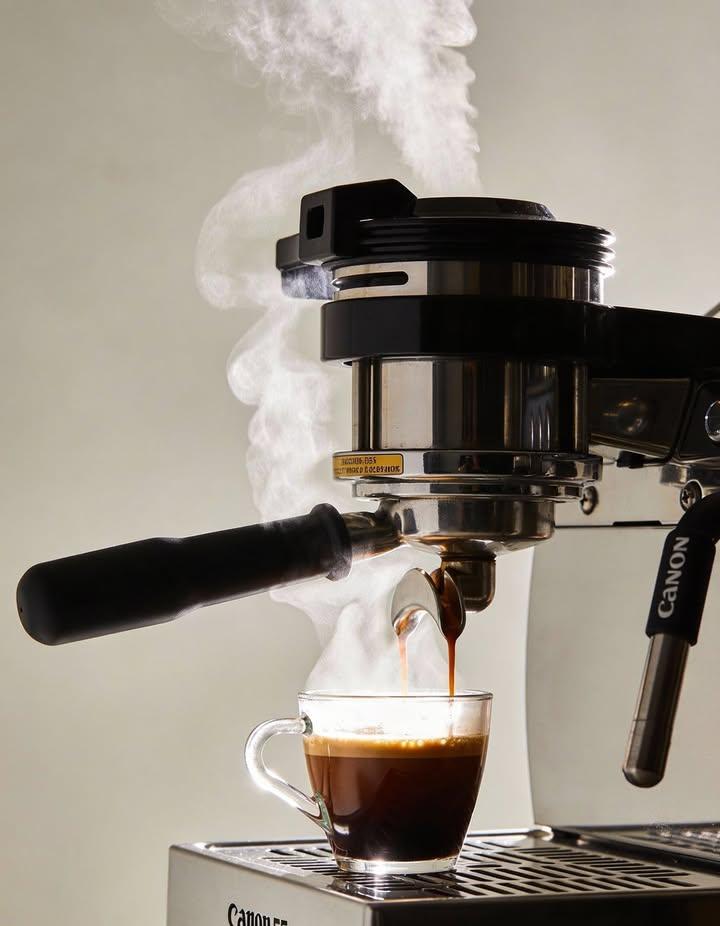
Ultra-realistic Commercial Espresso Photography
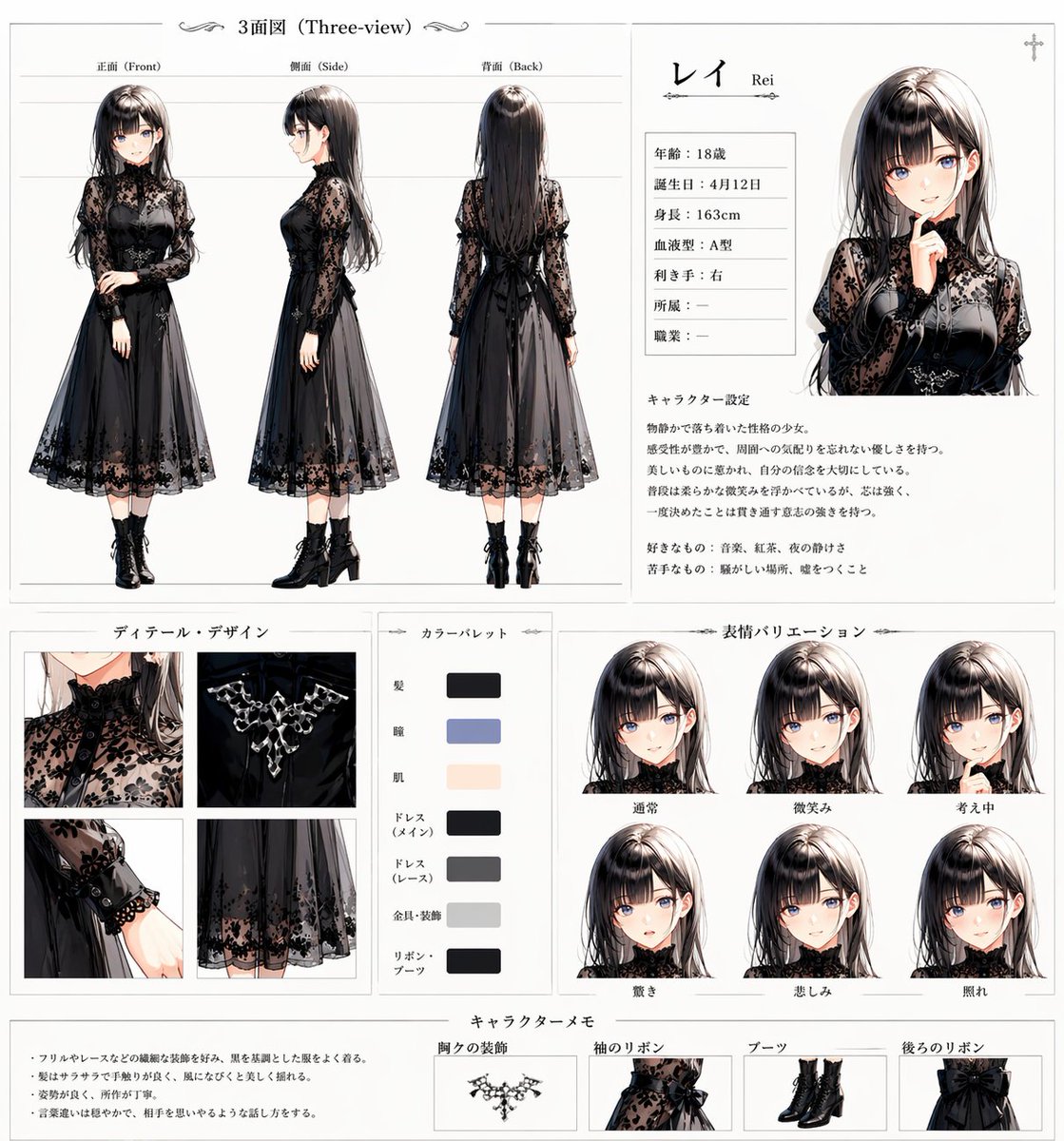
Gothic Anime Character Sheet
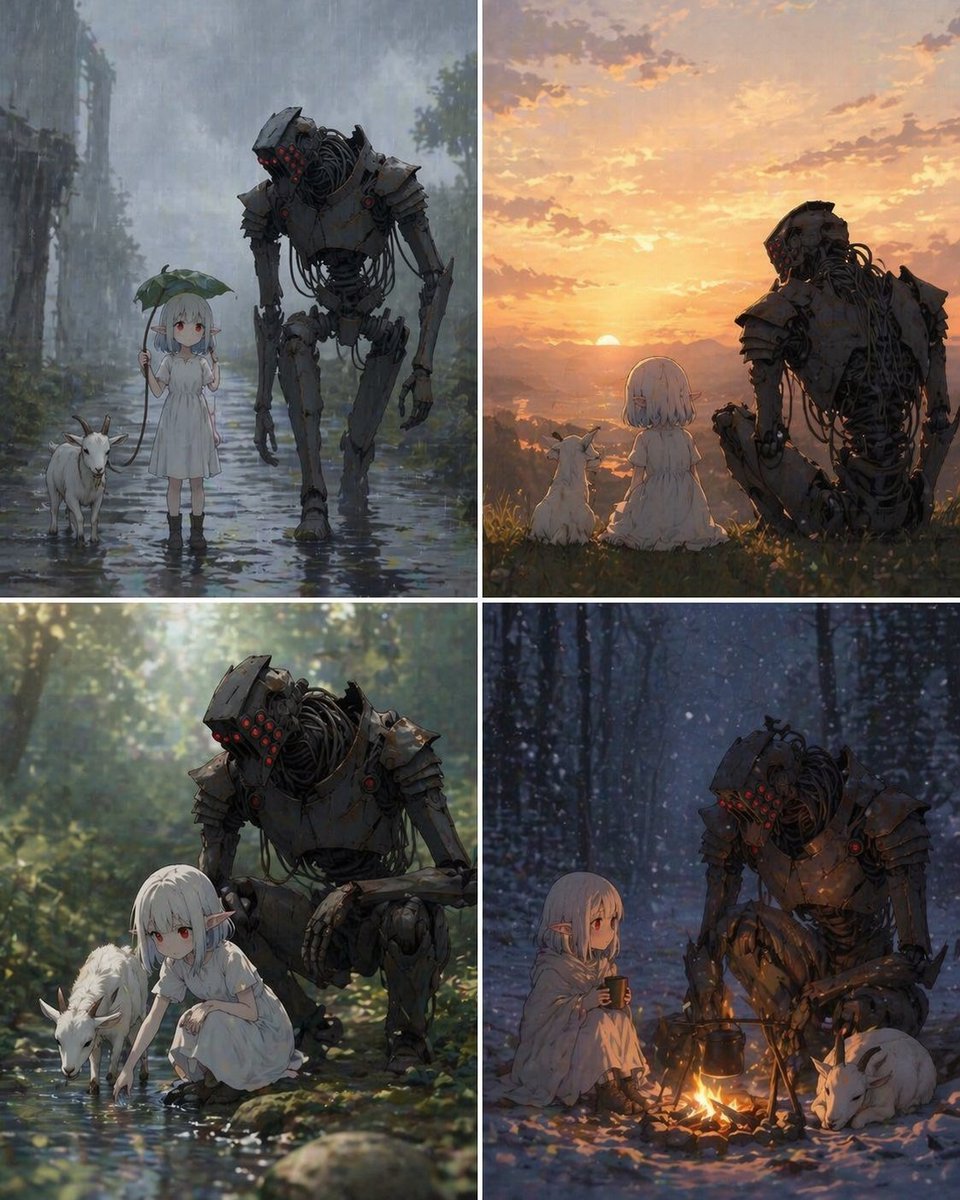
Four-Panel Girl, Robot, and Goat Story

Anime Fox Girl at Tropical Beach
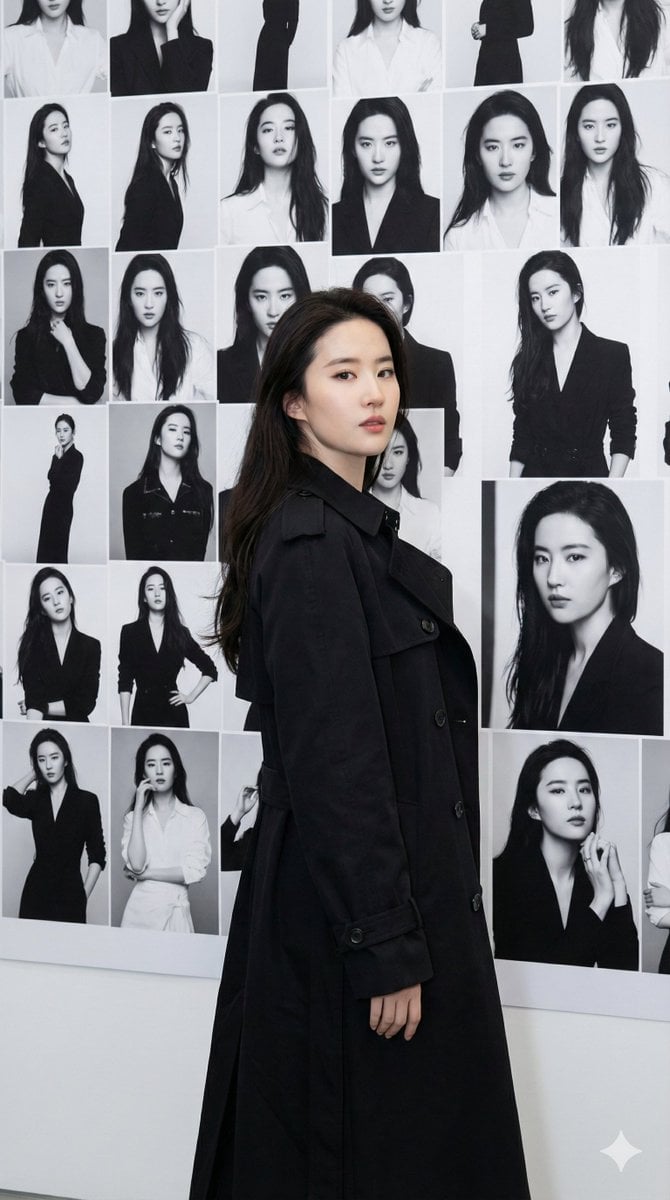
Gallery Wall Portrait with Identity Lock

Cinematic Lakeside Portrait

Retro Lunar Protocol Movie Poster
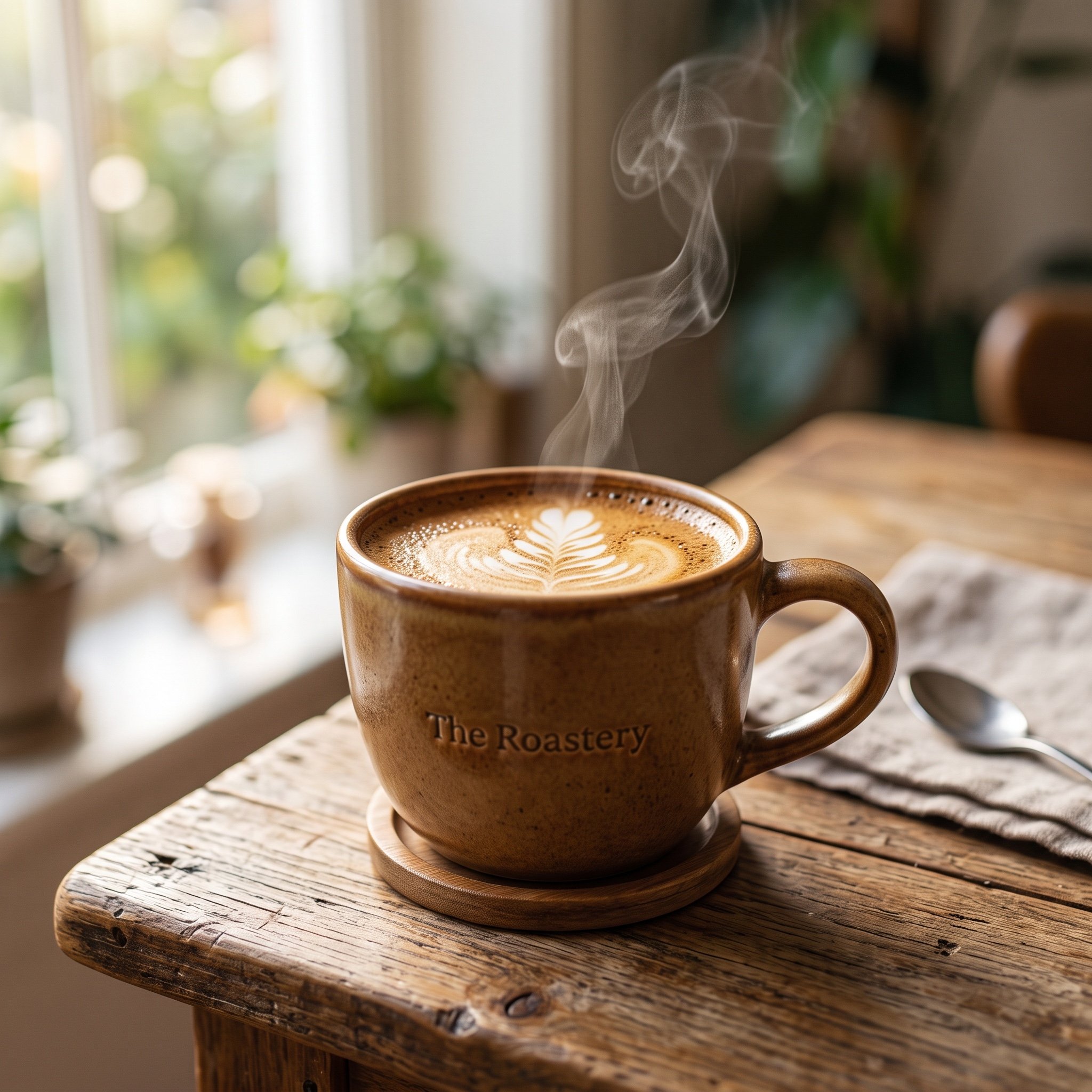
Photorealistic 4K Coffee Image Prompt

Human and Pixar Character Duplication Prompt
Generating Various Everyday Scenes
Browse template categories
Paris Café Travel Scrapbook Collage questions
How do I use the Paris Café Travel Scrapbook Collage template?
Add your photo if the template asks for one, edit the prompt if you like — the template's model and format are already selected — and press Generate. Your version opens in PicX Studio.
Can I customize the Paris Café Travel Scrapbook Collage template?
Yes. You can change the subject, setting, lighting, mood, format, and available model controls before creating your image.
Is the Paris Café Travel Scrapbook Collage template free?
Opening and editing this template is free. Generating uses credits, shown on the Generate button when you are signed in.
Which AI model should I use?
Start with GPT Image 2, which is the model associated with this template. You can compare another compatible model for a different finish.
Looking for something else? Browse all templates.

Your photo, any look
Thousands of ready templates for every top image and video model, from one credit balance.