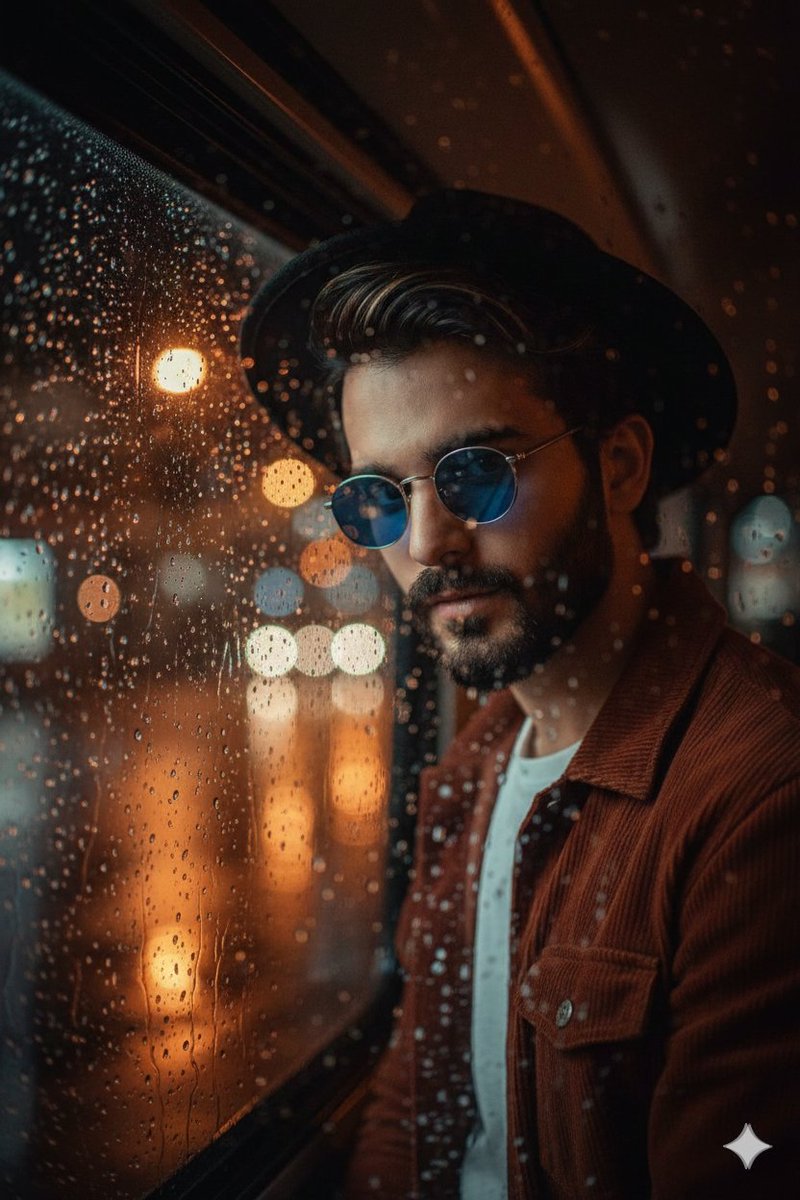
How do I use the Cinematic Warm Tungsten Portrait template?
Choose the primary action to open PicX Studio with the available template settings. Review the model and format, personalize the creative direction, and generate when ready.
A highly detailed JSON prompt for generating a close-up, intimate portrait of a young woman with auburn hair and freckles, specifying cinematic warm tungsten lighting, Rembrandt-style shadows, and precise details regarding makeup, accessories, and camera settings. (free to use) — Free AI image template on PicX Studio.
{ "subject": { "type": "Young woman", "appearance": { "hair": { "color": "Auburn / Copper red", "texture": "Thick, wavy, slightly frizzy natural texture", "style": "Loose, voluminous, side-parted, backlit with a golden halo effect" }, "skin": { "tone": "Pale with pink/warm undertones", "details": "Prominent natural freckles across nose and cheeks, visible beauty marks/moles on the neck and left forearm, realistic skin pores" }, "facial_features": { "eyes": "Piercing blue-green, almond-shaped", "eyebrows": "Thick, natural, brushed-up texture, reddish-brown", "nose": "Button nose, slightly upturned", "lips": "Full, natural rose color, slightly parted mouth" }, "makeup": { "eyes": "Heavy shimmering copper/bronze glitter eyeshadow, mascara on top and bottom lashes", "face": "Dewy finish, natural blush", "lips": "Clear glossy balm" } }, "pose": { "type": "Intimate Portrait", "hands": { "position": "Framing face; Right hand (top) curled against cheek, Left hand (bottom) resting under chin/neck", "nails": "Short, manicured, clear/nude polish" }, "expression": "Vulnerable, intense, alluring, direct eye contact" } }, "styling": { "clothing": { "type": "Black sleeveless top or dress", "details": "Barely visible, straps blending into shadow" }, "accessories": { "right_hand": { "rings": "Stack of two distinct silver bands with inset stones on ring finger", "bracelet": "Delicate diamond tennis bracelet" }, "left_hand": { "rings": "Wide, statement pave-set diamond/crystal band on ring finger", "wrist": "Black leather strap watch with silver casing" } } }, "setting": { "environment": "Dimly lit indoor space, possibly a bedroom or lounge", "background_objects": " blurred warm lamp shade visible in bottom right corner", "tones": "Dark warm browns, ambers, and deep blacks" }, "technical_details": { "camera_gear": { "camera": "Sony A7R IV or Canon R5", "lens": "85mm f/1.2 prime lens (Portrait focal length)", "filter": "Tiffen Glimmerglass 1 (to bloom highlights and soften skin details)" }, "lighting_setup": { "style": "Cinematic Warm Tungsten", "key_light": "Soft warm light source from front-left (creating highlights on face/hair)", "fill": "Negative fill on right side (creating deep contrast/shadows)", "backlight": "Subtle hair light creating a glow on the loose curls", "pattern": "Rembrandt-style lighting on the face" }, "composition": { "framing": "Close-up", "angle": "Eye-level", "aspect_ratio": "3:4 (Portrait)", "focus": "Sharp focus on eyes, soft fall-off on hands and hair" }, "post_processing": { "color_grade": "Golden hour warmth, slightly desaturated shadows" } }
Use Cinematic Warm Tungsten Portrait to plan an AI image around nano-banana-2 generation. Match the preview's composition first, then personalize the subject, setting, and mood for your own project.
Use the primary action to load the template settings in PicX Studio.
Adjust the subject and creative details for your destination.
Create the image, compare the result with the preview, and refine one variable at a time.
A continuous mix — similar concepts first, woven with same-model prompts and fresh picks from the catalog.
Choose the primary action to open PicX Studio with the available template settings. Review the model and format, personalize the creative direction, and generate when ready.
Yes. You can change the subject, setting, lighting, mood, format, and available model controls before creating your image.
This template is free to open and customize. Generation usage is shown in PicX Studio before you create.
Start with nano-banana-2, which is the model associated with this template. You can compare another compatible model for a different finish.
Follow a topic to a crawlable collection of related PicX Studio templates.
39,155 public templates available. Verified via the PicX Studio public templates API; refreshed hourly.
A continuous mix — similar concepts first, woven with same-model prompts and fresh picks from the catalog.