How do I use the 3D Caricature Generation Prompt template?
Choose the primary action to open PicX Studio with the available template settings. Review the model and format, personalize the creative direction, and generate when ready.
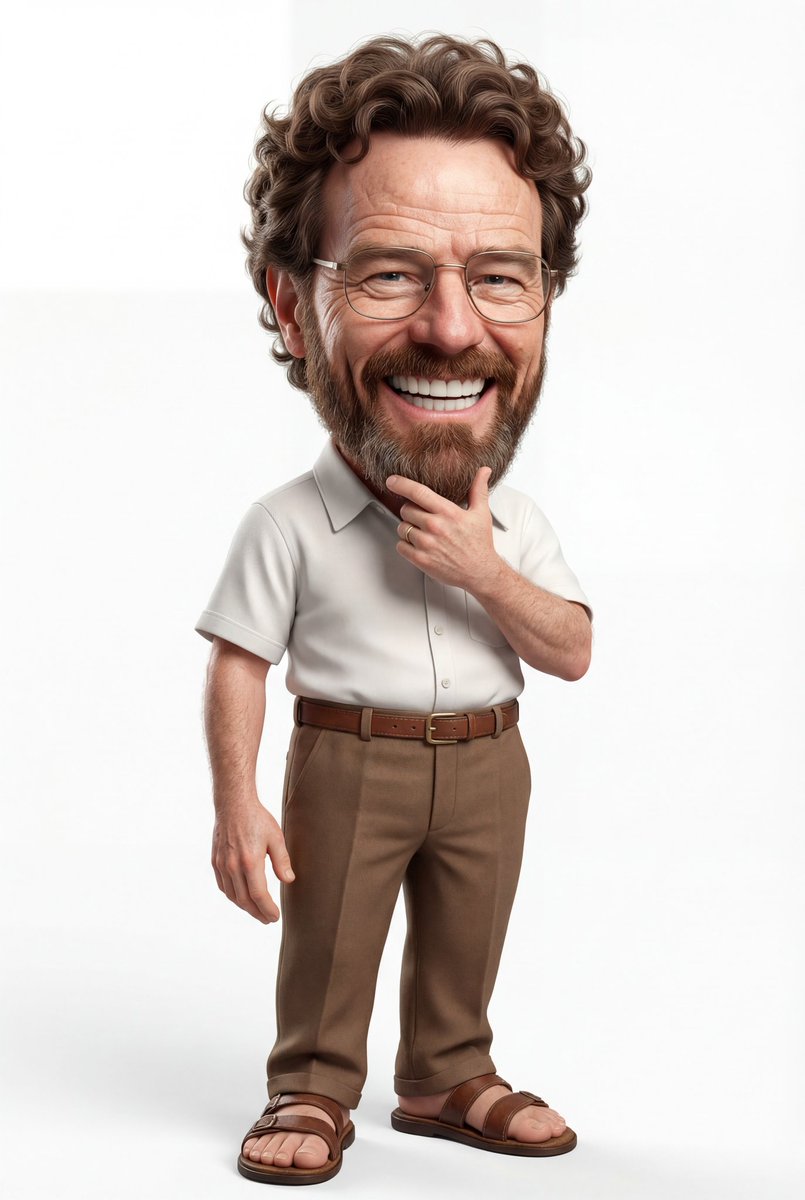
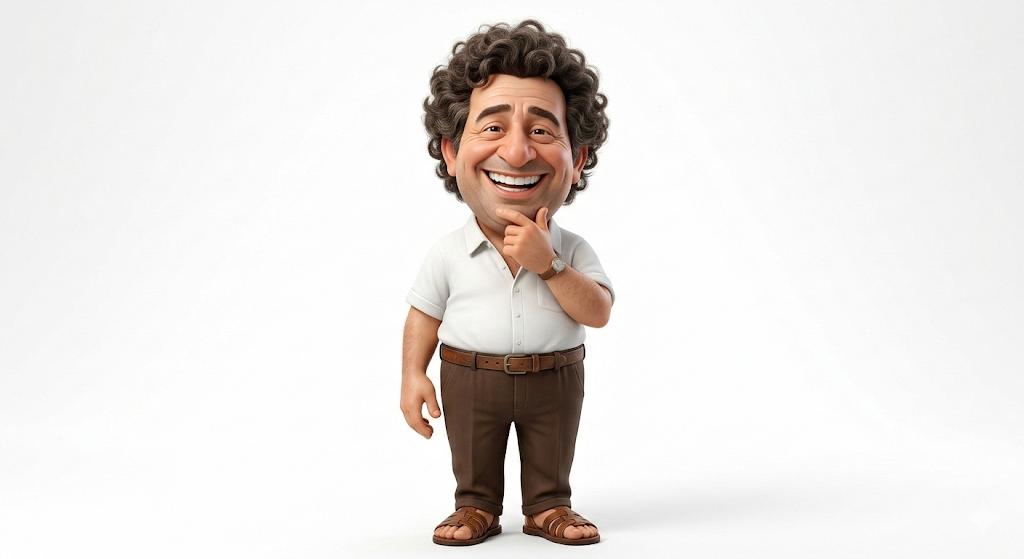
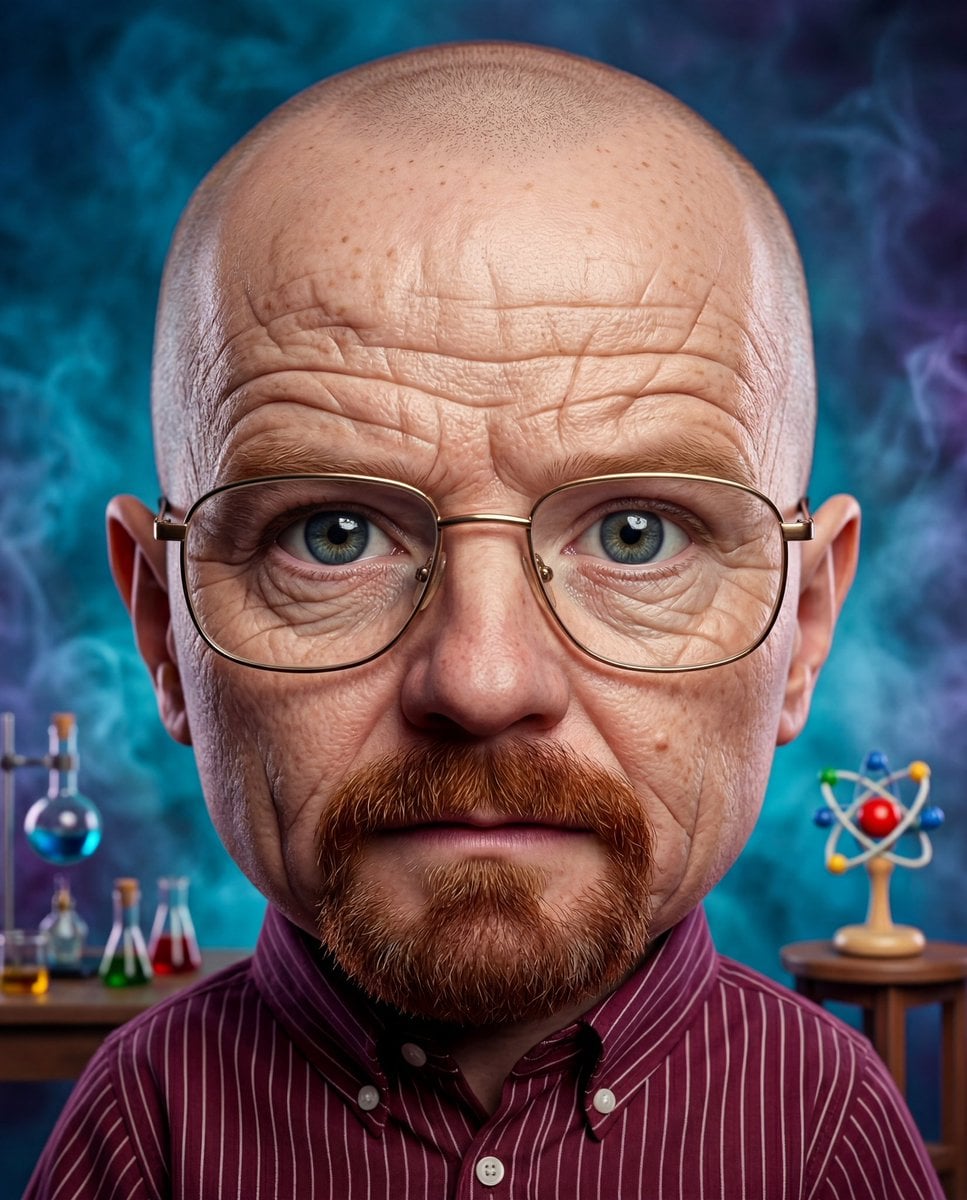
A prompt template for generating a highly stylized 3D caricature of a celebrity based on an uploaded image, emphasizing expressive features, smooth rendering, and a bold color background. Change the subject, setting, or lighting one variable at a time.

A highly stylized 3D caricature of the {argument name="celebrity name" default="celebrity"} in the uploaded image, with expressive facial features, and playful exaggeration. Rendered in a smooth, polished style with clean materials and soft ambient lighting. Bold color background to emphasize the character’s charm and presence.
Choose the primary action to open PicX Studio with the available template settings. Review the model and format, personalize the creative direction, and generate when ready.
Yes. You can change the subject, setting, lighting, mood, format, and available model controls before creating your image.
This template is free to open and customize. Generation usage is shown in PicX Studio before you create.
Start with Nano Banana 2, which is the model associated with this template. You can compare another compatible model for a different finish.
Follow a topic to a crawlable collection of related PicX Studio templates.
43,474 public templates available. Verified via the PicX Studio public templates API; refreshed hourly.



![3D Stylized Caricature with Diamond Grillz — Create a hyper-detailed full-body 3D stylized caricature of the person in [REFERENCE IMAGE], preserving their exact](https://cms-assets.youmind.com/media/1782810237642_mcc6aq_HL9Xl_TaEAAAVLA-300x375.jpg)


![Premium Celebrity Caricature Portrait — Realistic premium caricature portrait of {argument name="celebrity name" default="[NAME]"}, instantly recognizable, with](https://cms-assets.youmind.com/media/1786263506929_rh0qtq_HPM920-a0AAw1aE-300x168.jpg)


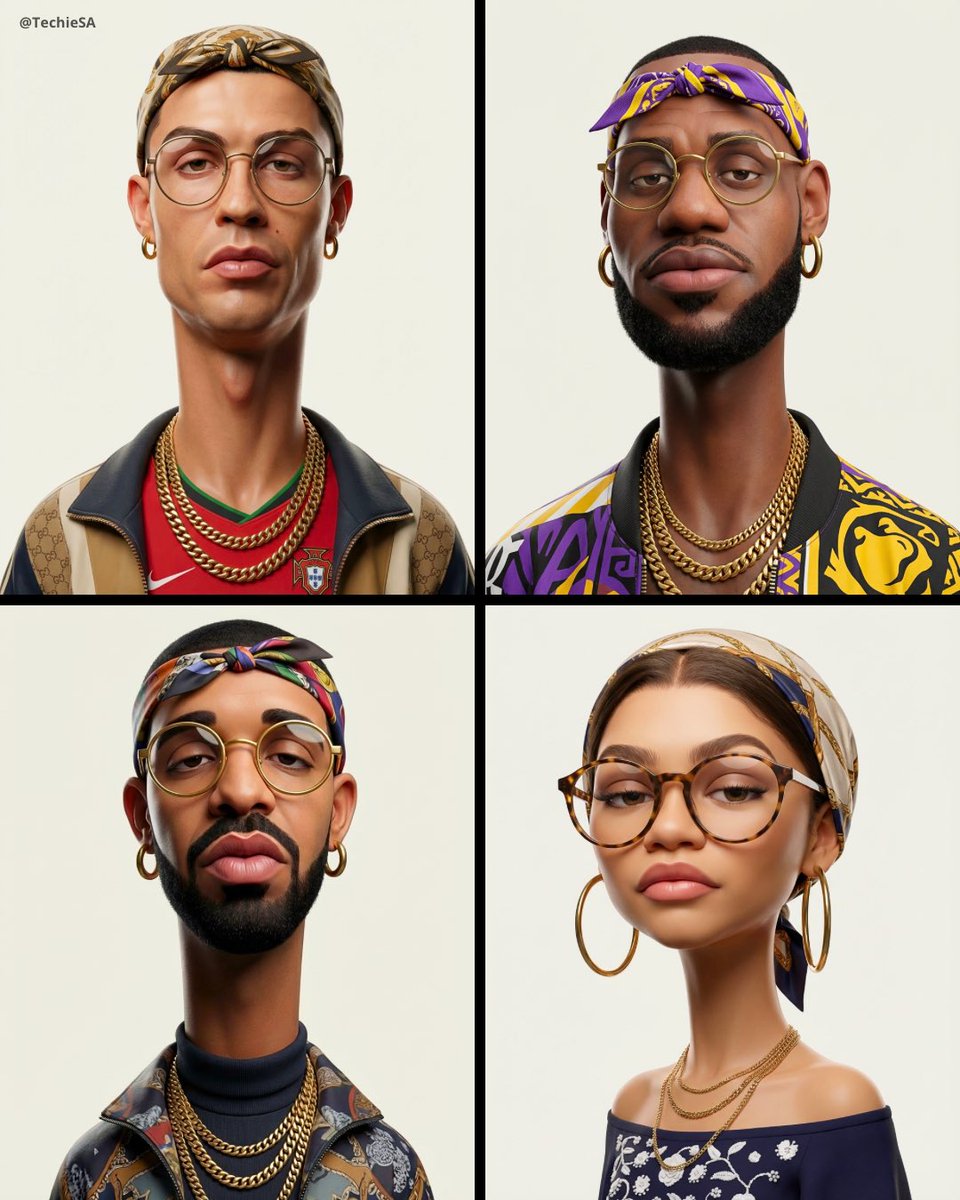
![Vintage Satirical Magazine Caricature — Vintage satirical magazine caricature portrait of {argument name="character" default="[CHARACTER]"}, shown as a complete](https://cms-assets.youmind.com/media/1782636849369_5cjkx1_HLz9JndaQAAKJfS-300x375.jpg)

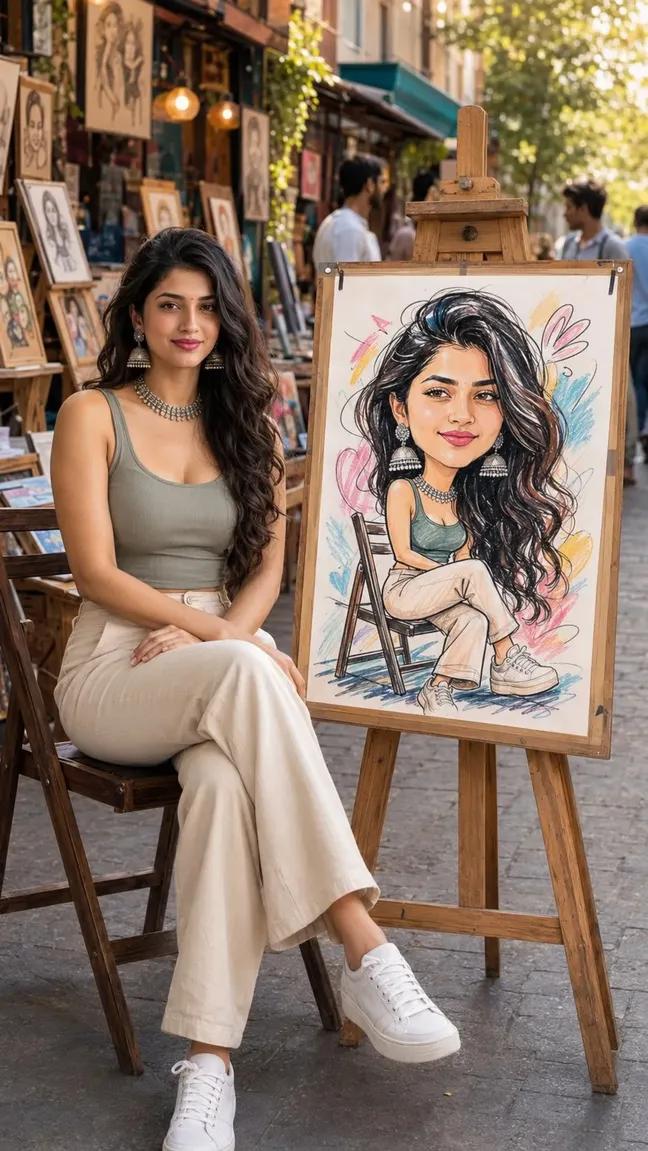
![Naive doodle-style subject illustration — A doodle-style {argument name="subject" default="[subject]"}, naive lines, humorous shape exaggeration](https://pbs.twimg.com/media/G6Wl2YxbsAARB2b.jpg)




















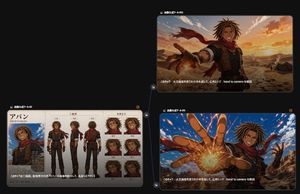
![Kyaraben (Character Bento Box) Generation Prompt — [キャラクター設定部分]
(ここを描きたいキャラクターに書き換えてください。)
{argument name="キャラクター設定" default="茶色の髪、短いツインテール、赤い瞳、少し尖った歯(ギザ歯)。"}](https://pbs.twimg.com/media/G-Cd8_faYAAVGYj.jpg)


