
3D Stylized Caricature with Diamond Grillz
A detailed prompt for creating a hyper-realistic 3D caricature with exaggerated proportions and high-end jewelry detailing like diamond grillz.
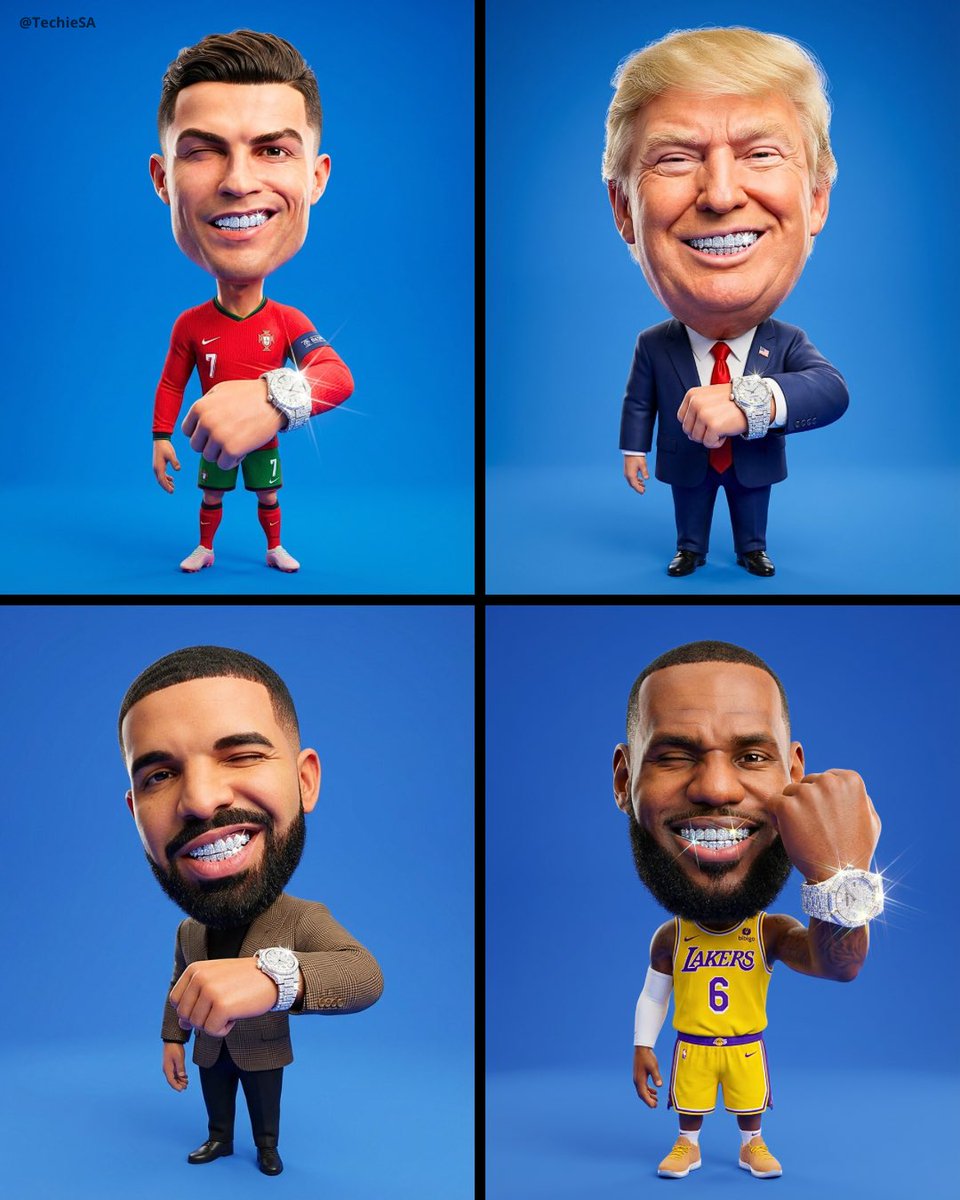
- Prompt included
- Model and format preset
- Free template
The prompt behind this image
Copy the exact prompt behind 3D Stylized Caricature with Diamond Grillz, or open it in the studio and make it yours.
Create a hyper-detailed full-body 3D stylized caricature of the person in [REFERENCE IMAGE], preserving their exact face, skin tone, and ethnic features. Style: Massive oversized head on a tiny compact body, classic caricature exaggeration. Expression: mischievous wink and wide smirk showing sparkling diamond grillz rendered with ray-traced reflections and prismatic glints. Pose: Standing upright, one arm extended toward the camera to showcase a thick iced-out diamond watch. Every gem catches and refracts light brilliantly. Outfit: Match exactly what they wear in [REFERENCE IMAGE]. Fabrics rendered with micro-detail stitching, realistic folds. Skin with subsurface scattering, studio-clean and smooth. Setting: Clean solid vibrant blue backdrop, soft front-facing softbox lighting. No backlighting, no rim light. Diamonds are the brightest focal points in the frame. Render: Octane Render quality, cinematic 8K, sharp edges, masterpiece level, no text or watermarks, 4:5 aspect ratio.
How to use 3D Stylized Caricature with Diamond Grillz in 3 steps
- 1Upload ImagePNG, JPG or paste
Add your photo
Upload the photo the template builds on. The prompt, model and format are already set.
- 2…a portrait of your subject in softgolden-hour light, 85mm…
Personalize
Edit the subject and creative details for your destination.
- 3Generate
Generate
Press Generate — your image is created in PicX Studio, so you can compare it with the original and refine one variable at a time.
More like this
Templates with the same subject, style or setup. Open one to see its prompt.
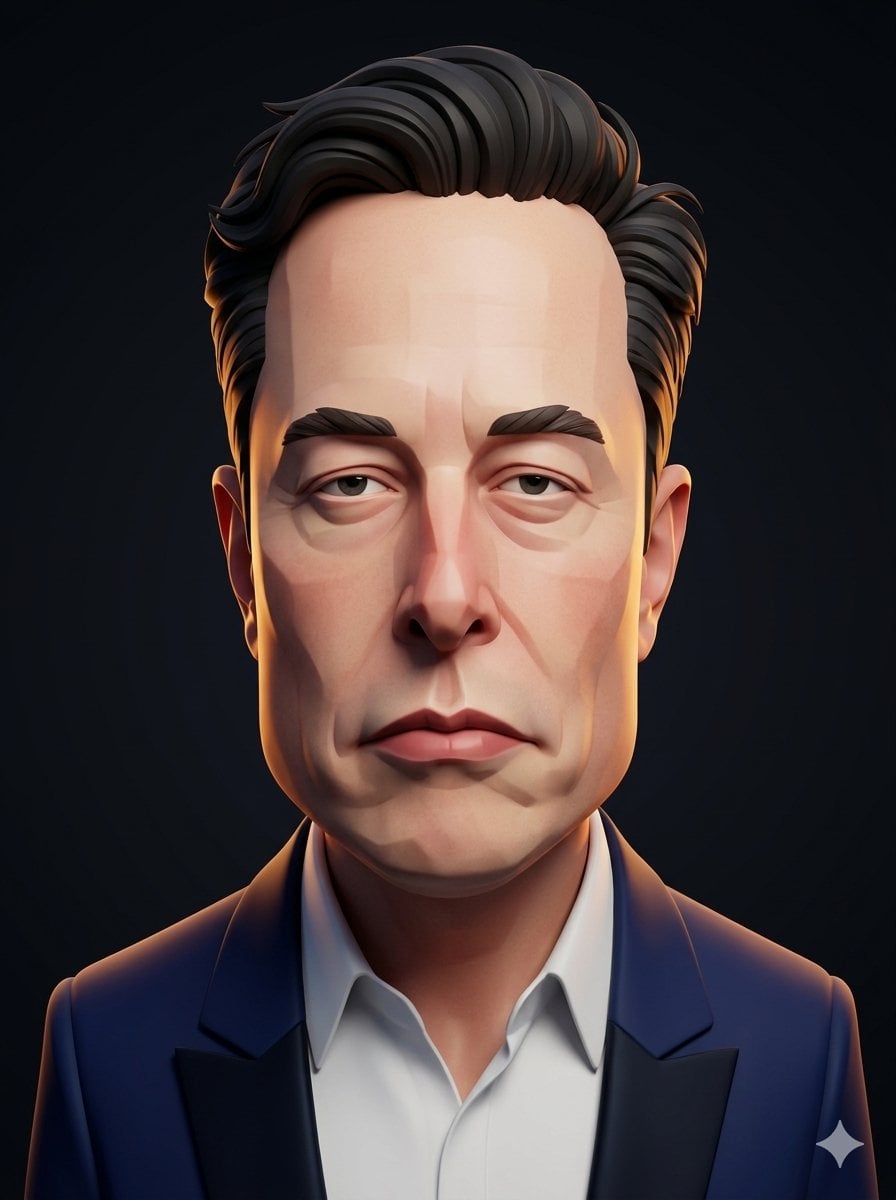
3D Stylized Caricature Portrait

Pixel Limited Finale Fireworks

Pixel Limited Garden Maze

Pixel Limited Rooftop Concert

Pixel Limited Bicycle Coast

Pixel Limited Castle Gate

Pixel Limited Kitchen Chaos

Pixel Limited Carnival Ride

Pixel Limited Rainy Bus Stop

Pixel Limited Space Dock

Pixel Limited Cafe Morning

Pixel Limited Mountain Summit
Make it yours
3D Stylized Caricature with Diamond Grillz works as-is. These are the safest ways to change it without losing the look.
Change one field
Copy a single group, rewrite it, and generate again so you can see what that field is doing.
Keep the frame, change the subject
Hold the composition and light of 3D Stylized Caricature with Diamond Grillz, then swap wardrobe, props or the person for a new take.
| If the result… | Why | Fix |
|---|---|---|
| The result drifts from the preview | Too many fields changed at once. | Reuse 3D Stylized Caricature with Diamond Grillz as-is first, then change one group — subject, light, or setting. |
| The model over-stylizes the scene | The prose prompt leaves finish and camera underspecified. | Add one camera or lighting sentence and stay on GPT Image 2. |
More GPT Image 2 templates
Other prompts made for GPT Image 2.

Six VTuber Japanese Logo Sheet

Realistic Portrait of Woman and Deer

The Vista Modular Condo Poster

AI Model Routing Comparison Infographic

2.5D Anime Art Board

Isometric Productivity Desk Scene

New York Double Exposure Poster

Four-Panel AI Landscape Comparison

Japanese Tatami Lifestyle Magazine Cover

NESCAFÉ Coffee Map Poster
More image prompts
Fresh picks from across the catalog.
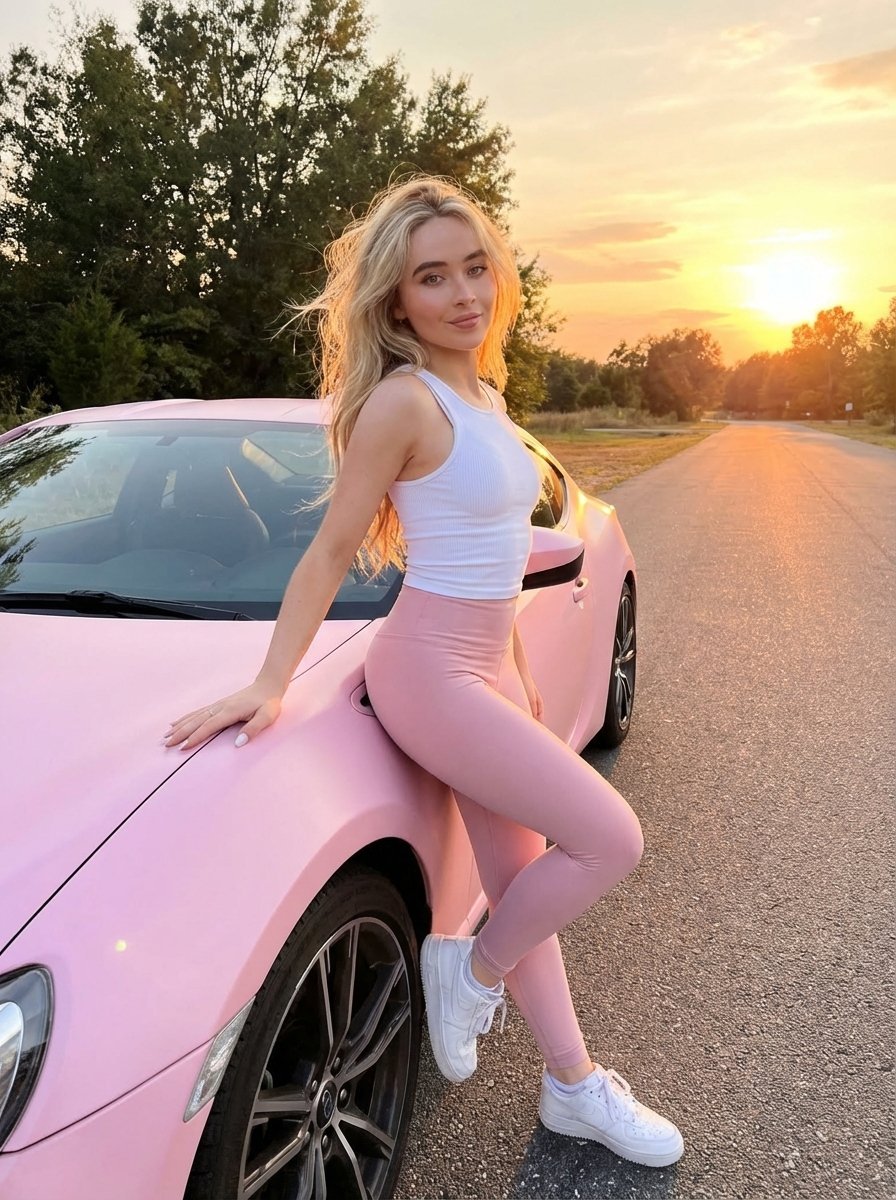
Lifestyle photo with pastel pink sports car at sunset
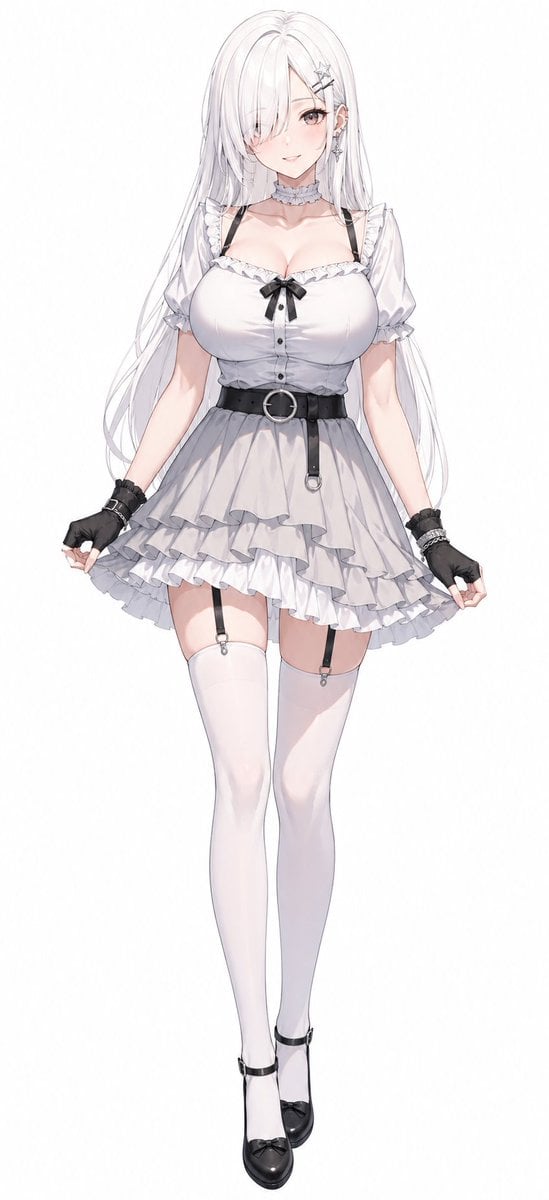
Monochrome Anime Gothic Dress Girl
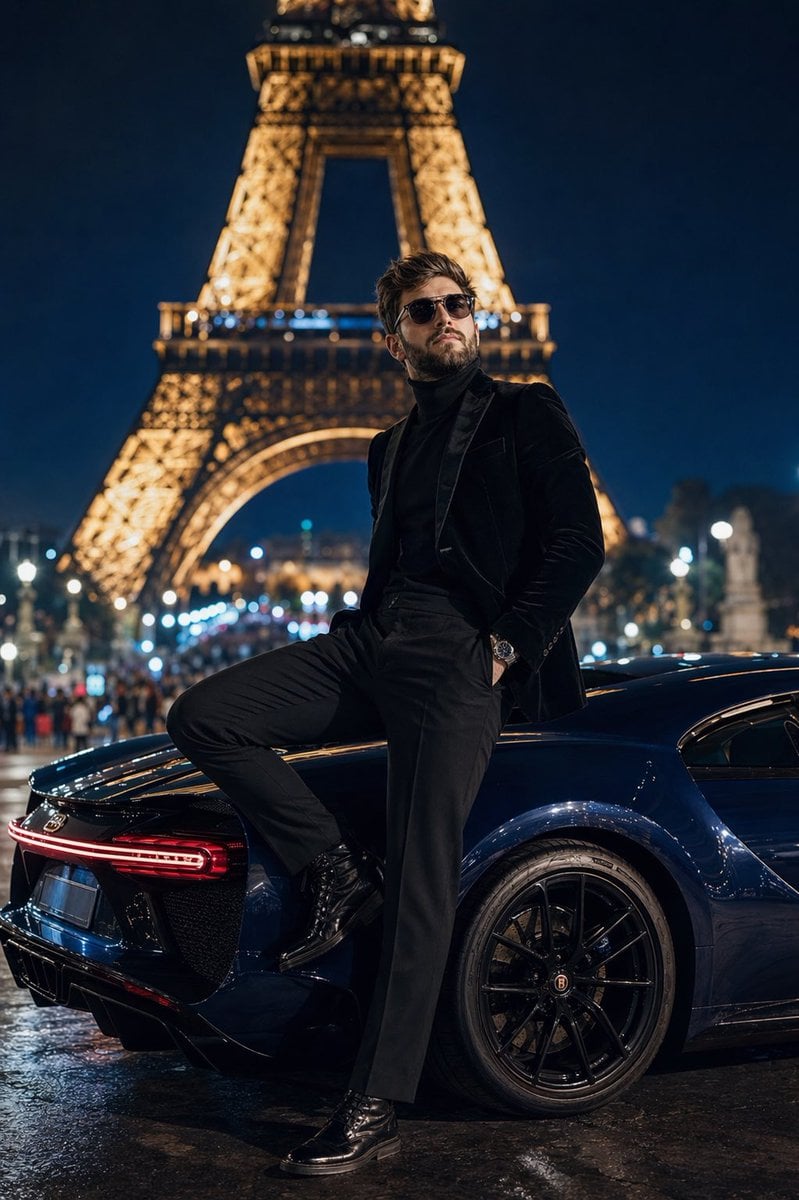
Cinematic Paris Fashion Shot
Commercial Fashion Photograph with Strict Garment Preservation
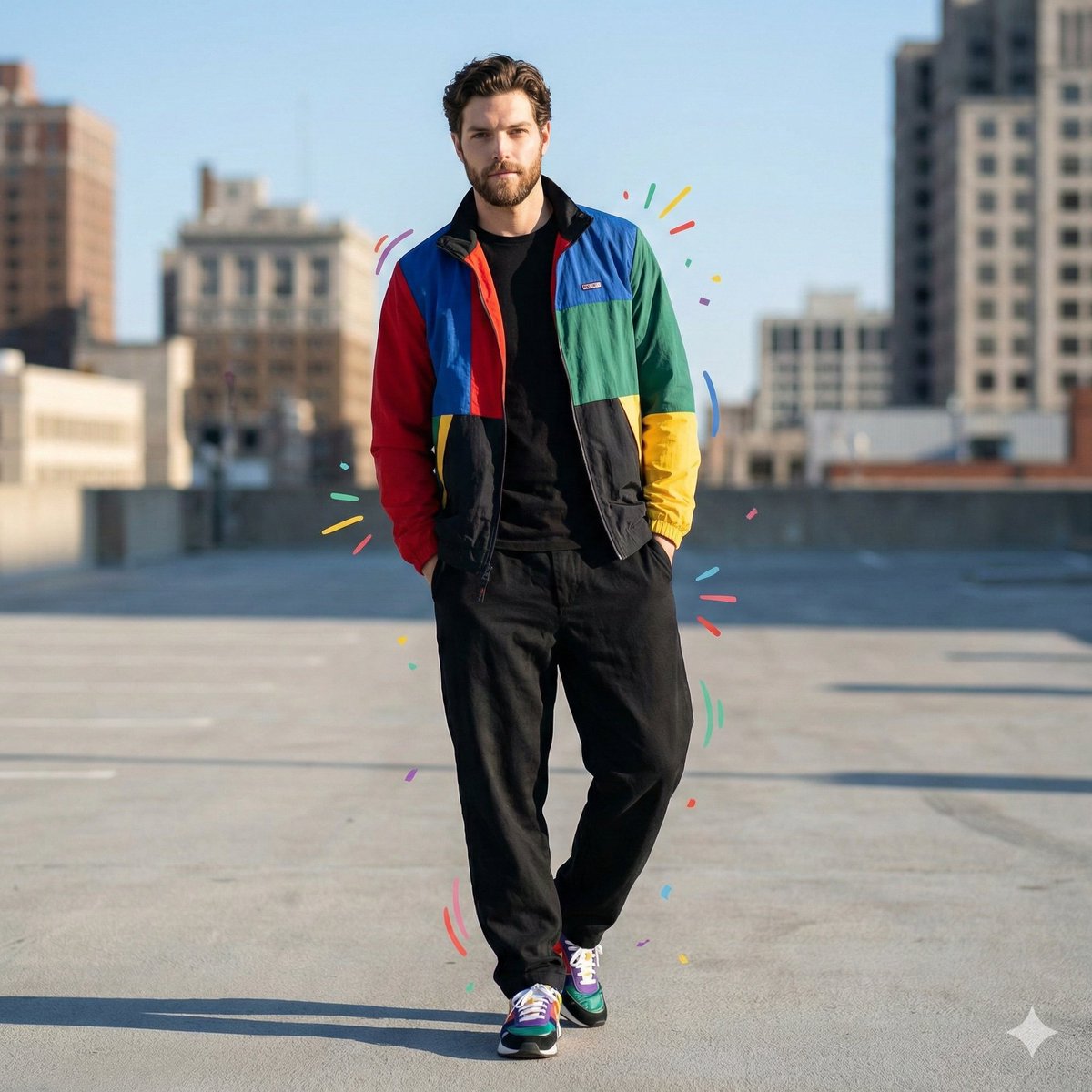
Color-Blocked Fashion Portrait with Graphic Accents
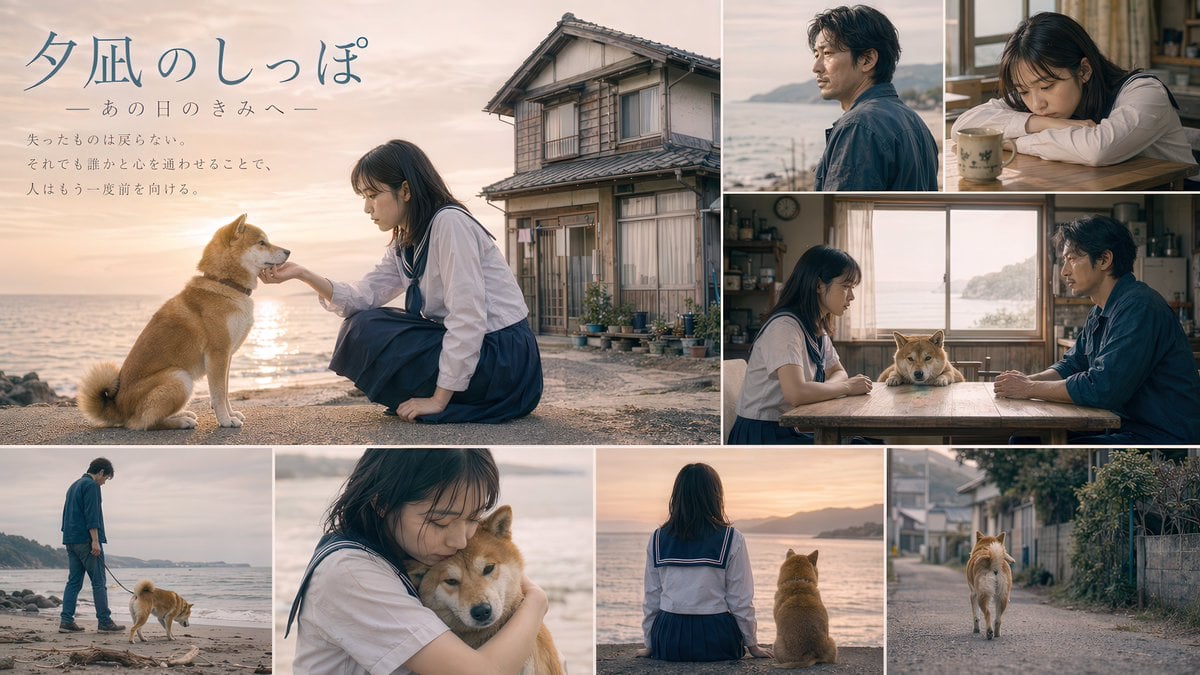
Japanese Movie Teaser Collage
Vibrant Trendy Anime Illustration Transform

Minimalist Luxury Automotive Poster
Nano Banana Pro Ad Generation Template

untitled
Browse template categories
3D Stylized Caricature with Diamond Grillz questions
How do I use the 3D Stylized Caricature with Diamond Grillz template?
Add your photo if the template asks for one, edit the prompt if you like — the template's model and format are already selected — and press Generate. Your version opens in PicX Studio.
Can I customize the 3D Stylized Caricature with Diamond Grillz template?
Yes. You can change the subject, setting, lighting, mood, format, and available model controls before creating your image.
Is the 3D Stylized Caricature with Diamond Grillz template free?
Opening and editing this template is free. Generating uses credits, shown on the Generate button when you are signed in.
Which AI model should I use?
Start with GPT Image 2, which is the model associated with this template. You can compare another compatible model for a different finish.
Looking for something else? Browse all templates.

Your photo, any look
Thousands of ready templates for every top image and video model, from one credit balance.