
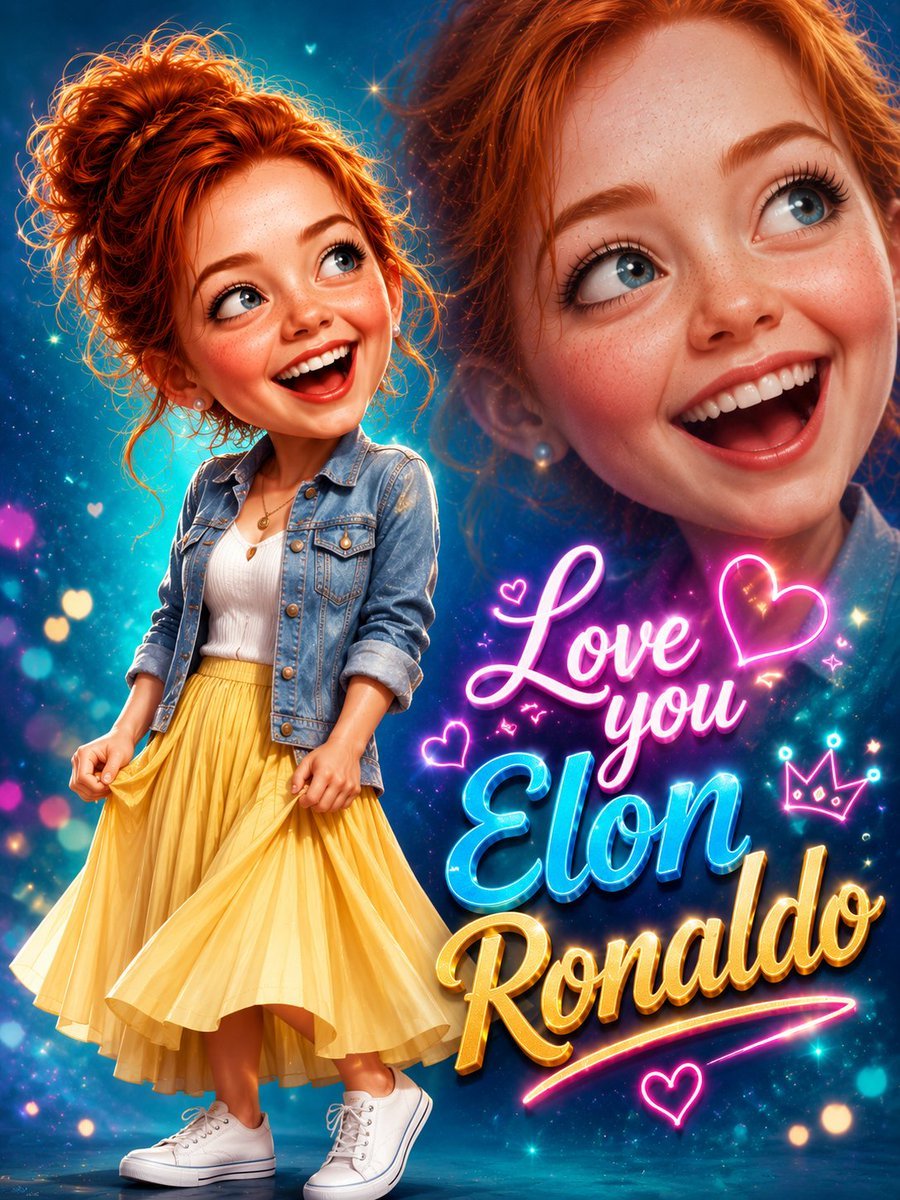
3D Pixar-Style Caricature Portrait
A detailed prompt for creating a Pixar-quality 3D caricature of a joyful woman with high-end digital illustration textures and cinematic lighting.
- Prompt included
- Model and format preset
- Free template
The prompt behind this image
Copy the exact prompt behind 3D Pixar-Style Caricature Portrait, or open it in the studio and make it yours.
Create an ultra-premium, hyper-detailed 3D caricature portrait of an irresistibly cheerful young woman with an oversized head and a tiny, perfectly proportioned body. She has a {argument name="hair style" default="stylish short tousled dark-brown pixie haircut"} with soft textured layers, huge sparkling dark brown eyes looking playfully upward, long curled eyelashes, naturally thick eyebrows, glowing porcelain skin, rosy cheeks, and a dazzling open smile with perfectly aligned white teeth that instantly radiates happiness. She wears elegant pearl stud earrings, a {argument name="outfit" default="shimmering rose-pink satin button-up blouse"} with subtle glitter highlights and rolled sleeves, a luxurious flowing black midi skirt with realistic fabric movement, and glossy mustard-yellow designer heels. She playfully holds the sides of her blouse while standing in a lively, confident pose with one knee slightly bent, creating an energetic and charming silhouette. Behind her is an enormous semi-transparent monochrome portrait of the same joyful face, softly blended into a {argument name="background" default="breathtaking background of fiery orange, golden yellow, and warm amber watercolor textures"} with glowing particles, paint splashes, dreamy bokeh lights, and subtle light rays that create depth and visual drama. Elegant hand-lettered white calligraphy reading "You Look Beautiful" appears in the lower-right corner, surrounded by delicate butterflies, tiny hearts, sparkling stars, floral flourishes, and graceful ornamental swirls, seamlessly integrated into the composition. Style: Pixar-quality 3D caricature, Disney-inspired charm, premium digital illustration, cinematic lighting, volumetric glow, HDR color grading, glossy rendering, ultra-realistic textures, expressive facial features, vibrant warm palette, luxury poster design, immaculate composition, crisp focus, magazine-cover aesthetics, social-media optimized, highly shareable, emotionally uplifting, masterpiece, award-winning artwork, 8K ultra-HD, razor-sharp details, vertical 3:4 aspect ratio.
How to use 3D Pixar-Style Caricature Portrait in 3 steps
- 1
Open
The prompt is already in the box next to the preview, with the template's model and format selected.
- 2…a portrait of your subject in softgolden-hour light, 85mm…
Personalize
Edit the subject and creative details for your destination.
- 3Generate
Generate
Press Generate — your image is created in PicX Studio, so you can compare it with the original and refine one variable at a time.
More like this
Templates with the same subject, style or setup. Open one to see its prompt.

Toddler Version of a Person in 3d Pixar

Found Photograph: Us, 1970

80s Couple Studio Portrait

80s Bollywood Star

80s Golden Hour Cinema

Me in 1985

1985 Studio Portrait

Hyper-Realistic Minecraft POV Portrait

Rooftop Fisheye — Cat-Ear Balaclava at Golden Hour

Felt & Knit 3D Character — Photo-Exact Face, Pixar-Quality Plush Figurine
3D Stylized Caricature Portrait

Rainy Café Window Moody Portrait
Make it yours
3D Pixar-Style Caricature Portrait works as-is. These are the safest ways to change it without losing the look.
Change one field
Copy a single group, rewrite it, and generate again so you can see what that field is doing.
Keep the frame, change the subject
Hold the composition and light of 3D Pixar-Style Caricature Portrait, then swap wardrobe, props or the person for a new take.
| If the result… | Why | Fix |
|---|---|---|
| The result drifts from the preview | Too many fields changed at once. | Reuse 3D Pixar-Style Caricature Portrait as-is first, then change one group — subject, light, or setting. |
| The model over-stylizes the scene | The prose prompt leaves finish and camera underspecified. | Add one camera or lighting sentence and stay on GPT Image 2. |
More GPT Image 2 templates
Other prompts made for GPT Image 2.

Six VTuber Japanese Logo Sheet

Realistic Portrait of Woman and Deer

The Vista Modular Condo Poster

AI Model Routing Comparison Infographic

2.5D Anime Art Board

Isometric Productivity Desk Scene

New York Double Exposure Poster

Four-Panel AI Landscape Comparison

Japanese Tatami Lifestyle Magazine Cover

NESCAFÉ Coffee Map Poster
More image prompts
Fresh picks from across the catalog.
New Year's Eve Story Generation Prompt (Text-Based)
Sakura Rose Clock Tower Portrait
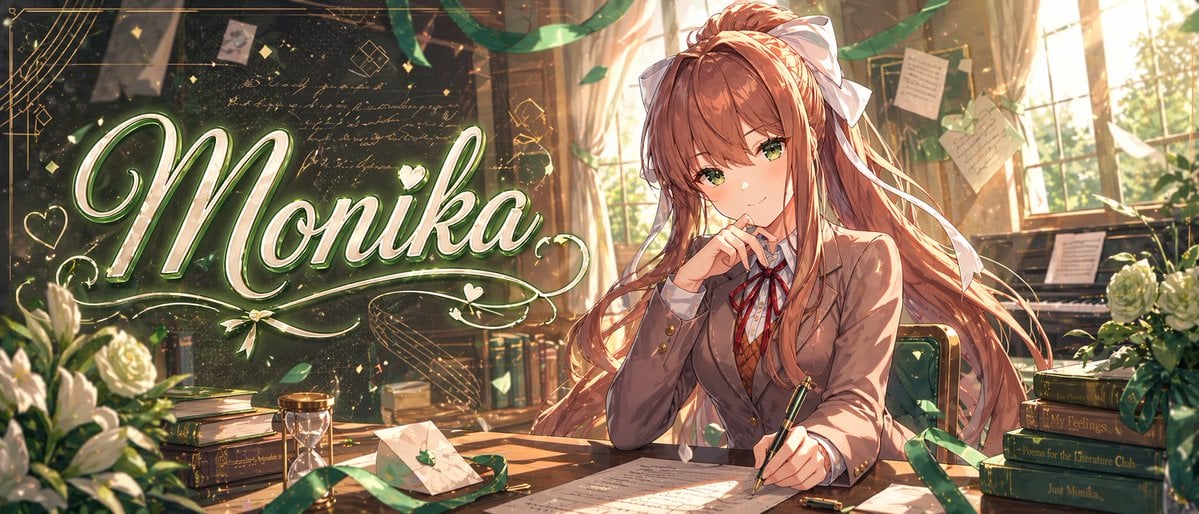
Gpt2 Youtube Thumbnail Monika Anime Banner Illustration
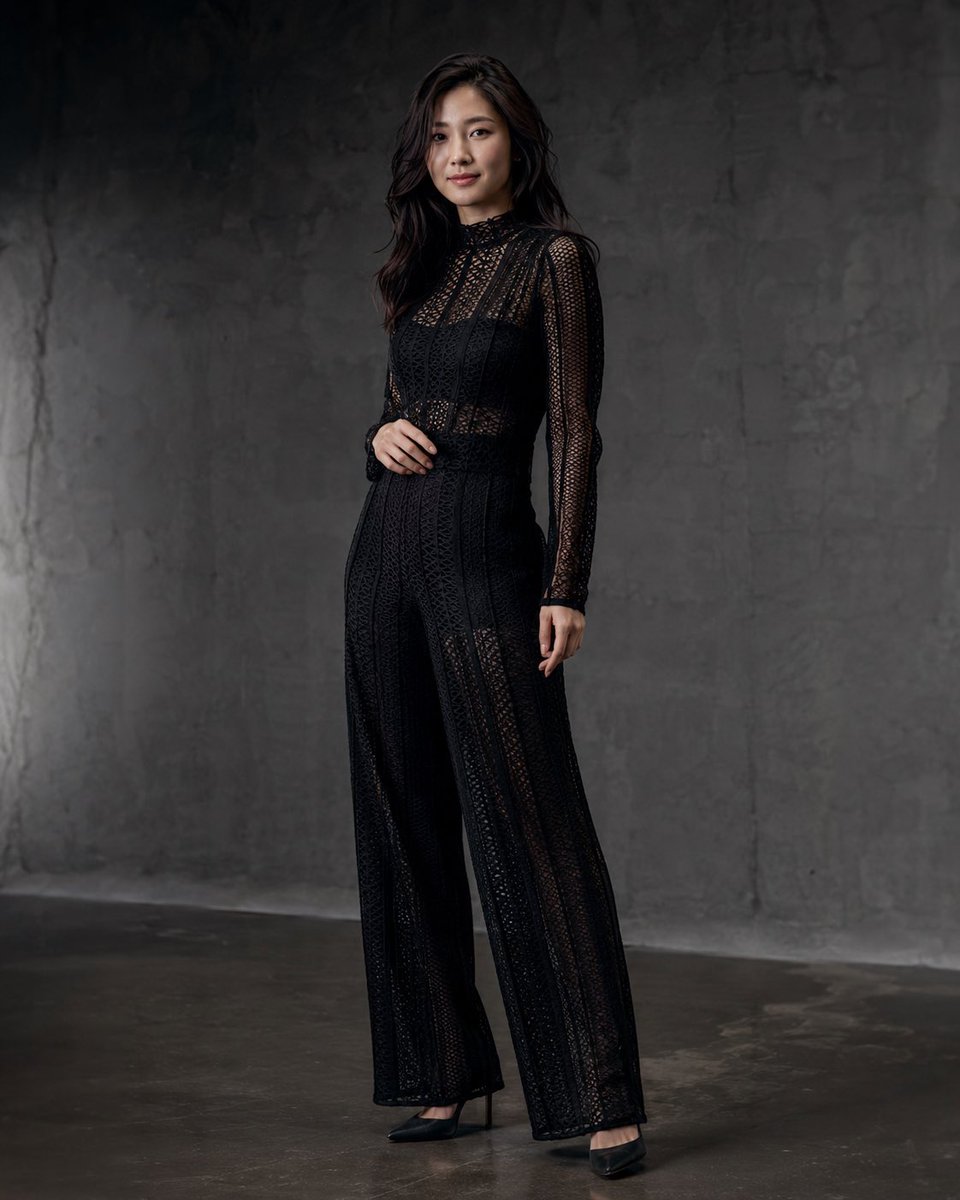
Anonymous Black Lace Fashion Portrait
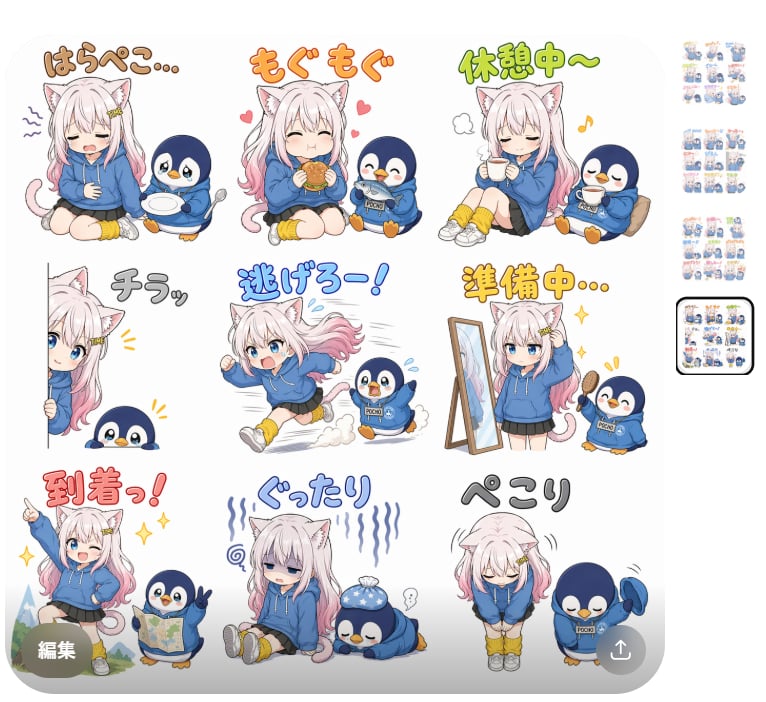
Cat Girl Penguin LINE Sticker Sheet
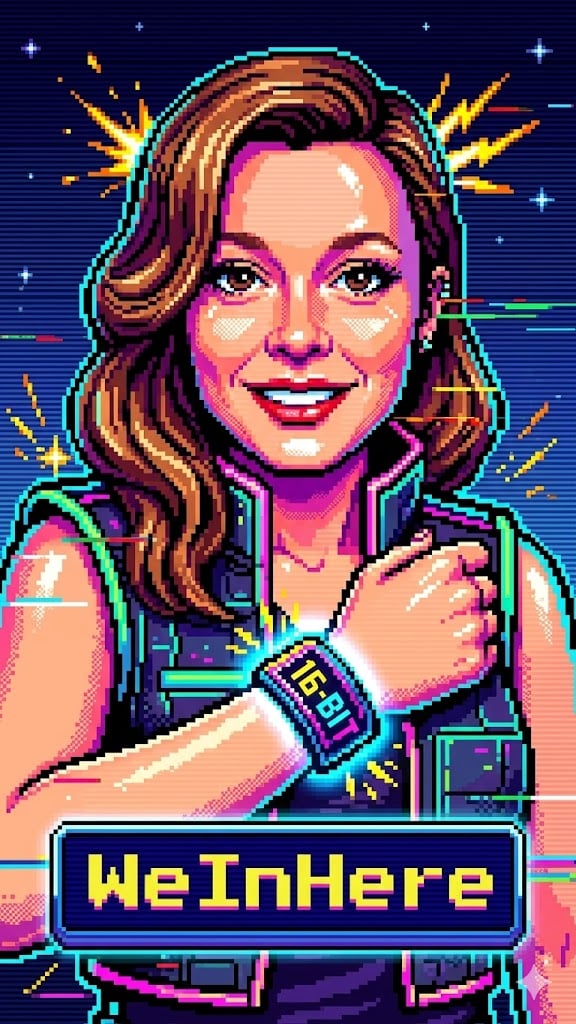
Bit Arcade Character Generator
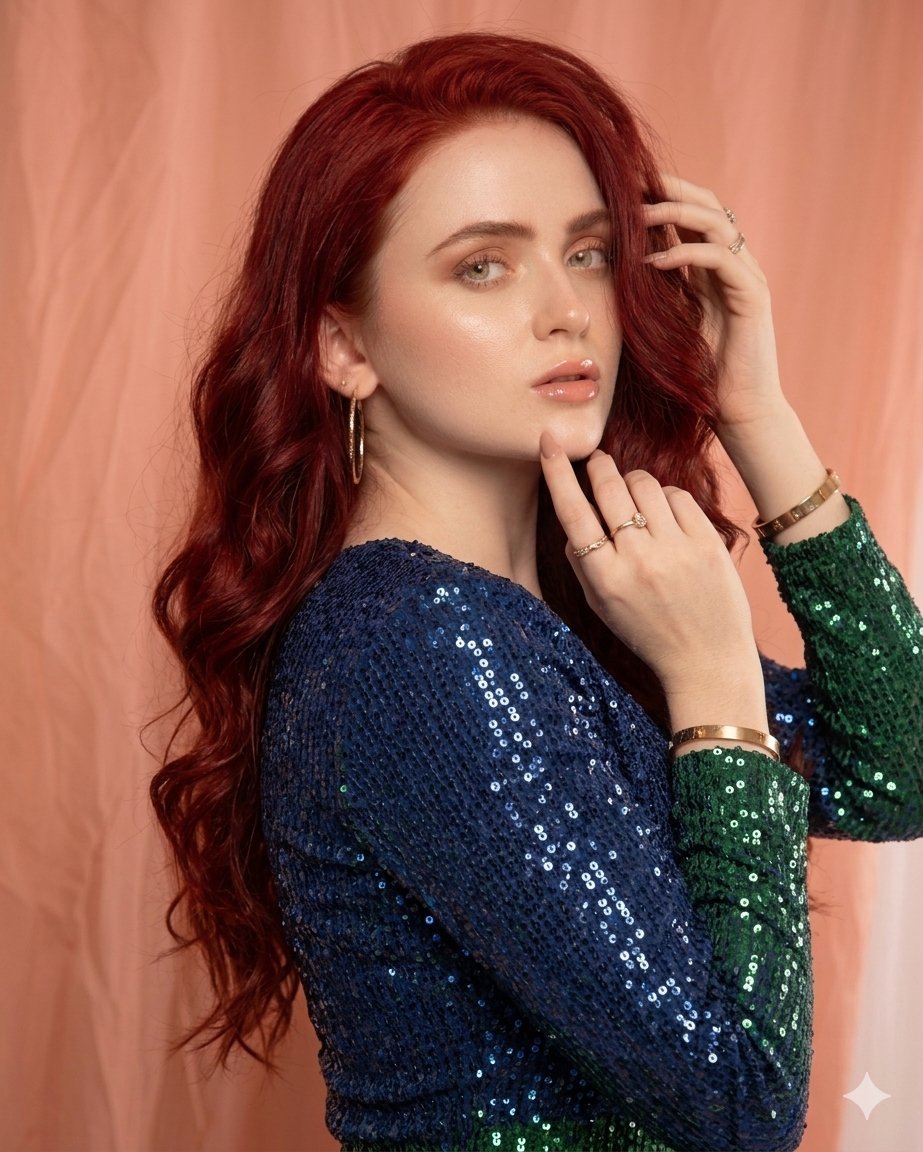
Glamorous High-Fashion Portrait with Gradient Sequin Dress
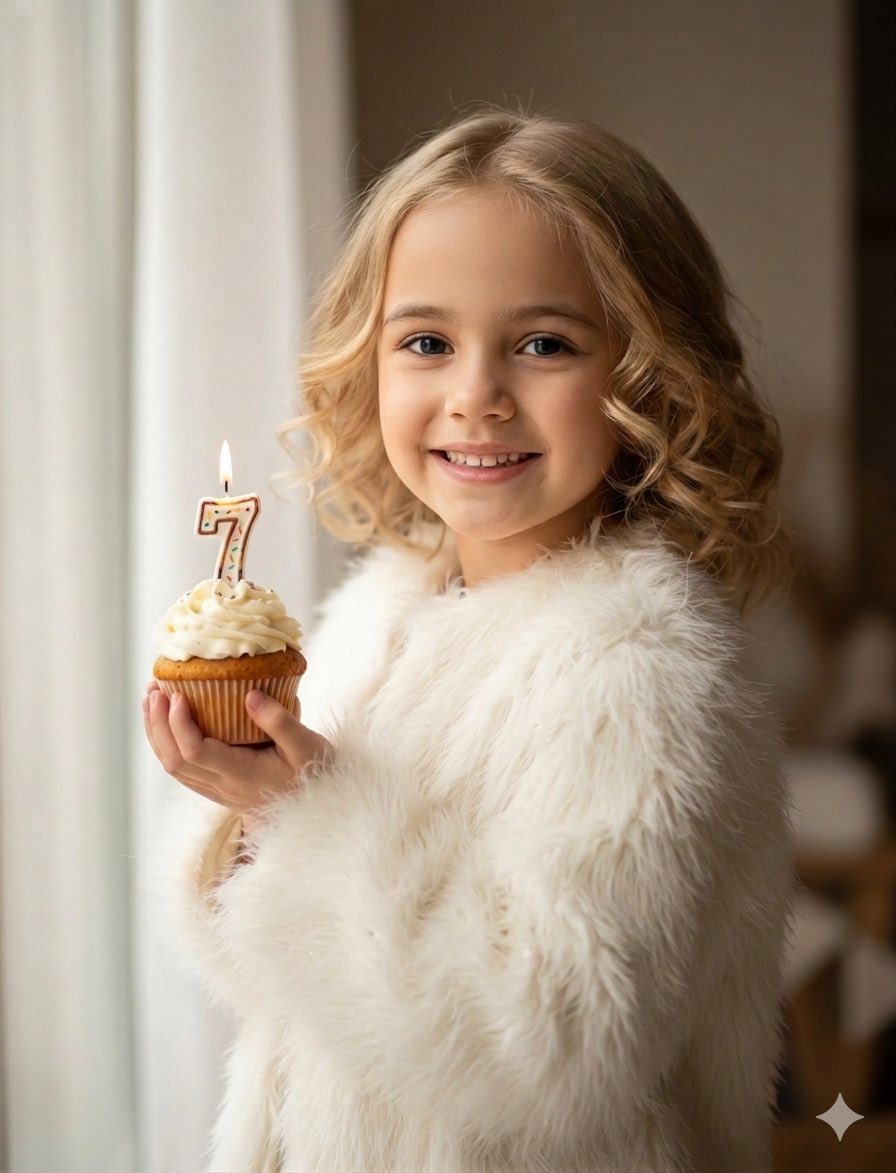
Cozy Children's Birthday Portrait

Y2K Chrome Plush Product Render
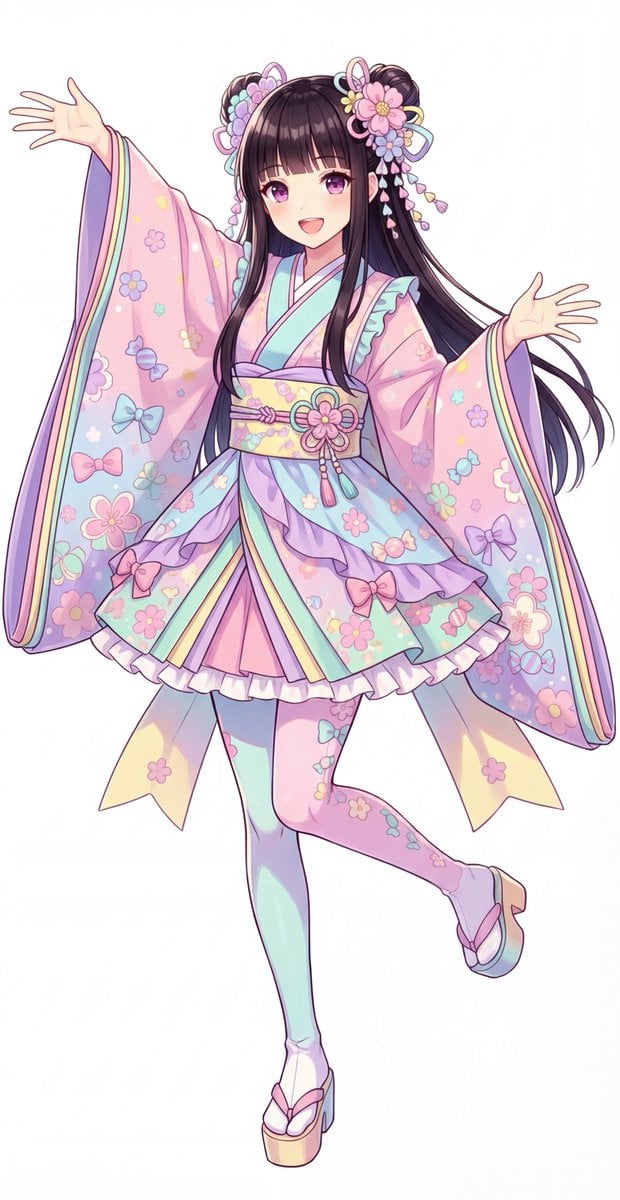
Kawaii Jūnihitoe Outfit Modification Prompt for NanoBananaPro
Browse template categories
3D Pixar-Style Caricature Portrait questions
How do I use the 3D Pixar-Style Caricature Portrait template?
Add your photo if the template asks for one, edit the prompt if you like — the template's model and format are already selected — and press Generate. Your version opens in PicX Studio.
Can I customize the 3D Pixar-Style Caricature Portrait template?
Yes. You can change the subject, setting, lighting, mood, format, and available model controls before creating your image.
Is the 3D Pixar-Style Caricature Portrait template free?
Opening and editing this template is free. Generating uses credits, shown on the Generate button when you are signed in.
Which AI model should I use?
Start with GPT Image 2, which is the model associated with this template. You can compare another compatible model for a different finish.
Looking for something else? Browse all templates.

Your photo, any look
Thousands of ready templates for every top image and video model, from one credit balance.