How do I use the Hyper-Realistic iPhone Flash Selfie Prompt template?
Choose the primary action to open PicX Studio with the available template settings. Review the model and format, personalize the creative direction, and generate when ready.
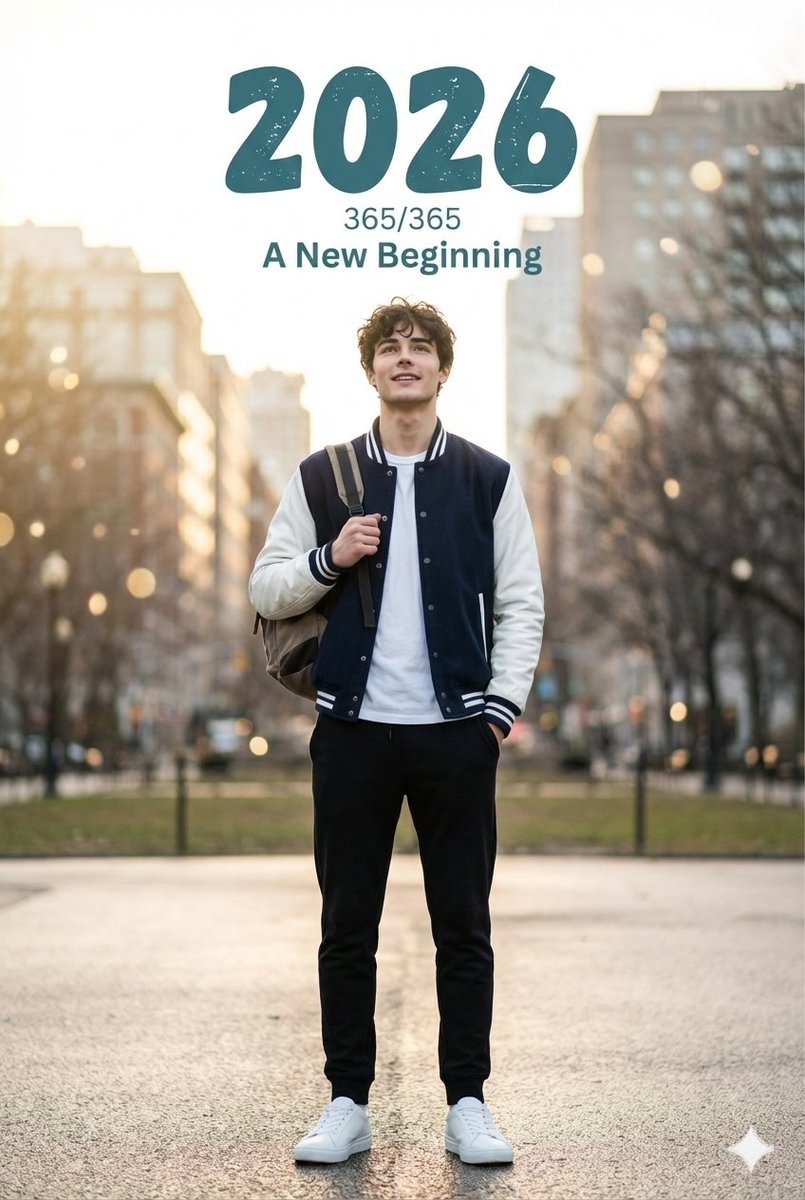
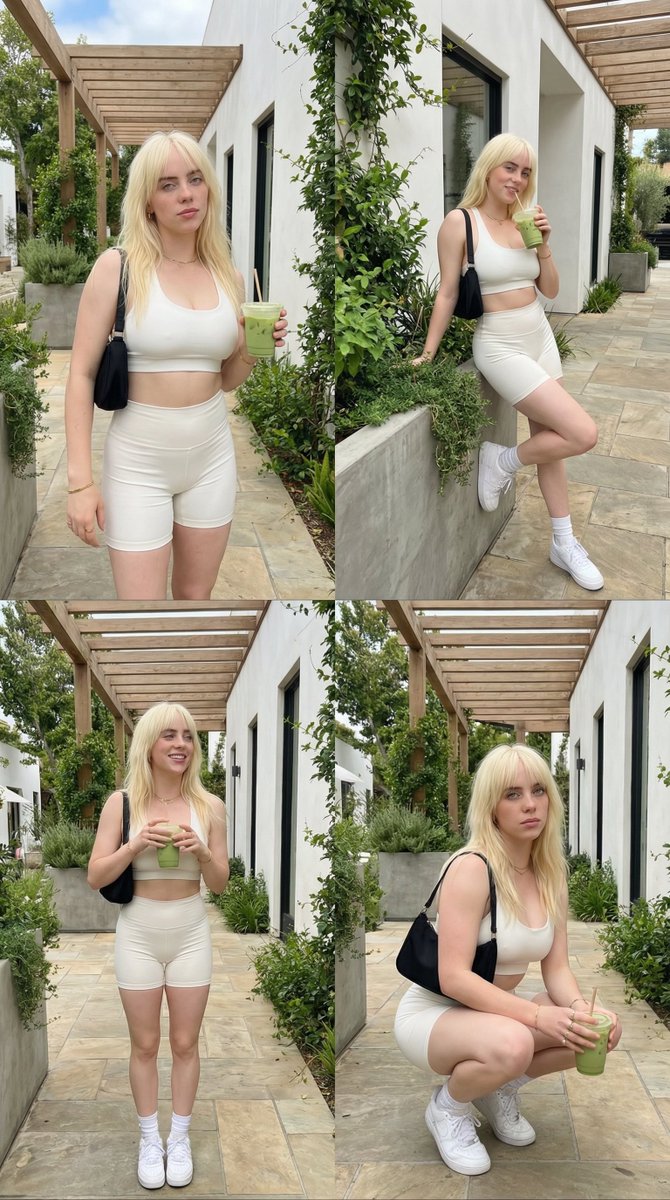
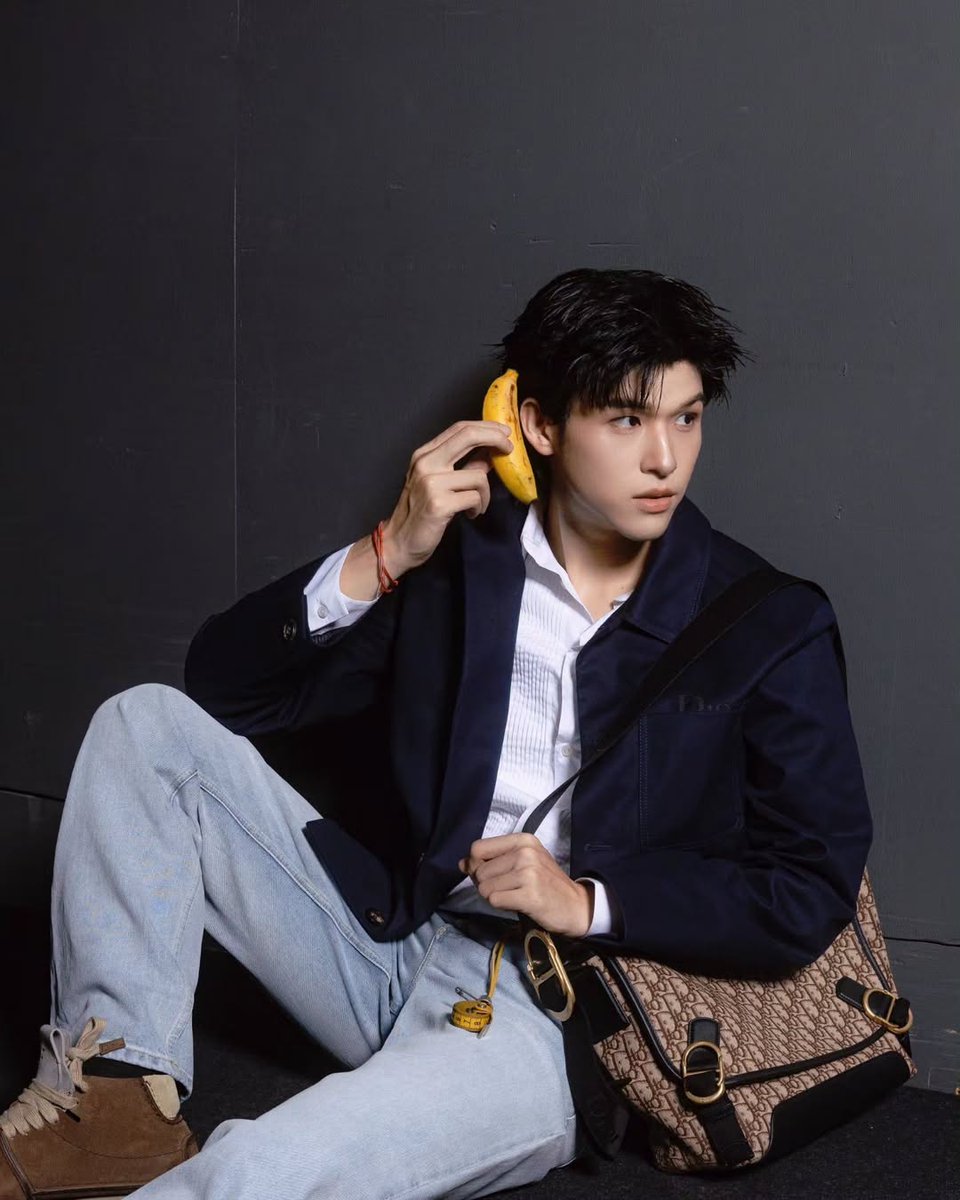
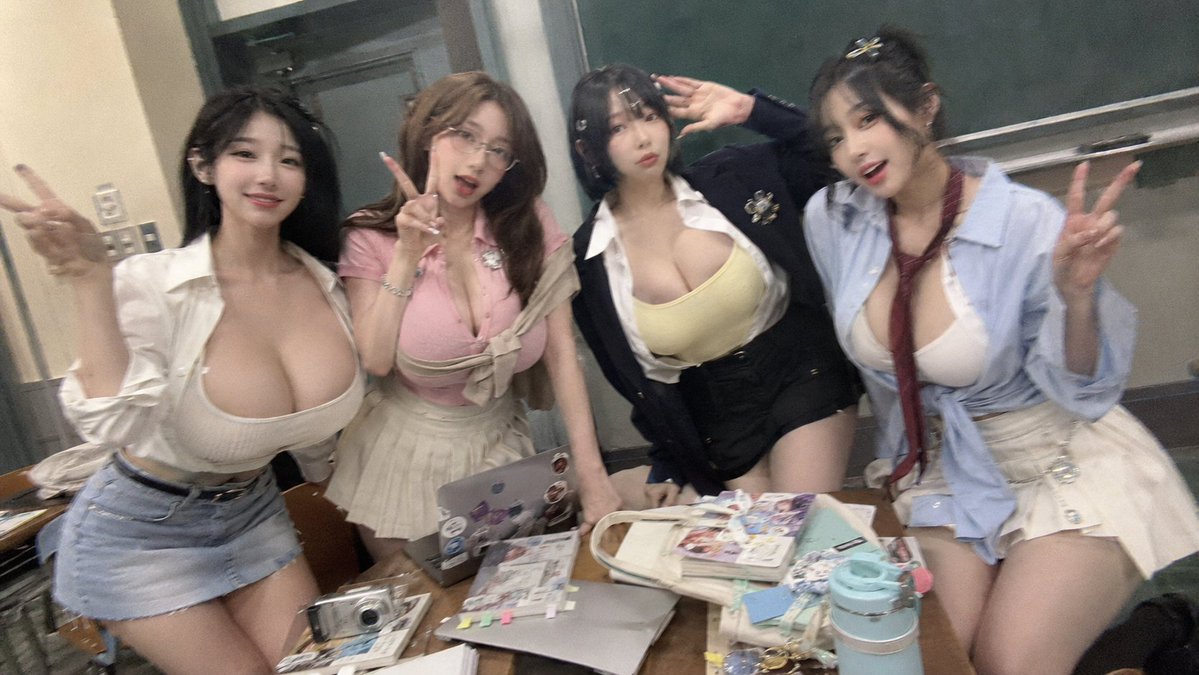
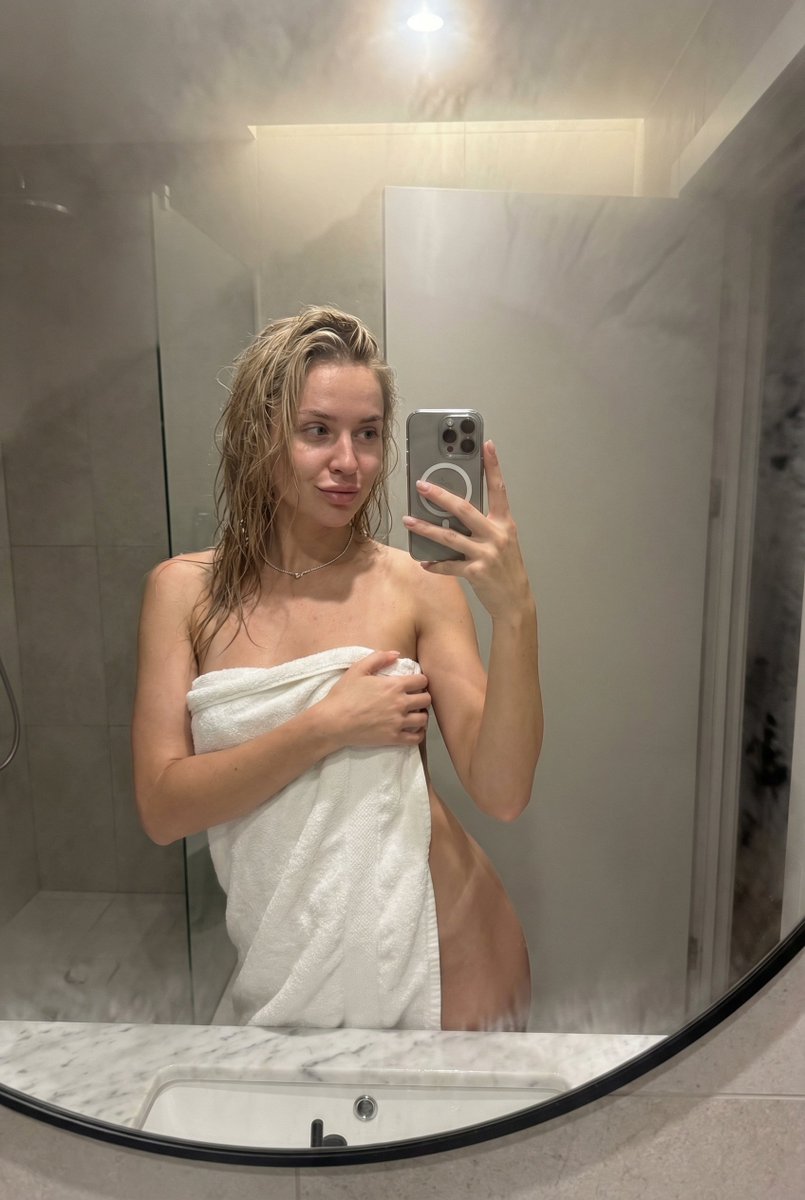
An extremely detailed, structured JSON prompt designed to generate a hyper-realistic, edgy, late-night iPhone flash selfie of an alt-girl. It meticulously defines the style, age, subject's appearance (hair, face, expression, outfit), props, setting, lighting, technical camera details, and includes a comprehensive list of elements to avoid. (free to use) — Free AI image template on PicX Studio.
{ "style": "hyper-realistic iPhone flash selfie, late-night bedroom vibe", "age_range": "21–24 years old", "girl": { "hair": "jet-black straight hair with blunt bangs, shoulder-blade length, perfectly sleek and shiny", "face": "pale skin, sharp winged eyeliner, overdrawn matte nude lips, slight resting bitch face", "eyes": "fox-like upturned eyes, heavy lower lash line, staring straight into lens with zero emotion", "expression": "bored / unimpressed, tiny smirk at one corner of the mouth" }, "outfit": { "top": "oversized vintage band tee (faded black with cracked white print), slipping off one shoulder", "fit": "baggy on top, contrast against tiny waist" }, "props": { "phone": "iPhone 16 Pro Max held in portrait, flash ON and blasting", "hand_position": "lazy one-handed grip low near waist, arm relaxed" }, "setting": { "location": "messy bedroom corner", "walls": "dark gray walls covered in layered posters (mostly metal bands, horror movies, red LED bias lighting)", "lighting": "room almost completely dark except aggressive red LED strips behind posters + cold white phone flash" }, "camera_&_technical": { "perspective": "true first-person selfie POV", "lens": "24 mm smartphone equivalent", "flash": "harsh direct on-camera flash, strong raccoon-eye shadows, blown-out highlights on cheekbones and collarbone", "quality": "16K photorealistic, grainy sensor noise, high contrast", "framing": "mid-thigh up, phone low in frame to exaggerate legs and torso length" }, "mood": "edgy, 3 a.m. insomnia energy, alt-girl who doesn’t care if you like the photo or not", "avoid_list": [ "smiling", "soft lighting", "cute hair clips", "pastel colors", "clean background", "heavy jewelry", "anime/cartoon style", "smooth plastic skin" ] }
Use Hyper-Realistic iPhone Flash Selfie Prompt to plan an AI image around nano-banana-2 generation. Match the preview's composition first, then personalize the subject, setting, and mood for your own project.
Use the primary action to load the template settings in PicX Studio.
Adjust the subject and creative details for your destination.
Create the image, compare the result with the preview, and refine one variable at a time.
A continuous mix — similar concepts first, woven with same-model prompts and fresh picks from the catalog.
Choose the primary action to open PicX Studio with the available template settings. Review the model and format, personalize the creative direction, and generate when ready.
Yes. You can change the subject, setting, lighting, mood, format, and available model controls before creating your image.
This template is free to open and customize. Generation usage is shown in PicX Studio before you create.
Start with nano-banana-2, which is the model associated with this template. You can compare another compatible model for a different finish.
Follow a topic to a crawlable collection of related PicX Studio templates.
39,155 public templates available. Verified via the PicX Studio public templates API; refreshed hourly.
A continuous mix — similar concepts first, woven with same-model prompts and fresh picks from the catalog.