
City Style
City Style is a ready photo look.
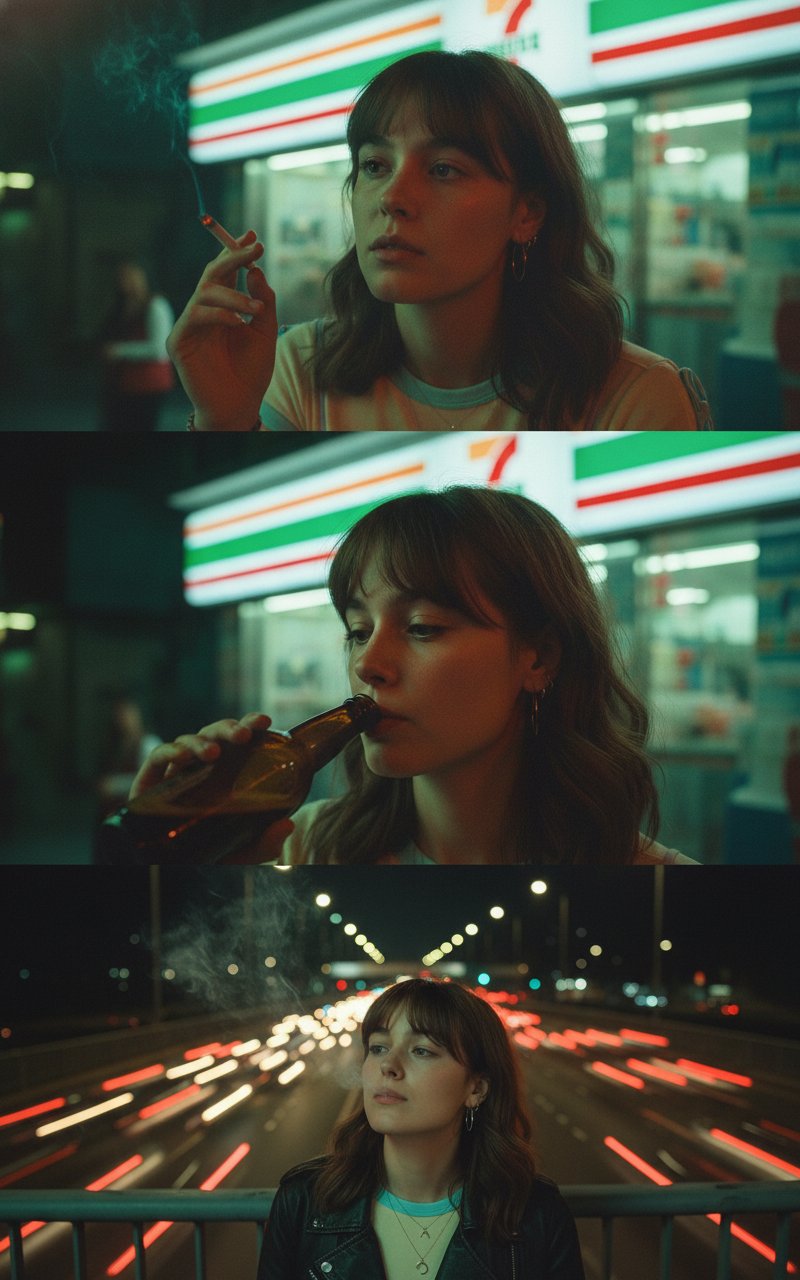
- Prompt included
- Model and format preset
- Free template
The prompt behind this image
Copy the exact prompt behind City Style, or open it in the studio and make it yours.
Wong Kar-wai-inspired cinematic triptych of uploaded image in the city at night, bathed in moody neon green, amber, and red lights. Film grain, dreamy haze, and soft blur with saturated colors. They have messy comma hair, parted to the side with strands falling across their forehead, giving a slightly disheveled, romantic look. Keeping the original face. Top Panel: The person sits outside a late-night 7-Eleven with neon signs glowing behind them with the text "RNGOCT", holding a lit cigarette near their lips, their expression contemplative and distant. Middle Panel: They take a slow sip from a beer bottle, their gaze unfocused as if lost in thought, neon reflections dancing across their face. Bottom Panel: They stand alone on a pedestrian overpass bridge at night, exhaling smoke from a cigarette, head tilted back toward the sky, expression weary and melancholic, blurred headlights of crowded traffic in the distance. Shallow depth of field, intimate close-up framing, nostalgic atmosphere.
How to use City Style in 3 steps
- 1Upload ImagePNG, JPG or paste
Add your photo
Upload the photo the template builds on. The prompt, model and format are already set.
- 2…a portrait of your subject in softgolden-hour light, 85mm…
Personalize
Edit the subject and creative details for your destination.
- 3Generate
Generate
Press Generate — your image is created in PicX Studio, so you can compare it with the original and refine one variable at a time.
More like this
Templates with the same subject, style or setup. Open one to see its prompt.

Cozy Knit Sweater Window Portrait

Minimalist Hand-Drawn Doodle Portrait

Nano Banana Pro 2.0 — 3x3 Travel Profile Grid
Vintage Old Hollywood Beauty Portrait
Vintage Hollywood Monochrome Portrait
Hollywood Spy-Thriller Character Board
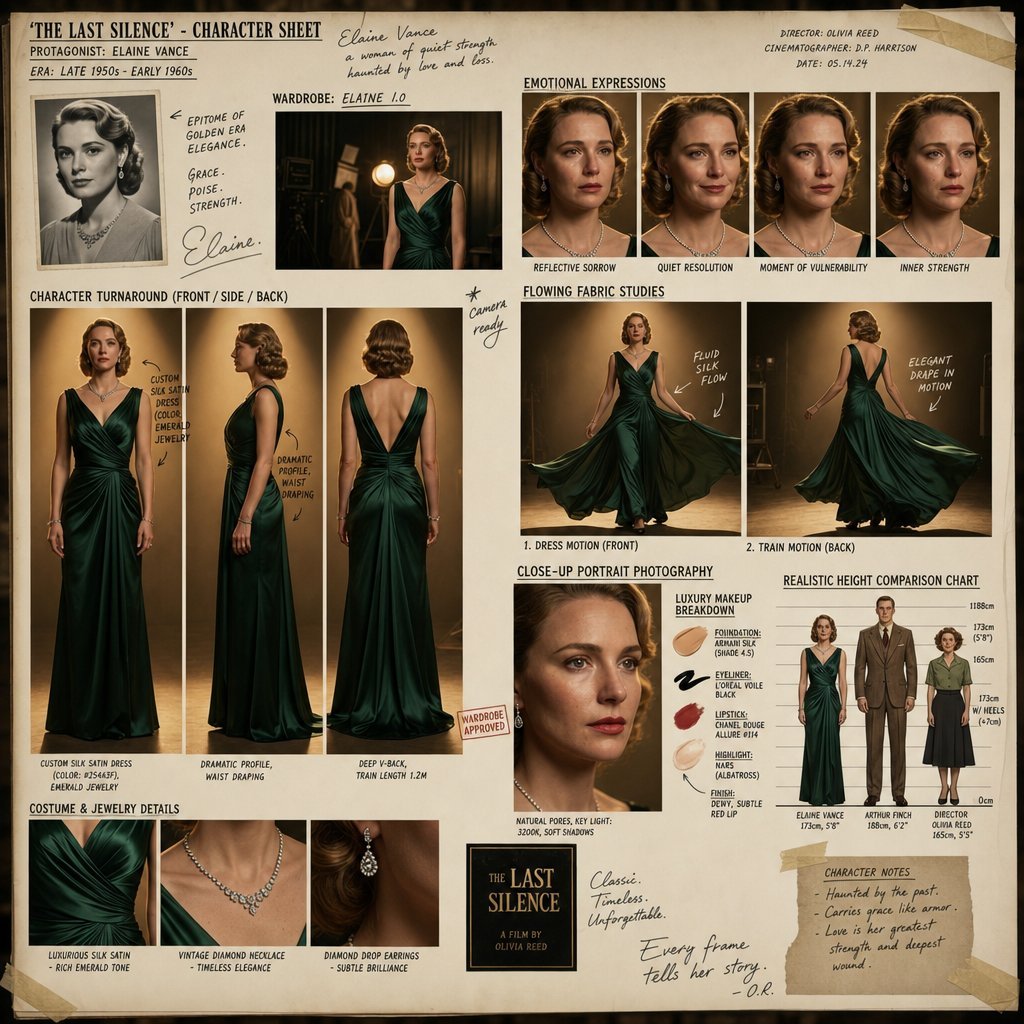
Hollywood Drama Character Sheet
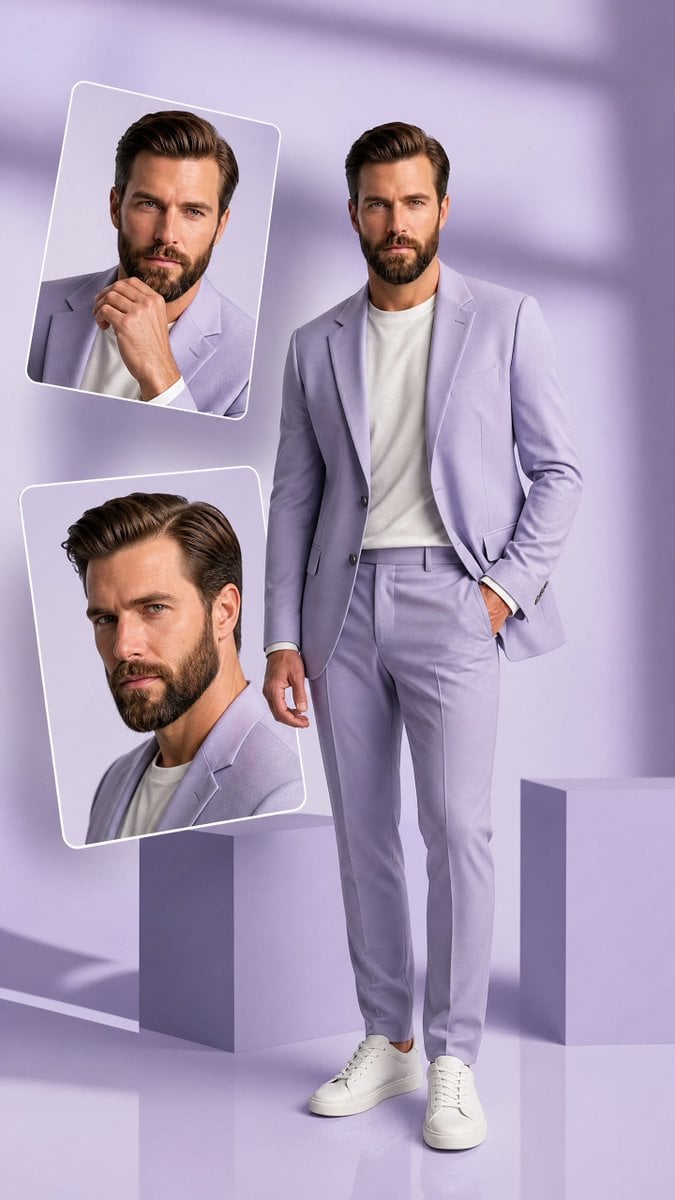
Premium Hollywood Fashion Editorial Poster
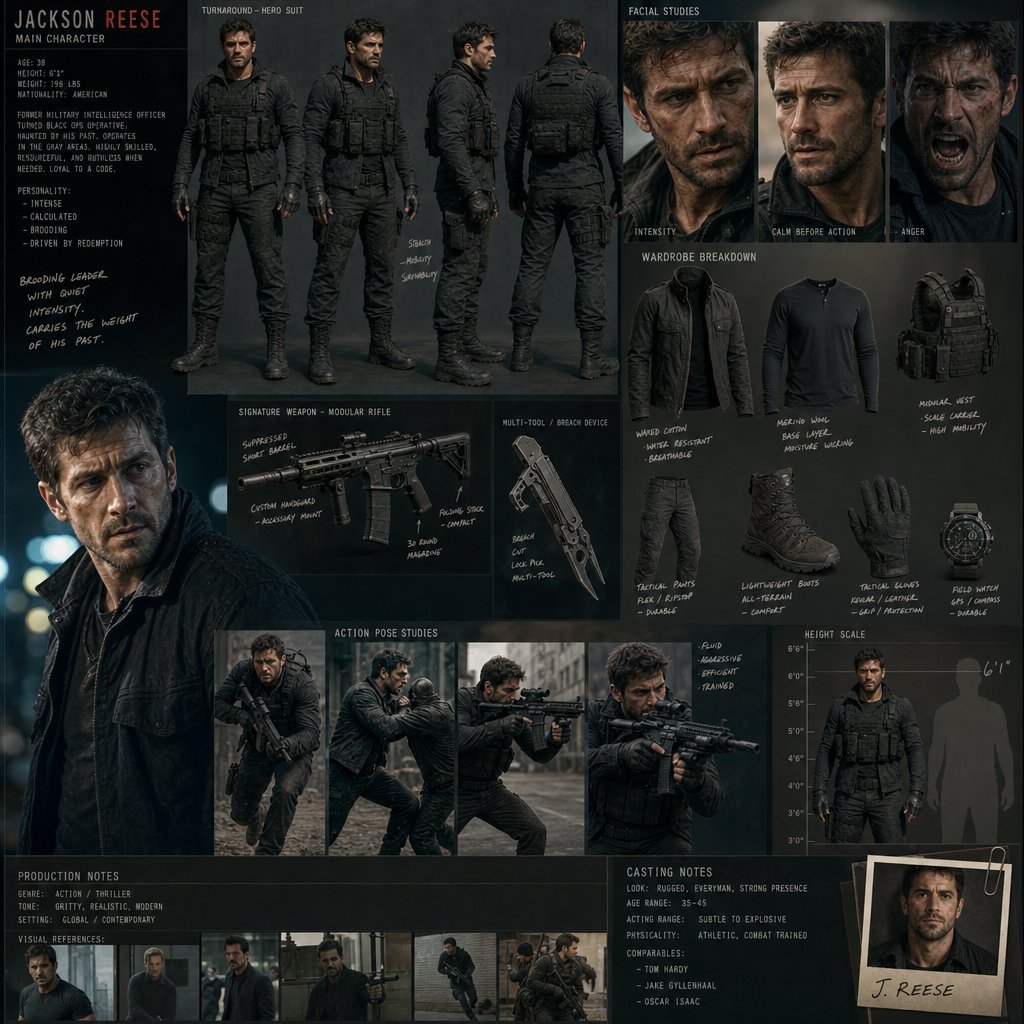
Hollywood Action Film Character Board
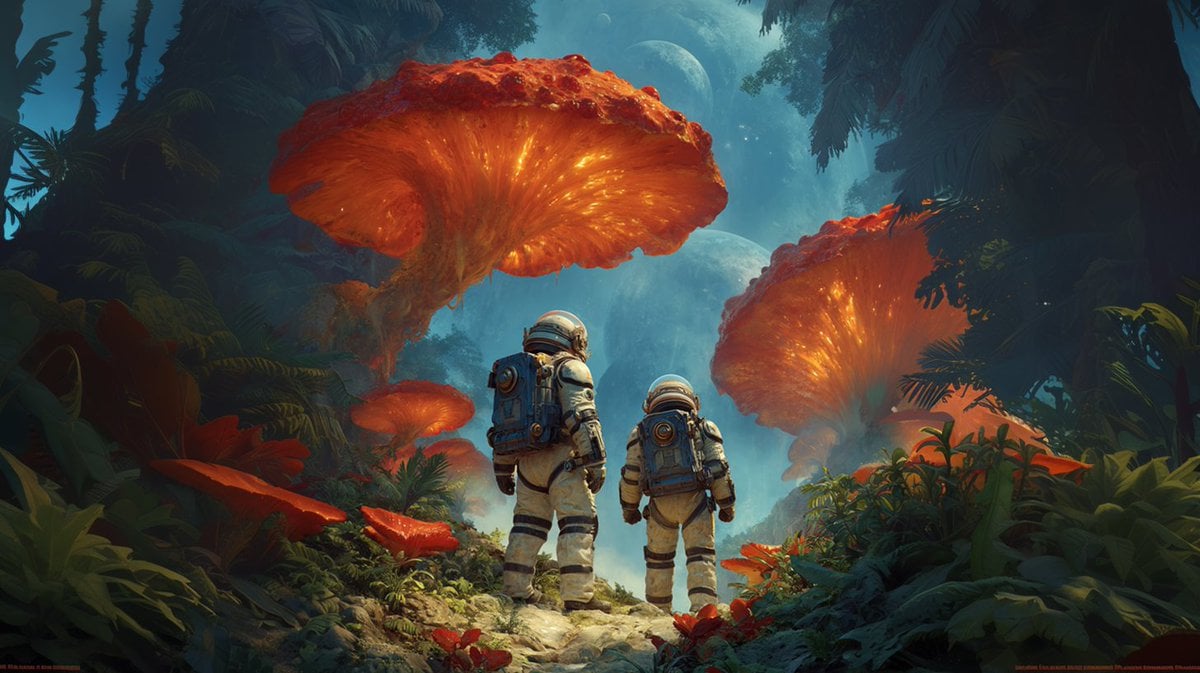
Realistic Hollywood Studio Set Behind-the-Scenes
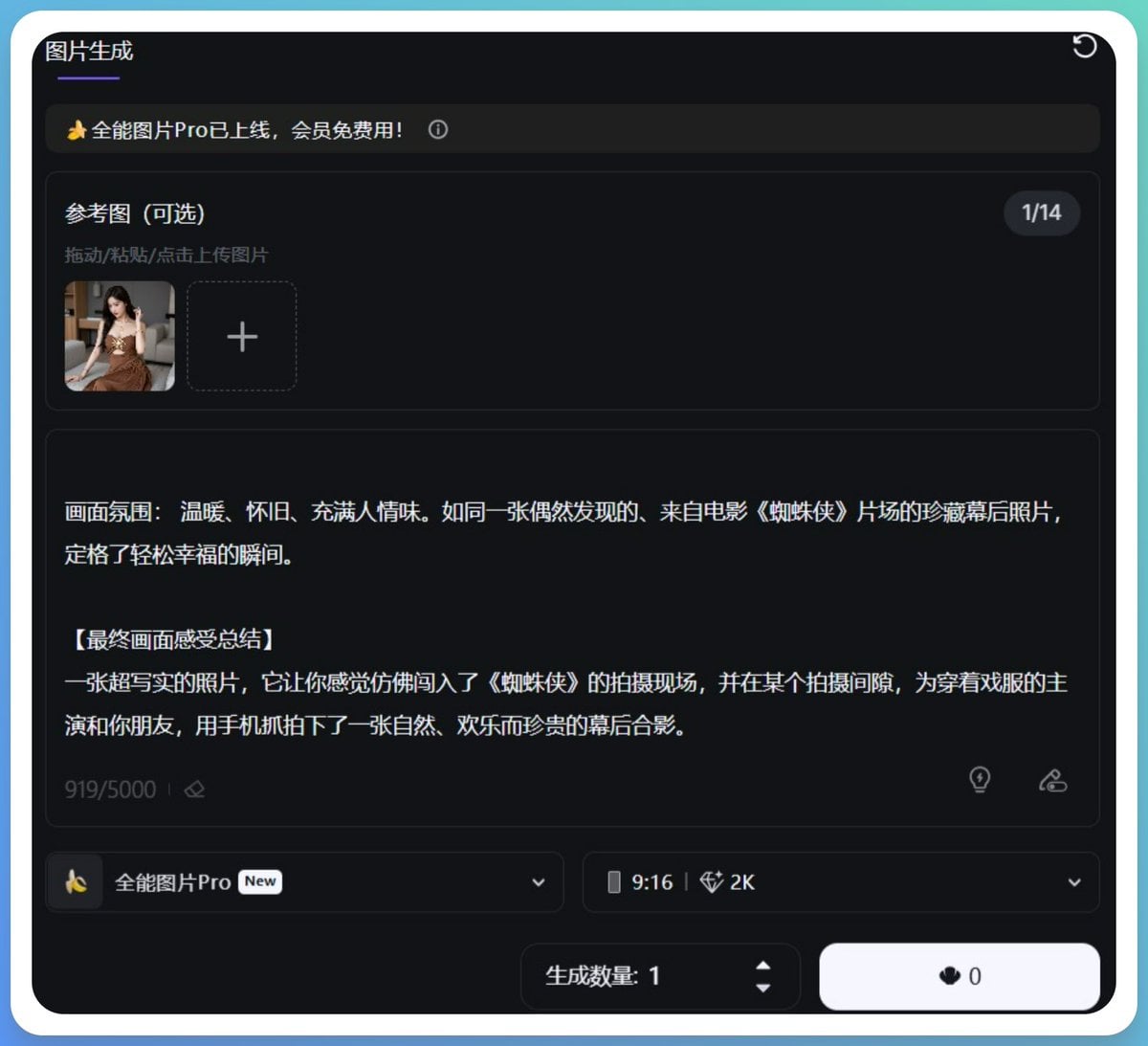
Generating Hollywood Detective Scene Images with Character Reference
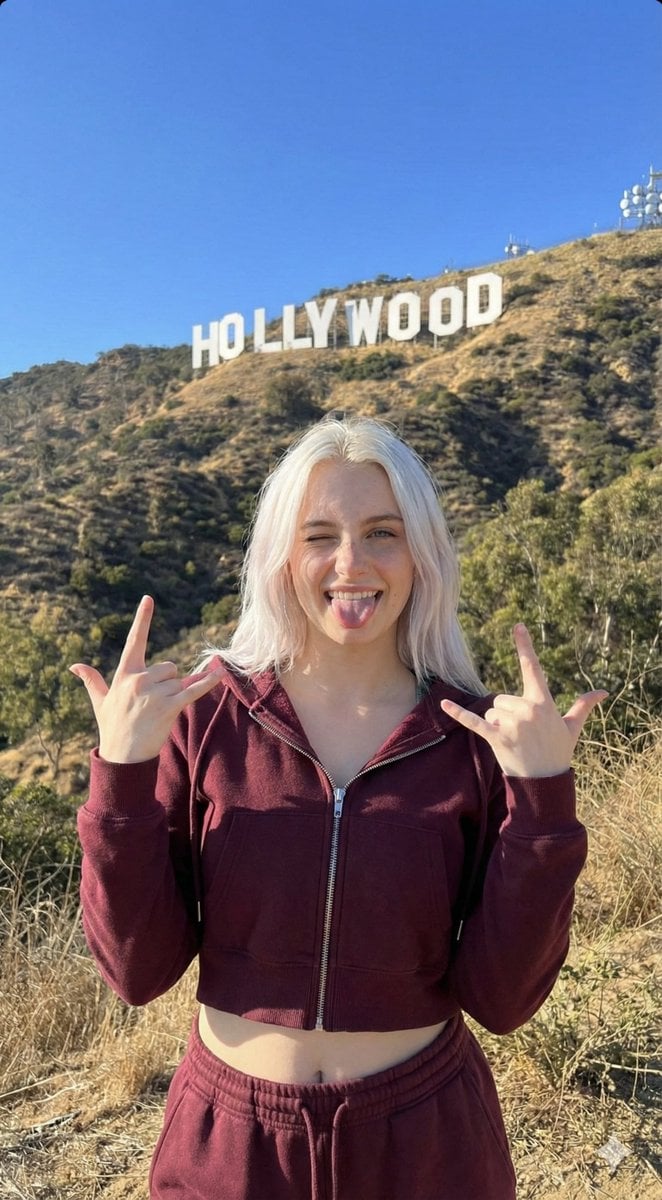
Hollywood Hills Influencer Lifestyle Photo
Make it yours
City Style works as-is. These are the safest ways to change it without losing the look.
Change one field
Copy a single group, rewrite it, and generate again so you can see what that field is doing.
Keep the frame, change the subject
Hold the composition and light of City Style, then swap wardrobe, props or the person for a new take.
| If the result… | Why | Fix |
|---|---|---|
| The result drifts from the preview | Too many fields changed at once. | Reuse City Style as-is first, then change one group — subject, light, or setting. |
| The model over-stylizes the scene | The prose prompt leaves finish and camera underspecified. | Add one camera or lighting sentence and stay on PicX Studio. |
More image prompts
Fresh picks from across the catalog.
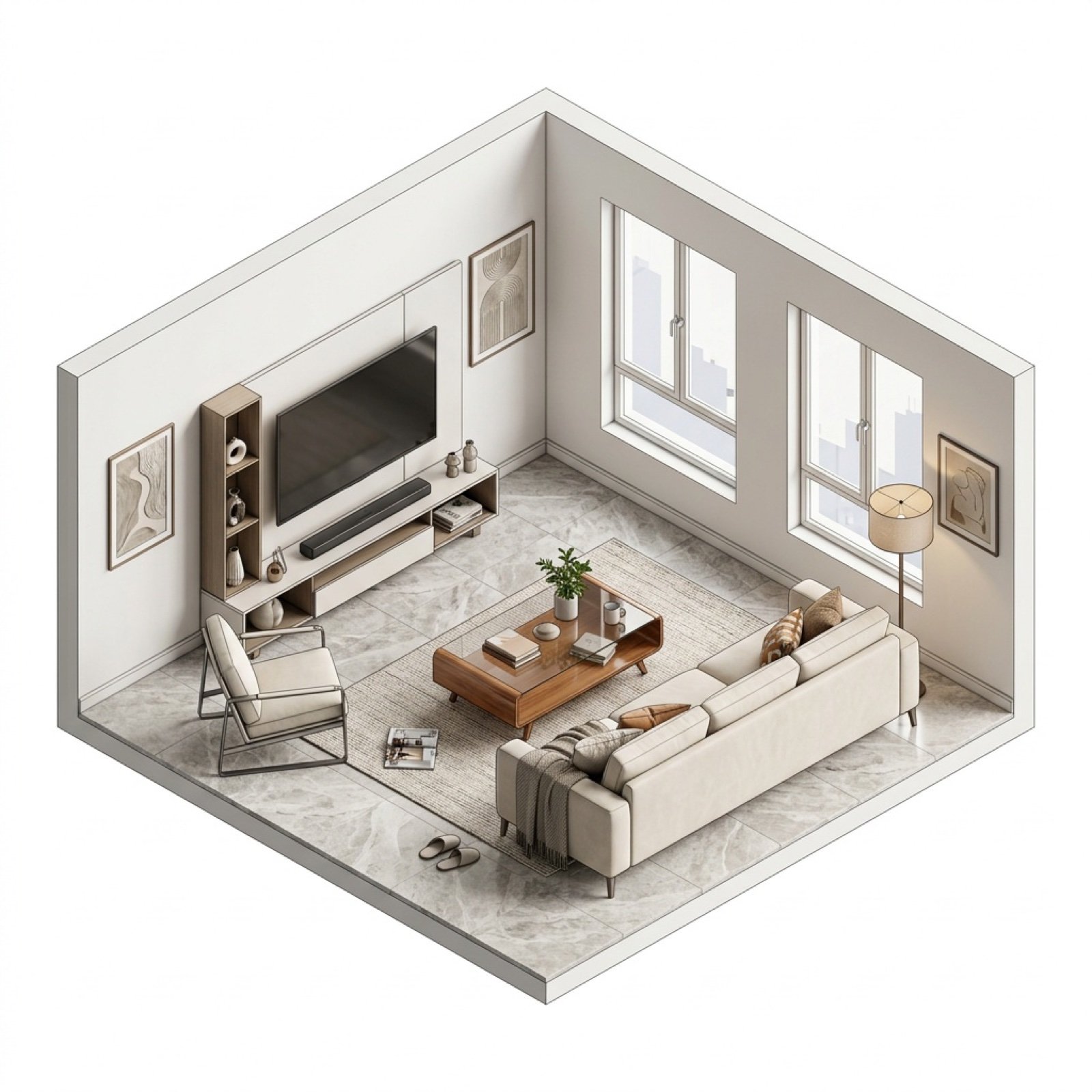
Isometric Interior Design Time-Lapse Video Generation Prompts
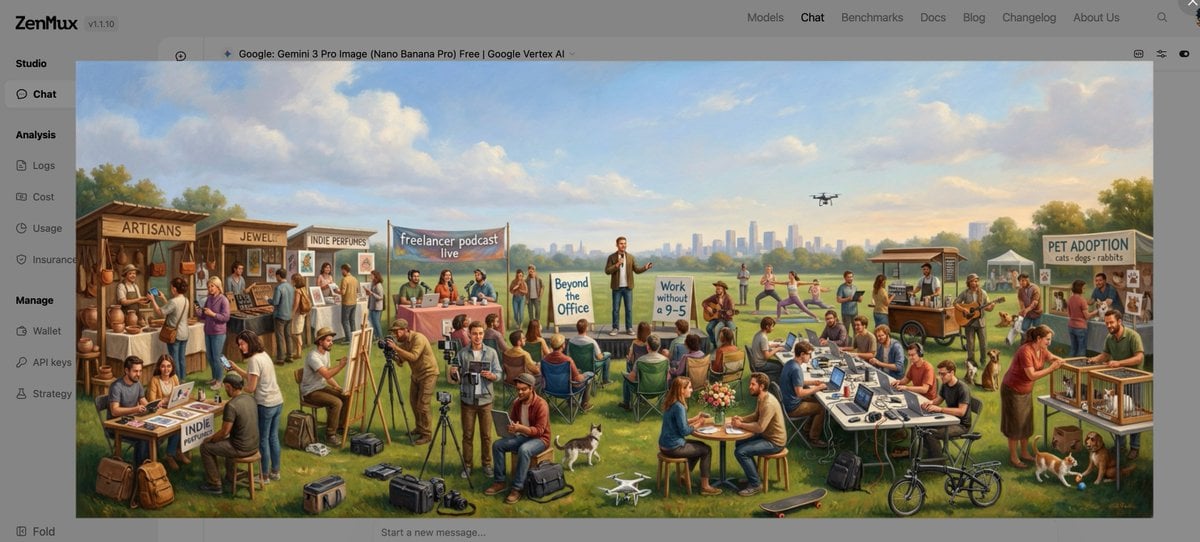
Baroque genre painting of a merry company in a park
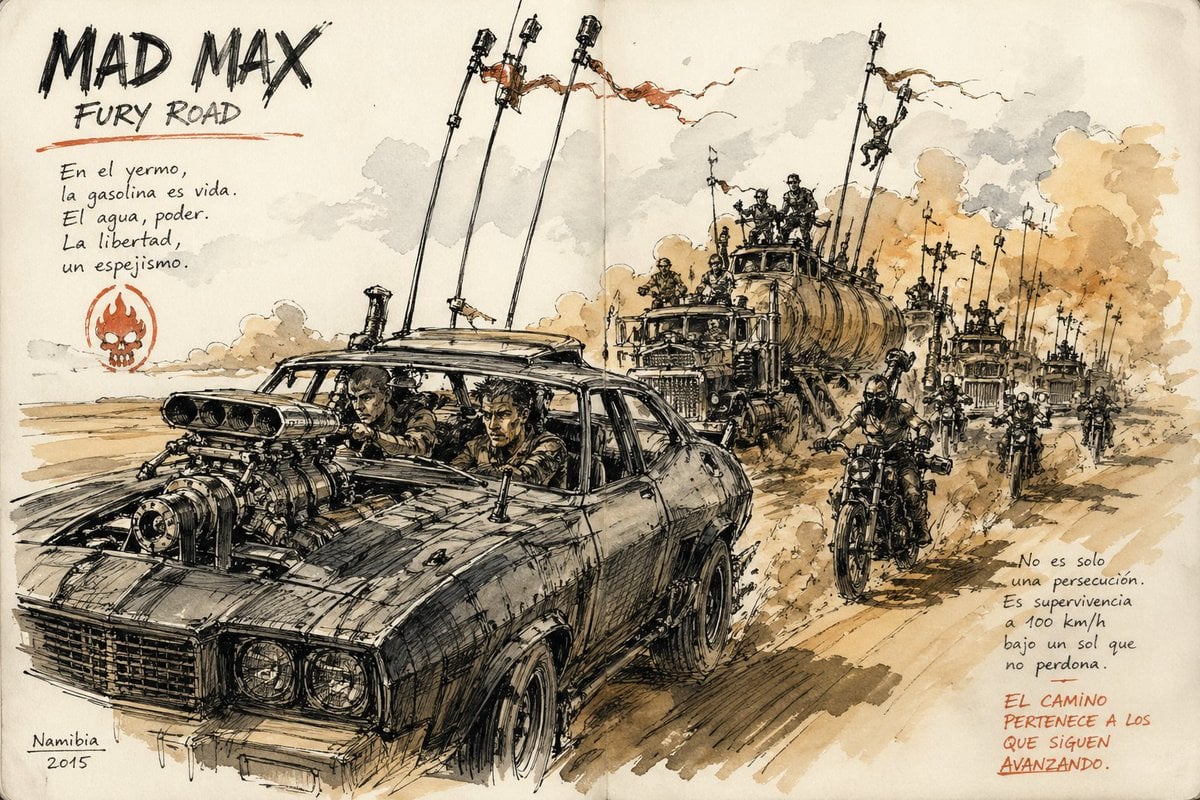
Urban Sketching Style Prompt
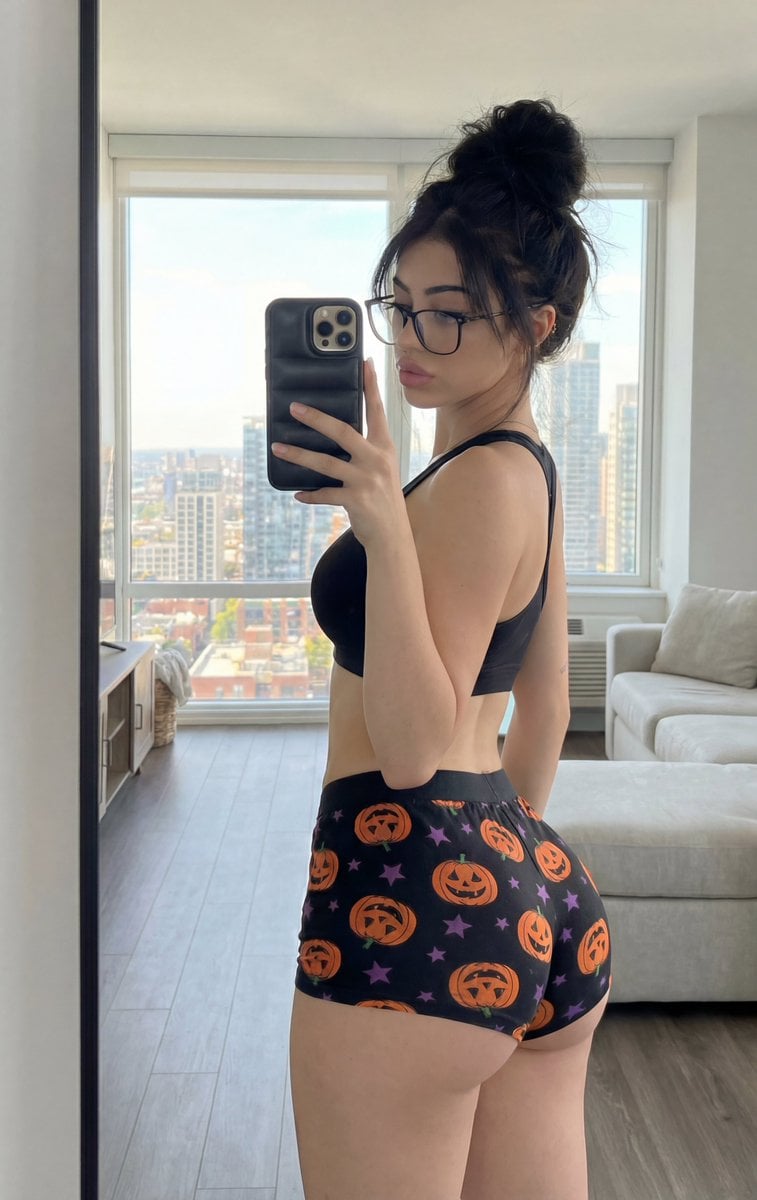
Detailed structured prompt for a photorealistic mirror selfie of an athletic woman
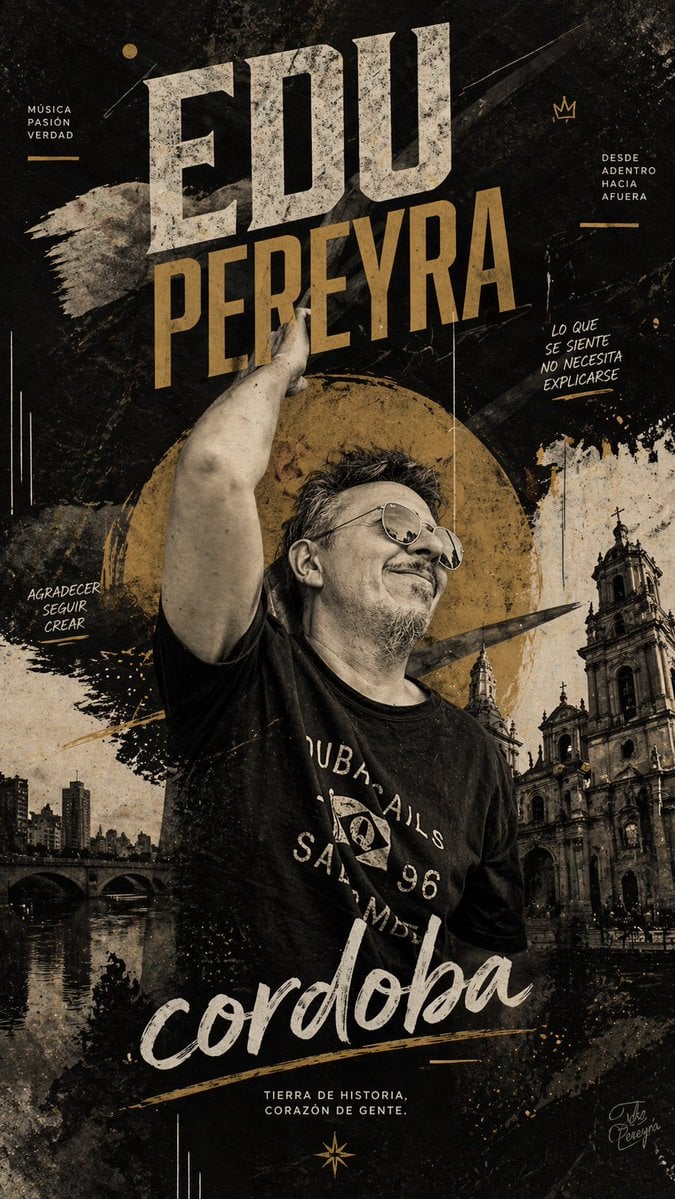
Gritty Córdoba Music Poster
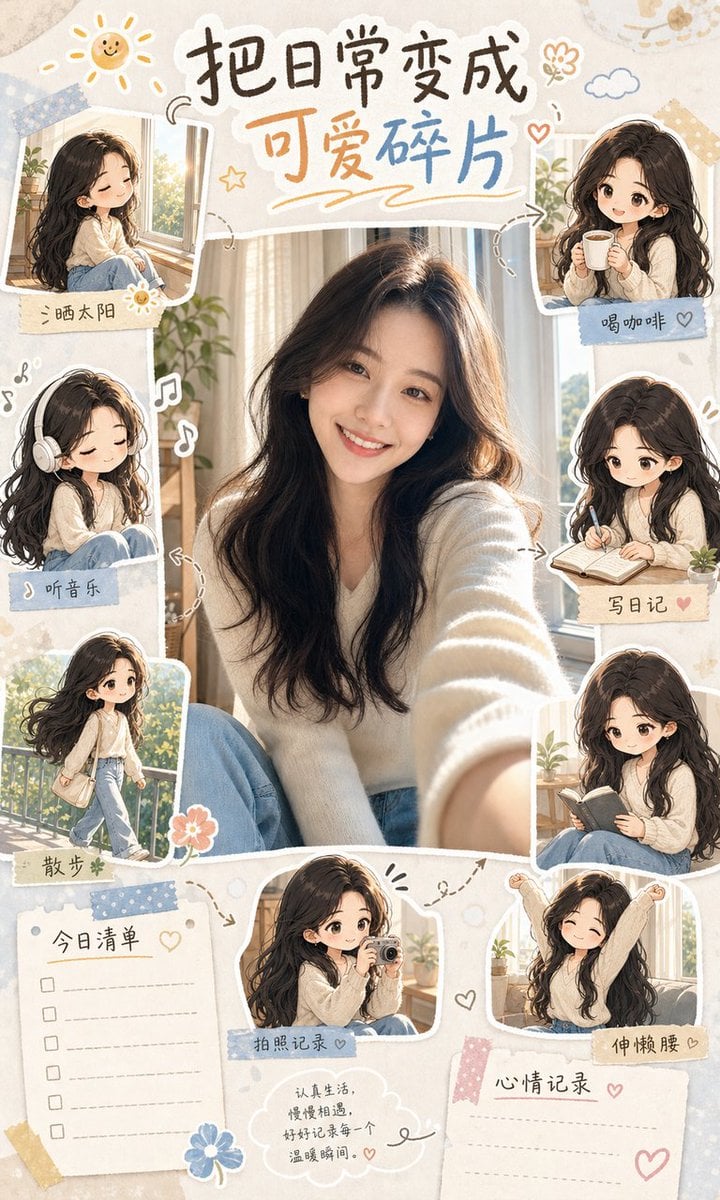
IP Character Avatar Poster Designer
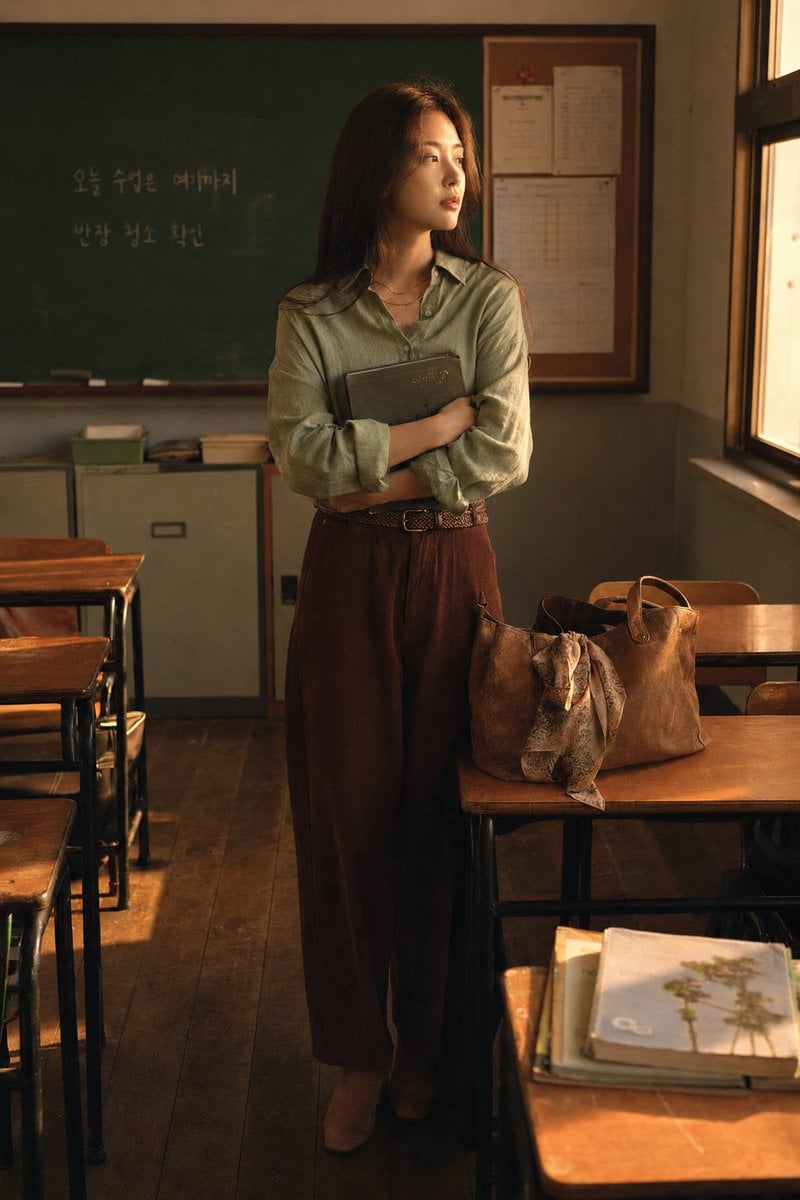
Korean Student Classroom Window Portrait
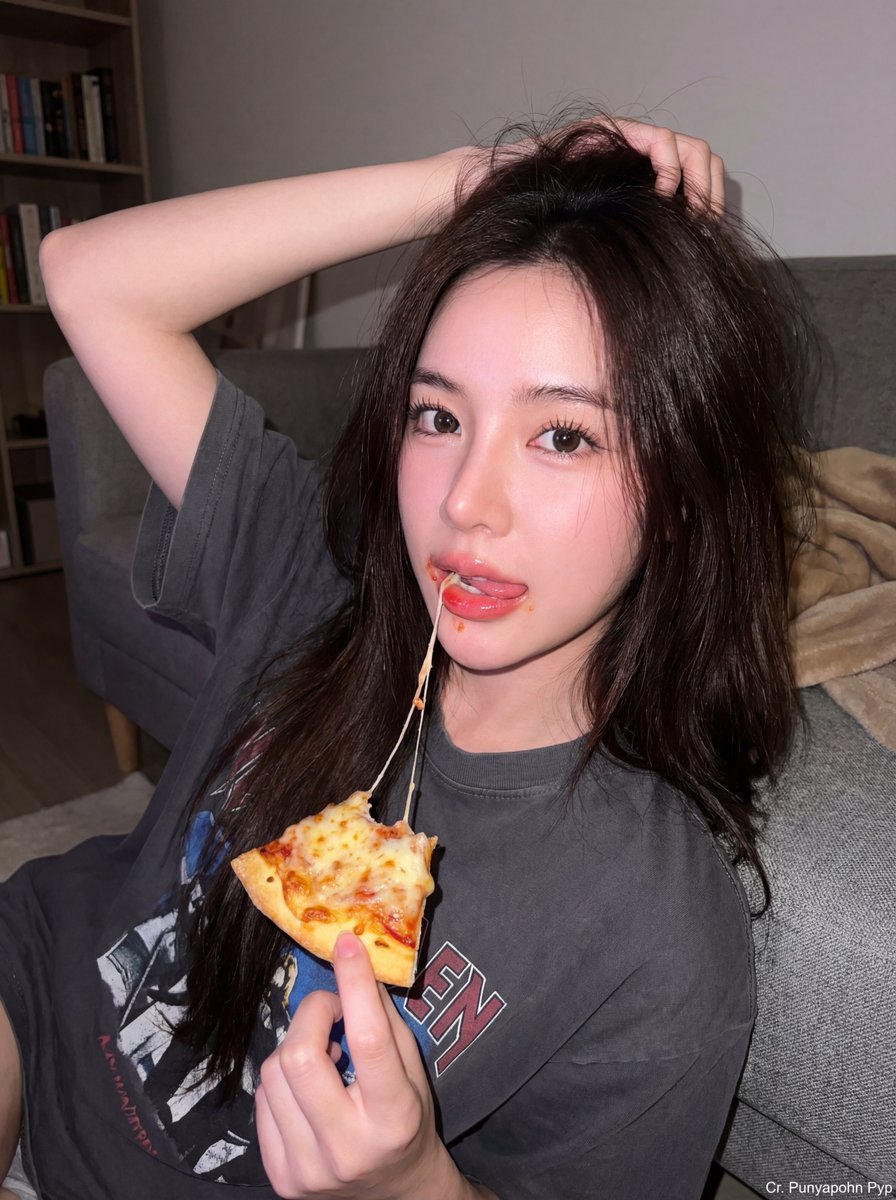
Upscale and Detail Enhancement

Cute Morning Greeting Figure Sticker

Two-Sided Watercolor Event Flyer Mockup
Browse template categories
City Style questions
How do I use the City Style template?
Add your photo if the template asks for one, edit the prompt if you like — the template's model and format are already selected — and press Generate. Your version opens in PicX Studio.
Can I customize the City Style template?
Yes. You can change the subject, setting, lighting, mood, format, and available model controls before creating your image.
Is the City Style template free?
Opening and editing this template is free. Generating uses credits, shown on the Generate button when you are signed in.
Which AI model should I use?
Choose a compatible model in PicX Studio based on the style, speed, and output controls your project needs.
Looking for something else? Browse all templates.

Your photo, any look
Thousands of ready templates for every top image and video model, from one credit balance.