How do I use the Pose with Elephant Studio Portrait template?
Choose the primary action to open PicX Studio with the available template settings. Review the model and format, personalize the creative direction, and generate when ready.
A ready image prompt for PicX Studio. Change the subject, setting, or lighting one variable at a time.

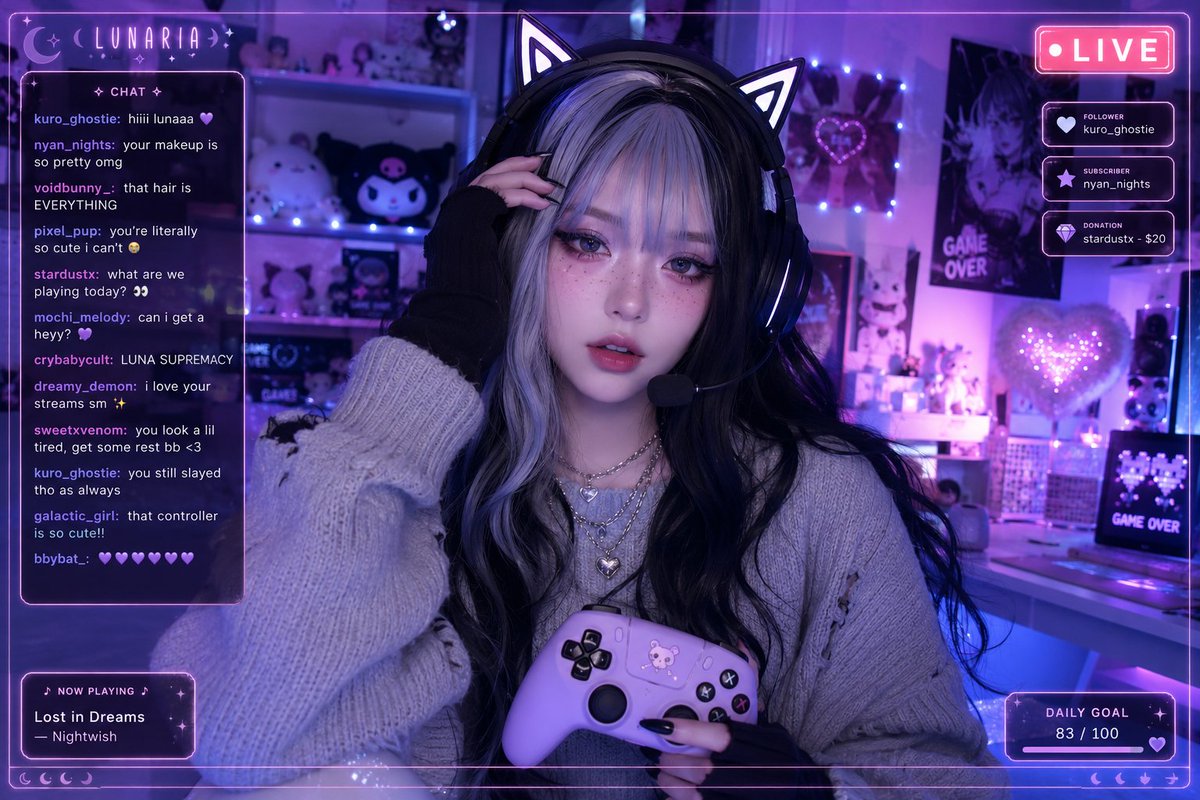
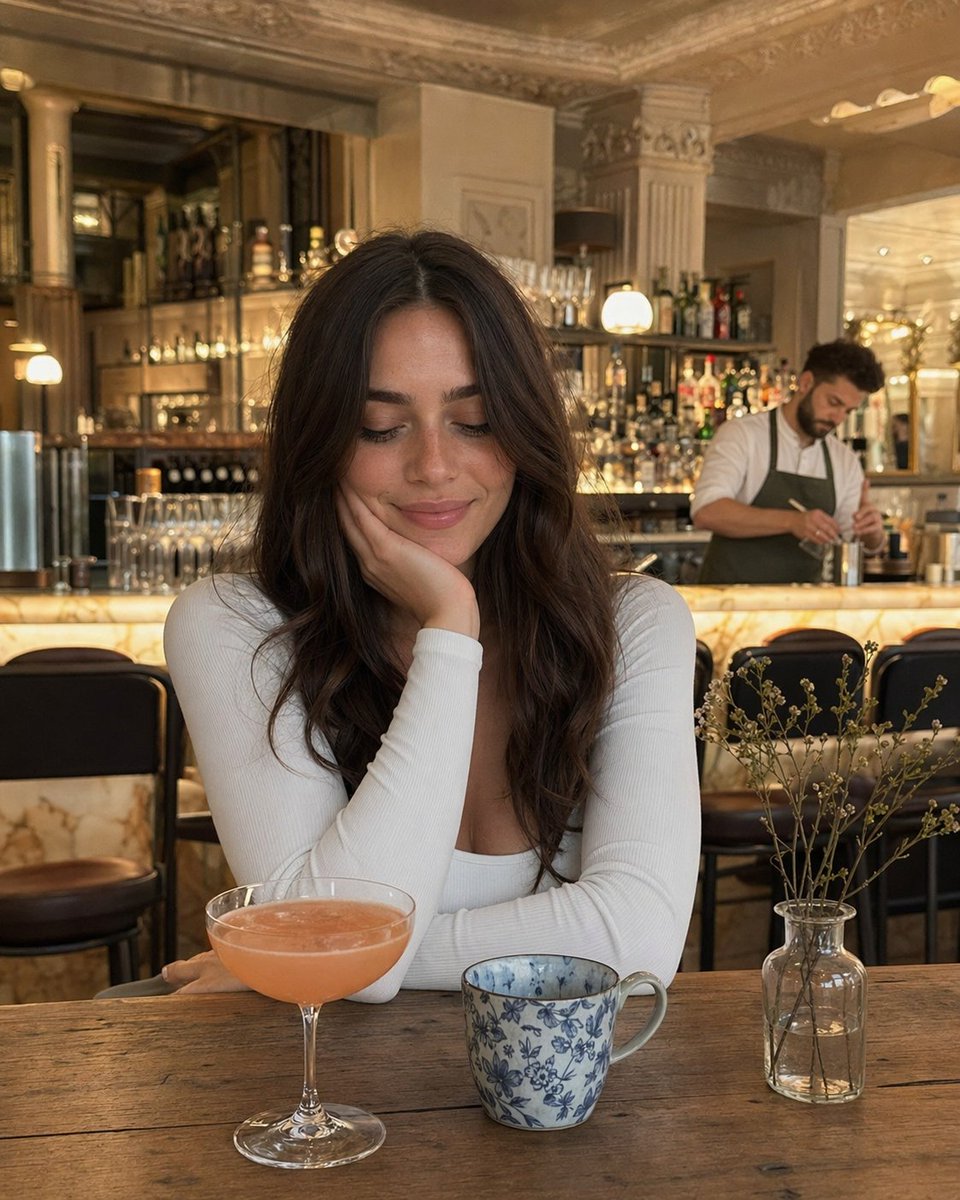
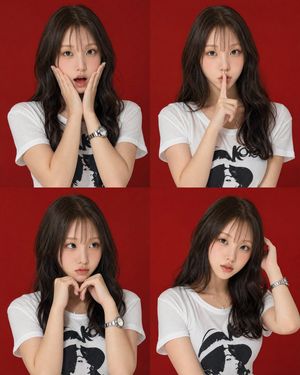
Studio portrait with the uploaded image standing beside a young elephant, touching its trunk. Outfit: olive-green high-waisted trousers with a beige structured vest, safari editorial style. Jewellery: matte gold hoop earrings, textured cuff bracelet. Backdrop: matte sand-brown studio. Lighting: soft rim light for depth, calm dignified composition, luxury tone.
Choose the primary action to open PicX Studio with the available template settings. Review the model and format, personalize the creative direction, and generate when ready.
Yes. You can change the subject, setting, lighting, mood, format, and available model controls before creating your image.
This template is free to open and customize. Generation usage is shown in PicX Studio before you create.
Choose a compatible model in PicX Studio based on the style, speed, and output controls your project needs.
© 2026 PicX Studio. All rights reserved.

Follow a topic to a crawlable collection of related PicX Studio templates.
43,474 public templates available. Verified via the PicX Studio public templates API; refreshed hourly.




![118-google-nano-banana-pro-skincare-product- — A professional skincare shot of a [product container] with [cap/lid], labeled [brand, product, descriptor, volume](/_next/image?url=https%3A%2F%2Fcdn.picxstudio.com%2Fuploads%2Fpost118_img0_332898b8-29ea-42a9-87ab-9ed746a3f944.jpg&w=828&q=100)



![69-untitled — FORMAT: 15s / 145 BPM / 14 SHOTS
SUBJECT: @[image1]
WARDROBE: Clean modern outfit
ENVIRONMENT: Street / indoor transitions
MOOD: Discovery → contr](/_next/image?url=https%3A%2F%2Fcdn.picxstudio.com%2Fuploads%2Fpost69_img0_d45faecf-38c3-4bcb-81a4-f6eb1cf42bb2.jpg&w=828&q=100)



















![Desert Mirage Product Photography — A massive {argument name="product" default="[PRODUCT]"} emerging from a vast desert landscape like a mirage, with subtle hea](https://pbs.twimg.com/media/G9TnlWBbgAAJjfa.jpg)
![Dark Fantasy Movie Poster — This ultra-cinematic dark fantasy poster is automatically generated using ["{argument name="face and hairstyle" default=" "}"] (face](https://cms-assets.youmind.com/media/1778315760146_vzp5eq_HHxyiyzawAAjBbS.jpg)
![Energy Figure in Motion — A {argument name="character type" default="[CHARACTER / FIGURE]"} entirely built from flowing {argum…](https://pbs.twimg.com/media/G9VE3JxbMAA1yxm.jpg)