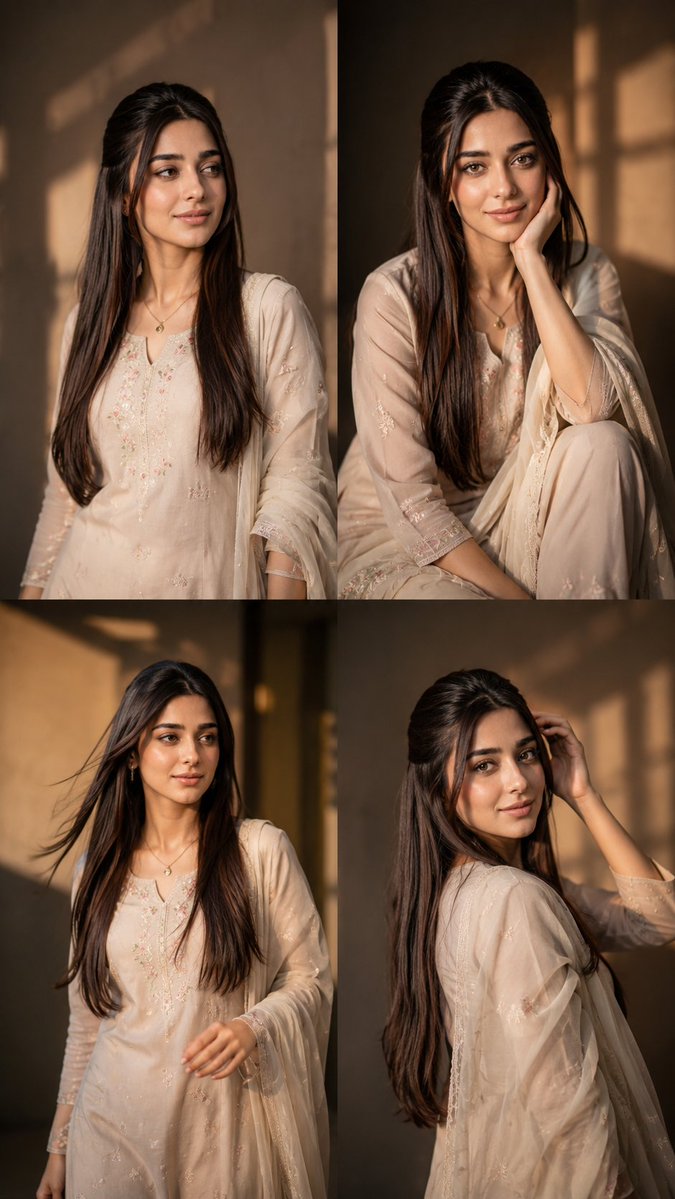
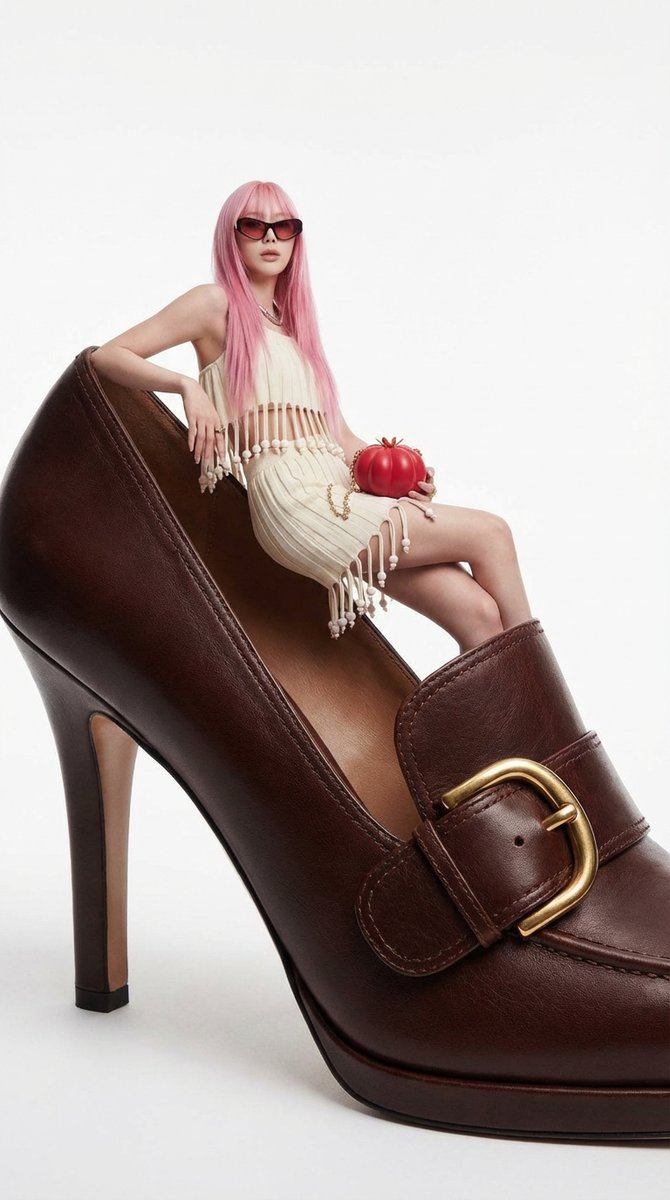
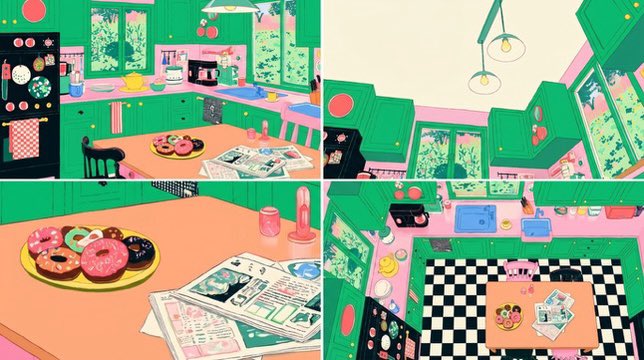
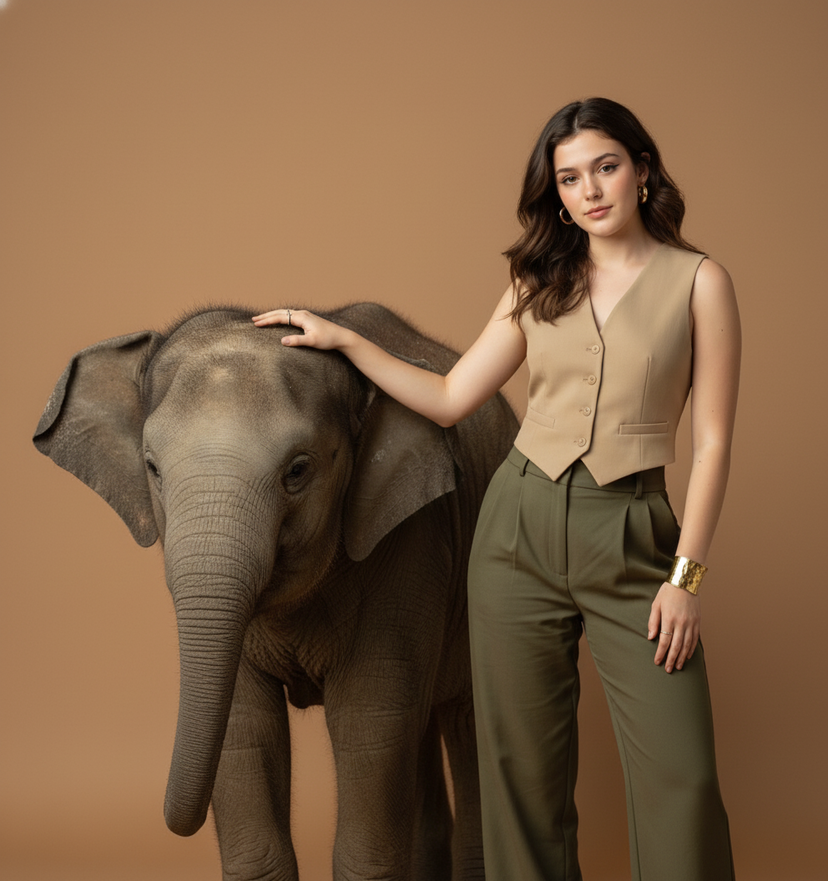
How do I use the Pose with Cat Studio Portrait template?
Choose the primary action to open PicX Studio with the available template settings. Review the model and format, personalize the creative direction, and generate when ready.
A ready image prompt for PicX Studio. Change the subject, setting, or lighting one variable at a time.

Close-up 4k portrait of the uploaded image with a white long-haired cat seated elegantly next to her. Aesthetic: Chanel classic luxury — tweed textures, pearls, timeless chic. Outfit: cream Chanel-inspired tweed jacket with pearl-trim details. Hairstyle: Sleek bun Jewellery: layered pearl necklace and pearl studs. Studio: soft white beauty lighting with refined shadows. Mood: sophisticated, classic, couture elegance.
Choose the primary action to open PicX Studio with the available template settings. Review the model and format, personalize the creative direction, and generate when ready.
Yes. You can change the subject, setting, lighting, mood, format, and available model controls before creating your image.
This template is free to open and customize. Generation usage is shown in PicX Studio before you create.
Choose a compatible model in PicX Studio based on the style, speed, and output controls your project needs.
© 2026 PicX Studio. All rights reserved.

Follow a topic to a crawlable collection of related PicX Studio templates.
43,474 public templates available. Verified via the PicX Studio public templates API; refreshed hourly.











![118-google-nano-banana-pro-skincare-product- — A professional skincare shot of a [product container] with [cap/lid], labeled [brand, product, descriptor, volume](/_next/image?url=https%3A%2F%2Fcdn.picxstudio.com%2Fuploads%2Fpost118_img0_332898b8-29ea-42a9-87ab-9ed746a3f944.jpg&w=828&q=100)




![69-untitled — FORMAT: 15s / 145 BPM / 14 SHOTS
SUBJECT: @[image1]
WARDROBE: Clean modern outfit
ENVIRONMENT: Street / indoor transitions
MOOD: Discovery → contr](/_next/image?url=https%3A%2F%2Fcdn.picxstudio.com%2Fuploads%2Fpost69_img0_d45faecf-38c3-4bcb-81a4-f6eb1cf42bb2.jpg&w=828&q=100)










![Brand Concept Generation Prompt: Unexpected Functional Objects — {argument name="品牌名称" default="[品牌名称]"}:
一本高端、光泽的概念艺术杂志编辑摄影照片,展示由该品牌概念化和设计的一个独特、意想不到的功能性物体。](https://pbs.twimg.com/media/G8jxIaYW8AA1TI4.jpg)