
Showgirl Escape Noir-Western Sequence
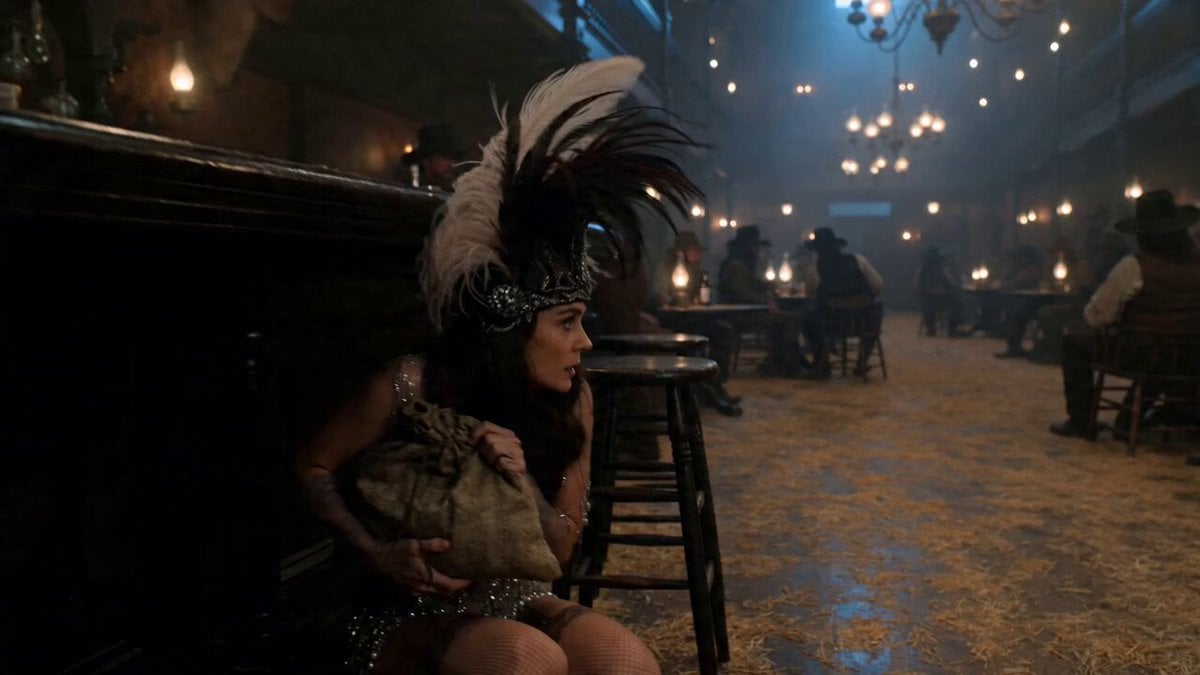
A detailed multi-shot cinematic prompt for a Seedance 2.0 video featuring a showgirl escaping through a saloon into a rainy alley.
- Prompt included
- Model and format preset
- Free template
The prompt behind this video
Copy the exact prompt behind Showgirl Escape Noir-Western Sequence, or open it in the studio and make it yours.
0-3s: A showgirl in torn silk stockings and feathered headdress crouches behind the bar, clutching a satchel, eyes darting toward the back door. 3-7s: She makes a run for it across the sawdust floor, passing drunken cowboys who reach for her but miss by inches, her sequins catching the light like scattered diamonds. 7-12s: The bouncer in a brocade vest lunges from the shadows, she slides under his grasp on her knees, knocking over a whiskey tray that arcs through the air. 12-15s: She bursts through the back door into a rainy alley, breath visible in cold air, as the piano inside hits a dramatic final chord. Tracking shot following her movement, subtle handheld shake for urgency. Midnight blue and warm interior light contrast, rain-slicked cobblestones, gaslight halos, noir-Western hybrid aesthetic. 4K, determined expression stable, fluid motion, sequin detail preserved, atmospheric haze.
How to use Showgirl Escape Noir-Western Sequence in 3 steps
- 1
Open
The prompt is already in the box next to the preview, with the template's model and format selected.
- 2…a portrait of your subject in softgolden-hour light, 85mm…
Personalize
Edit the subject and creative details for your destination.
- 3Generate
Generate
Press Generate — your video is created in PicX Studio, so you can compare it with the original and refine one variable at a time.
More like this
Templates with the same subject, style or setup. Open one to see its prompt.
Sci-fi action sequence escape prompt
Neo-Noir Alleyway Fight Sequence

Anime Girl Wall Running Escape Sequence
Fantasy Dragon Bridge Escape Sequence
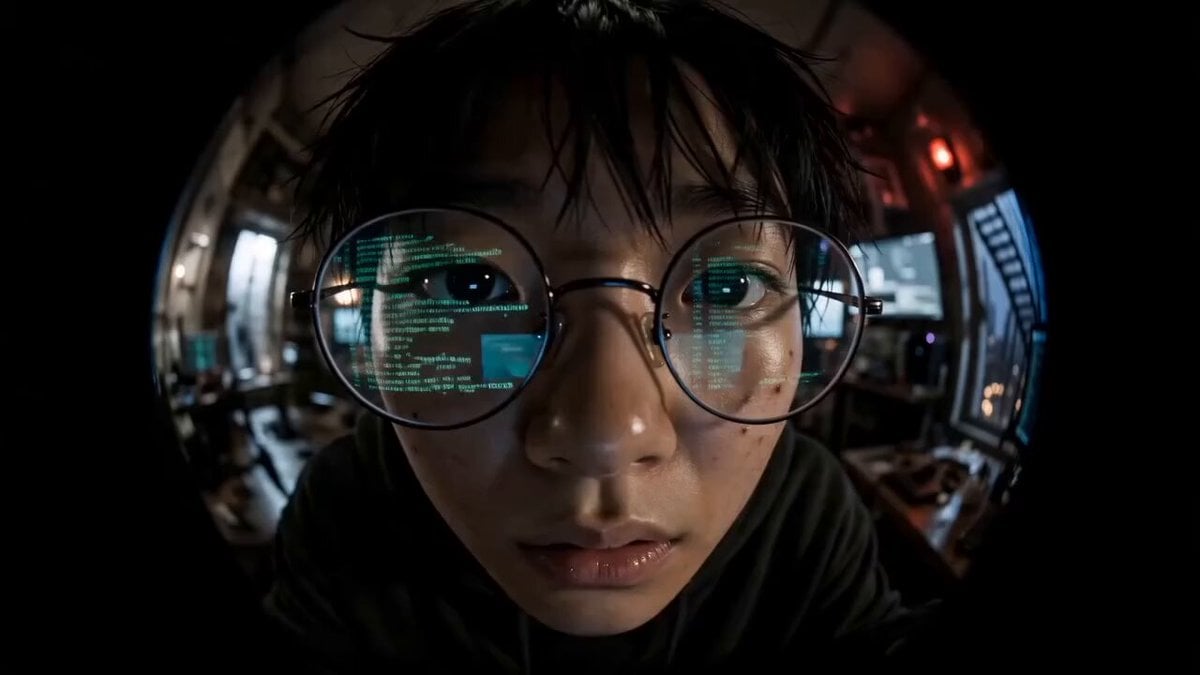
Cyber Thriller Hacker Escape Sequence
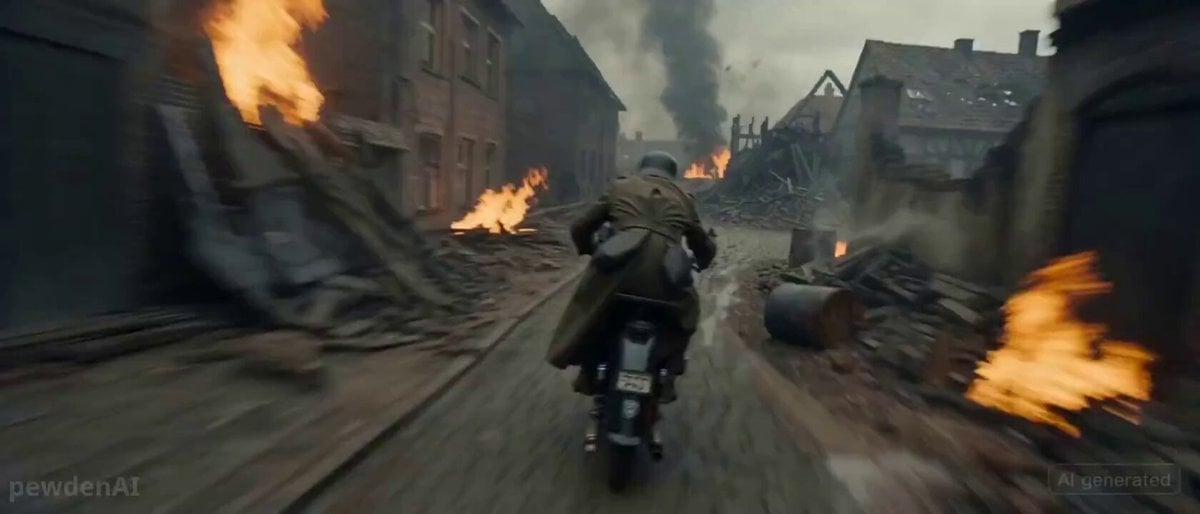
WW2 Motorcycle Escape Sequence
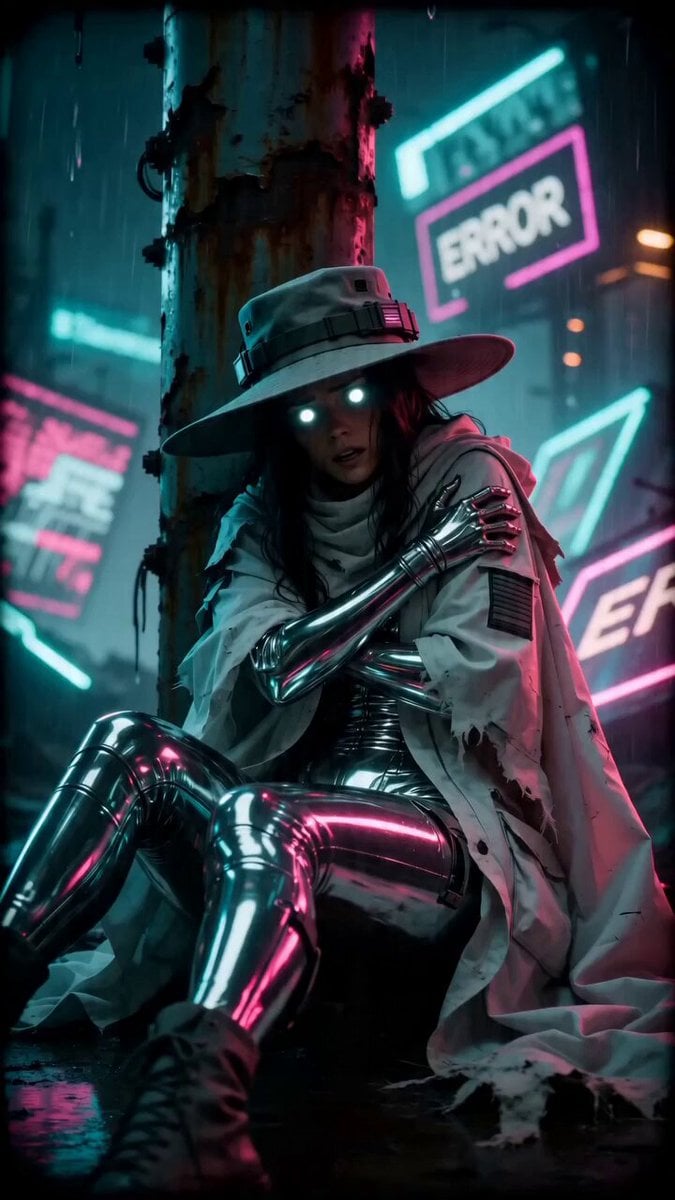
Cyber-Noir Glitch Transformation Sequence
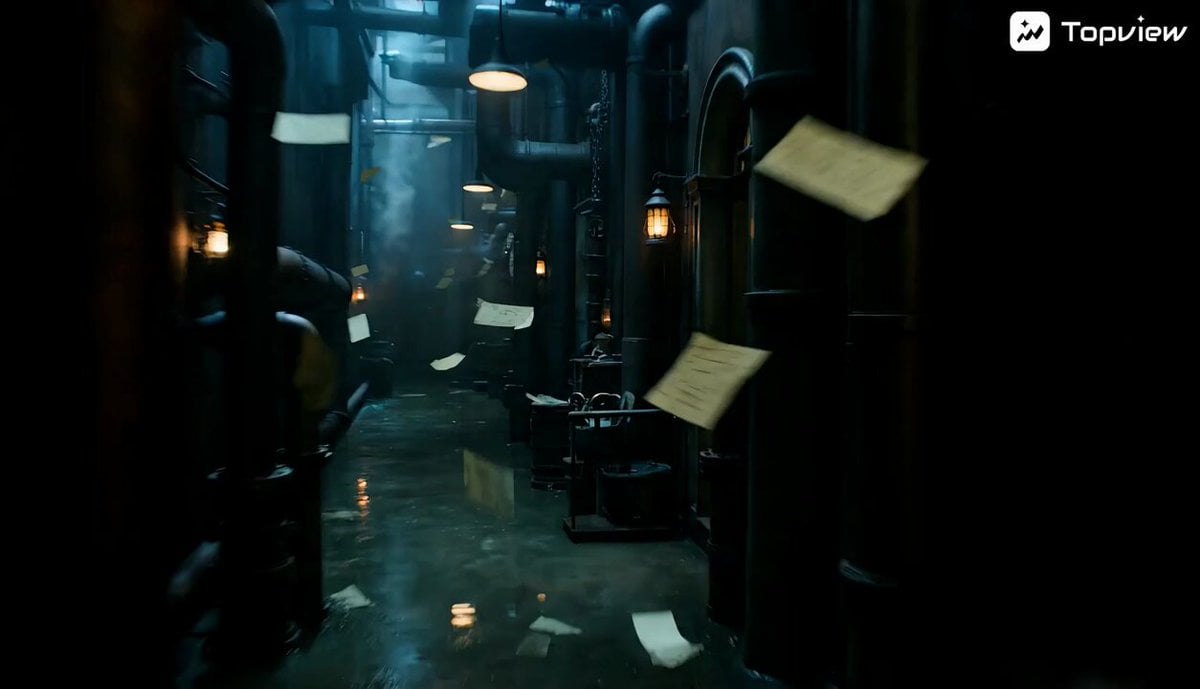
Noir Fantasy Film Sequence Video Prompt for Seedance 2.0
Multi-Cut Western Duel and Arm Wrestling Sequence
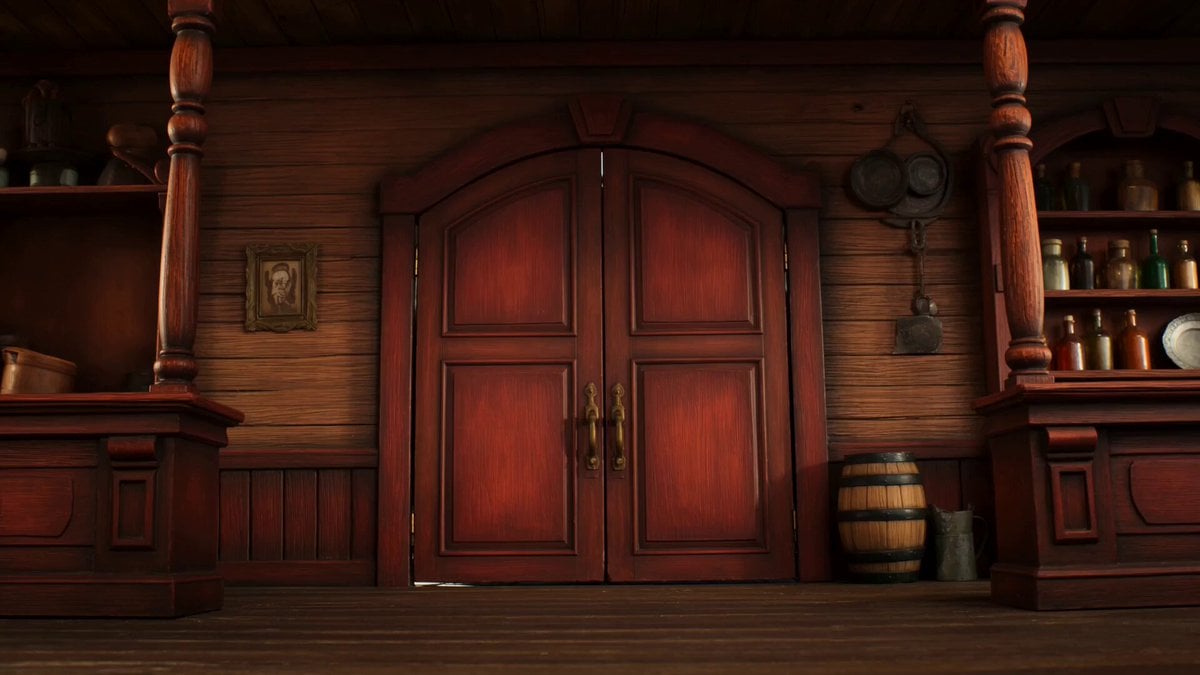
Claymation Western Action Sequence
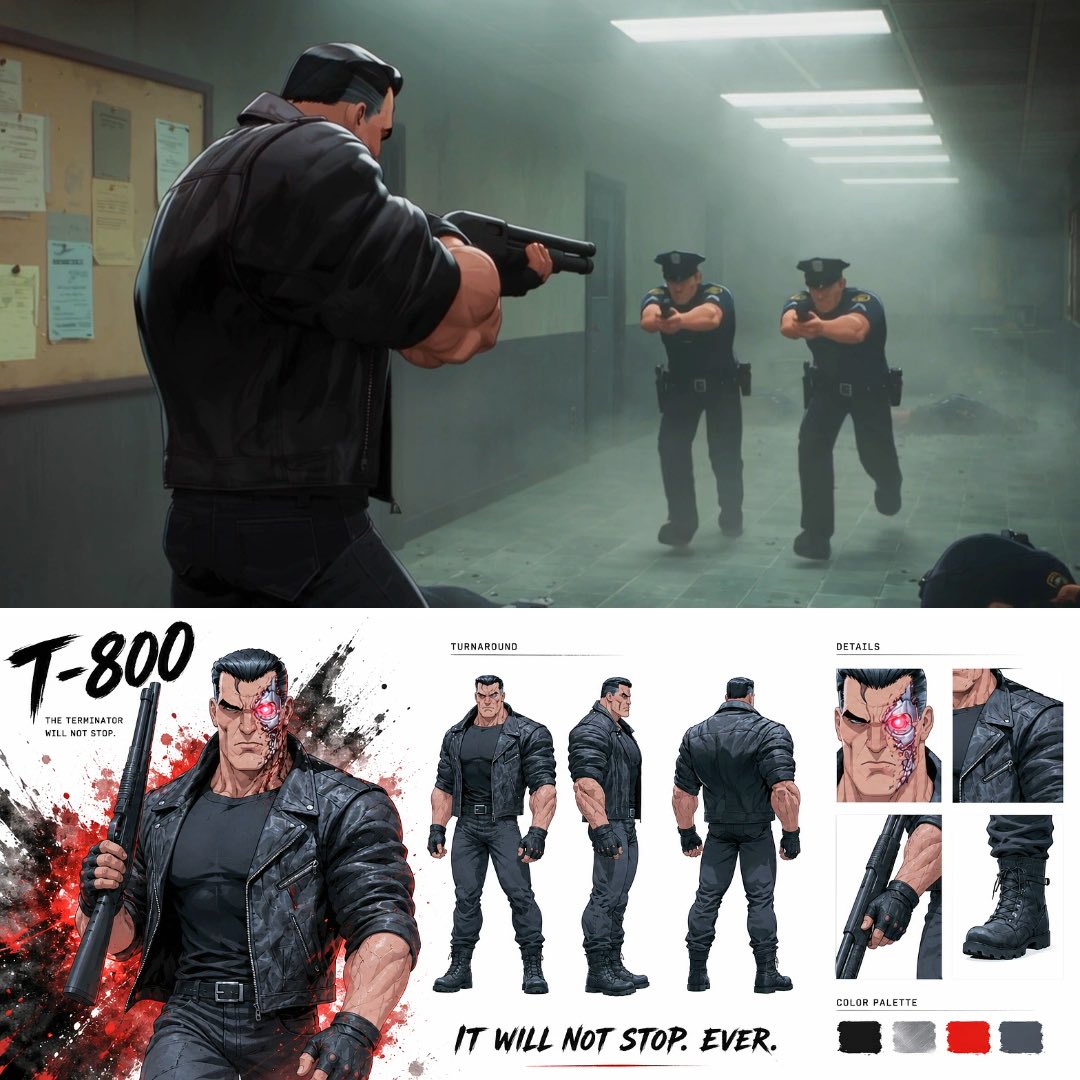
Noir Anime Police Station Interior

Maglev Train Action Sequence
Make it yours
Showgirl Escape Noir-Western Sequence works as-is. These are the safest ways to change it without losing the look.
Change one field
Copy a single group, rewrite it, and generate again so you can see what that field is doing.
Keep the frame, change the subject
Hold the composition and light of Showgirl Escape Noir-Western Sequence, then swap wardrobe, props or the person for a new take.
| If the result… | Why | Fix |
|---|---|---|
| The result drifts from the preview | Too many fields changed at once. | Reuse Showgirl Escape Noir-Western Sequence as-is first, then change one group — subject, light, or setting. |
| The model over-stylizes the scene | The prose prompt leaves finish and camera underspecified. | Add one camera or lighting sentence and stay on Seedance 2.0. |
More Seedance 2.0 templates
Other prompts made for Seedance 2.0.

Comical Martial Arts Punch Scene

Wuxia Protection and Trust Script

Vintage Korean Arcade MiniDV Vlog

Mercedes 190 SL Luxury Ad

Rainy Night Supernatural Reverse Comedy Video Script

Amazon Civilization Discovery

Futuristic South Asian City Transformation

Cozy Luxury Cafe Commercial

Cyber Ronin Nanotech Transformation Video
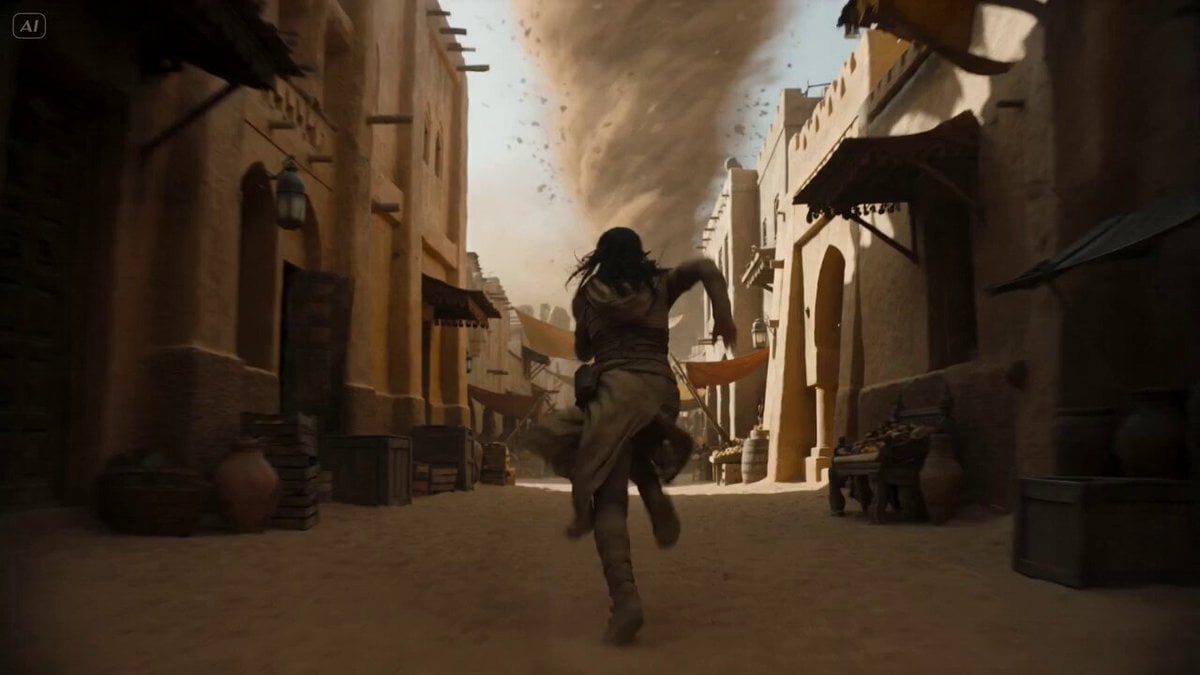
Desert Courier and Sandstorm Leviathan Chase
More video prompts
Fresh picks from across the catalog.
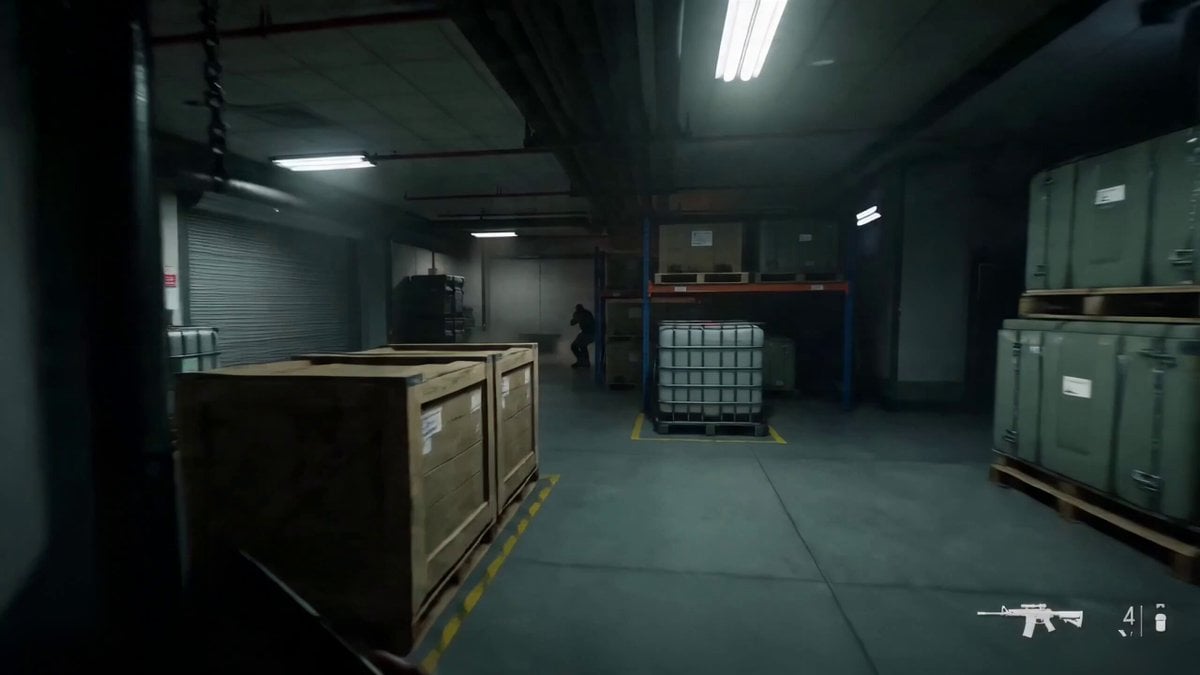
Warehouse Breach to Rooftop Inferno Cinematic Script

Surreal Futuristic Megacity Descent
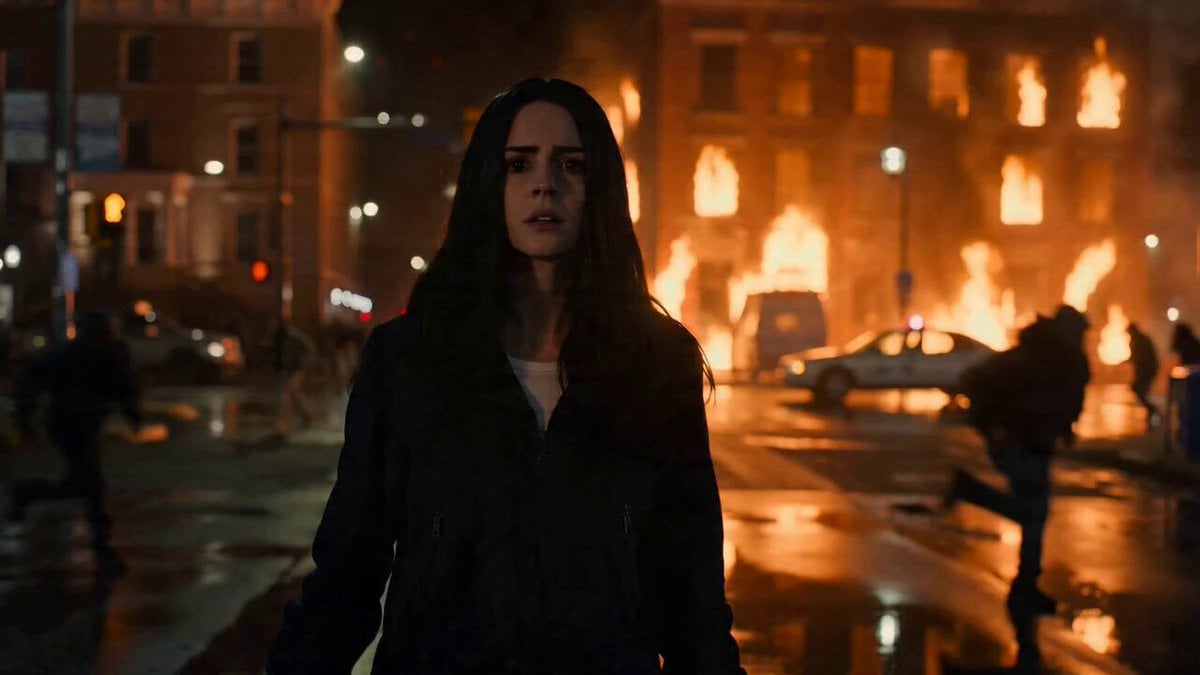
Woman Walking in Chaos
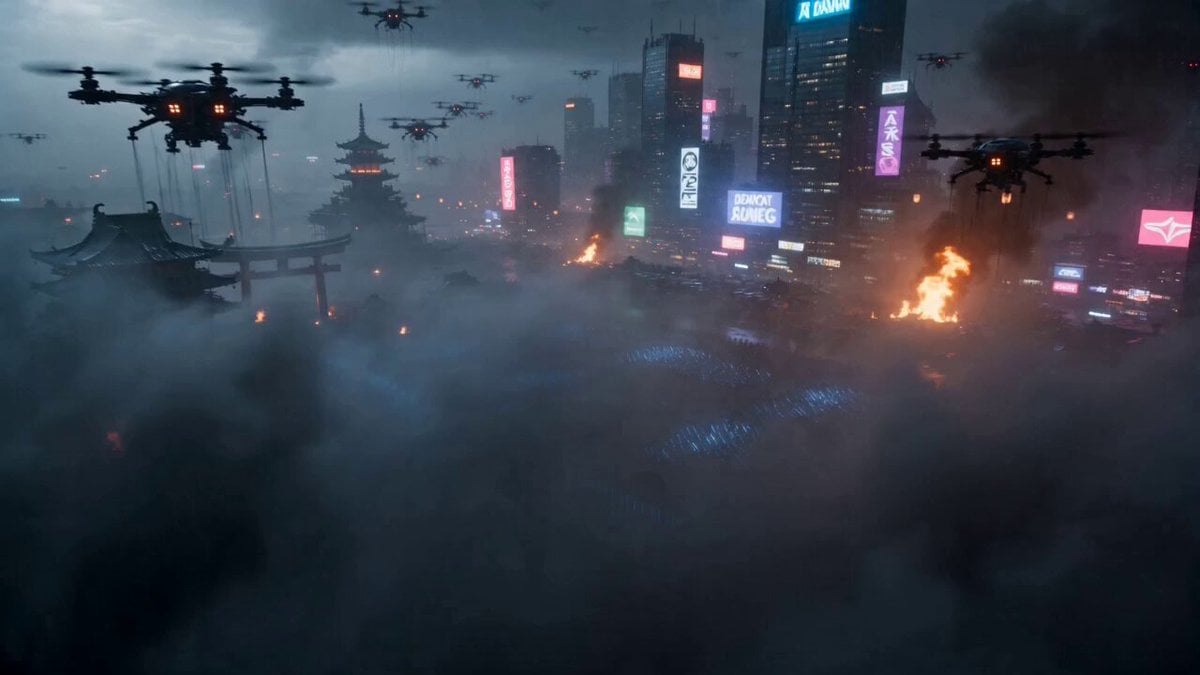
Cyberpunk Samurai Battle Video Prompt
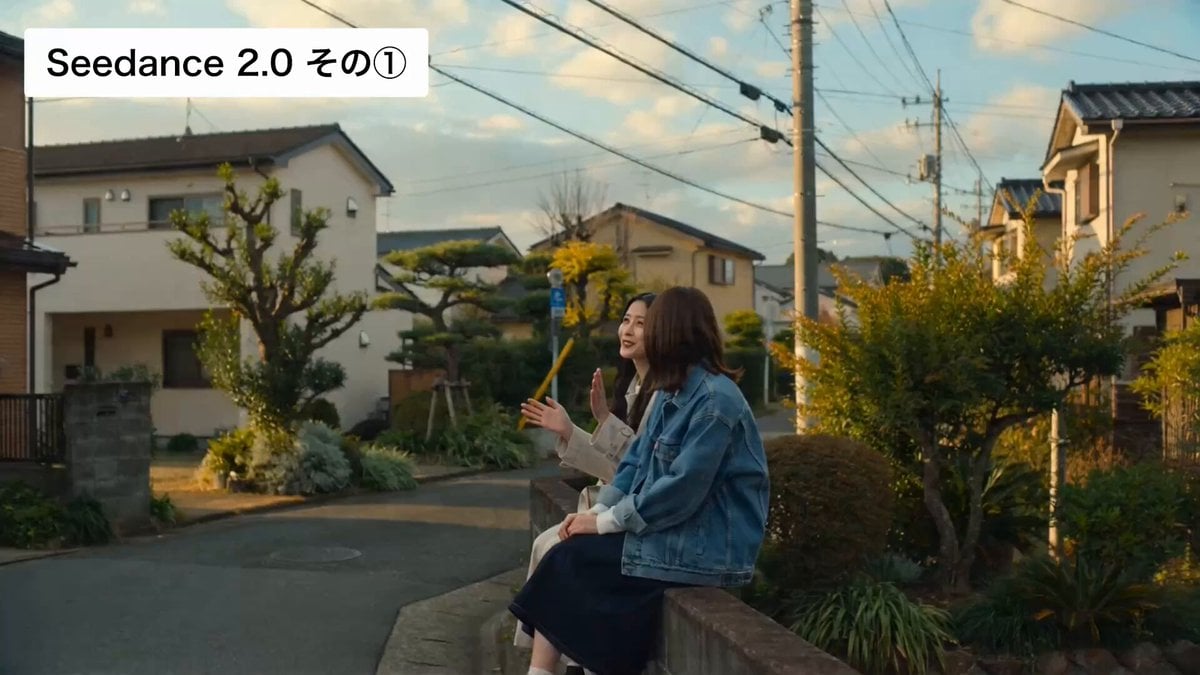
Cinematic Japanese Slice-of-Life Scene with Lip-Synced Dialogue
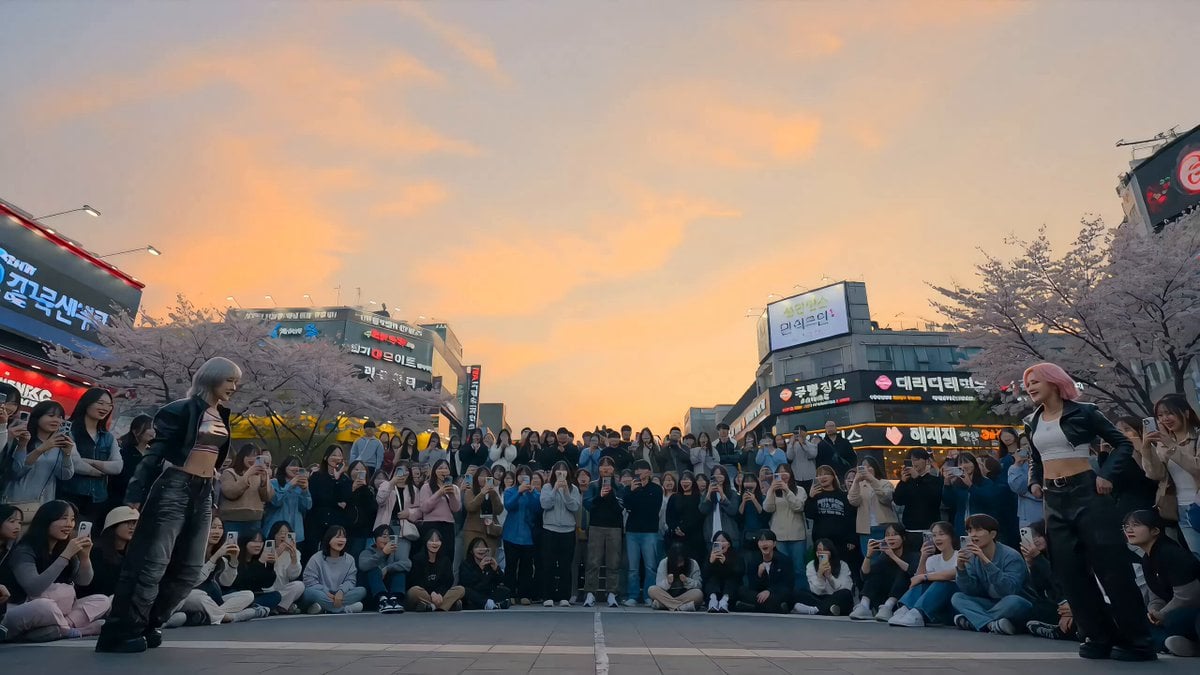
K-Pop Plaza Dance Battle
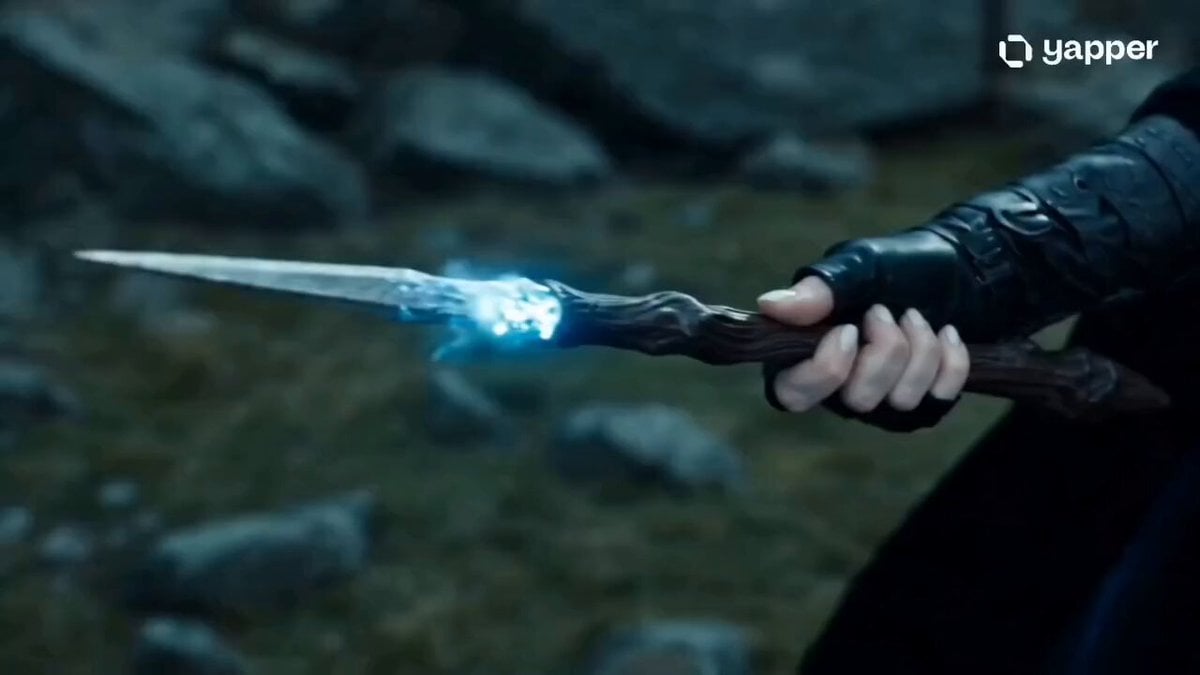
Sorceress Frost Shockwave
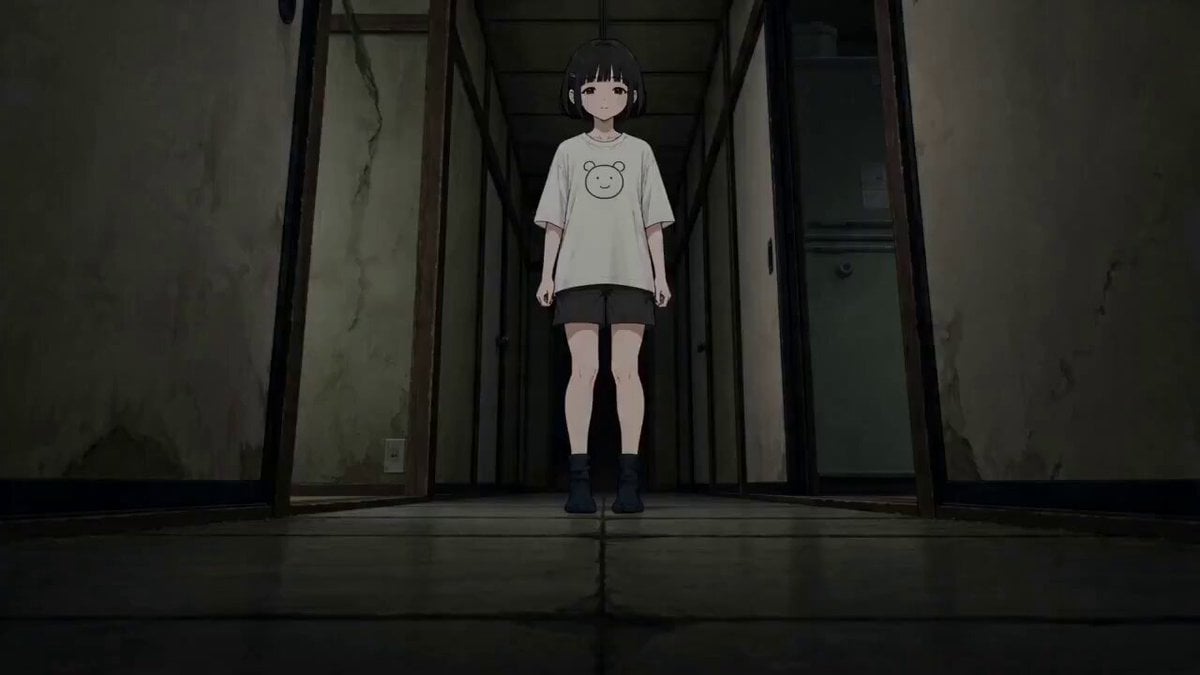
Anime Dissolve and Re-formation Sequence
Letters floating up from a book with mysterious music
Dragon Rescue — Volcanic Kingdom Collapse (Seedance)
Browse template categories
Showgirl Escape Noir-Western Sequence questions
How do I use the Showgirl Escape Noir-Western Sequence template?
Add your photo if the template asks for one, edit the prompt if you like — the template's model and format are already selected — and press Generate. Your version opens in PicX Studio.
Can I customize the Showgirl Escape Noir-Western Sequence template?
Yes. You can change the subject, setting, lighting, mood, format, and available model controls before creating your video.
Is the Showgirl Escape Noir-Western Sequence template free?
Opening and editing this template is free. Generating uses credits, shown on the Generate button when you are signed in.
Which AI model should I use?
Start with Seedance 2.0, which is the model associated with this template. You can compare another compatible model for a different finish.
Looking for something else? Browse all templates.

Your photo, any look
Thousands of ready templates for every top image and video model, from one credit balance.