How do I use the Four-Panel Fashion Advertisement Grid template?
Choose the primary action to open PicX Studio with the available template settings. Review the model and format, personalize the creative direction, and generate when ready.
A commercial-style prompt for a four-panel grid advertisement featuring diverse East Asian women on vibrant, monochromatic backgrounds. Change the subject, setting, or lighting one variable at a time.

Ultra-realistic commercial fashion-style advertisement, split into {argument name="layout" default="four vertical panels with bold, vibrant backgrounds (yellow, red, green, blue)"}, each panel featuring a different young East Asian woman posing confidently. Panel 1 (yellow): woman with straight bangs and tied-back hair, wearing a light cream blouse with lace details and a yellow skirt, smiling slightly, holding a small rectangular chocolate piece between fingers near her face. Panel 2 (red): woman with straight dark hair and bangs, wearing a black top and red skirt, neutral confident expression, holding a small chocolate piece near her chin. Panel 3 (green): woman with long wavy hair, wearing a loose green dress, playful pose making a peace sign gesture, smiling, holding a small chocolate piece. Panel 4 (blue): woman with glasses and tied-back hair, wearing a blue and white striped shirt, calm expression, holding a small chocolate piece with both hands. Soft flowing fabric textures in the background matching each color panel, giving a silky, dynamic motion effect. {argument name="lighting" default="Bright studio lighting, high contrast"}, crisp details, {argument name="style" default="glossy commercial photography style, sharp focus, clean composition"}. No text, no logos, no branding, no product packaging, no watermark.
Choose the primary action to open PicX Studio with the available template settings. Review the model and format, personalize the creative direction, and generate when ready.
Yes. You can change the subject, setting, lighting, mood, format, and available model controls before creating your image.
This template is free to open and customize. Generation usage is shown in PicX Studio before you create.
Start with Nano Banana 2, which is the model associated with this template. You can compare another compatible model for a different finish.
Follow a topic to a crawlable collection of related PicX Studio templates.
43,474 public templates available. Verified via the PicX Studio public templates API; refreshed hourly.
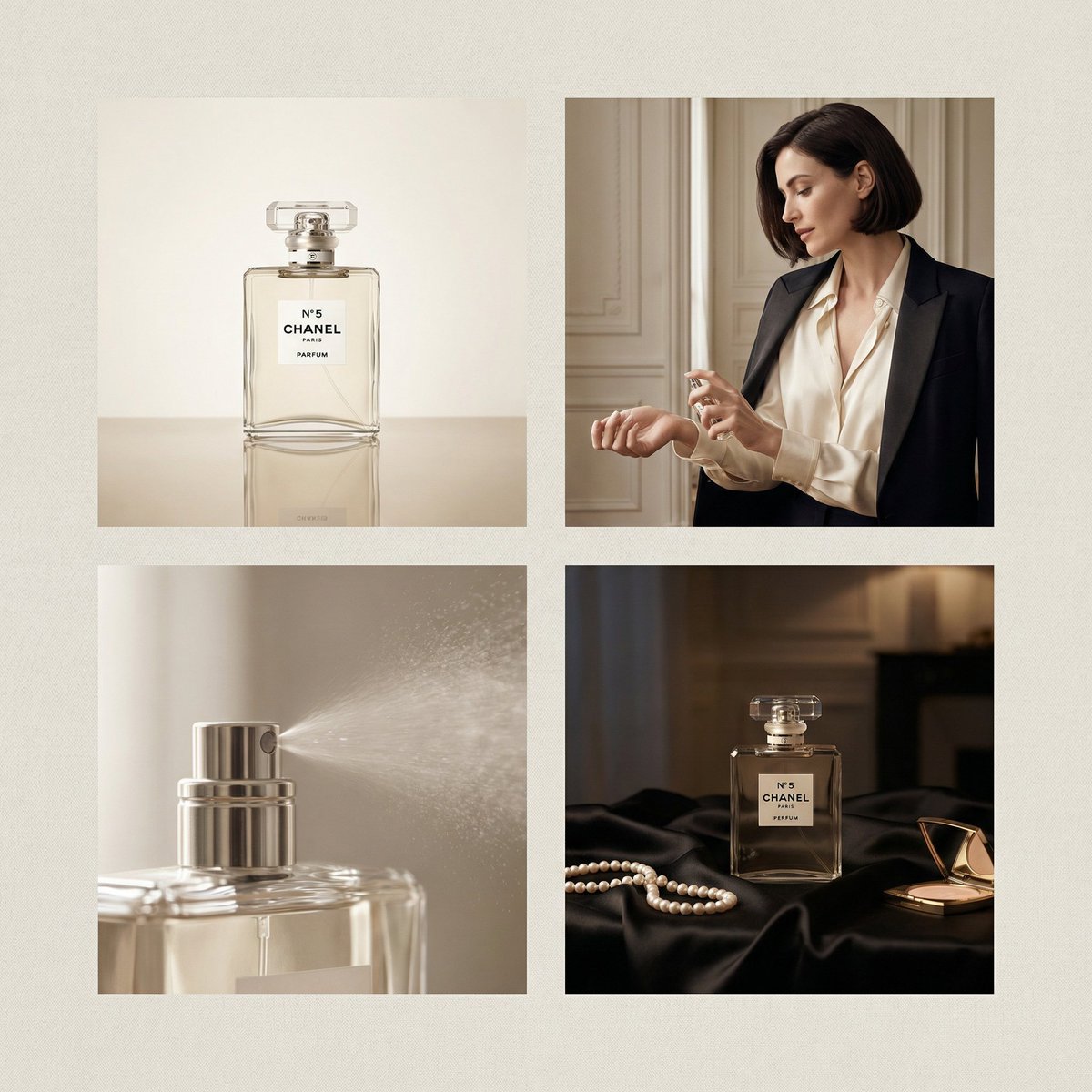

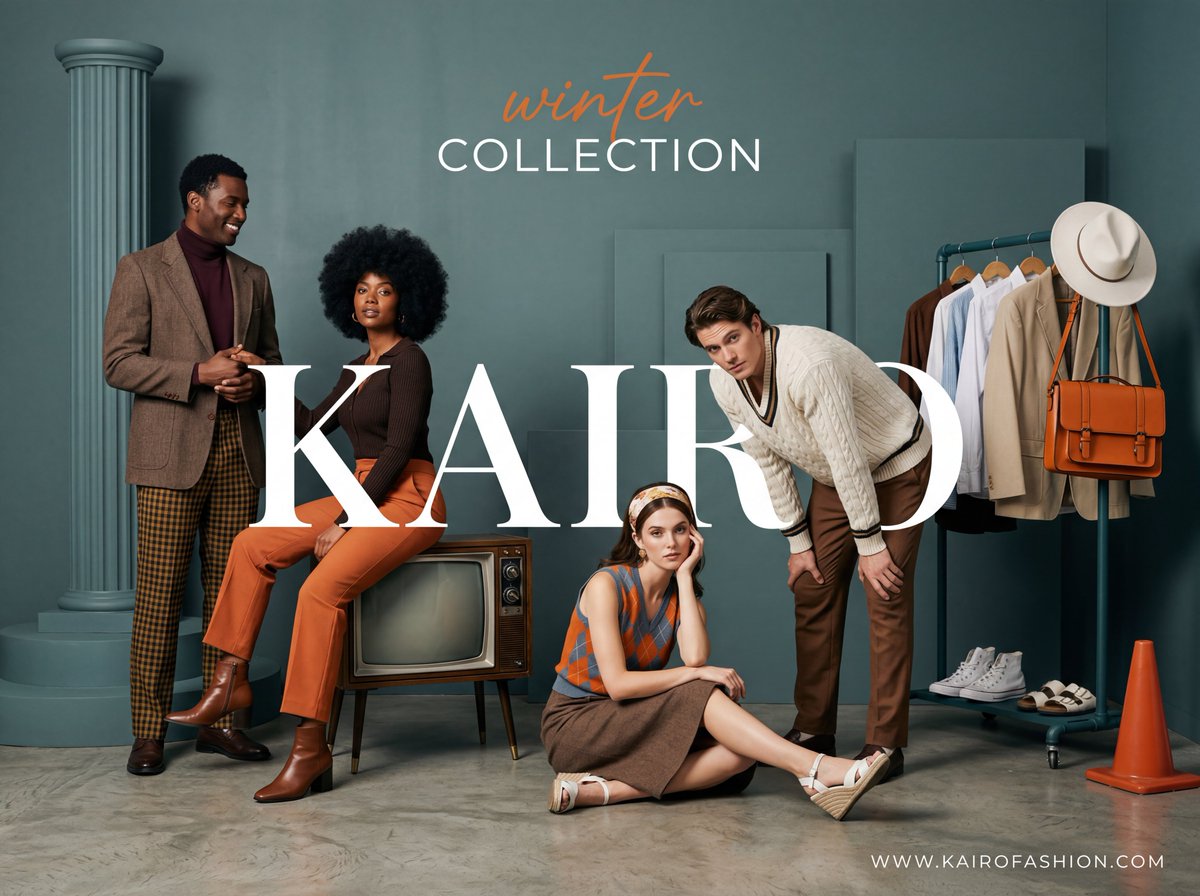
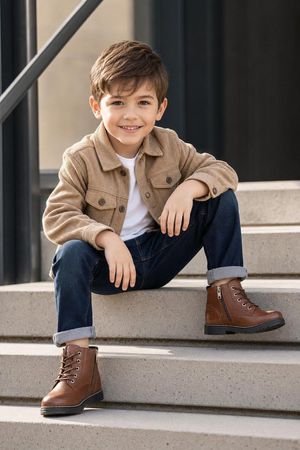
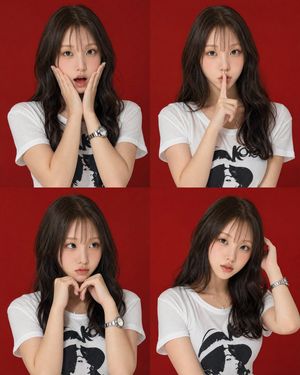
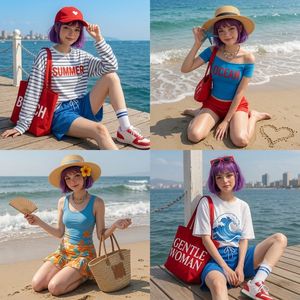
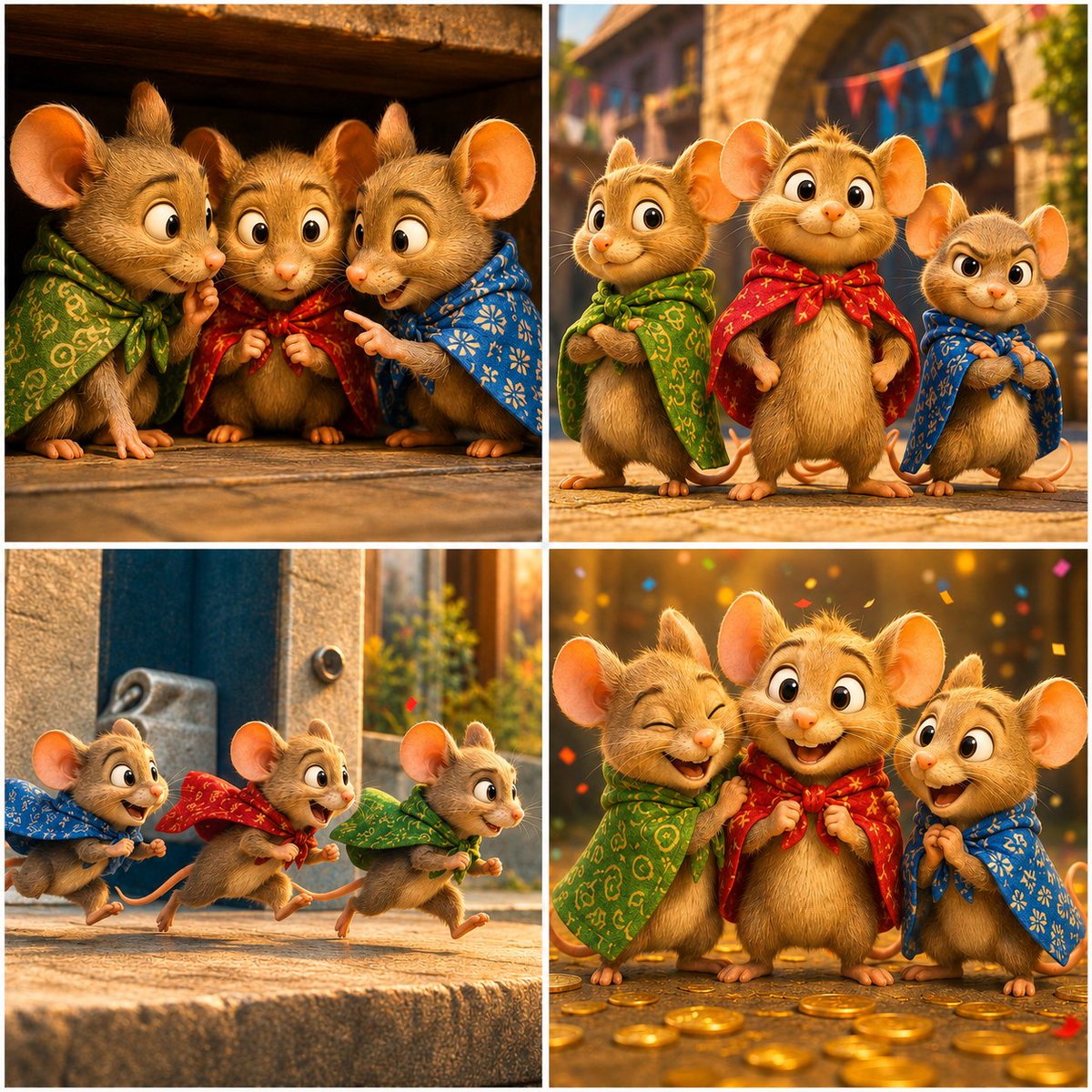
![This image into a 64K DSLR shot resolution of A four-panel fashion — Transform this image [UPLOAD YOU'RE IMAGE] into a 64K DSLR shot resolution of A four-panel](https://images.meigen.ai/tweets/2011438513569337757/0.jpg)
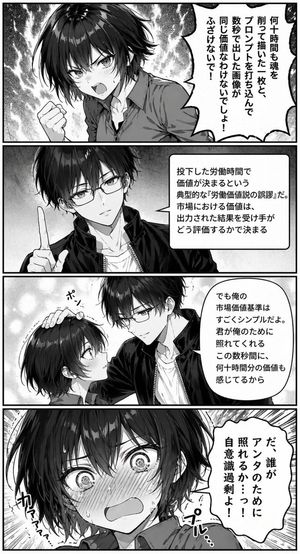
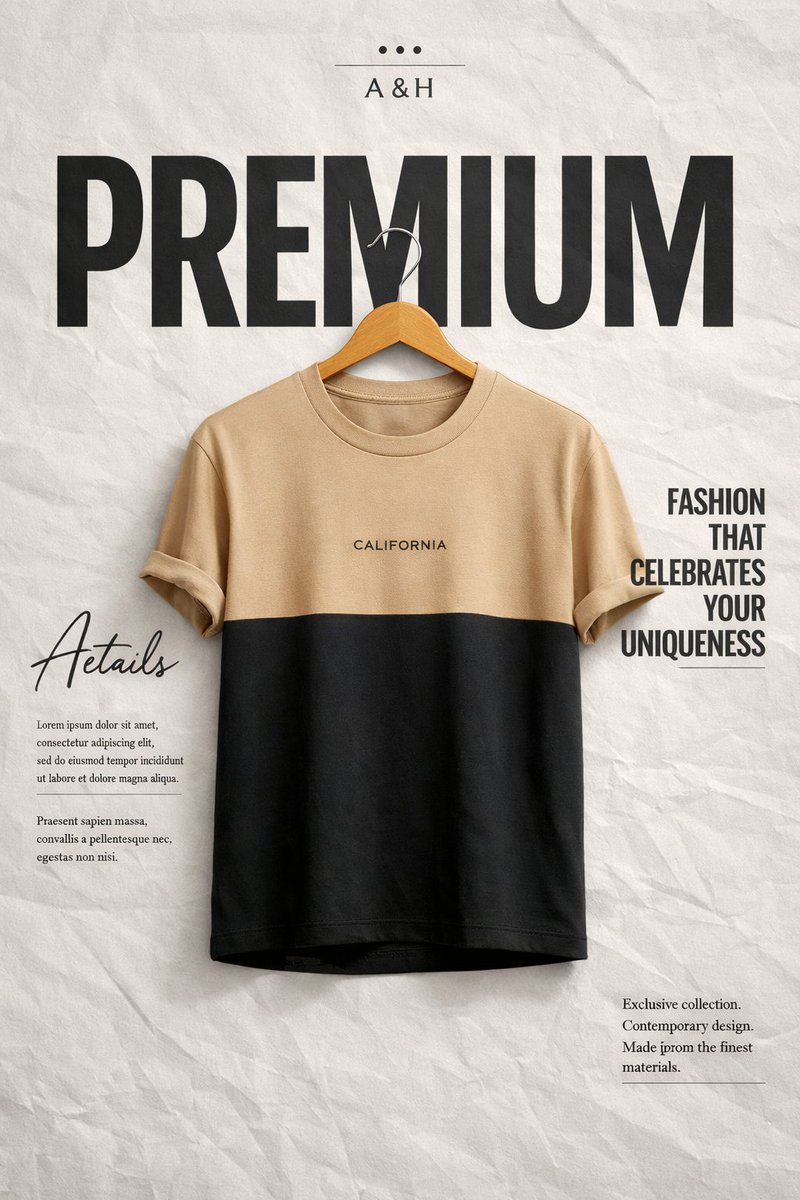
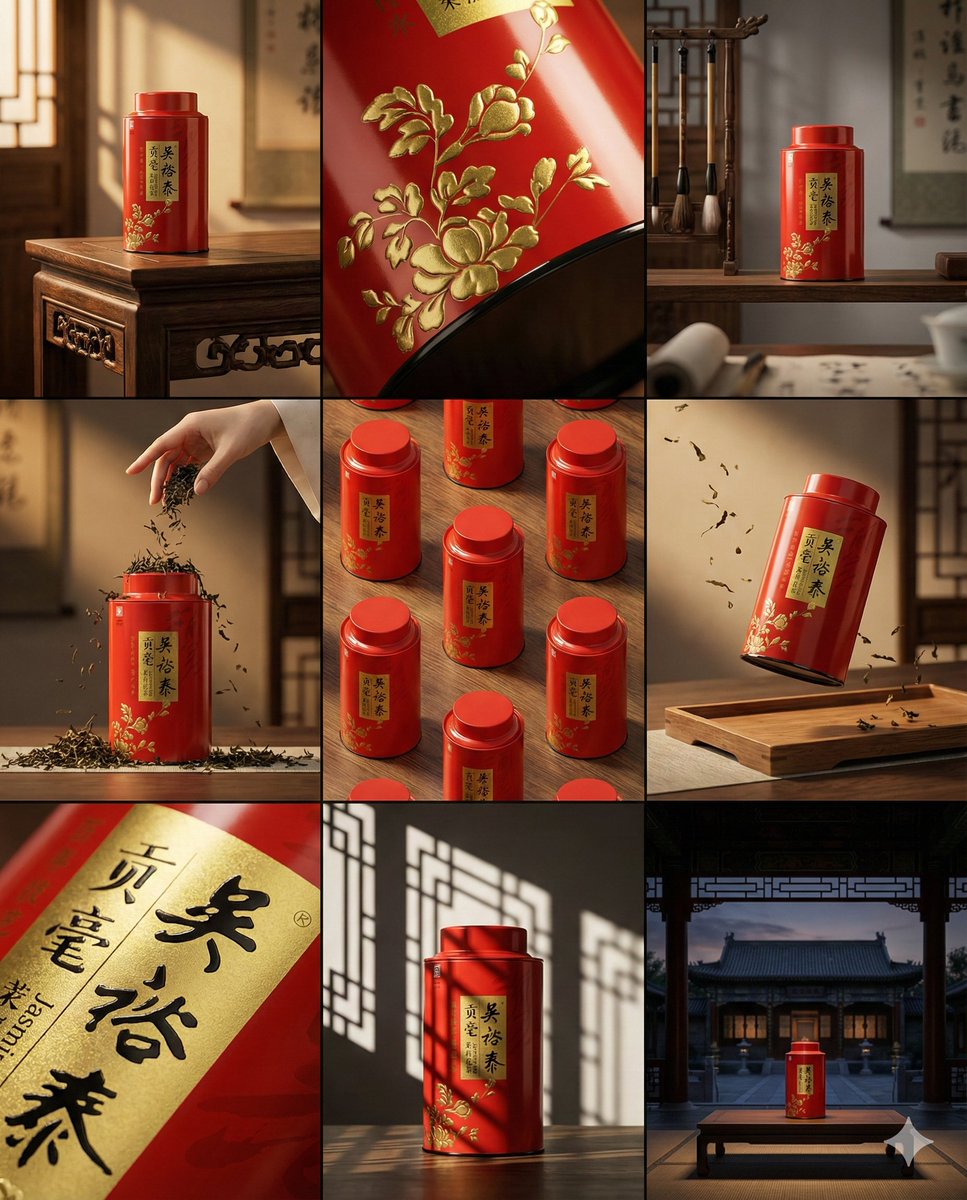



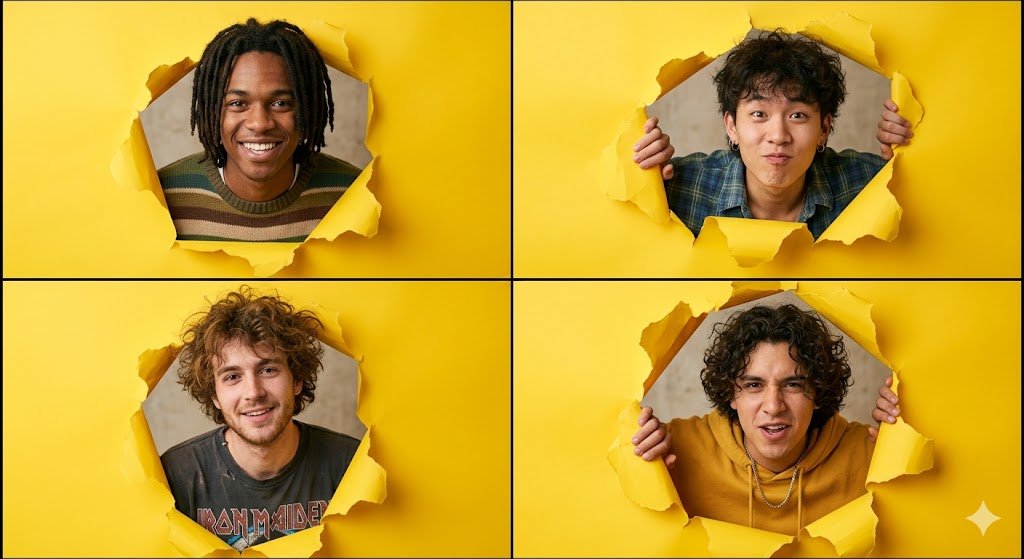
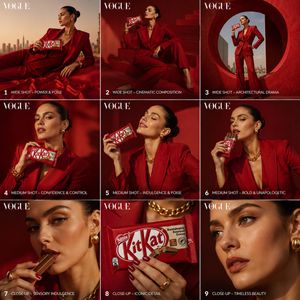
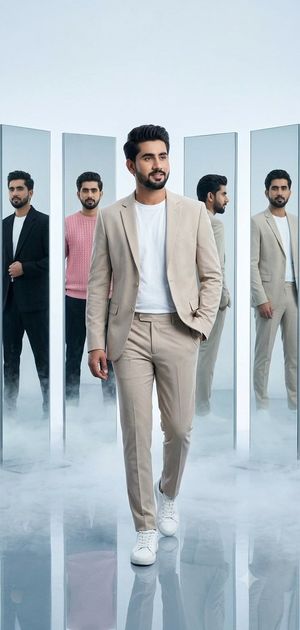
![A professional commercial fashion advertisement featuring — A professional commercial fashion advertisement featuring [a young male model] in the uploaded image](https://images.meigen.ai/tweets/2029599397483532714/0.jpg)

![Naive doodle-style subject illustration — A doodle-style {argument name="subject" default="[subject]"}, naive lines, humorous shape exaggeration](https://pbs.twimg.com/media/G6Wl2YxbsAARB2b.jpg)