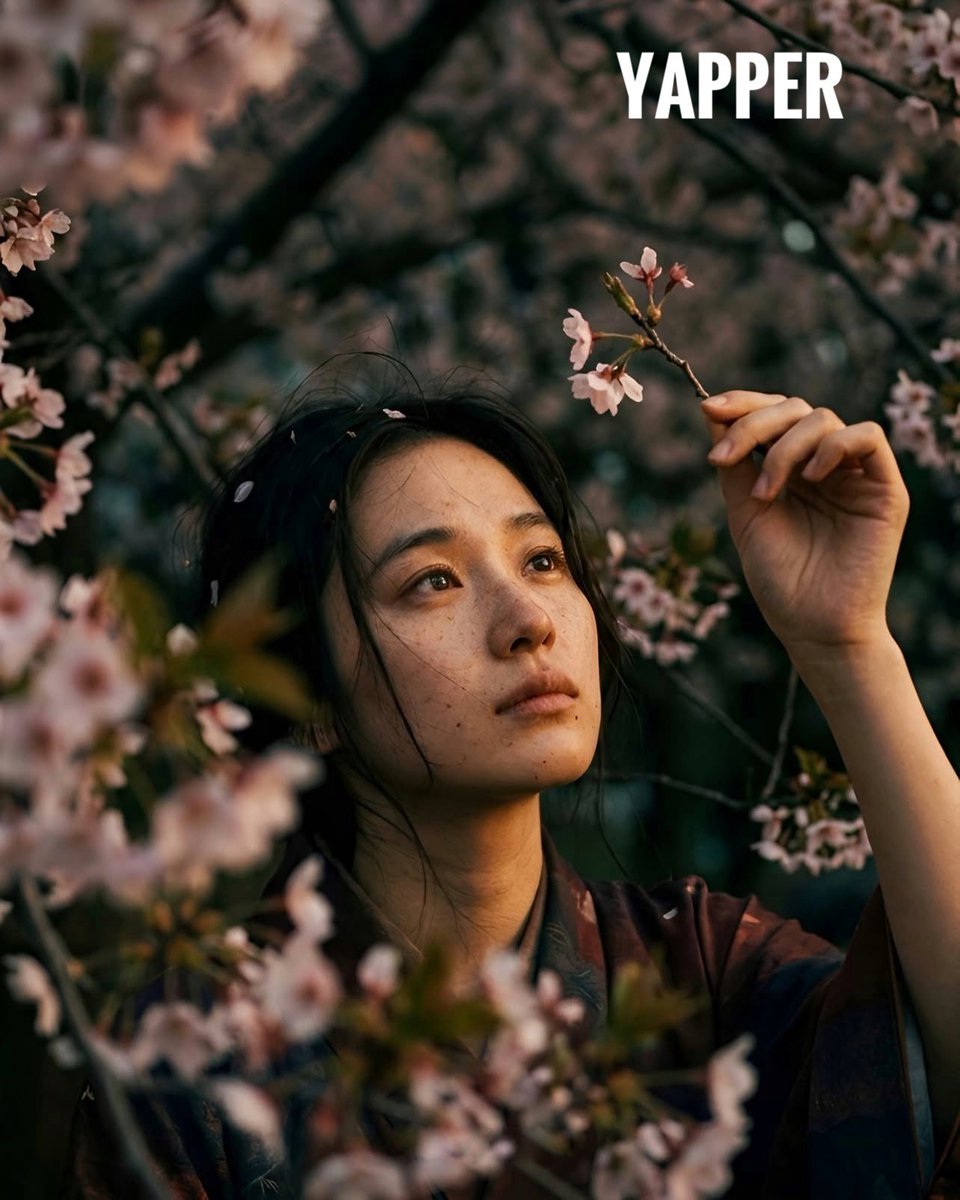
How do I use the Vintage High-Contrast Editorial Portrait template?
Choose the primary action to open PicX Studio with the available template settings. Review the model and format, personalize the creative direction, and generate when ready.
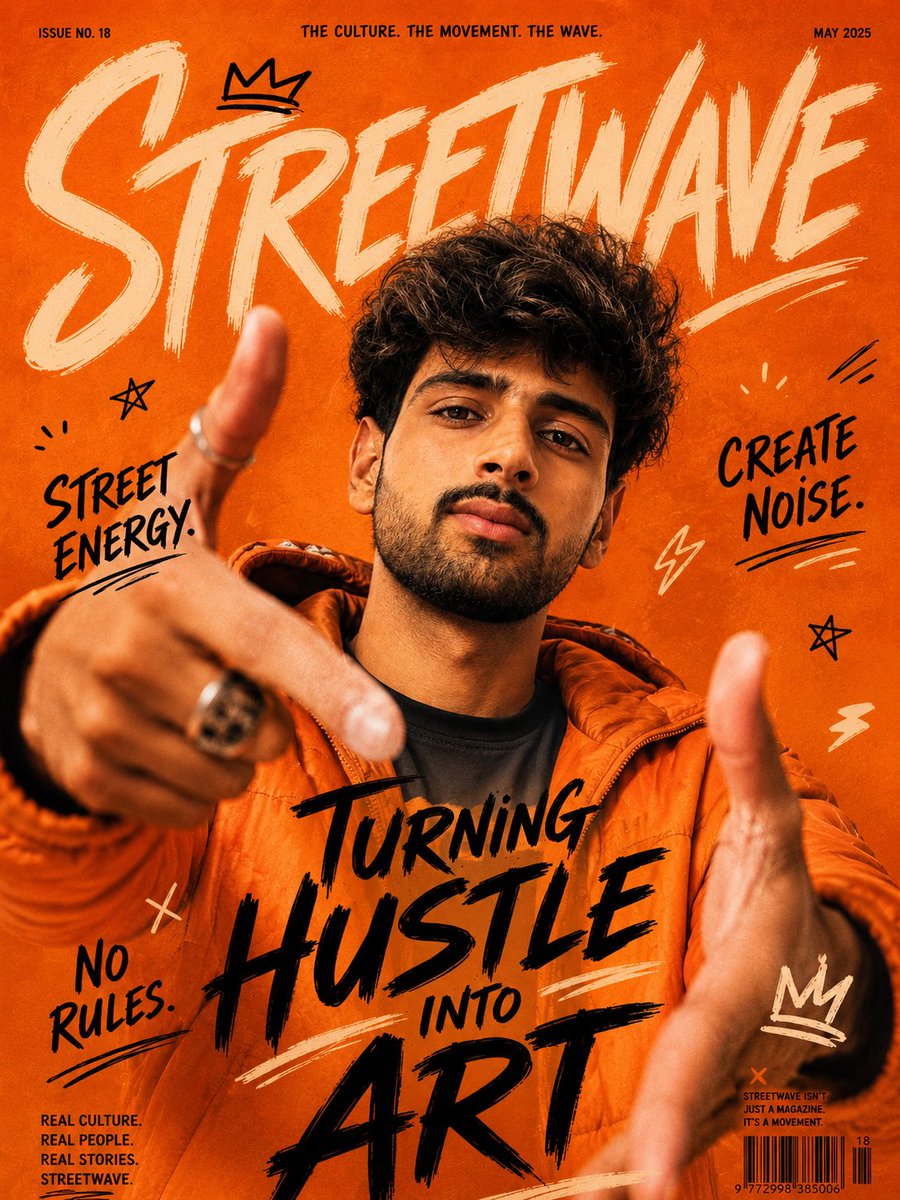
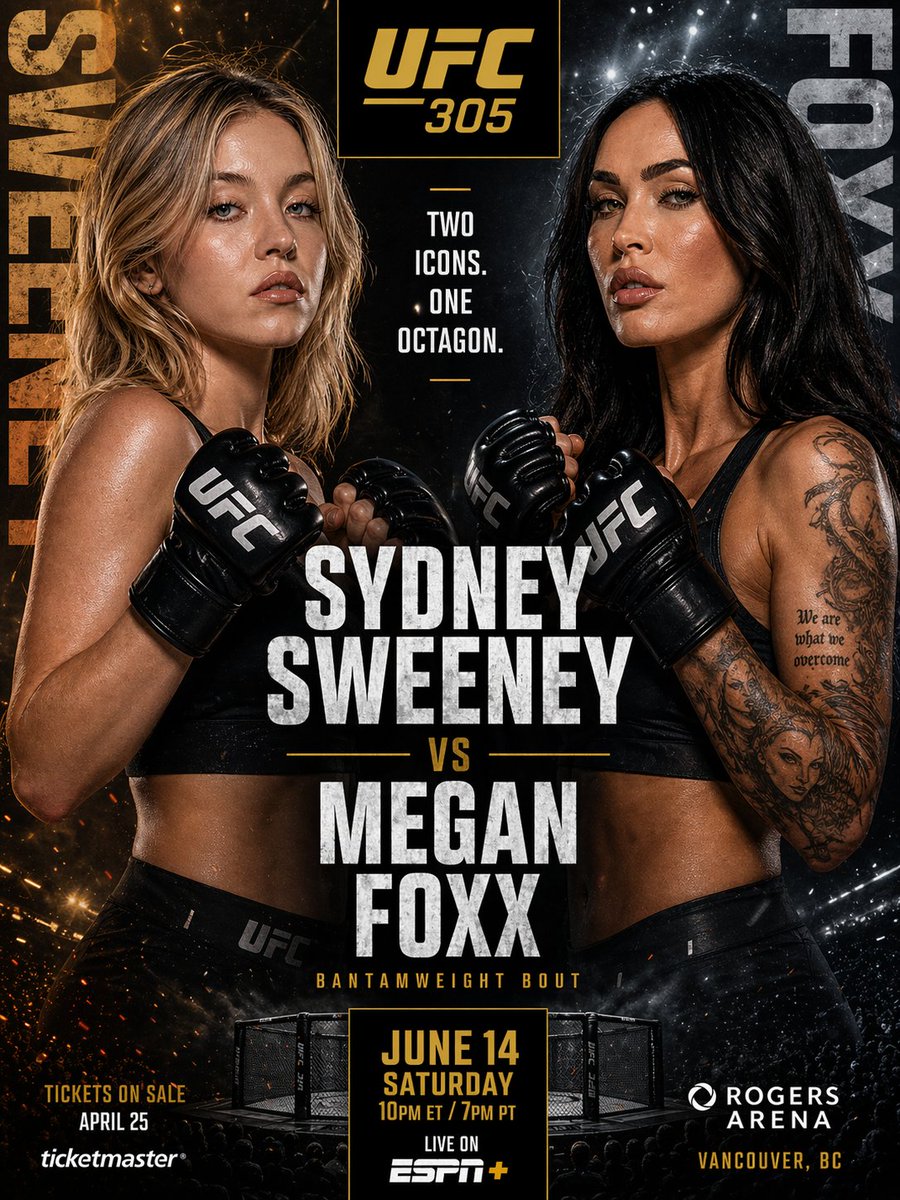
An ultra-realistic prompt for Nano Banana Pro to generate a 4:5 portrait in a vintage, high-contrast editorial style, featuring a subject (Sabrina Carpenter or Sydney Sweeney) leaning against an ornate grand piano, captured with direct front flash lighting. Change the subject, setting, or lighting one variable at a time.

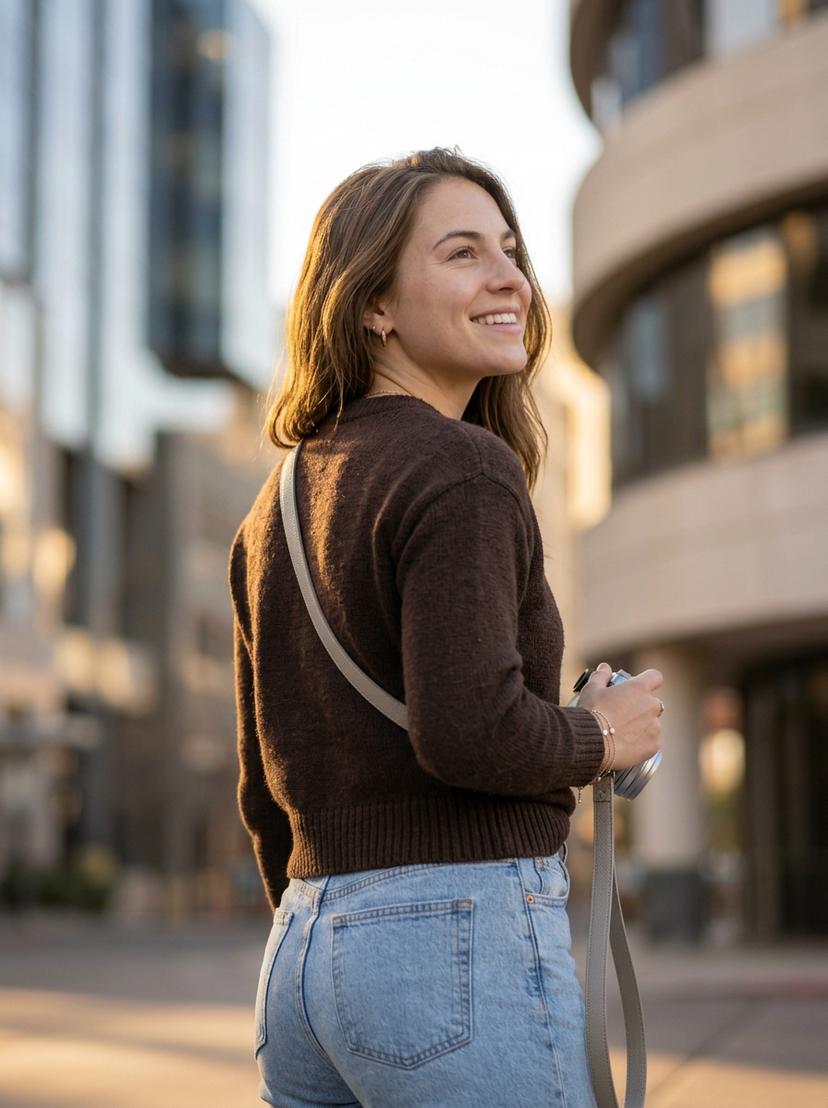
Ultra-realistic 4:5 portrait in a vintage, high-contrast editorial style. Use the reference image for the subject’s identity, face, and hair — preserve exact facial features, proportions, and likeness. The subject is standing and leaning back against an ornate grand piano, with both arms spread and resting along the piano edge. Her head is slightly tilted back, with a relaxed, sultry pose and parted lips. She is wearing a black satin corset top with a low sweetheart neckline and front hook-and-eye closures, paired with black leather pants. Accessories include gold hoop earrings, layered thin gold necklaces with a dark cross pendant, and a thin gold bracelet. The setting is an ornate vintage-style room with a warm, dim ambiance. The piano is black with twisted gold-leaf legs and gold panel detailing. The background features a textured terracotta wall, a framed landscape painting in a heavy gold frame, and faint microphone stands visible on the right. Lighting is direct front flash, creating high contrast with strong shadows cast onto the back wall. High detail, sharp textures, cinematic editorial photography style, shallow depth of field, crisp focus on the subject.
Choose the primary action to open PicX Studio with the available template settings. Review the model and format, personalize the creative direction, and generate when ready.
Yes. You can change the subject, setting, lighting, mood, format, and available model controls before creating your image.
This template is free to open and customize. Generation usage is shown in PicX Studio before you create.
Start with Nano Banana 2, which is the model associated with this template. You can compare another compatible model for a different finish.
© 2026 PicX Studio. All rights reserved.

Follow a topic to a crawlable collection of related PicX Studio templates.
43,474 public templates available. Verified via the PicX Studio public templates API; refreshed hourly.
Prompt stories that include this template.













![118-google-nano-banana-pro-skincare-product- — A professional skincare shot of a [product container] with [cap/lid], labeled [brand, product, descriptor, volume](/_next/image?url=https%3A%2F%2Fcdn.picxstudio.com%2Fuploads%2Fpost118_img0_332898b8-29ea-42a9-87ab-9ed746a3f944.jpg&w=828&q=100)










![Naive doodle-style subject illustration — A doodle-style {argument name="subject" default="[subject]"}, naive lines, humorous shape exaggeration](https://pbs.twimg.com/media/G6Wl2YxbsAARB2b.jpg)











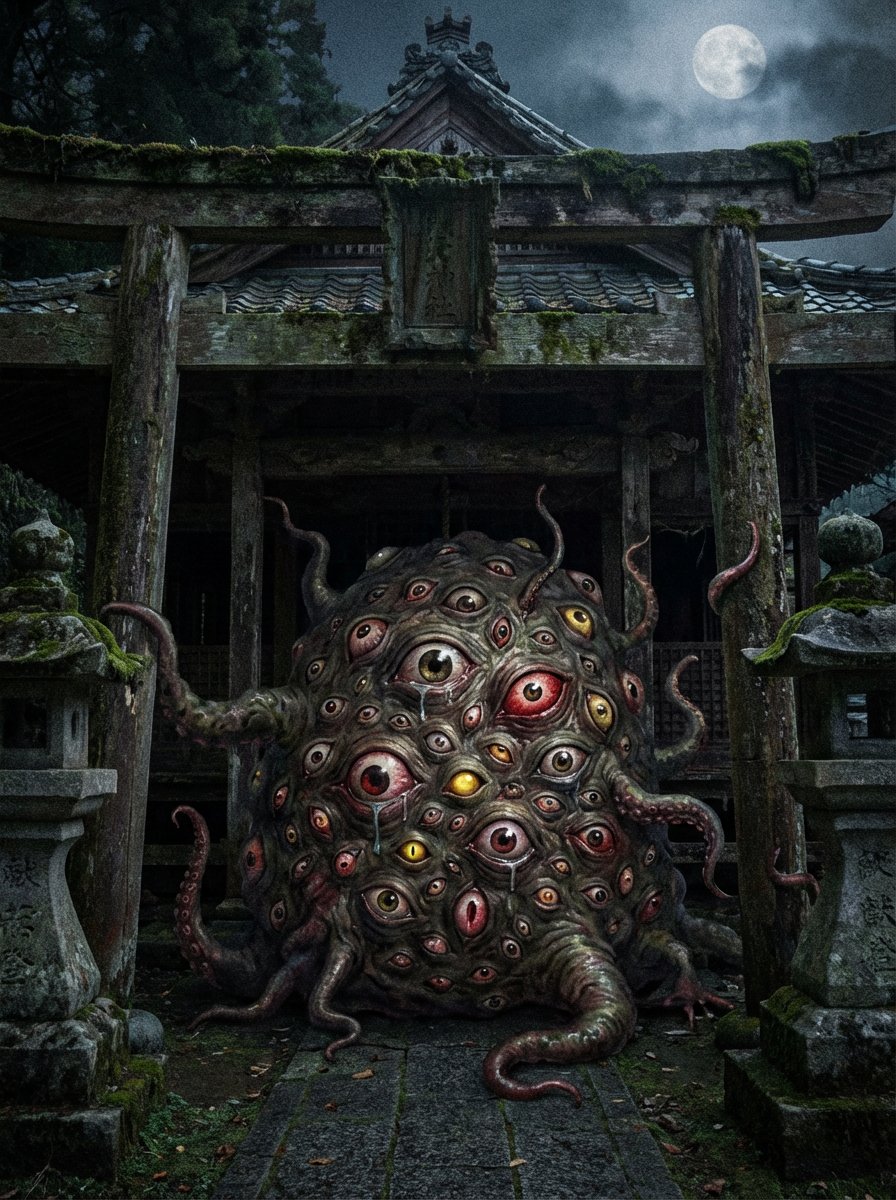
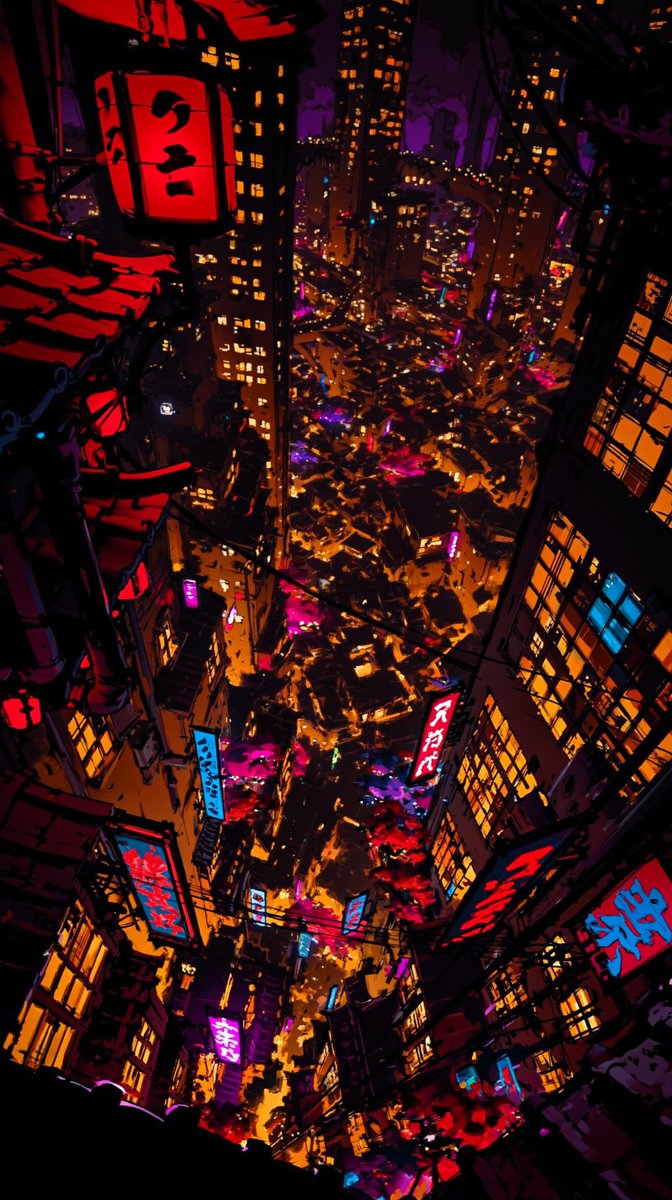



![Iridescent Bubble Object Generation — floating {argument name="object" default="[OBJECT]"} entirely made of soap bubble material, ultra thin translucent shell,](https://pbs.twimg.com/media/HDnpc8WaQAAQsw2.jpg)