
A Quiet Smile in the Morning Light
A Quiet Smile in the Morning Light is a ready photo look.
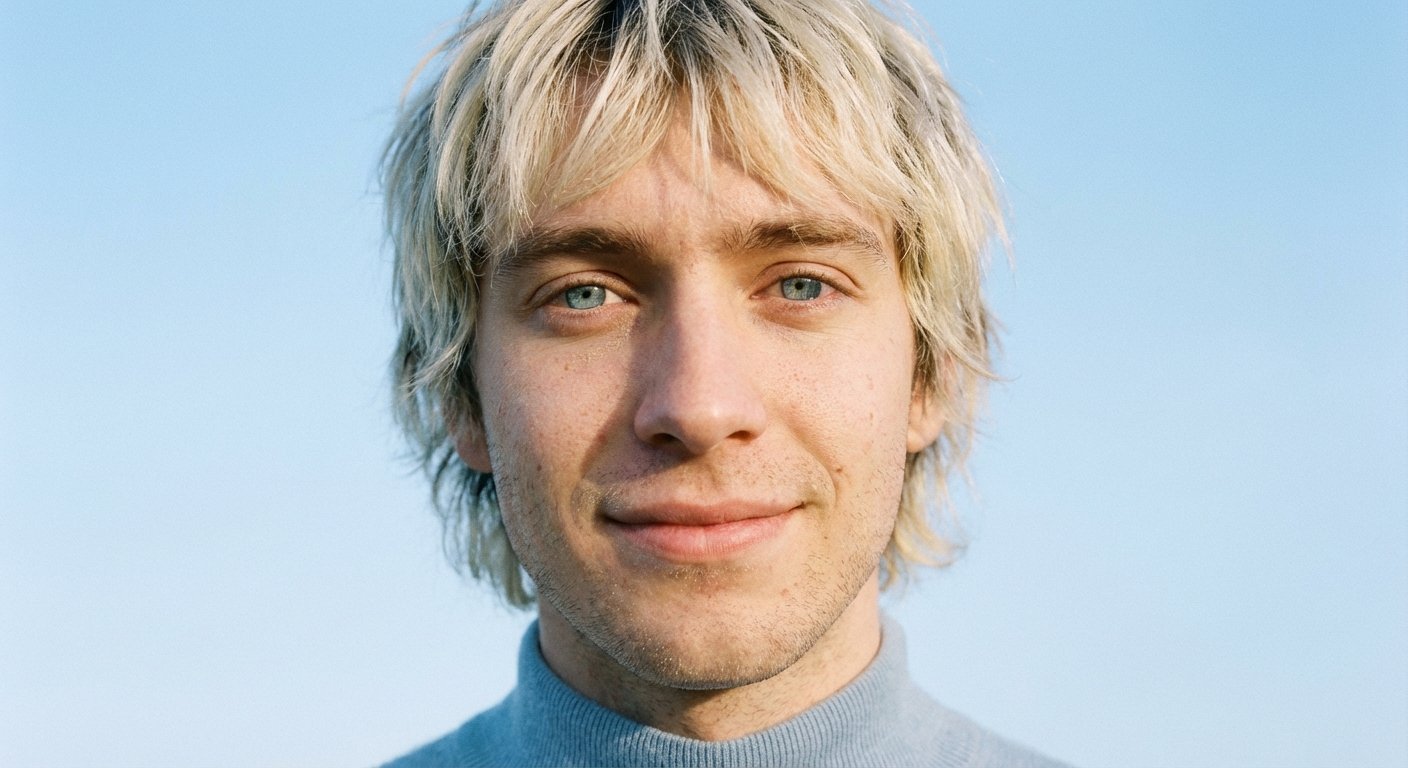
- Prompt included
- Model and format preset
- Free template
The prompt behind this image
Copy the exact prompt behind A Quiet Smile in the Morning Light, or open it in the studio and make it yours.
An extreme close-up beauty shot of a young man with a shaggy, sun-bleached blonde haircut. He has striking pale blue eyes that reflect the sky. The camera focuses on the skin texture around his eyes and nose, revealing fine lines, pores, and light, natural stubble. He wears a baby blue turtleneck. The light is diffused and cool. The background is an uninterrupted baby blue sky. Film texture is prominent.
How to use A Quiet Smile in the Morning Light in 3 steps
- 1
Open
The prompt is already in the box next to the preview, with the template's model and format selected.
- 2…a portrait of your subject in softgolden-hour light, 85mm…
Personalize
Edit the subject and creative details for your destination.
- 3Generate
Generate
Press Generate — your image is created in PicX Studio, so you can compare it with the original and refine one variable at a time.
More like this
Templates with the same subject, style or setup. Open one to see its prompt.

Quiet Minimalist Anime Style Guide

Pixar-Style Chibi Café Morning Scene

Low Angle Floor Selfie With Upside Down Cat
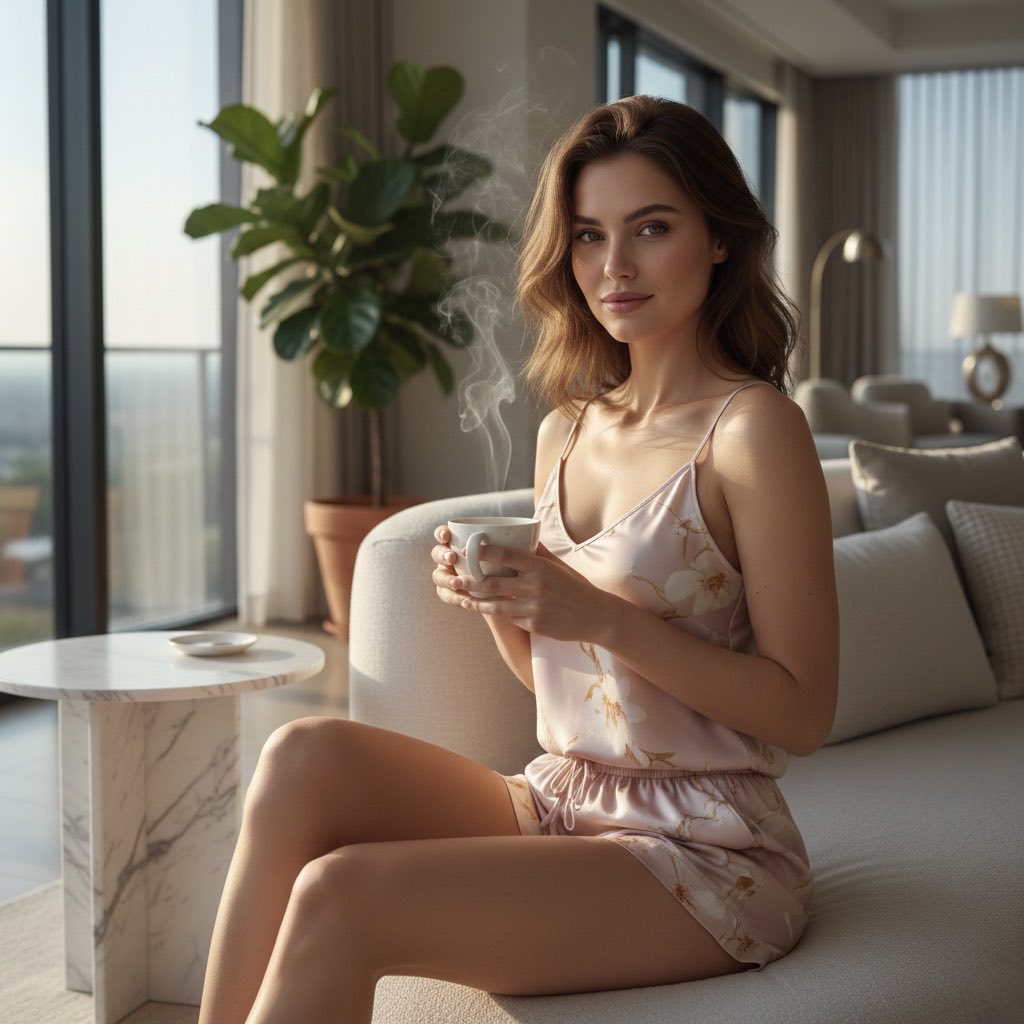
Quiet Morning Coffee Scene Prompt

Quiet Hamster Manga Page
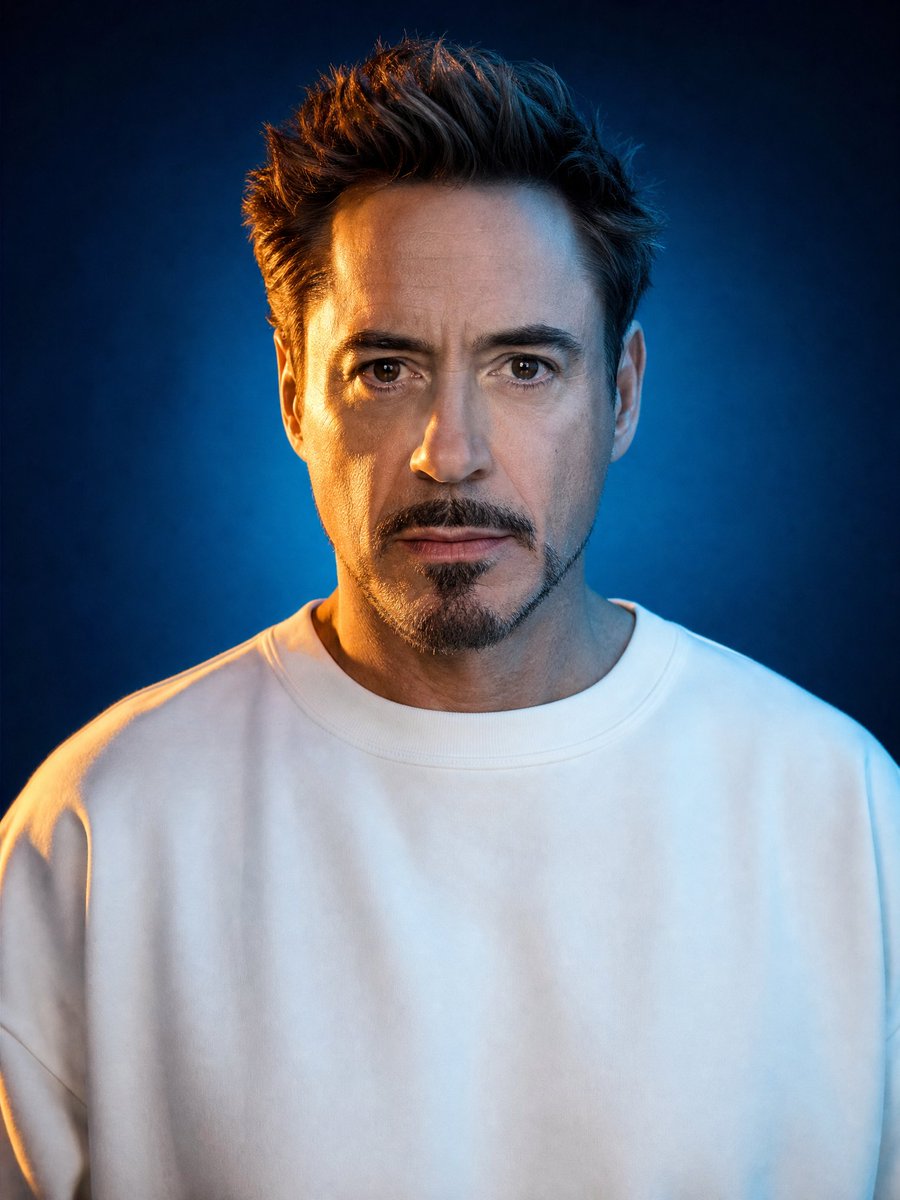
Cinematic Studio Portrait Lighting Setup
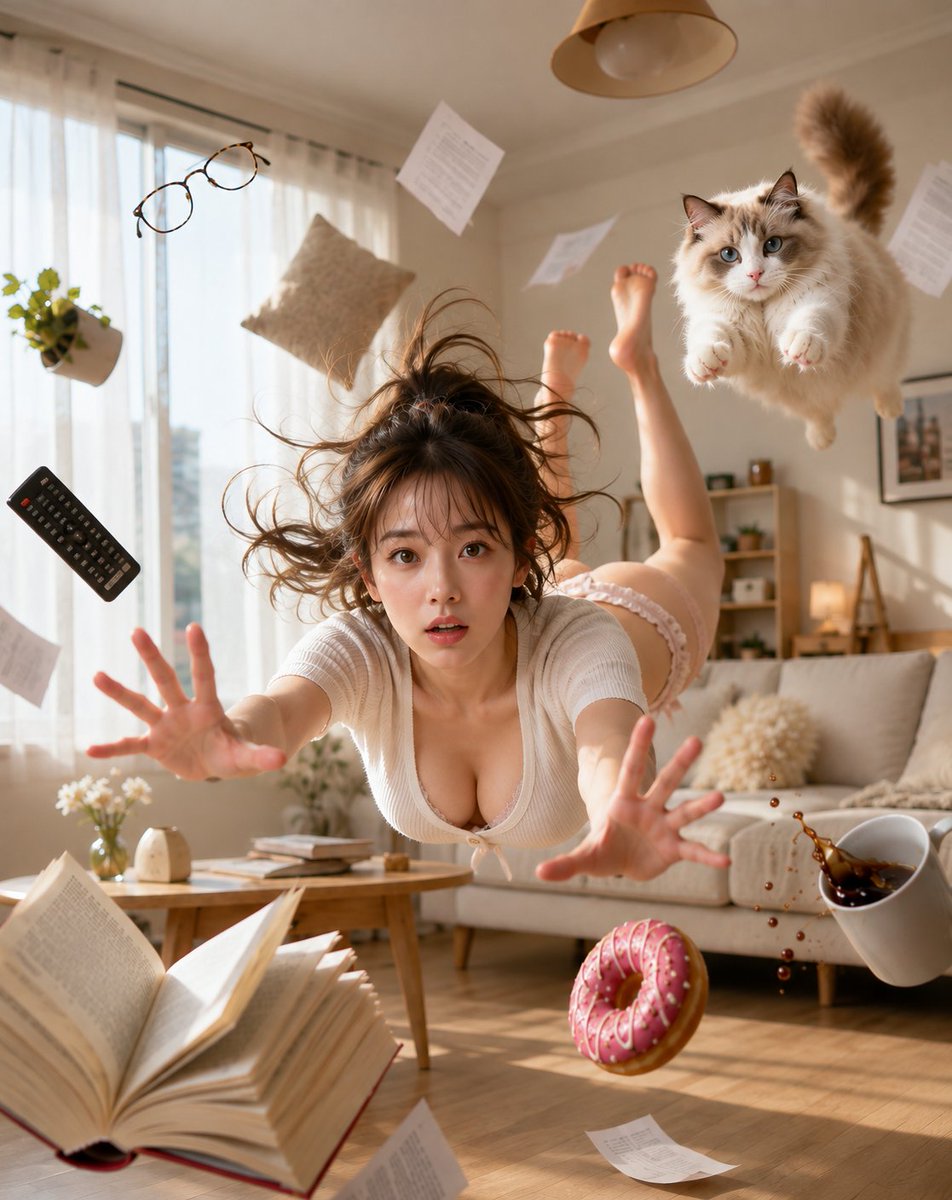
Zero Gravity Morning Scene

LIGHTING each element still lit by its original source, windows casting
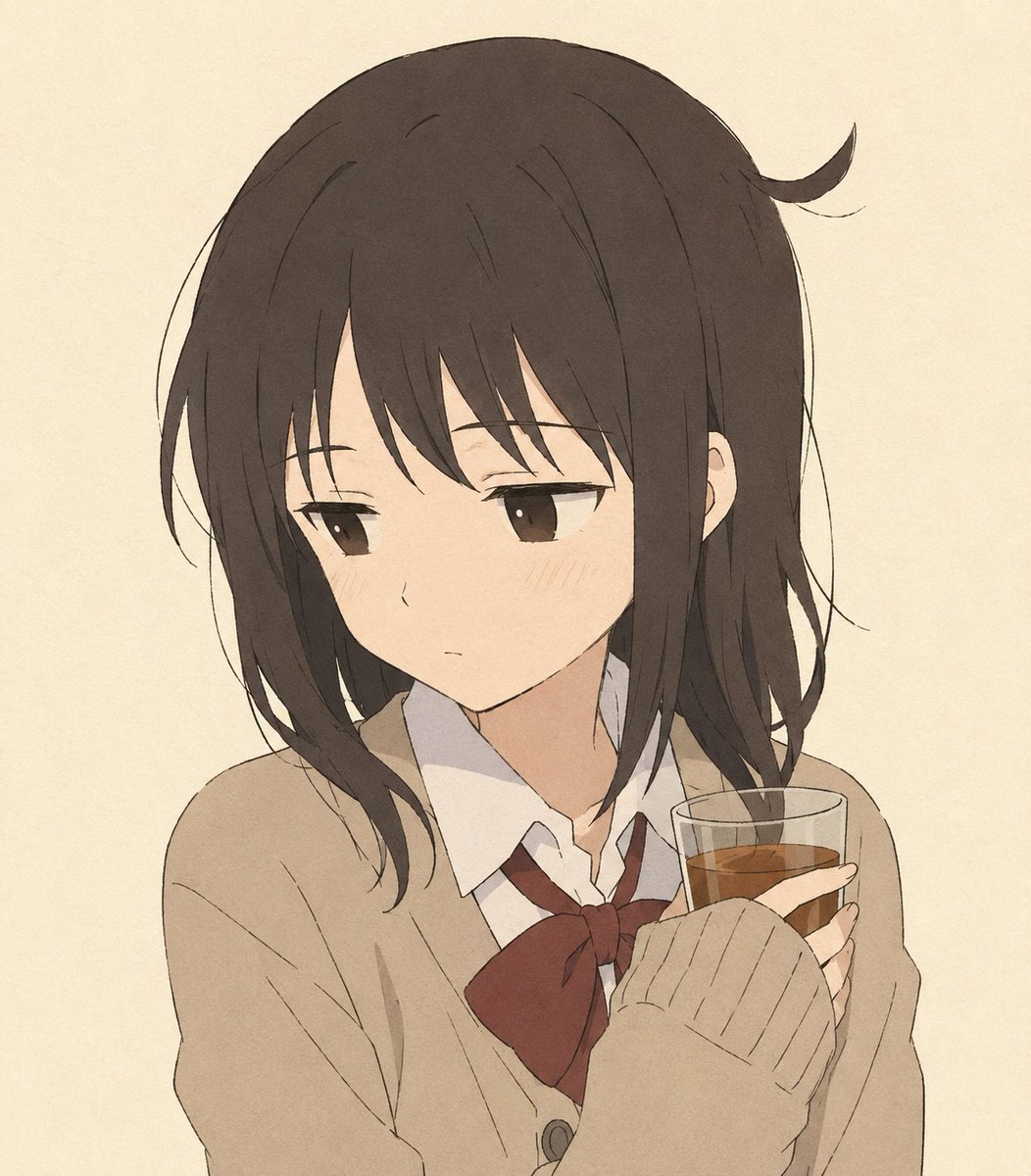
Quiet Anime Schoolgirl Holding Tea

Morning Mirror Selfie Candid
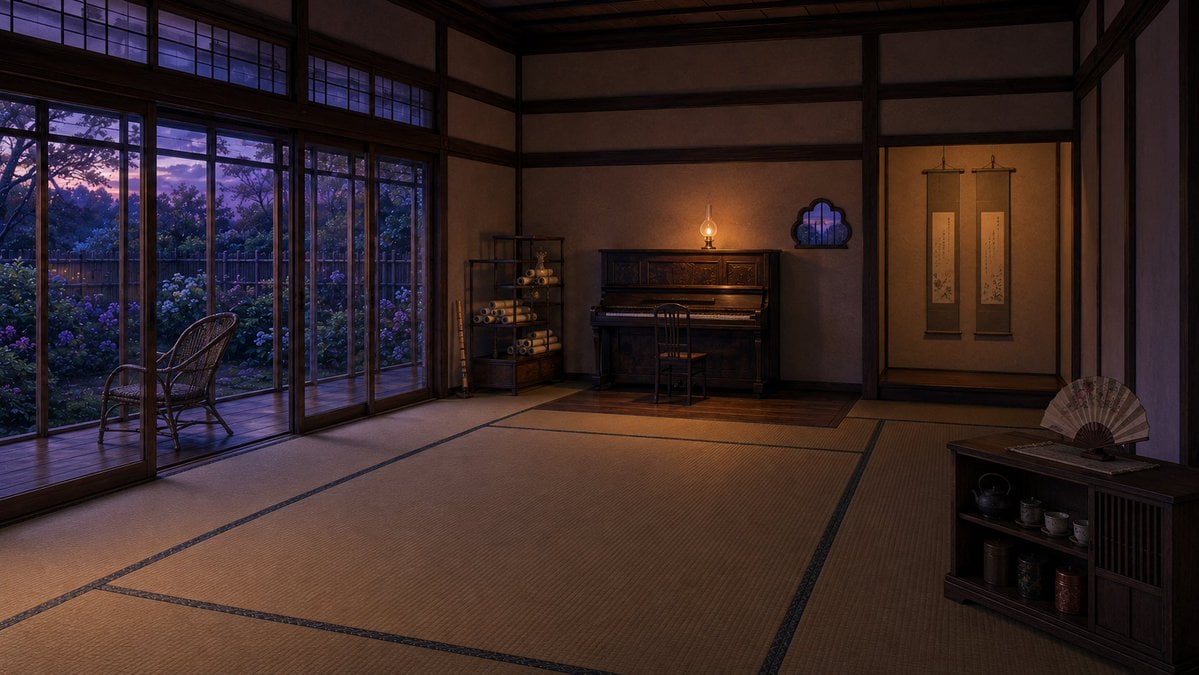
Twilight Japanese Ryokan Parlor

Chibi Morning Greeting Sticker
Make it yours
A Quiet Smile in the Morning Light works as-is. These are the safest ways to change it without losing the look.
Change one field
Copy a single group, rewrite it, and generate again so you can see what that field is doing.
Keep the frame, change the subject
Hold the composition and light of A Quiet Smile in the Morning Light, then swap wardrobe, props or the person for a new take.
| If the result… | Why | Fix |
|---|---|---|
| The result drifts from the preview | Too many fields changed at once. | Reuse A Quiet Smile in the Morning Light as-is first, then change one group — subject, light, or setting. |
| The model over-stylizes the scene | The prose prompt leaves finish and camera underspecified. | Add one camera or lighting sentence and stay on PicX Studio. |
More image prompts
Fresh picks from across the catalog.
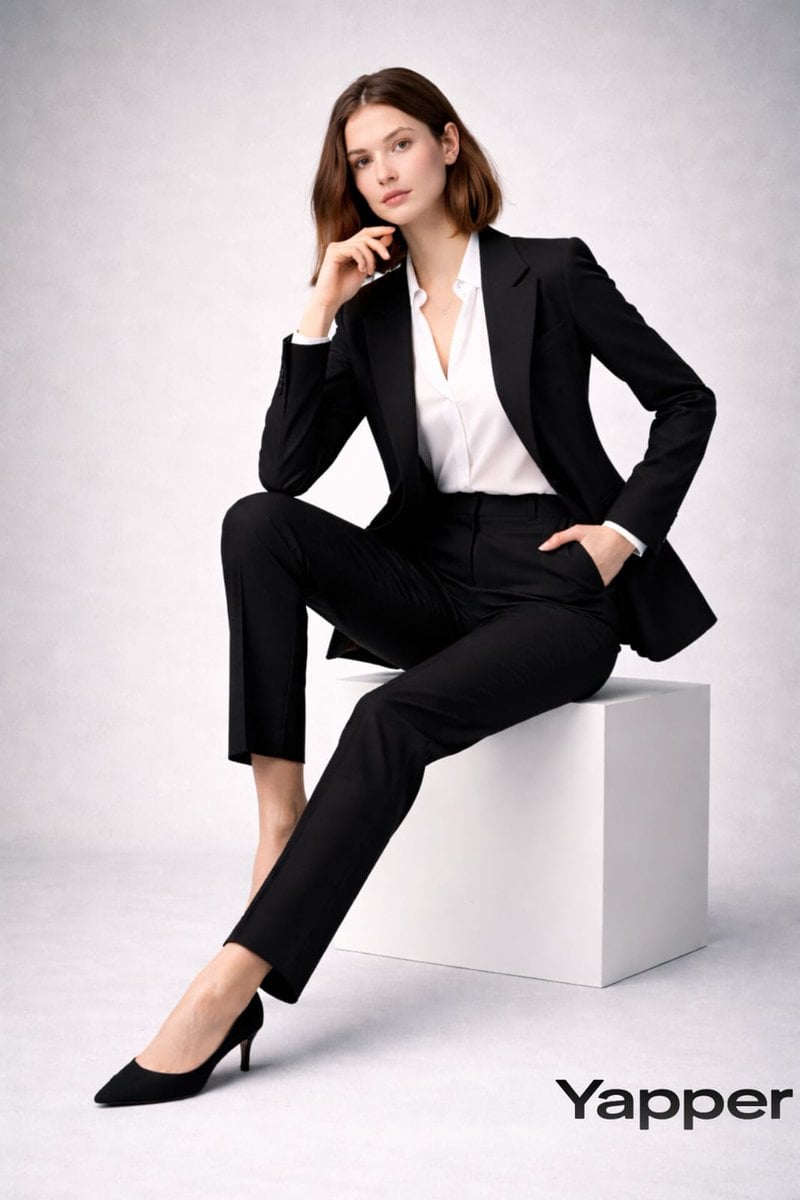
Full-body fashion magazine editorial portrait

Dog Selfie at Eiffel Tower
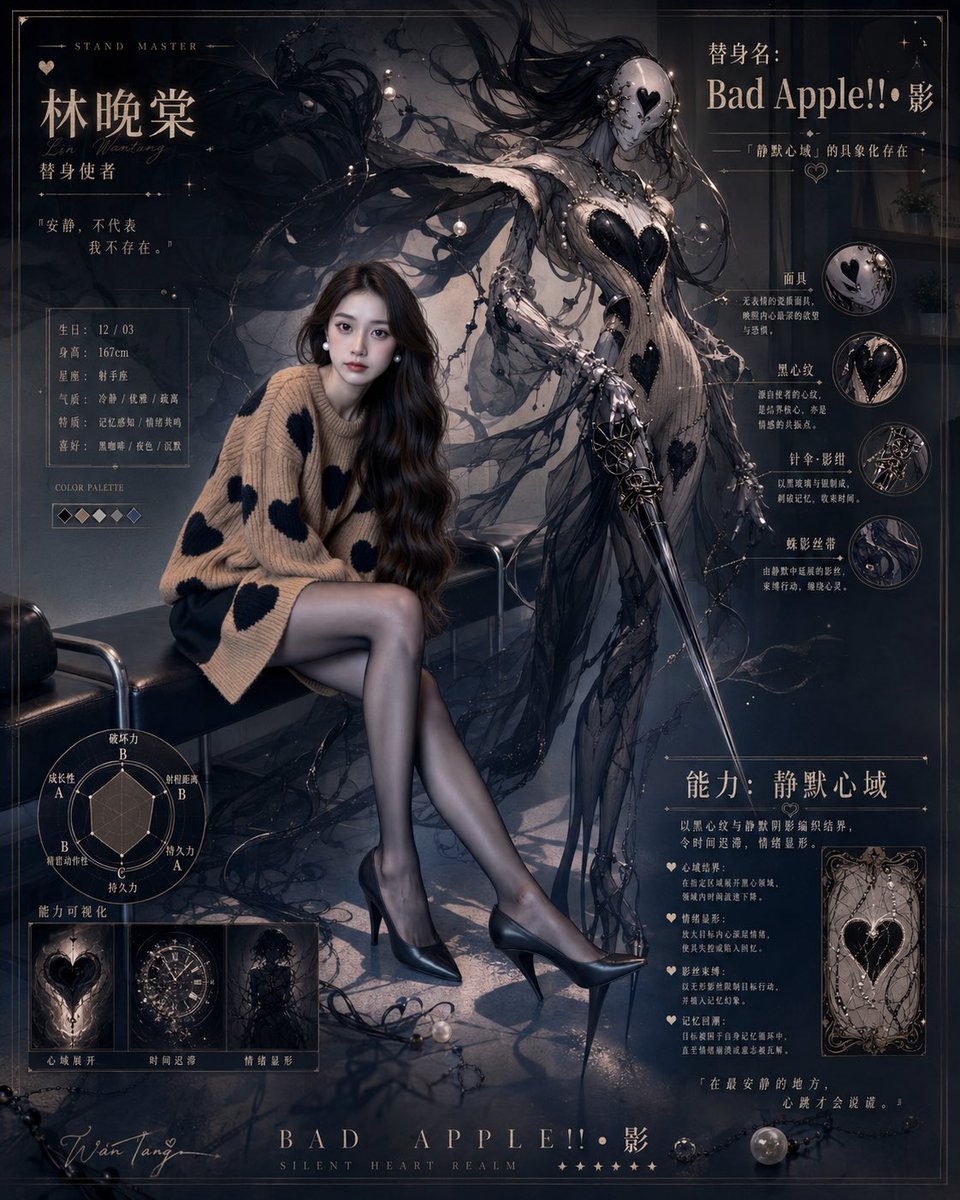
Gothic Stand Guardian Poster
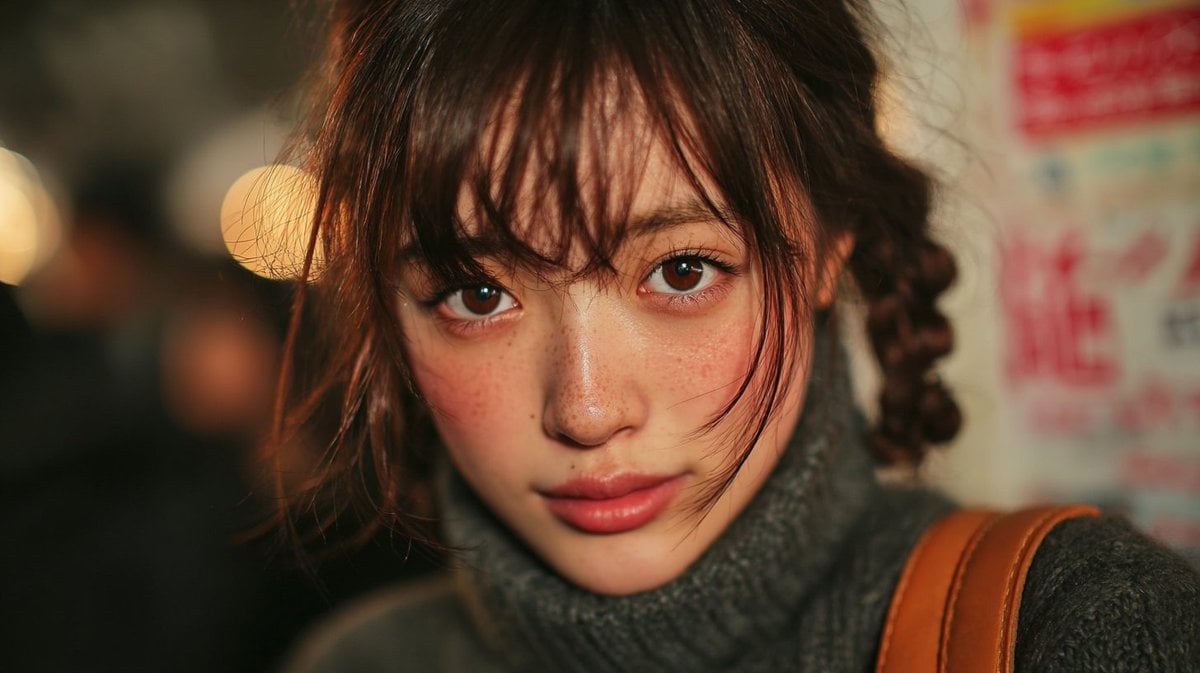
2000s Compact Digital Camera Texture Prompt

Editorial Food Photography of Chocolate Brownie Stack
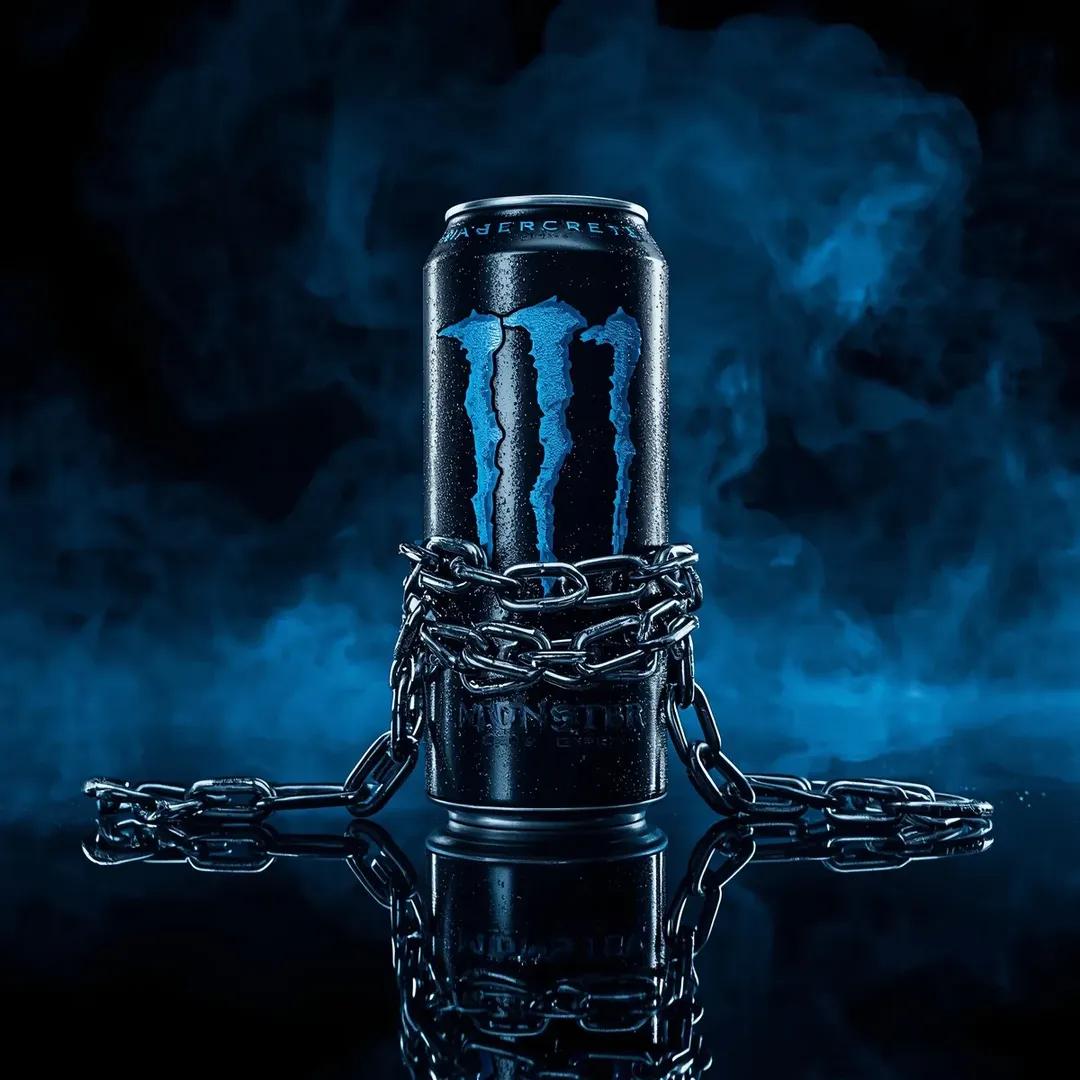
Dramatic Product Video Prompt for Monster Energy Drink
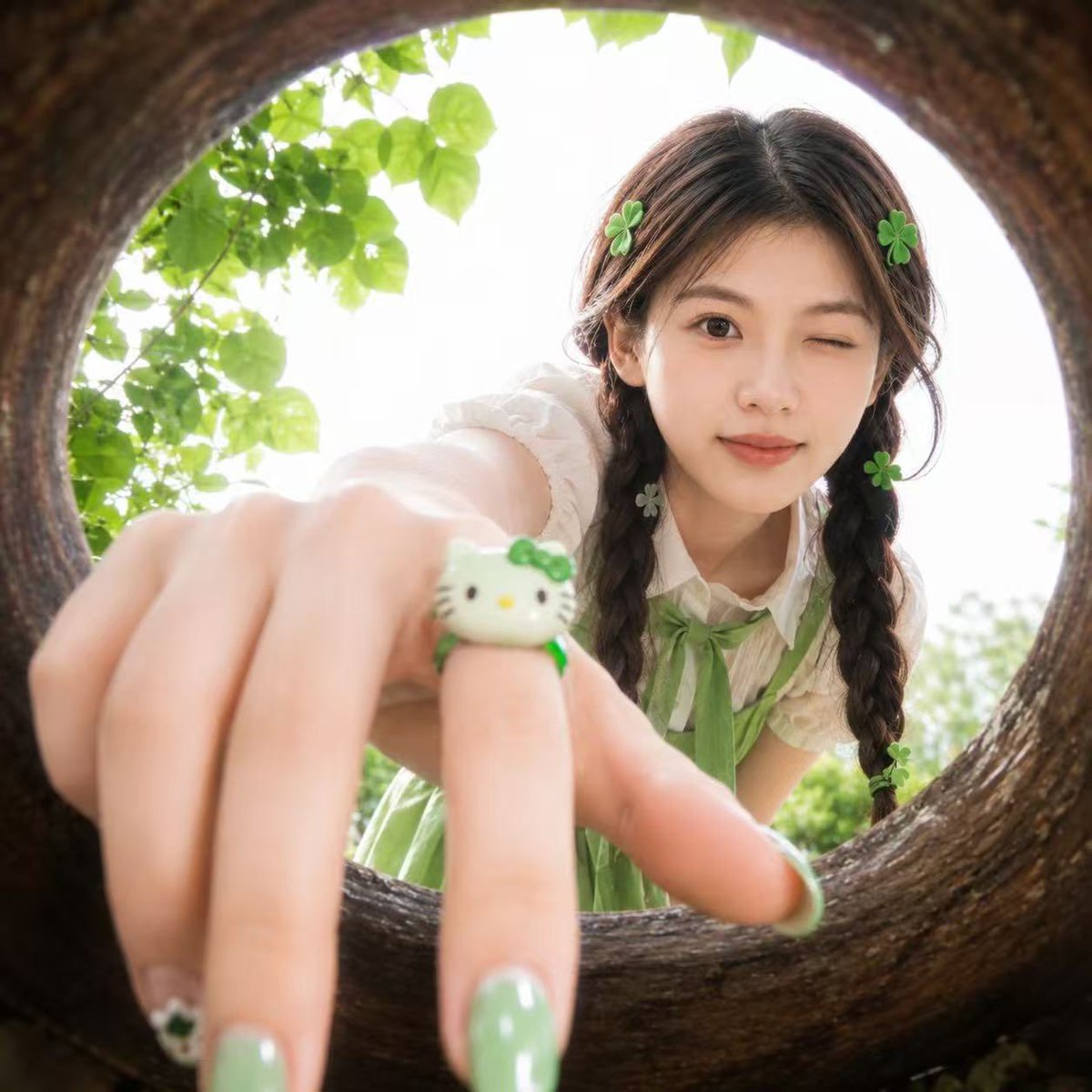
Soft Spring Cherry Blossom POV Portrait

Geometric Clay Figures
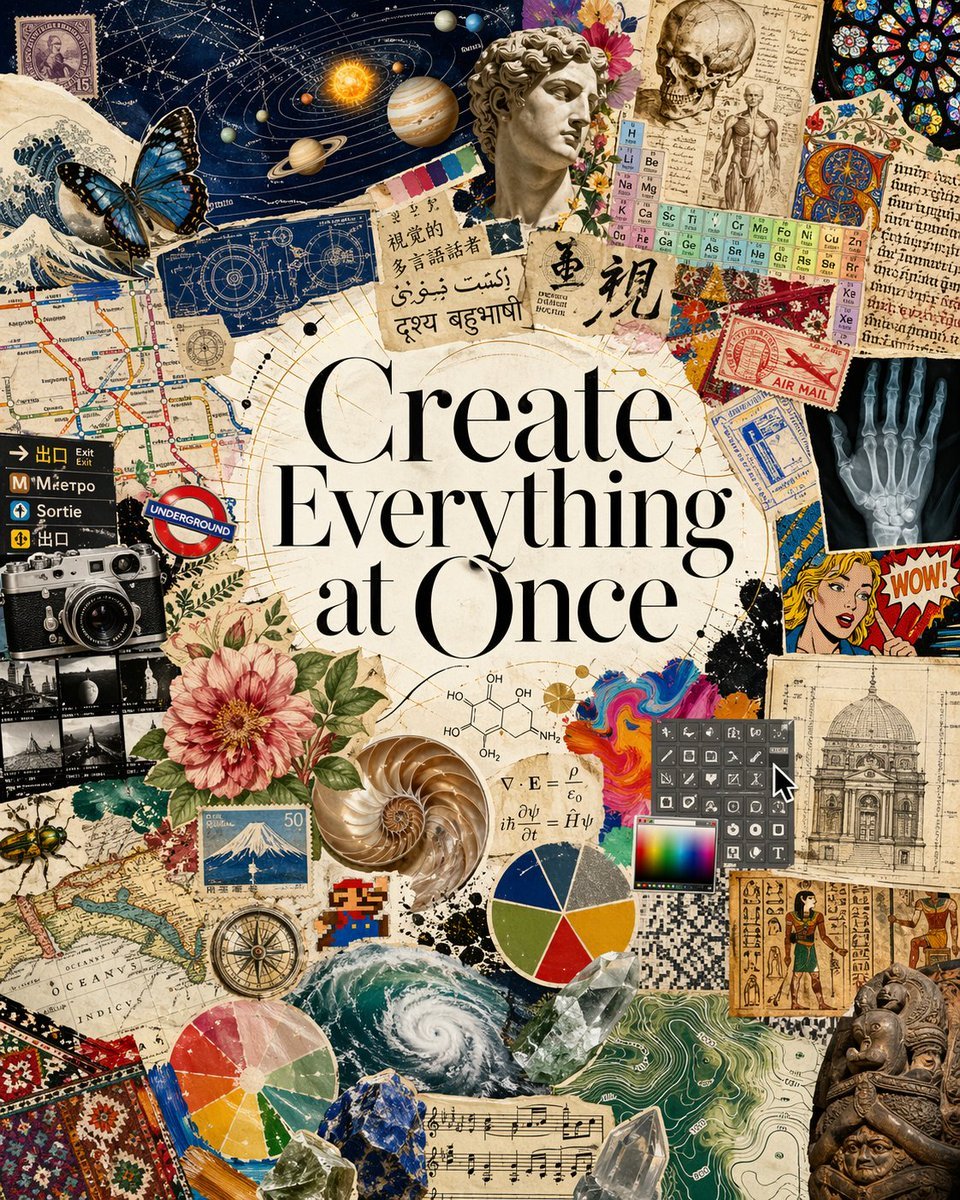
Visual Polyglot Magazine Collage
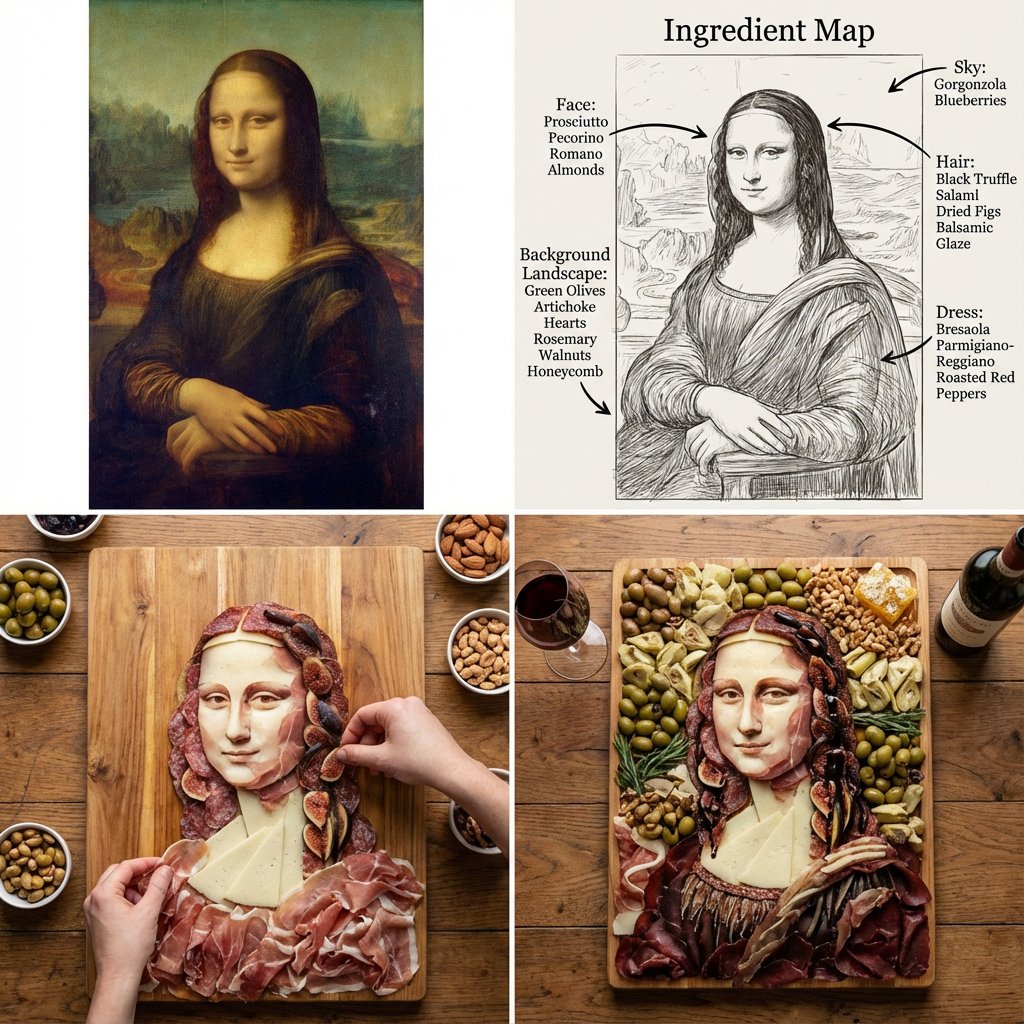
Masterpiece Painting Reimagined as a Charcuterie Platter
Browse template categories
A Quiet Smile in the Morning Light questions
How do I use the A Quiet Smile in the Morning Light template?
Add your photo if the template asks for one, edit the prompt if you like — the template's model and format are already selected — and press Generate. Your version opens in PicX Studio.
Can I customize the A Quiet Smile in the Morning Light template?
Yes. You can change the subject, setting, lighting, mood, format, and available model controls before creating your image.
Is the A Quiet Smile in the Morning Light template free?
Opening and editing this template is free. Generating uses credits, shown on the Generate button when you are signed in.
Which AI model should I use?
Choose a compatible model in PicX Studio based on the style, speed, and output controls your project needs.
Looking for something else? Browse all templates.

Your photo, any look
Thousands of ready templates for every top image and video model, from one credit balance.