
Complex Machine Deconstruction Blueprint Prompt
A complex, multi-stage Nano Banana prompt designed to generate a 'Kinetic Blueprint' photograph of a complex machine (like a Space Shuttle) being deconstructed into three assembly phases, displayed within partially…
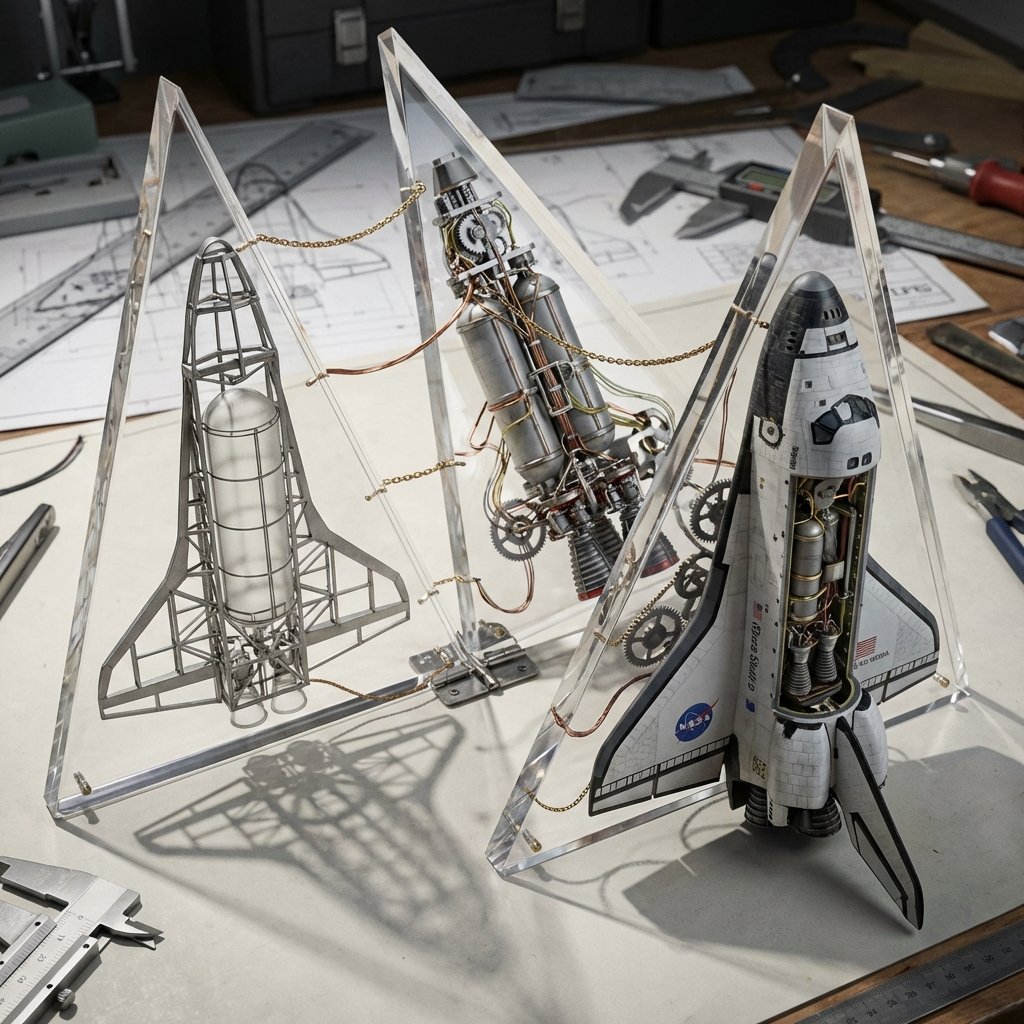
- Prompt included
- Model and format preset
- Free template
The prompt behind this image
Copy the exact prompt behind Complex Machine Deconstruction Blueprint Prompt, or open it in the studio and make it yours.
<instruction> Input A is a Complex Machine (e.g., {argument name="machine type" default="A Space Shuttle"}, A Grand Piano, A Clockwork Watch). Deconstruct into 3 Assembly Phases : Phase 1: Raw chassis/frame. Phase 2: Internal gears/wires. Phase 3: Finished exterior. 2. Container (The Geometric Unfold): Goal: "Kinetic Blueprint" Photography. The Object: A series of Triangular Acrylic Wedges attached to a central hinge, opening like a blooming flower or a tool-kit. The Layout: The wedges are partially unfolded across a drafting table surface. 3. The Dioramas (The Exploded View): Internal Content: Each wedge holds a different "Phase" of the machine. Visual Link: Real copper wires or brass chains physically cross the gaps between the acrylic wedges, "connecting" the assembly line. 4. Visual Background: A cluttered workshop desk with blueprints and calipers. Lighting: Hard side-lighting to cast shadows of the internal gears through the clear acrylic walls onto the table. Output: ONE image, 16:9 Aspect Ratio, 3D Macro Render, "Technical Art" aesthetic. </instruction>
How to use Complex Machine Deconstruction Blueprint Prompt in 3 steps
- 1Upload ImagePNG, JPG or paste
Add your photo
Upload the photo the template builds on. The prompt, model and format are already set.
- 2…a portrait of your subject in softgolden-hour light, 85mm…
Personalize
Edit the subject and creative details for your destination.
- 3Generate
Generate
Press Generate — your image is created in PicX Studio, so you can compare it with the original and refine one variable at a time.
More like this
Templates with the same subject, style or setup. Open one to see its prompt.

Paper Tunnel Book Architecture

Automotive Blueprint Split Composition

Blueprint Split Reality Archetype Prompt
Automotive Blueprint Split Composition
Blueprint Split Reality Archetype Prompt
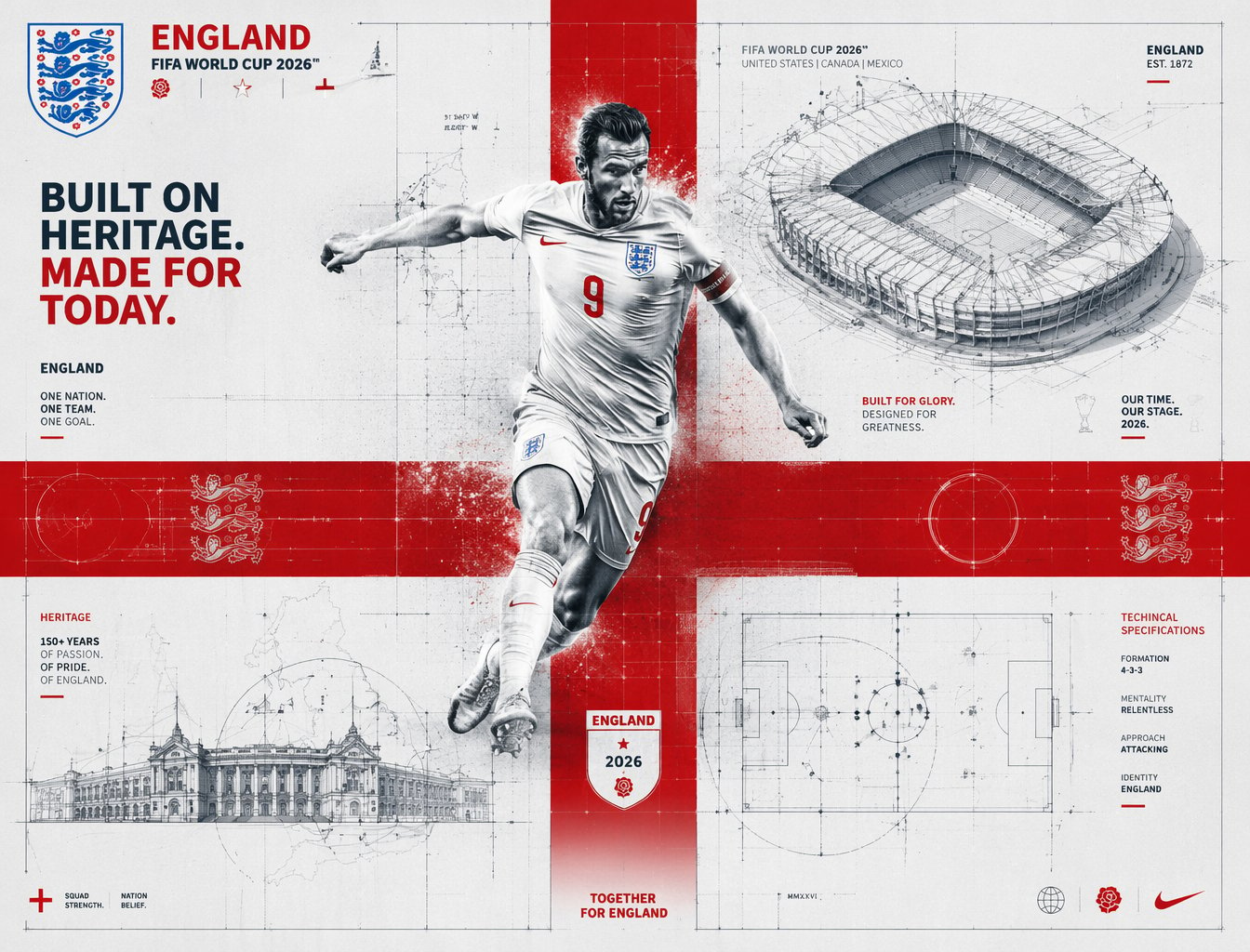
FIFA 2026 England — Blueprint Heritage
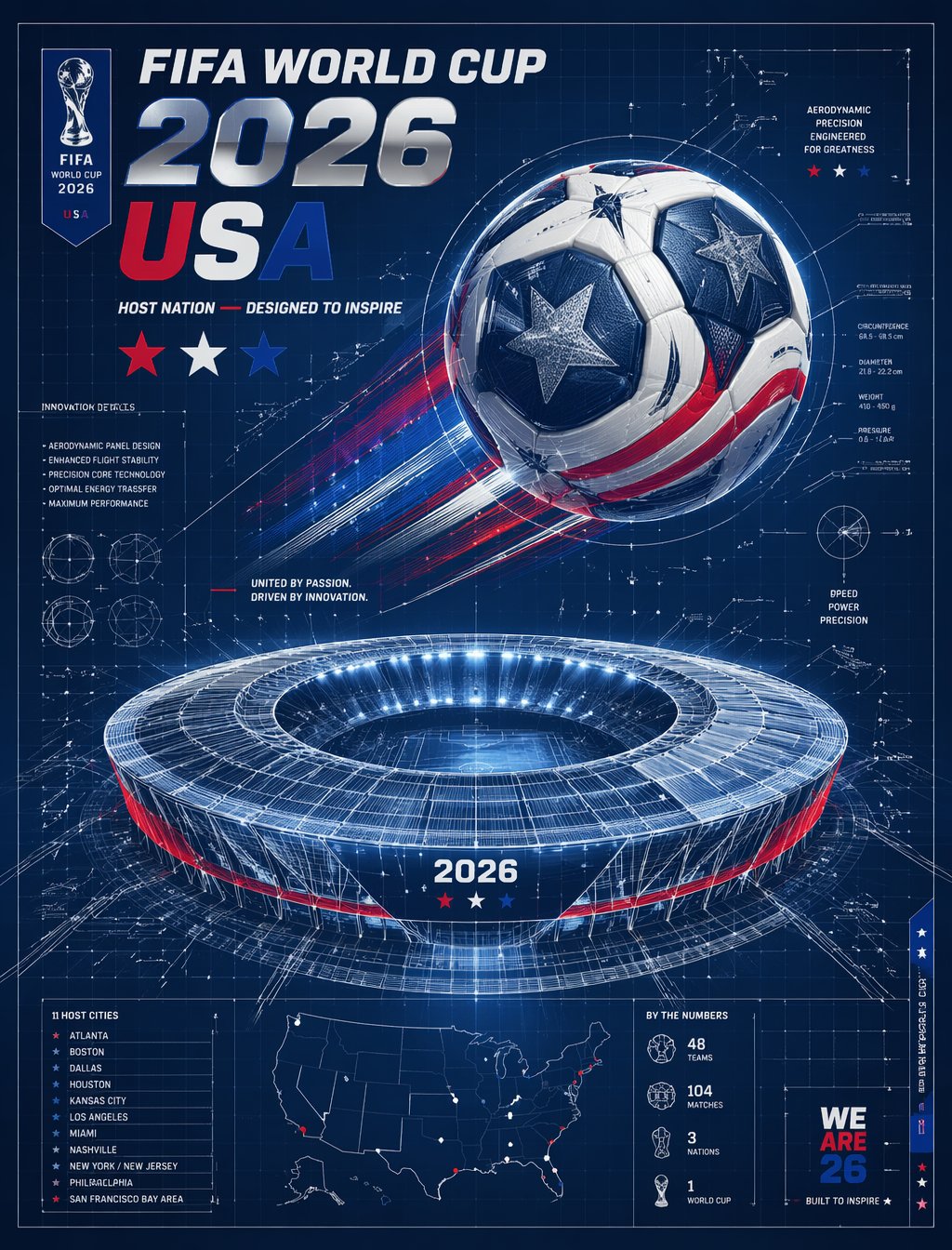
FIFA 2026 USA — Blueprint Host Nation

Character Archive — Blueprint Concept Sheet
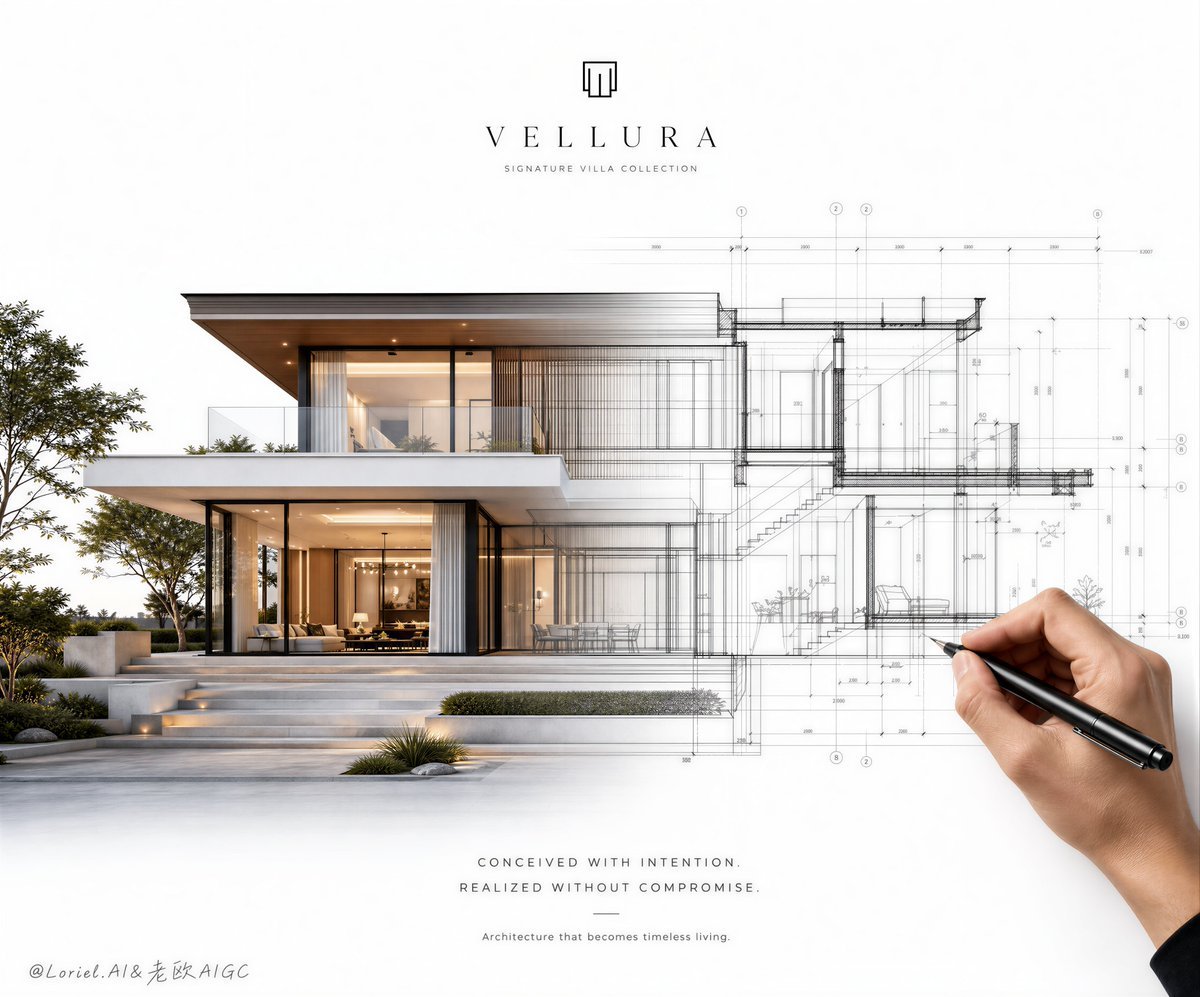
Architectural Villa Blueprint Poster
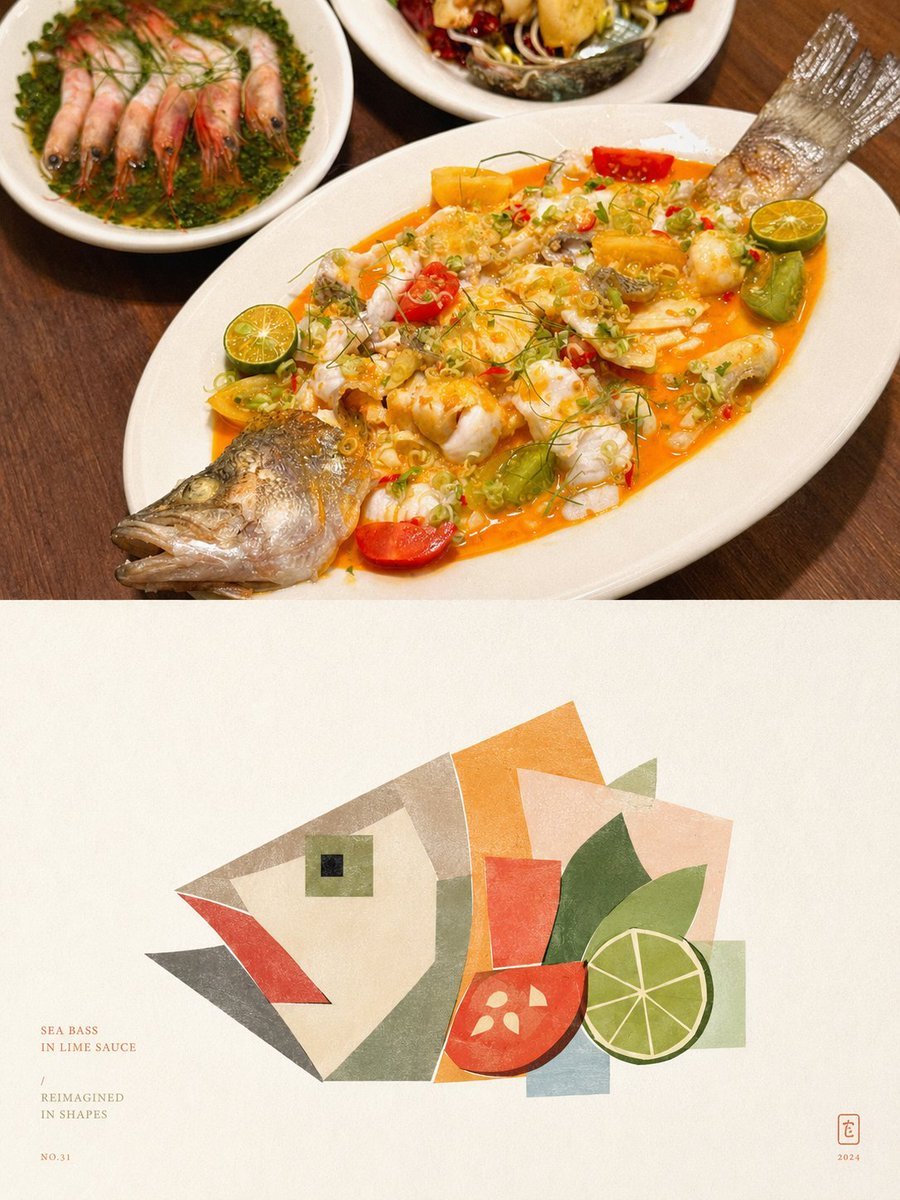
Geometric Abstract Deconstruction Poster

Pepsi Vending Machine Ad
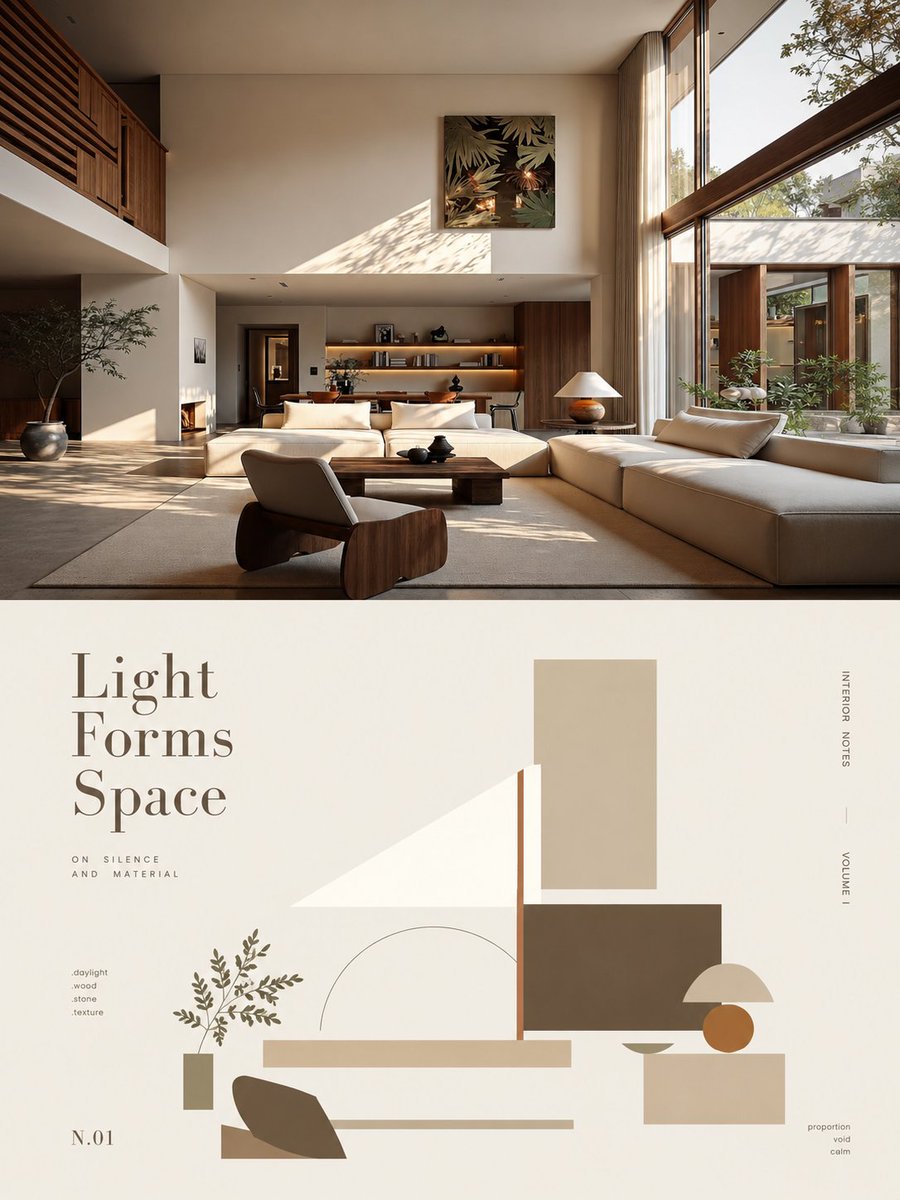
Minimalist Abstract Geometric Deconstruction Poster
Make it yours
Complex Machine Deconstruction Blueprint Prompt works as-is. These are the safest ways to change it without losing the look.
Change one field
Copy a single group, rewrite it, and generate again so you can see what that field is doing.
Keep the frame, change the subject
Hold the composition and light of Complex Machine Deconstruction Blueprint Prompt, then swap wardrobe, props or the person for a new take.
| If the result… | Why | Fix |
|---|---|---|
| The result drifts from the preview | Too many fields changed at once. | Reuse Complex Machine Deconstruction Blueprint Prompt as-is first, then change one group — subject, light, or setting. |
| The model over-stylizes the scene | The prose prompt leaves finish and camera underspecified. | Add one camera or lighting sentence and stay on Nano Banana 2. |
More Nano Banana 2 templates
Other prompts made for Nano Banana 2.

Photorealistic Leaf Shaped Like a Dragon

K-Pop Idol Portrait Grid for Rapid Selection

Poetic Rain Forest Portrait During Golden Hour

Urban Street Portrait with Cartoon Inner Self Duo

Candid Nighttime Photo with Cat Prompt

High-Concept 3D Diorama Generation Prompt

Cinematic Futuristic Studio Portrait Template

Skincare Editorial Photography Collage Prompt

Hyper-Realistic Commercial Product Photography (Splash Effect)

Hyper-Realistic Nightclub Portrait Prompt
More image prompts
Fresh picks from across the catalog.
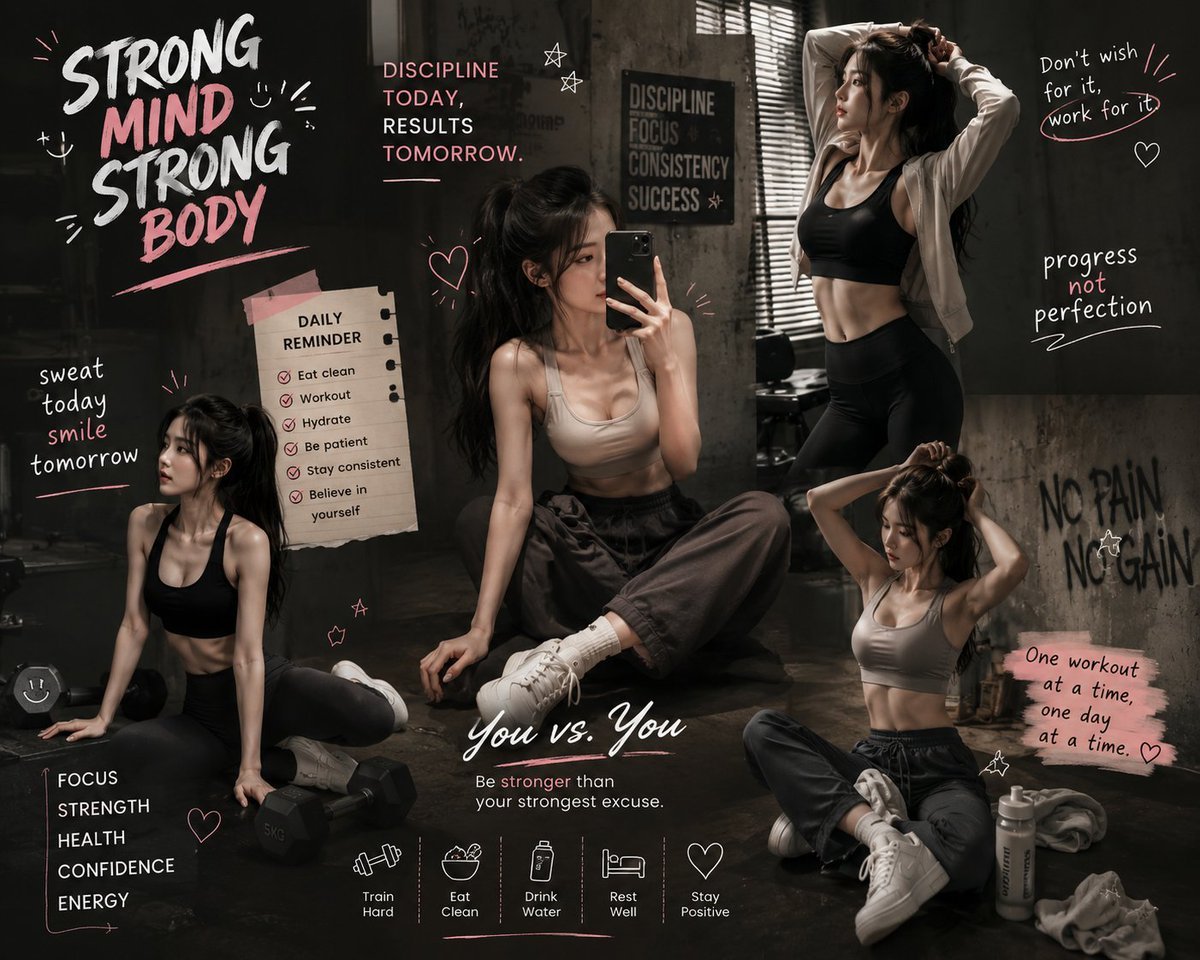
Luxury Fitness Brand Poster
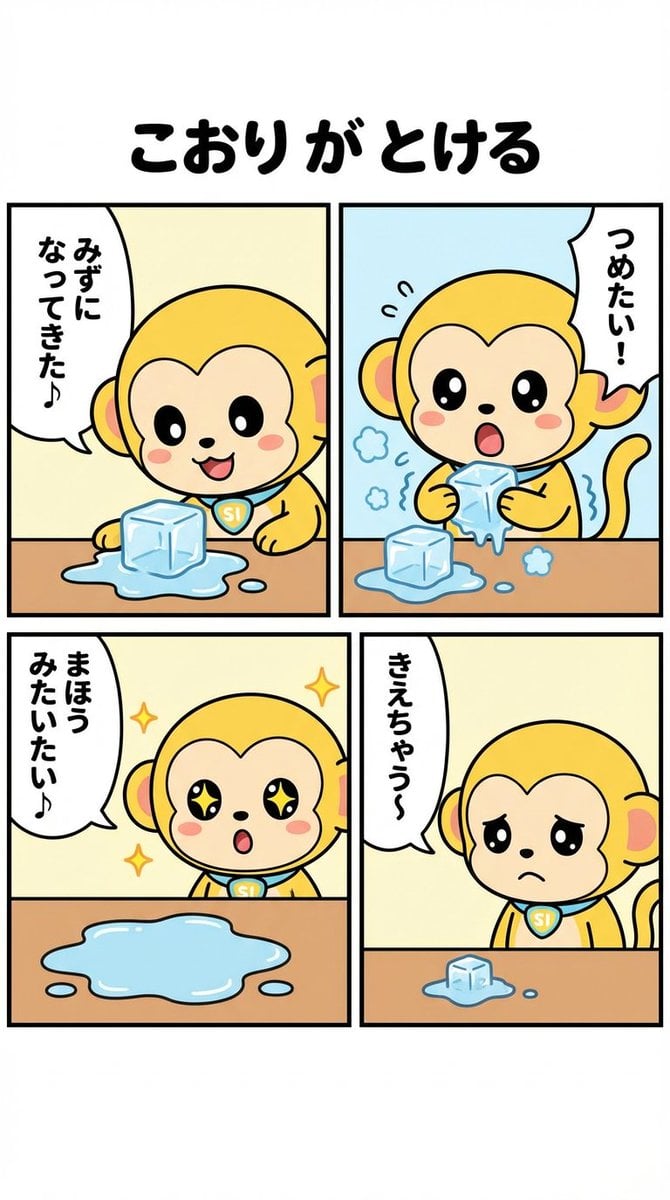
Nano-kun's Daily Life: Melting Ice Comic Strip Prompt
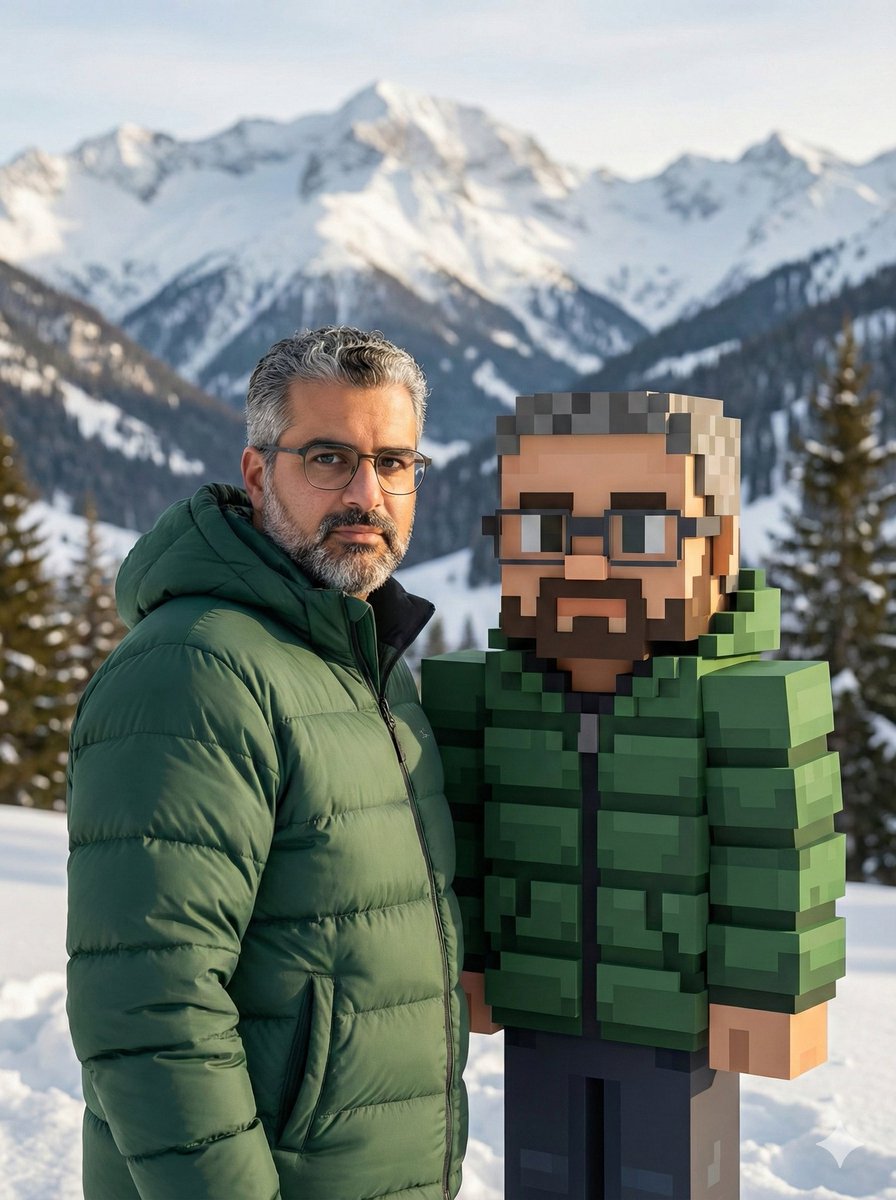
Realistic Photo with Voxel Minecraft Doppelgänger
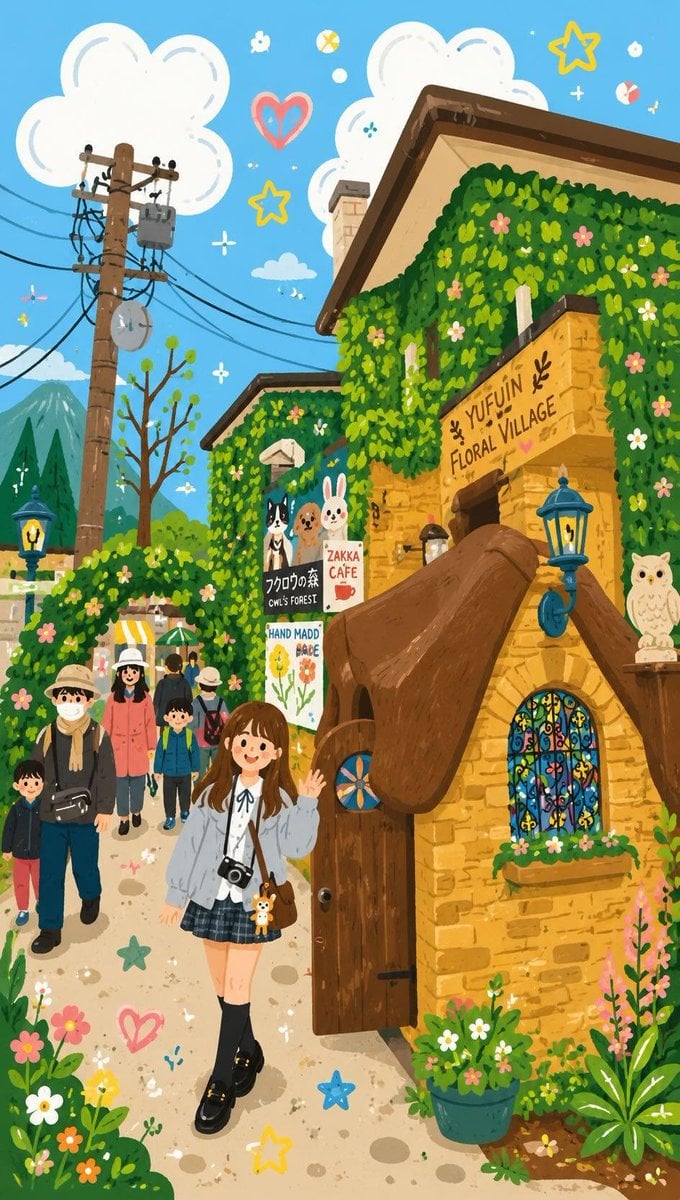
Decorative Folk Flat Illustration
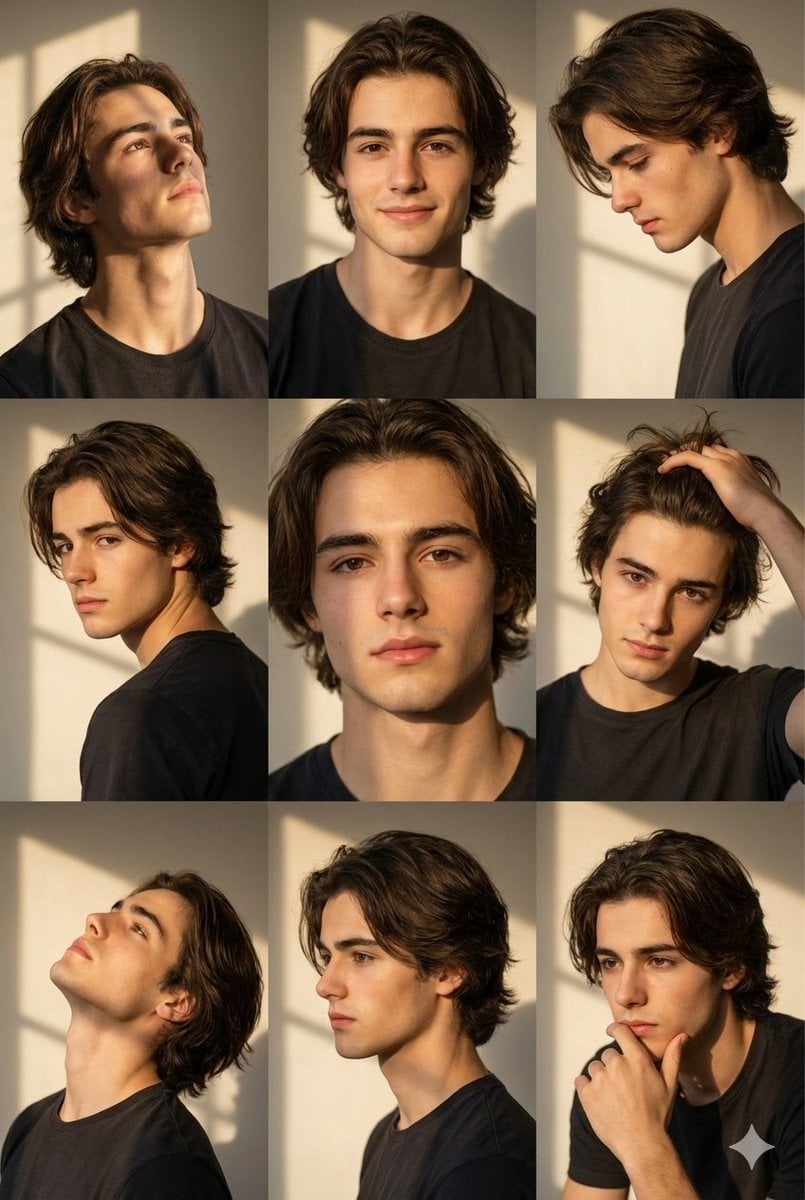
Golden Hour Portrait Collage Prompt

Hyper-Realistic Cafe Portrait with Reference Image
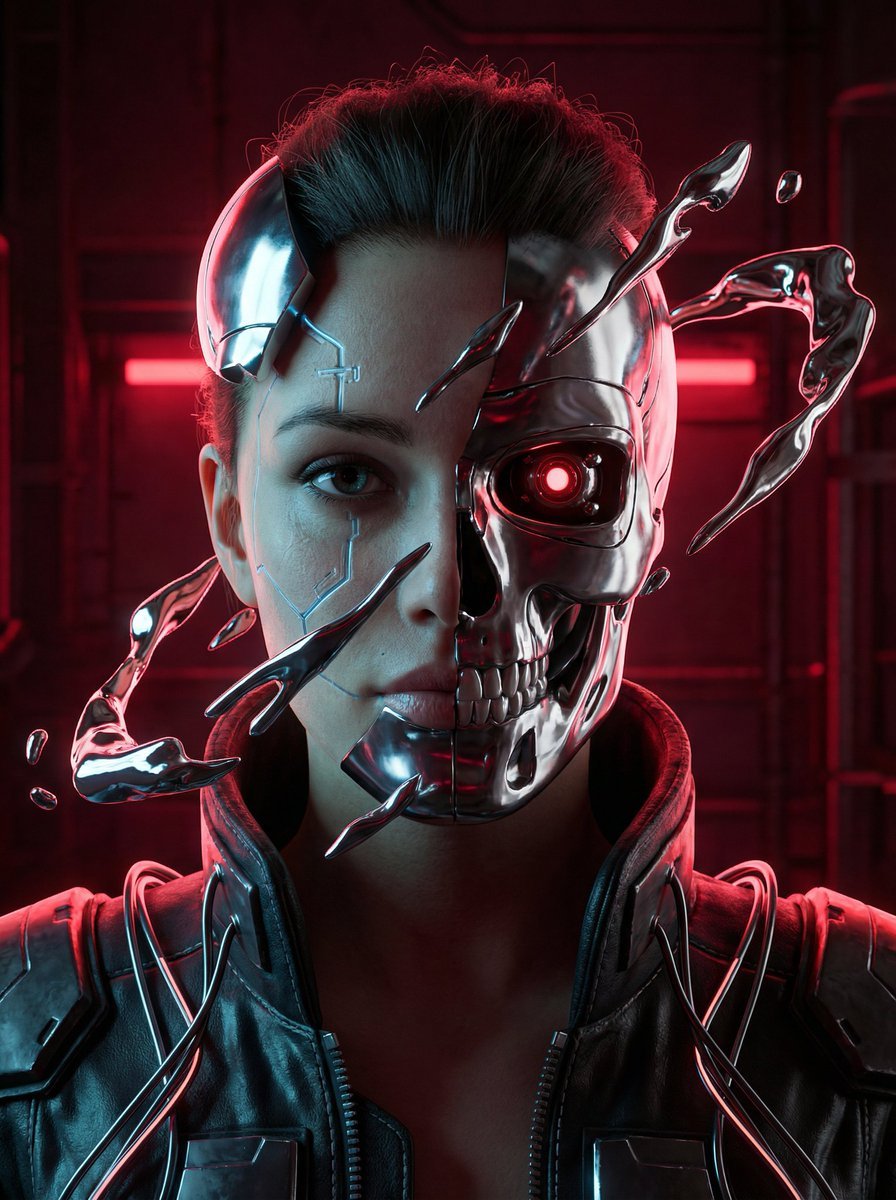
Cyberpunk Biomechanical Portrait
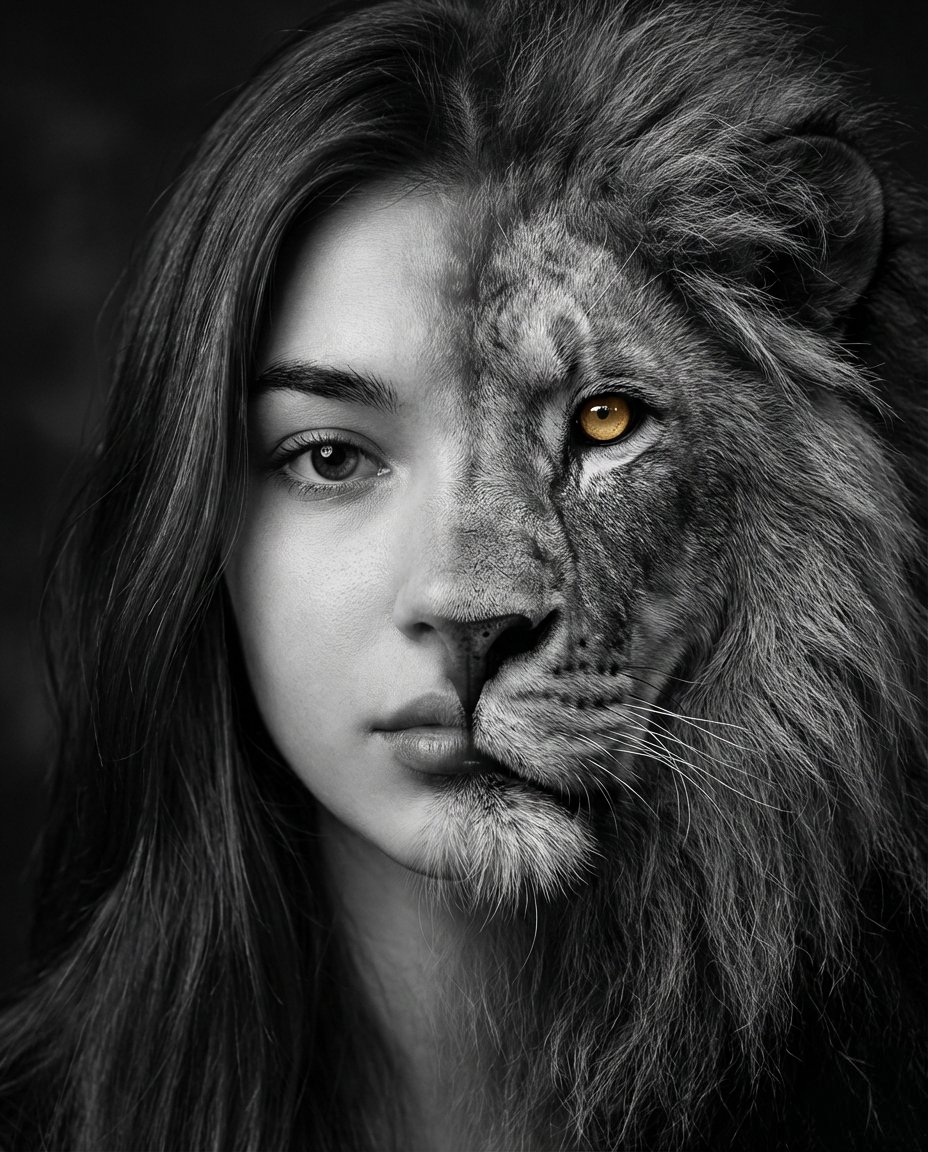
Cinematic Human-Lion Fusion Portrait
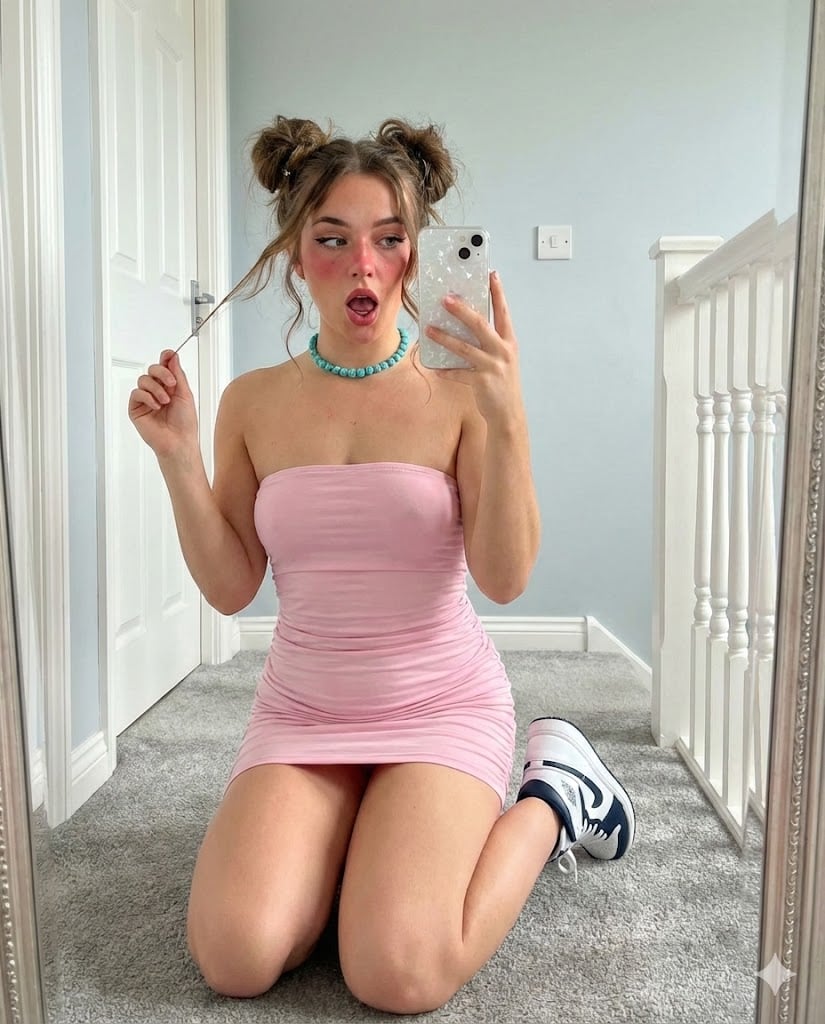
Mirror Selfie with E-Girl Makeup and Space Buns

Alpine Snow Portrait with Trapper Hat
Browse template categories
Complex Machine Deconstruction Blueprint Prompt questions
How do I use the Complex Machine Deconstruction Blueprint Prompt template?
Add your photo if the template asks for one, edit the prompt if you like — the template's model and format are already selected — and press Generate. Your version opens in PicX Studio.
Can I customize the Complex Machine Deconstruction Blueprint Prompt template?
Yes. You can change the subject, setting, lighting, mood, format, and available model controls before creating your image.
Is the Complex Machine Deconstruction Blueprint Prompt template free?
Opening and editing this template is free. Generating uses credits, shown on the Generate button when you are signed in.
Which AI model should I use?
Start with Nano Banana 2, which is the model associated with this template. You can compare another compatible model for a different finish.
Looking for something else? Browse all templates.

Your photo, any look
Thousands of ready templates for every top image and video model, from one credit balance.