How do I use the Cleaned Traditional Interior Edit template?
Edit the prompt in the box under the preview — the template's model and format are already selected — and press Generate. Your version appears right on this page.
Generates a polished empty-background edit from reference images, useful for removing a foreground character while preserving a warm anime-style interior.

This template uses your photo — add one with the + button.
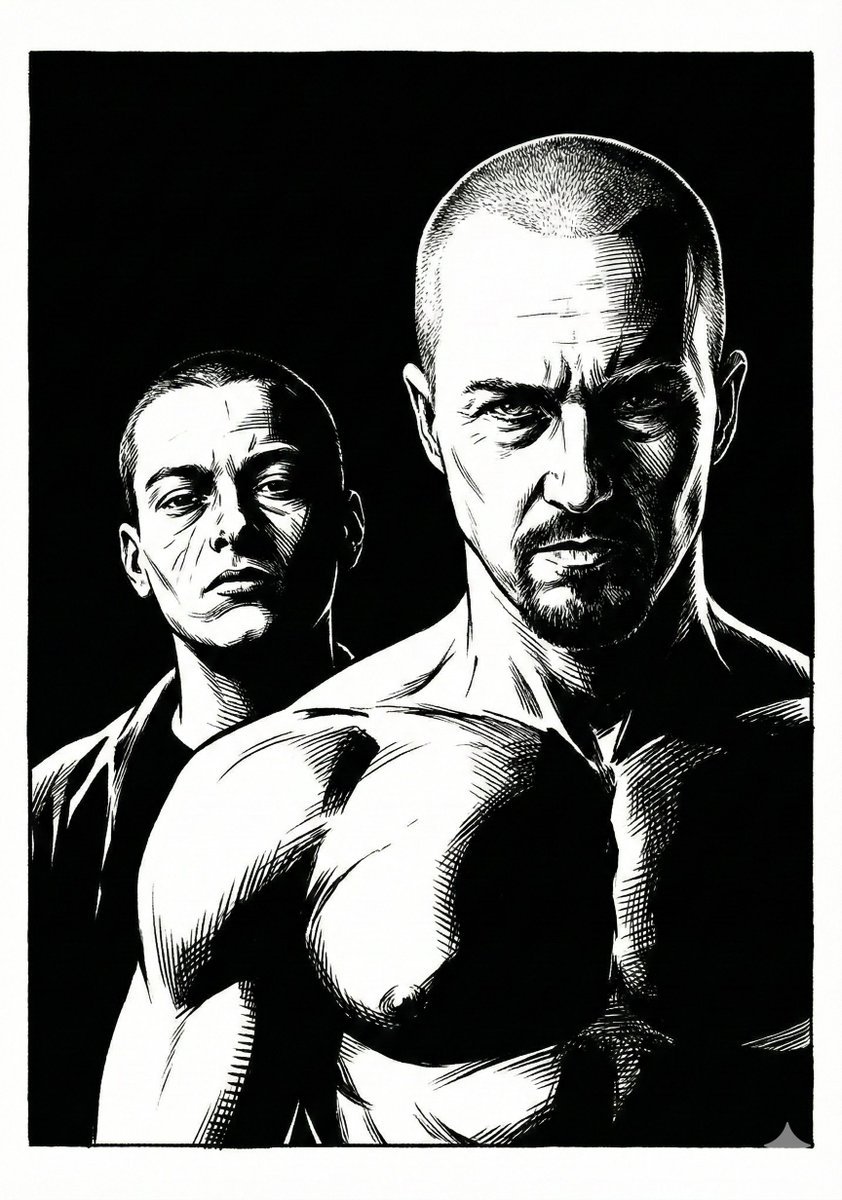
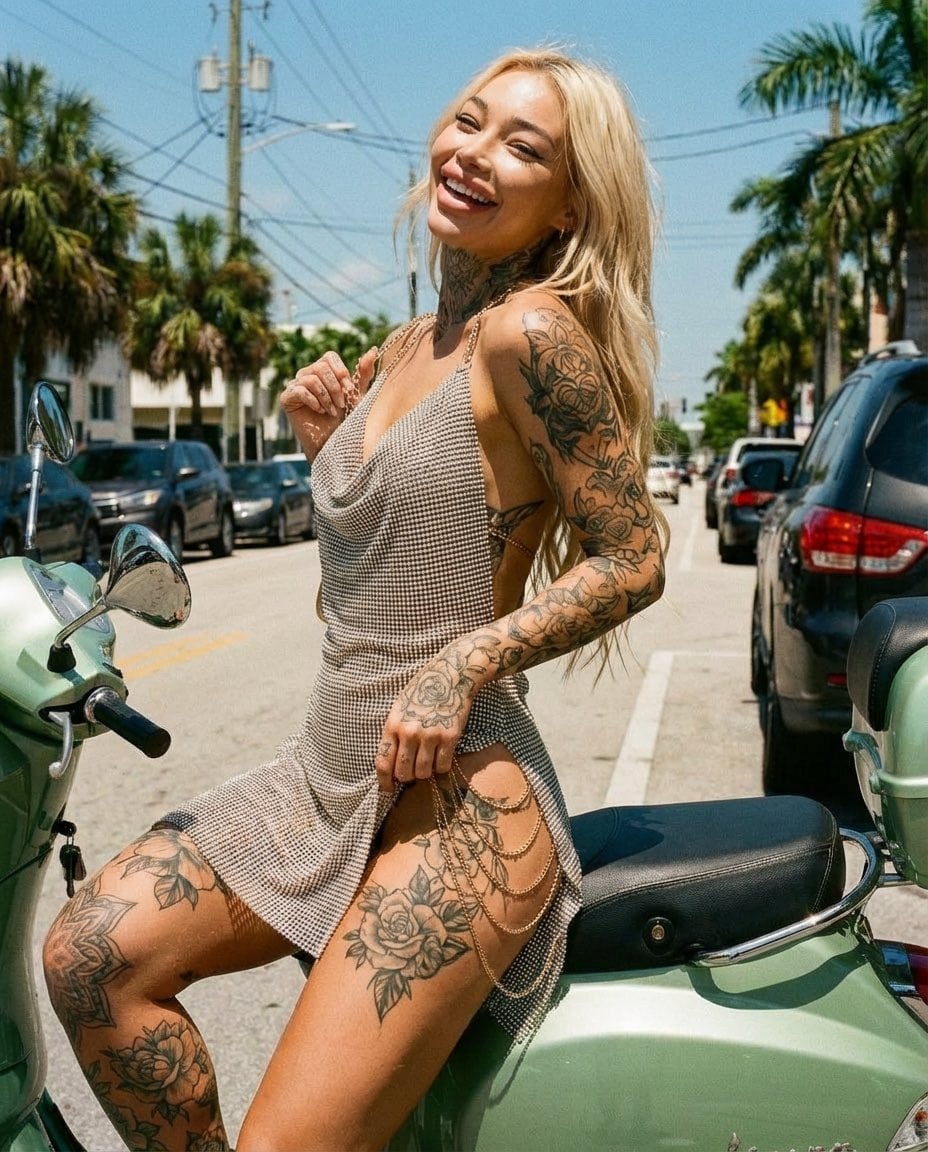
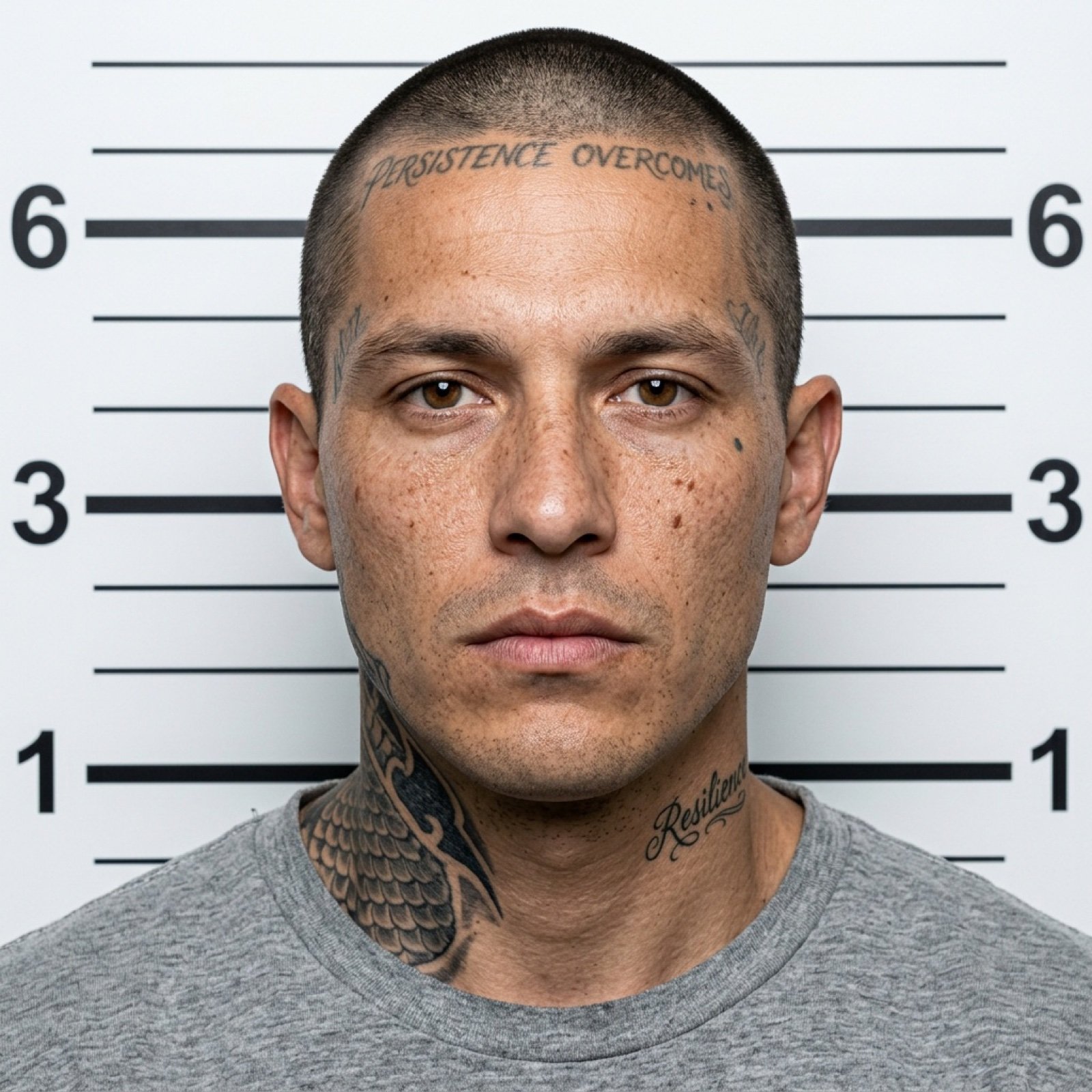
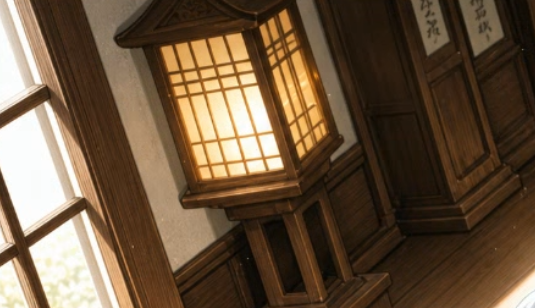
Using REFERENCE_1 as the main image, create a cleaned-up edited version of the same warm traditional wooden interior. Remove the foreground subject and small round object from REFERENCE_0 entirely, leaving the scene as an empty background with no visible character. Keep the tilted landscape composition and warm lantern glow from REFERENCE_1, but make the image feel slightly more polished and cinematic: smoother painted rendering, softer focus toward the edges, subtle golden light bloom, and a small number of floating dust particles in the air. Preserve the overall perspective, wooden architecture, window, lantern, and two wall plaques from REFERENCE_1 while eliminating noisy, scratchy texture artifacts.
Using REFERENCE_1 as the main image, create a cleaned-up edited version of the same warm traditional wooden interior. Remove the foreground subject and small round object from REFERENCE_0 entirely, leaving the scene as an empty background with no visible character. Keep the tilted landscape composition and warm lantern glow from REFERENCE_1, but make the image feel slightly more polished and cinematic: smoother painted rendering, softer focus toward the edges, subtle golden light bloom, and a small number of floating dust particles in the air. Preserve the overall perspective, wooden architecture, window, lantern, and two wall plaques from REFERENCE_1 while eliminating noisy, scratchy texture artifacts.
Cleaned Traditional Interior Edit needs input media to work. Open it in the studio and these load alongside the prompt — pick whichever ones your chosen model can take.

Edit the prompt in the box under the preview — the template's model and format are already selected — and press Generate. Your version appears right on this page.
Yes. You can change the subject, setting, lighting, mood, format, and available model controls before creating your image.
Opening and editing this template is free. Generating uses credits, shown on the Generate button when you are signed in.
Start with GPT Image 2, which is the model associated with this template. You can compare another compatible model for a different finish.
Follow a topic to a crawlable collection of related PicX Studio templates.