
Traditional Jiangnan Rainy Alley Portrait
A cinematic and realistic ancient-style photograph of a beautiful woman with an oil-paper umbrella in a rainy Jiangnan alley.
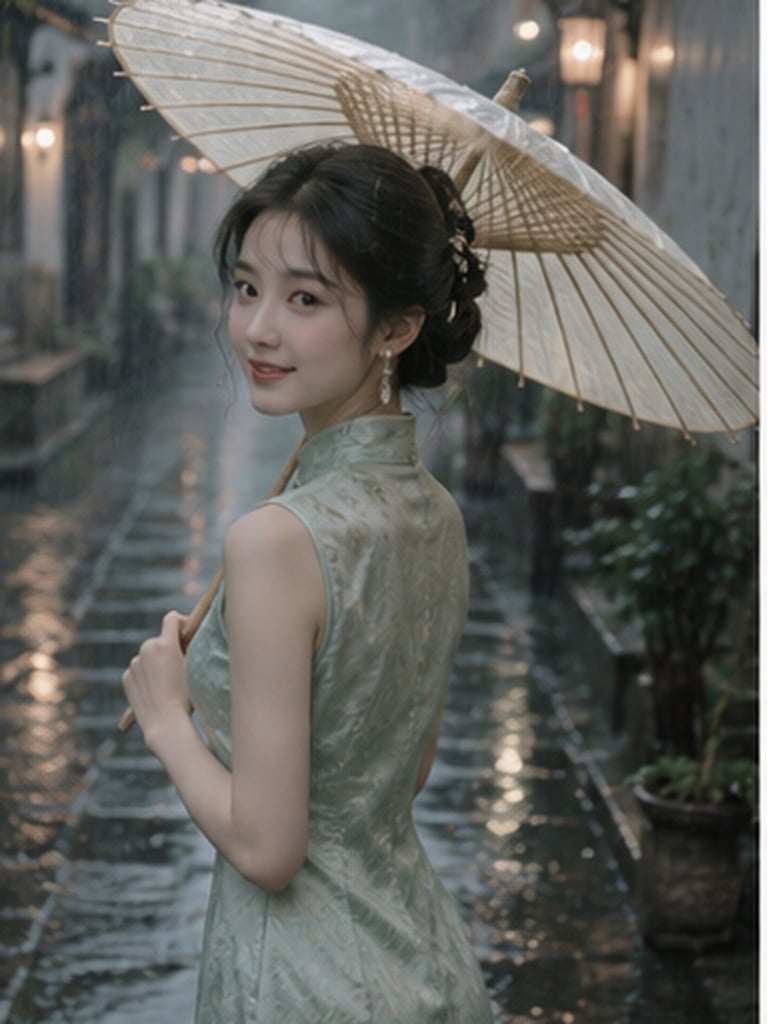
- Prompt included
- Model and format preset
- Free template
The prompt behind this image
Copy the exact prompt behind Traditional Jiangnan Rainy Alley Portrait, or open it in the studio and make it yours.
清新江南古风写真,年轻漂亮东方女生,温柔鹅蛋脸,精致淡眉,大眼睛,小巧嘴唇,柔和红调唇妆,冷白细腻皮肤,乌黑长发盘成低发髻,搭配温润玉石发簪,几缕碎发被雨水微微打湿贴在脸颊。 女生身穿{argument name="服装风格" default="浅豆绿色暗纹提花旗袍"},手持一把米白色油纸伞,独自走在江南老街青石板雨巷中。细雨正在落下,石板路湿润反光,两侧是白墙黛瓦、木门、绿植和远处模糊灯笼。 人物原本侧身向前走,像听见有人叫她一样突然回头看向镜头,嘴角自然扬起浅笑,一只手握伞柄,另一只手轻轻提着裙摆。 镜头像朋友在身后随手抓拍,人物没有刻意摆拍感。前景有雨滴和虚化屋檐遮挡,背景浅景深,雨丝清晰,柔和阴天漫射光,低饱和青绿色调,轻微胶片颗粒,真实皮肤肌理,发丝细节丰富,电影感,梦幻而克制,3:4。
How to use Traditional Jiangnan Rainy Alley Portrait in 3 steps
- 1
Open
The prompt is already in the box next to the preview, with the template's model and format selected.
- 2…a portrait of your subject in softgolden-hour light, 85mm…
Personalize
Edit the subject and creative details for your destination.
- 3Generate
Generate
Press Generate — your image is created in PicX Studio, so you can compare it with the original and refine one variable at a time.
More like this
Templates with the same subject, style or setup. Open one to see its prompt.

Rainy Café Window Moody Portrait
Rainy Manga Alley Woman Portrait

Found Photograph: Us, 1970

80s Couple Studio Portrait

80s Bollywood Star

80s Golden Hour Cinema

Me in 1985

1985 Studio Portrait

Hyper-Realistic Minecraft POV Portrait
Anime Girl in Rainy Tokyo Alley

Rooftop Fisheye — Cat-Ear Balaclava at Golden Hour
Rainy Neon Anime Alley Woman
Make it yours
Traditional Jiangnan Rainy Alley Portrait works as-is. These are the safest ways to change it without losing the look.
Change one field
Copy a single group, rewrite it, and generate again so you can see what that field is doing.
Keep the frame, change the subject
Hold the composition and light of Traditional Jiangnan Rainy Alley Portrait, then swap wardrobe, props or the person for a new take.
| If the result… | Why | Fix |
|---|---|---|
| The result drifts from the preview | Too many fields changed at once. | Reuse Traditional Jiangnan Rainy Alley Portrait as-is first, then change one group — subject, light, or setting. |
| The model over-stylizes the scene | The prose prompt leaves finish and camera underspecified. | Add one camera or lighting sentence and stay on GPT Image 2. |
More GPT Image 2 templates
Other prompts made for GPT Image 2.

Six VTuber Japanese Logo Sheet

Realistic Portrait of Woman and Deer

The Vista Modular Condo Poster

AI Model Routing Comparison Infographic

2.5D Anime Art Board

Isometric Productivity Desk Scene

New York Double Exposure Poster

Four-Panel AI Landscape Comparison

Japanese Tatami Lifestyle Magazine Cover

NESCAFÉ Coffee Map Poster
More image prompts
Fresh picks from across the catalog.
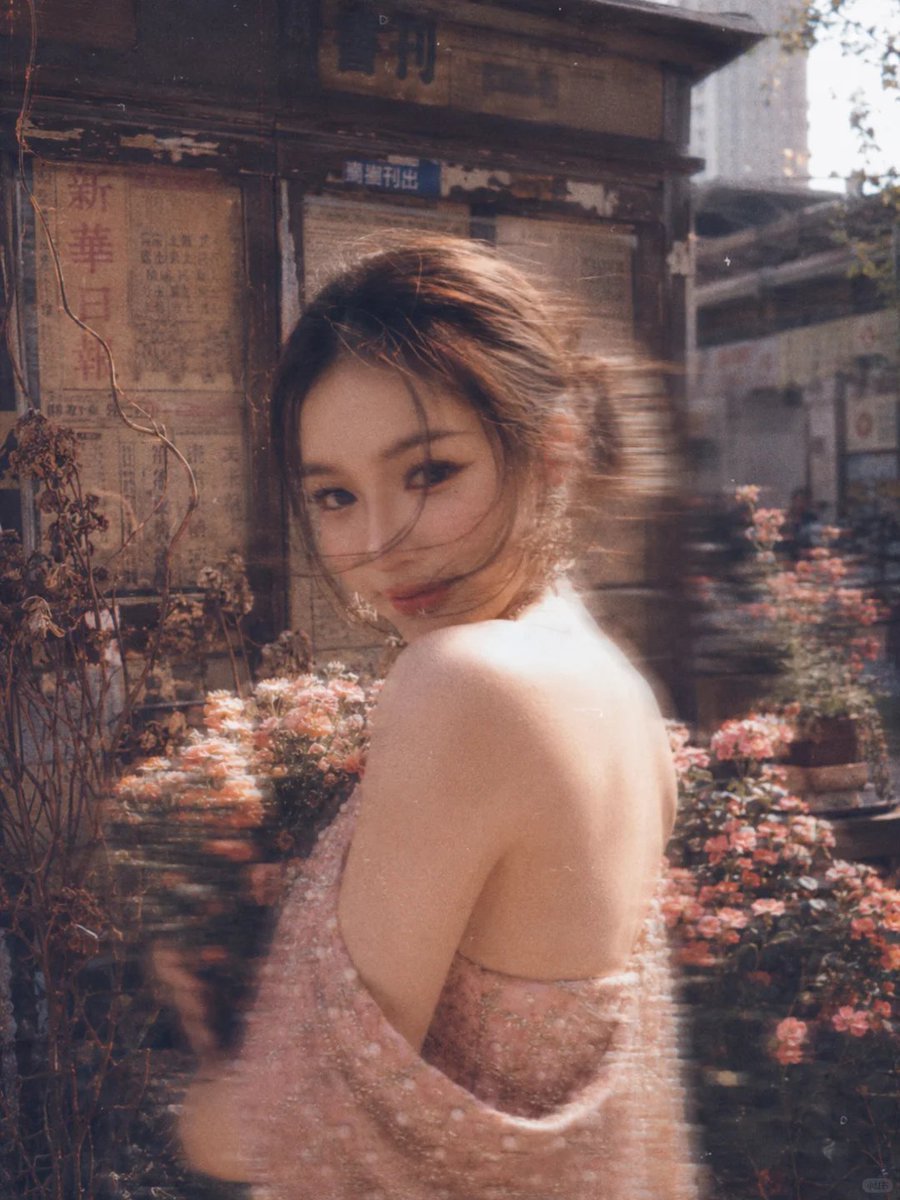
Vintage Film Style Portrait Transformation
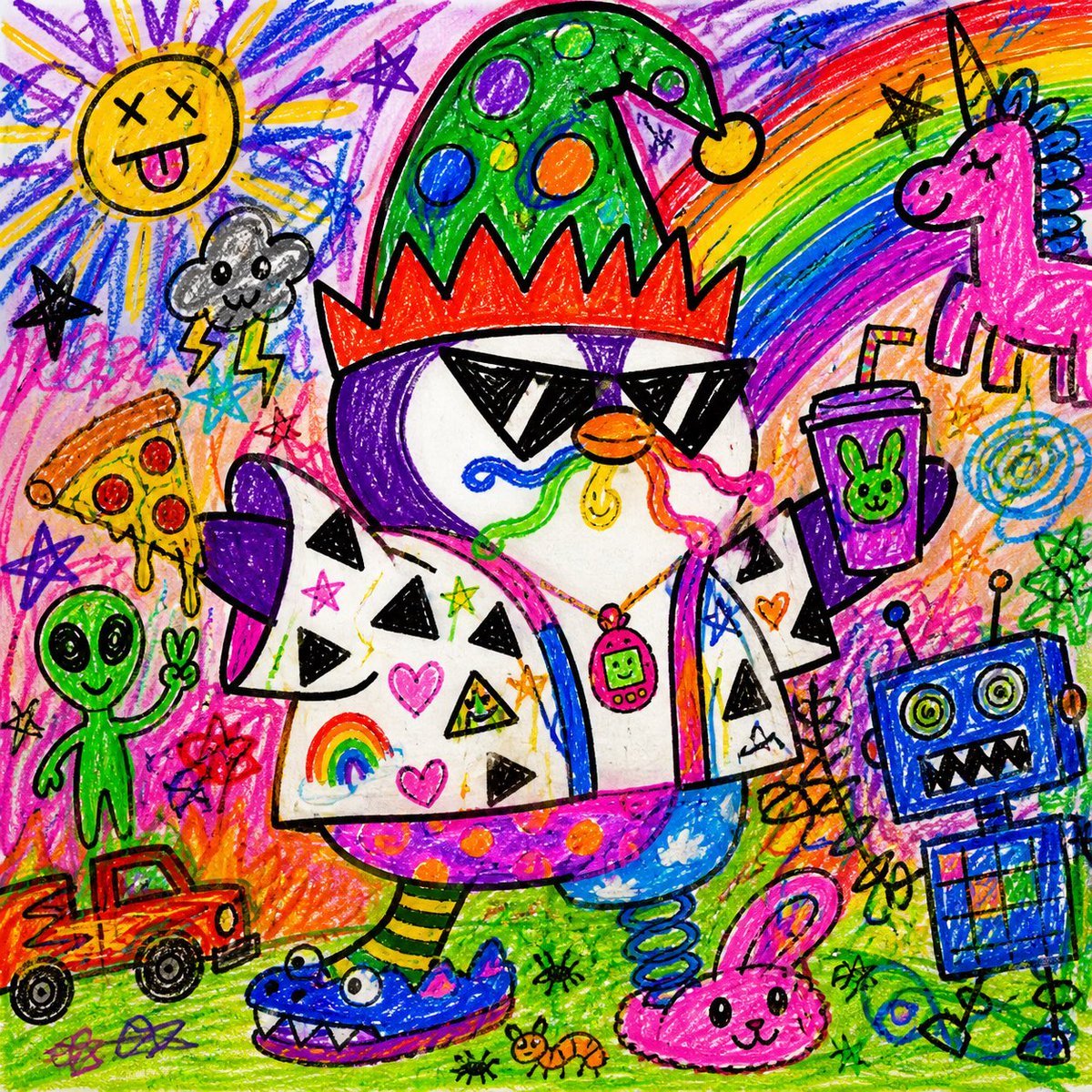
Chaotic Child Style Drawing
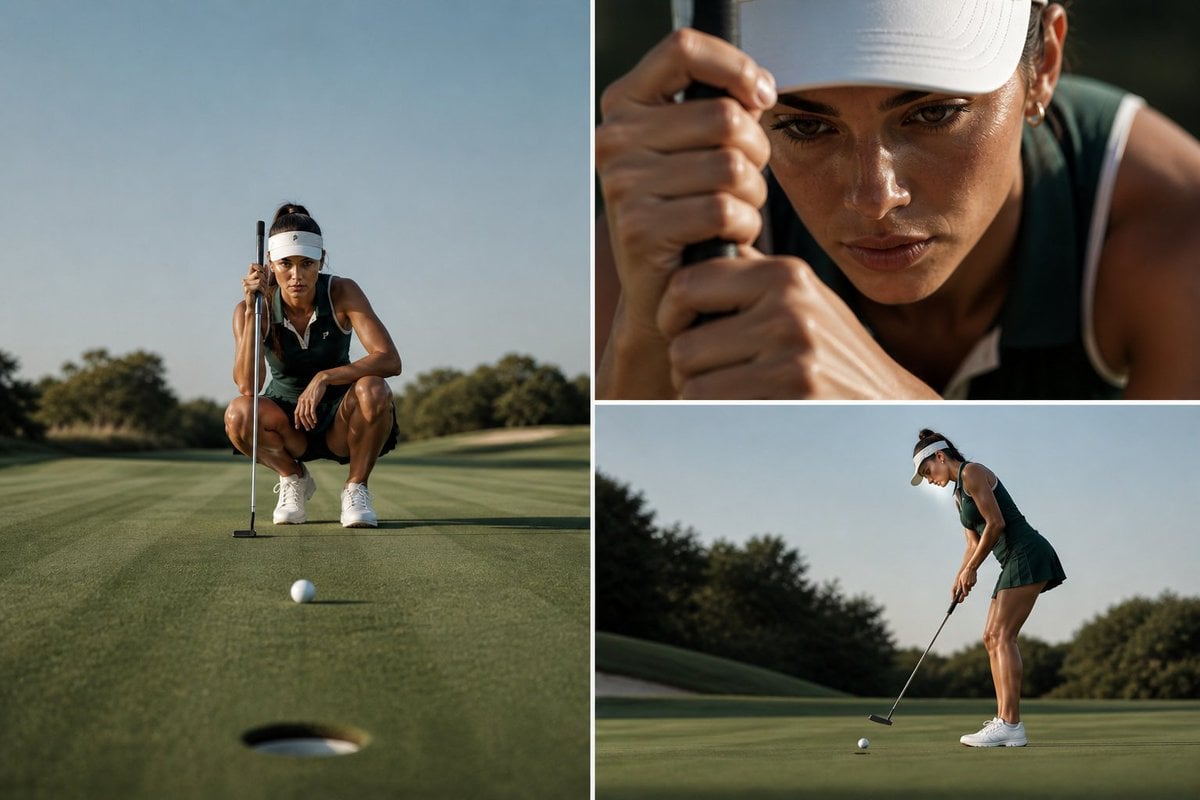
Luxury Golf Editorial Collage
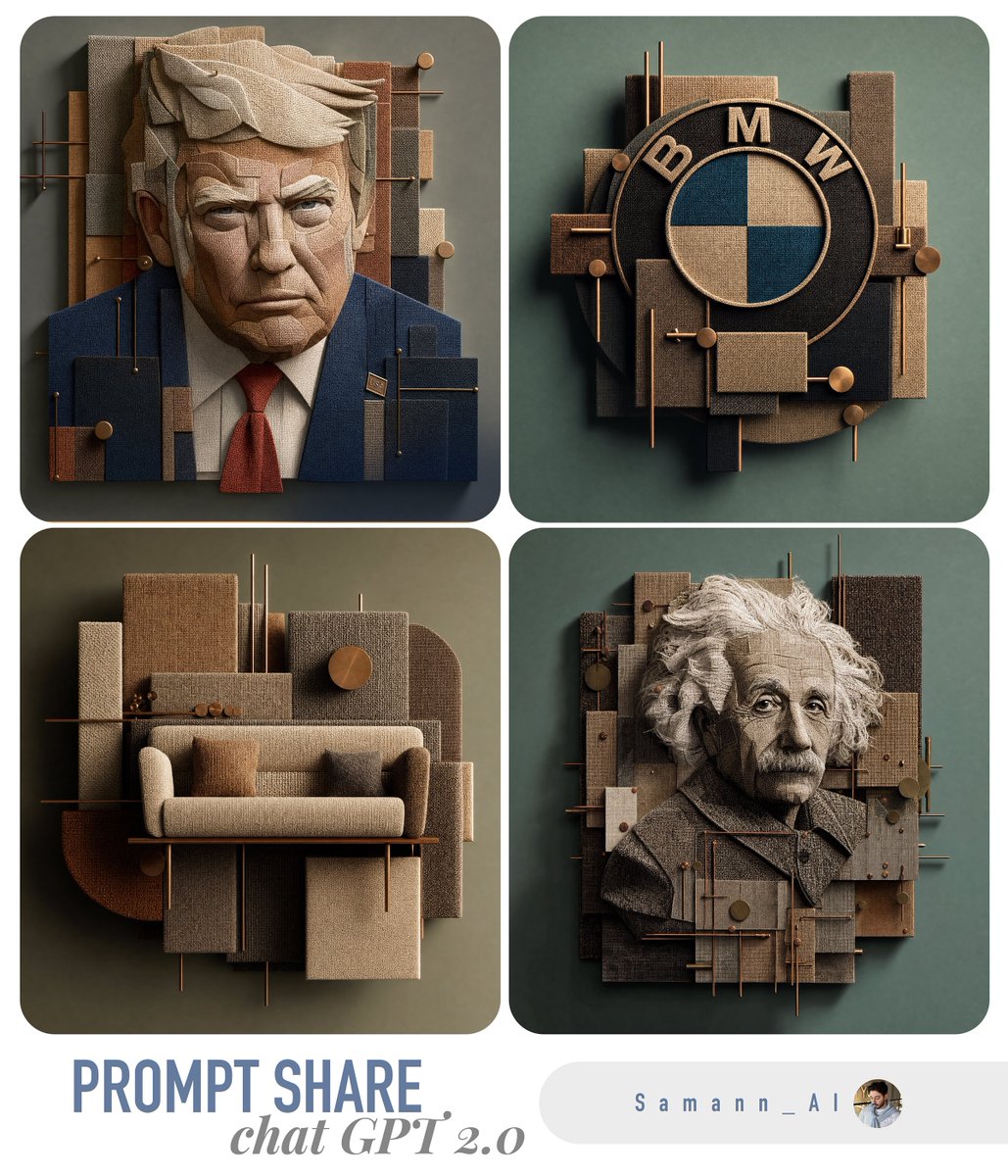
3D Fabric Art Prompt Share Collage
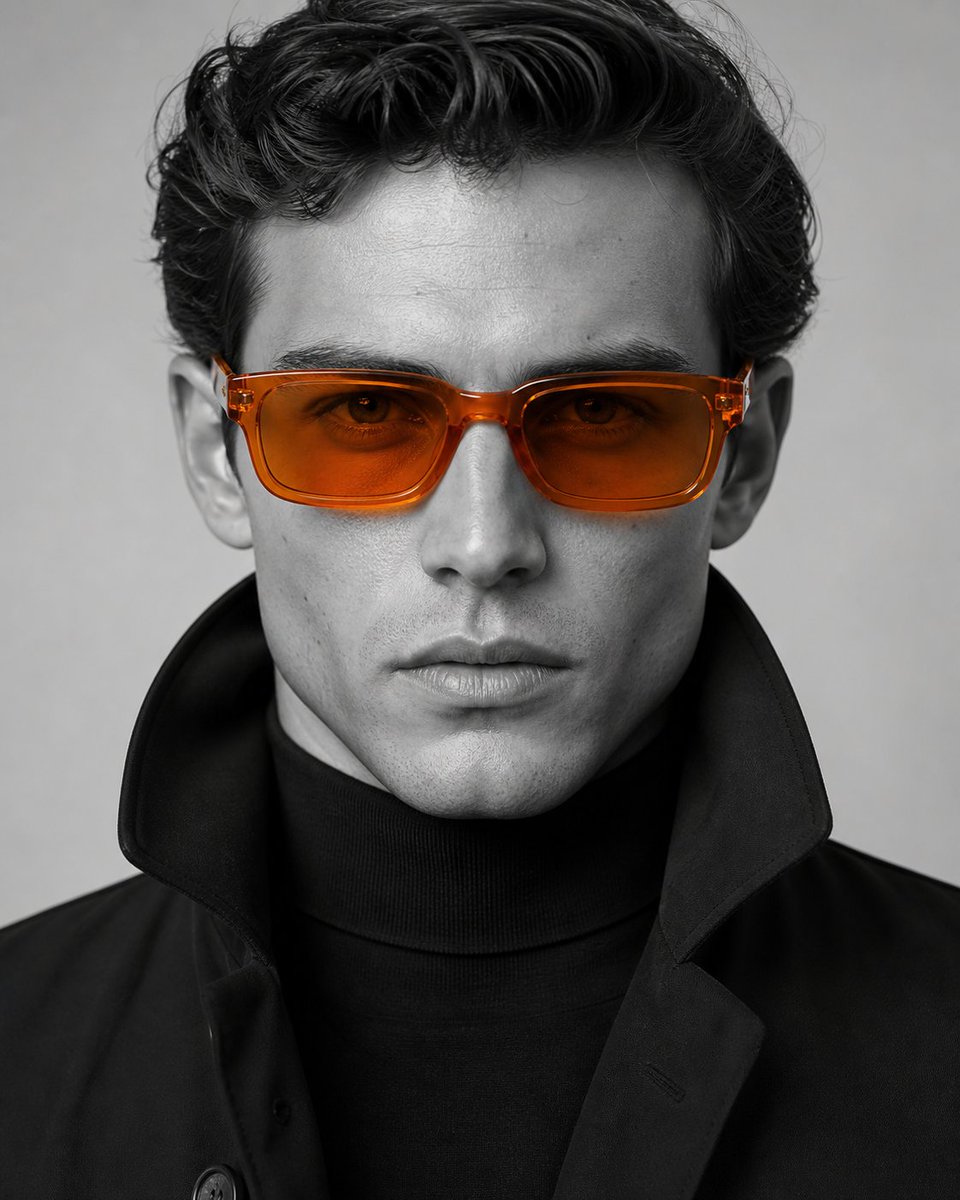
Editorial Selective Color Portrait
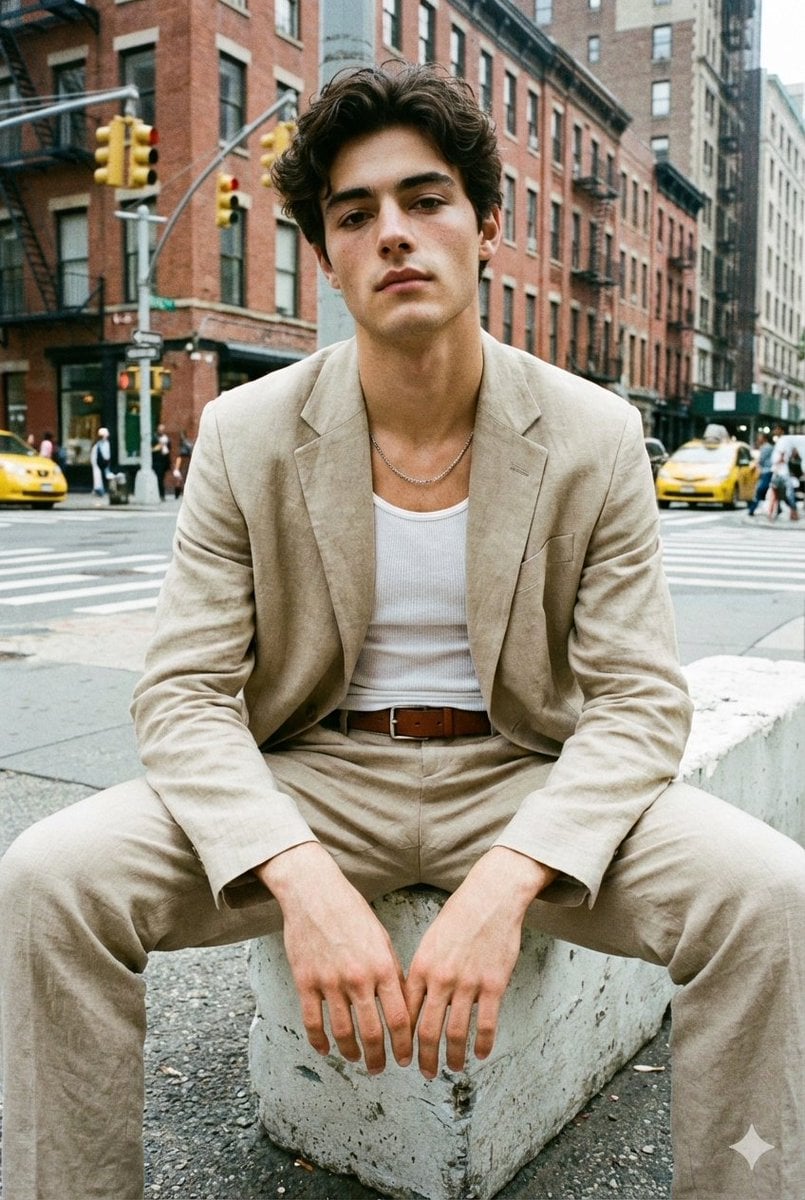
Analog Street Photography Prompt with Reference Image Requirement
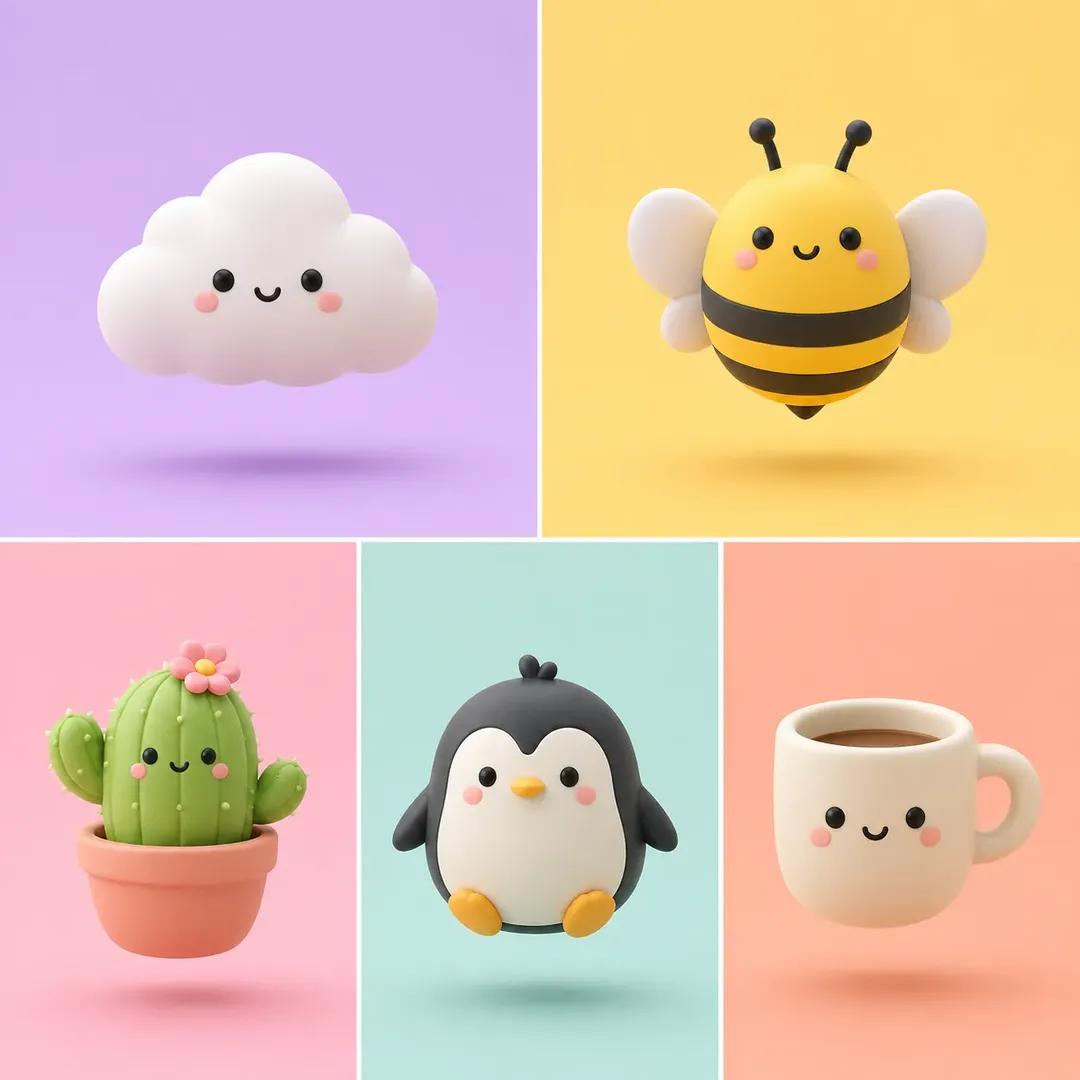
Minimalist 3D Clay Render
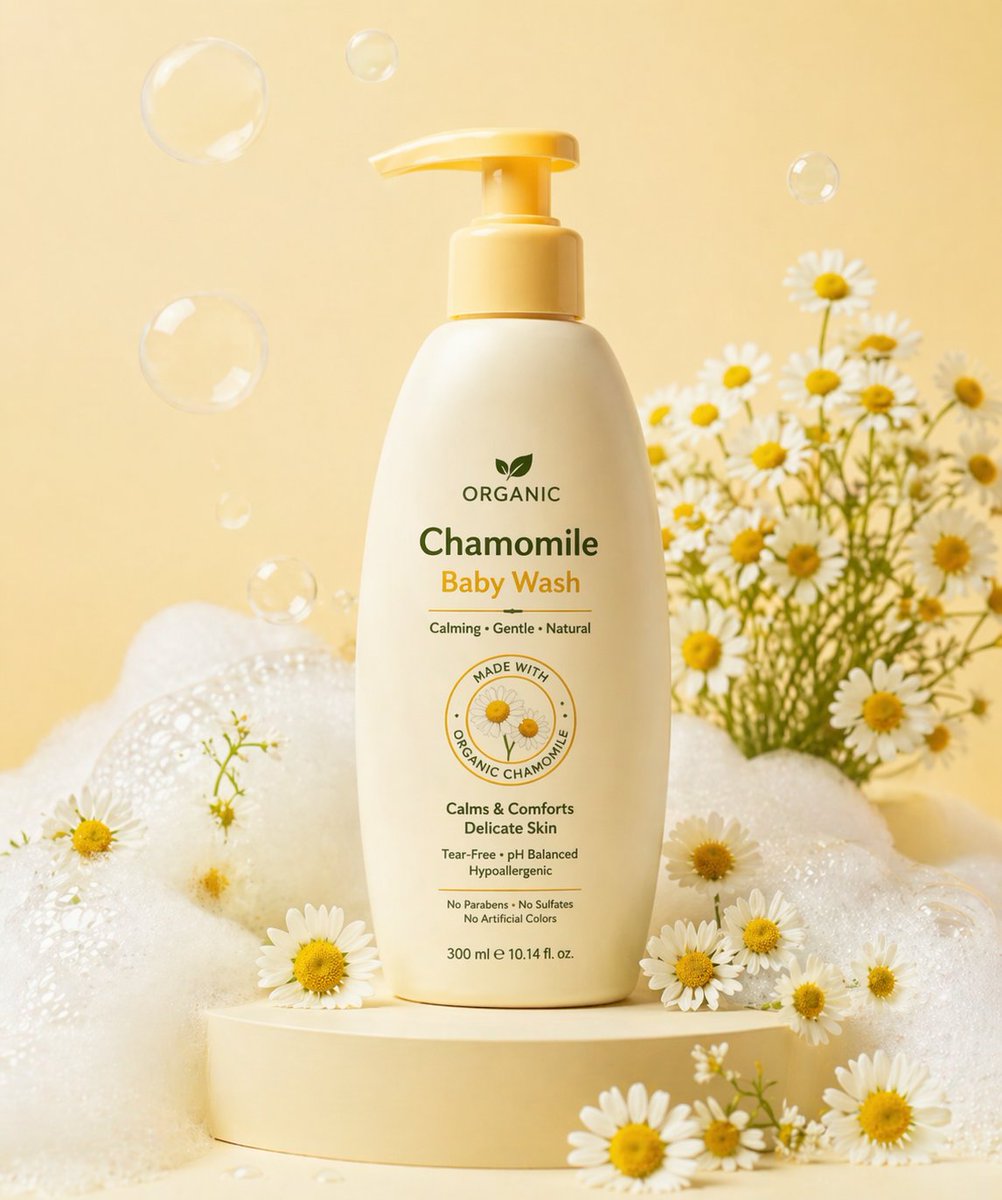
Gpt2 E Commerce Main Image Skincare Product Studio Shot
Ethereal Fantasy Portrait

Nano Banana 2 Tulip Field
Browse template categories
Traditional Jiangnan Rainy Alley Portrait questions
How do I use the Traditional Jiangnan Rainy Alley Portrait template?
Add your photo if the template asks for one, edit the prompt if you like — the template's model and format are already selected — and press Generate. Your version opens in PicX Studio.
Can I customize the Traditional Jiangnan Rainy Alley Portrait template?
Yes. You can change the subject, setting, lighting, mood, format, and available model controls before creating your image.
Is the Traditional Jiangnan Rainy Alley Portrait template free?
Opening and editing this template is free. Generating uses credits, shown on the Generate button when you are signed in.
Which AI model should I use?
Start with GPT Image 2, which is the model associated with this template. You can compare another compatible model for a different finish.
Looking for something else? Browse all templates.

Your photo, any look
Thousands of ready templates for every top image and video model, from one credit balance.