
Consistent Character Image Editing Banner
A cinematic photorealistic banner showing a consistent woman character across an original square inset and expanded edited city scenes.
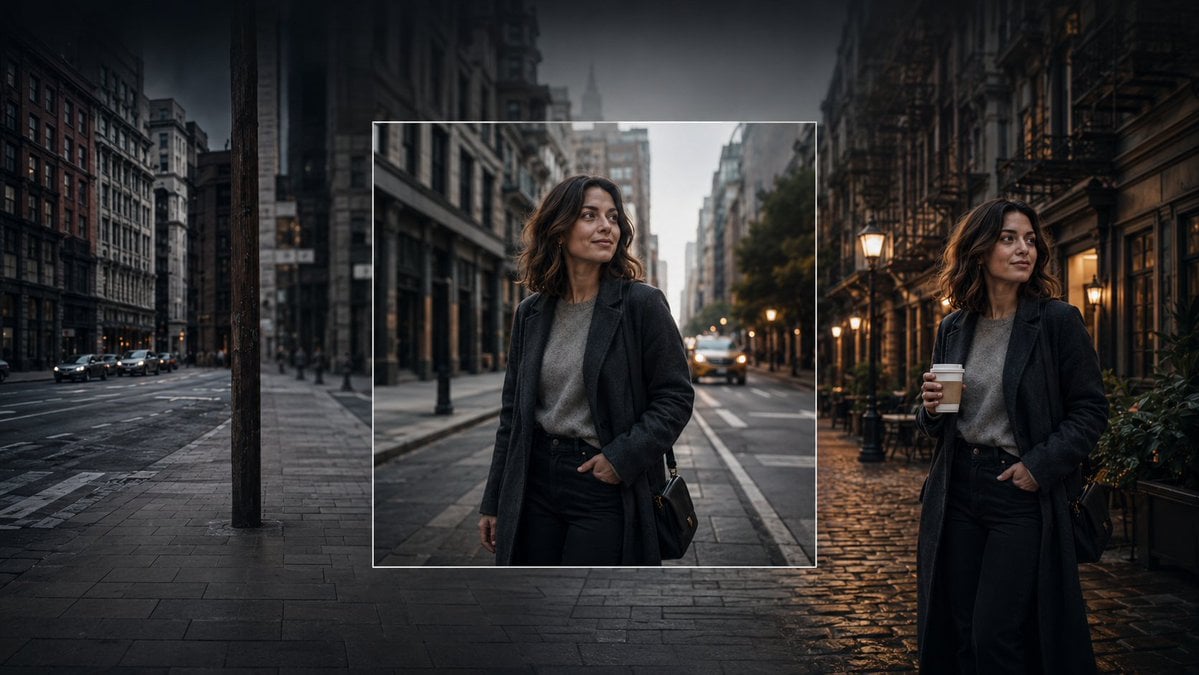
- Prompt included
- Model and format preset
- Free template
The prompt behind this image
Copy the exact prompt behind Consistent Character Image Editing Banner, or open it in the studio and make it yours.
Create a cinematic wide banner image demonstrating AI image editing and consistent character generation. The scene is a moody urban street at dusk in a dense old city, with tall buildings on both sides, wet pavement, parked and moving cars, soft streetlights, and a dark vignette. Show exactly three visual zones across one continuous composition: on the left, a dim empty city street with no main person, desaturated and slightly blurred; in the center, a sharp square inset framed by a thin white border containing a realistic portrait of the same woman standing on a city street; on the right, the same woman appears again full-body in a different but matching street setting, holding a takeaway coffee cup. The woman is {argument name="character name" default="an unnamed stylish woman in her early 30s"}: shoulder-length wavy dark brown hair, medium-light skin, natural makeup, calm confident expression, looking slightly to her left, wearing a long dark charcoal overcoat, gray knit sweater, black high-waisted trousers, and a small black shoulder bag. Make the center inset look like the original generated square image, while the left and right sides look like outpainted extensions and a variation of the same character and style. Use photorealistic editorial photography, shallow depth of field, soft evening light, warm lamps on the right contrasting with cool blue-gray shadows on the left, high dynamic range, cinematic color grading, realistic reflections on wet cobblestones and asphalt. No text, no logos, no UI controls, no watermark.
How to use Consistent Character Image Editing Banner in 3 steps
- 1Upload ImagePNG, JPG or paste
Add your photo
Upload the photo the template builds on. The prompt, model and format are already set.
- 2…a portrait of your subject in softgolden-hour light, 85mm…
Personalize
Edit the subject and creative details for your destination.
- 3Generate
Generate
Press Generate — your image is created in PicX Studio, so you can compare it with the original and refine one variable at a time.
More like this
Templates with the same subject, style or setup. Open one to see its prompt.

Coffee Boba Product Poster
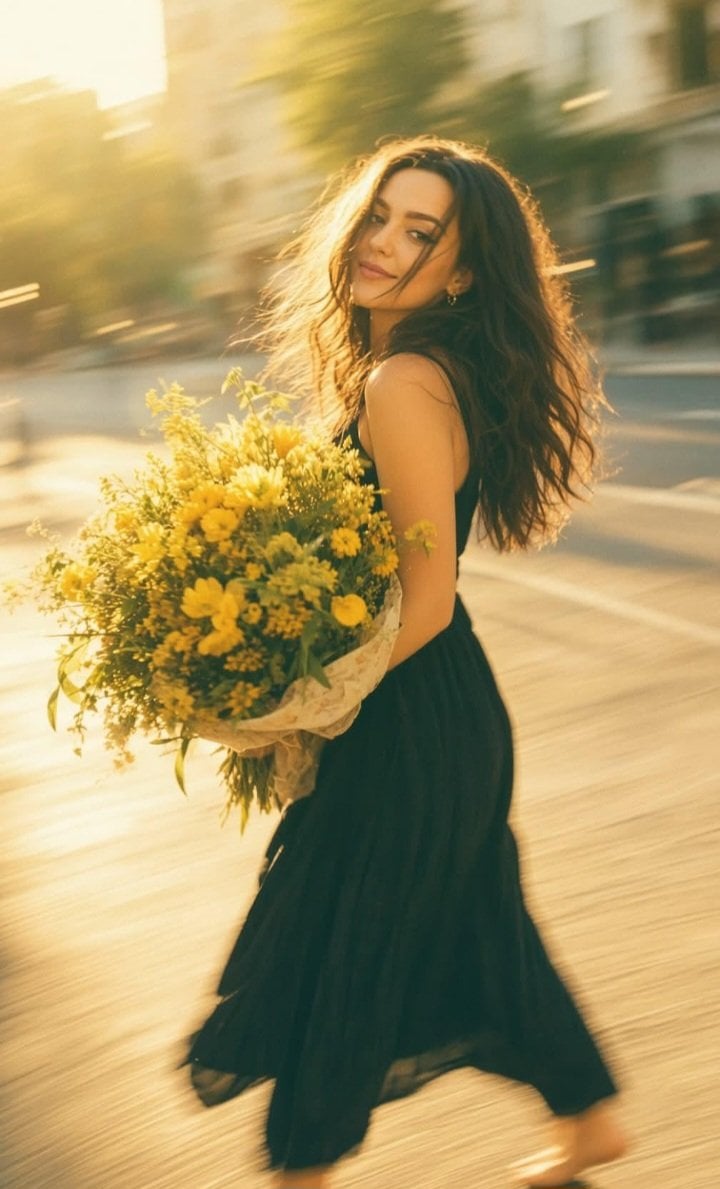
Consistent Series Character Street Snapshot
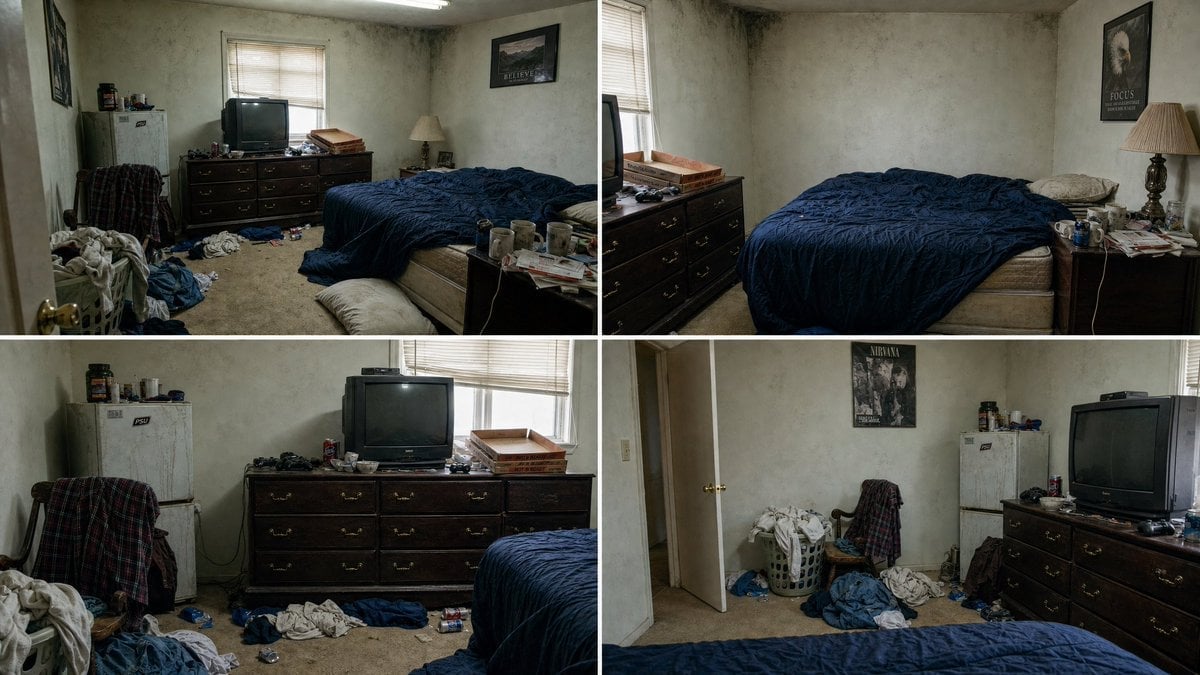
Multi-Angle Consistent Interior Room Grid
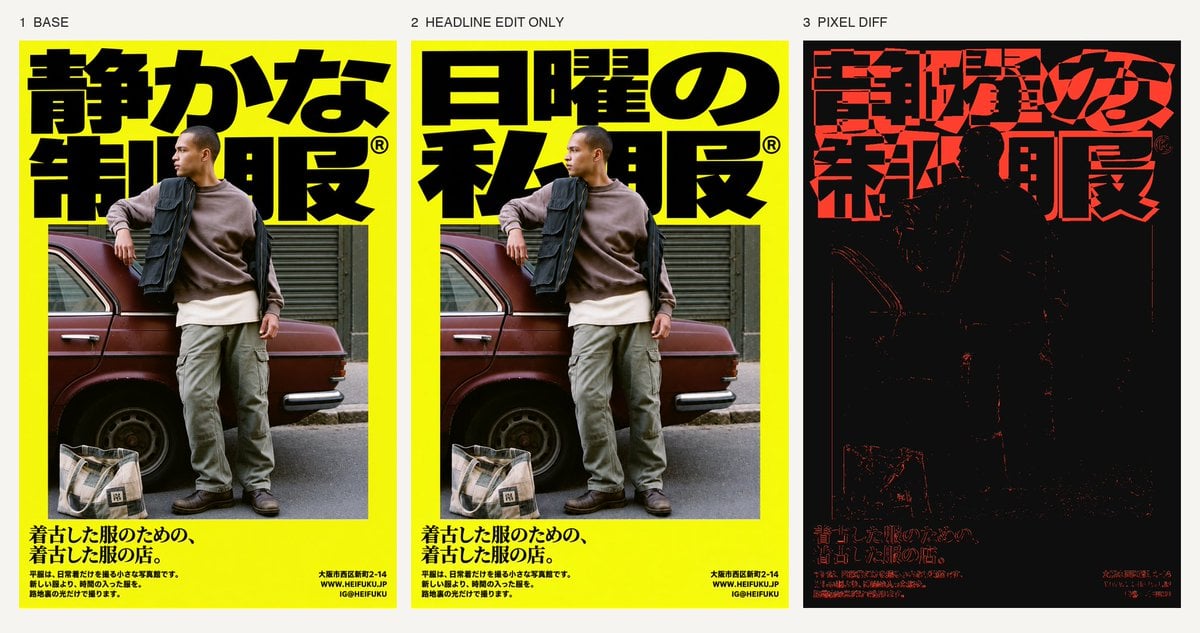
Selective Headline Layout Editing
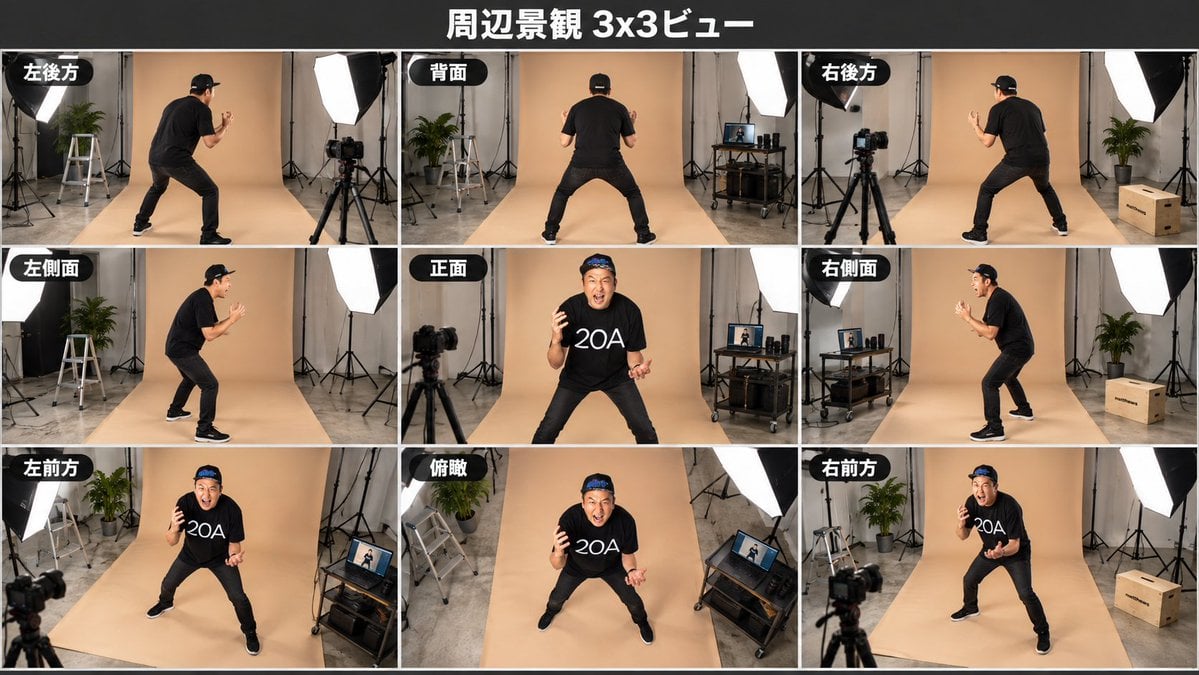
Consistent 3x3 Studio View Sheet
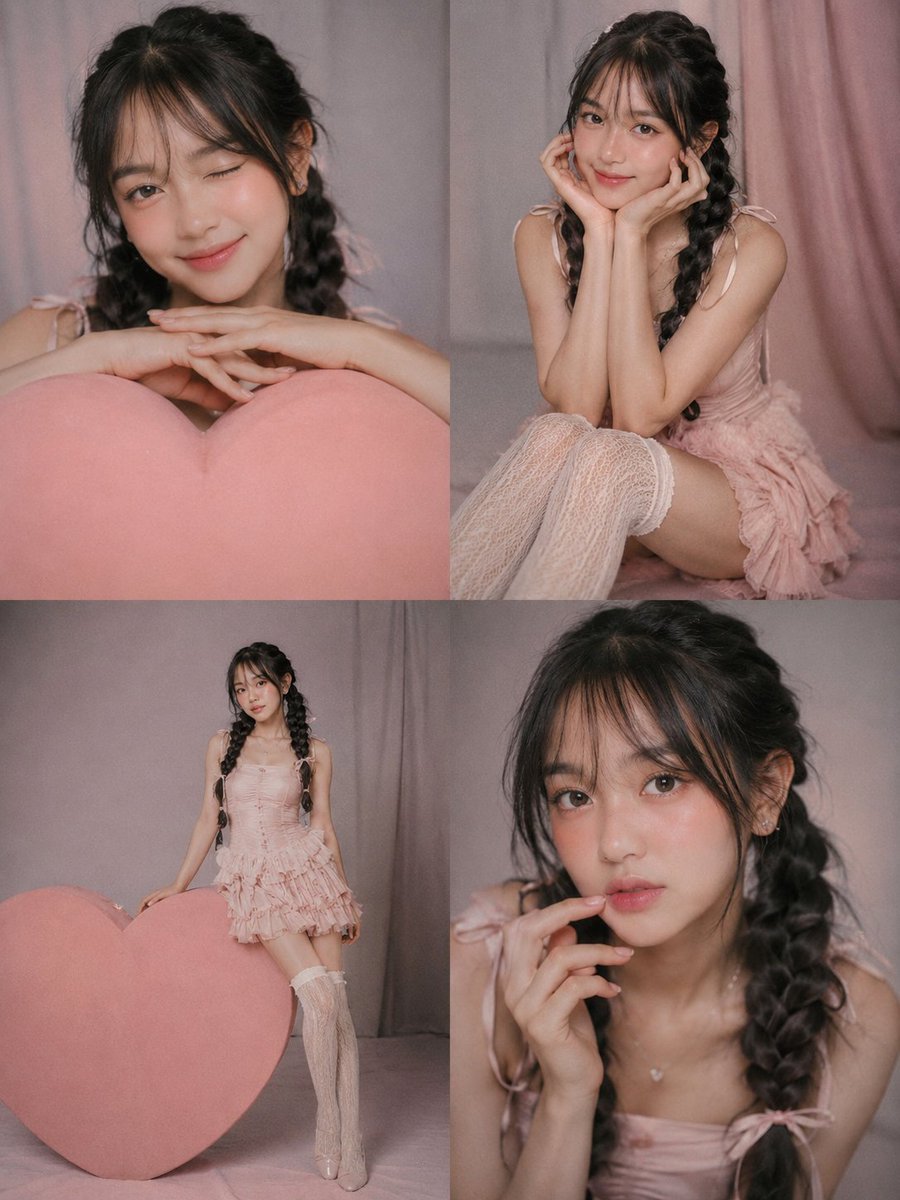
Consistent Character 2x2 Photo Collage

Realistic portrait 100 identical face, no editing allowed
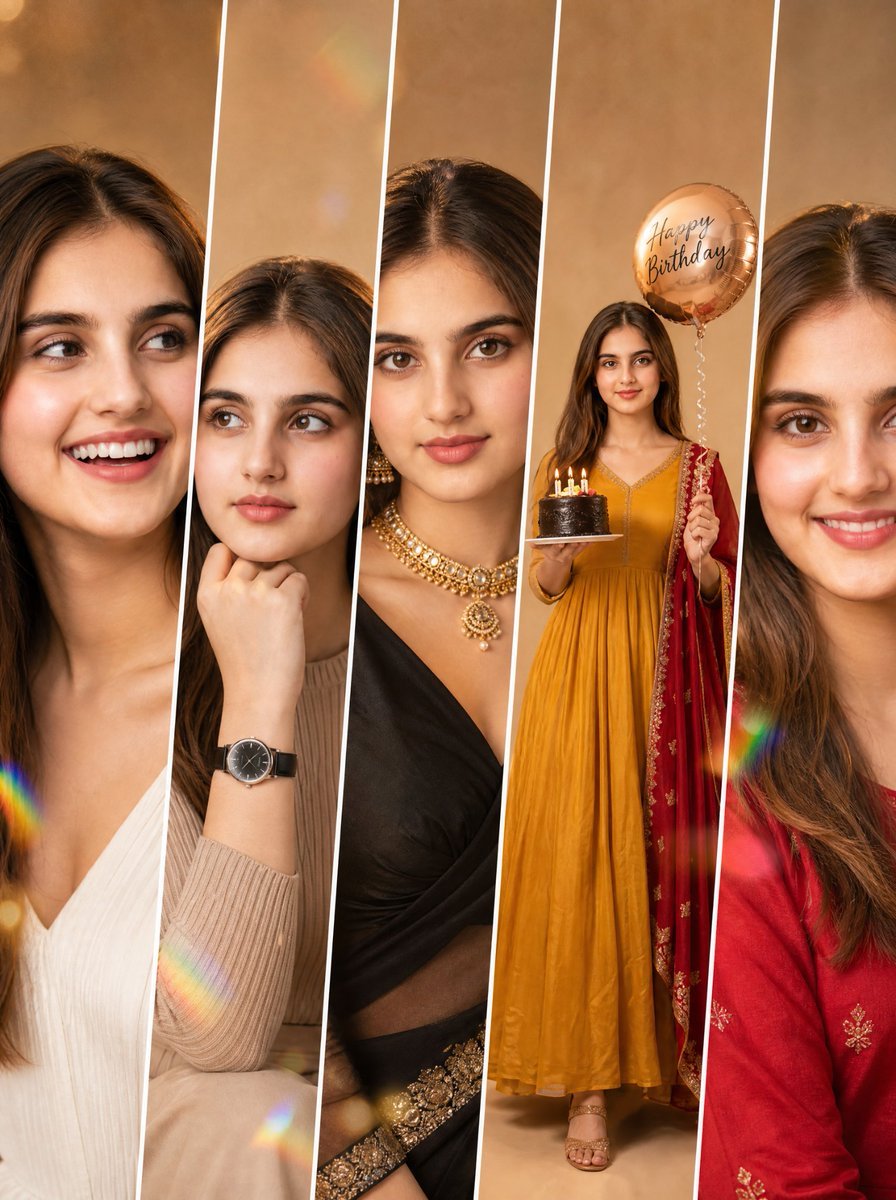
Consistent Fashion Collage Portrait
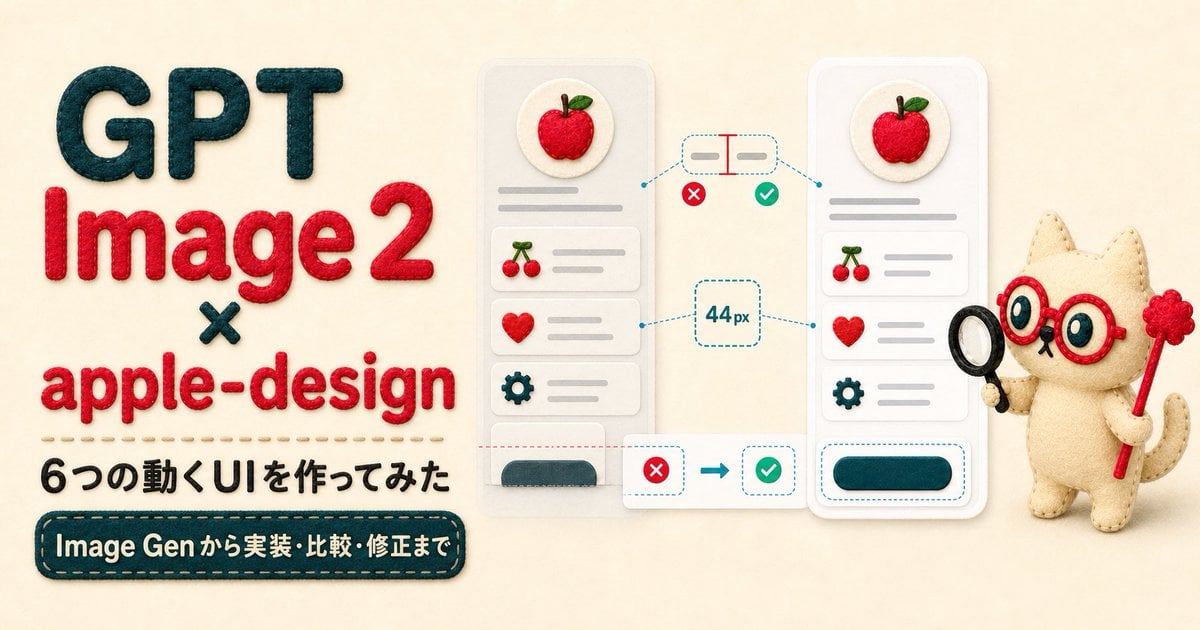
Felt GPT Image 2 Apple Design Banner
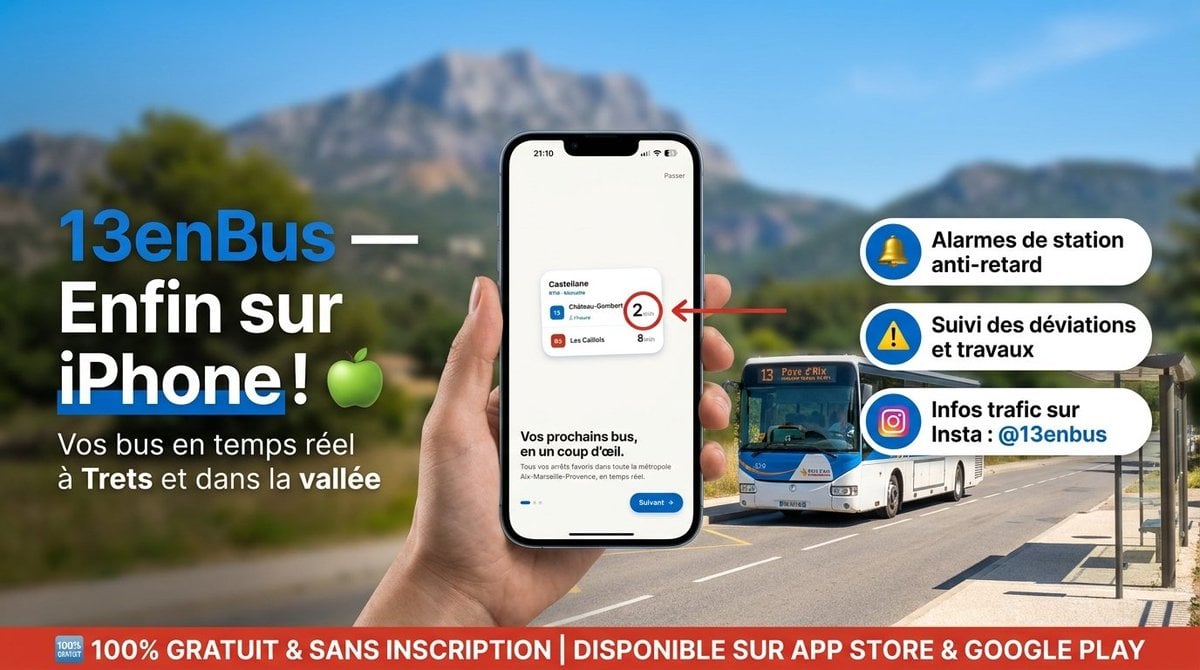
13enBus iPhone Launch Banner

ChatGPT Bonus Banner Screenshot

Felt Craft Apple Design UI Banner
Make it yours
Consistent Character Image Editing Banner works as-is. These are the safest ways to change it without losing the look.
Change one field
Copy a single group, rewrite it, and generate again so you can see what that field is doing.
Keep the frame, change the subject
Hold the composition and light of Consistent Character Image Editing Banner, then swap wardrobe, props or the person for a new take.
| If the result… | Why | Fix |
|---|---|---|
| The result drifts from the preview | Too many fields changed at once. | Reuse Consistent Character Image Editing Banner as-is first, then change one group — subject, light, or setting. |
| The model over-stylizes the scene | The prose prompt leaves finish and camera underspecified. | Add one camera or lighting sentence and stay on GPT Image 2. |
More GPT Image 2 templates
Other prompts made for GPT Image 2.

Six VTuber Japanese Logo Sheet

Realistic Portrait of Woman and Deer

The Vista Modular Condo Poster

AI Model Routing Comparison Infographic

2.5D Anime Art Board

Isometric Productivity Desk Scene

New York Double Exposure Poster

Four-Panel AI Landscape Comparison

Japanese Tatami Lifestyle Magazine Cover

NESCAFÉ Coffee Map Poster
More image prompts
Fresh picks from across the catalog.
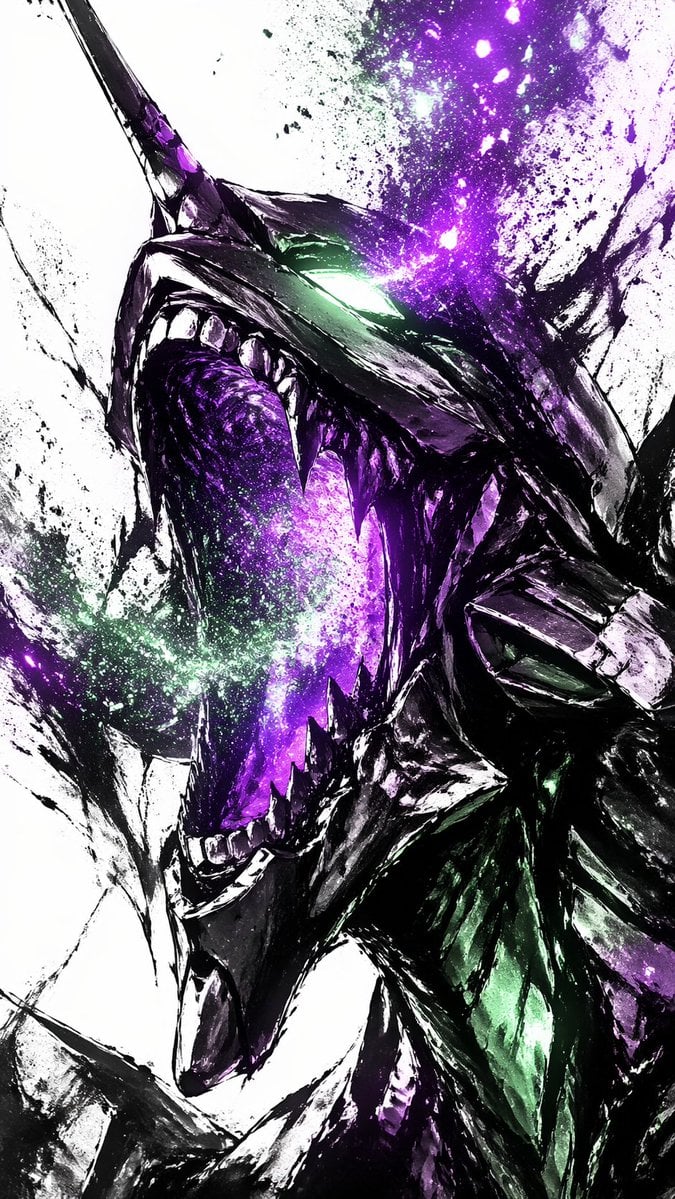
Cosmic Ink Dragon Roar
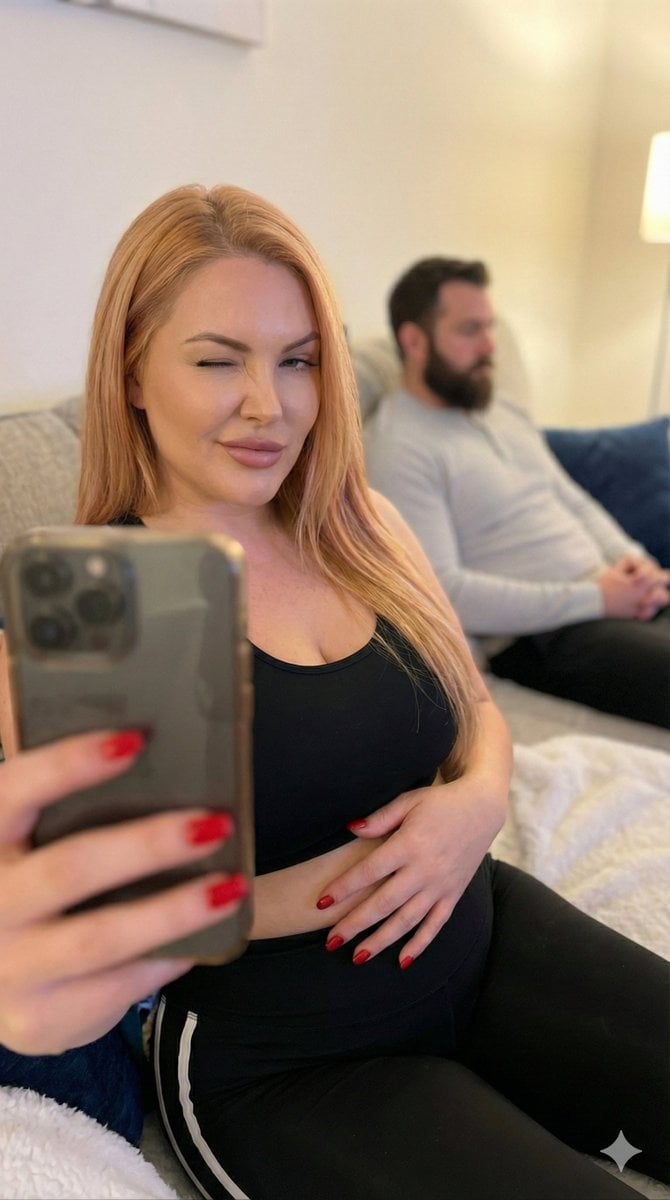
Pregnant Selfie with Unimpressed Partner
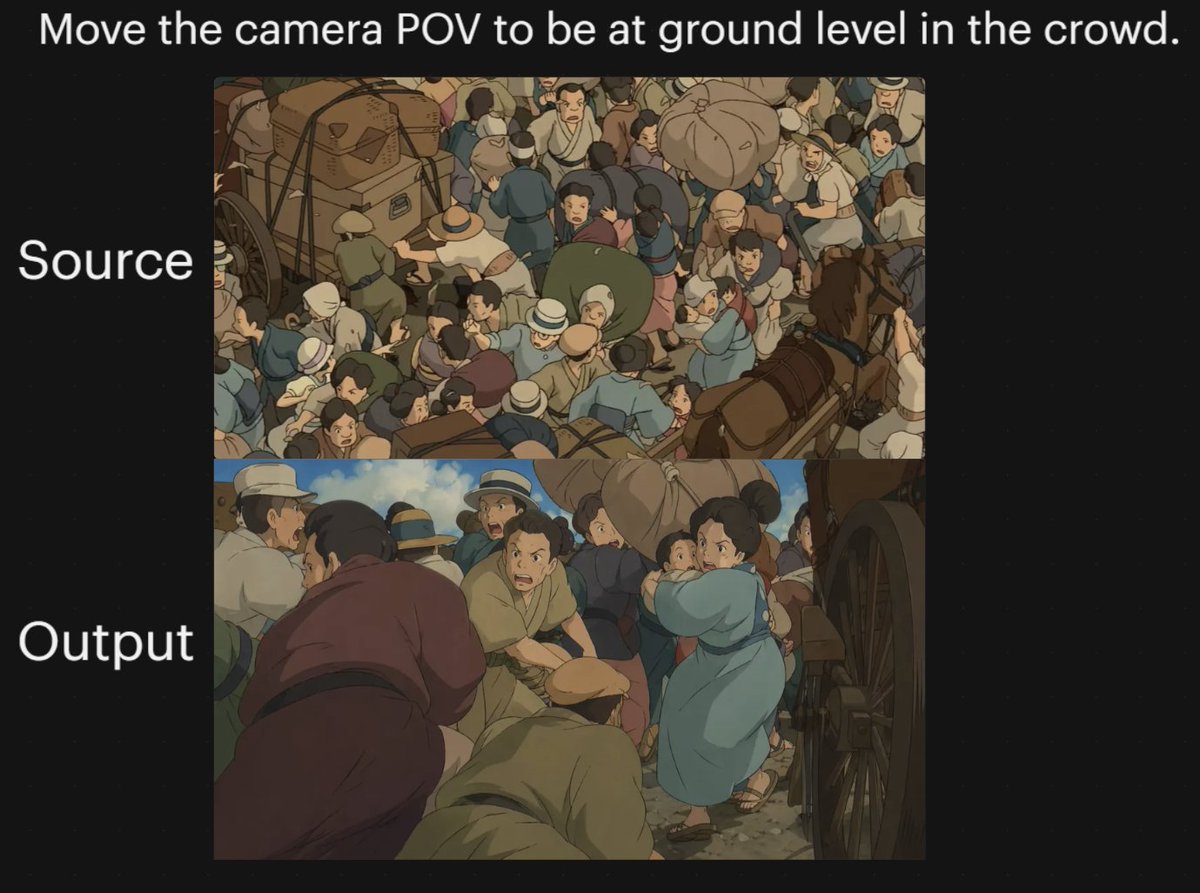
Anime Crowd Camera POV Comparison
3D Stylized Doll Character Prompt

Futuristic Life System Hologram Portrait
Minimal Clay Animal Trio
Colossal Labyrinth Woman Monument
Minimalist Fashion Runway Illustration
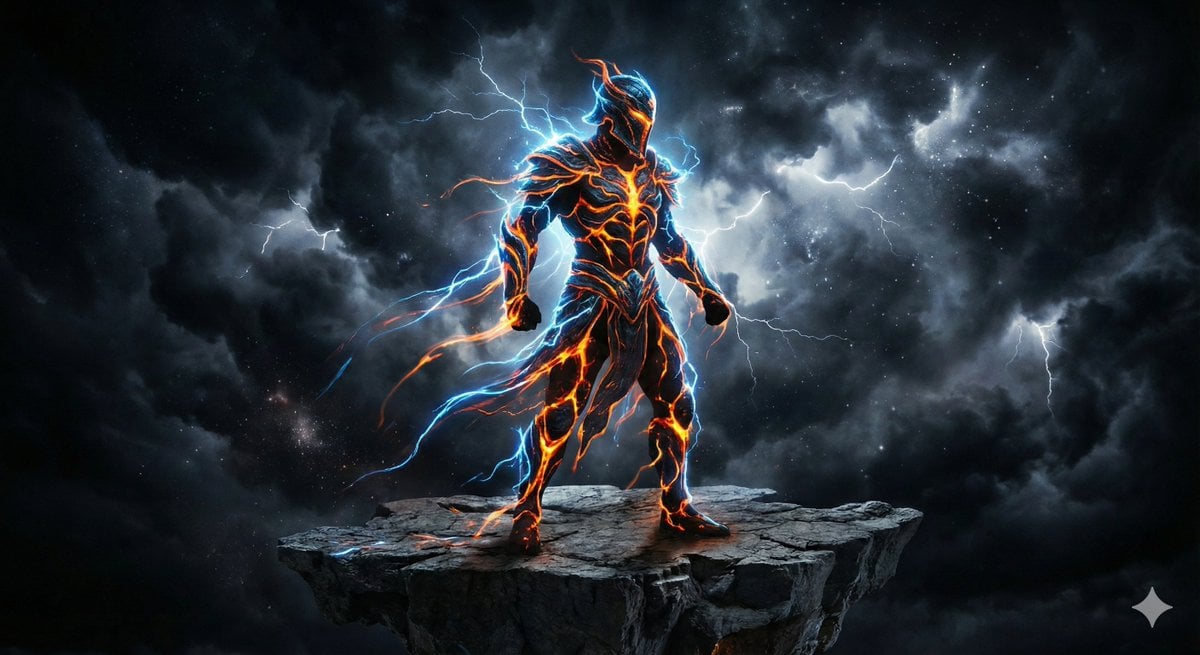
Energy Figure in Motion
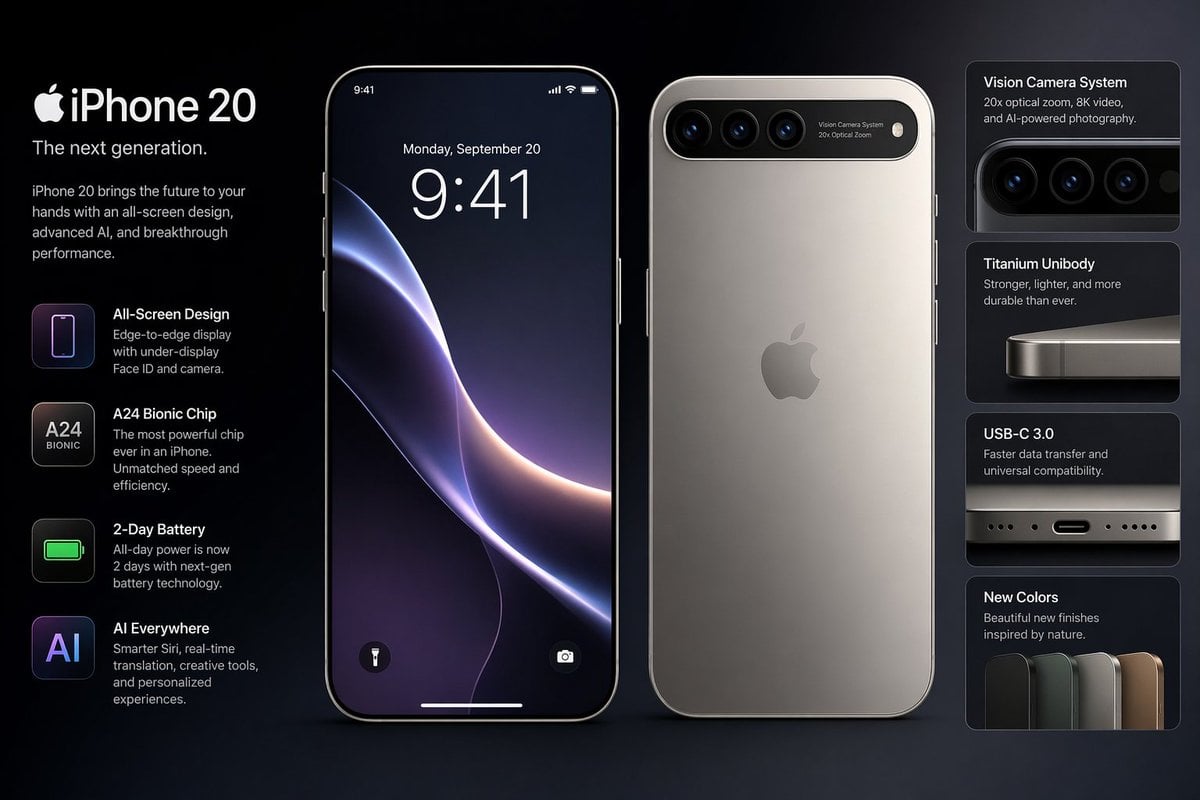
Future iPhone Design
Browse template categories
Consistent Character Image Editing Banner questions
How do I use the Consistent Character Image Editing Banner template?
Add your photo if the template asks for one, edit the prompt if you like — the template's model and format are already selected — and press Generate. Your version opens in PicX Studio.
Can I customize the Consistent Character Image Editing Banner template?
Yes. You can change the subject, setting, lighting, mood, format, and available model controls before creating your image.
Is the Consistent Character Image Editing Banner template free?
Opening and editing this template is free. Generating uses credits, shown on the Generate button when you are signed in.
Which AI model should I use?
Start with GPT Image 2, which is the model associated with this template. You can compare another compatible model for a different finish.
Looking for something else? Browse all templates.

Your photo, any look
Thousands of ready templates for every top image and video model, from one credit balance.