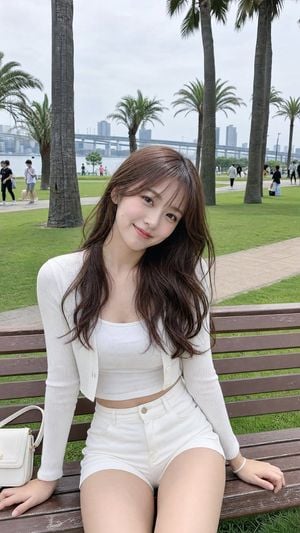
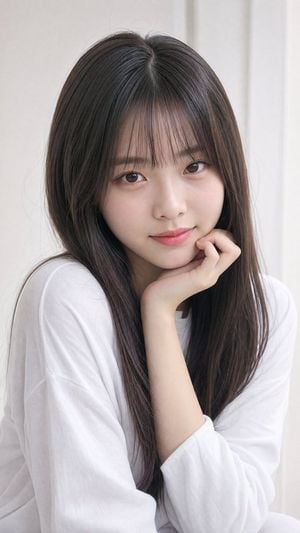
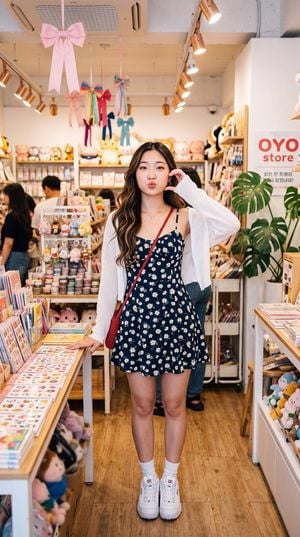
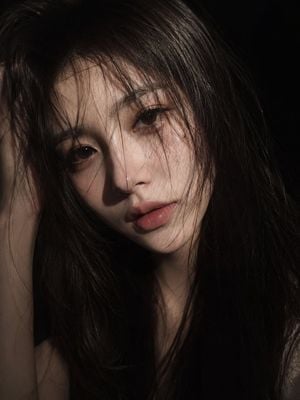
How do I use the Serene East Asian Fantasy Portrait template?
Edit the prompt in the box under the preview — the template's model and format are already selected — and press Generate. Your version appears right on this page.
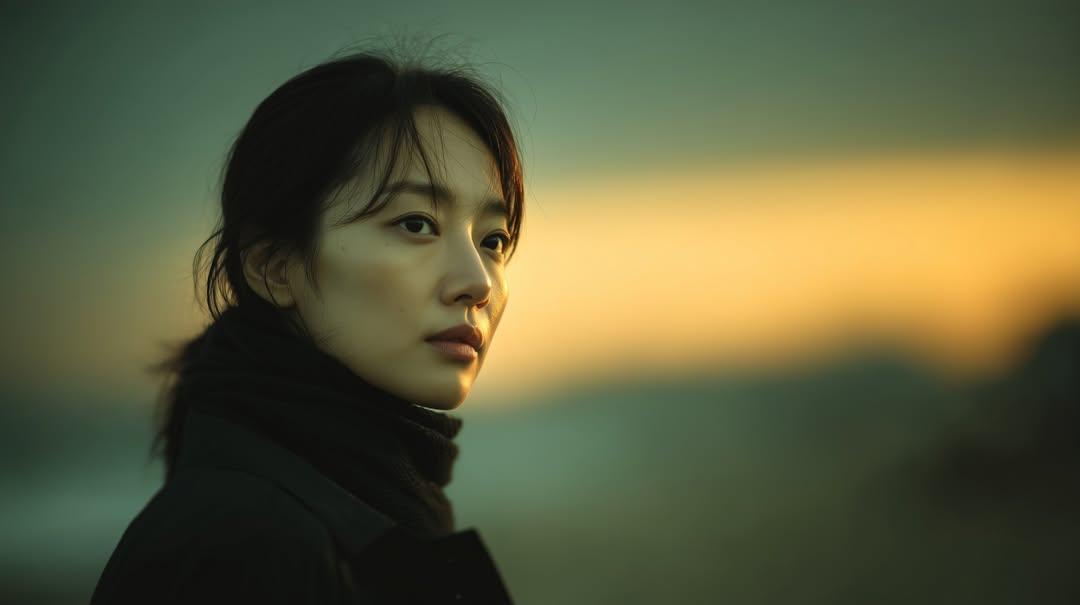
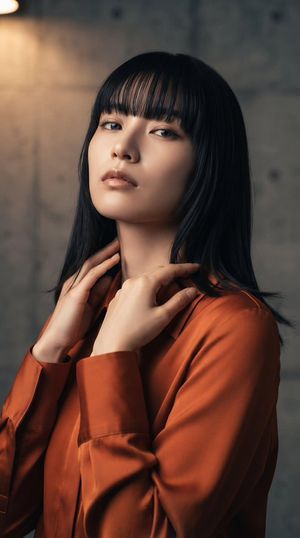
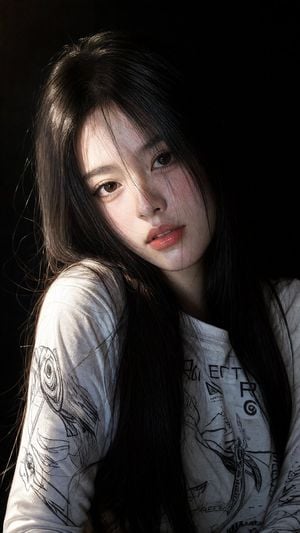
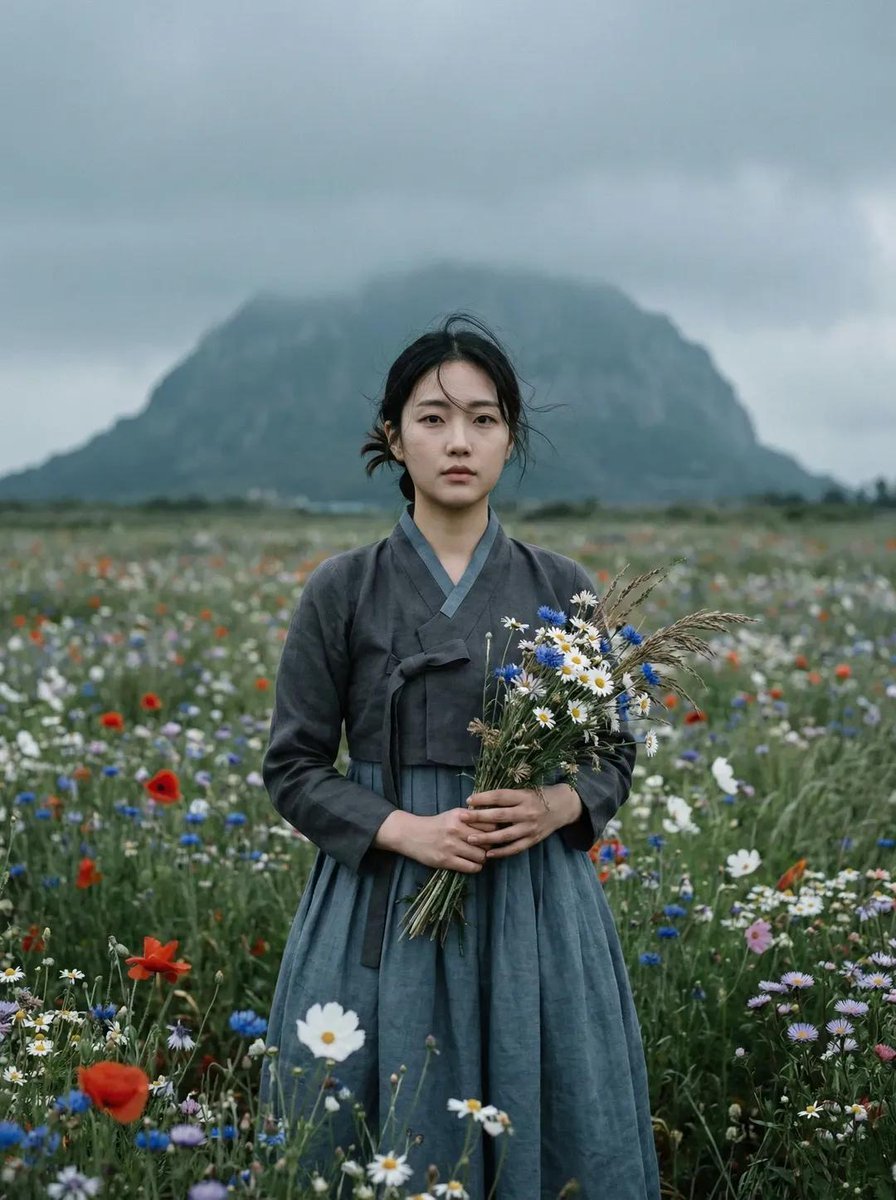
A prompt for an ethereal fantasy portrait of a young woman in a bamboo forest, combining Studio Ghibli aesthetics with modern fantasy illustration.

A serene East Asian-inspired fantasy portrait of a young woman with {argument name="hair color" default="flowing silver hair"} adorned with delicate cherry blossom petals, wearing an {argument name="clothing" default="elegant layered kimono"} in soft lavender and pale gold with intricate crane embroidery. She stands in a {argument name="setting" default="misty bamboo forest at dawn"}, soft golden light filtering through the leaves, holding a glowing paper lantern. Ethereal, dreamy atmosphere, highly detailed fabric textures, gentle bokeh background, cinematic lighting, ultra-realistic yet painterly style, reminiscent of Studio Ghibli meets modern fantasy illustration.
A serene East Asian-inspired fantasy portrait of a young woman with {argument name="hair color" default="flowing silver hair"} adorned with delicate cherry blossom petals, wearing an {argument name="clothing" default="elegant layered kimono"} in soft lavender and pale gold with intricate crane embroidery. She stands in a {argument name="setting" default="misty bamboo forest at dawn"}, soft golden light filtering through the leaves, holding a glowing paper lantern. Ethereal, dreamy atmosphere, highly detailed fabric textures, gentle bokeh background, cinematic lighting, ultra-realistic yet painterly style, reminiscent of Studio Ghibli meets modern fantasy illustration.
Edit the prompt in the box under the preview — the template's model and format are already selected — and press Generate. Your version appears right on this page.
Yes. You can change the subject, setting, lighting, mood, format, and available model controls before creating your image.
Opening and editing this template is free. Generating uses credits, shown on the Generate button when you are signed in.
Start with GPT Image 2, which is the model associated with this template. You can compare another compatible model for a different finish.
Follow a topic to a crawlable collection of related PicX Studio templates.