
Candid East Asian Woman Street Portrait
A detailed prompt for generating an ultra-realistic candid portrait of a young woman in an urban setting, focusing on natural features and shallow depth of field.
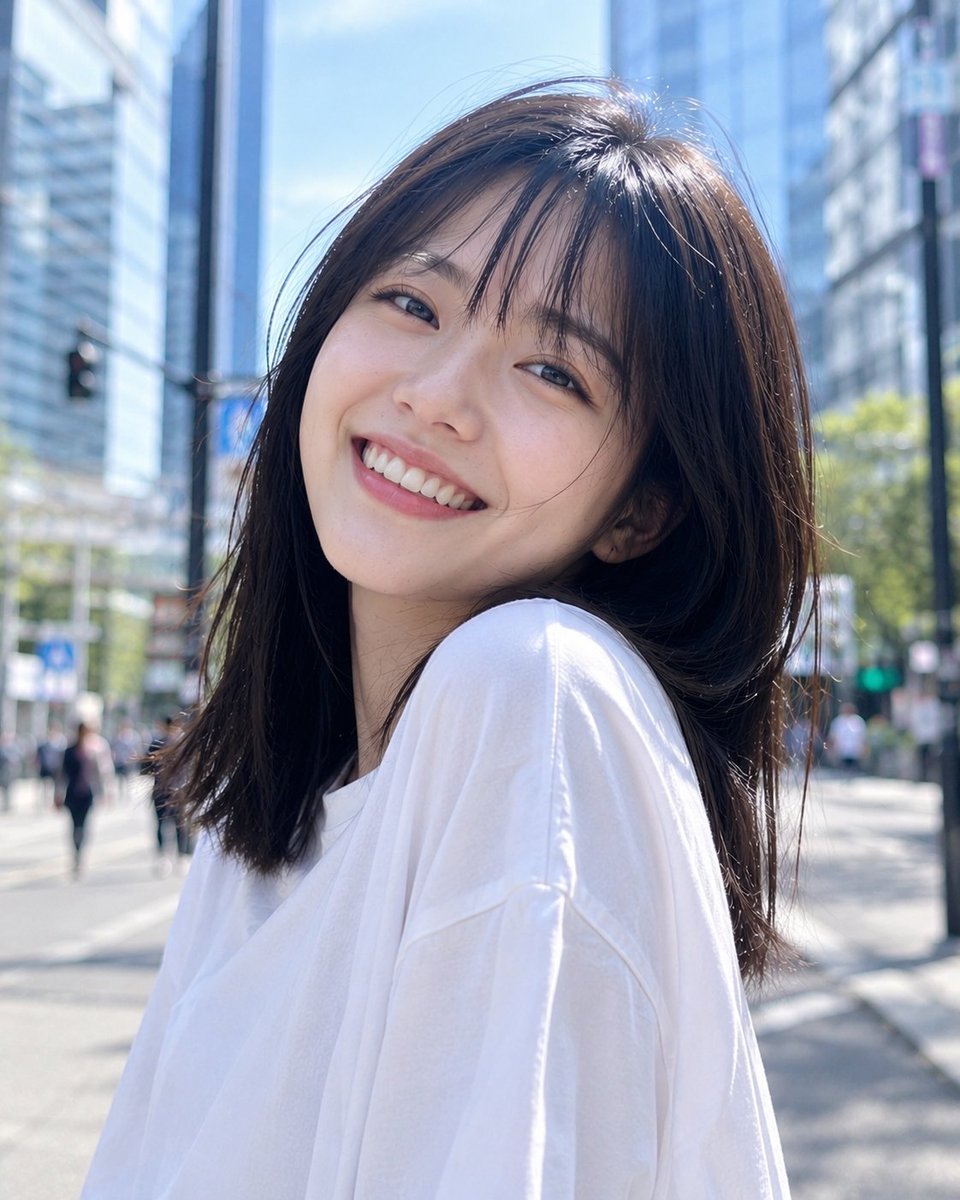
- Prompt included
- Model and format preset
- Free template
The prompt behind this image
Copy the exact prompt behind Candid East Asian Woman Street Portrait, or open it in the studio and make it yours.
Ultra-realistic candid portrait of a {argument name="subject" default="young East Asian woman"} outdoors in bright natural daylight, captured from a slightly low angle. She has straight, shoulder-length dark black hair with soft wispy bangs framing her forehead, natural facial features, warm clear skin with realistic pores and subtle imperfections, and a bright genuine smile showing her teeth. She is wearing a {argument name="clothing" default="simple oversized plain white crew-neck T-shirt"}. Her head is slightly tilted back, shoulders relaxed, and she is looking toward the camera with a joyful, spontaneous expression. Natural loose strands of hair move softly around her face. Background: {argument name="background" default="modern city skyscrapers and urban architecture"}, heavily blurred with shallow depth of field, creating a clean contemporary city atmosphere. Strong but soft midday sunlight illuminates her face naturally, with realistic highlights and gentle shadows. Photography style: authentic candid street photography, photorealistic skin texture, natural color grading, realistic hair strands, subtle lens imperfections, 50mm lens look, shallow depth of field, soft cinematic bokeh, high dynamic range, crisp facial detail, natural exposure, no artificial beauty filter, no plastic skin, no excessive retouching. Composition: vertical portrait, approximately 4:5 aspect ratio, close-up to medium shot, subject centered slightly to the right, face prominently framed, realistic smartphone/camera photography aesthetic.
How to use Candid East Asian Woman Street Portrait in 3 steps
- 1
Open
The prompt is already in the box next to the preview, with the template's model and format selected.
- 2…a portrait of your subject in softgolden-hour light, 85mm…
Personalize
Edit the subject and creative details for your destination.
- 3Generate
Generate
Press Generate — your image is created in PicX Studio, so you can compare it with the original and refine one variable at a time.
More like this
Templates with the same subject, style or setup. Open one to see its prompt.
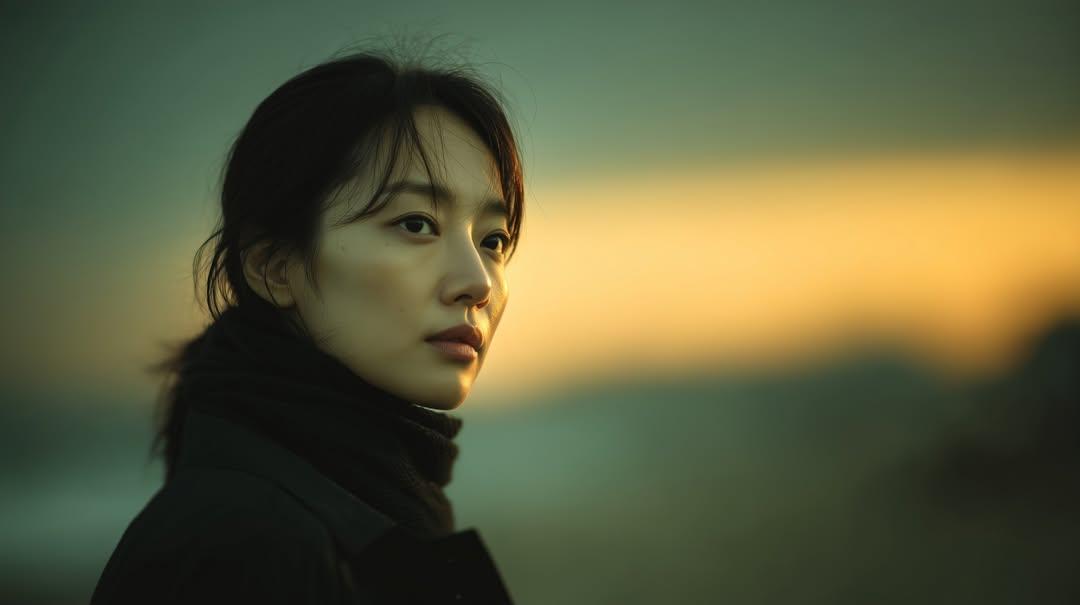
Sunset Side Profile East Asian Portrait

Nano Banana - Street Paris T-Shirt
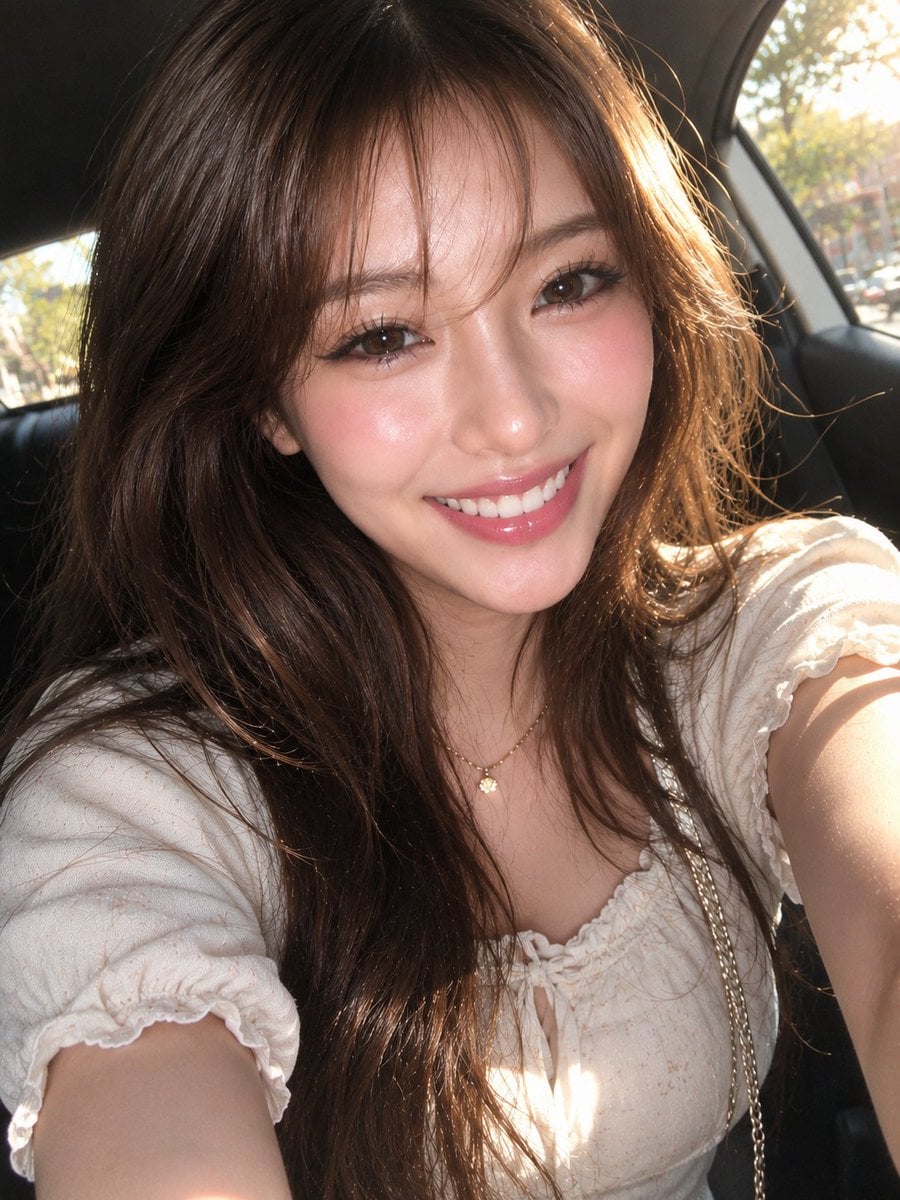
East Asian Woman Car Selfie Portrait
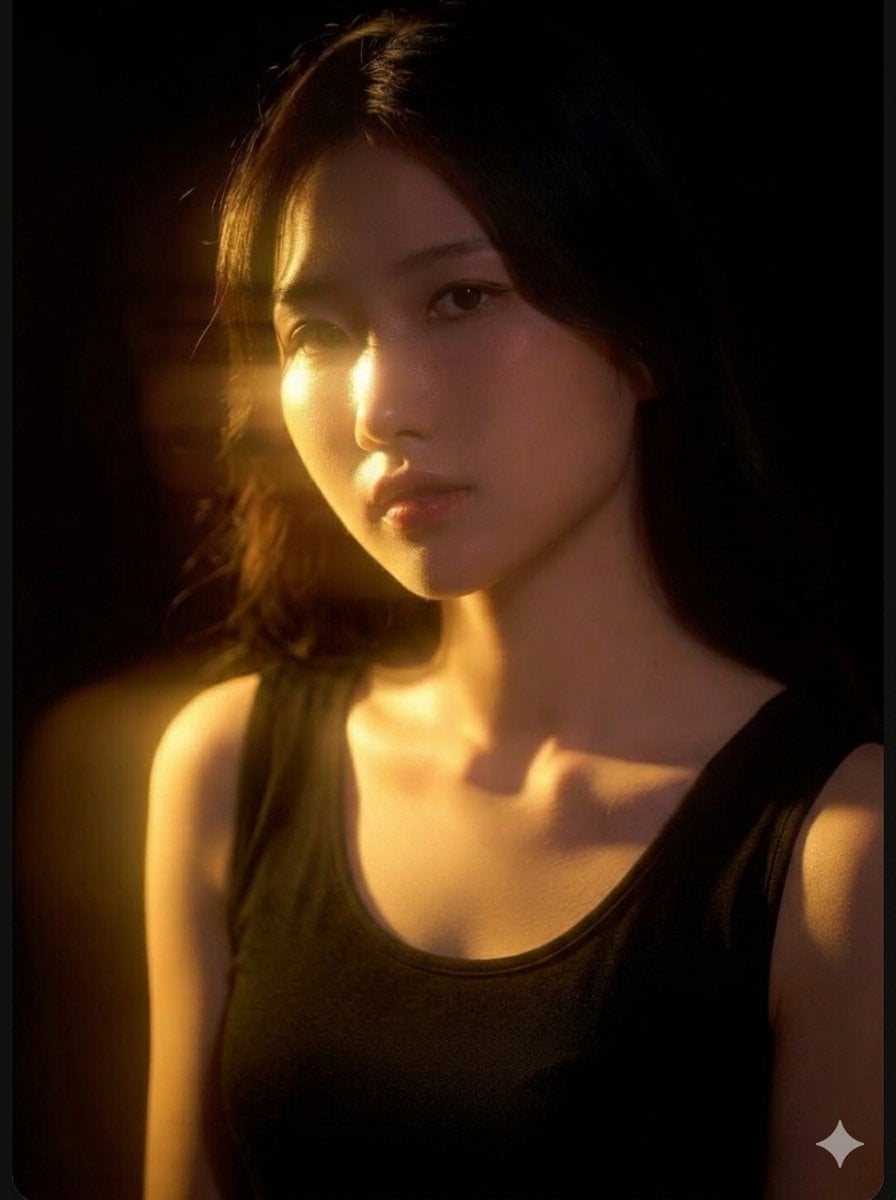
Cinematic East Asian Woman Portrait
East Asian Woman Selfie Portrait
East Asian Woman Beach Portrait
East Asian Woman in Silk Qipao Corridor Portrait
East Asian Woman Portrait
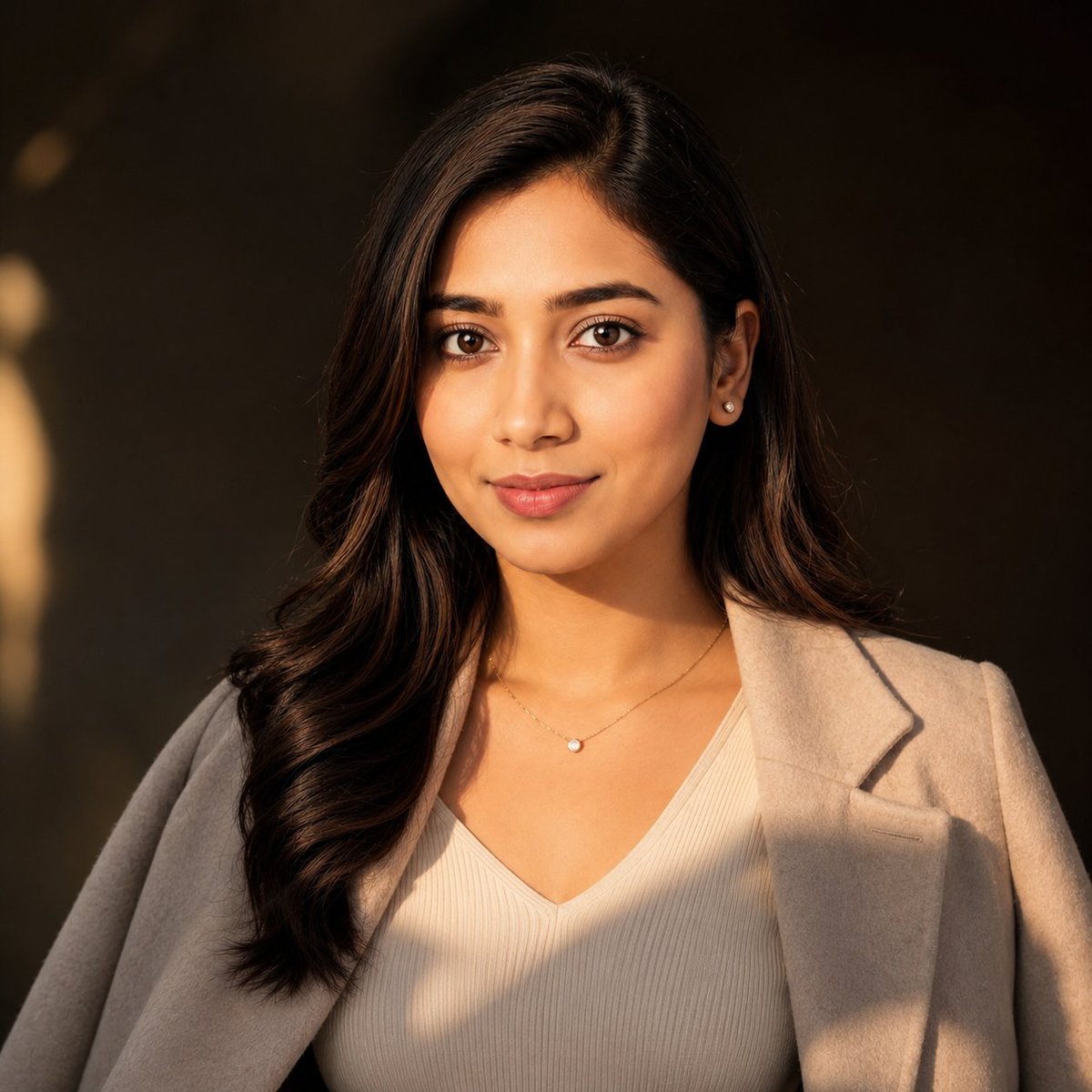
East Asian Woman Cinematic Portrait
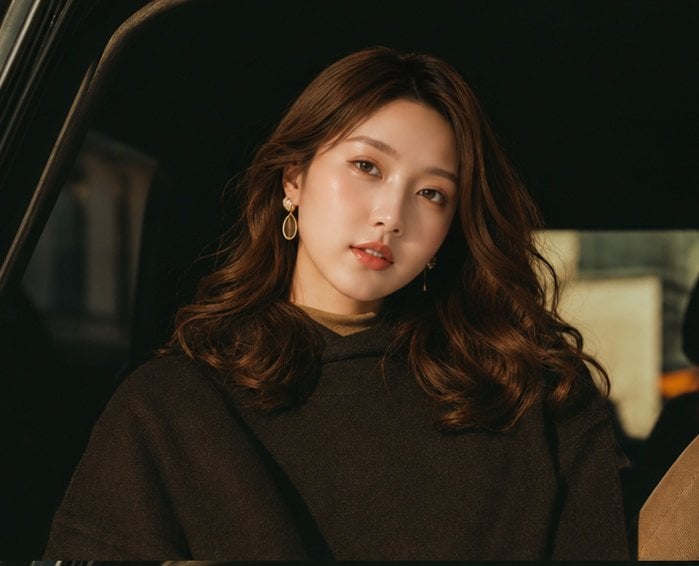
Cinematic Portrait Collage of an East Asian Woman
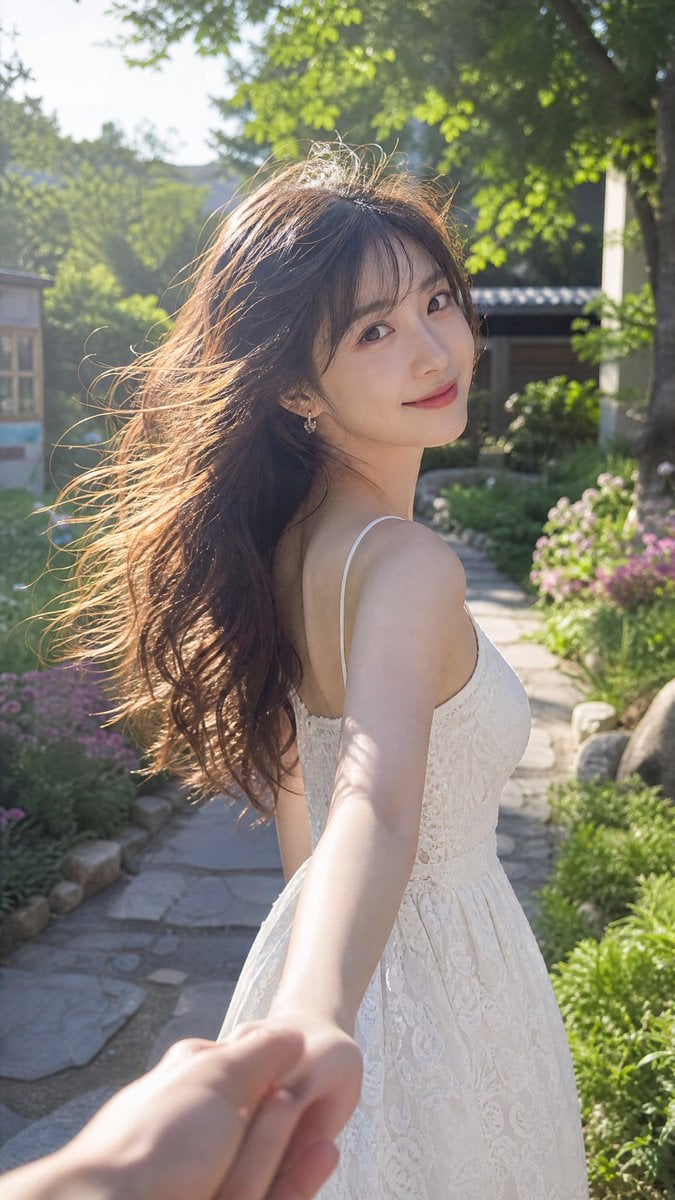
Cinematic Summer Portrait of an East Asian Woman
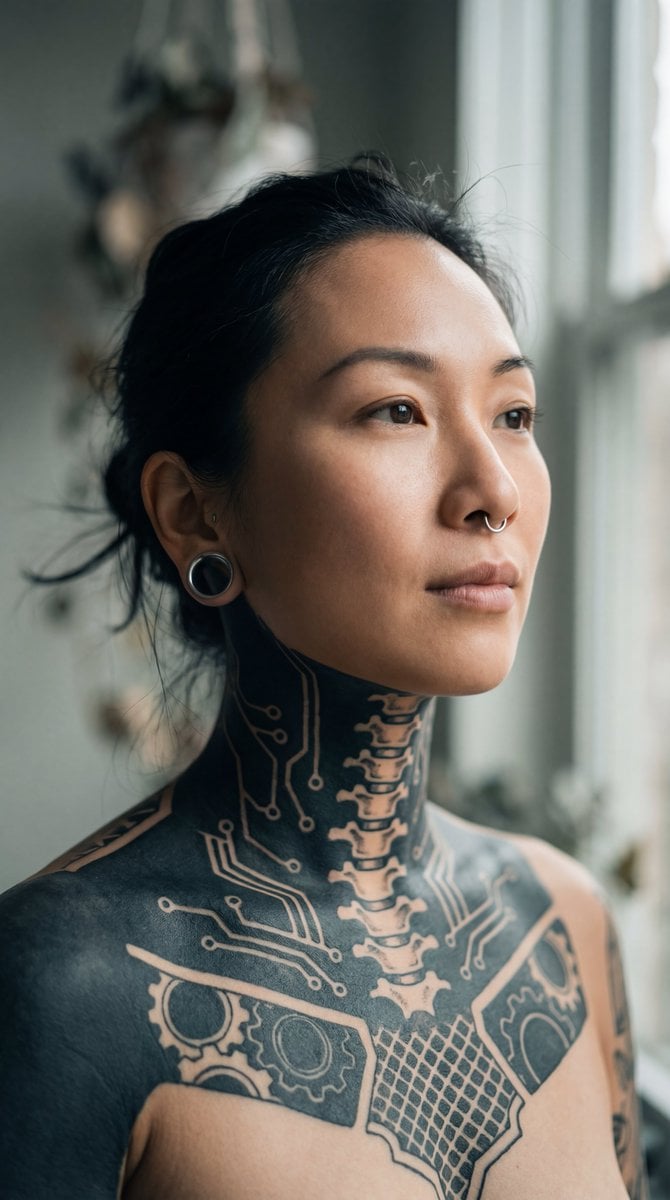
Intimate Portrait of East Asian Woman with Extensive Blackout Tattoos
Make it yours
Candid East Asian Woman Street Portrait works as-is. These are the safest ways to change it without losing the look.
Change one field
Copy a single group, rewrite it, and generate again so you can see what that field is doing.
Keep the frame, change the subject
Hold the composition and light of Candid East Asian Woman Street Portrait, then swap wardrobe, props or the person for a new take.
| If the result… | Why | Fix |
|---|---|---|
| The result drifts from the preview | Too many fields changed at once. | Reuse Candid East Asian Woman Street Portrait as-is first, then change one group — subject, light, or setting. |
| The model over-stylizes the scene | The prose prompt leaves finish and camera underspecified. | Add one camera or lighting sentence and stay on GPT Image 2. |
More GPT Image 2 templates
Other prompts made for GPT Image 2.

Six VTuber Japanese Logo Sheet

Realistic Portrait of Woman and Deer

The Vista Modular Condo Poster

AI Model Routing Comparison Infographic

2.5D Anime Art Board

Isometric Productivity Desk Scene

New York Double Exposure Poster

Four-Panel AI Landscape Comparison

Japanese Tatami Lifestyle Magazine Cover

NESCAFÉ Coffee Map Poster
More image prompts
Fresh picks from across the catalog.
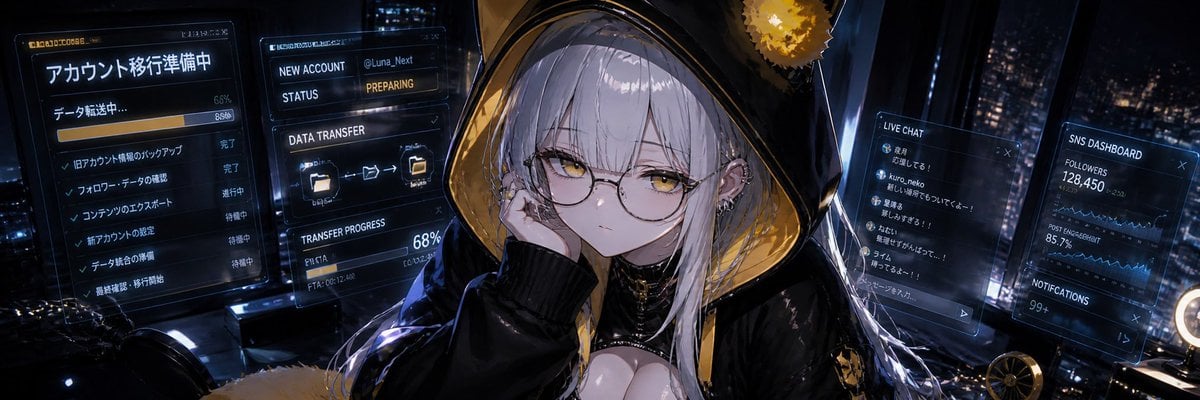
Cyberpunk Account Migration Streamer

Monochromatic Luxury Editorial Portrait
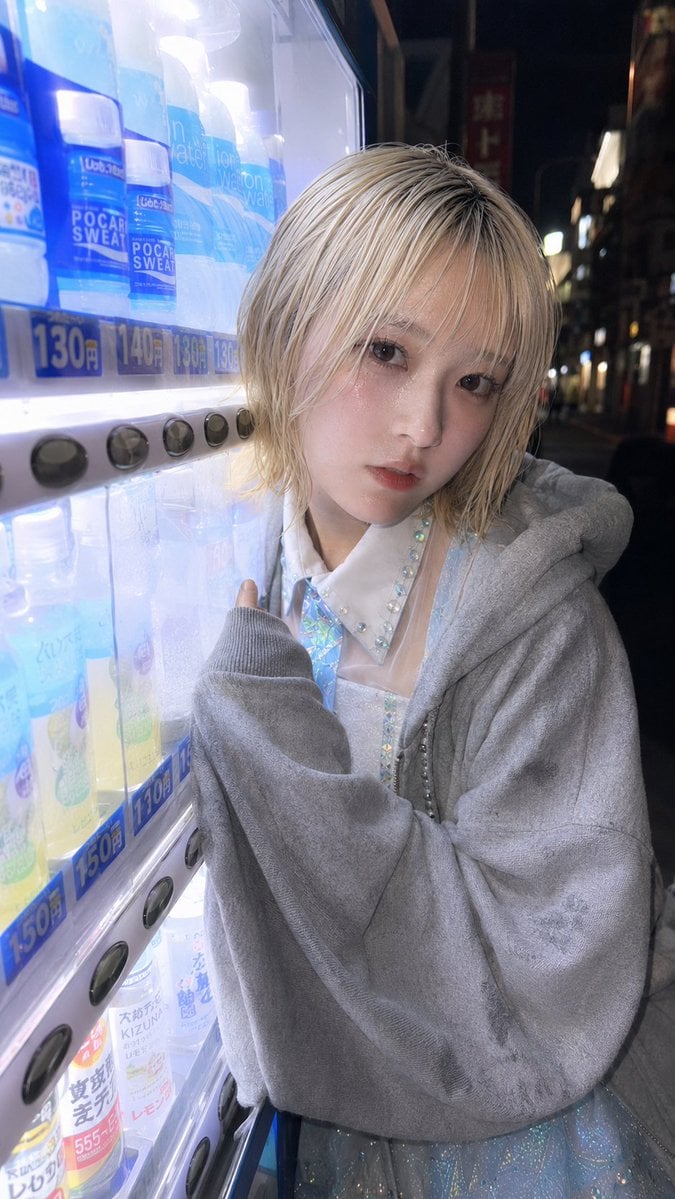
Ultra-Wide Vending Machine Portrait
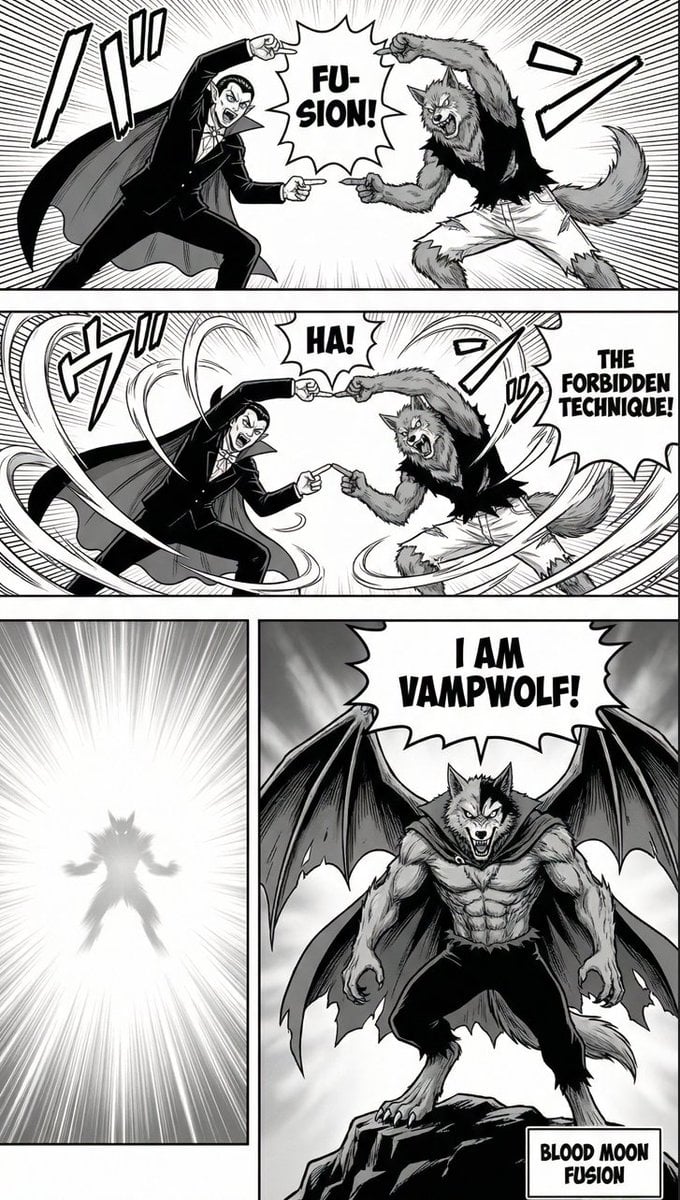
Manga Page: Dragon Ball Z Fusion Technique

Premium Top-Down Product Marketing Shot Prompt

Prism Refraction Editorial Close-Up Prompt
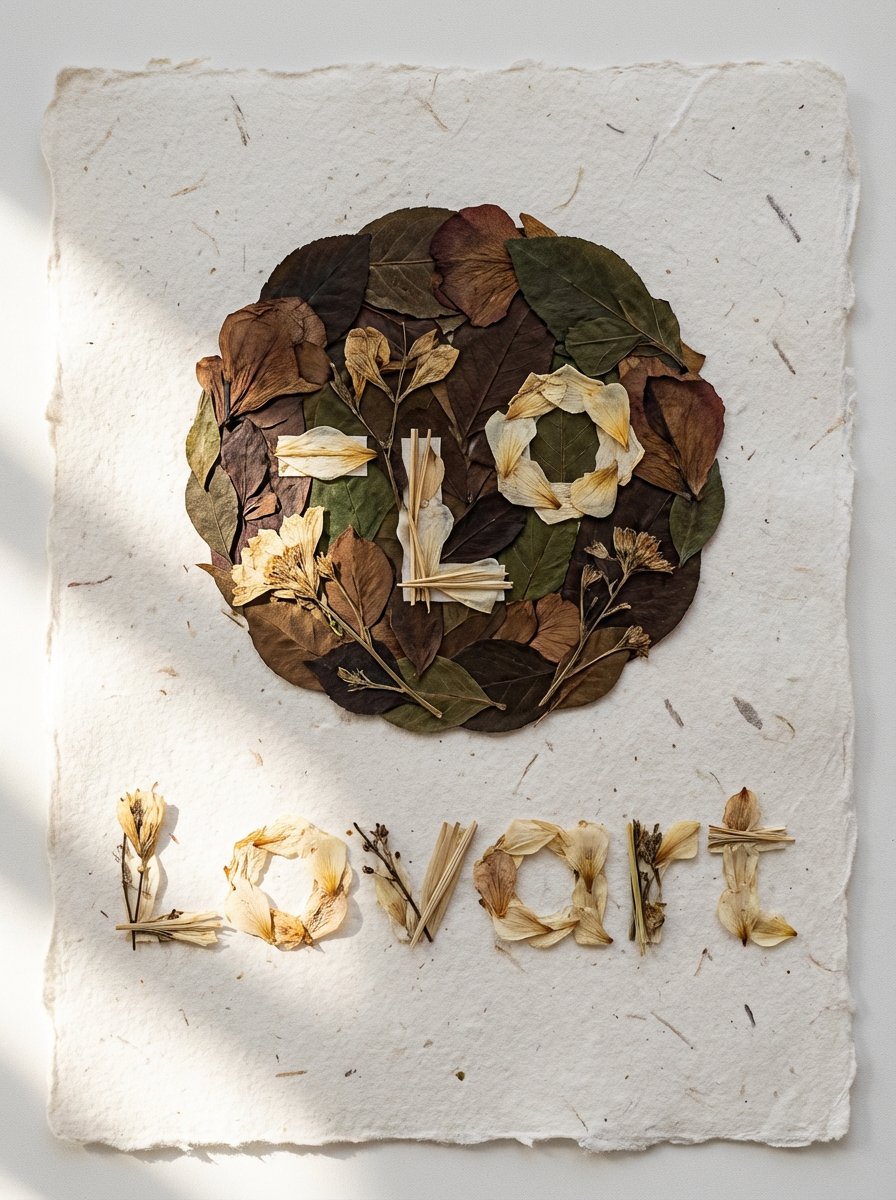
Pressed Flower Logo Flat Lay Composition

Anime Light Novel Cover with Typography

Medieval Fantasy Army Camp Scene

3D Chibi Character Transformation Prompt for Nano Banana 2
Browse template categories
Candid East Asian Woman Street Portrait questions
How do I use the Candid East Asian Woman Street Portrait template?
Add your photo if the template asks for one, edit the prompt if you like — the template's model and format are already selected — and press Generate. Your version opens in PicX Studio.
Can I customize the Candid East Asian Woman Street Portrait template?
Yes. You can change the subject, setting, lighting, mood, format, and available model controls before creating your image.
Is the Candid East Asian Woman Street Portrait template free?
Opening and editing this template is free. Generating uses credits, shown on the Generate button when you are signed in.
Which AI model should I use?
Start with GPT Image 2, which is the model associated with this template. You can compare another compatible model for a different finish.
Looking for something else? Browse all templates.

Your photo, any look
Thousands of ready templates for every top image and video model, from one credit balance.