
East Asian Woman Lifestyle Interior Portrait
A professional lifestyle photography prompt for gpt-image-2 depicting a woman in a relaxed pose on a beige sofa, featuring realistic skin textures and soft indoor lighting.
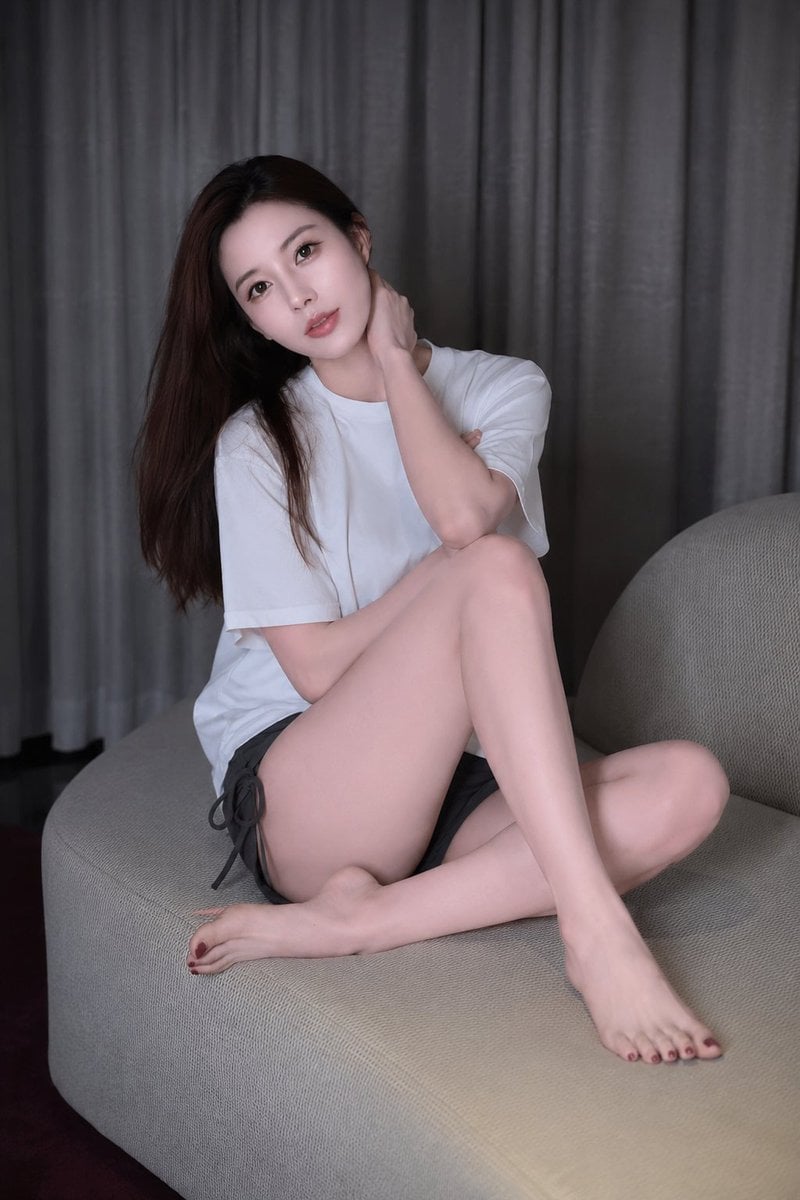
- Prompt included
- Model and format preset
- Free template
The prompt behind this image
Copy the exact prompt behind East Asian Woman Lifestyle Interior Portrait, or open it in the studio and make it yours.
{argument name="人物" default="一位年轻成年东亚女性"}坐在{argument name="家具" default="浅米色布艺沙发"}上,室内生活方式人像摄影。她身形纤细修长,长直深棕黑发自然披散,发量顺滑,侧分,面部精致柔和,五官清秀,淡妆,皮肤白皙细腻但保留真实毛孔与轻微肌理。她穿{argument name="服装" default="一件宽松纯白短袖T恤,下身是深灰色居家短裤"},短裤两侧有系带细节,赤脚。姿态要与参考图高度一致:她斜坐在沙发上,双腿自然交叠弯曲,一条小腿向前延伸,另一条腿收起;一只手臂向后抬起,手自然扶在后脑或耳后,靠在沙发靠背上;另一只手自然下垂搭在膝盖附近。头部微微低垂并转向画面左下方,眼神安静下视,神情平静、松弛、略带沉思,不看镜头。背景是整面垂坠感很强的深灰色窗帘,右后方有柔和暖色室内灯光溢出,形成轻微暖光氛围;整体空间安静、简洁、像高级酒店或现代公寓客厅。光线以柔和漫射光为主,人物面部 and 双腿有自然细腻过渡,高光克制,阴影柔软。整体色调低饱和、低对比,米色、灰色、白色和暖褐色为主,画面干净高级。摄影风格:真实摄影,不要插画感,不要AI塑料皮肤;全身到大半身构图,略带留白,85mm镜头效果,浅景深,焦点清晰落在人物脸部与上半身,沙发和窗帘纹理真实,肤质真实,照片级逼真度,高级生活方式摄影,安静私密氛围。避免: 卡通感、磨皮过度、CG感、错误手指、额外肢体、畸形双腿、脸部失真、夸张妆容、过强锐化、过曝、杂乱背景、文字、水印、Logo。
How to use East Asian Woman Lifestyle Interior Portrait in 3 steps
- 1Upload ImagePNG, JPG or paste
Add your photo
Upload the photo the template builds on. The prompt, model and format are already set.
- 2…a portrait of your subject in softgolden-hour light, 85mm…
Personalize
Edit the subject and creative details for your destination.
- 3Generate
Generate
Press Generate — your image is created in PicX Studio, so you can compare it with the original and refine one variable at a time.
More like this
Templates with the same subject, style or setup. Open one to see its prompt.
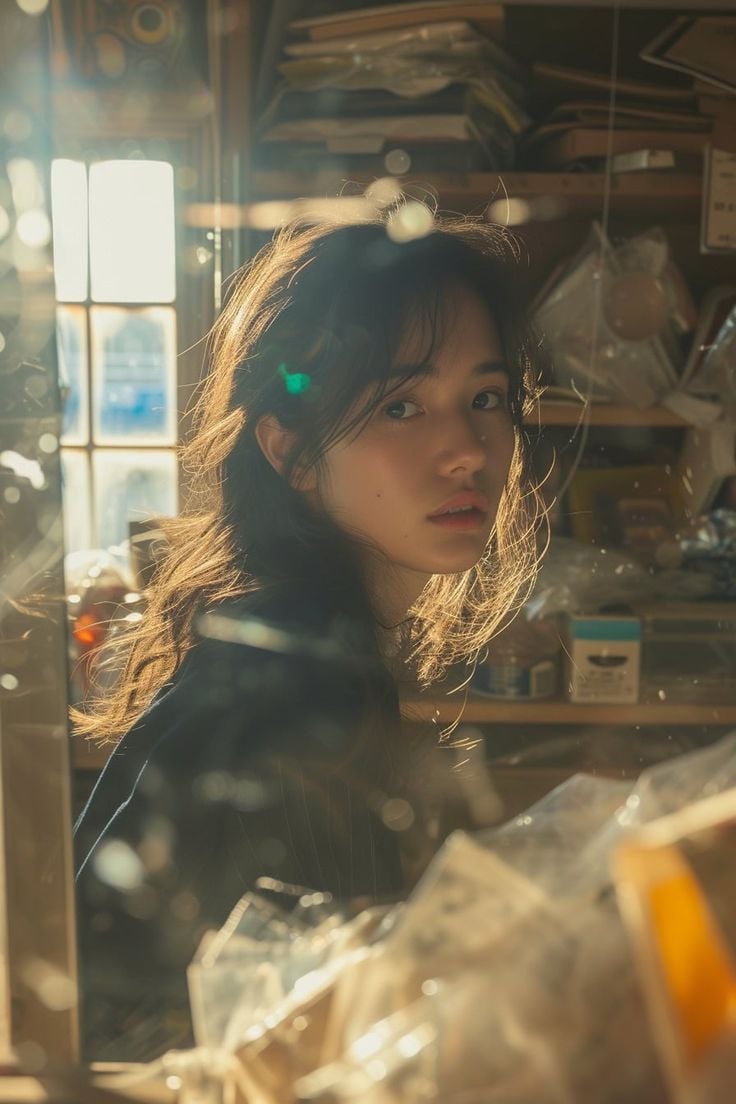
Cinematic Portrait of an East Asian Woman in a Cluttered Interior
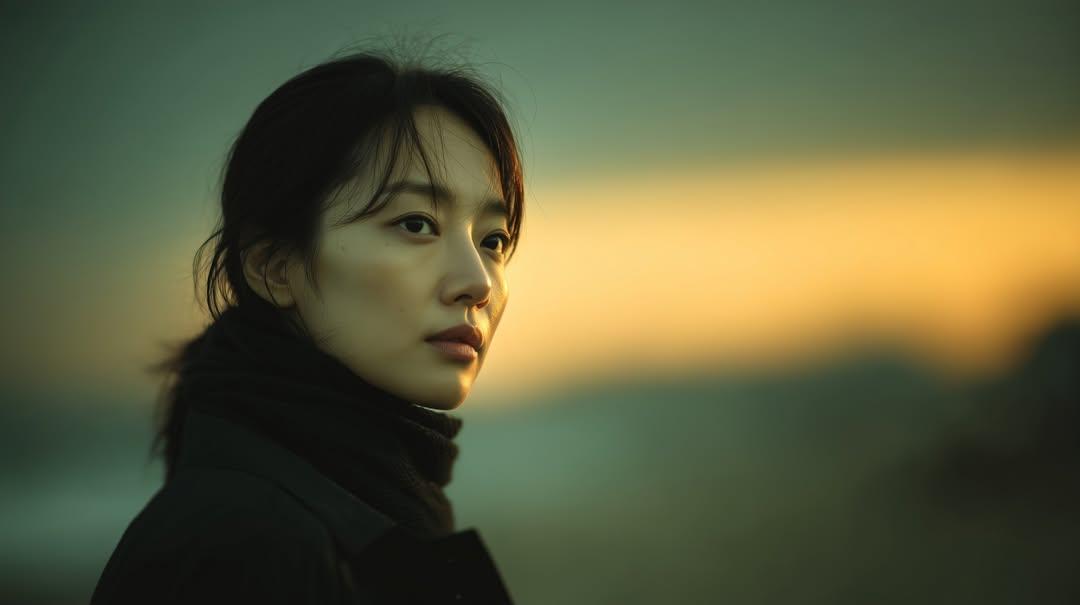
Sunset Side Profile East Asian Portrait
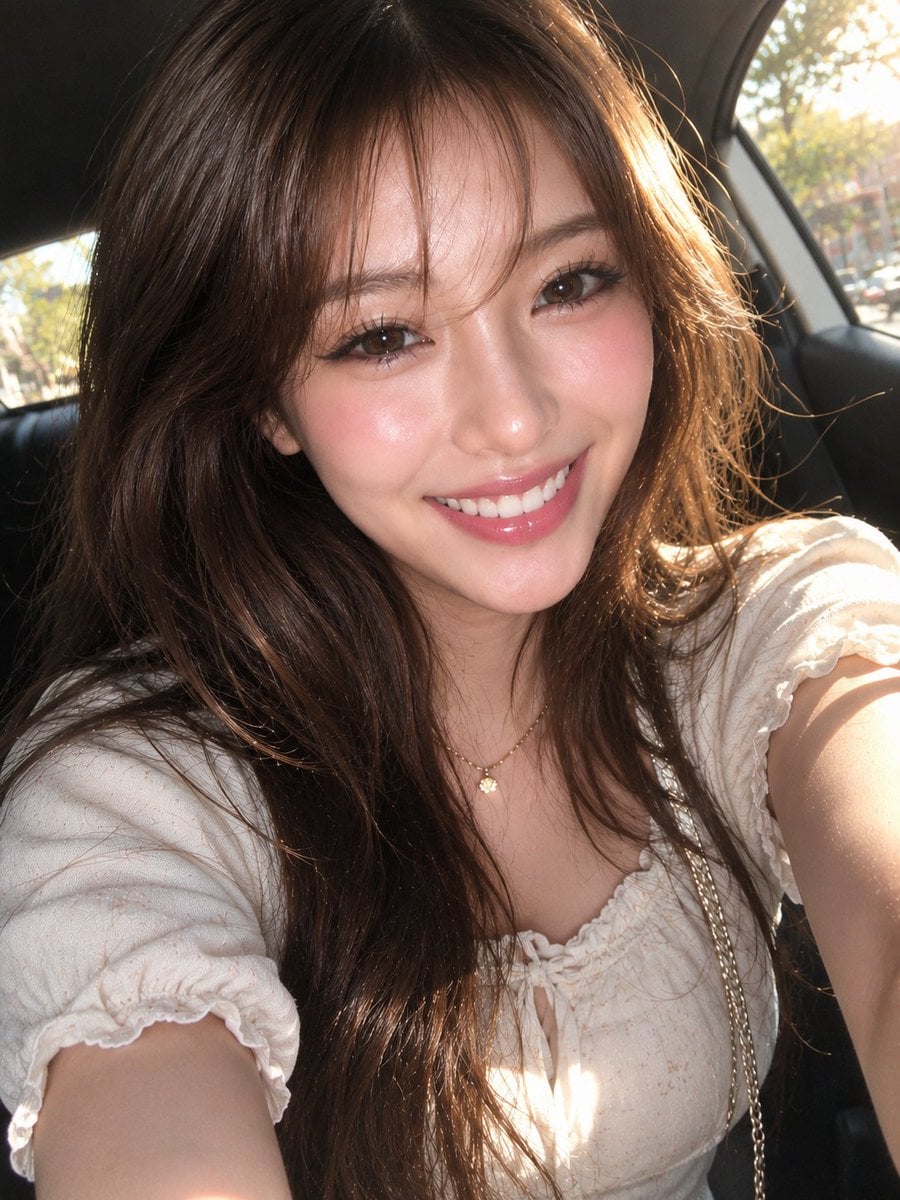
East Asian Woman Car Selfie Portrait
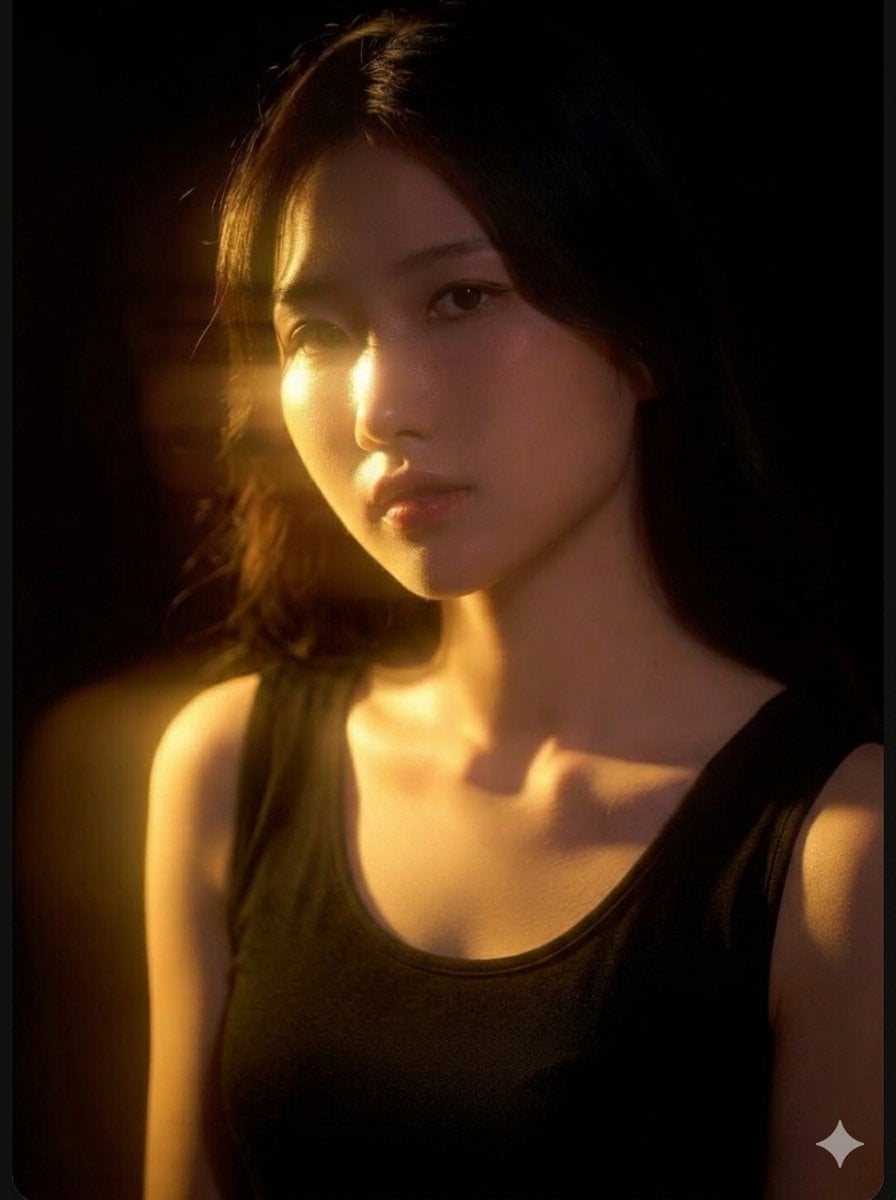
Cinematic East Asian Woman Portrait
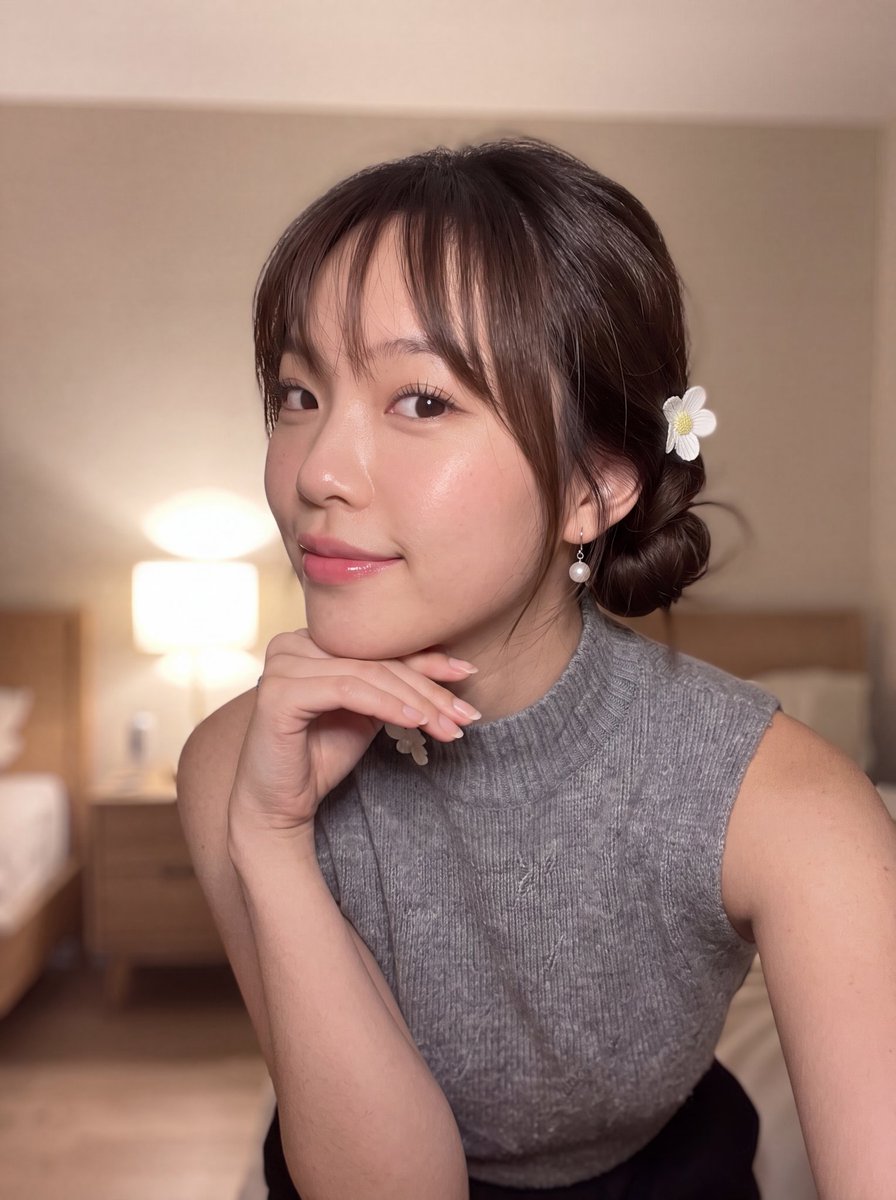
East Asian Woman Selfie Portrait
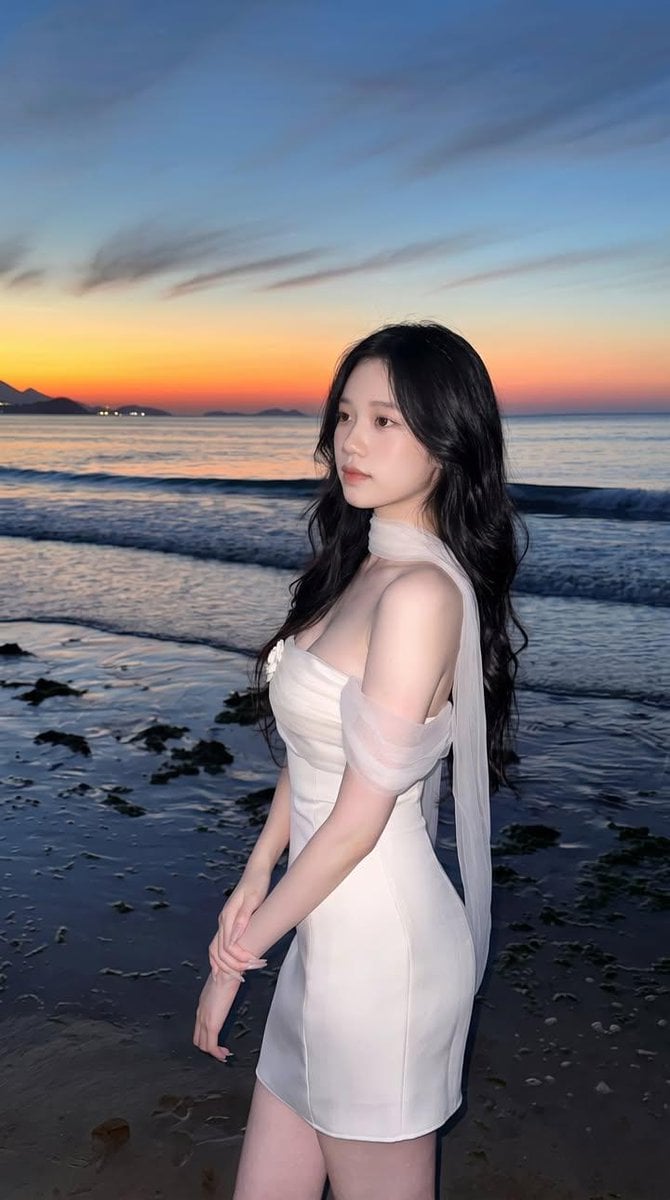
East Asian Woman Beach Portrait
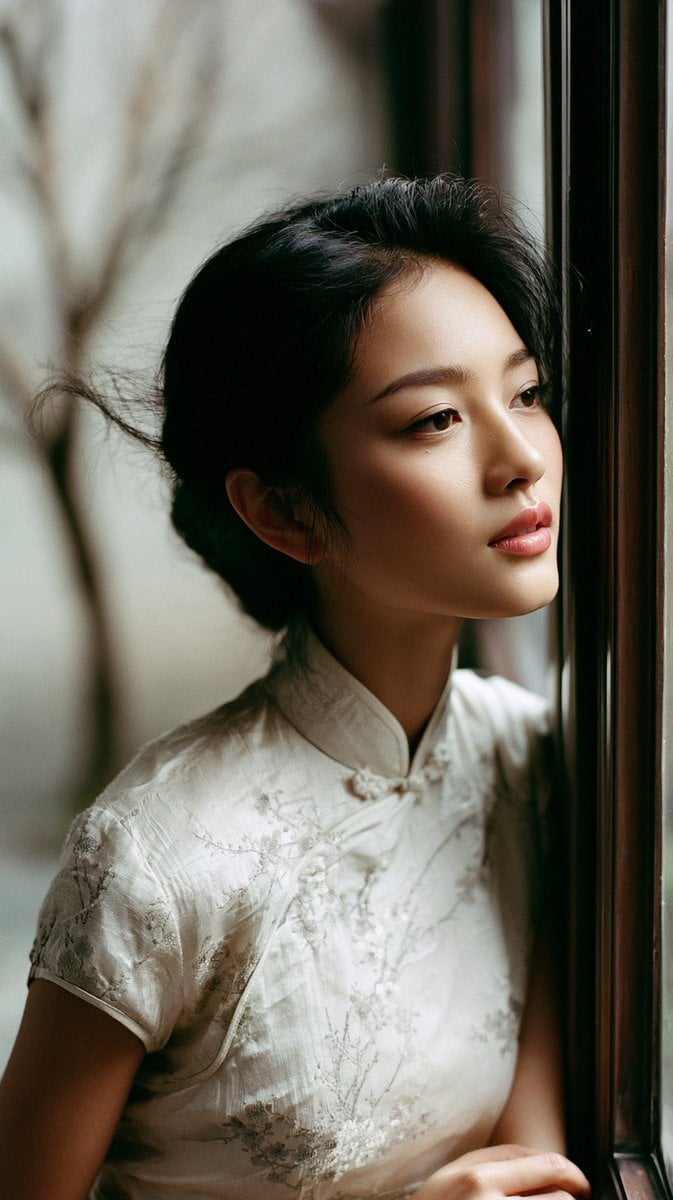
East Asian Woman in Silk Qipao Corridor Portrait
East Asian Woman Portrait
East Asian Woman Cinematic Portrait
Cinematic Portrait Collage of an East Asian Woman
Cinematic Summer Portrait of an East Asian Woman
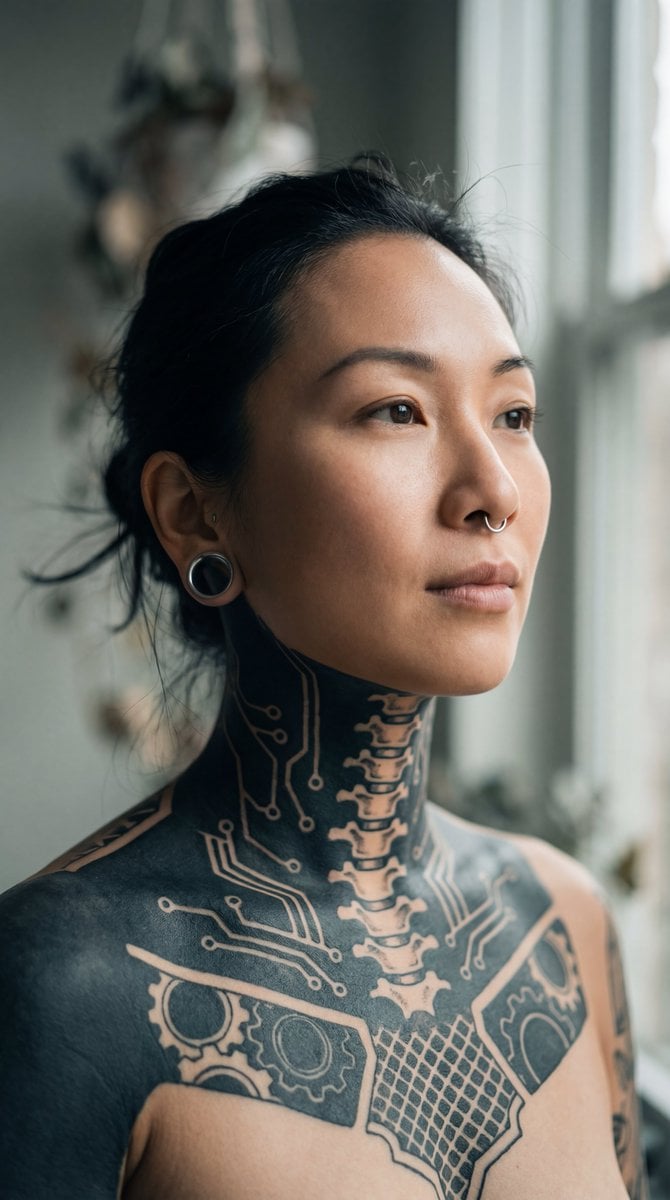
Intimate Portrait of East Asian Woman with Extensive Blackout Tattoos
Make it yours
East Asian Woman Lifestyle Interior Portrait works as-is. These are the safest ways to change it without losing the look.
Change one field
Copy a single group, rewrite it, and generate again so you can see what that field is doing.
Keep the frame, change the subject
Hold the composition and light of East Asian Woman Lifestyle Interior Portrait, then swap wardrobe, props or the person for a new take.
| If the result… | Why | Fix |
|---|---|---|
| The result drifts from the preview | Too many fields changed at once. | Reuse East Asian Woman Lifestyle Interior Portrait as-is first, then change one group — subject, light, or setting. |
| The model over-stylizes the scene | The prose prompt leaves finish and camera underspecified. | Add one camera or lighting sentence and stay on GPT Image 2. |
More GPT Image 2 templates
Other prompts made for GPT Image 2.

Six VTuber Japanese Logo Sheet

Realistic Portrait of Woman and Deer

The Vista Modular Condo Poster

AI Model Routing Comparison Infographic

2.5D Anime Art Board

Isometric Productivity Desk Scene

New York Double Exposure Poster

Four-Panel AI Landscape Comparison

Japanese Tatami Lifestyle Magazine Cover

NESCAFÉ Coffee Map Poster
More image prompts
Fresh picks from across the catalog.

Cute Retro Tokyo Cartoon Cityscape
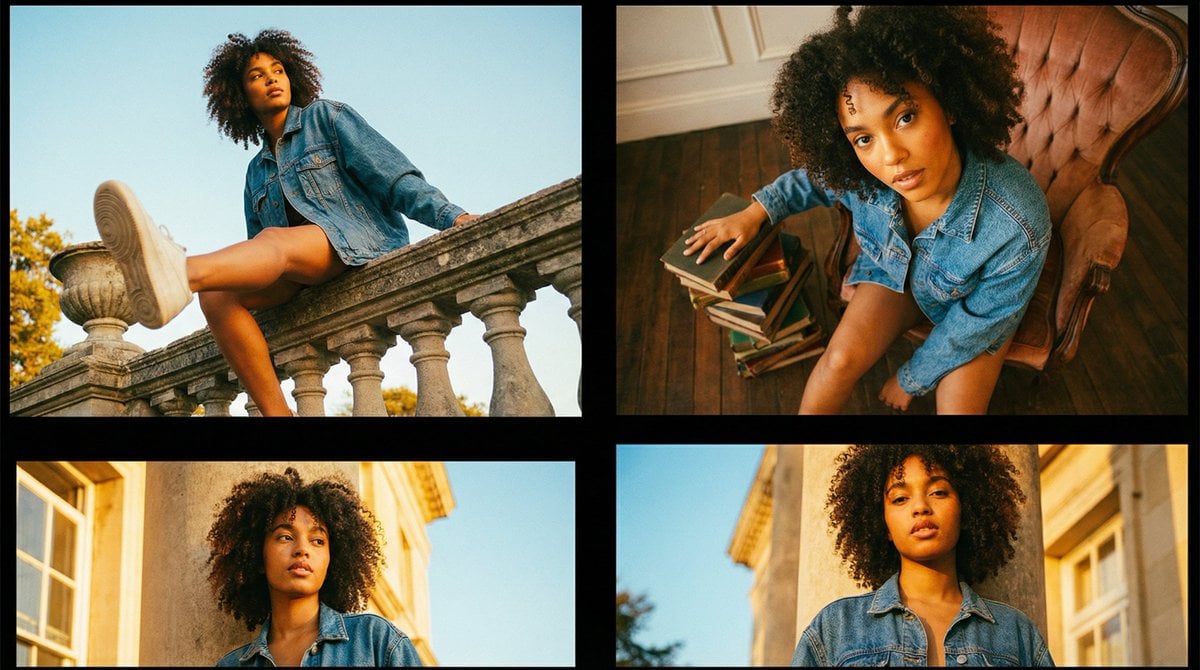
Editorial Fashion Portrait Series Grid Template
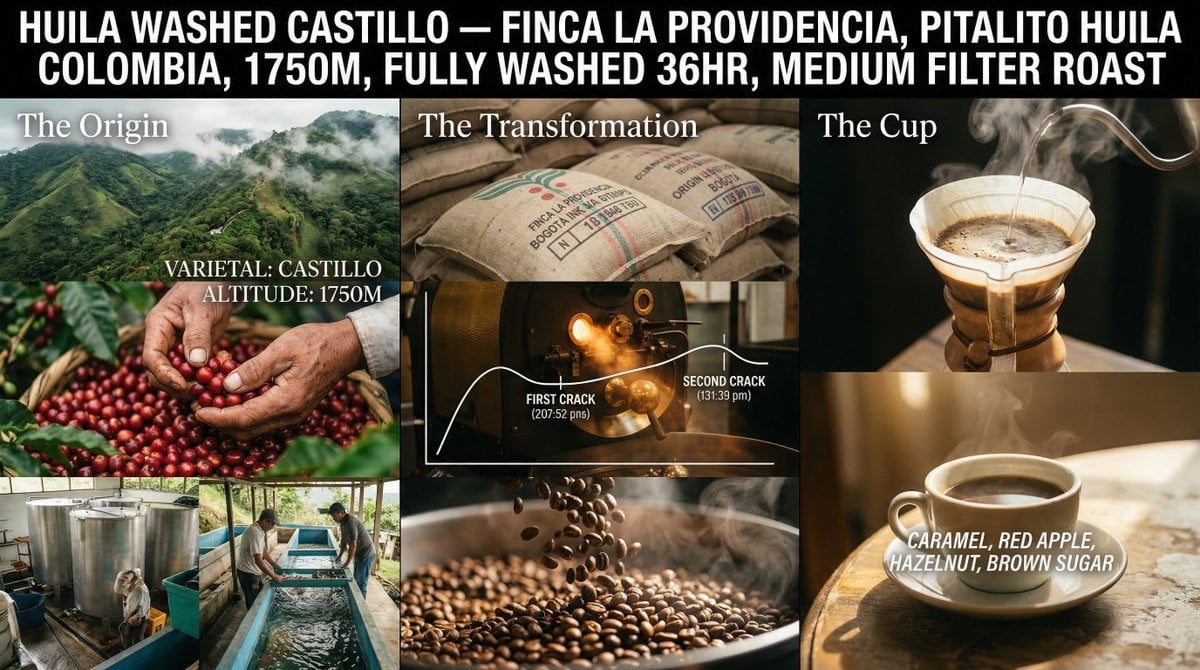
Coffee's Journey Board prompt for Nano Banana 2
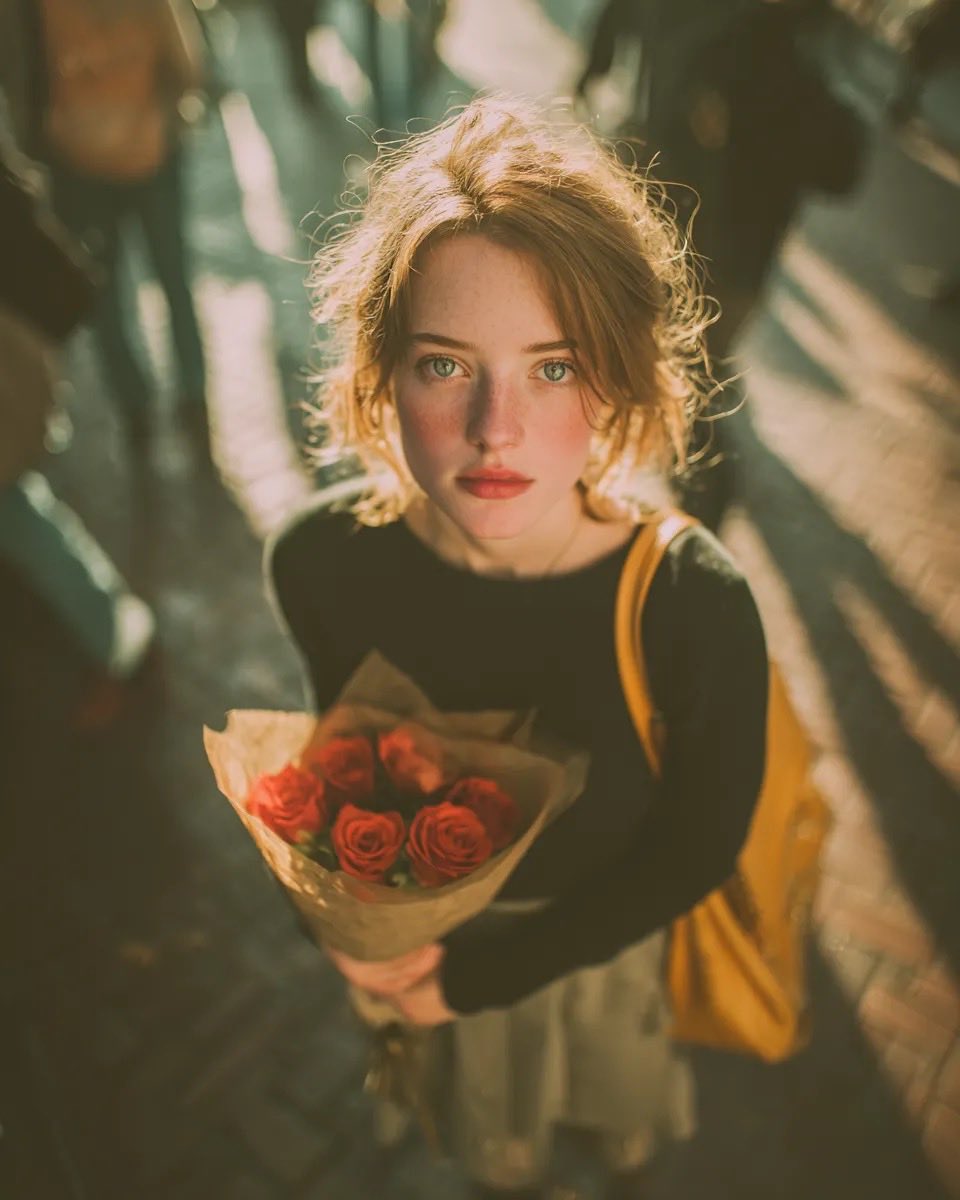
Vintage Film Grain Portrait

Celestial Planet Champagne Fan Art

Anthropomorphic Fox in a Winter City
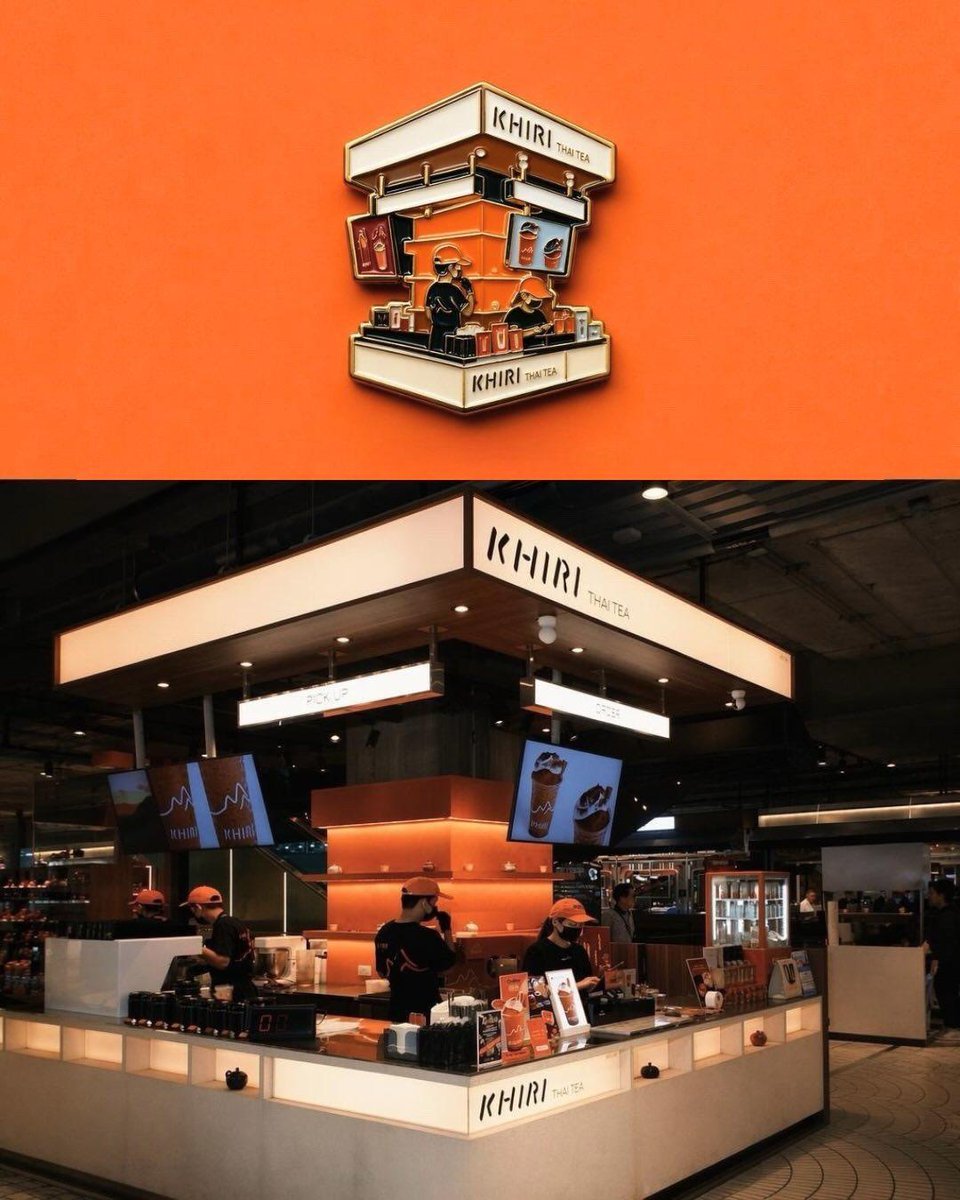
Die-cut Sticker Illustration
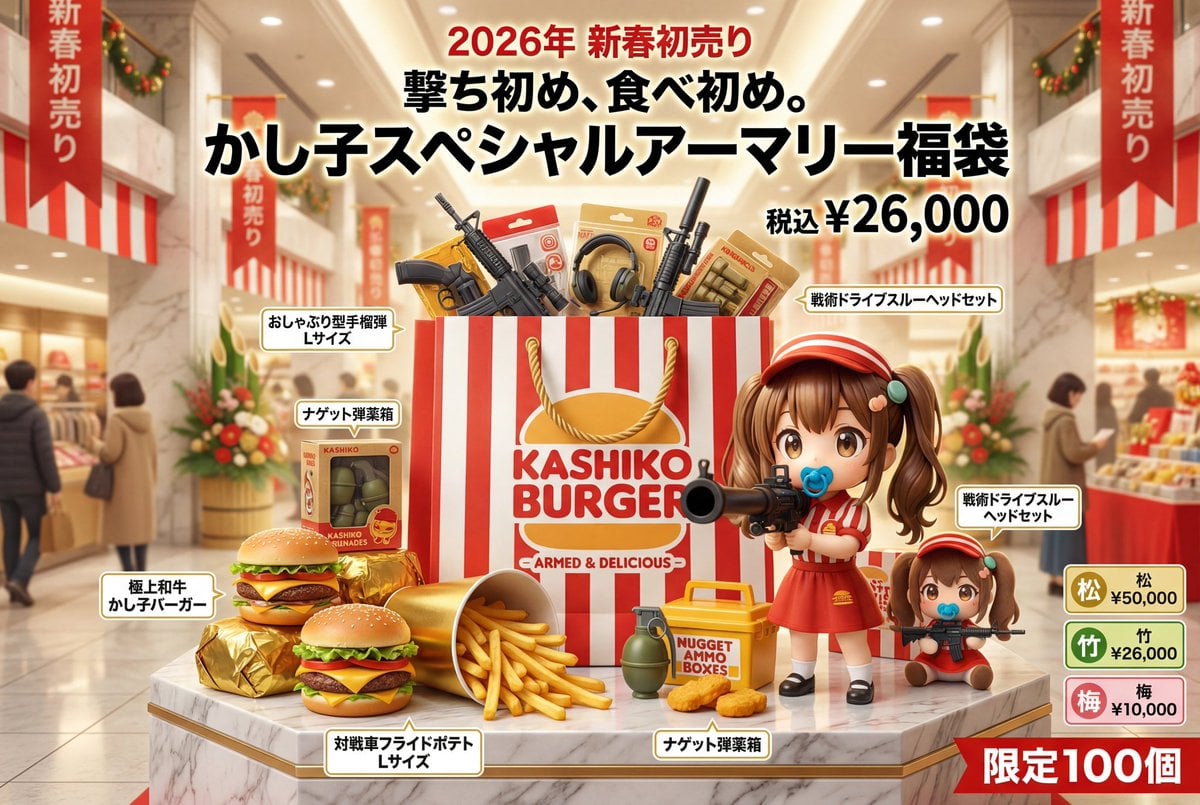
Luxury Fukubukuro (Lucky Bag) Advertisement Key Visual Prompt
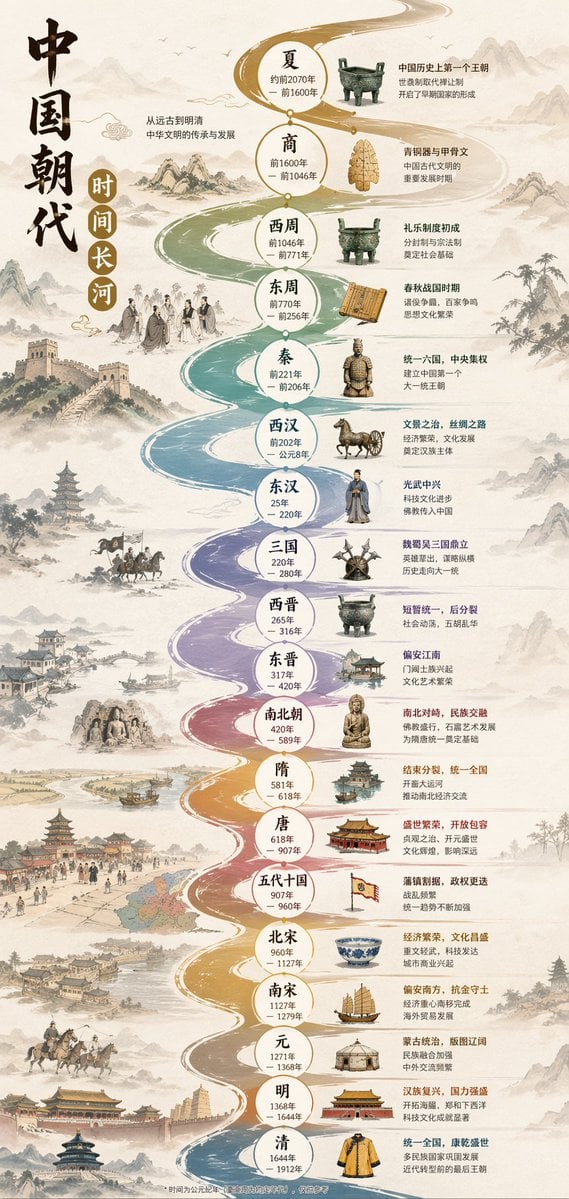
Chinese Dynasty Infographic
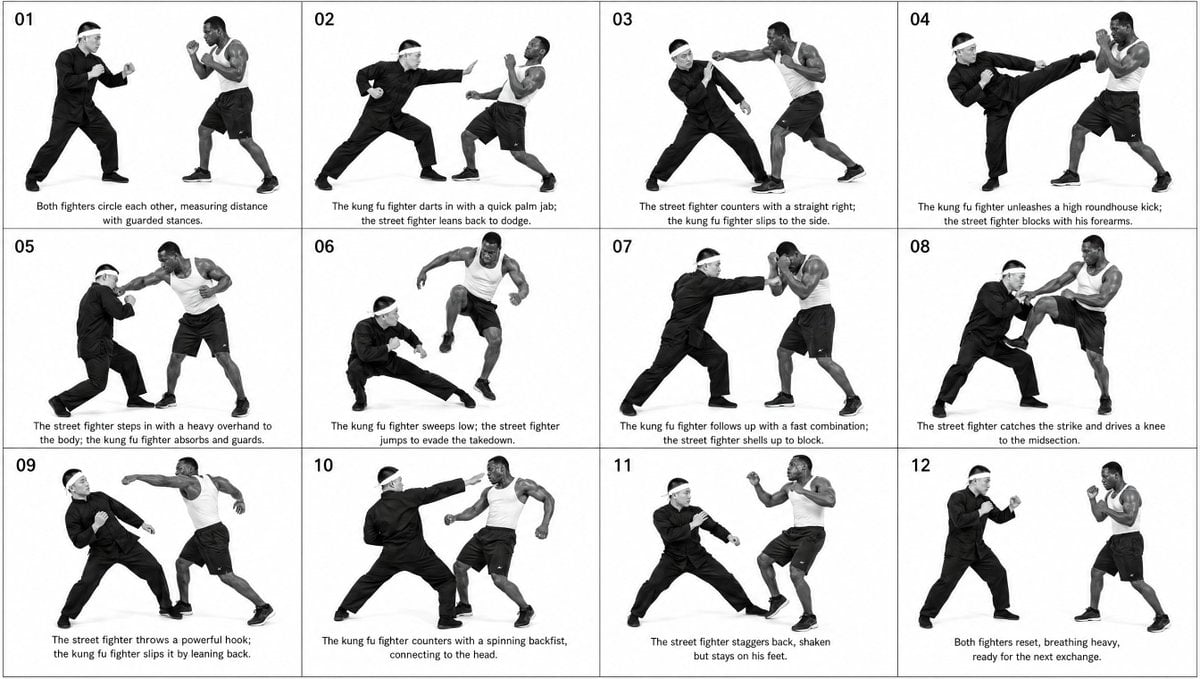
Panel Martial Arts Storyboard
Browse template categories
East Asian Woman Lifestyle Interior Portrait questions
How do I use the East Asian Woman Lifestyle Interior Portrait template?
Add your photo if the template asks for one, edit the prompt if you like — the template's model and format are already selected — and press Generate. Your version opens in PicX Studio.
Can I customize the East Asian Woman Lifestyle Interior Portrait template?
Yes. You can change the subject, setting, lighting, mood, format, and available model controls before creating your image.
Is the East Asian Woman Lifestyle Interior Portrait template free?
Opening and editing this template is free. Generating uses credits, shown on the Generate button when you are signed in.
Which AI model should I use?
Start with GPT Image 2, which is the model associated with this template. You can compare another compatible model for a different finish.
Looking for something else? Browse all templates.

Your photo, any look
Thousands of ready templates for every top image and video model, from one credit balance.