How do I use the Cyberpunk Wanderer above the Sea of Fog template?
Edit the prompt in the box under the preview — the template's model and format are already selected — and press Generate. Your version appears right on this page.
A creative remix prompt that applies a specific character and style to the classic Caspar David Friedrich painting, set in a post-war 2040 Tokyo.

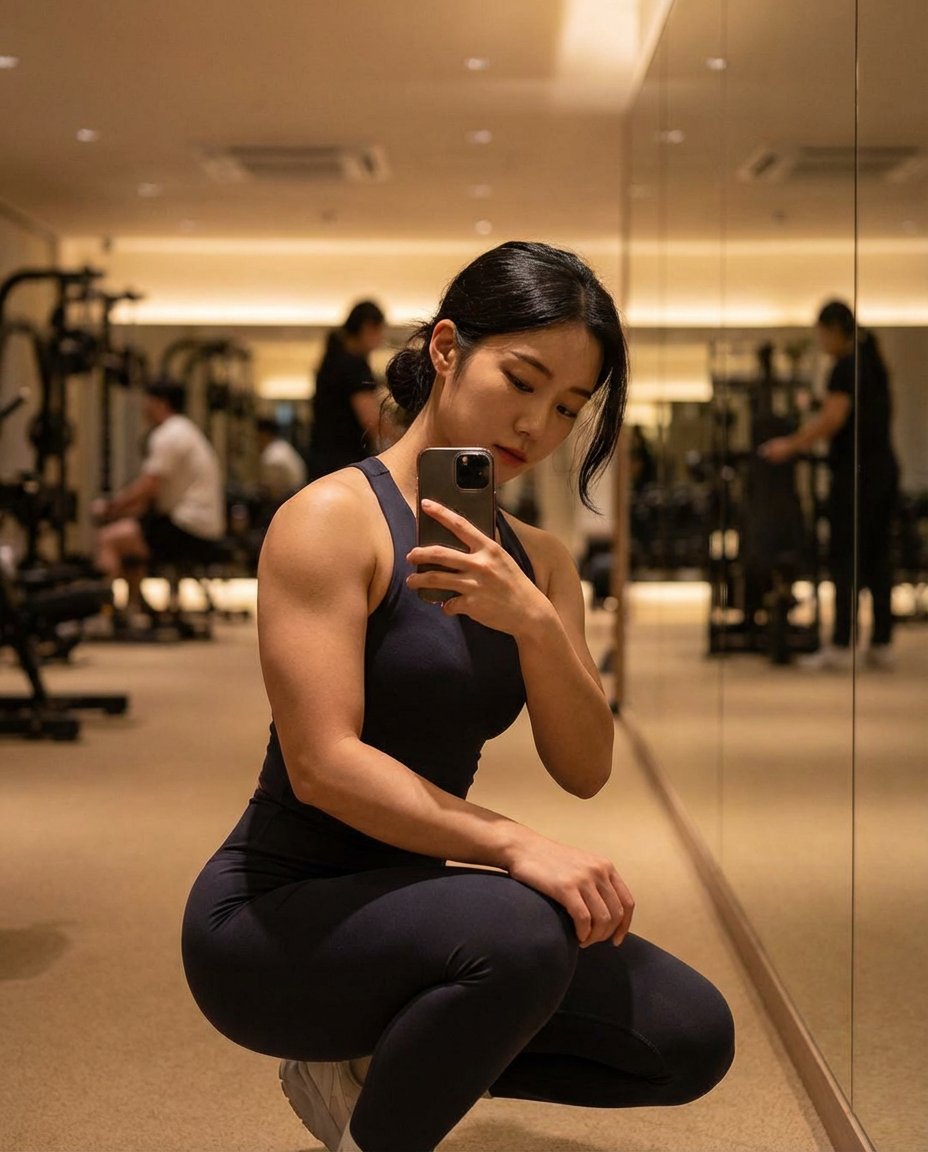
This template uses your photo — add one with the + button.
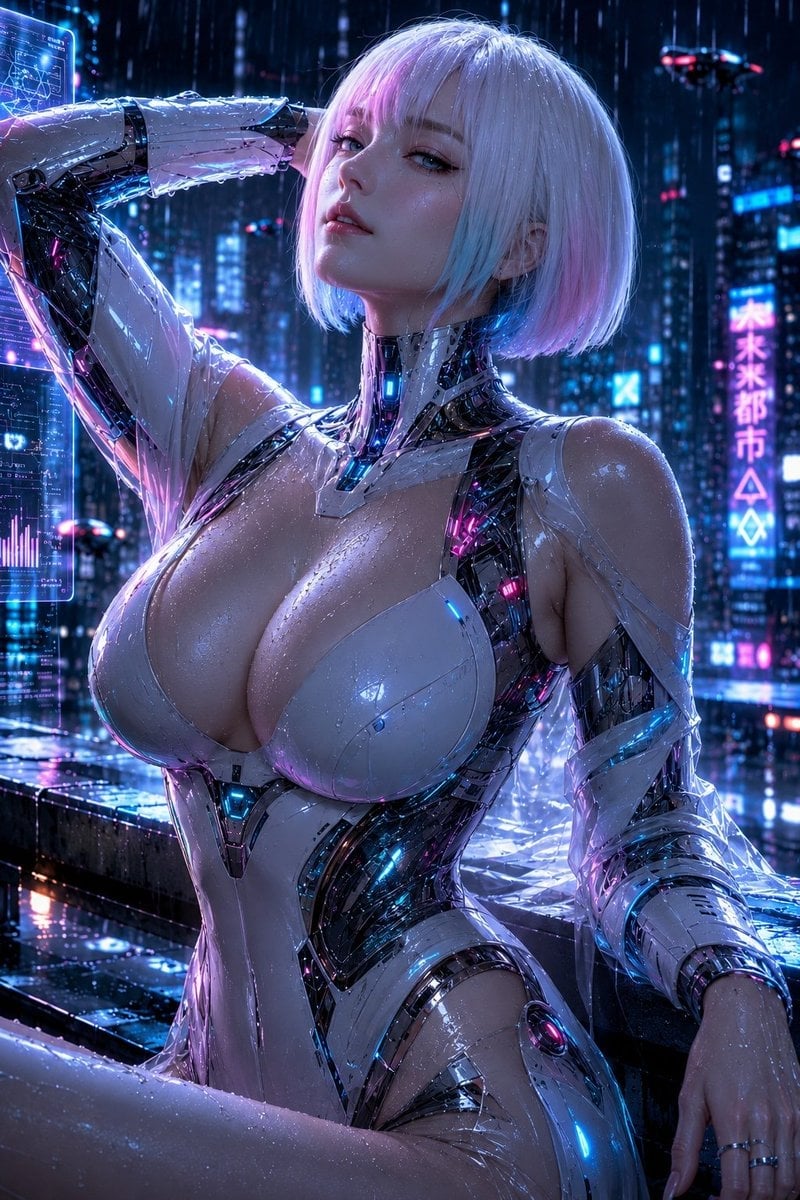
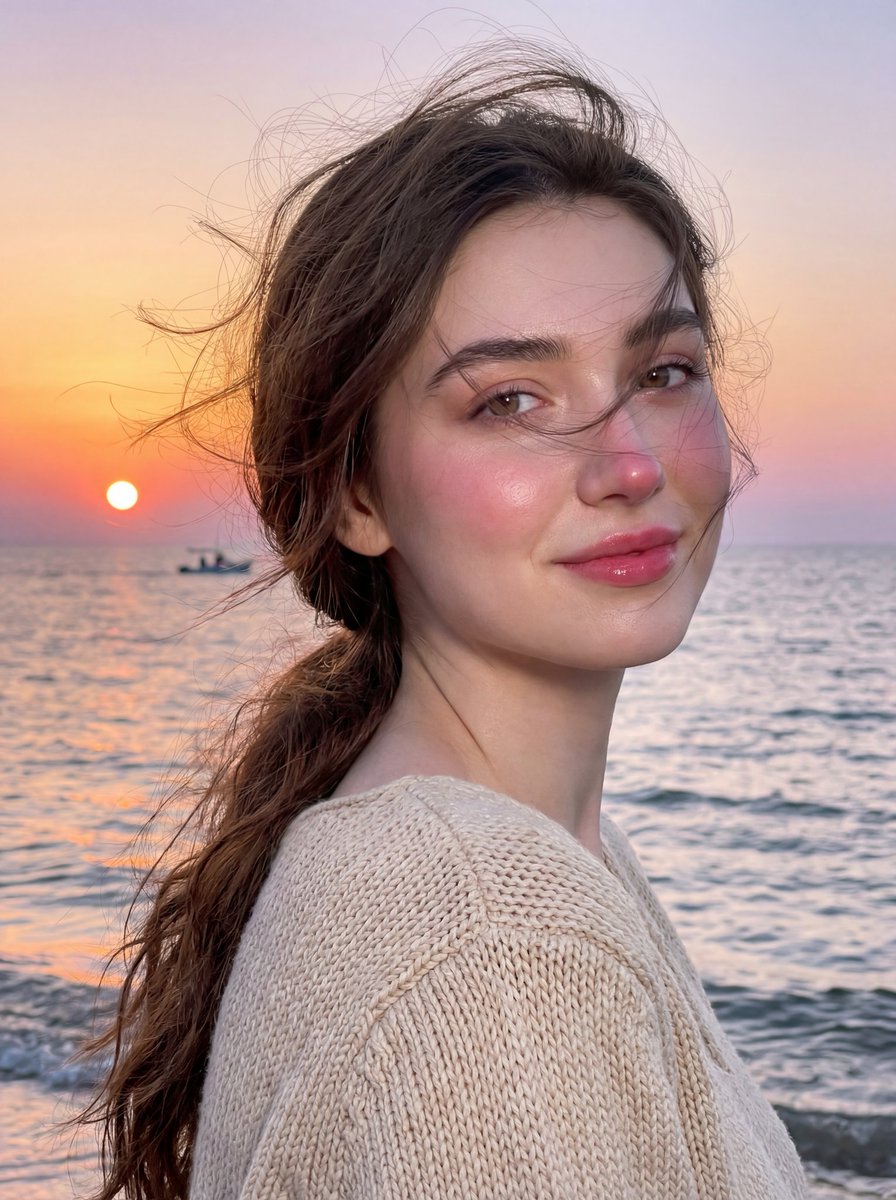
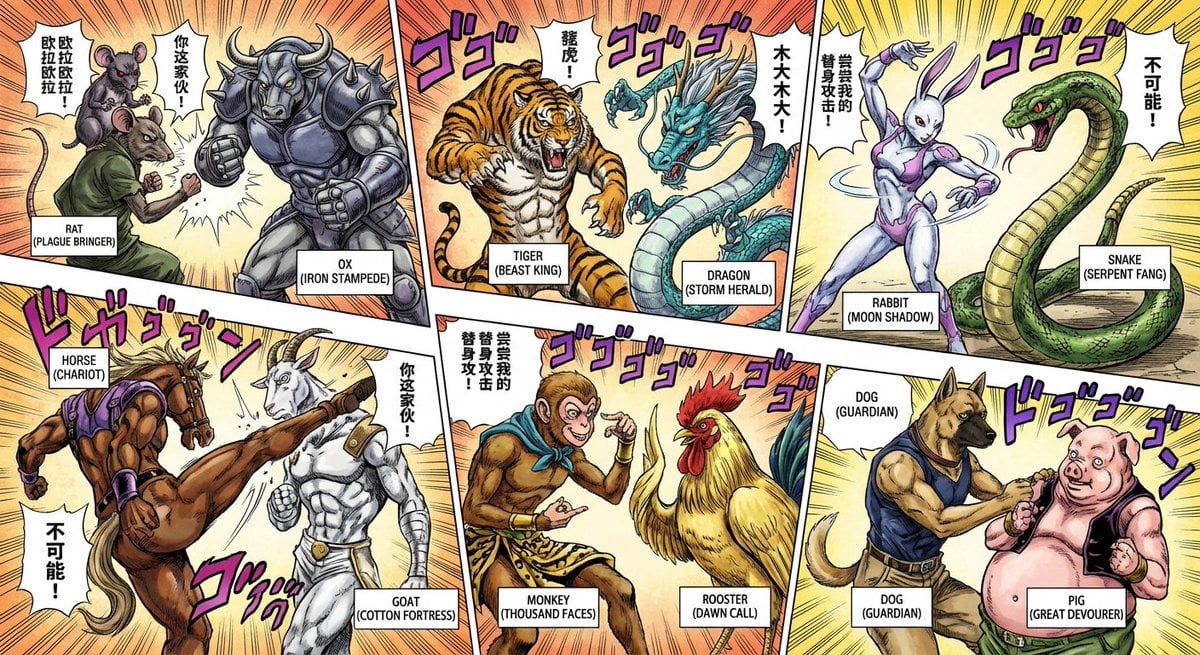
Apply the style and character reference of {argument name="style reference" default="image 1"} to the painting seen in {argument name="original painting" default="image 2"}, which is a famous painting of "Wanderer above the Sea of Fog". Retain the same stance as the man standing in the painting. Fog and clouds partially cover the view of the building below. The woman stands atop a post war Japan circa 2040. Architecture is modern and not futuristic. Abandonded buildings, a slightly destroyed Tokyo tower is in the background. There is no debis on the tower, it is slightly bent, as if it was hit by bombs. Her left leg is proped up on the ledge of the building and her right hand rests on her hip. Retain the same composition and vanishing point as seen in image 2.
Apply the style and character reference of {argument name="style reference" default="image 1"} to the painting seen in {argument name="original painting" default="image 2"}, which is a famous painting of "Wanderer above the Sea of Fog". Retain the same stance as the man standing in the painting. Fog and clouds partially cover the view of the building below. The woman stands atop a post war Japan circa 2040. Architecture is modern and not futuristic. Abandonded buildings, a slightly destroyed Tokyo tower is in the background. There is no debis on the tower, it is slightly bent, as if it was hit by bombs. Her left leg is proped up on the ledge of the building and her right hand rests on her hip. Retain the same composition and vanishing point as seen in image 2.
Edit the prompt in the box under the preview — the template's model and format are already selected — and press Generate. Your version appears right on this page.
Yes. You can change the subject, setting, lighting, mood, format, and available model controls before creating your image.
Opening and editing this template is free. Generating uses credits, shown on the Generate button when you are signed in.
Start with GPT Image 2, which is the model associated with this template. You can compare another compatible model for a different finish.
Follow a topic to a crawlable collection of related PicX Studio templates.