
Paris Fashion Editorial Portrait
A comprehensive multi-part prompt for a sophisticated fashion portrait under the Eiffel Tower using a extreme low-angle perspective.
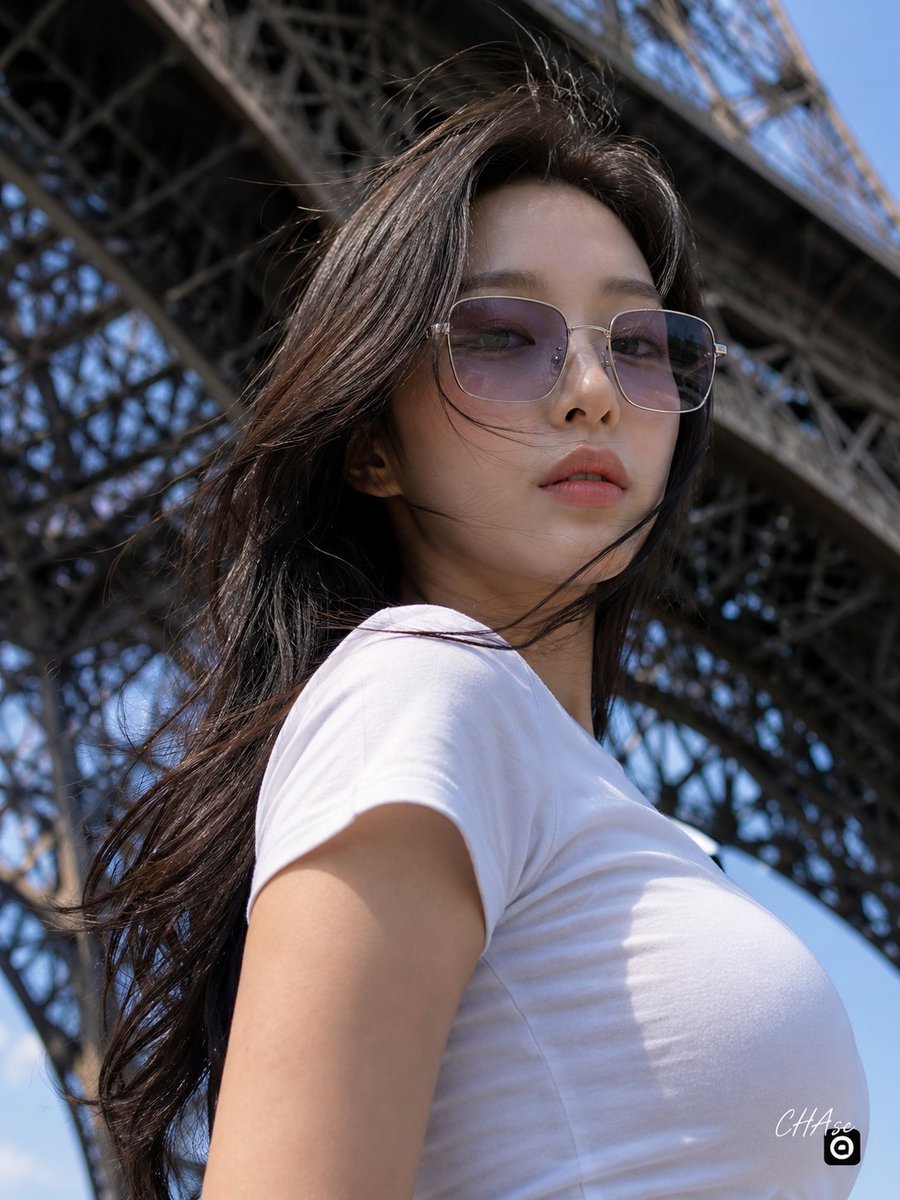
- Prompt included
- Model and format preset
- Free template
The prompt behind this image
Copy the exact prompt behind Paris Fashion Editorial Portrait, or open it in the studio and make it yours.
[Subject's pose and expression] {argument name="location" default="Eiffel Tower"} This is a low-angle pose, seen from the bottom center, confidently looking down at the camera. The upper body is turned 45 degrees toward the right side of the frame, with the head turned to look down at the camera. Between strands of hair blowing in the wind, she wears a stylish, cool expression, gazing steadily at the camera with a wistful yet confident look in her eyes. [Subject's outfit] She is wearing a neat, simple {argument name="outfit" default="white short-sleeve round-neck t-shirt"} that fits softly against the body. [Subject's hairstyle and makeup details] Her hair catches the wind, naturally full with volume and swirling around her face. She wears square sunglasses with a silver metal frame and semi-transparent lenses with a faint purple tint, along with natural, clean makeup finished with moist, light pink lip gloss. [Lighting and light direction] There is no direct lighting on the subject at all; there is only soft, ambient natural light beneath the Eiffel Tower. Contrasted against the deep shadows beneath the massive structure, this makes the subject's stylish silhouette stand out even more sharply and cleanly. [Texture and color mood] The soft cotton texture of the t-shirt forms a clear contrast with the rough, hard metal texture of the Eiffel Tower structure filling the background. The bright colors of white and black harmonize with the steel framework and blue sky, creating a chic, trendy {argument name="city" default="Paris"} travel editorial mood. [Film and camera lens depth of field, angle] Shot from an extreme low angle (worm's eye view), looking up almost vertically from the ground toward the sky. It is a close-up shot composition filling the frame with the subject's upper body from the waist up to the face, using a sharp smartphone camera lens to focus on the subject in the foreground while naturally throwing the massive steel structure behind them out of focus. [Background elements (optional)] This is the intricate, massive dark gray steel lattice structure of the Eiffel Tower in Paris, sweeping across and enveloping the entire frame. The complex, geometric detail of the arched steel pillars fills the space directly behind the subject as if overwhelming it, and between the dense gaps of the steel framework, a clear, bright blue sky is visible in sharp detail. [Signature] In the bottom right, the Threads logo (operated by Meta) is placed small, and above it, "CHAse" is written small in white cursive script, like a signature. 4.5:ratio
How to use Paris Fashion Editorial Portrait in 3 steps
- 1
Open
The prompt is already in the box next to the preview, with the template's model and format selected.
- 2…a portrait of your subject in softgolden-hour light, 85mm…
Personalize
Edit the subject and creative details for your destination.
- 3Generate
Generate
Press Generate — your image is created in PicX Studio, so you can compare it with the original and refine one variable at a time.
More like this
Templates with the same subject, style or setup. Open one to see its prompt.
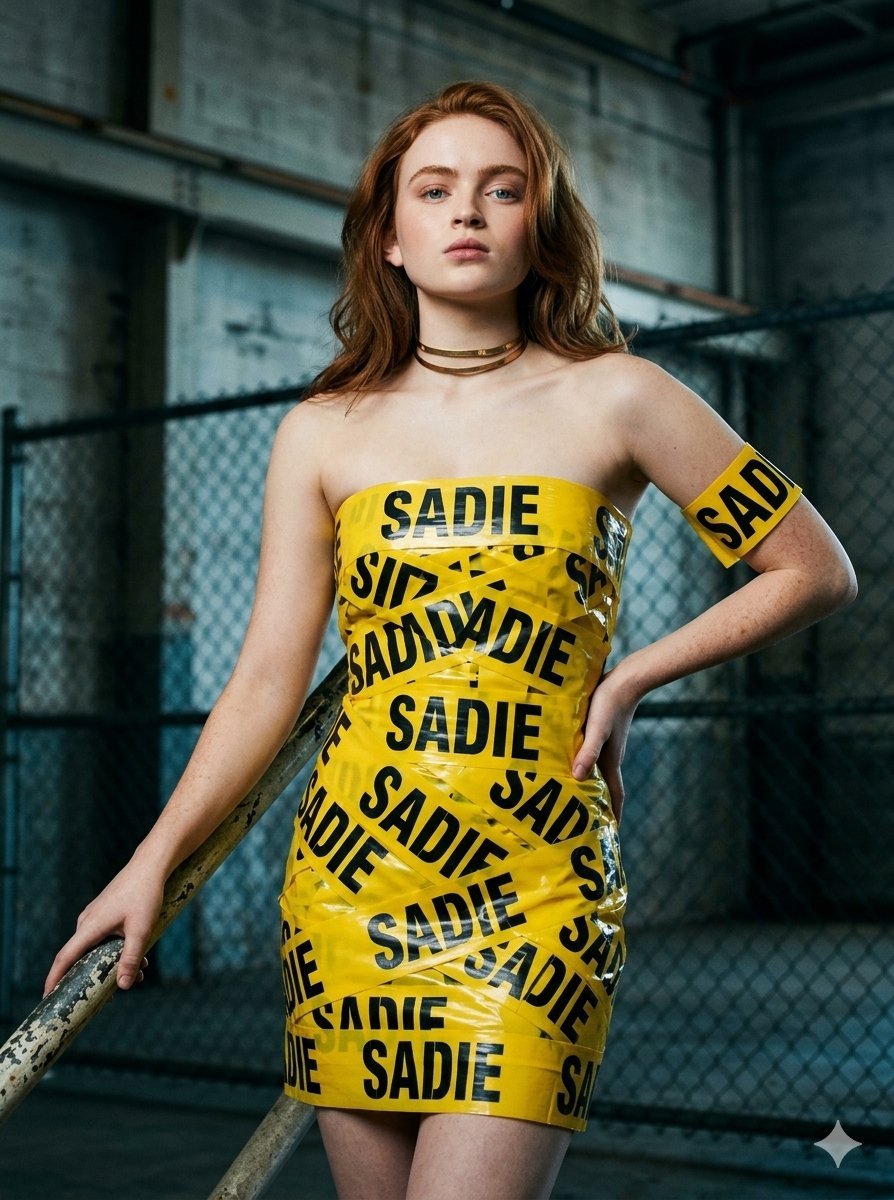
Caution Tape Fashion — Industrial Editorial
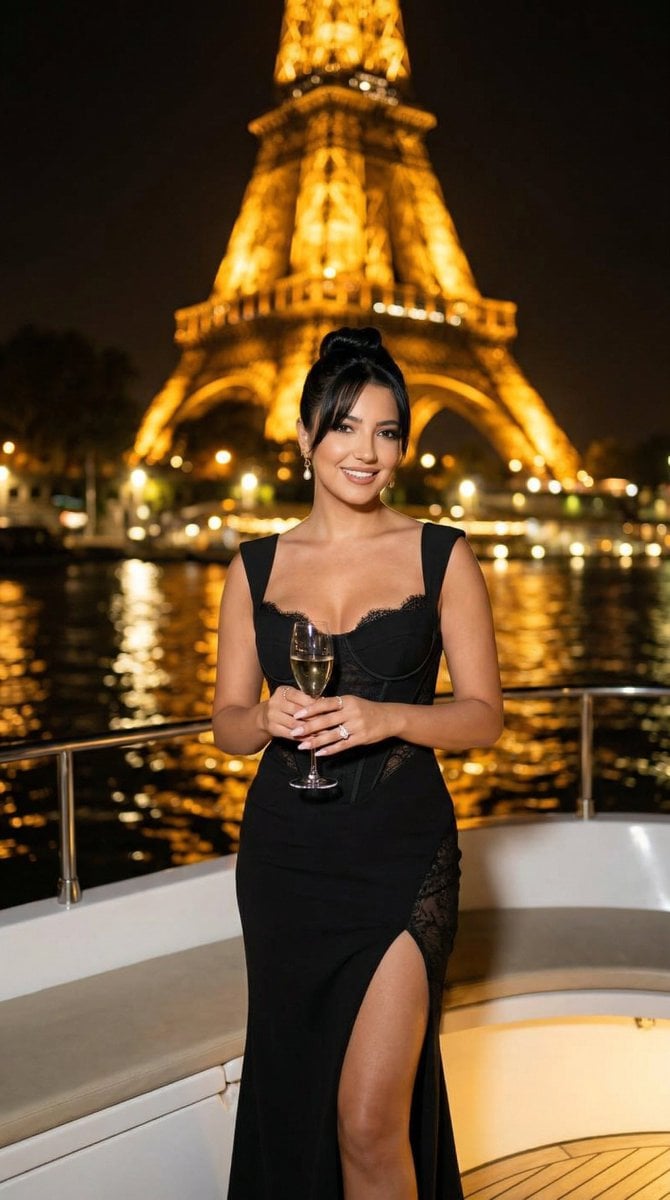
Nano Banana - Paris Cafe Editorial
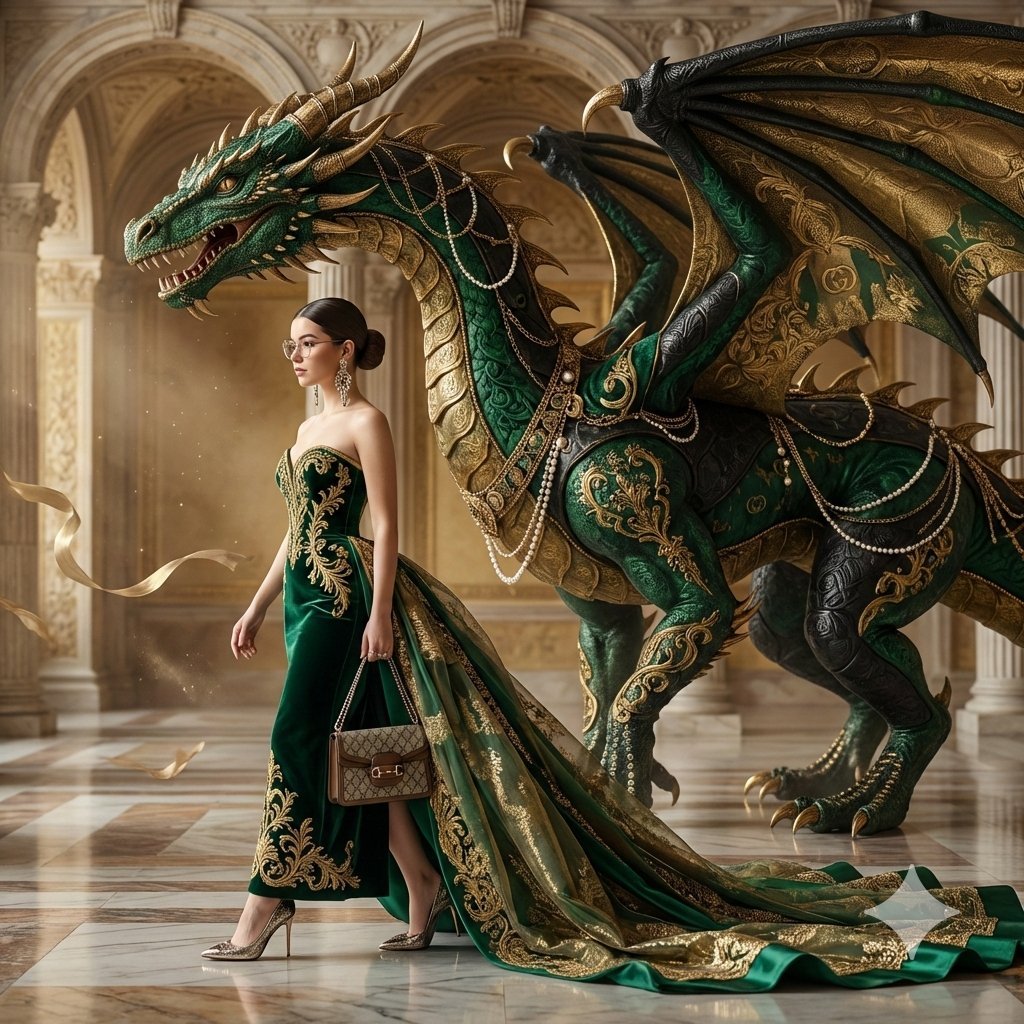
Couture Fashion Editorial Woman and Drag
Nano Banana 2 Editorial Fashion Portrait
untitled
Nano Banana 2 High Fashion Sports Campai
Ive Yujin Fashion Portrait in Blue
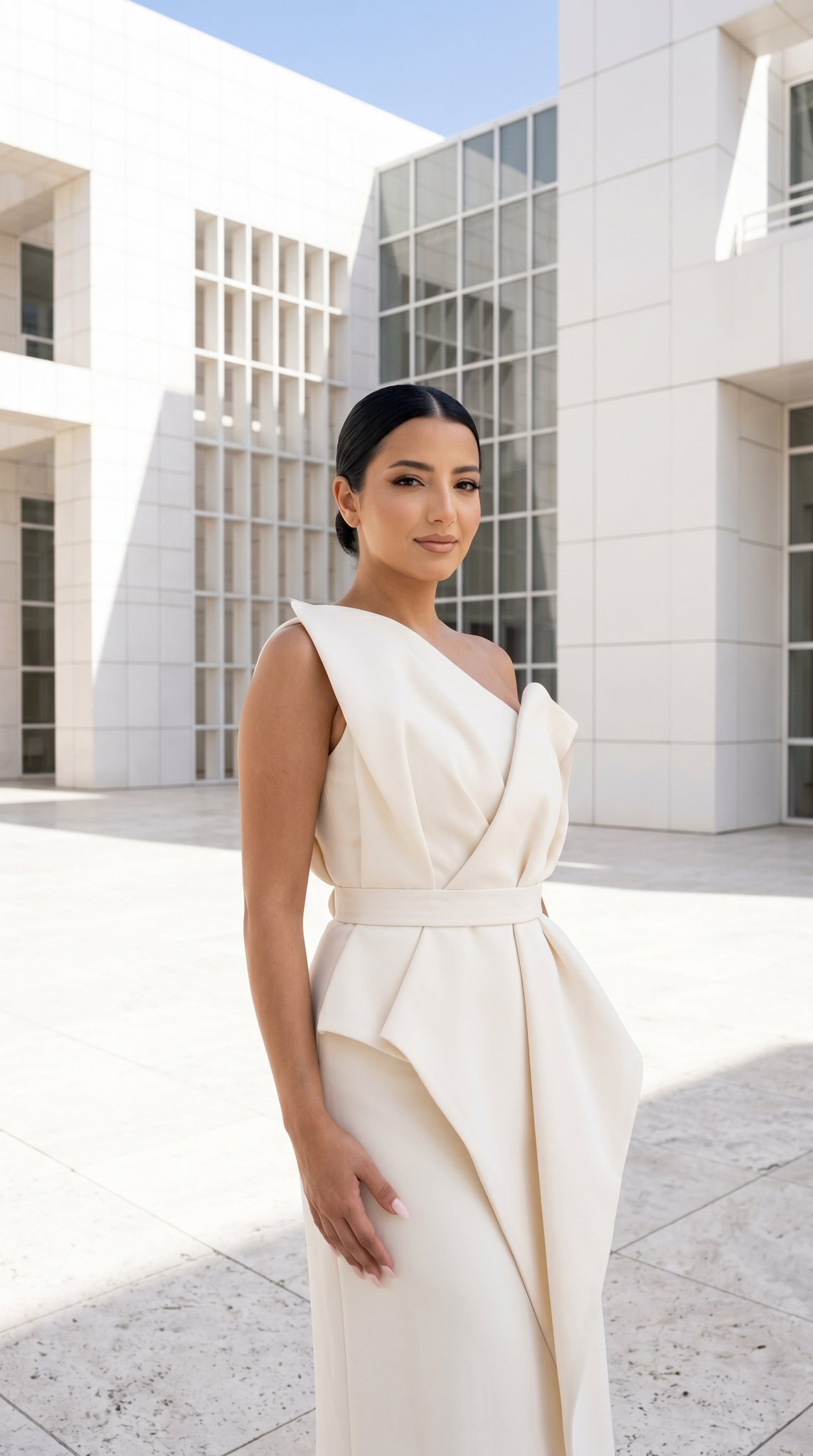
24 The Getty Center — California Series
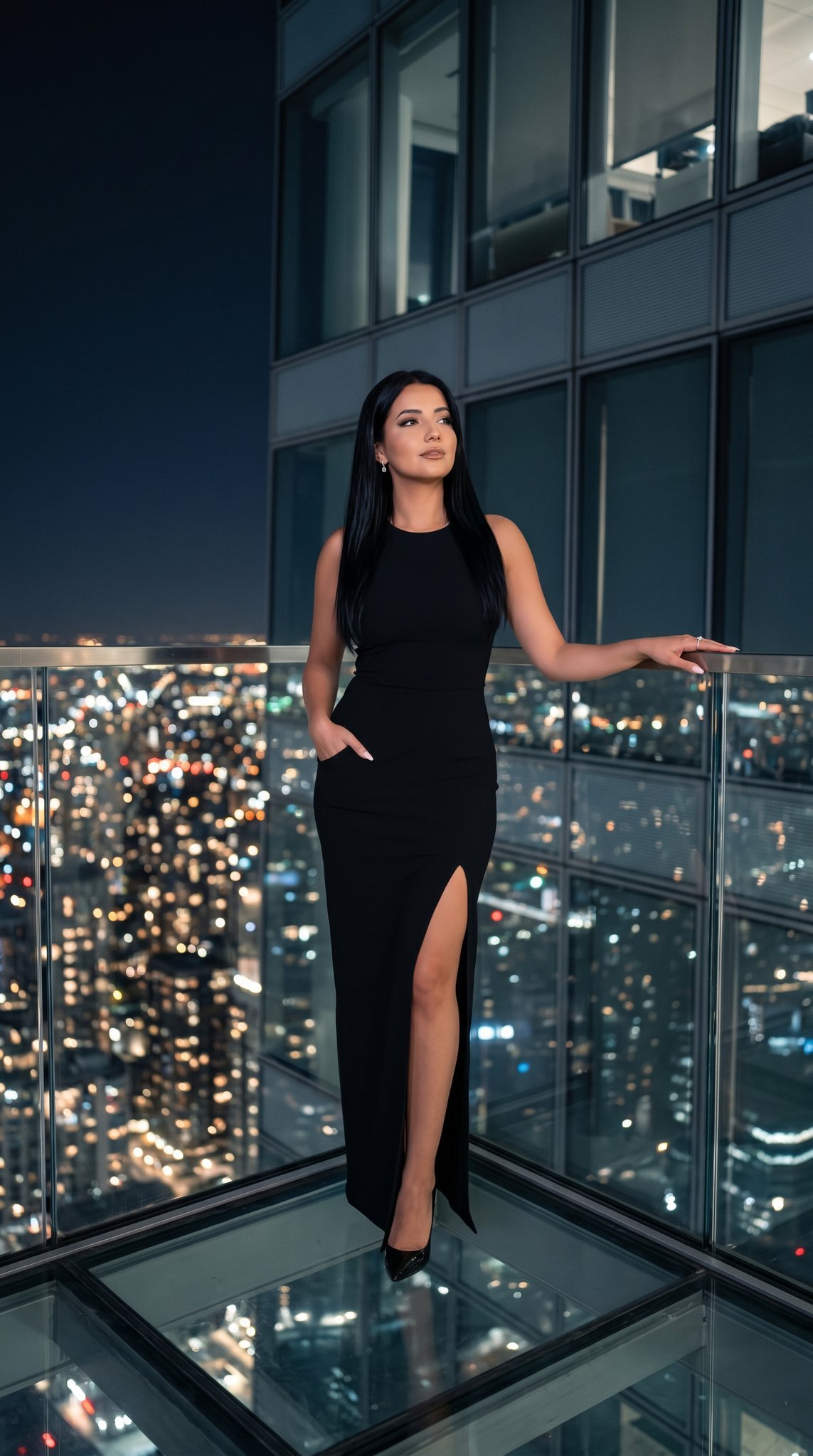
21 Glass Floor Skyscraper — California Series
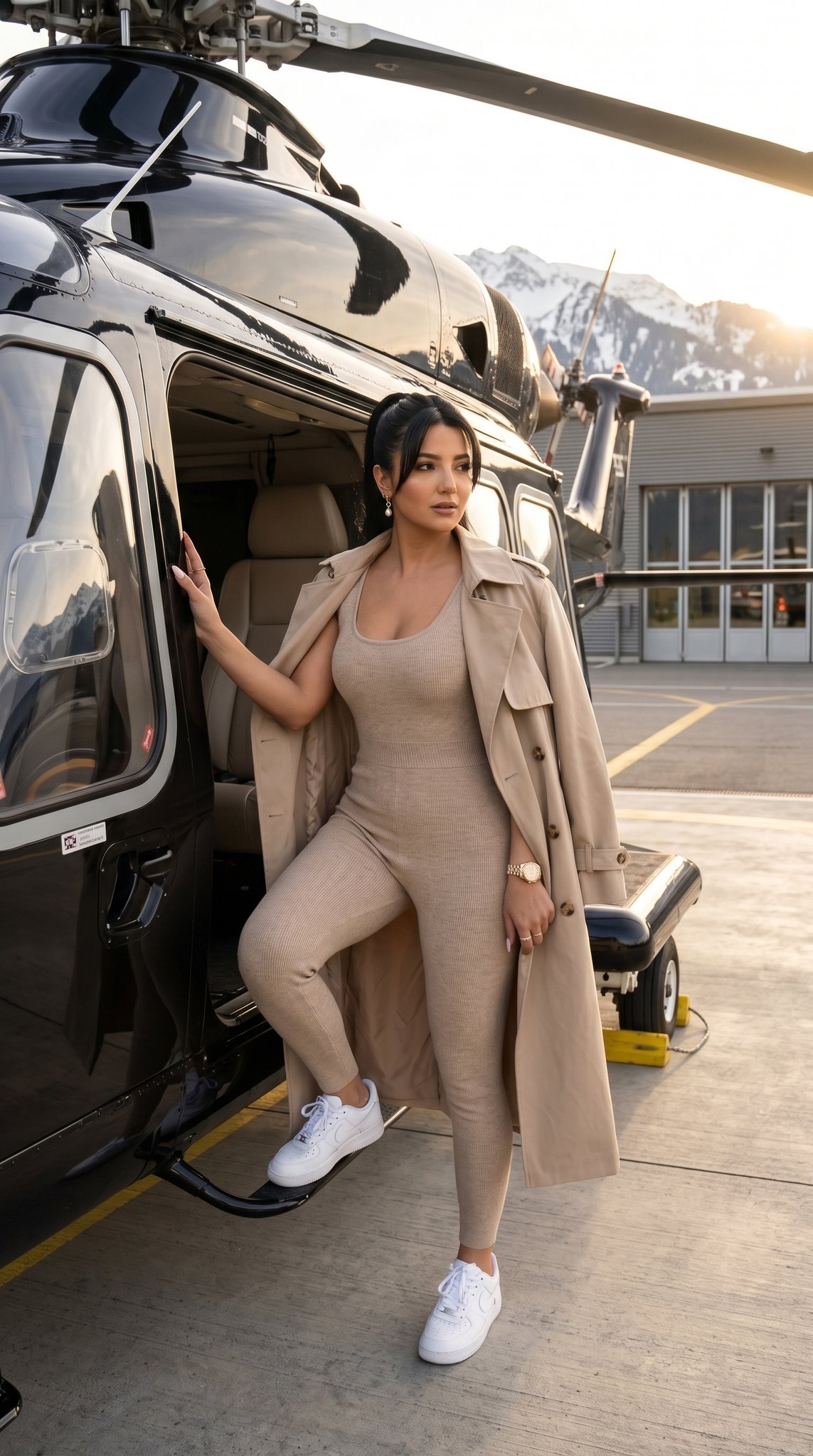
19 Luxury Helicopter Travel — California Series
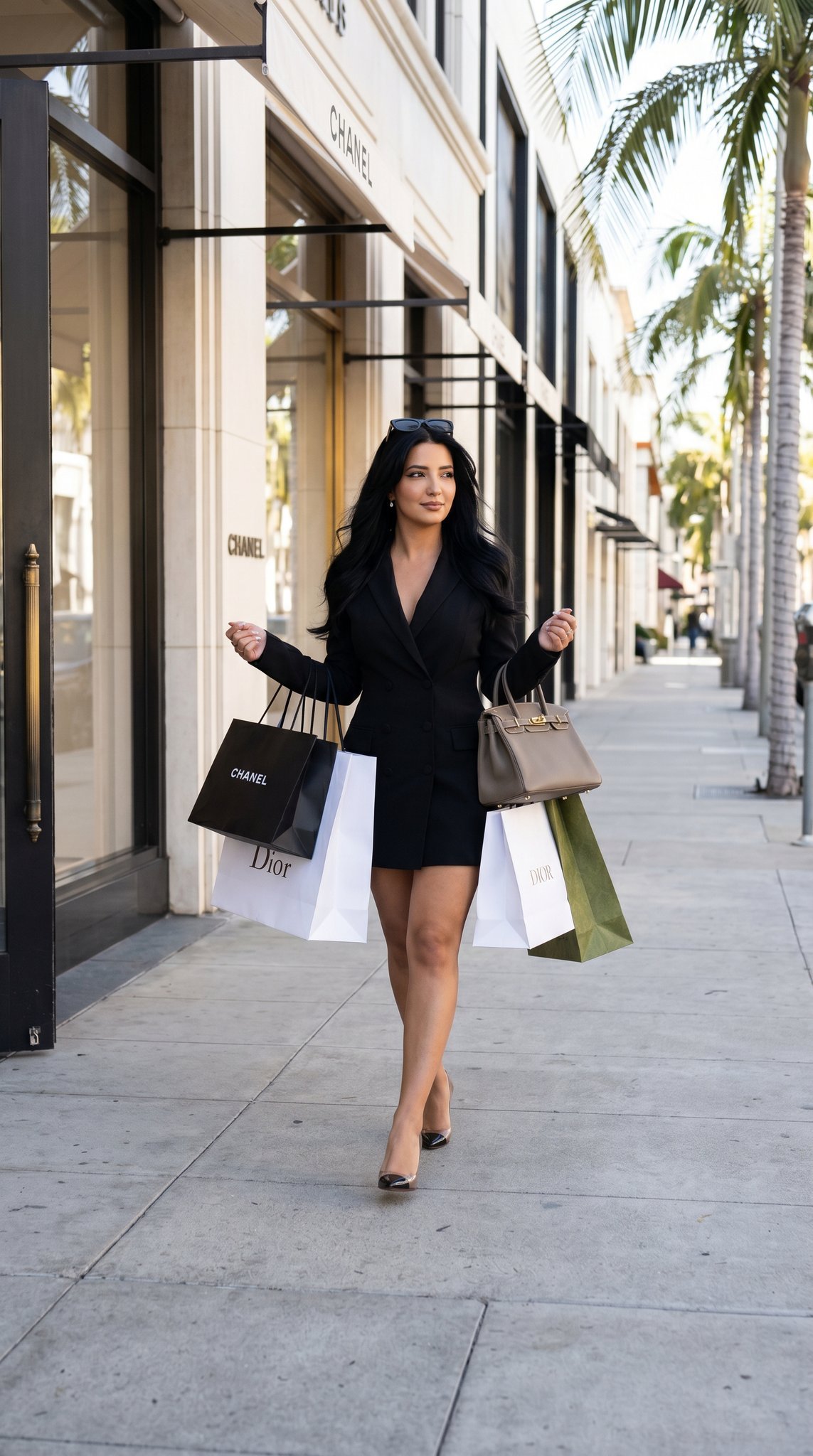
08 Rodeo Drive Luxury Exit — California Series
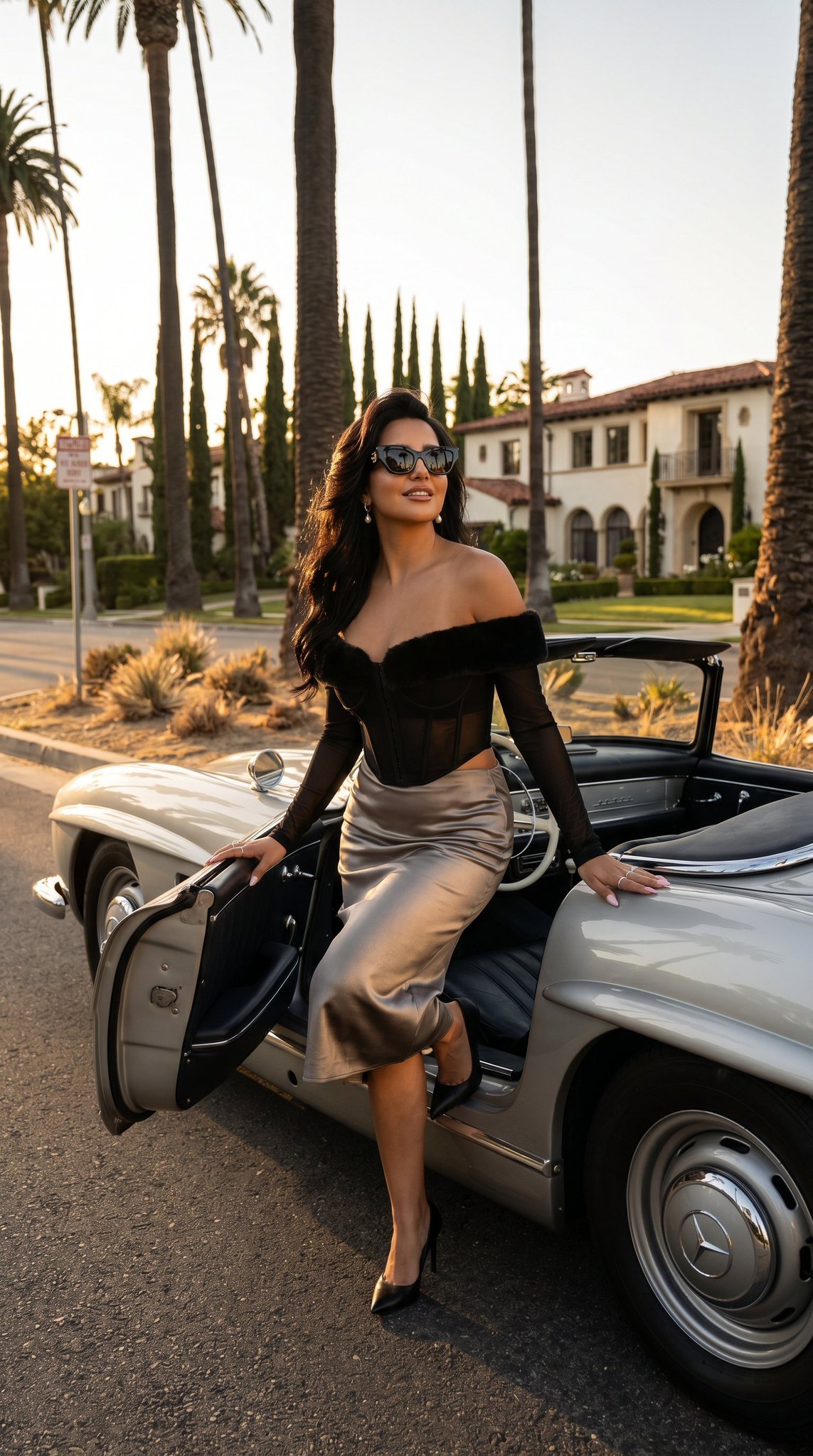
03 Beverly Hills Convertible — California Series
Make it yours
Paris Fashion Editorial Portrait works as-is. These are the safest ways to change it without losing the look.
Change one field
Copy a single group, rewrite it, and generate again so you can see what that field is doing.
Keep the frame, change the subject
Hold the composition and light of Paris Fashion Editorial Portrait, then swap wardrobe, props or the person for a new take.
| If the result… | Why | Fix |
|---|---|---|
| The result drifts from the preview | Too many fields changed at once. | Reuse Paris Fashion Editorial Portrait as-is first, then change one group — subject, light, or setting. |
| The model over-stylizes the scene | The prose prompt leaves finish and camera underspecified. | Add one camera or lighting sentence and stay on GPT Image 2. |
More GPT Image 2 templates
Other prompts made for GPT Image 2.

Six VTuber Japanese Logo Sheet

Realistic Portrait of Woman and Deer

The Vista Modular Condo Poster

AI Model Routing Comparison Infographic

2.5D Anime Art Board

Isometric Productivity Desk Scene

New York Double Exposure Poster

Four-Panel AI Landscape Comparison

Japanese Tatami Lifestyle Magazine Cover

NESCAFÉ Coffee Map Poster
More image prompts
Fresh picks from across the catalog.
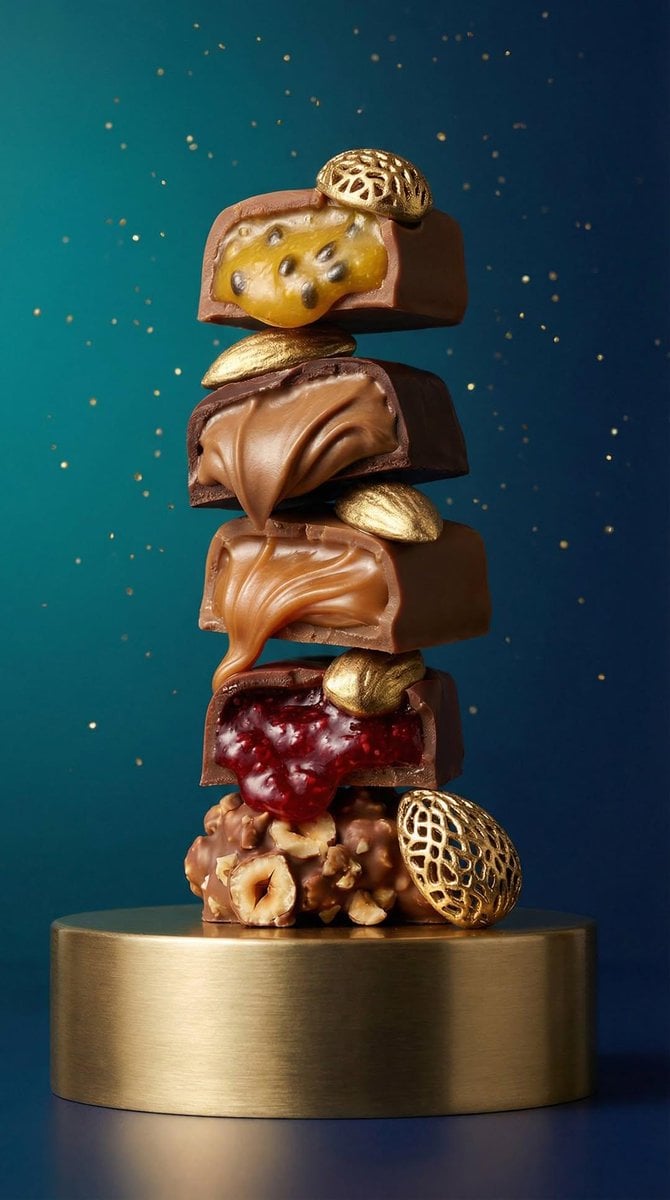
Artisan Chocolate Product Visuals (Multi-Image Prompt)
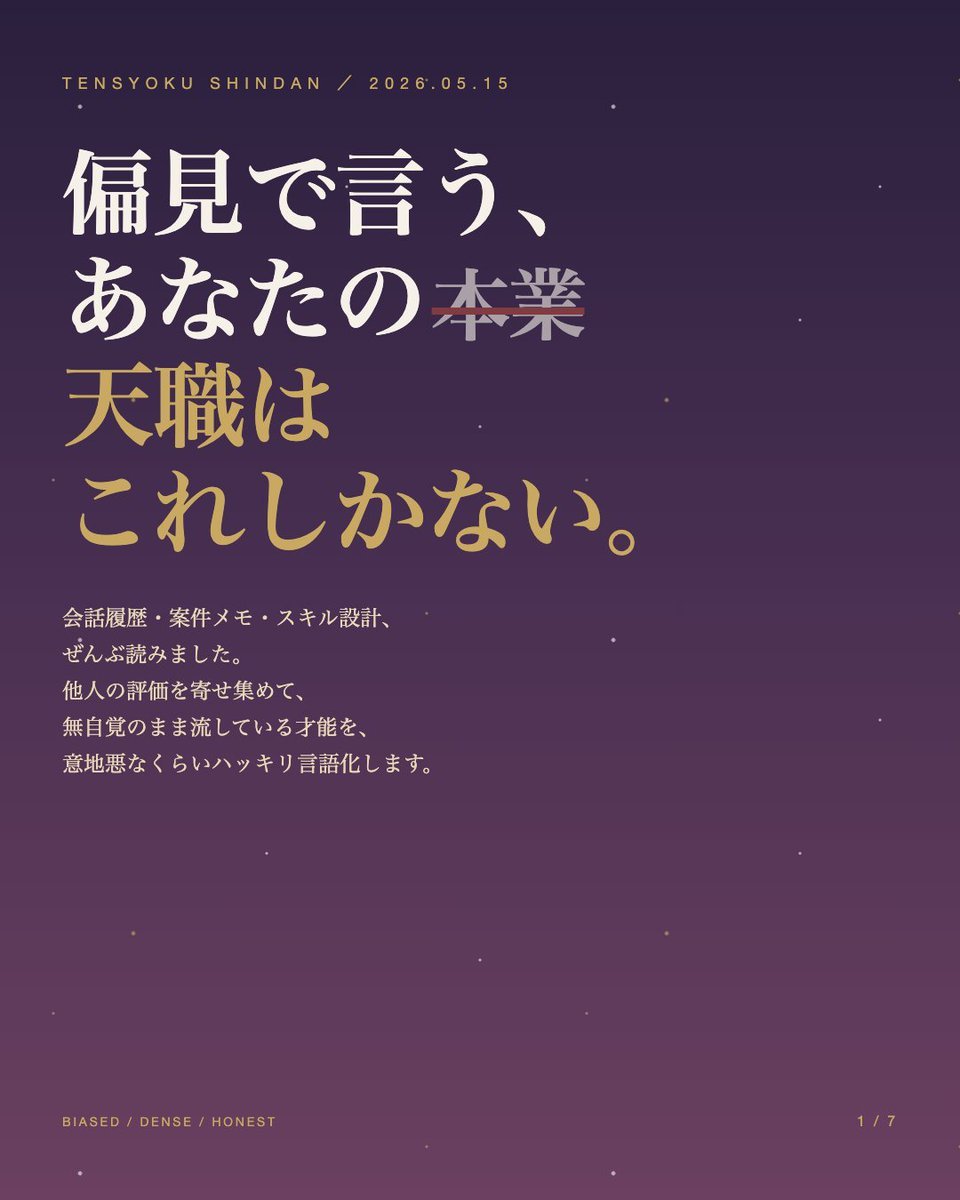
Japanese Career Diagnosis Cover
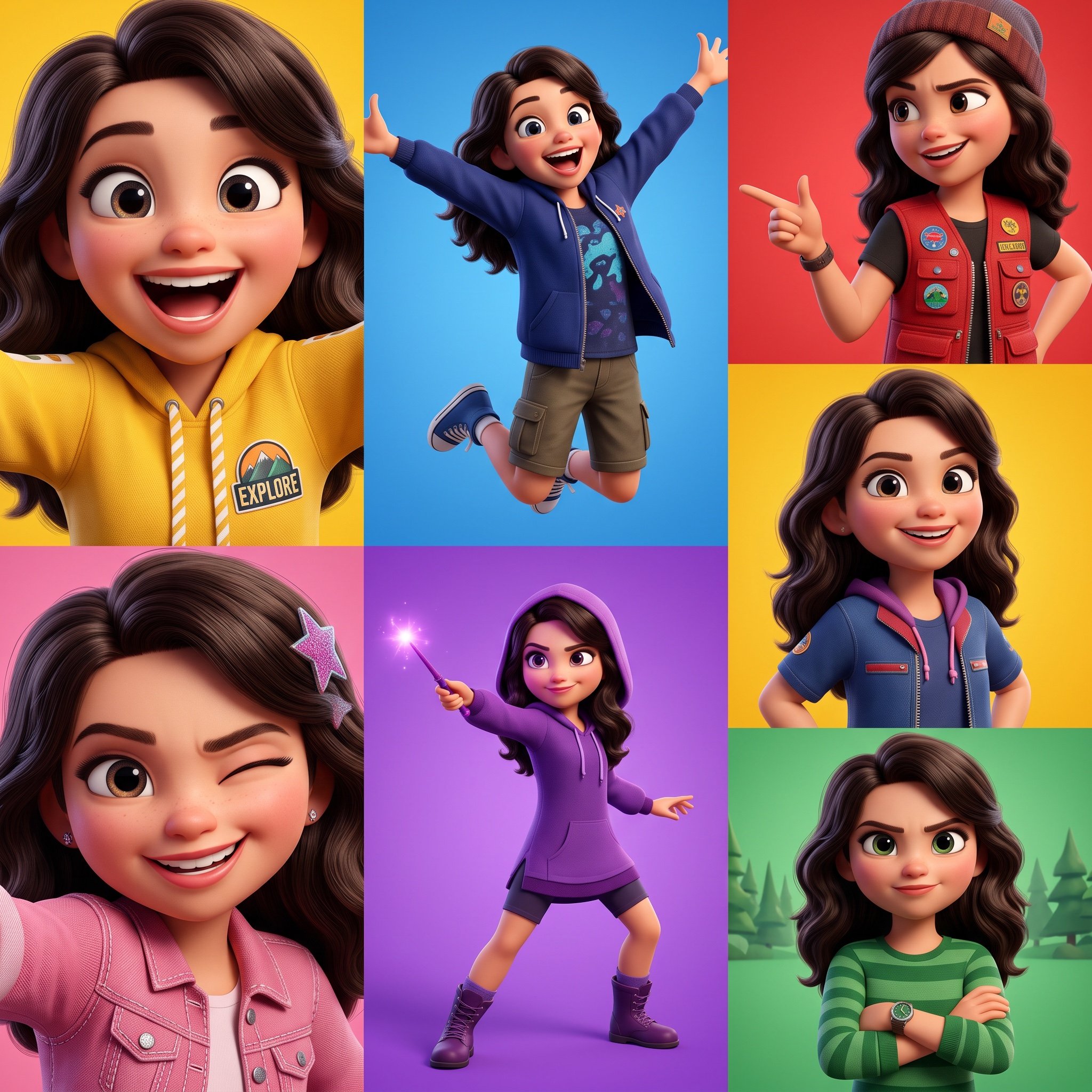
3D Pixar-Style Animated Character Grid Prompt
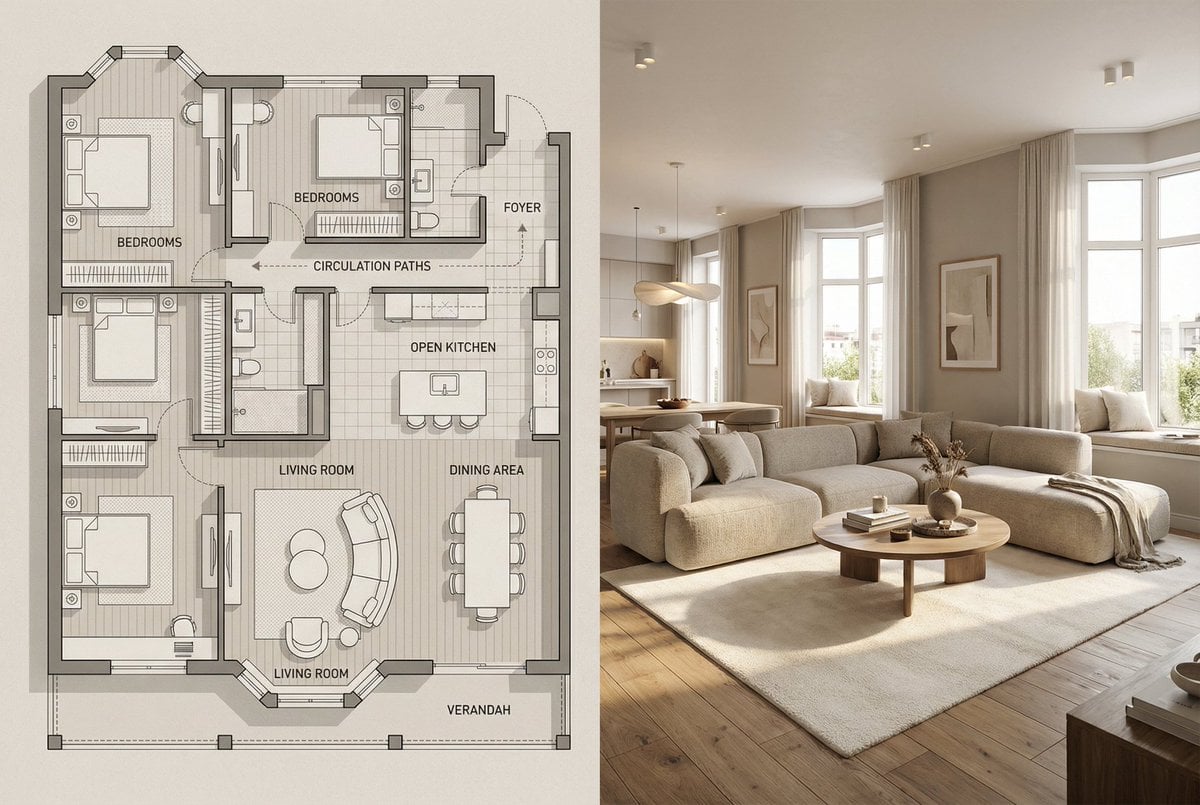
Architectural Floor Plan and Realistic Interior Photo Generation
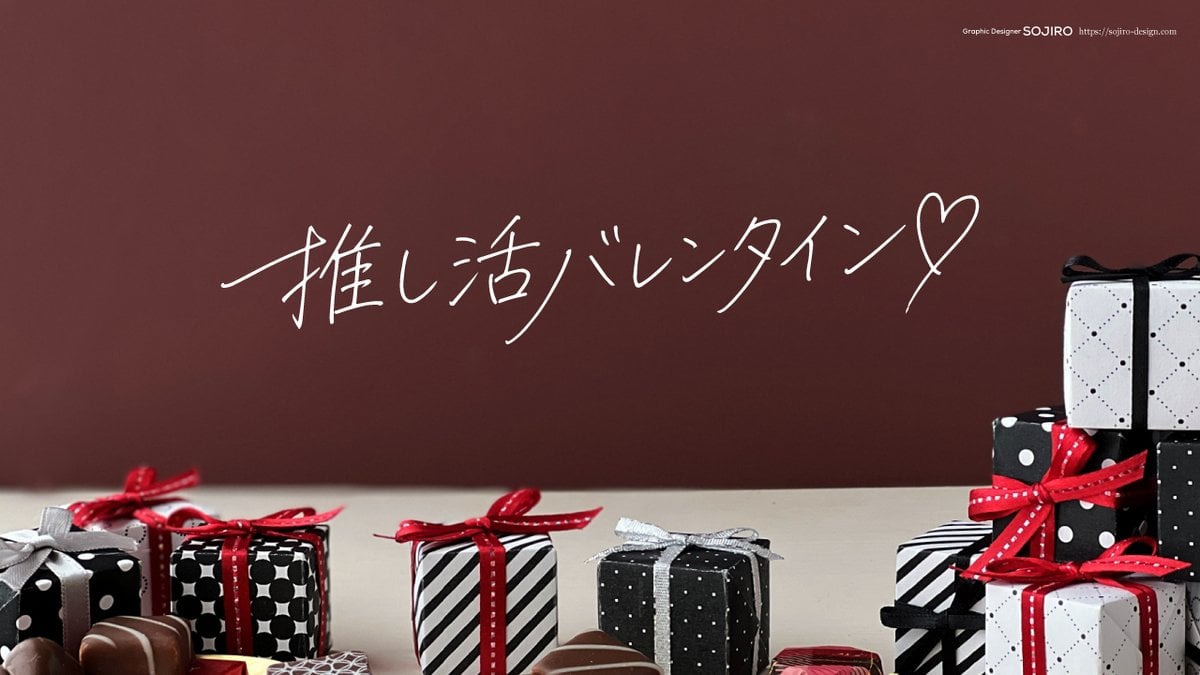
Nano Banana Pro Handwriting Generation Prompt
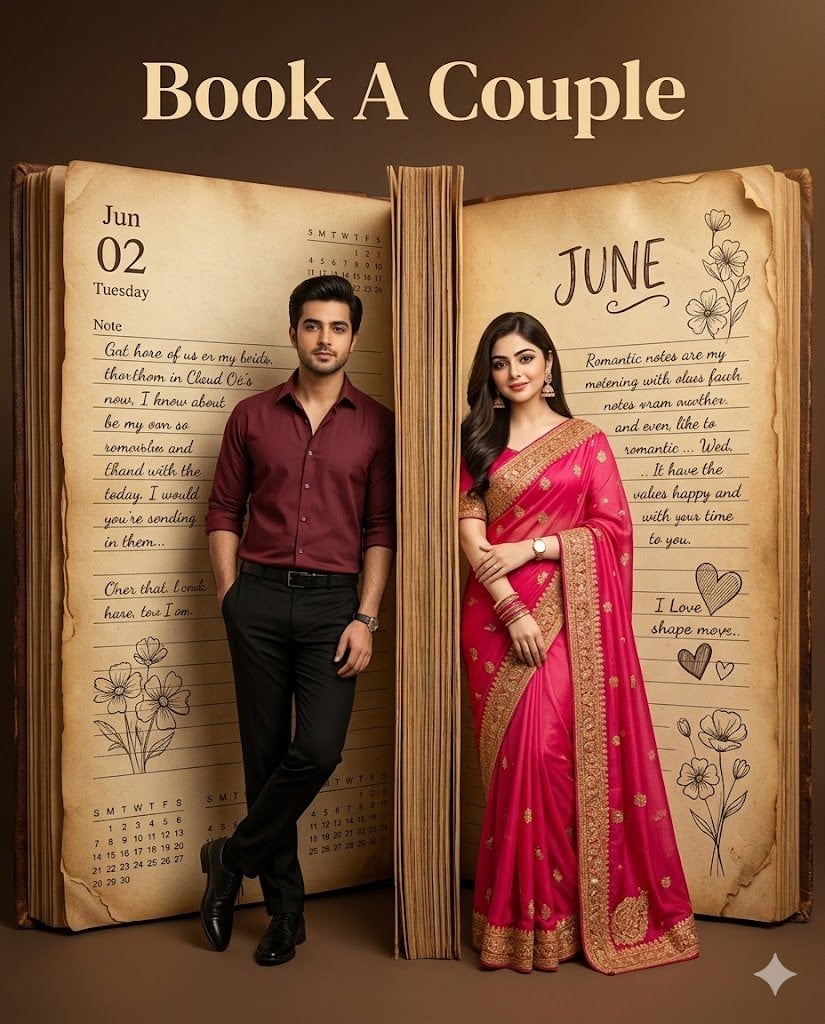
Giant Vintage Diary Couple Poster
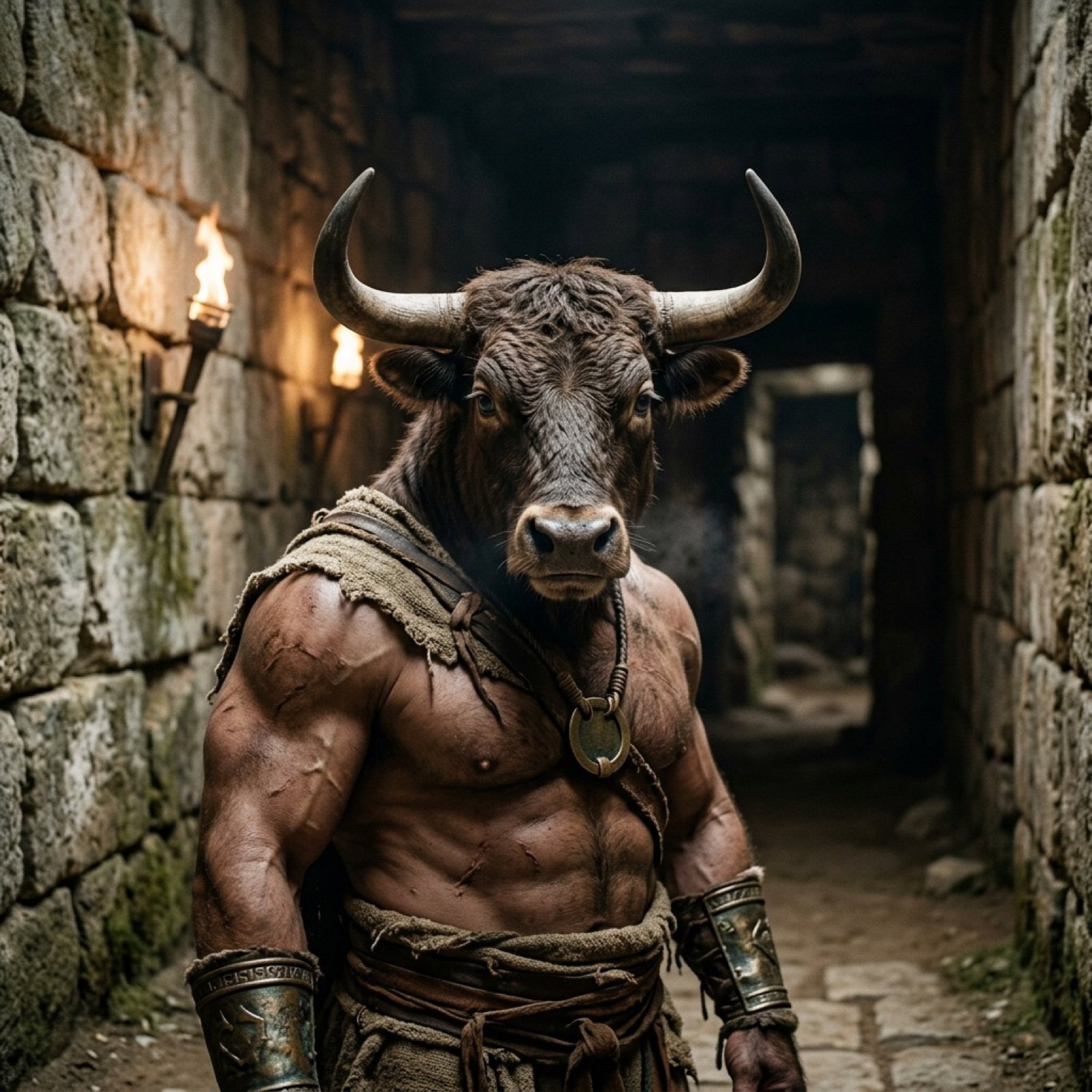
Photorealistic Minotaur Mythology Prompt
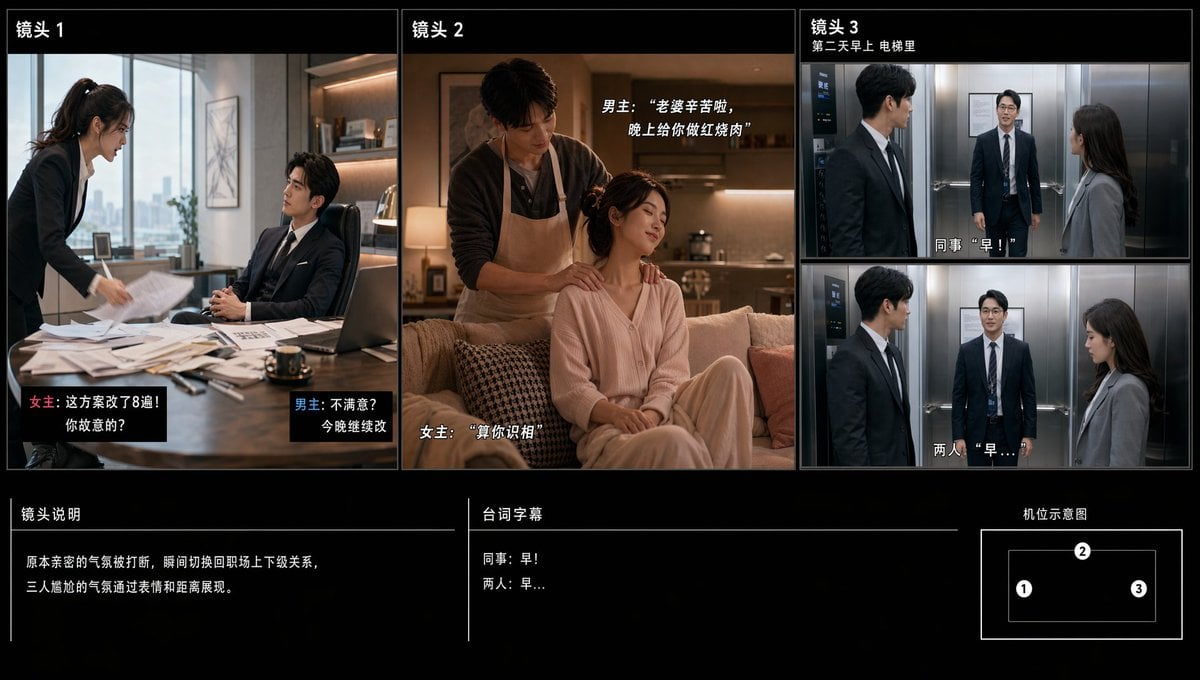
Chinese Drama Storyboard Sheet
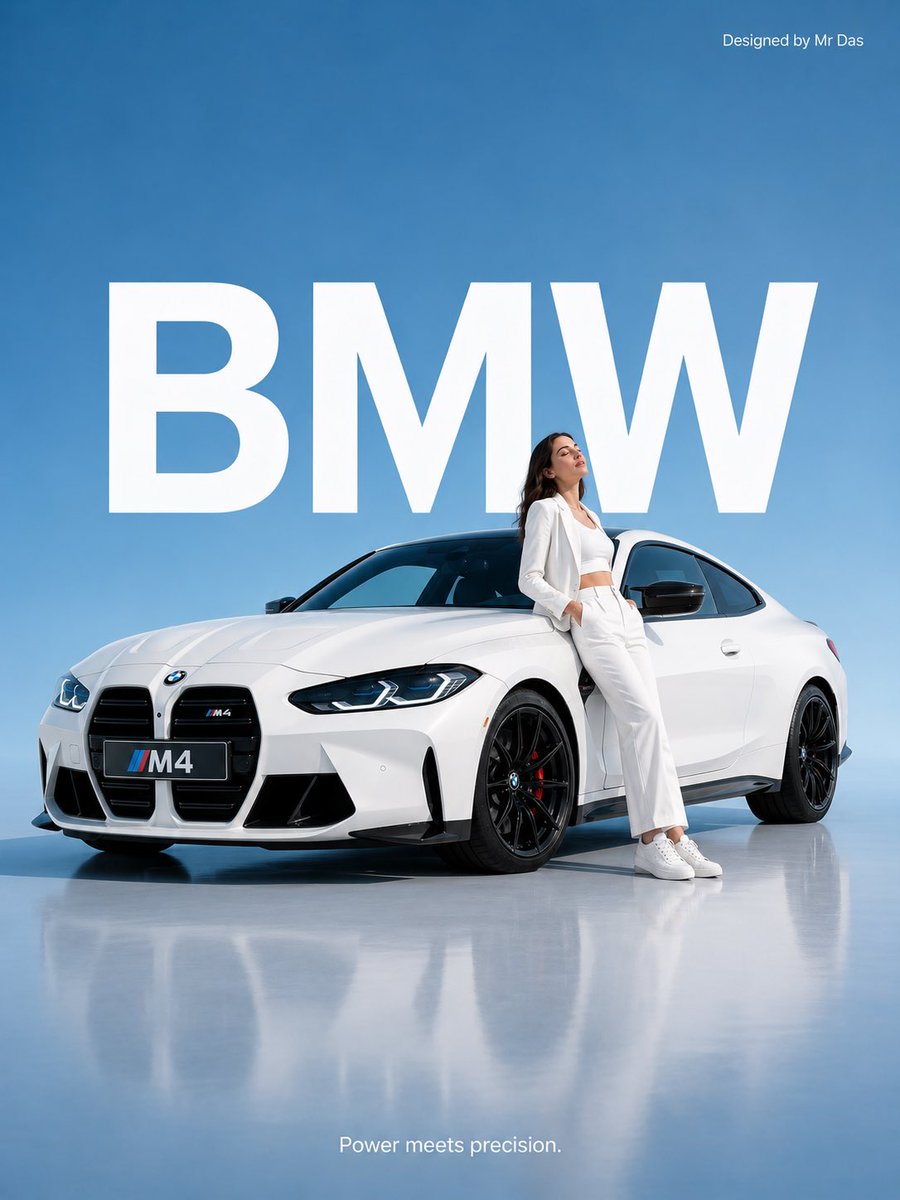
Minimalist BMW Commercial Ad
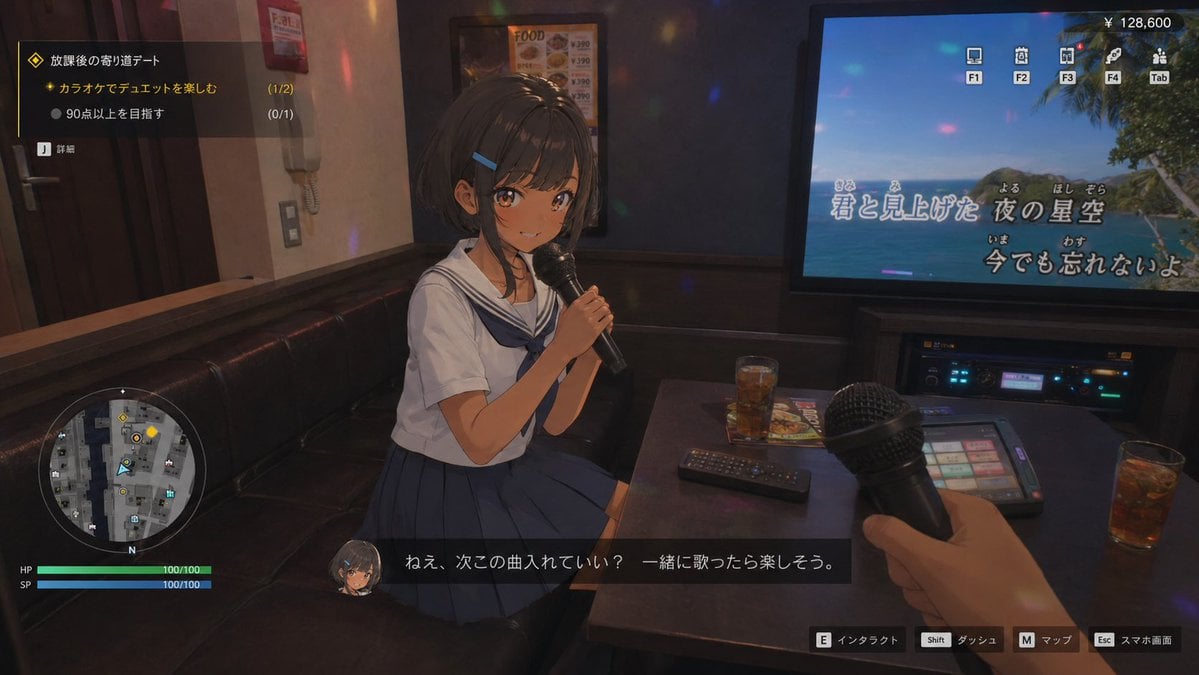
3D Anime RPG Gameplay Screen
Browse template categories
Paris Fashion Editorial Portrait questions
How do I use the Paris Fashion Editorial Portrait template?
Add your photo if the template asks for one, edit the prompt if you like — the template's model and format are already selected — and press Generate. Your version opens in PicX Studio.
Can I customize the Paris Fashion Editorial Portrait template?
Yes. You can change the subject, setting, lighting, mood, format, and available model controls before creating your image.
Is the Paris Fashion Editorial Portrait template free?
Opening and editing this template is free. Generating uses credits, shown on the Generate button when you are signed in.
Which AI model should I use?
Start with GPT Image 2, which is the model associated with this template. You can compare another compatible model for a different finish.
Looking for something else? Browse all templates.

Your photo, any look
Thousands of ready templates for every top image and video model, from one credit balance.