
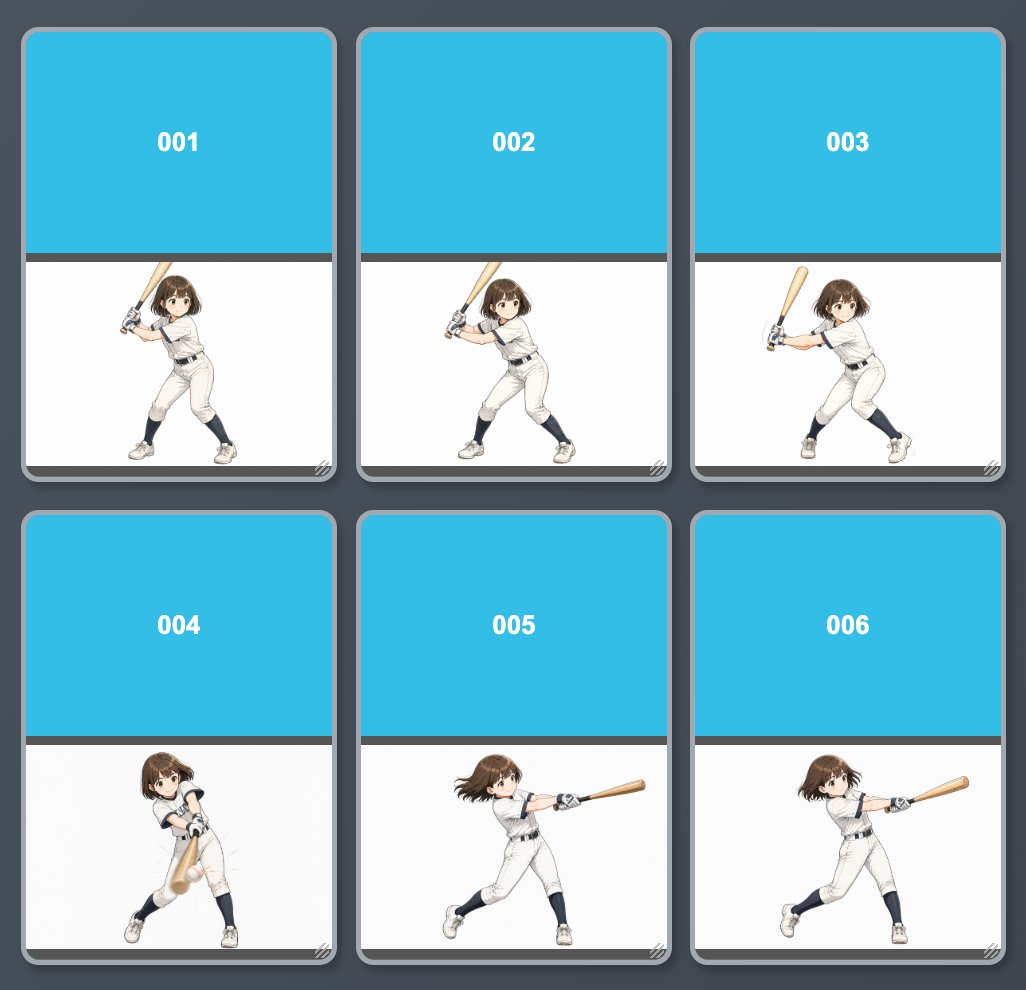
Anime Baseball Swing Keyframe Sheet
Generates a six-frame anime batting animation reference sheet for visualizing in-between poses in a clean card grid.
- Prompt included
- Model and format preset
- Premium template
The prompt behind this image
Copy the exact prompt behind Anime Baseball Swing Keyframe Sheet, or open it in the studio and make it yours.
Goal: Create an anime animation keyframe sheet showing a cute young female baseball batter progressing through a swing, like an in-between animation reference. Canvas: Square 1:1 image, dark slate-gray background, with a neat 3-column by 2-row grid of exactly 6 rounded rectangular cards. Each card has a thick medium-gray border, subtle shadow, and a small diagonal hatch mark detail in the bottom-right corner. Layout: Each of the 6 cards is vertically split into two sections: a large cyan-blue header occupying about the upper half, and a white illustration area occupying the lower half. A thin dark horizontal divider separates the header from the white area. Center a bold white frame number in each cyan header. Frame labels: Use exactly 6 labels, one per card, in this order from left to right, top row then bottom row: "001", "002", "003", "004", "005", "006". Subject details: The character is {argument name="character description" default="a petite anime girl baseball player with short brown bobbed hair and large expressive eyes"}. She wears {argument name="baseball uniform" default="a white baseball uniform with dark navy trim, dark undershirt, navy socks, white cleats, and batting gloves"}. She holds {argument name="bat style" default="a light wooden baseball bat"}. Render the same character consistently across all 6 cards. Action sequence: Show exactly 6 distinct batting poses: 001 backswing stance with bat raised behind the shoulder and body turned sideways; 002 slightly more open ready stance with the bat still cocked; 003 forward weight shift with the bat beginning to travel; 004 contact or near-contact pose with the bat sweeping downward across the body; 005 full swing extension with hair flowing and the bat stretched horizontally forward; 006 follow-through extension, similar to 005 but slightly farther through the swing. Keep the player small enough to fit comfortably inside the white lower area of each card. Visual style: Clean anime illustration, soft watercolor-like shading, crisp line art, bright polished sports-character look, minimal background, no extra props besides the bat. Use a simple UI-card presentation rather than a realistic environment. Constraints: Include exactly 6 cards and exactly 6 numbered headers. Do not add extra captions, logos, watermarks, baseball field scenery, or additional characters.
How to use Anime Baseball Swing Keyframe Sheet in 3 steps
- 1Upload ImagePNG, JPG or paste
Add your photo
Upload the photo the template builds on. The prompt, model and format are already set.
- 2…a portrait of your subject in softgolden-hour light, 85mm…
Personalize
Edit the subject and creative details for your destination.
- 3Generate
Generate
Press Generate — your image is created in PicX Studio, so you can compare it with the original and refine one variable at a time.
More like this
Templates with the same subject, style or setup. Open one to see its prompt.












Make it yours
Anime Baseball Swing Keyframe Sheet works as-is. These are the safest ways to change it without losing the look.
Change one field
Copy a single group, rewrite it, and generate again so you can see what that field is doing.
Keep the frame, change the subject
Hold the composition and light of Anime Baseball Swing Keyframe Sheet, then swap wardrobe, props or the person for a new take.
| If the result… | Why | Fix |
|---|---|---|
| The result drifts from the preview | Too many fields changed at once. | Reuse Anime Baseball Swing Keyframe Sheet as-is first, then change one group — subject, light, or setting. |
| The model over-stylizes the scene | The prose prompt leaves finish and camera underspecified. | Add one camera or lighting sentence and stay on GPT Image 2. |
More GPT Image 2 templates
Other prompts made for GPT Image 2.

Six VTuber Japanese Logo Sheet

Realistic Portrait of Woman and Deer

The Vista Modular Condo Poster

AI Model Routing Comparison Infographic

2.5D Anime Art Board

Isometric Productivity Desk Scene

New York Double Exposure Poster

Four-Panel AI Landscape Comparison

Japanese Tatami Lifestyle Magazine Cover

NESCAFÉ Coffee Map Poster
More image prompts
Fresh picks from across the catalog.

Luis Miguel as K-Pop Star in Gangnam

Cozy Kitchen Late Night Baking Portrait
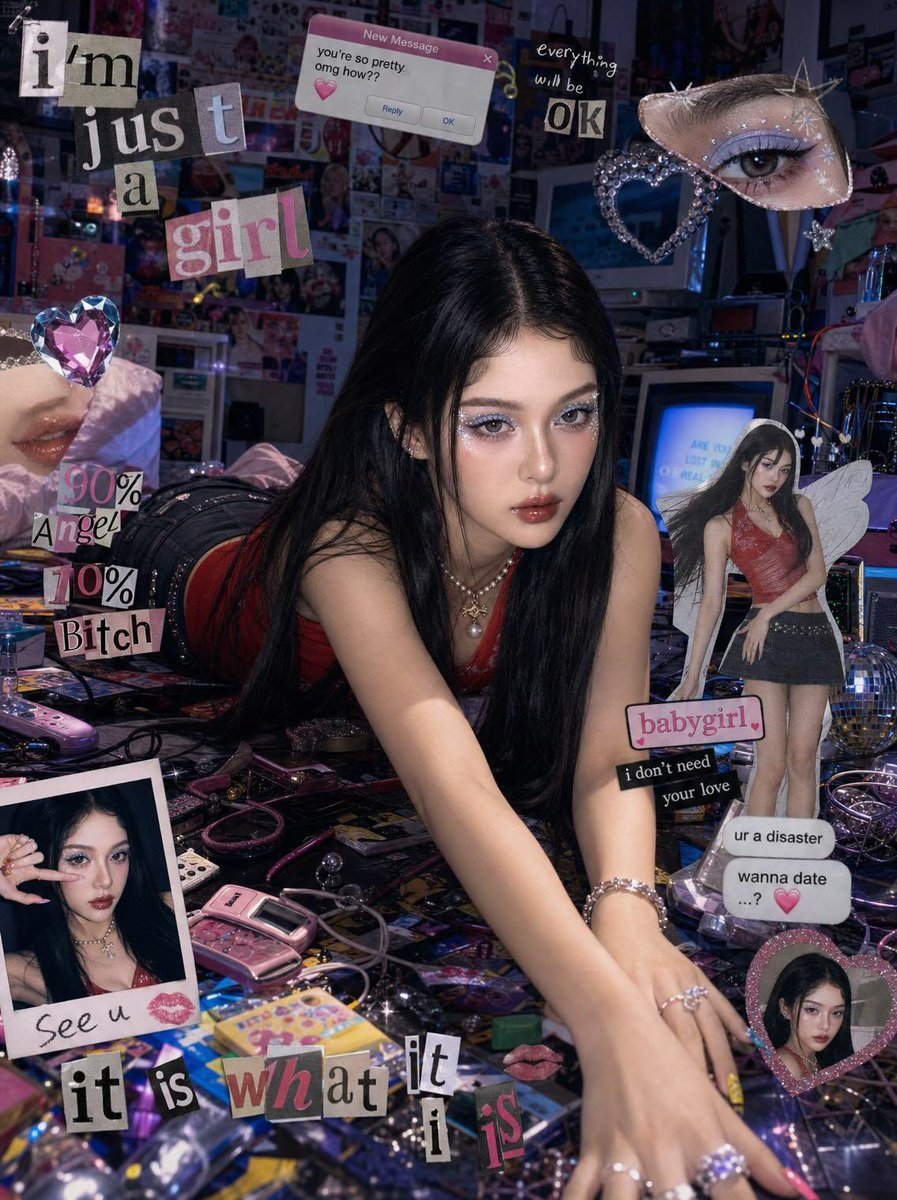
Chaotic Y2K Cyber-Pop Editorial Portrait
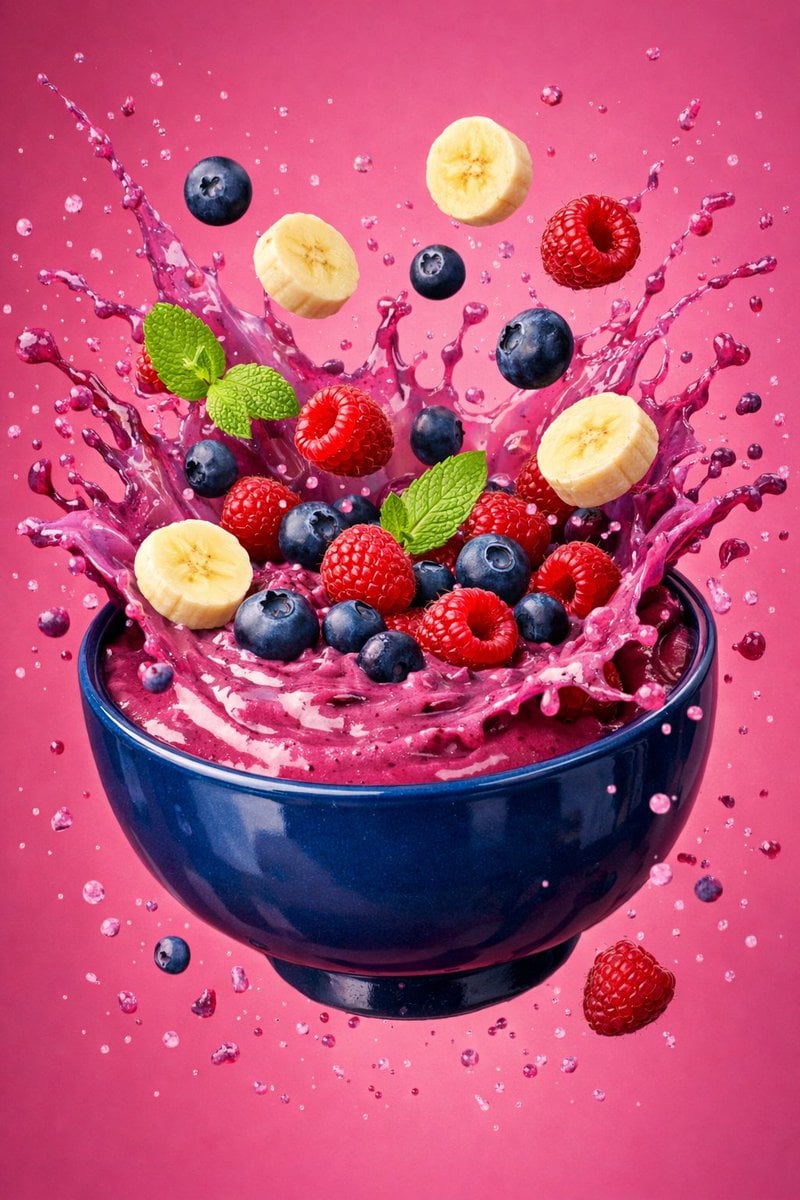
Hyper-Realistic Berry Smoothie Explosion Food Photography Prompt

3D Cartoon Character: Hip-Hop Boy in Pixar Style
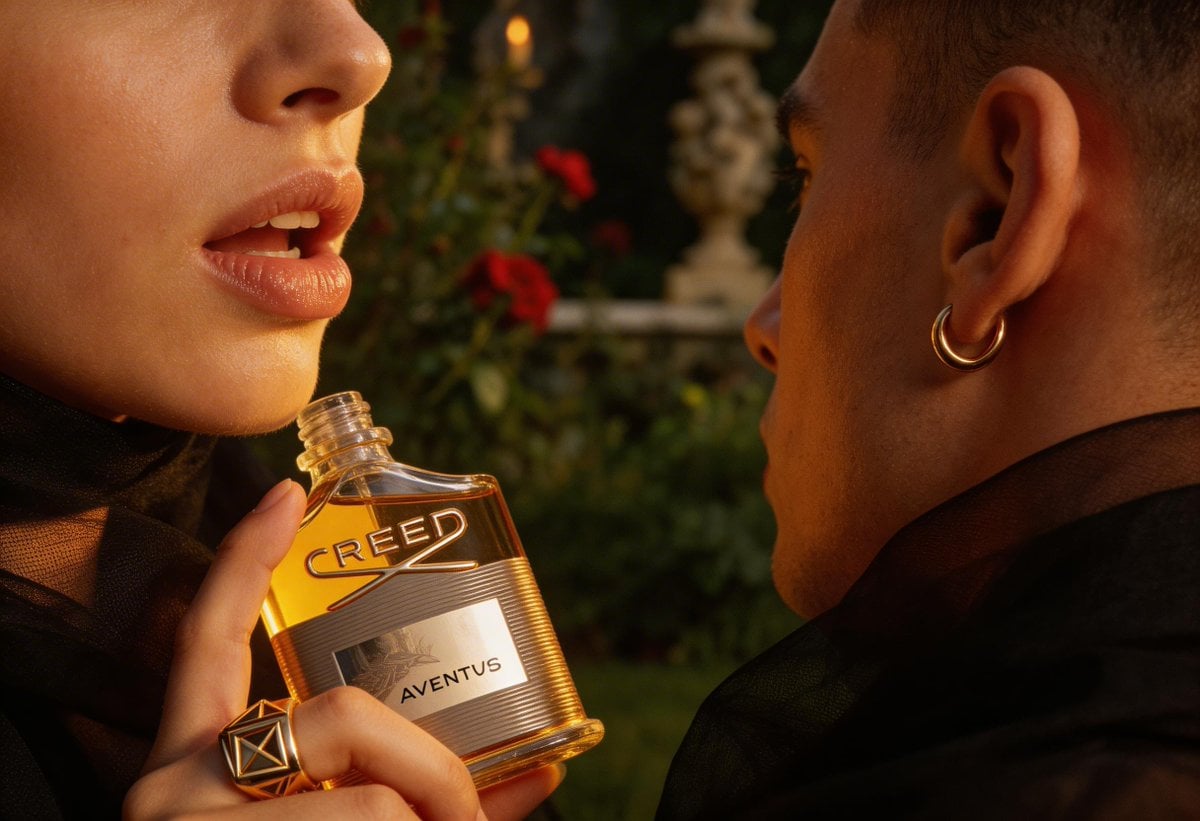
High-End Fashion Editorial Close-up (Creed Aventus)
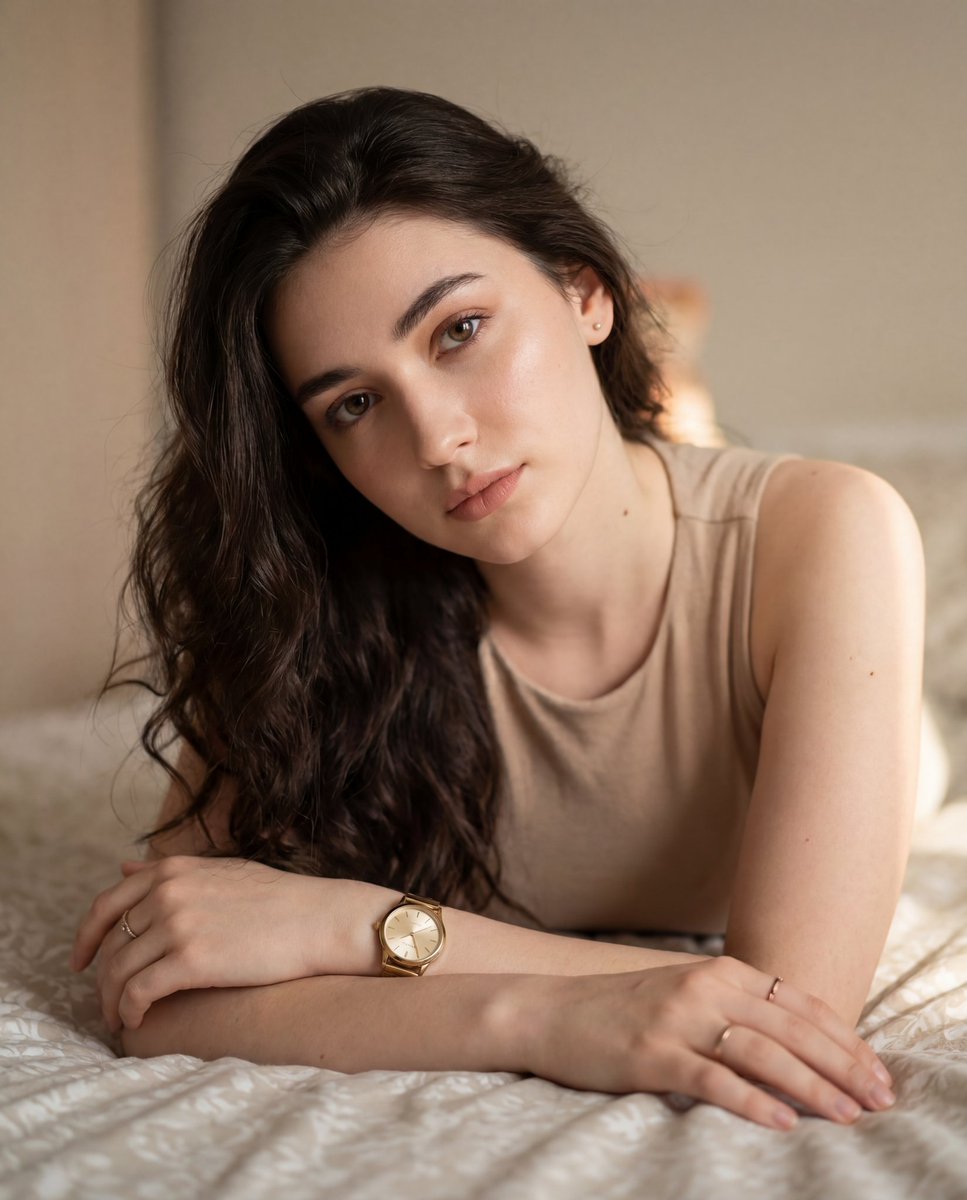
Colored Pencil Illustration Style Prompt
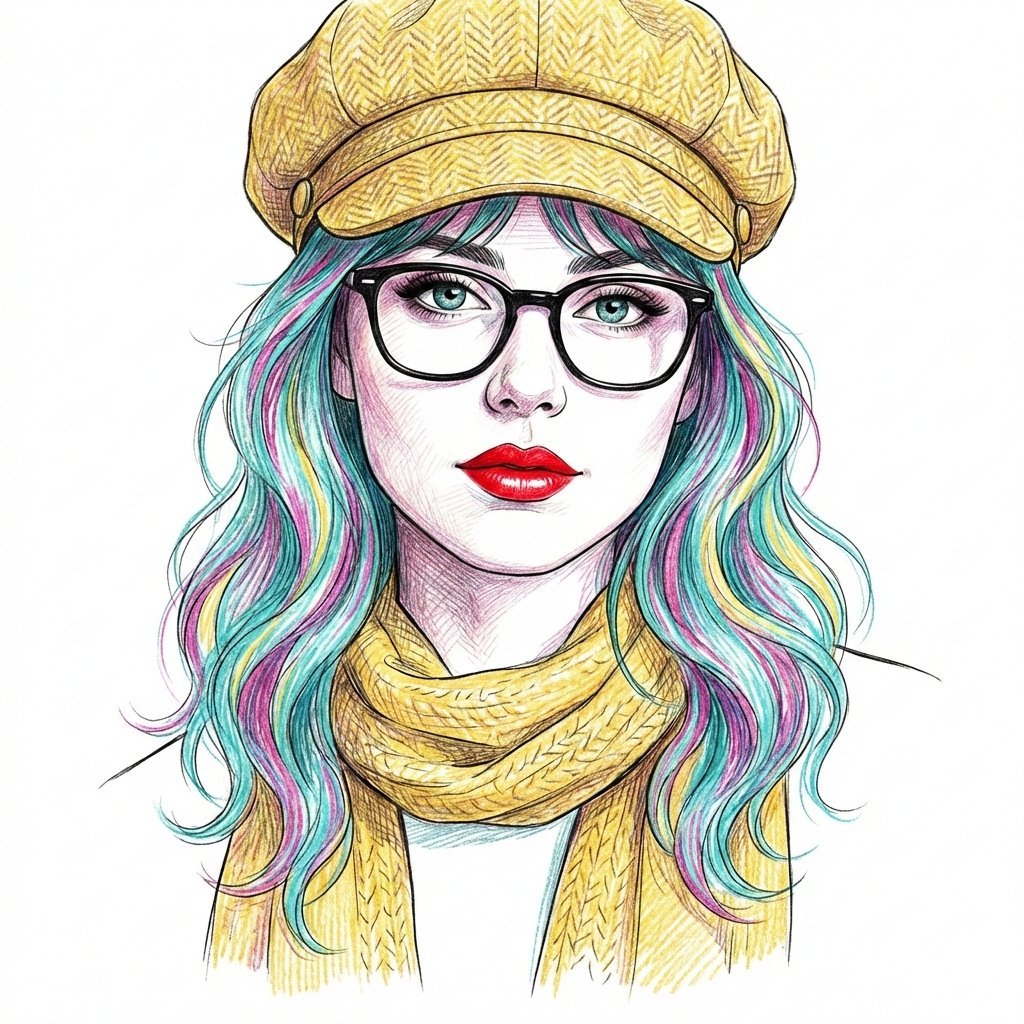
Digital Line Art Portrait Illustration
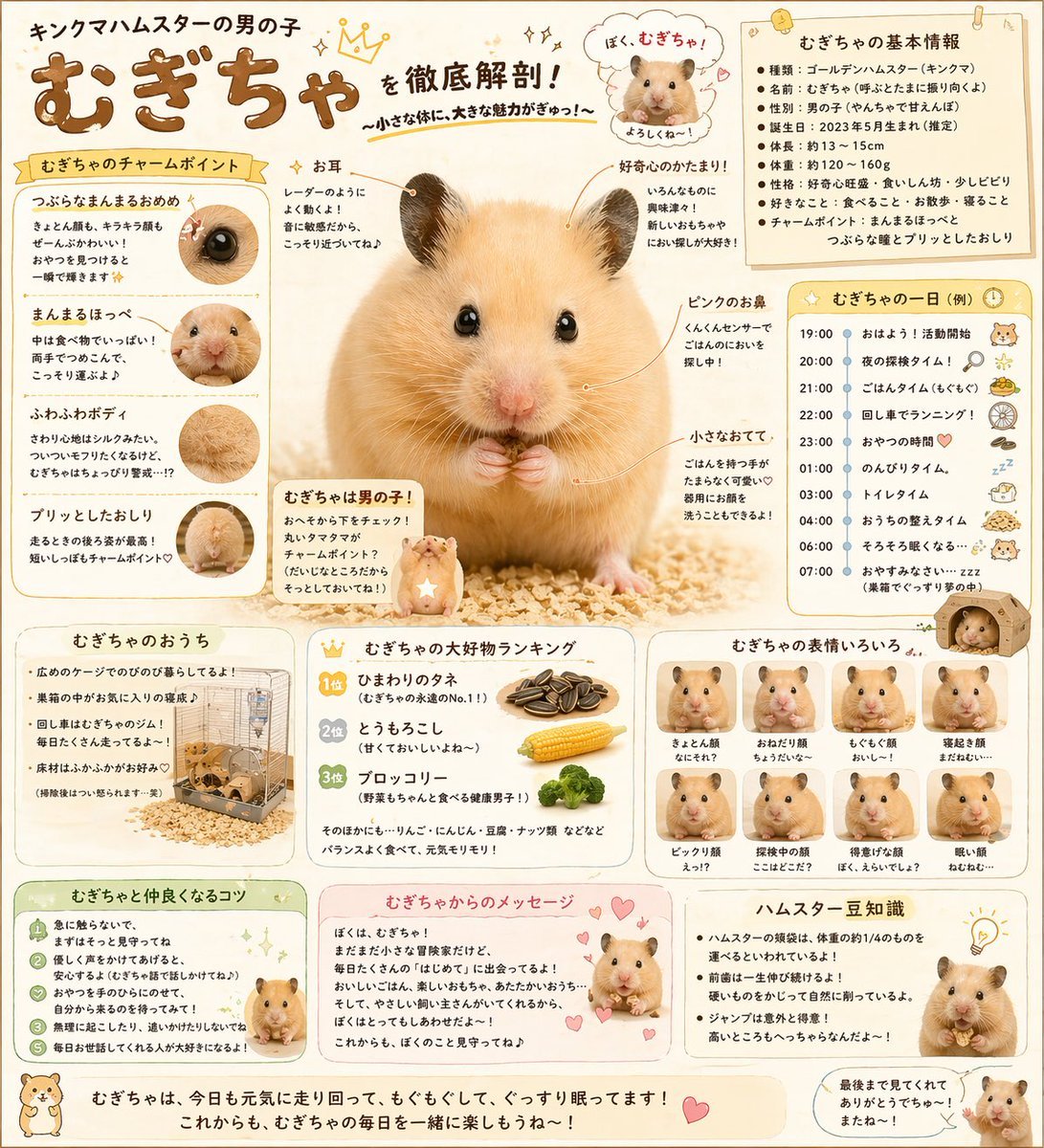
Cute Japanese Hamster Infographic
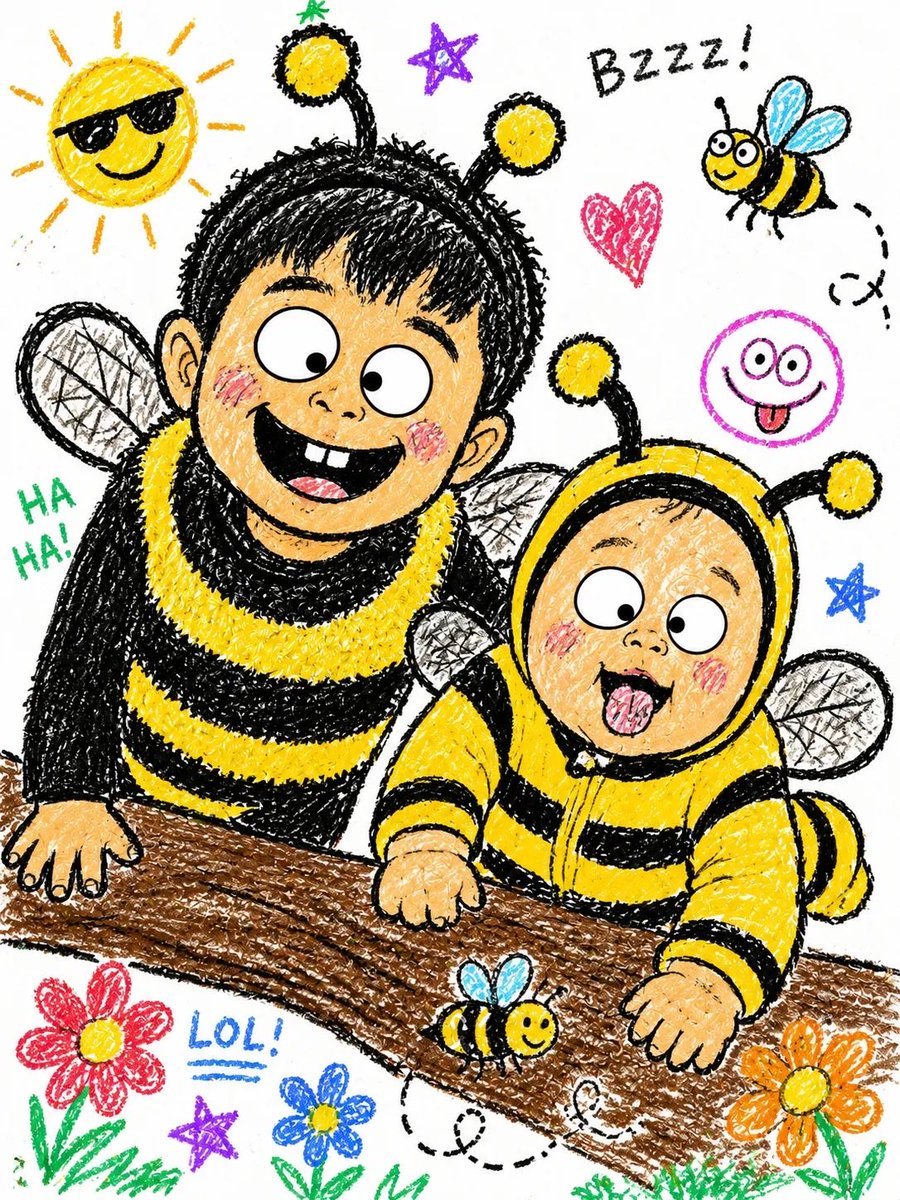
Crayon Style Illustrated Portraits
Browse template categories
Anime Baseball Swing Keyframe Sheet questions
How do I use the Anime Baseball Swing Keyframe Sheet template?
Add your photo if the template asks for one, edit the prompt if you like — the template's model and format are already selected — and press Generate. Your version opens in PicX Studio.
Can I customize the Anime Baseball Swing Keyframe Sheet template?
Yes. You can change the subject, setting, lighting, mood, format, and available model controls before creating your image.
Is the Anime Baseball Swing Keyframe Sheet template free?
Opening and editing this template is free. Generating uses credits, shown on the Generate button when you are signed in.
Which AI model should I use?
Start with GPT Image 2, which is the model associated with this template. You can compare another compatible model for a different finish.
Looking for something else? Browse all templates.

Your photo, any look
Thousands of ready templates for every top image and video model, from one credit balance.