How do I use the Futuristic Dark Samurai Portrait template?
Edit the prompt in the box under the preview — the template's model and format are already selected — and press Generate. Your version appears right on this page.
A cinematic text-to-image prompt for generating a photorealistic cyber-samurai warrior in black armor with a gas mask and smoky red-lit atmosphere.

This template uses your photo — add one with the + button.
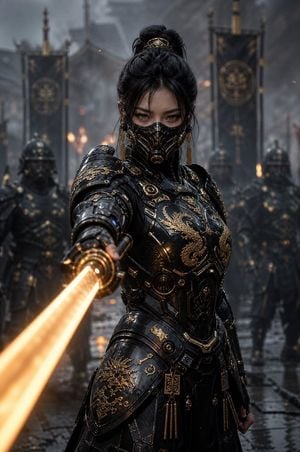
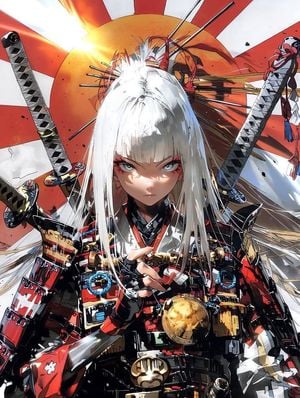
Create a cinematic dark fantasy portrait of a futuristic samurai warrior standing in a smoky interior, framed from mid-torso upward and turned slightly three-quarters to the viewer's left. The warrior wears {argument name="armor color" default="matte black"} tactical samurai armor with layered shoulder plates, small metal charms and engraved plaques, leather straps, buckles, braided rope cords, and a chest plate marked with a {argument name="chest emblem" default="red horned crescent clan symbol"}. The helmet is a modernized kabuto with tall sweeping crescent antlers, a round crest medallion on the brow, scuffed black metal, and a full respirator gas mask with twin circular filters, angular face plating, and a dark tinted visor that hides the eyes. Use richly textured black brocade fabric under the armor, subtle red stitching and accents, worn edges, scratches, dust, and realistic metal reflections. Behind the figure, place one vertical red-orange banner on the left side with large blurred black Japanese calligraphy, reading {argument name="banner text" default="赤砂鬼"}, while the rest of the background fades into deep charcoal shadow. Atmosphere should be moody and cinematic with drifting smoke at the lower left, warm red rim light from the banner side, cool dim fill light from the right, shallow depth of field, high-detail photorealistic rendering, dramatic contrast, square composition, no visible face, no extra characters, no readable text except the banner calligraphy.
Create a cinematic dark fantasy portrait of a futuristic samurai warrior standing in a smoky interior, framed from mid-torso upward and turned slightly three-quarters to the viewer's left. The warrior wears {argument name="armor color" default="matte black"} tactical samurai armor with layered shoulder plates, small metal charms and engraved plaques, leather straps, buckles, braided rope cords, and a chest plate marked with a {argument name="chest emblem" default="red horned crescent clan symbol"}. The helmet is a modernized kabuto with tall sweeping crescent antlers, a round crest medallion on the brow, scuffed black metal, and a full respirator gas mask with twin circular filters, angular face plating, and a dark tinted visor that hides the eyes. Use richly textured black brocade fabric under the armor, subtle red stitching and accents, worn edges, scratches, dust, and realistic metal reflections. Behind the figure, place one vertical red-orange banner on the left side with large blurred black Japanese calligraphy, reading {argument name="banner text" default="赤砂鬼"}, while the rest of the background fades into deep charcoal shadow. Atmosphere should be moody and cinematic with drifting smoke at the lower left, warm red rim light from the banner side, cool dim fill light from the right, shallow depth of field, high-detail photorealistic rendering, dramatic contrast, square composition, no visible face, no extra characters, no readable text except the banner calligraphy.
Edit the prompt in the box under the preview — the template's model and format are already selected — and press Generate. Your version appears right on this page.
Yes. You can change the subject, setting, lighting, mood, format, and available model controls before creating your image.
Opening and editing this template is free. Generating uses credits, shown on the Generate button when you are signed in.
Start with GPT Image 2, which is the model associated with this template. You can compare another compatible model for a different finish.
Follow a topic to a crawlable collection of related PicX Studio templates.