How do I use the Anime Spy School Movie Poster template?
Edit the prompt in the box under the preview — the template's model and format are already selected — and press Generate. Your version appears right on this page.
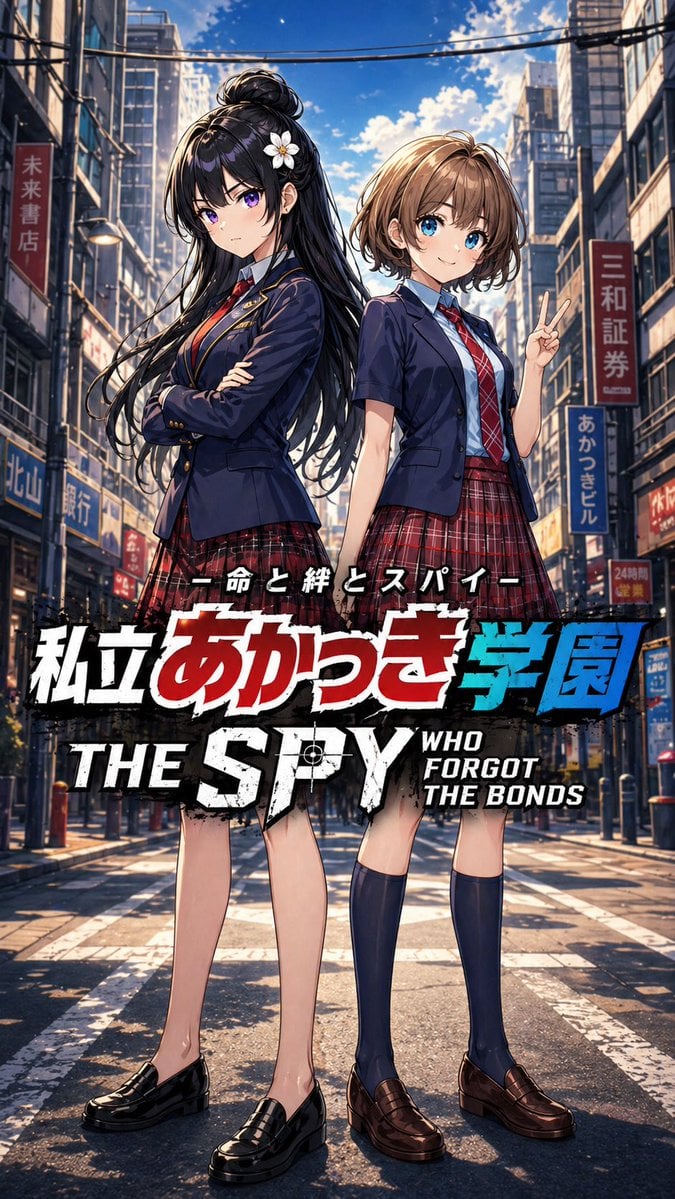
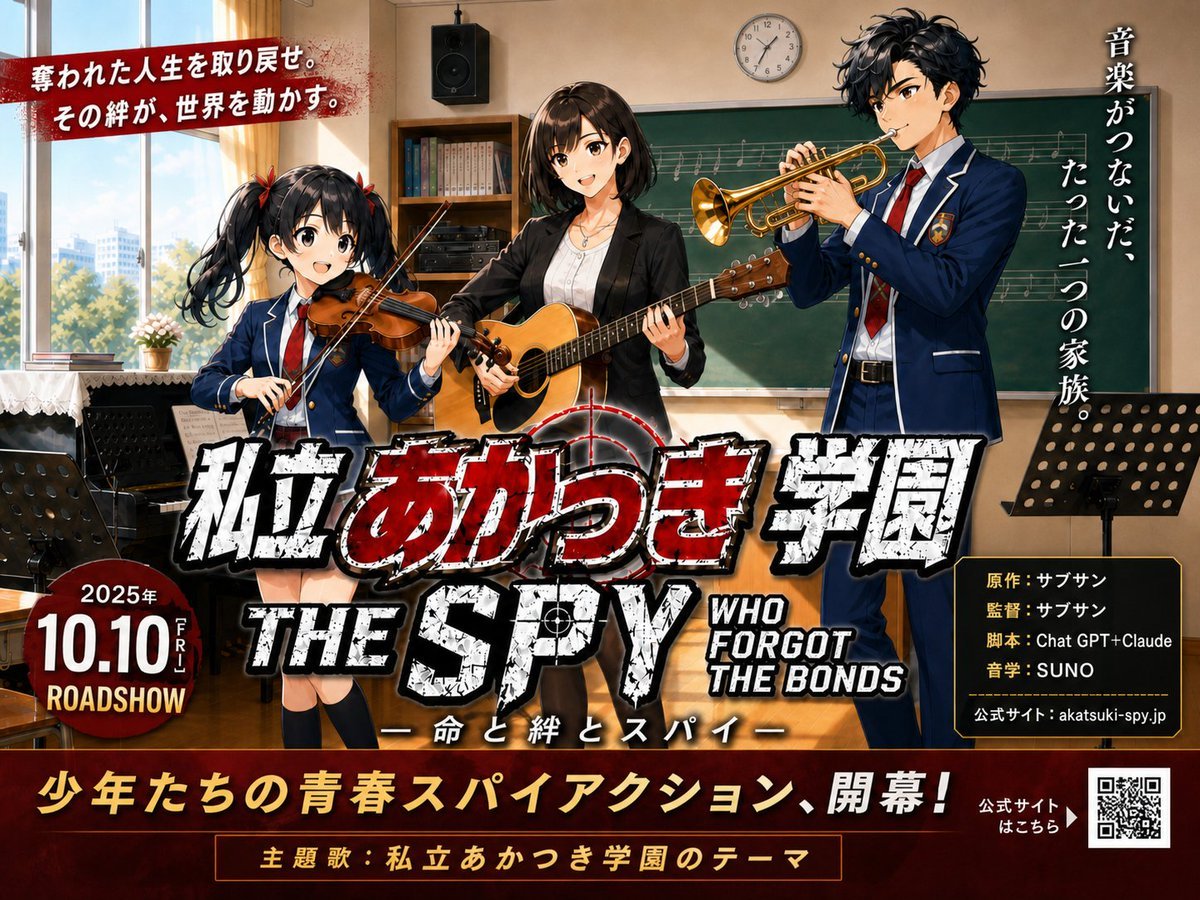
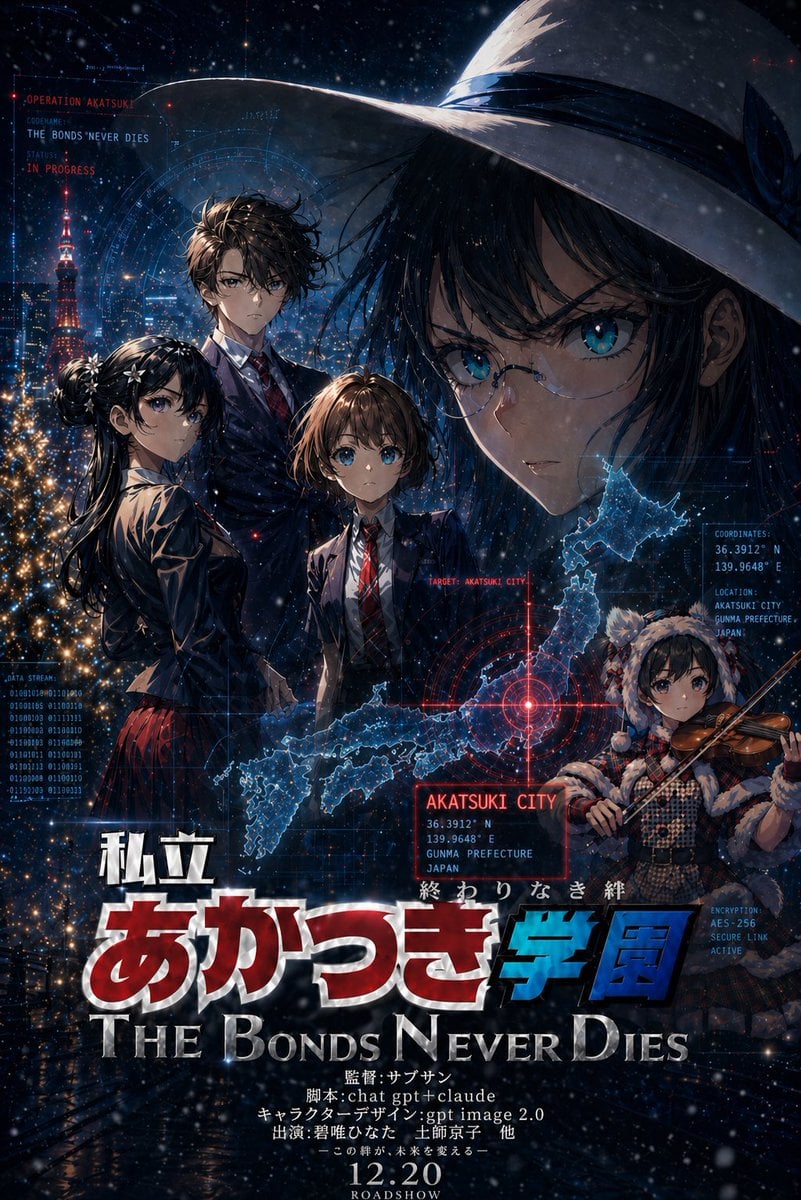
Generates a vertical cinematic anime spy-school film poster with a gun-barrel composition, cherry blossoms, a lone schoolgirl, and bold Japanese-English title typography.

This template uses your photo — add one with the + button.
{ "type": "cinematic anime movie poster", "format": "vertical theatrical one-sheet poster, high contrast, glossy print texture", "main concept": "a spy-thriller school drama poster combining a James Bond gun-barrel spiral with cherry blossom spring scenery and a lone schoolgirl protagonist", "title text": { "large Japanese title": "{argument name=\"Japanese title text\" default=\"私立 あかつき学園\"}", "English title": "{argument name=\"English title text\" default=\"THE SPY WHO FORGOT THE BONDS\"}", "subtitle": "ー命と絆とスパイー", "bottom tagline": "{argument name=\"bottom tagline\" default=\"この春、ここから始まる。\"}", "vertical tagline": "{argument name=\"vertical tagline\" default=\"この春、音が侵食する。\"}", "credit line": "監督:サブサン 脚本:chat gpt+claude キャラクターデザイン:gpt image 2.0 出演:君唯ひなた 上師京子 他" }, "subject": { "count": 1, "description": "one anime teenage schoolgirl in profile walking left to right at the center of the poster, short tousled brown hair, serious calm expression, navy short-sleeve school blazer, white shirt, red necktie, red plaid skirt, dark knee-high socks, black loafers, reflected on a wet glossy floor", "pose": "side profile walking stride, arms relaxed, determined cinematic silhouette" }, "background": { "central aperture": "large circular gun-barrel opening framing a spring cityscape", "gun barrel": "black and gunmetal spiral rifling rings curling inward, sharp high-contrast arcs, metallic scratched texture", "inside circle": "Tokyo-like skyline at sunset under pink cherry blossoms, Tokyo Tower visible on the right, river or reflective plaza below, soft blue-pink dusk sky", "outer field": "dark navy and black spy-movie atmosphere with red ember-like particles on the left and electric blue streaks on the right" }, "petals and particles": { "cherry blossom petals": "many pink petals drifting diagonally across the whole image, some large foreground petals with motion blur", "effects": "red sparks, blue light streaks, smoky grain, cinematic dust, dramatic bloom" }, "layout": { "text blocks count": 6, "text blocks": [ {"position": "top center, vertical", "content": "この春、音が侵食する。", "style": "white vertical Japanese text with the words 音 and 侵食 in red"}, {"position": "lower left to center", "content": "私立 あかつき学園", "style": "huge cracked distressed Japanese lettering, white smaller top characters, red main characters, blue final characters, black shadows and metallic outlines"}, {"position": "lower center", "content": "THE SPY", "style": "large distressed white stencil block letters, red target crosshair inside the P"}, {"position": "lower right", "content": "WHO FORGOT THE BONDS", "style": "stacked white distressed condensed sans serif"}, {"position": "below title", "content": "ー命と絆とスパイー", "style": "small white Japanese subtitle"}, {"position": "bottom center", "content": "この春、ここから始まる。", "style": "bold white Japanese tagline"} ], "composition": "character centered in the circular opening above the title; title dominates the bottom third; strong radial focus from the gun barrel; poster credits sit above the bottom tagline" }, "style": "Japanese anime film poster, dramatic spy action typography, polished promotional key visual, ultra-detailed, cinematic lighting, crisp line art, painterly background, realistic reflections, 4K poster quality", "color palette": "black, gunmetal gray, cherry blossom pink, sunset lavender, crimson red, electric blue, distressed white", "avoid": "extra characters, blurry title, unreadable main lettering, low-resolution typography, watermark, logo, photorealistic humans" }
Edit the prompt in the box under the preview — the template's model and format are already selected — and press Generate. Your version appears right on this page.
Yes. You can change the subject, setting, lighting, mood, format, and available model controls before creating your image.
Opening and editing this template is free. Generating uses credits, shown on the Generate button when you are signed in.
Start with GPT Image 2, which is the model associated with this template. You can compare another compatible model for a different finish.
Follow a topic to a crawlable collection of related PicX Studio templates.