
Anime Researcher Night Office
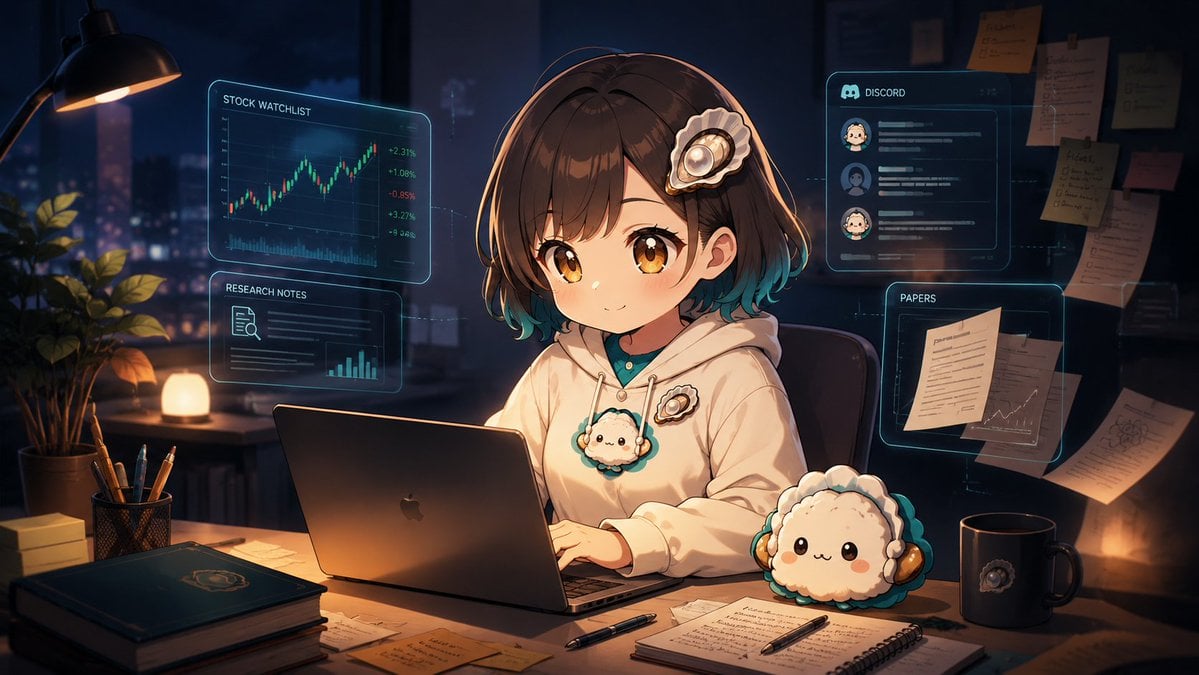
A cinematic anime illustration prompt for creating a cozy late-night researcher workspace with holographic finance, notes, Discord, and papers panels.
- Prompt included
- Model and format preset
- Free template
The prompt behind this image
Copy the exact prompt behind Anime Researcher Night Office, or open it in the studio and make it yours.
Create a cinematic anime-style illustration of {argument name="character name" default="a cute young female researcher"} working late at night in a cozy high-tech home office. She sits centered at a wooden desk, smiling gently while typing on an open dark laptop, with short glossy brown bob hair fading to teal at the tips, large amber eyes, soft blush, and a decorative seashell-like hair clip. She wears an oversized cream hoodie with teal accents and a small fluffy mascot badge on the chest. The room is dim and warm, lit by a black desk lamp on the upper left, a small glowing lamp near the window, and orange desk reflections, with a rainy or hazy night city skyline visible through the large window behind her. Surround her with exactly four translucent cyan holographic interface panels: one left upper panel labeled “STOCK WATCHLIST” showing a rising candlestick chart with green and red values, one left middle panel labeled “RESEARCH NOTES” with a document icon and small bar chart, one right upper panel labeled “DISCORD” with three visible user avatar rows and message lines, and one right middle panel labeled “PAPERS” showing pinned documents and a small line graph. The desk contains exactly eight prominent physical objects besides the laptop: a potted leafy plant, a pencil cup with pens, a stack of two books, loose sticky notes and papers, a spiral notebook with handwritten notes, two black pens, a dark mug with a small mascot emblem, and a plush round fluffy mascot with headphones. In the background on the right, include a bulletin board or wall with multiple pinned notes and papers, softly out of focus. Use rich blue-black shadows, warm amber highlights, teal hologram glow, detailed anime rendering, shallow depth of field, high detail, polished gpt-image-2 aesthetic, 16:9 widescreen composition, no watermark, no extra readable text beyond the specified panel labels.
How to use Anime Researcher Night Office in 3 steps
- 1Upload ImagePNG, JPG or paste
Add your photo
Upload the photo the template builds on. The prompt, model and format are already set.
- 2…a portrait of your subject in softgolden-hour light, 85mm…
Personalize
Edit the subject and creative details for your destination.
- 3Generate
Generate
Press Generate — your image is created in PicX Studio, so you can compare it with the original and refine one variable at a time.
More like this
Templates with the same subject, style or setup. Open one to see its prompt.











Make it yours
Anime Researcher Night Office works as-is. These are the safest ways to change it without losing the look.
Change one field
Copy a single group, rewrite it, and generate again so you can see what that field is doing.
Keep the frame, change the subject
Hold the composition and light of Anime Researcher Night Office, then swap wardrobe, props or the person for a new take.
| If the result… | Why | Fix |
|---|---|---|
| The result drifts from the preview | Too many fields changed at once. | Reuse Anime Researcher Night Office as-is first, then change one group — subject, light, or setting. |
| The model over-stylizes the scene | The prose prompt leaves finish and camera underspecified. | Add one camera or lighting sentence and stay on GPT Image 2. |
More GPT Image 2 templates
Other prompts made for GPT Image 2.

Six VTuber Japanese Logo Sheet

Realistic Portrait of Woman and Deer

The Vista Modular Condo Poster

AI Model Routing Comparison Infographic

2.5D Anime Art Board

Isometric Productivity Desk Scene

New York Double Exposure Poster

Four-Panel AI Landscape Comparison

Japanese Tatami Lifestyle Magazine Cover

NESCAFÉ Coffee Map Poster
More image prompts
Fresh picks from across the catalog.
LEGO Set Recreation Prompt for Nano Banana Pro
Style Transfer Prompt for Scientist Poster
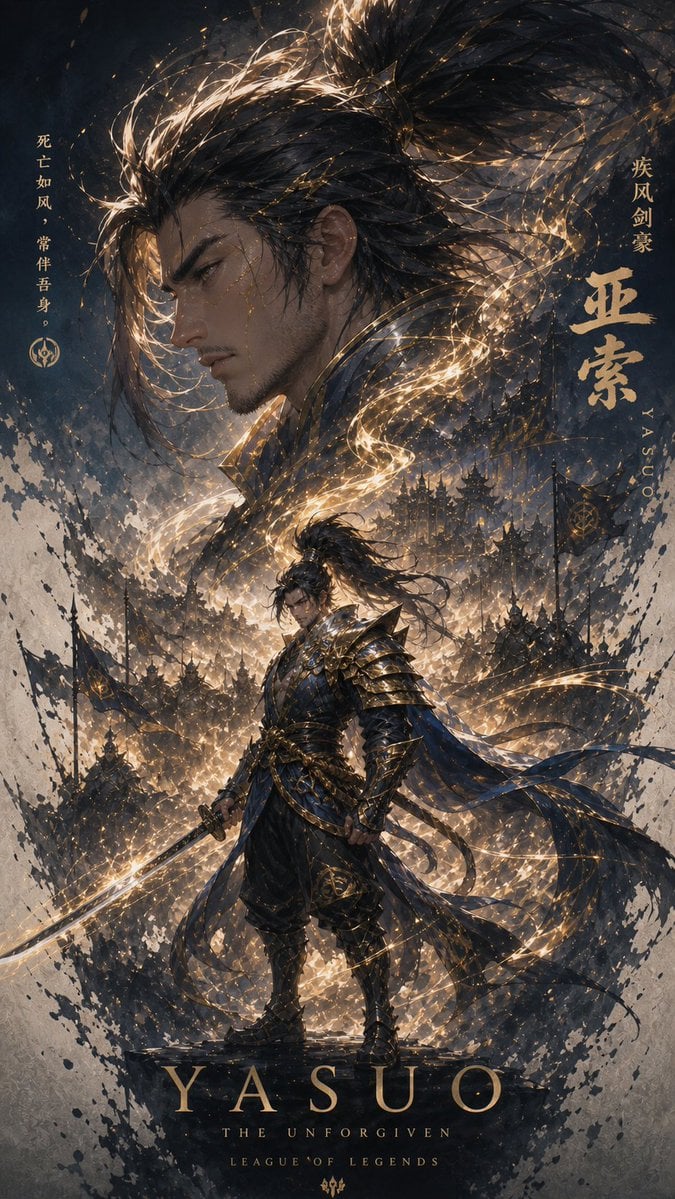
Cinematic Yasuo Fantasy Poster
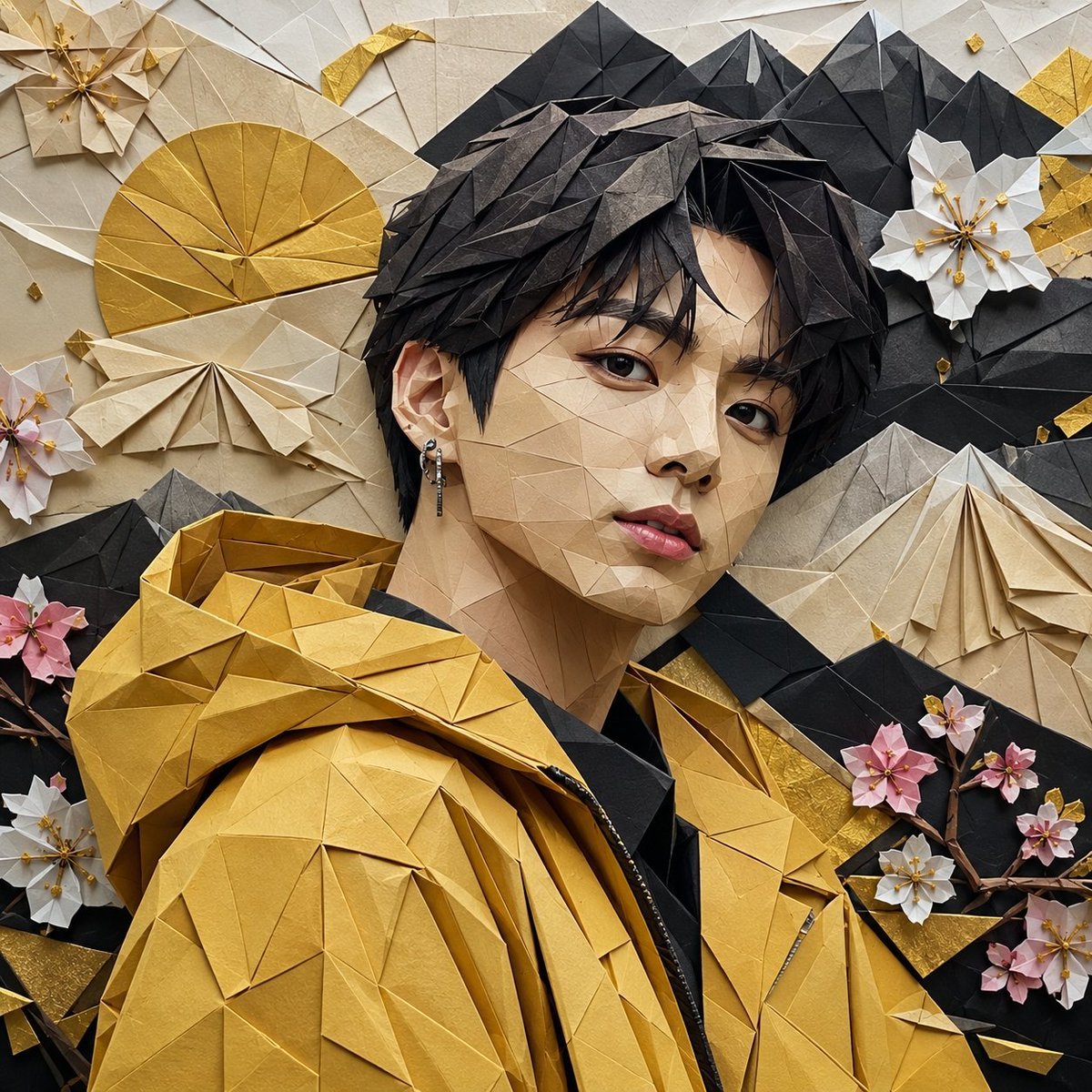
Origami K-Pop Idol Portrait
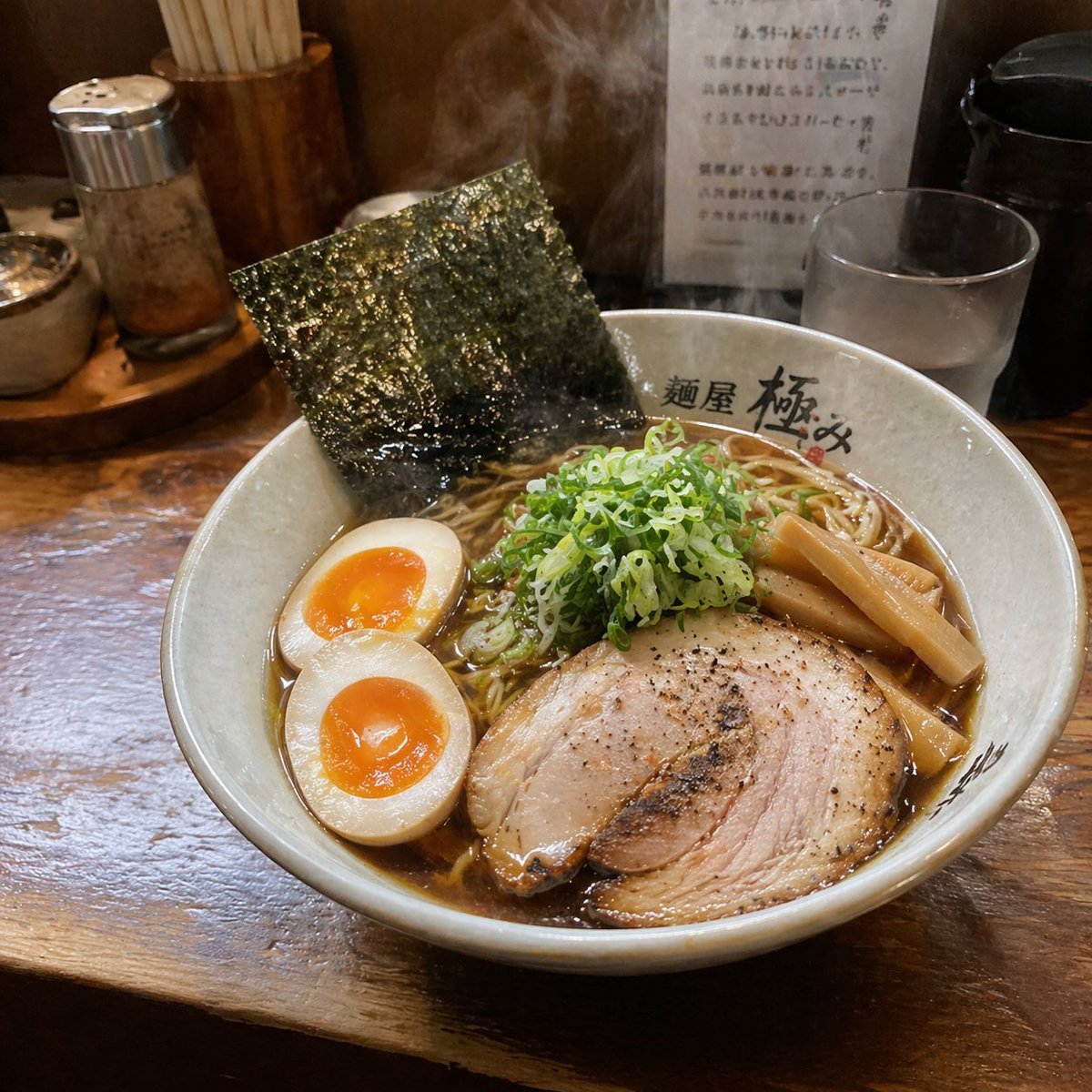
Realistic Social Media Food Photography
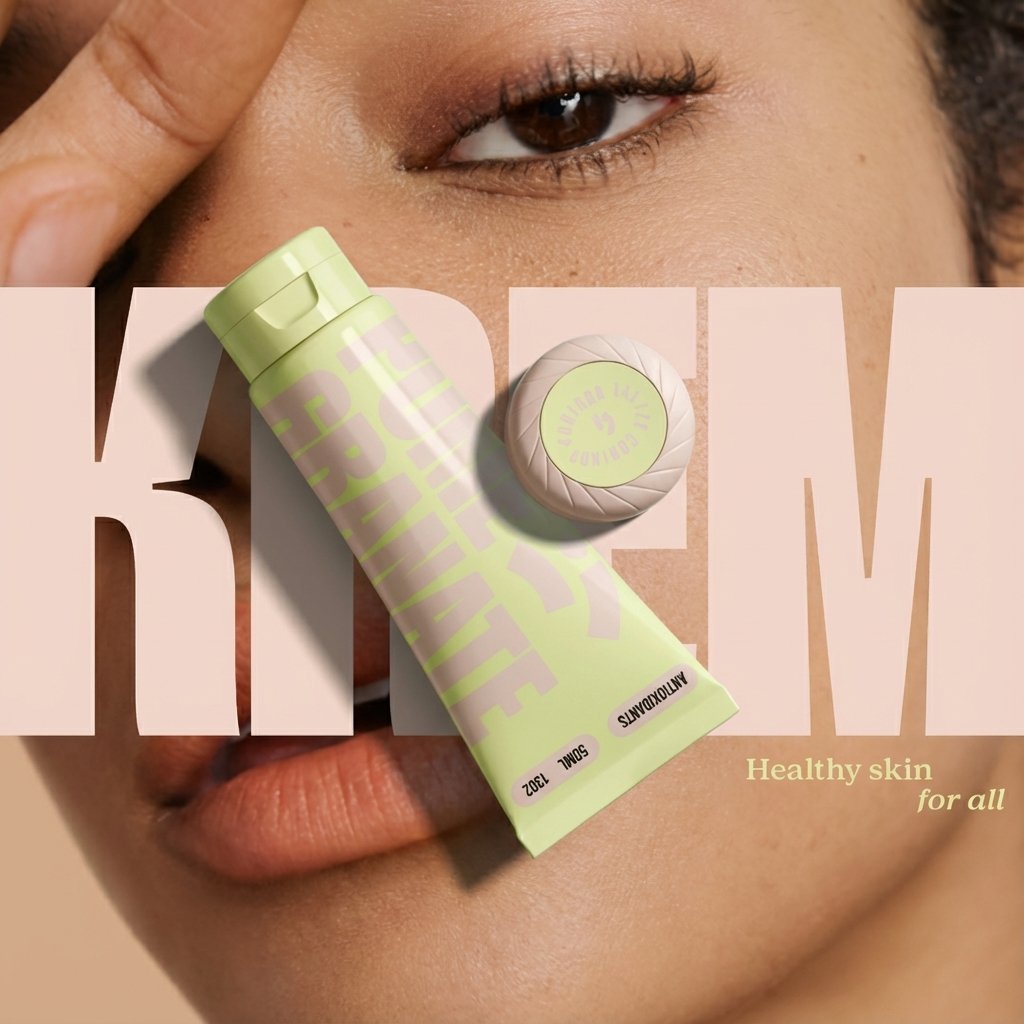
Ad recreation prompt using your product and brand aesthetics
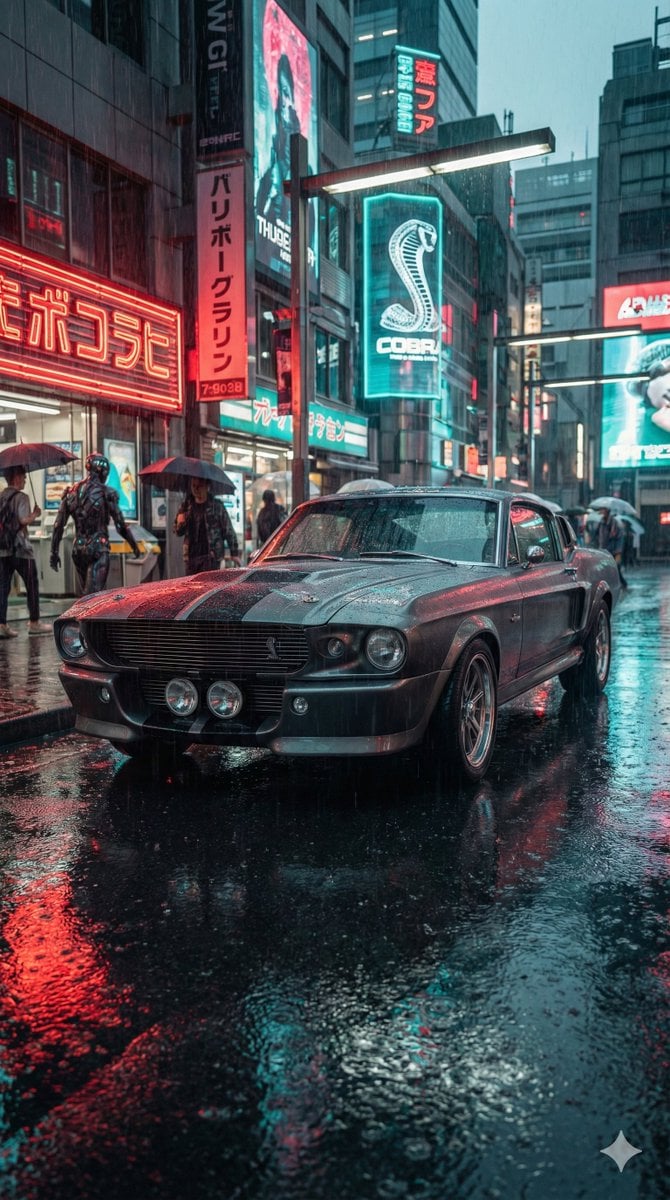
Cyberpunk Muscle Car Cinematic Prompt
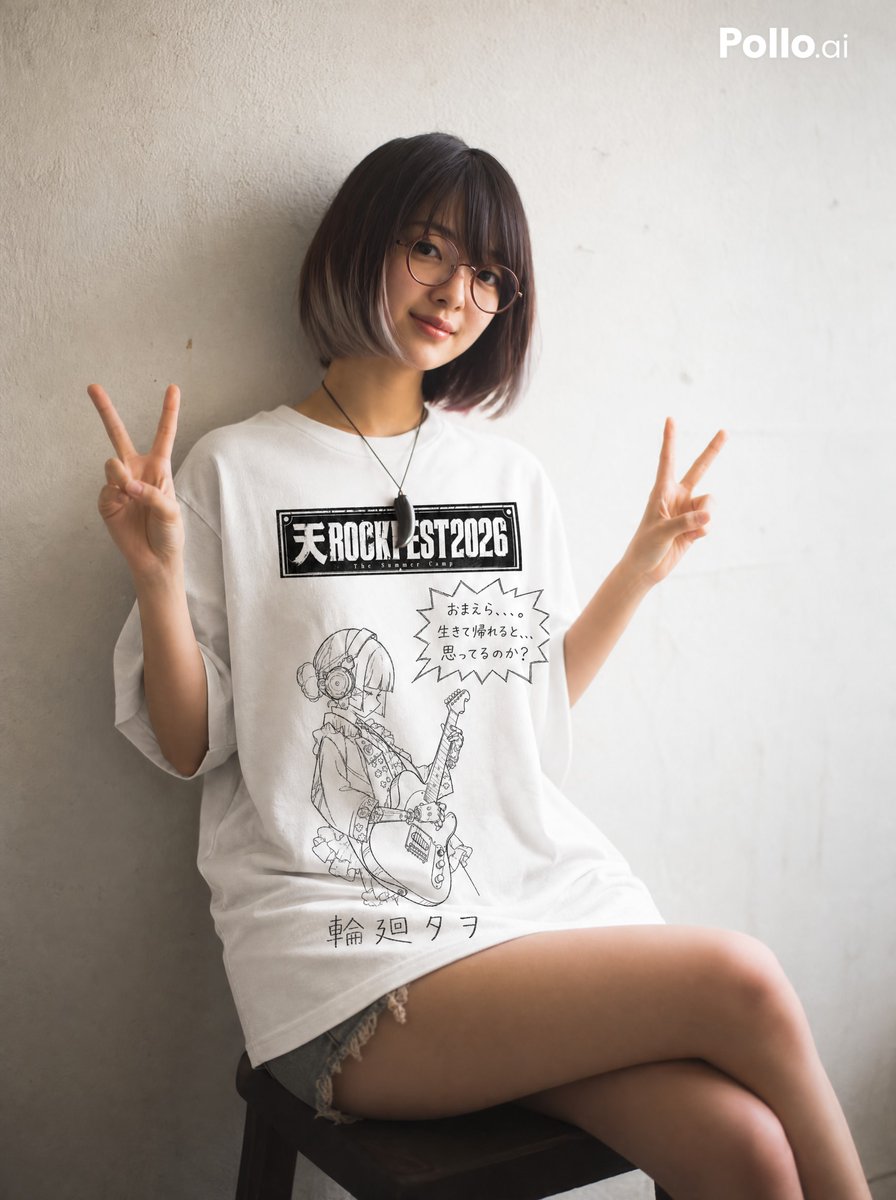
Hand-drawn Yuru-kyara T-shirt Mockup
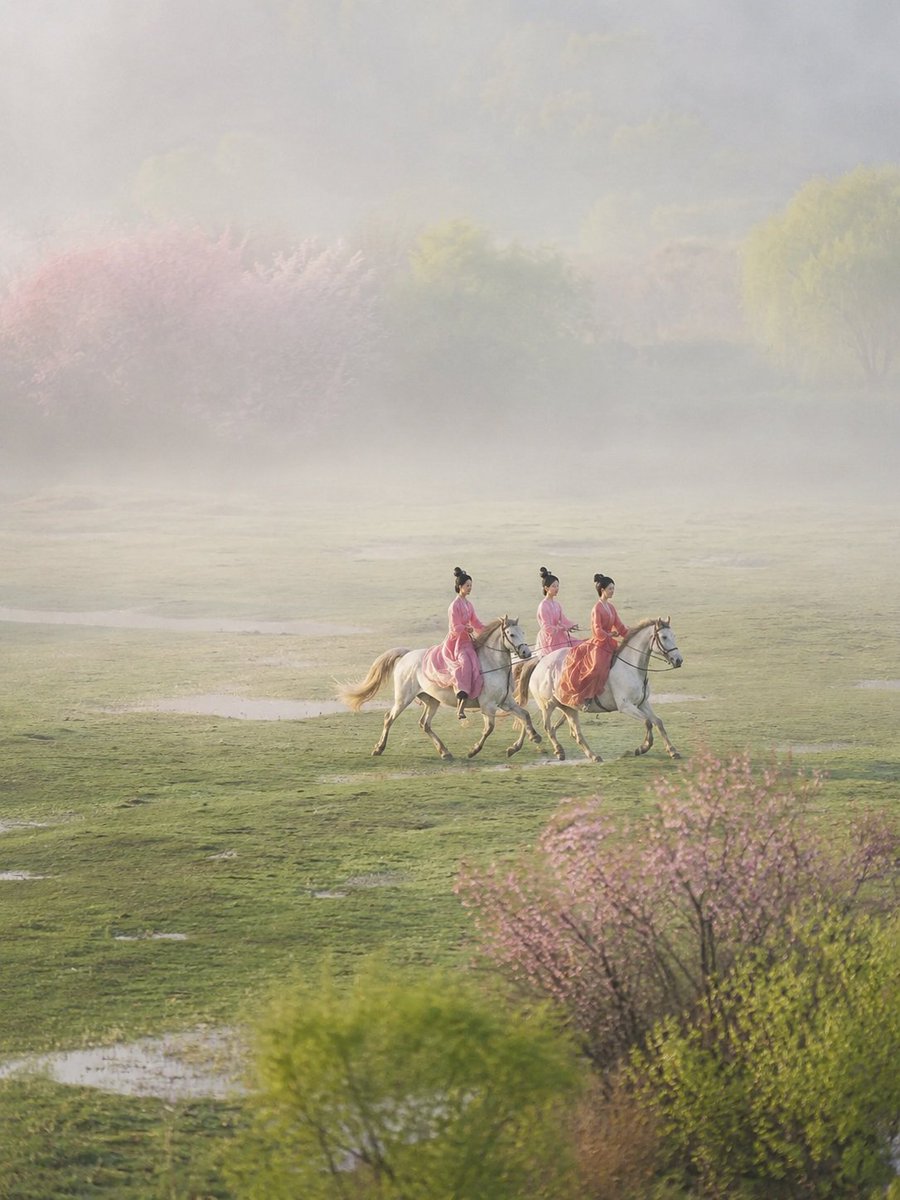
Ancient Painting to Real Scene Photo
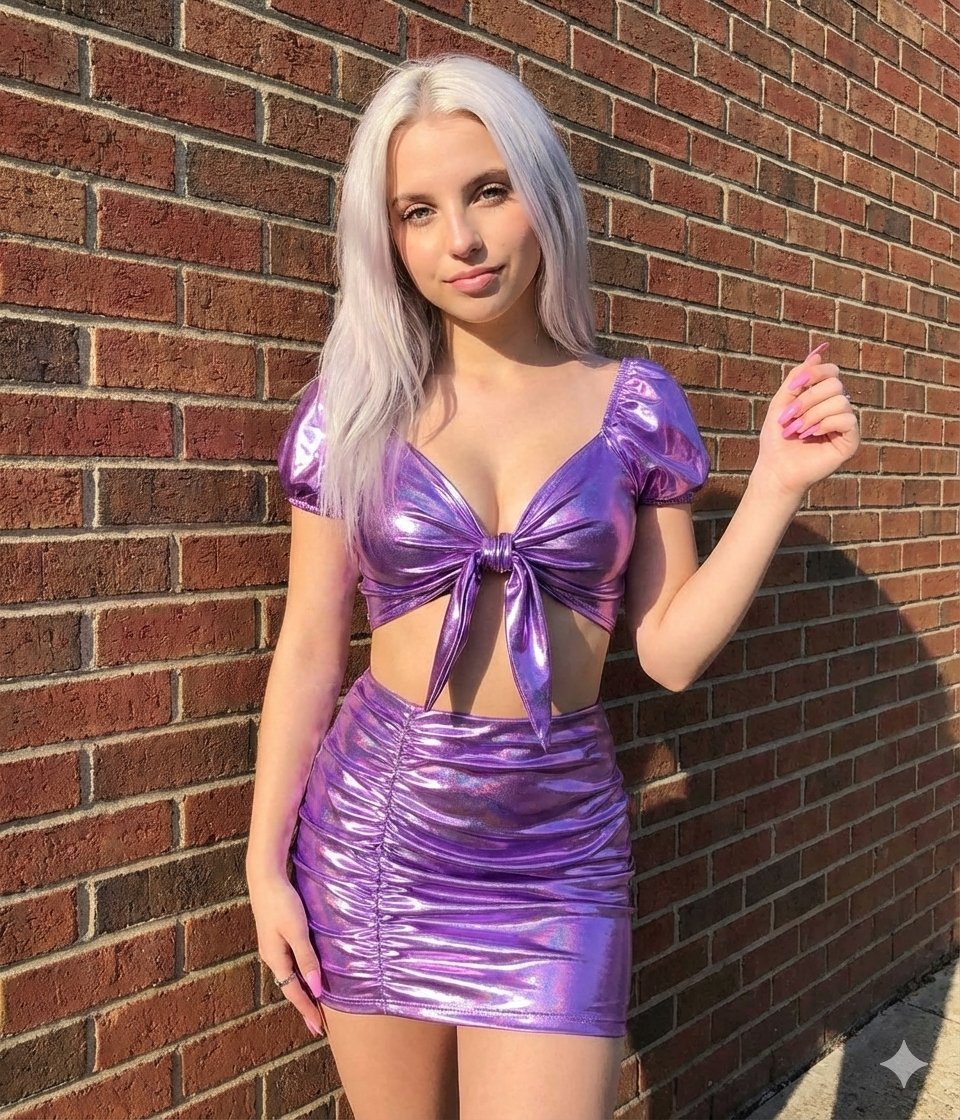
Metallic Purple Street Fashion Prompt
Browse template categories
Anime Researcher Night Office questions
How do I use the Anime Researcher Night Office template?
Add your photo if the template asks for one, edit the prompt if you like — the template's model and format are already selected — and press Generate. Your version opens in PicX Studio.
Can I customize the Anime Researcher Night Office template?
Yes. You can change the subject, setting, lighting, mood, format, and available model controls before creating your image.
Is the Anime Researcher Night Office template free?
Opening and editing this template is free. Generating uses credits, shown on the Generate button when you are signed in.
Which AI model should I use?
Start with GPT Image 2, which is the model associated with this template. You can compare another compatible model for a different finish.
Looking for something else? Browse all templates.

Your photo, any look
Thousands of ready templates for every top image and video model, from one credit balance.