
Anime Mahjong Yakuman Victory Scene
Generates a cinematic anime mahjong win screen featuring a girl celebrating Kokushi Musou with Japanese victory text, score UI, and a detailed table layout.
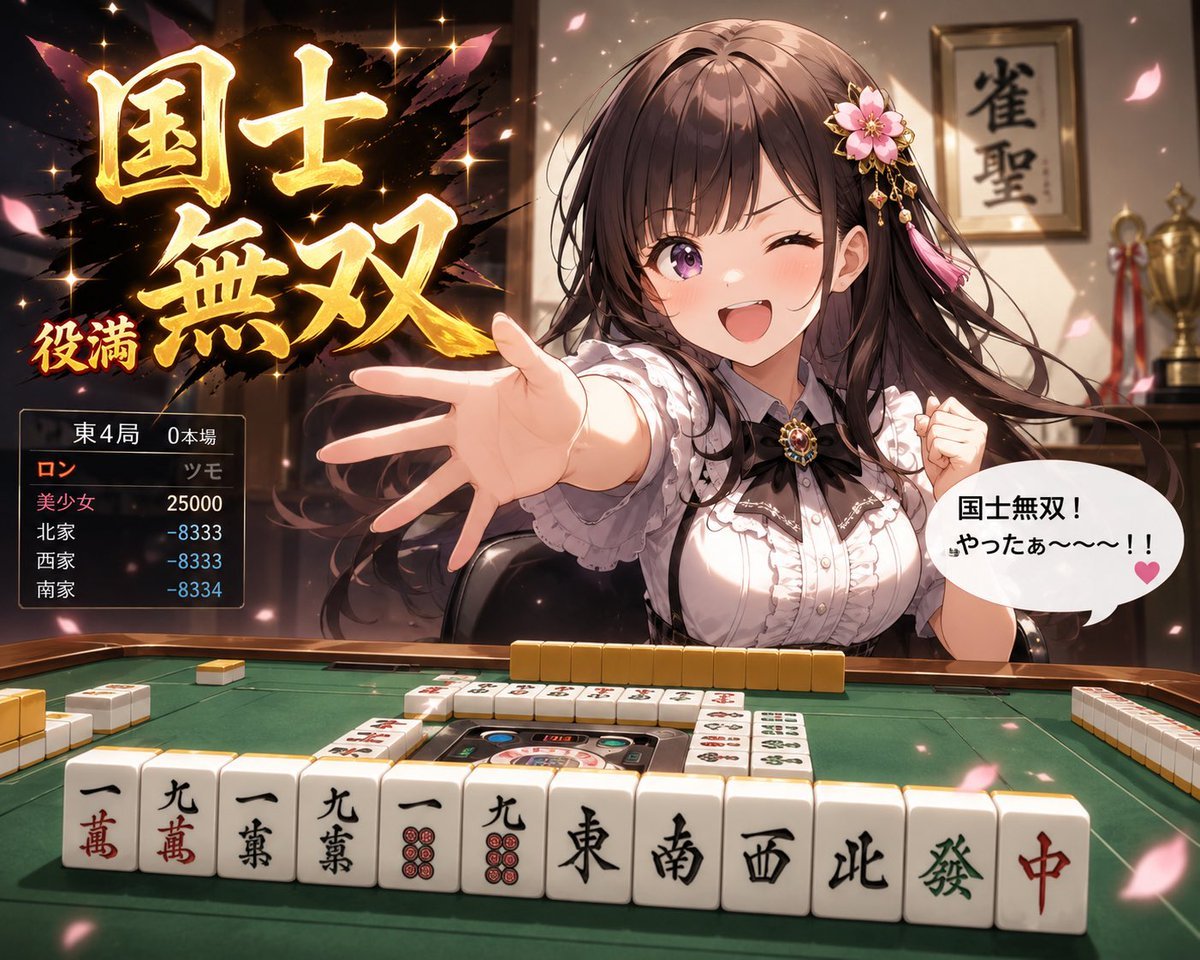
- Prompt included
- Model and format preset
- Free template
The prompt behind this image
Copy the exact prompt behind Anime Mahjong Yakuman Victory Scene, or open it in the studio and make it yours.
Goal: Create a dramatic anime-style mahjong victory scene showing a young woman celebrating an enormous winning hand, with flashy Japanese game-result typography and a detailed mahjong table in the foreground. Canvas: 4:3 horizontal illustration, high-resolution anime key visual, warm cinematic lighting, shallow depth of field, sparkling highlights, drifting pink cherry blossom petals, no watermark. Main subject: A {argument name="character name" default="beautiful anime mahjong player"} seated behind a green automatic mahjong table. She has long flowing dark brown hair, a pink flower hair ornament with dangling ribbons, a frilly white blouse with black trim, and a jeweled brooch at the collar. Her face is intentionally obscured by a plain square censor block centered over the face. Pose: she thrusts one open hand dramatically toward the viewer while the other hand is clenched in excitement. Convey triumphant joy and surprise. Foreground mahjong table: Show a green felt mahjong table with rails and an automatic center mechanism. Display exactly 14 front-row winning tiles, left to right: one-man, nine-man, one-man, nine-man, one-pin, nine-pin, East, South, West, North, green dragon, red dragon, plus two additional honor/terminal tiles partly matching the kokushi-musou theme if needed for spacing. Include extra side walls of face-down yellow-backed tiles and a few visible discarded tiles on the table, but keep the winning row dominant and readable. Large victory text: On the upper left, add huge glowing gold Japanese calligraphy reading {argument name="main victory text" default="国士無双"}, painted over a black ink-splash burst with star-like sparkles. Add a smaller red-and-gold label reading {argument name="score label" default="役満"} near the lower left of the calligraphy. Score panel: Add a dark translucent rectangular score box on the left side below the title. It contains exactly 4 player rows and a small header. Header text: 「東 4局 0本場」. Row 1: 「ロン」 and 「美少女 25000」. Row 2: 「北家 -8333」. Row 3: 「西家 -8333」. Row 4: 「南家 -8334」. Use orange for the winning call, pink for the winner name, and pale blue for negative scores. Speech bubble: On the right side near the character, add a white rounded speech bubble with a small tail and a pink heart. Text inside: {argument name="speech bubble text" default="国士無双!\nやったぁ~~~!!"}. Use bold black Japanese lettering. Background: Interior of an elegant mahjong room or club with warm wood tones. Include exactly 2 visible background objects: a framed vertical calligraphy sign on the wall reading {argument name="wall calligraphy" default="雀聖"}, and a gold trophy on a shelf or cabinet. Keep them slightly blurred so the table, character, and victory text remain the focus. Visual style: glossy modern anime illustration, detailed clothing folds, luminous skin shading, dynamic hair motion, gold glow effects, ink-brush energy, celebratory game UI overlay, dramatic perspective from table height. Constraints: keep all Japanese text legible, preserve the face-covering square block, do not add extra characters, do not add logos or watermarks.
How to use Anime Mahjong Yakuman Victory Scene in 3 steps
- 1Upload ImagePNG, JPG or paste
Add your photo
Upload the photo the template builds on. The prompt, model and format are already set.
- 2…a portrait of your subject in softgolden-hour light, 85mm…
Personalize
Edit the subject and creative details for your destination.
- 3Generate
Generate
Press Generate — your image is created in PicX Studio, so you can compare it with the original and refine one variable at a time.
More like this
Templates with the same subject, style or setup. Open one to see its prompt.












Make it yours
Anime Mahjong Yakuman Victory Scene works as-is. These are the safest ways to change it without losing the look.
Change one field
Copy a single group, rewrite it, and generate again so you can see what that field is doing.
Keep the frame, change the subject
Hold the composition and light of Anime Mahjong Yakuman Victory Scene, then swap wardrobe, props or the person for a new take.
| If the result… | Why | Fix |
|---|---|---|
| The result drifts from the preview | Too many fields changed at once. | Reuse Anime Mahjong Yakuman Victory Scene as-is first, then change one group — subject, light, or setting. |
| The model over-stylizes the scene | The prose prompt leaves finish and camera underspecified. | Add one camera or lighting sentence and stay on GPT Image 2. |
More GPT Image 2 templates
Other prompts made for GPT Image 2.

Six VTuber Japanese Logo Sheet

Realistic Portrait of Woman and Deer

The Vista Modular Condo Poster

AI Model Routing Comparison Infographic

2.5D Anime Art Board

Isometric Productivity Desk Scene

New York Double Exposure Poster

Four-Panel AI Landscape Comparison

Japanese Tatami Lifestyle Magazine Cover

NESCAFÉ Coffee Map Poster
More image prompts
Fresh picks from across the catalog.
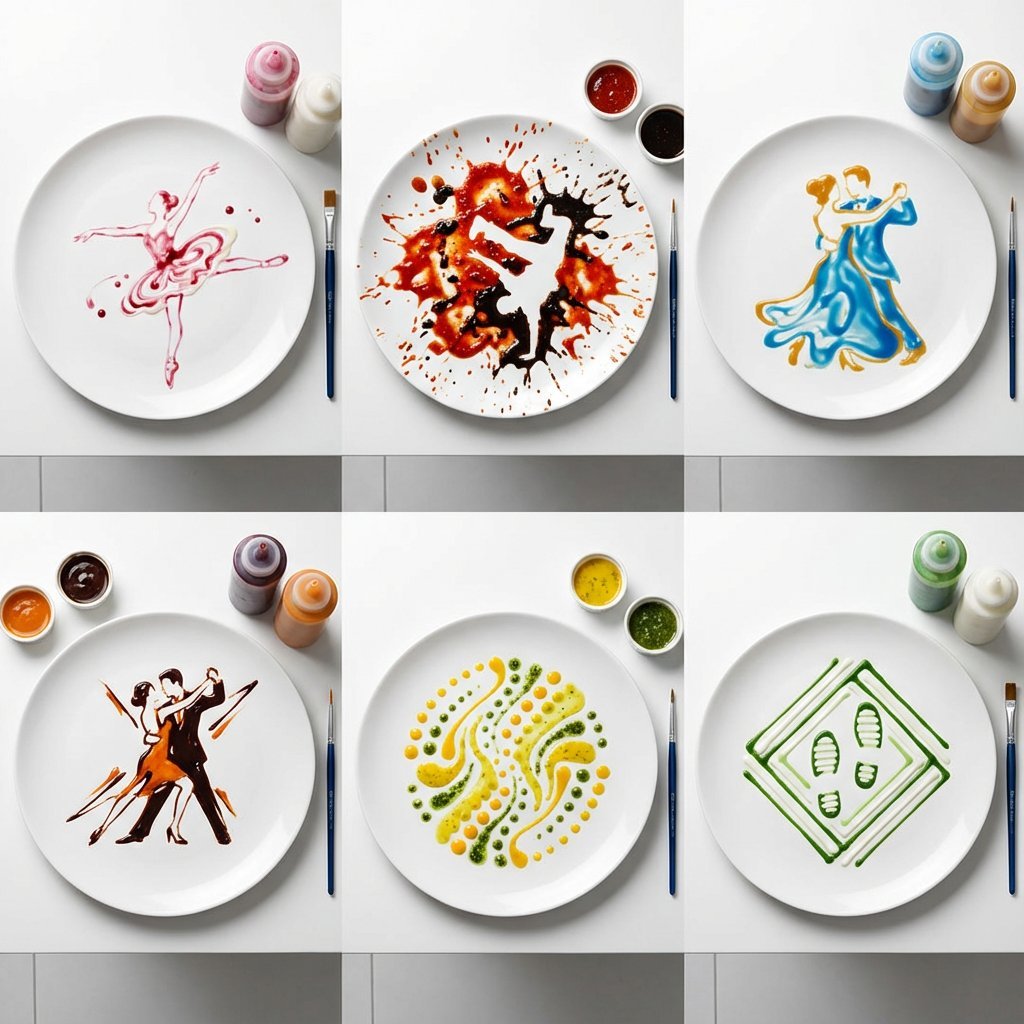
High-Speed Photography of Dance Forms in Sauce Choreography
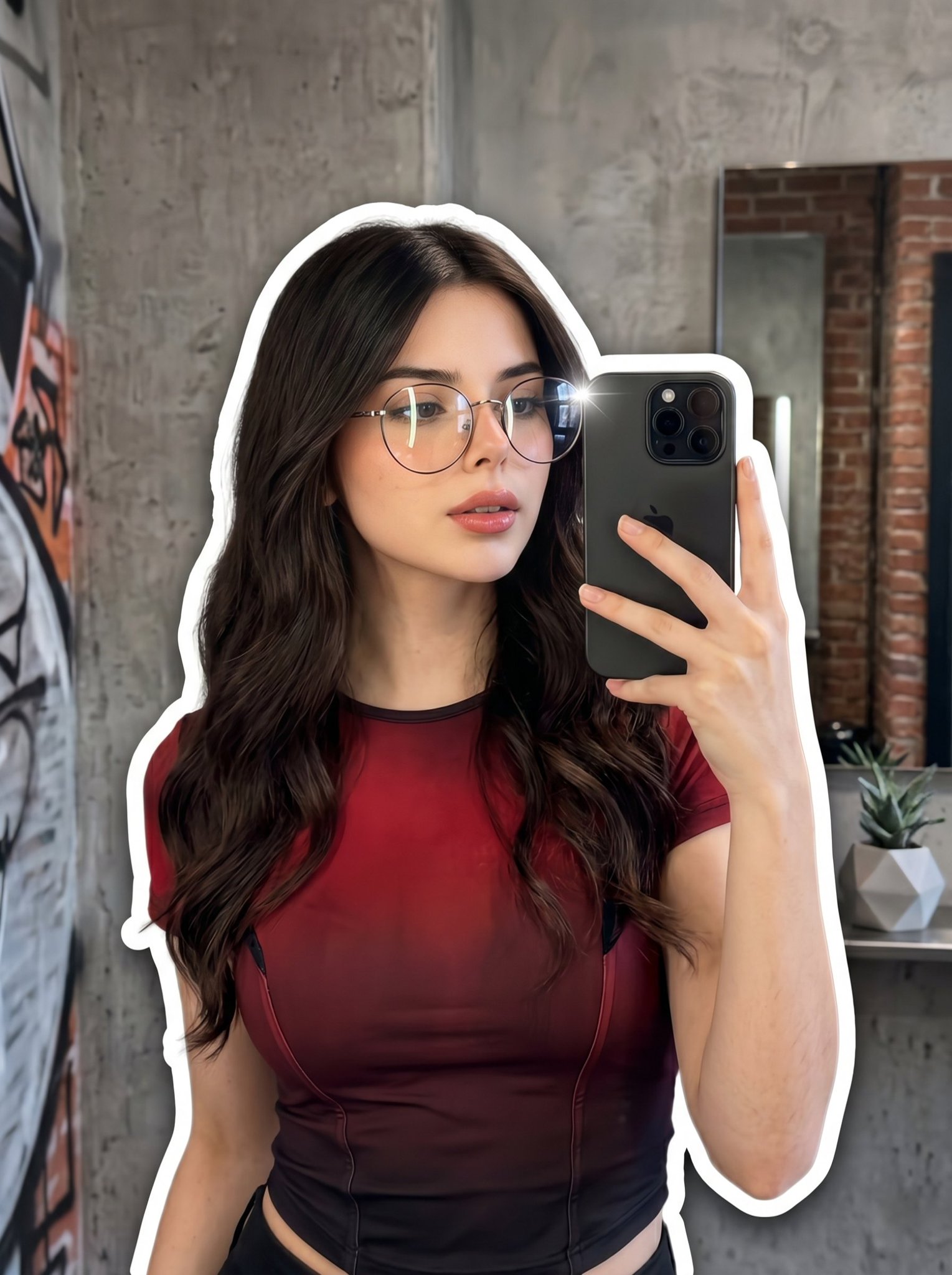
Nano Banana 2 Portrait Gemini
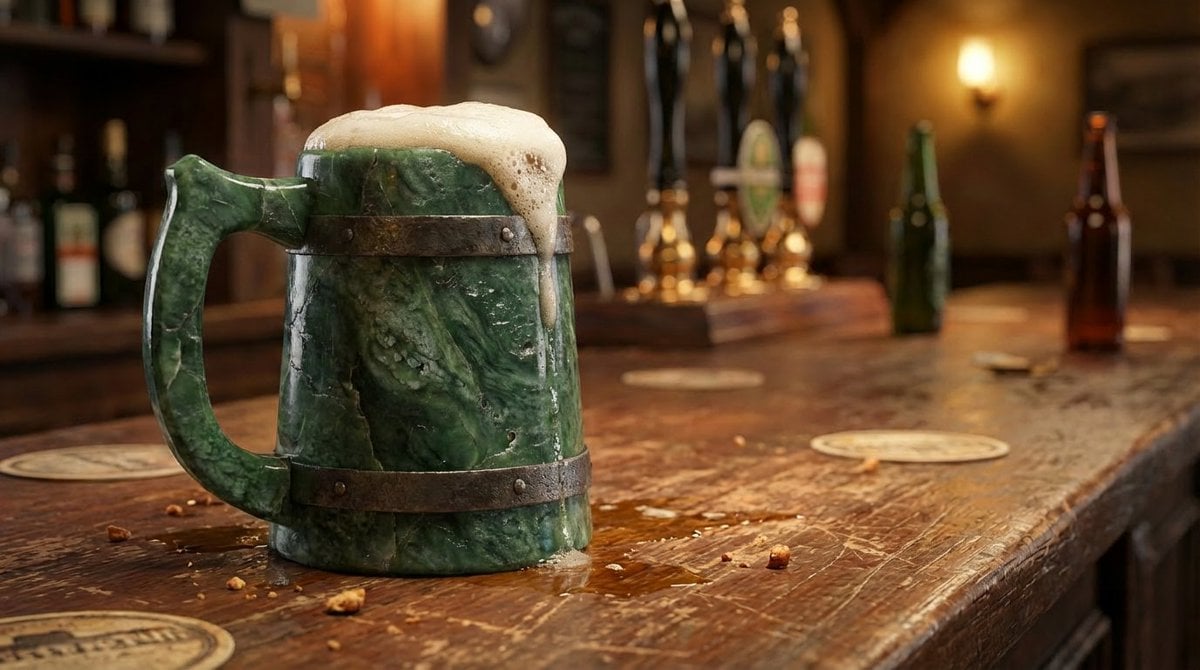
Jade Texture Application
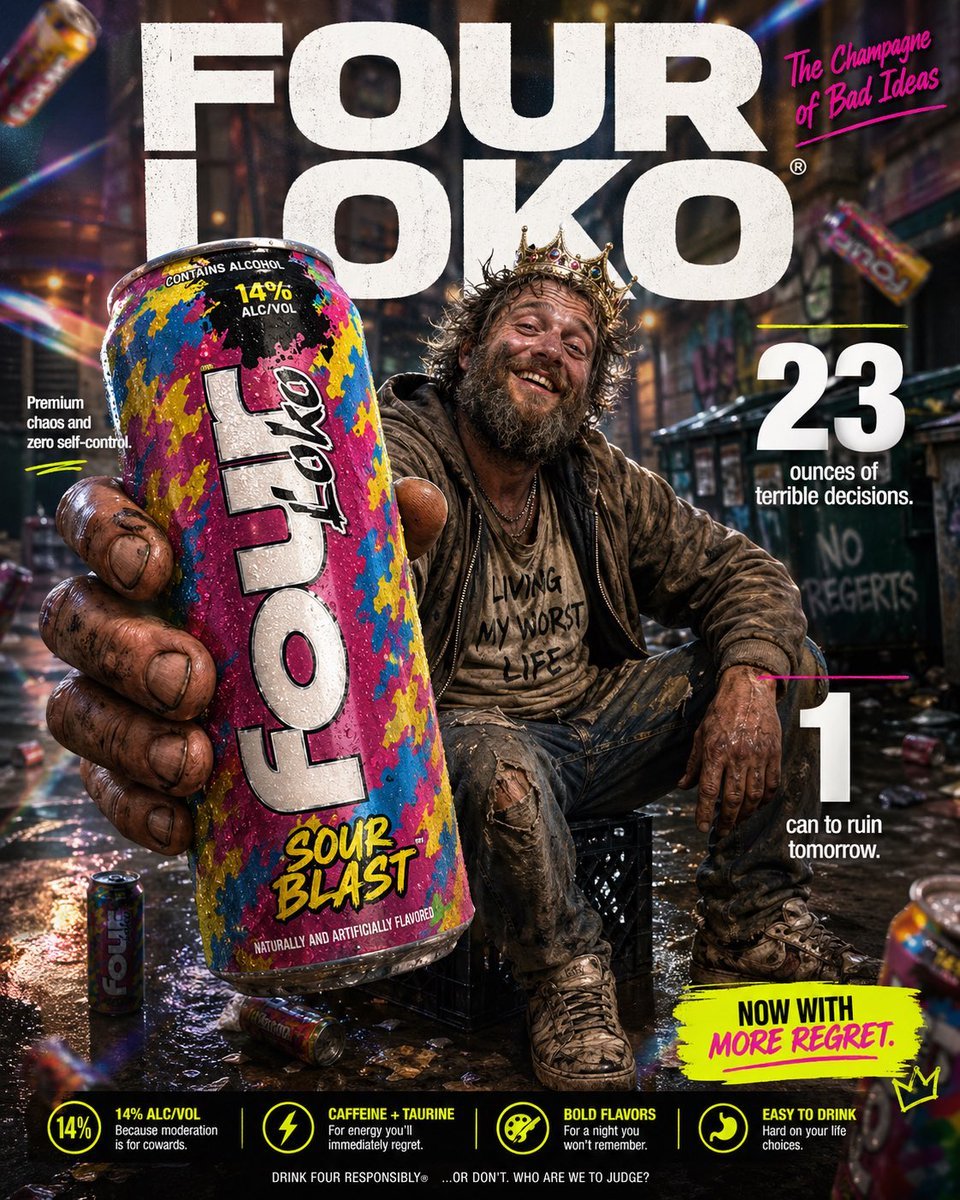
Parody Luxury Product Advertisement
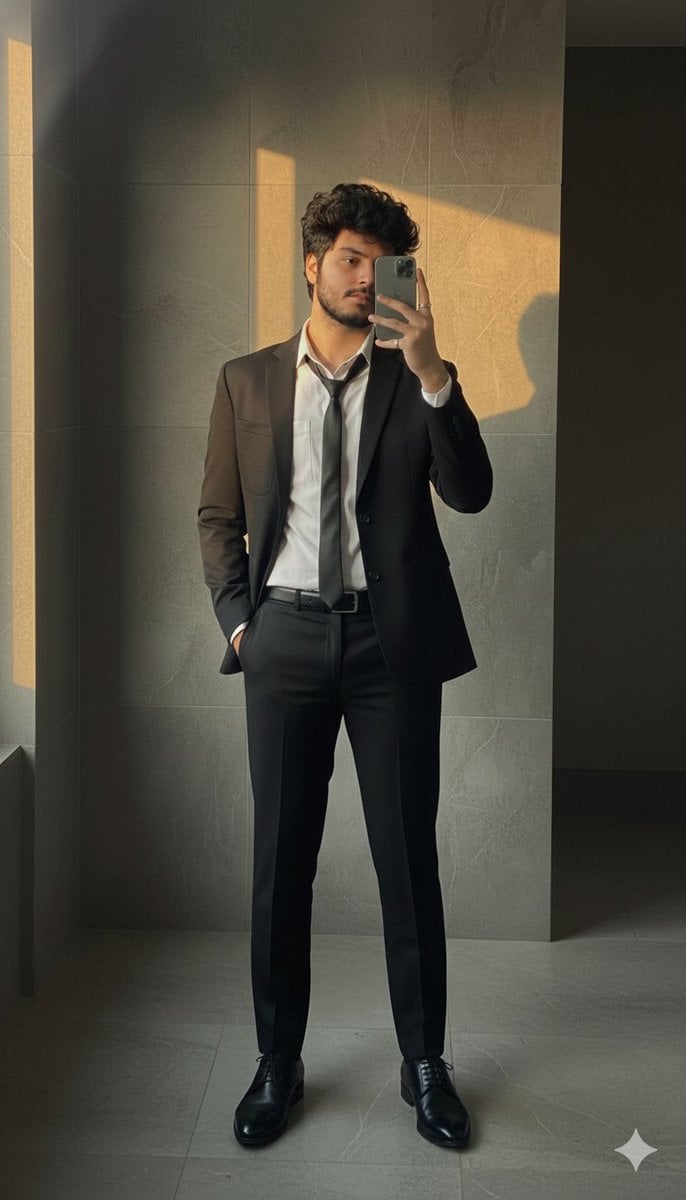
Formal Suit Mirror Selfie with Face Reference Prompt
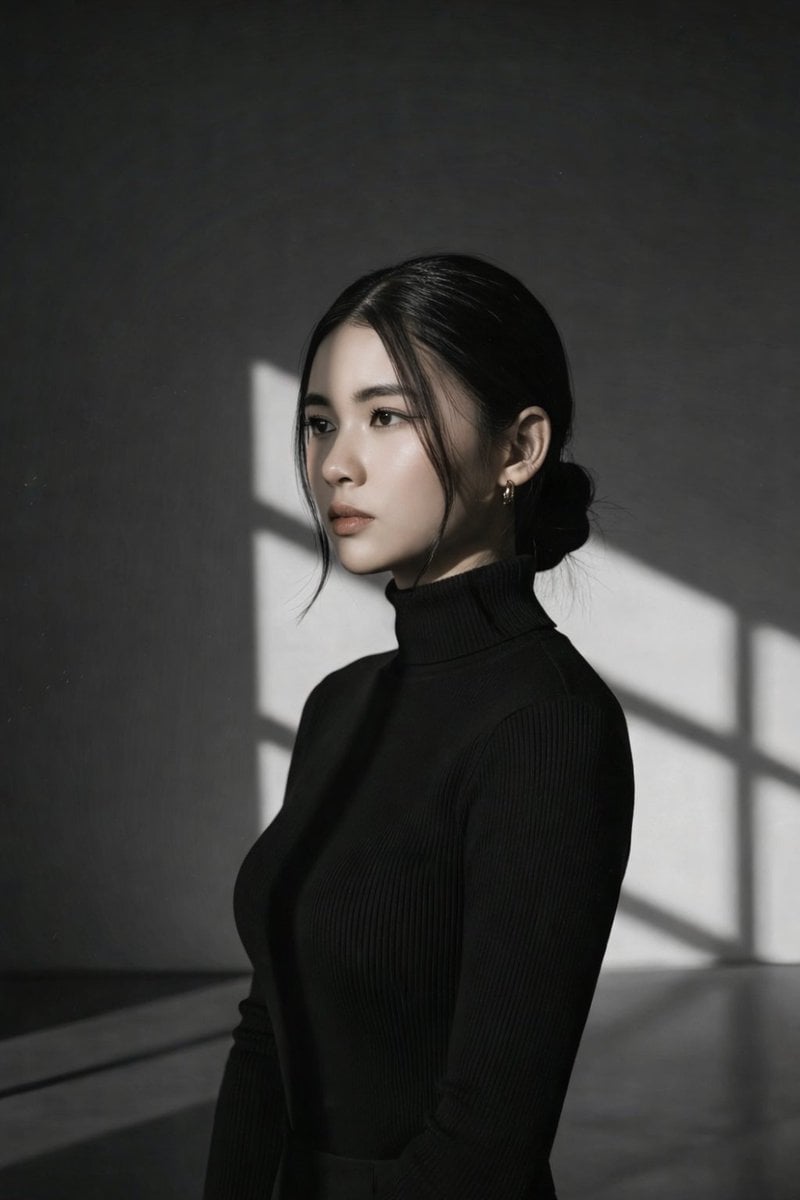
Minimalist Window Light Black and White Portrait Prompt
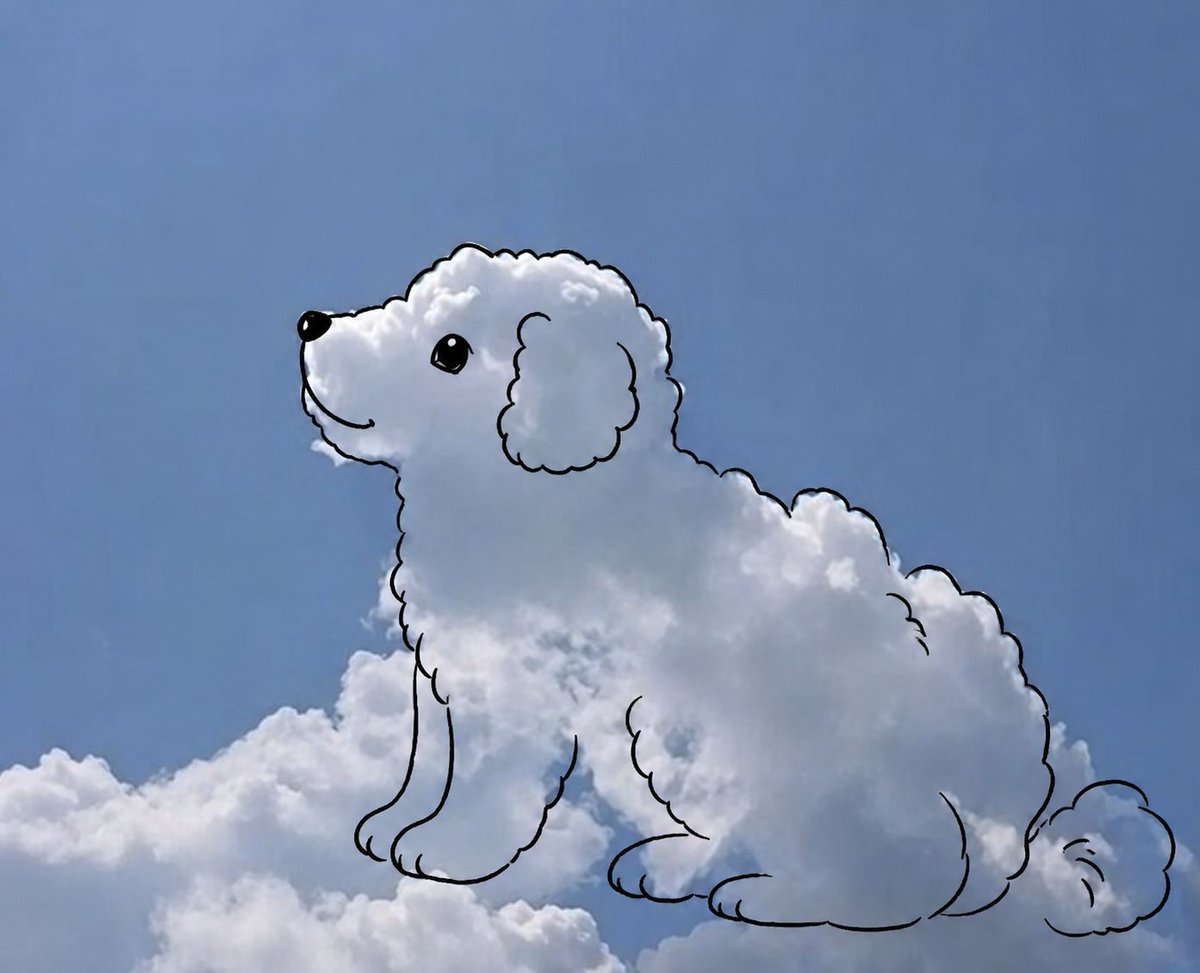
Cloud shape doodle generation
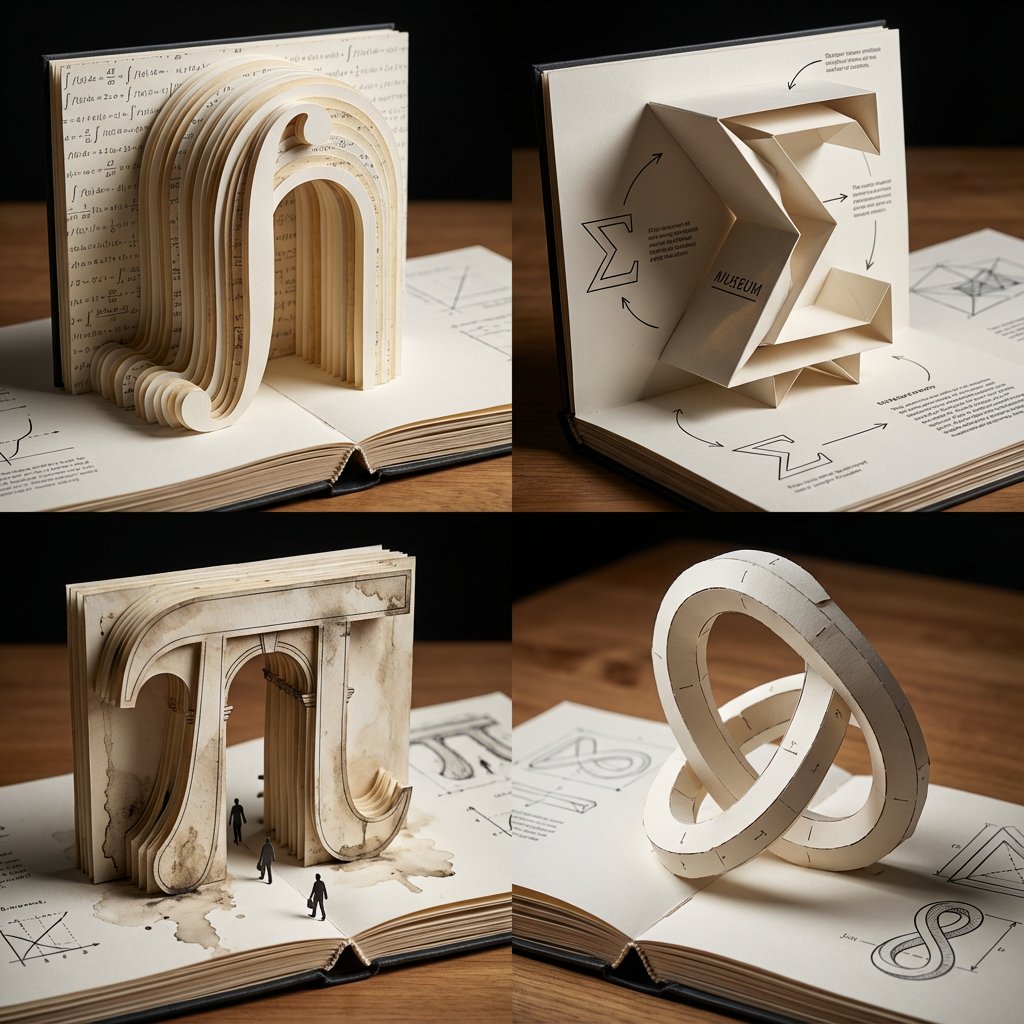
Pop-Up Paper Engineering of Mathematical Symbols
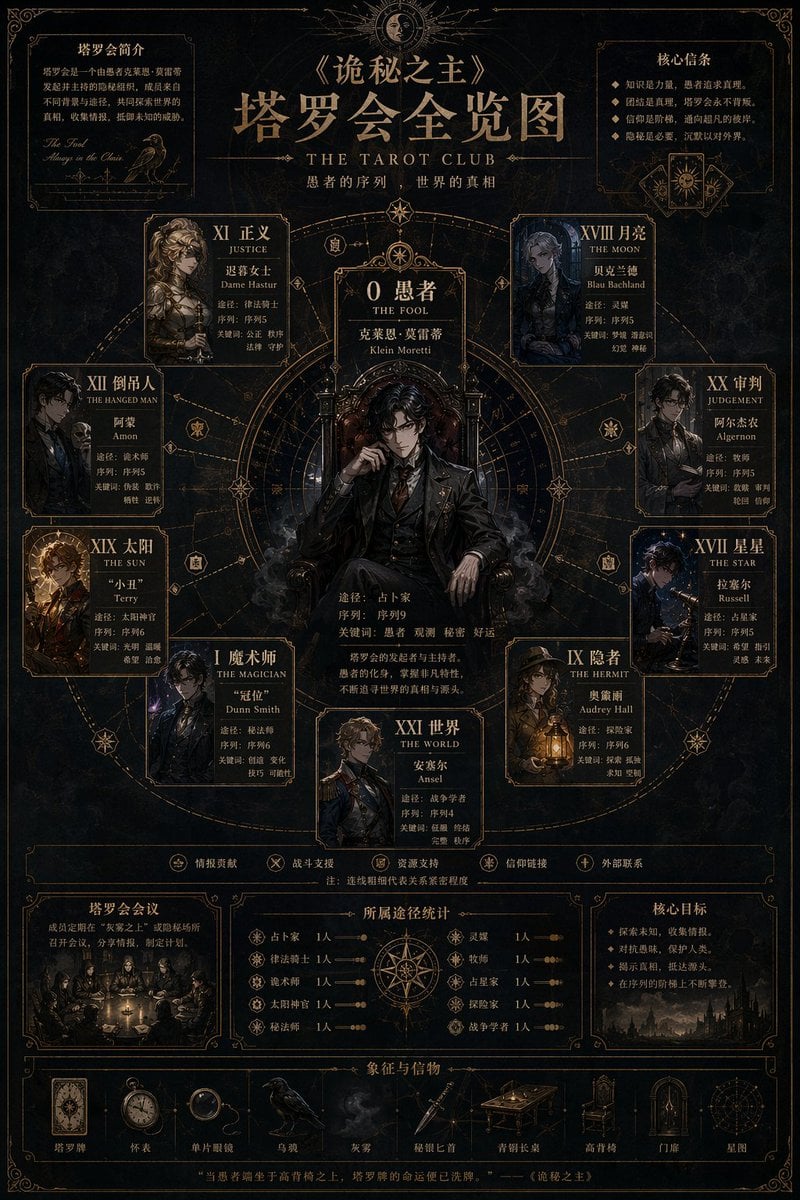
Dark Fantasy Tarot Club Lore Infographic
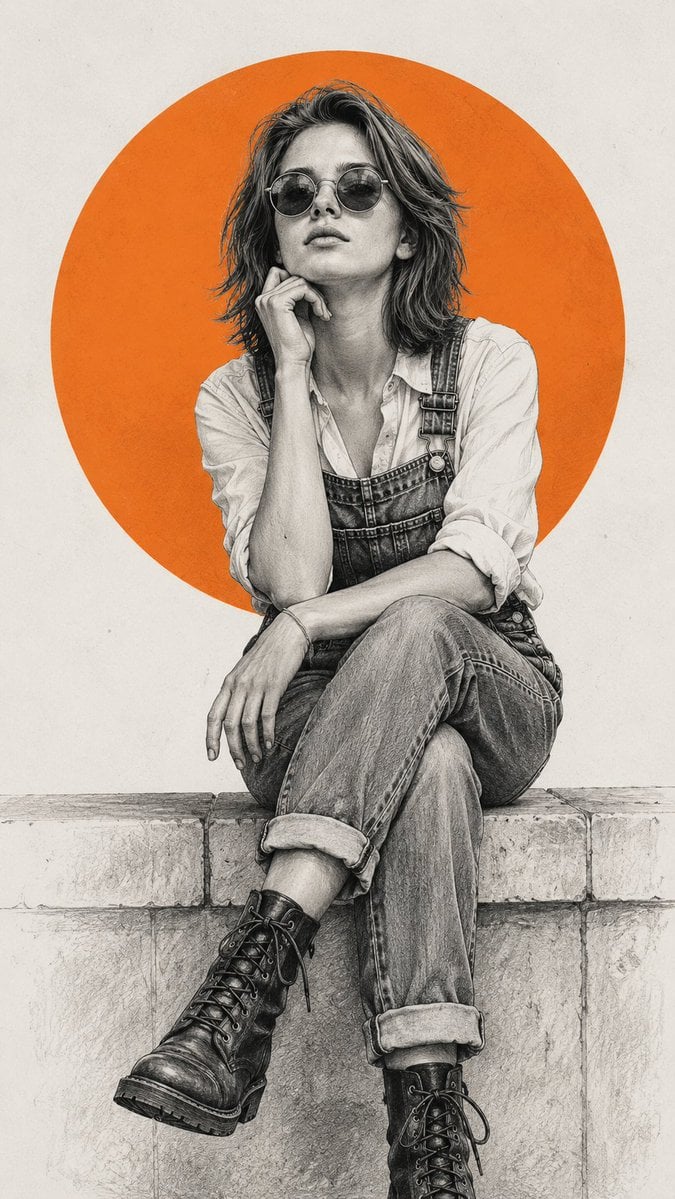
Pencil Sketch Fashion Illustration
Browse template categories
Anime Mahjong Yakuman Victory Scene questions
How do I use the Anime Mahjong Yakuman Victory Scene template?
Add your photo if the template asks for one, edit the prompt if you like — the template's model and format are already selected — and press Generate. Your version opens in PicX Studio.
Can I customize the Anime Mahjong Yakuman Victory Scene template?
Yes. You can change the subject, setting, lighting, mood, format, and available model controls before creating your image.
Is the Anime Mahjong Yakuman Victory Scene template free?
Opening and editing this template is free. Generating uses credits, shown on the Generate button when you are signed in.
Which AI model should I use?
Start with GPT Image 2, which is the model associated with this template. You can compare another compatible model for a different finish.
Looking for something else? Browse all templates.

Your photo, any look
Thousands of ready templates for every top image and video model, from one credit balance.