
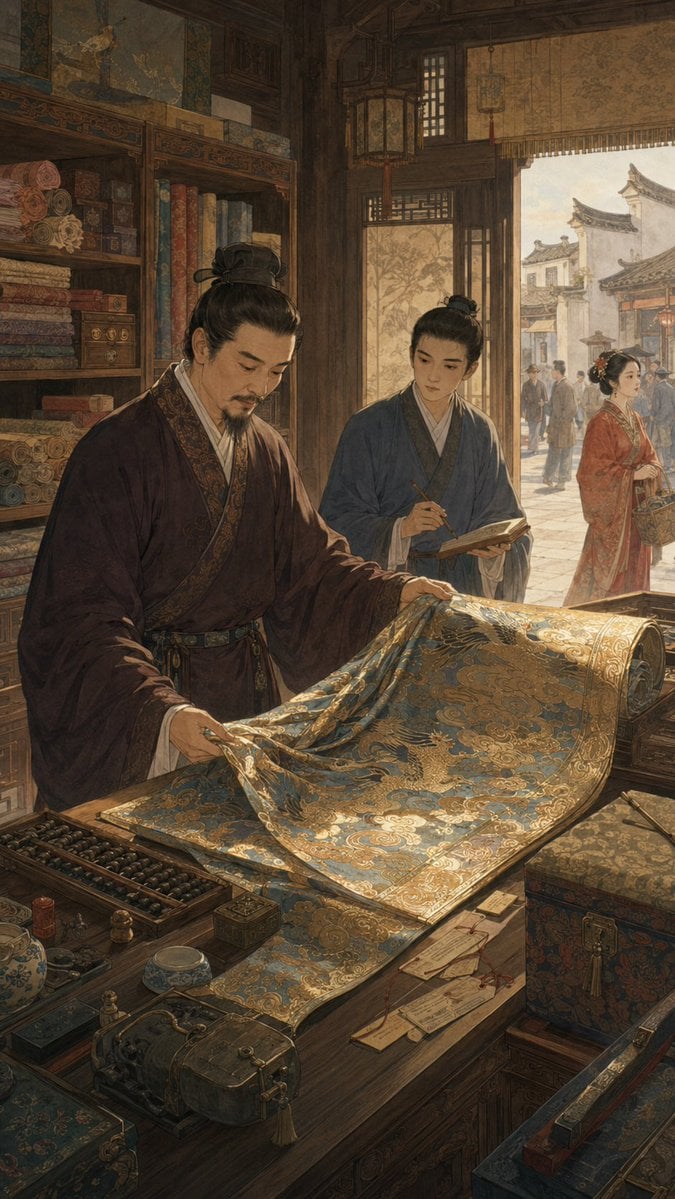
Old Chinese Silk Shop Interior
A detailed historical illustration prompt for creating an ornate traditional Chinese silk shop scene with brocade, merchants, and warm antique atmosphere.
- Prompt included
- Model and format preset
- Free template
The prompt behind this image
Copy the exact prompt behind Old Chinese Silk Shop Interior, or open it in the studio and make it yours.
Create a highly detailed vertical historical illustration of an old Chinese silk and brocade shop, titled conceptually {argument name="shop name" default="Shen Family Silk Shop"}. The scene is viewed from inside the richly carved wooden shop looking out toward a sunlit traditional street. Use a refined painterly style with realistic proportions, intricate linework, warm sepia and muted gold tones, like a late-Qing/Republic-era historical illustration. Canvas is tall portrait, about 9:16. Show exactly 3 prominent human figures: 1 front-left male silk merchant in a dark brown traditional robe, hair tied in a topknot, leaning over a counter and lifting an ornate brocade roll; 1 midground male assistant or customer in a blue robe holding an open ledger and brush; 1 right-side woman outside the doorway in a red-orange robe holding a basket. Their faces should be deliberately obscured by smooth rectangular tan blur blocks with no facial features. In the background street, include a few softly painted pedestrians and traditional white-walled buildings with curved tiled roofs, kept small and atmospheric. The main object is a large unrolled silk brocade on the counter in {argument name="fabric color" default="blue-green and antique gold"}, covered with dense phoenix, cloud, floral, and scrolling patterns, metallic highlights, and embroidered texture. The shop interior should contain carved wooden shelves on the left packed with many visible fabric bolts, stacked folded textiles, rolled silk bundles, lacquered boxes, and small drawers; add hanging lanterns, carved lattice windows, painted wall panels, a bead curtain or tasseled shade near the doorway, and soft sunlight entering from the right. On the counter include exactly 8 types of visible shop objects: an abacus, a ceramic tea cup, a small porcelain bowl, paper tags and receipts, a string-tied bundle of documents, a metal lockbox, a decorative textile chest, and measuring tools. Emphasize antique craftsmanship, layered textiles, dust motes, warm backlighting, and dense historical detail. Avoid modern objects, electric lighting, readable signage, western clothing, and any clean digital UI elements.
How to use Old Chinese Silk Shop Interior in 3 steps
- 1Upload ImagePNG, JPG or paste
Add your photo
Upload the photo the template builds on. The prompt, model and format are already set.
- 2…a portrait of your subject in softgolden-hour light, 85mm…
Personalize
Edit the subject and creative details for your destination.
- 3Generate
Generate
Press Generate — your image is created in PicX Studio, so you can compare it with the original and refine one variable at a time.
More like this
Templates with the same subject, style or setup. Open one to see its prompt.
Chinese Schoolchildren at Corner Shop
Nostalgic Chinese School Shop Scene
Ultra-Realistic Cinematic Portrait in Golden Silk Satin Gown
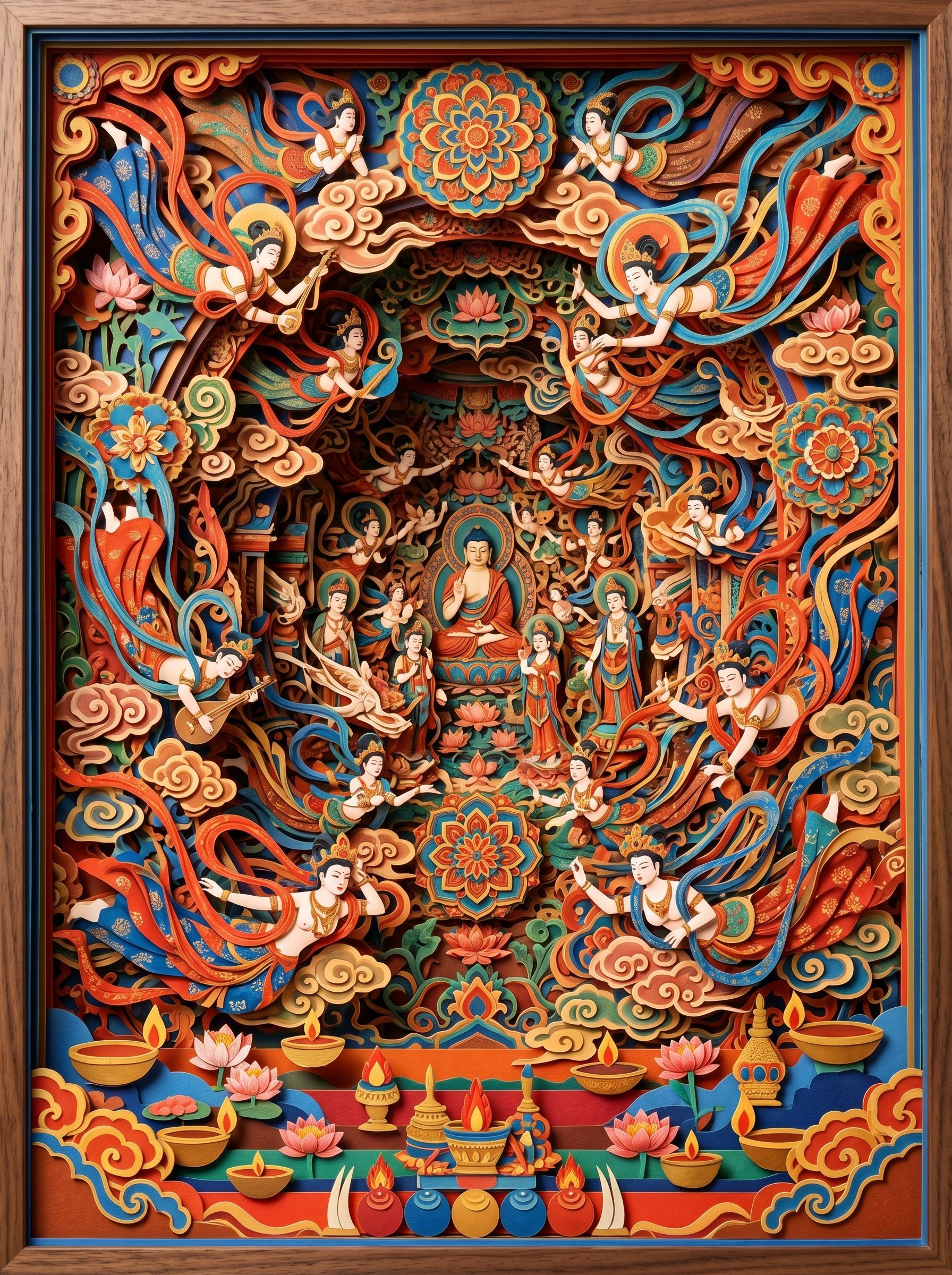
敦煌纸雕飞天 — 3D Layered Paper Cutout
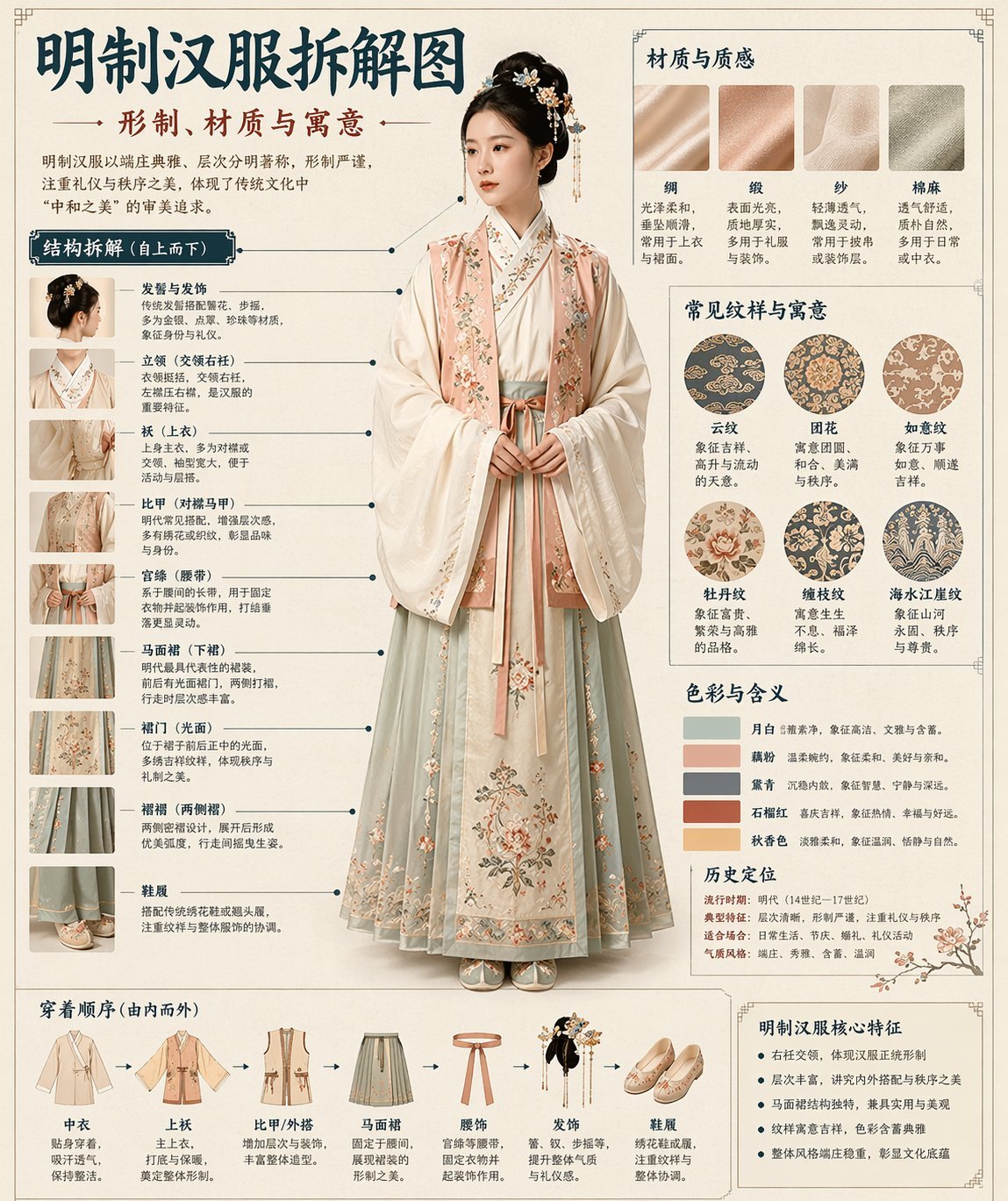
博物馆图鉴式汉服拆解图 — GPT-image-2
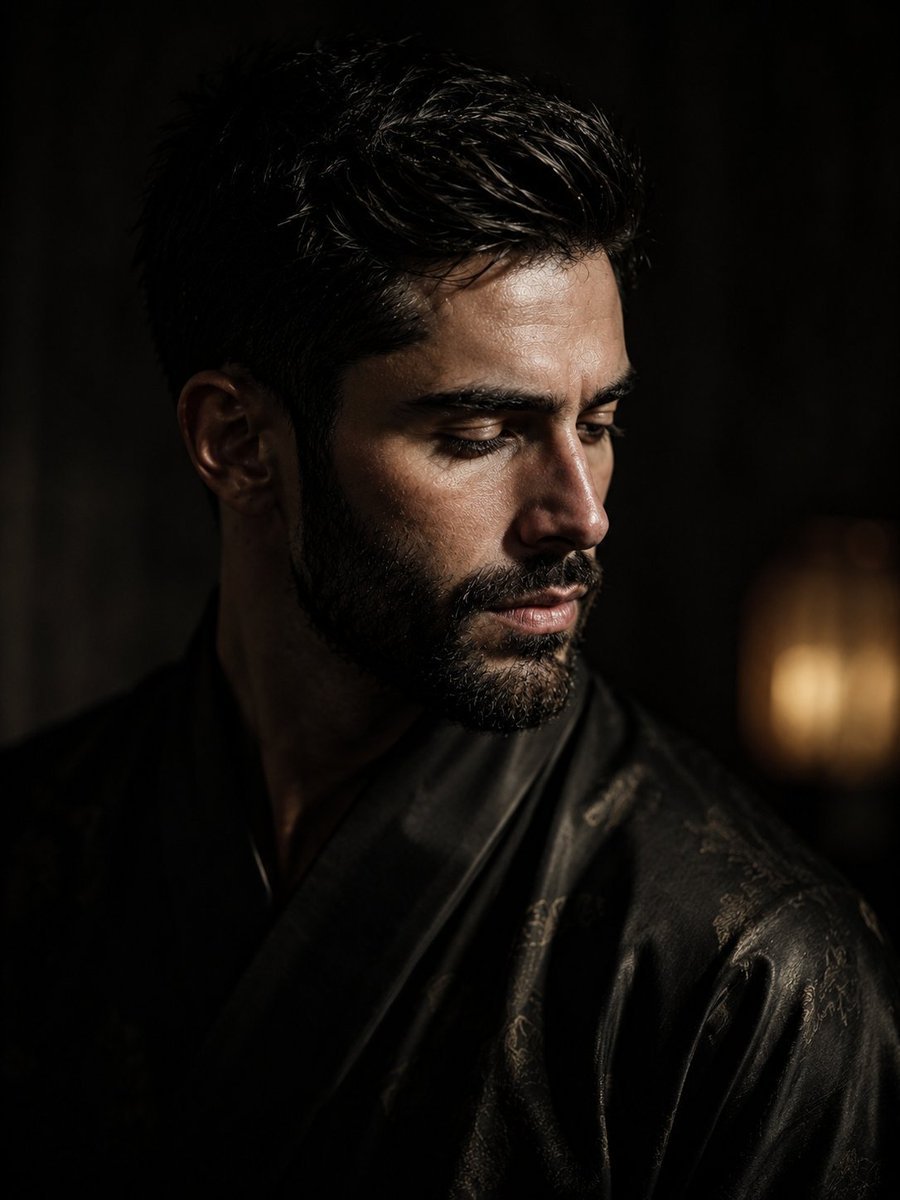
Chiaroscuro Silk Robe Portrait
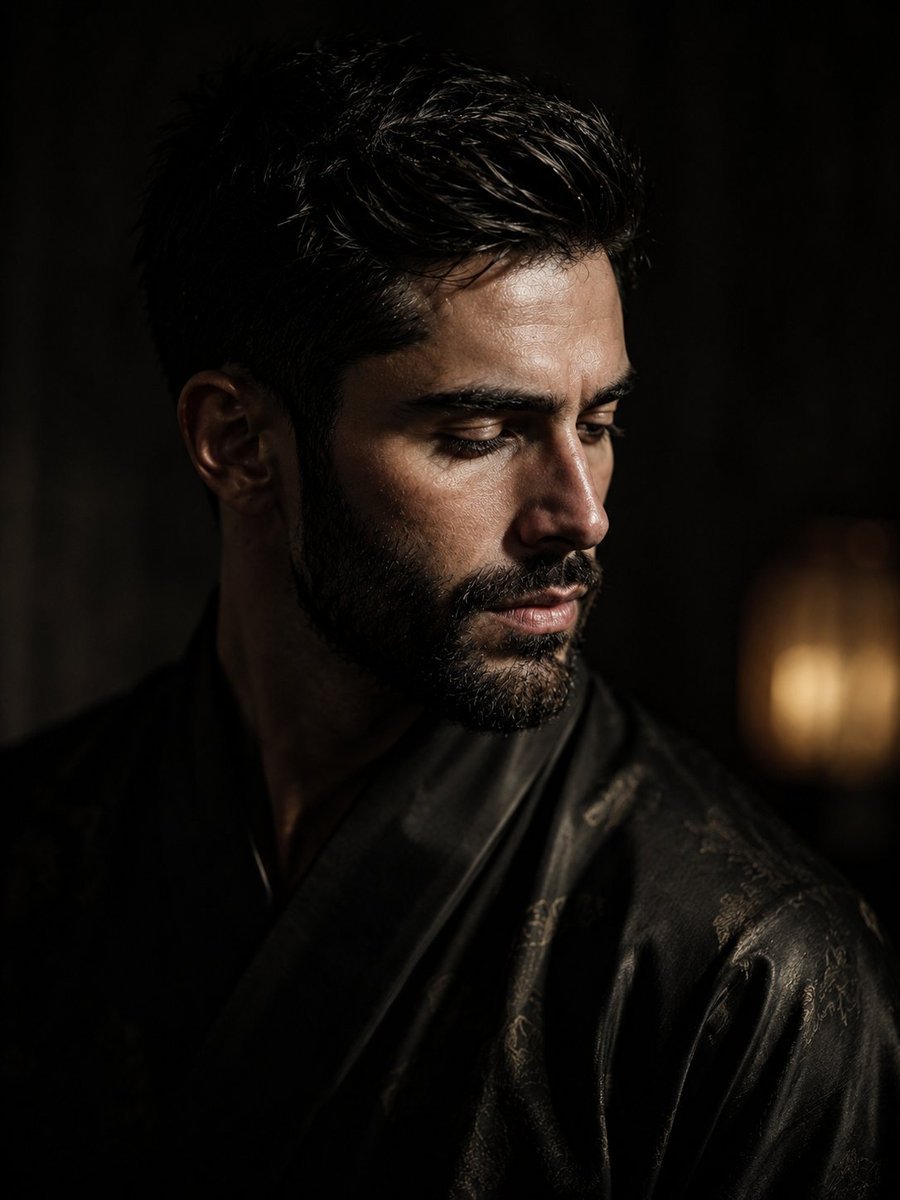
Chiaroscuro Silk Robe Portrait
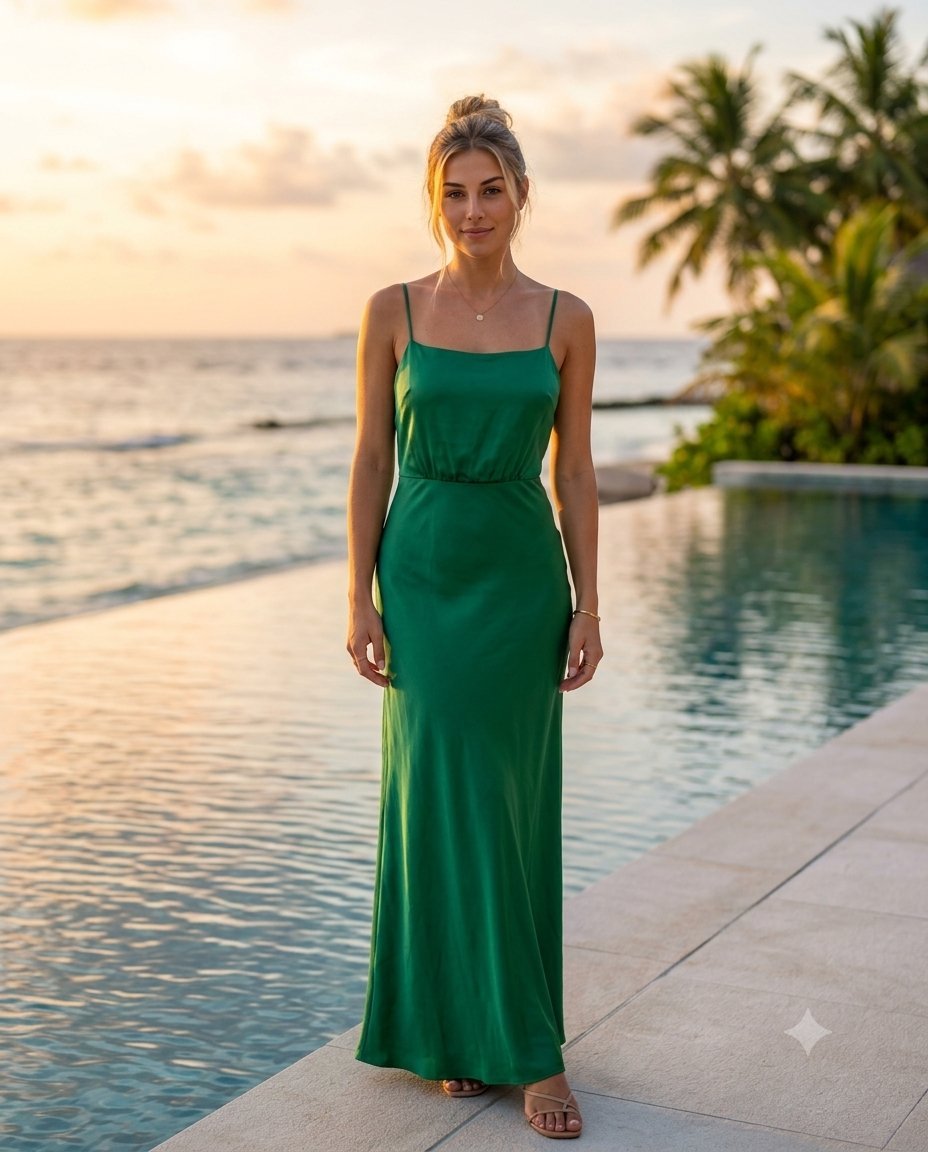
Maldives Resort Silk Dress Portrait
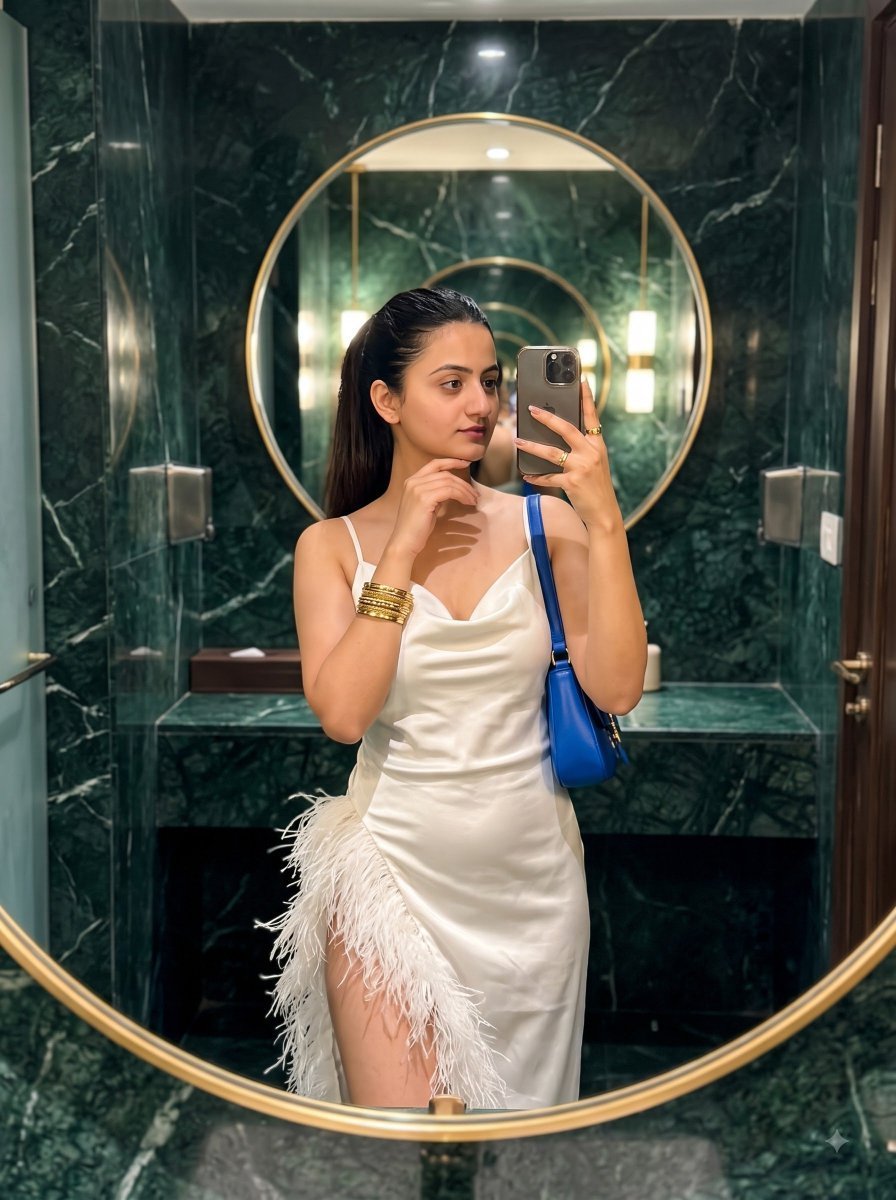
Feather Silk Dress Mirror Selfie
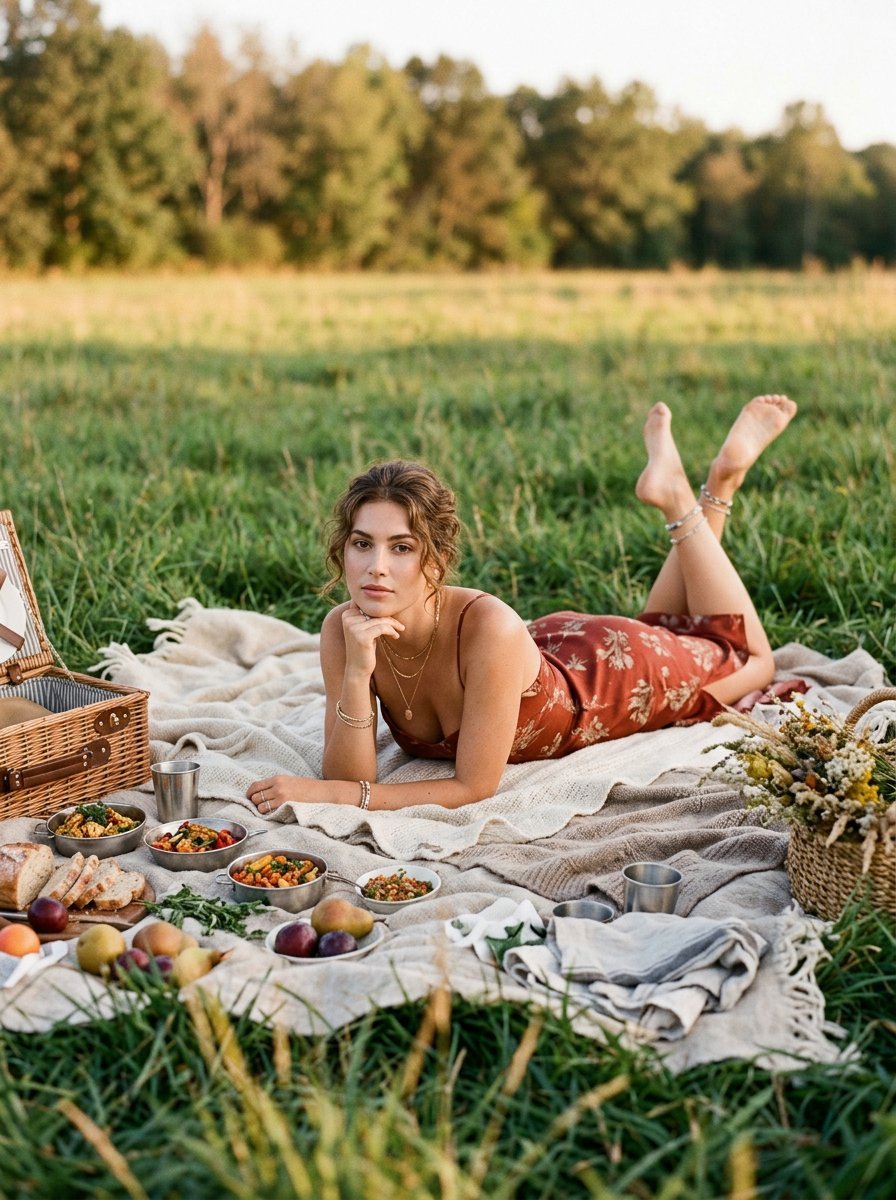
Rust Silk Dress Picnic Editorial
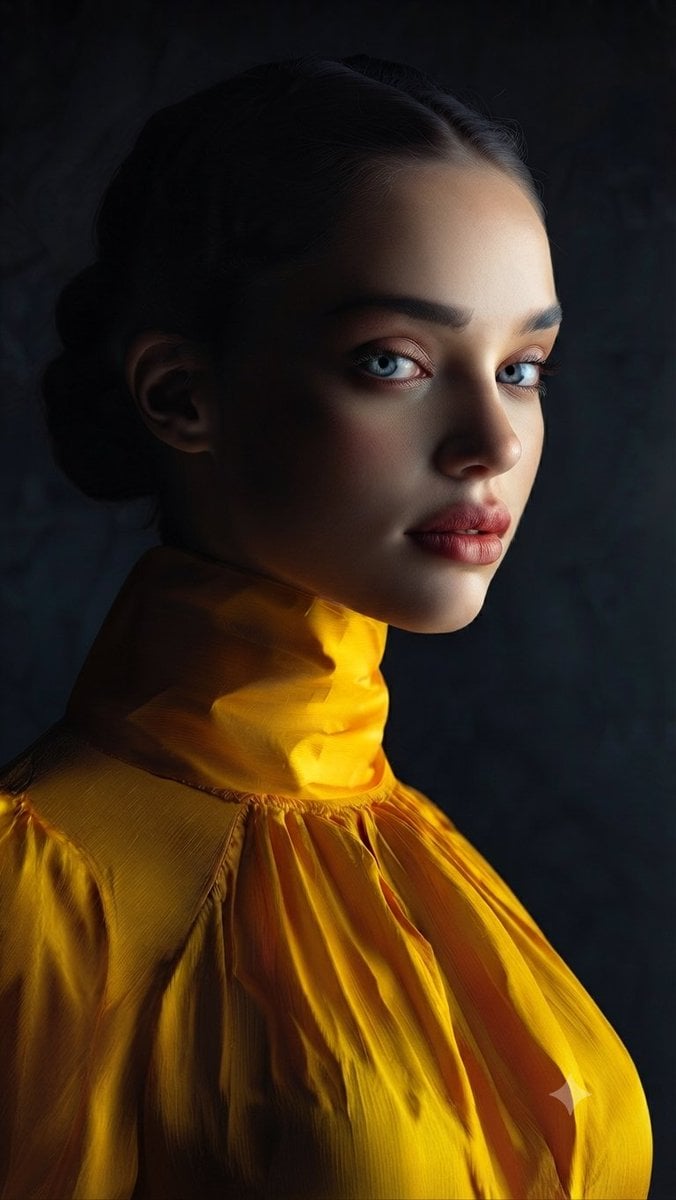
Yellow Silk Studio Portrait
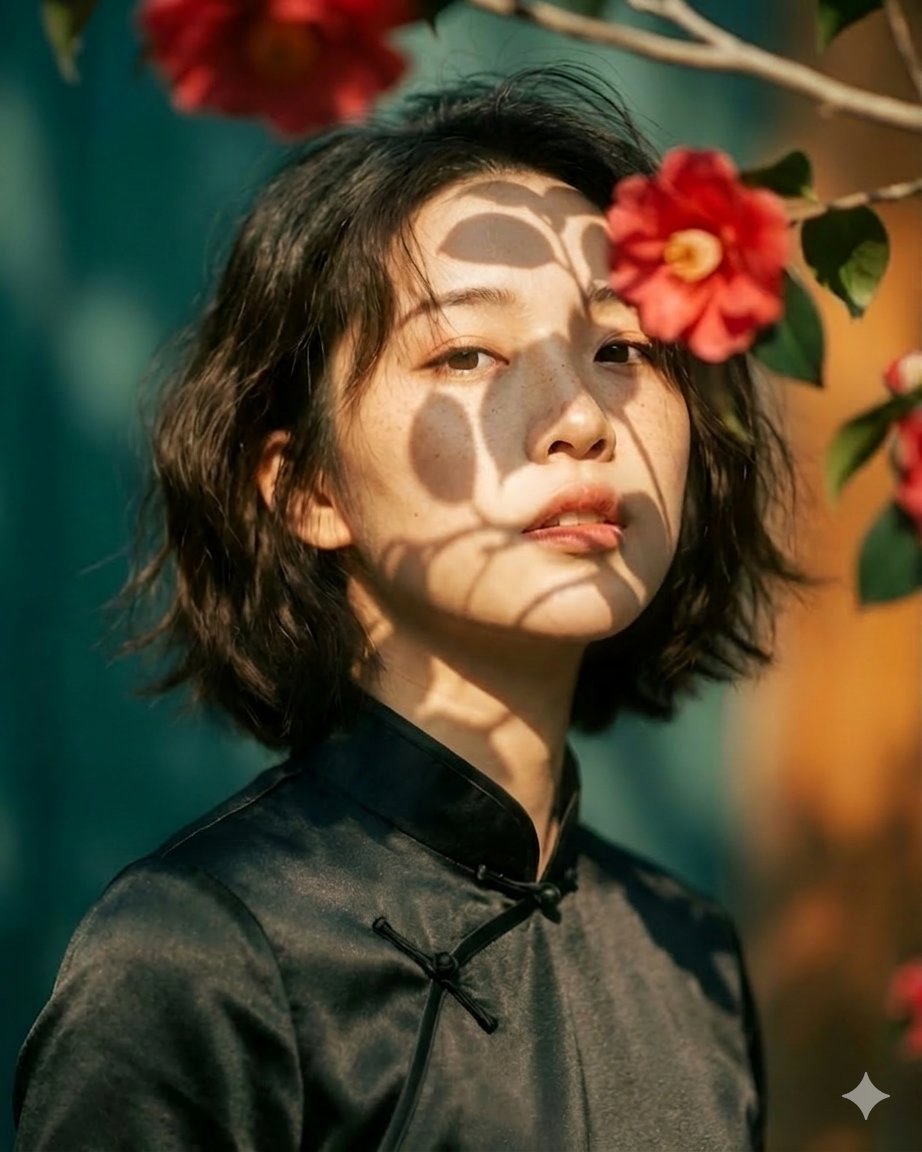
Artistic portrait of an elegant Asian woman wearing a black silk
Make it yours
Old Chinese Silk Shop Interior works as-is. These are the safest ways to change it without losing the look.
Change one field
Copy a single group, rewrite it, and generate again so you can see what that field is doing.
Keep the frame, change the subject
Hold the composition and light of Old Chinese Silk Shop Interior, then swap wardrobe, props or the person for a new take.
| If the result… | Why | Fix |
|---|---|---|
| The result drifts from the preview | Too many fields changed at once. | Reuse Old Chinese Silk Shop Interior as-is first, then change one group — subject, light, or setting. |
| The model over-stylizes the scene | The prose prompt leaves finish and camera underspecified. | Add one camera or lighting sentence and stay on GPT Image 2. |
More GPT Image 2 templates
Other prompts made for GPT Image 2.

Six VTuber Japanese Logo Sheet

Realistic Portrait of Woman and Deer

The Vista Modular Condo Poster

AI Model Routing Comparison Infographic

2.5D Anime Art Board

Isometric Productivity Desk Scene

New York Double Exposure Poster

Four-Panel AI Landscape Comparison

Japanese Tatami Lifestyle Magazine Cover

NESCAFÉ Coffee Map Poster
More image prompts
Fresh picks from across the catalog.
Abstract Iridescent Swirling Color Mixture
Spider-Man: Brand New Day Mirror Selfie

3D CG Oriental Fantasy Goddess
Anime Shrine Princess in Palace
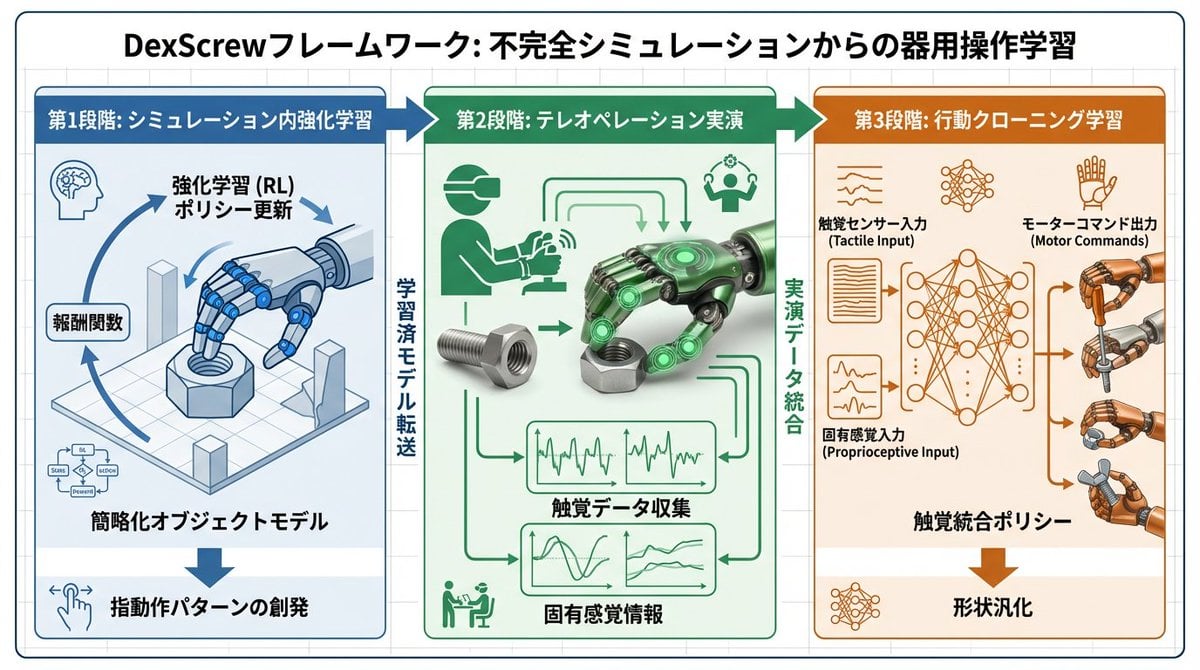
Accurate Academic Diagram Generation Prompt
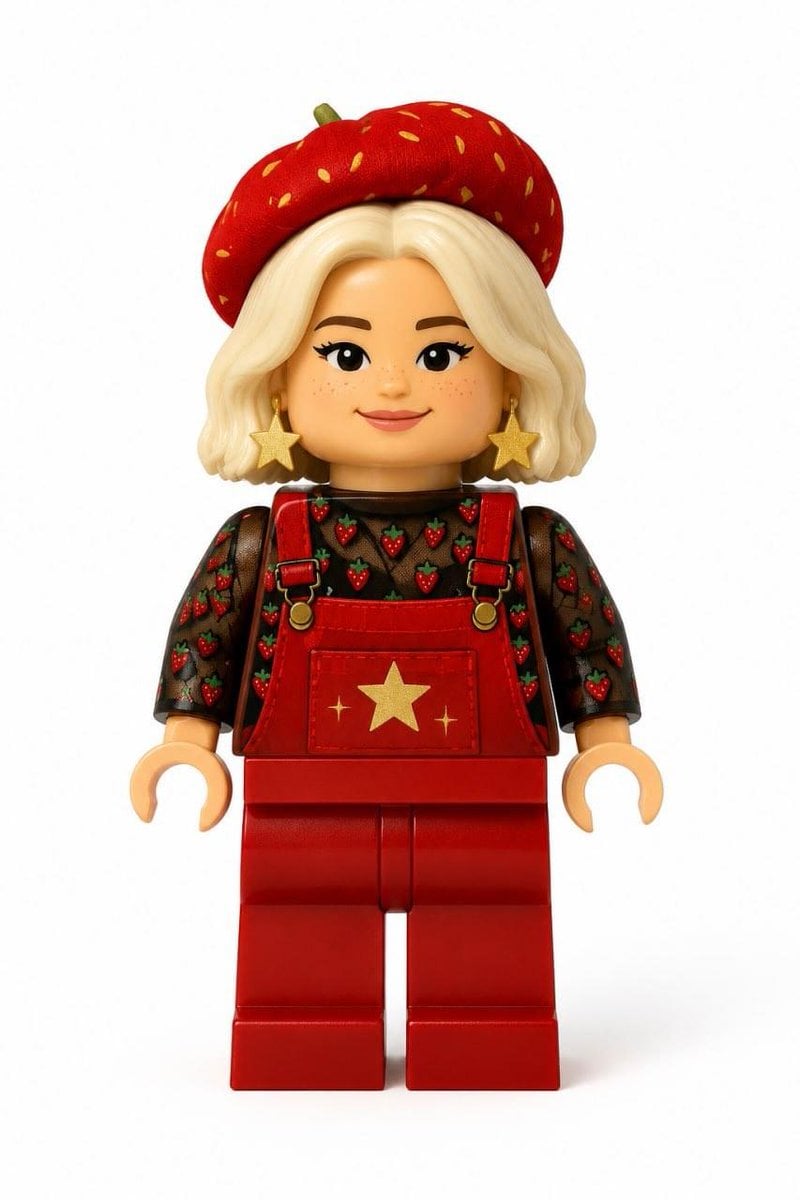
Realistic LEGO Minifigure Transformation
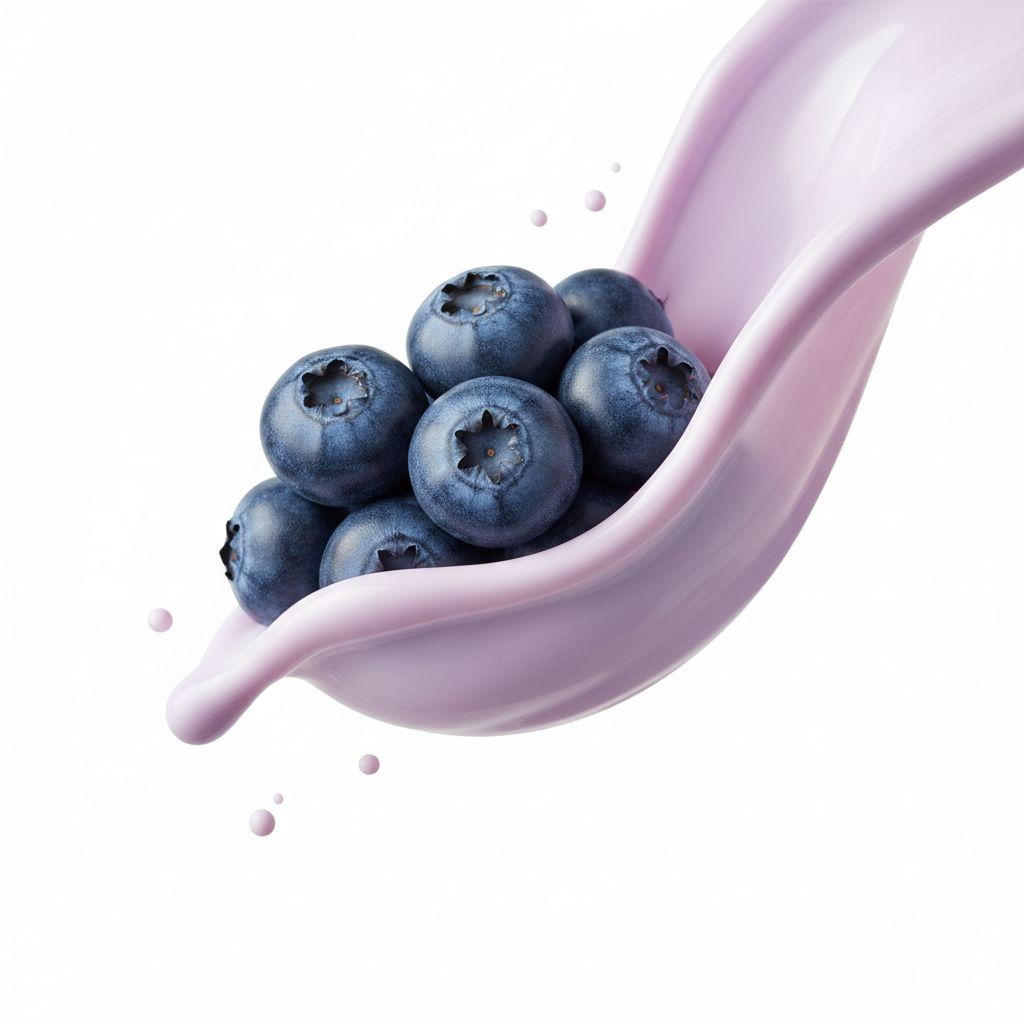
Macro Food Photography of Blueberries and Yogurt
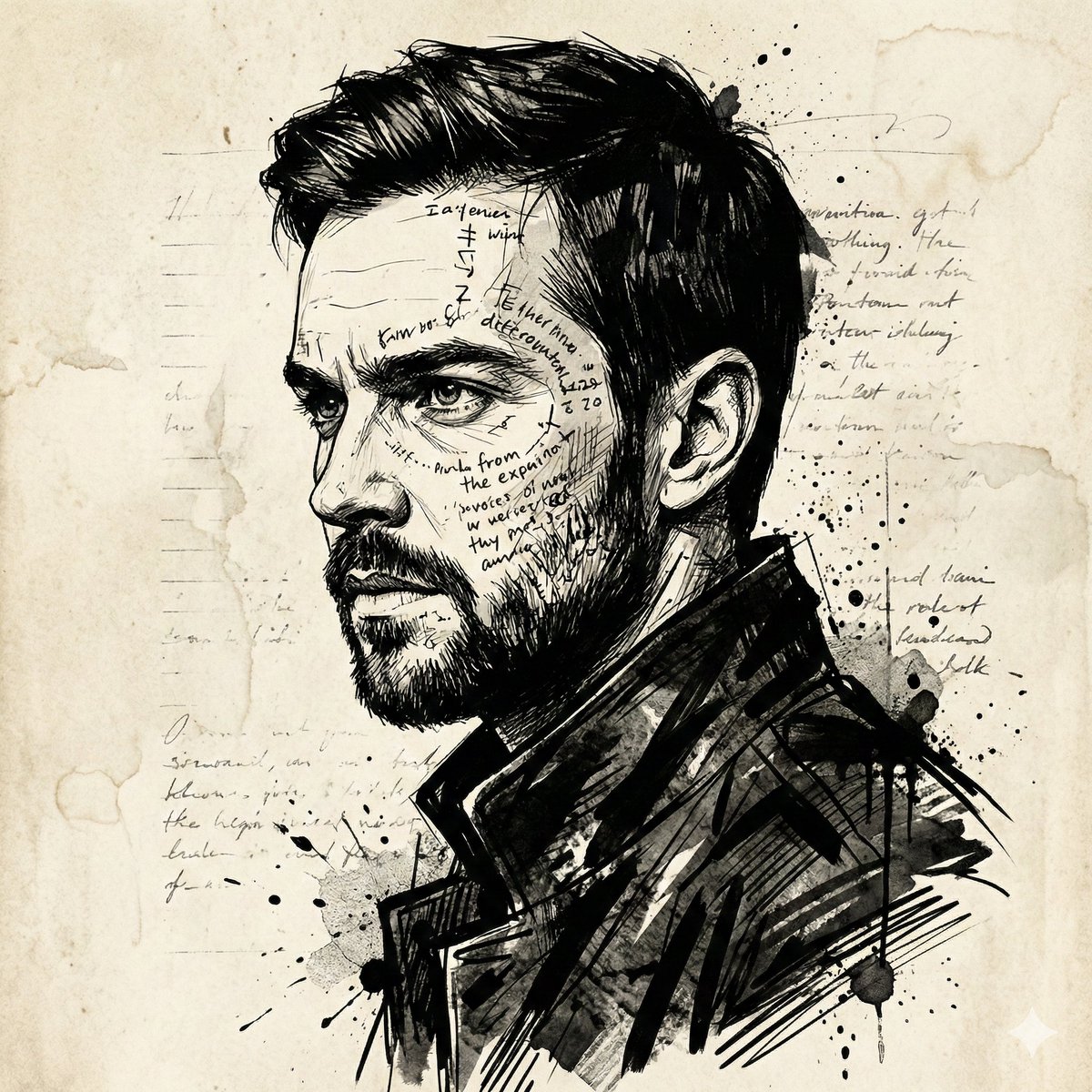
Intense Ink Sketch Portrait with Face Likeness
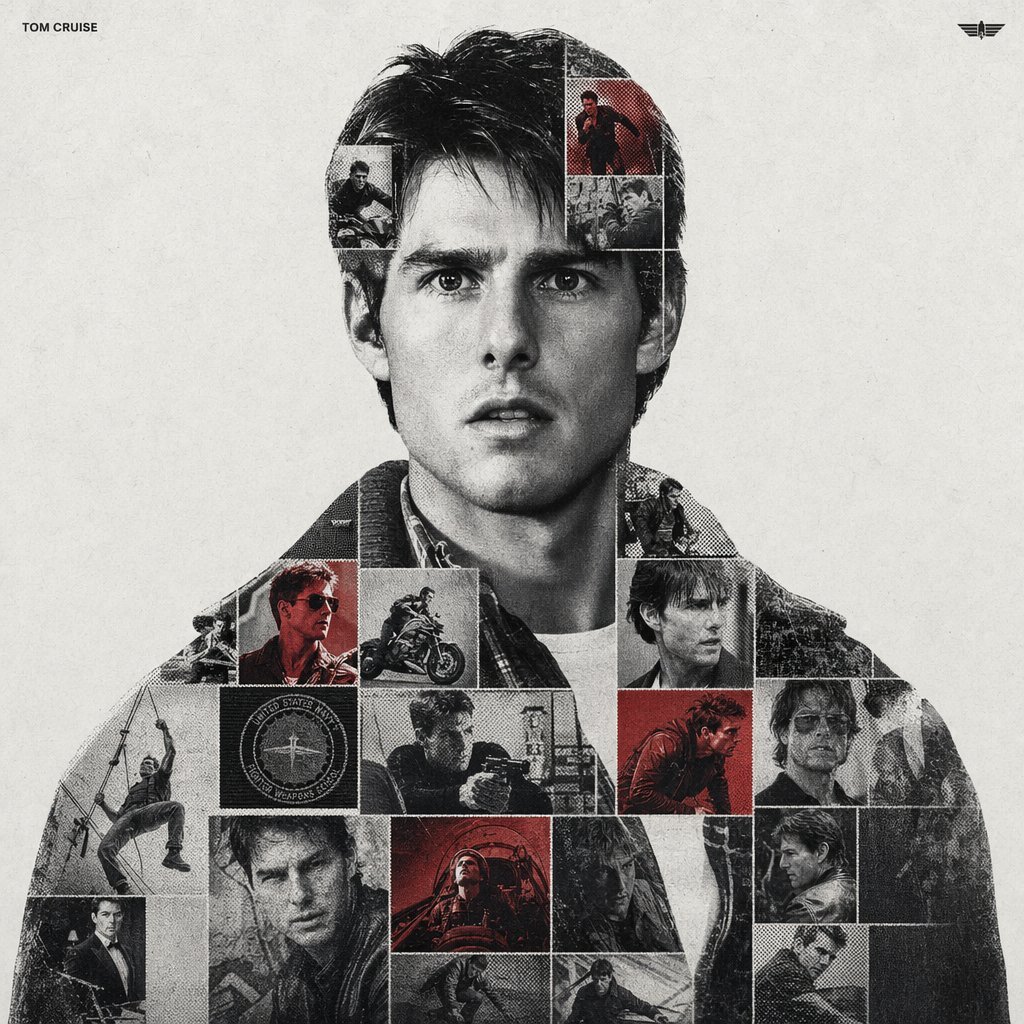
Dual Exposure Sports Graphic
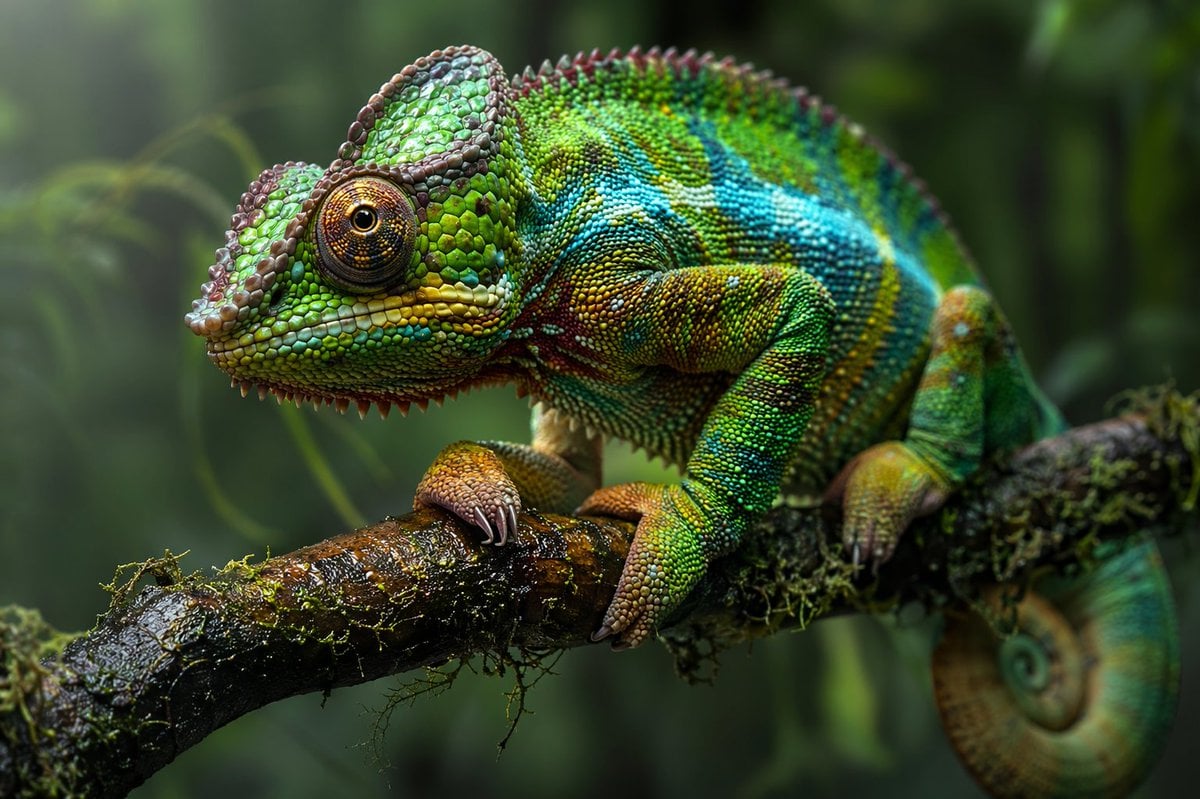
Macro Wildlife Photography
Browse template categories
Old Chinese Silk Shop Interior questions
How do I use the Old Chinese Silk Shop Interior template?
Add your photo if the template asks for one, edit the prompt if you like — the template's model and format are already selected — and press Generate. Your version opens in PicX Studio.
Can I customize the Old Chinese Silk Shop Interior template?
Yes. You can change the subject, setting, lighting, mood, format, and available model controls before creating your image.
Is the Old Chinese Silk Shop Interior template free?
Opening and editing this template is free. Generating uses credits, shown on the Generate button when you are signed in.
Which AI model should I use?
Start with GPT Image 2, which is the model associated with this template. You can compare another compatible model for a different finish.
Looking for something else? Browse all templates.

Your photo, any look
Thousands of ready templates for every top image and video model, from one credit balance.