
The Dream of Billions Football Film
A cinematic video prompt for a football-themed short film that transitions from a dusty street to a futuristic World Cup stadium.

- Prompt included
- Model and format preset
- Free template
The prompt behind this video
Copy the exact prompt behind The Dream of Billions Football Film, or open it in the studio and make it yours.
Ultra-realistic cinematic 15-second football short film called "The Dream of Billions". 0–3 sec: A worn football lies alone on a dusty street at sunrise. Quick cinematic flashes show children playing football in different parts of the world: Brazil beach, African village, European street, Asian rooftop. Emotional atmosphere. 3–6 sec: The football rises into the air in slow motion. The environment transforms into a massive futuristic FIFA World Cup stadium filled with lights and energy. Crowd roar builds. 6–9 sec: A young footballer sprints toward the ball. Cinematic close-ups of boots hitting the grass, determined eyes, stadium lights reflecting in sweat. 9–12 sec: The player strikes the ball. Time slows down. The ball travels through the air surrounded by glowing particles and stadium lights. 12–15 sec: The ball hits the net. The entire stadium erupts. Fireworks explode above the arena. The camera pulls high above the stadium showing millions of lights around the world. Final frame: "The World Plays As One." Style: Ultra realistic, emotional storytelling, FIFA World Cup atmosphere, cinematic lighting, dramatic slow motion, realistic crowd energy, premium sports commercial quality, smooth camera movement, 4K or 8K quality.
How to use The Dream of Billions Football Film in 3 steps
- 1
Open
The prompt is already in the box next to the preview, with the template's model and format selected.
- 2…a portrait of your subject in softgolden-hour light, 85mm…
Personalize
Edit the subject and creative details for your destination.
- 3Generate
Generate
Press Generate — your video is created in PicX Studio, so you can compare it with the original and refine one variable at a time.
More like this
Templates with the same subject, style or setup. Open one to see its prompt.

Haute Couture Dream Bokeh Film
Hospital Car Park Dialogue Lip Sync

Global Flower Thank-You Film

Youth Racing Short Film

Three-Thousand-Year Football History

Mechanical Flower Bloom Brand Film

Oceanic Civilization Epic Sci-Fi Film

Floating Desert Museum Cinematic Film
Window-to-Eye Concept Film

Crystal Ball Match-Cut Brand Film

Street to Stadium Football Dream

Global Football Dream Cinematic Story
Make it yours
The Dream of Billions Football Film works as-is. These are the safest ways to change it without losing the look.
Change one field
Copy a single group, rewrite it, and generate again so you can see what that field is doing.
Keep the frame, change the subject
Hold the composition and light of The Dream of Billions Football Film, then swap wardrobe, props or the person for a new take.
| If the result… | Why | Fix |
|---|---|---|
| The result drifts from the preview | Too many fields changed at once. | Reuse The Dream of Billions Football Film as-is first, then change one group — subject, light, or setting. |
| The model over-stylizes the scene | The prose prompt leaves finish and camera underspecified. | Add one camera or lighting sentence and stay on Seedance 2.0. |
More Seedance 2.0 templates
Other prompts made for Seedance 2.0.

Comical Martial Arts Punch Scene

Maglev Train Action Sequence

Martial Arts Fight Sequence

Wuxia Protection and Trust Script

Vintage Korean Arcade MiniDV Vlog

Mercedes 190 SL Luxury Ad

Rainy Night Supernatural Reverse Comedy Video Script

Amazon Civilization Discovery

Futuristic South Asian City Transformation

Cozy Luxury Cafe Commercial
More video prompts
Fresh picks from across the catalog.

Alien Ski Station Night Ambush
3D Soccer Energy Drink Commercial
Second Cinematic Transformation Scene Prompt (IMAX Style)

Mosquito Slam Dunk Rejection

Sled Dog Mutation Body Horror Sequence
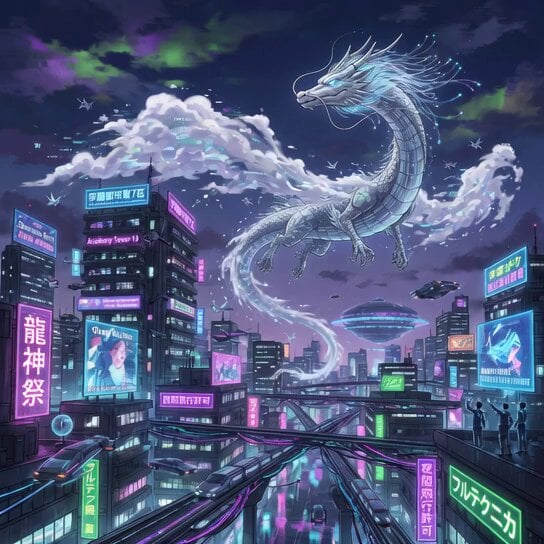
Silver Dragon in Cyberpunk City
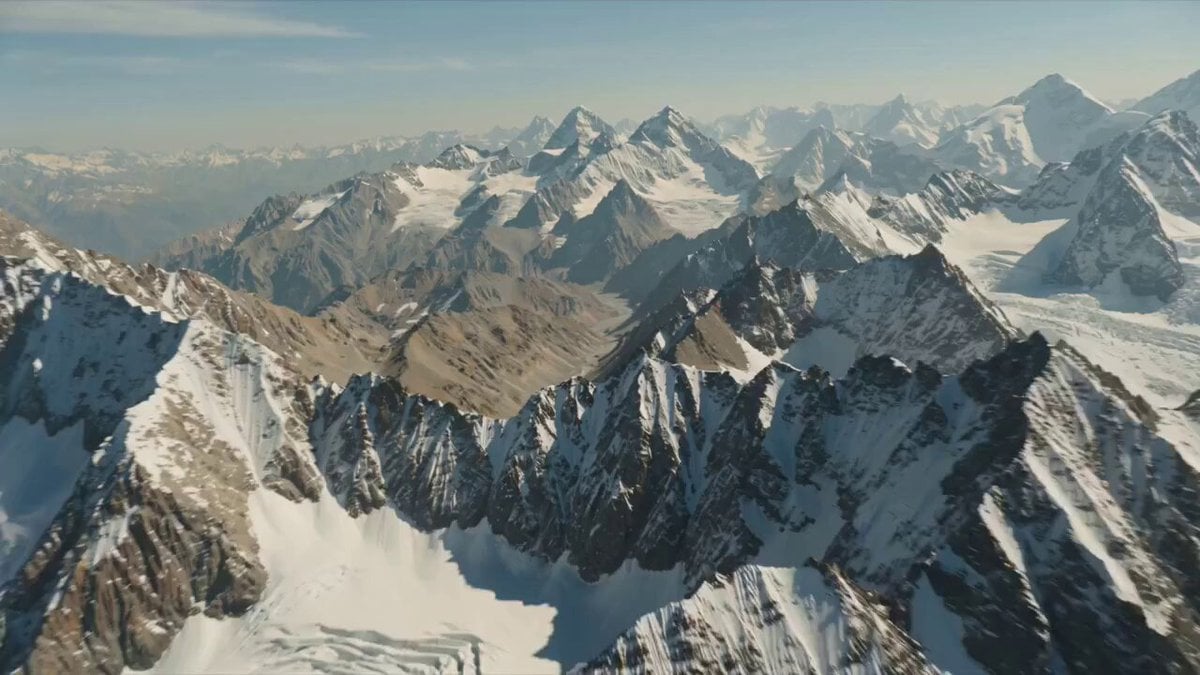
High in the rugged 1975 Ladakh mountains, Indian engineers harness newly discovered anti-gravity min
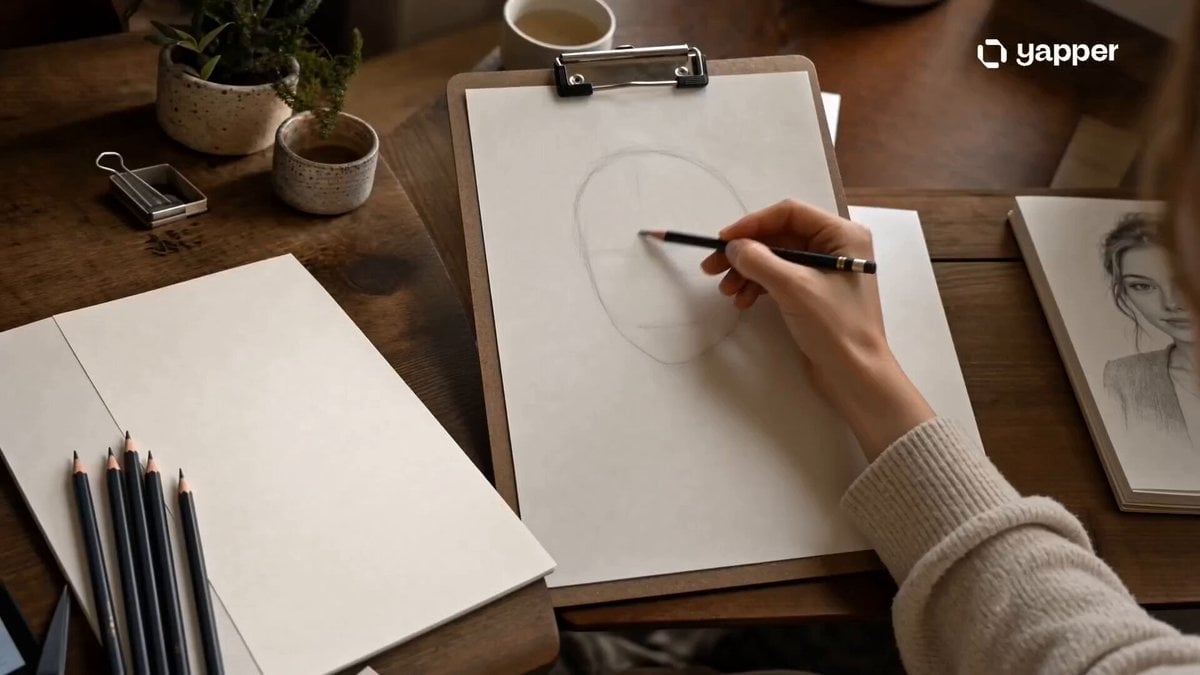
Pencil Sketch Portrait Living Timelapse
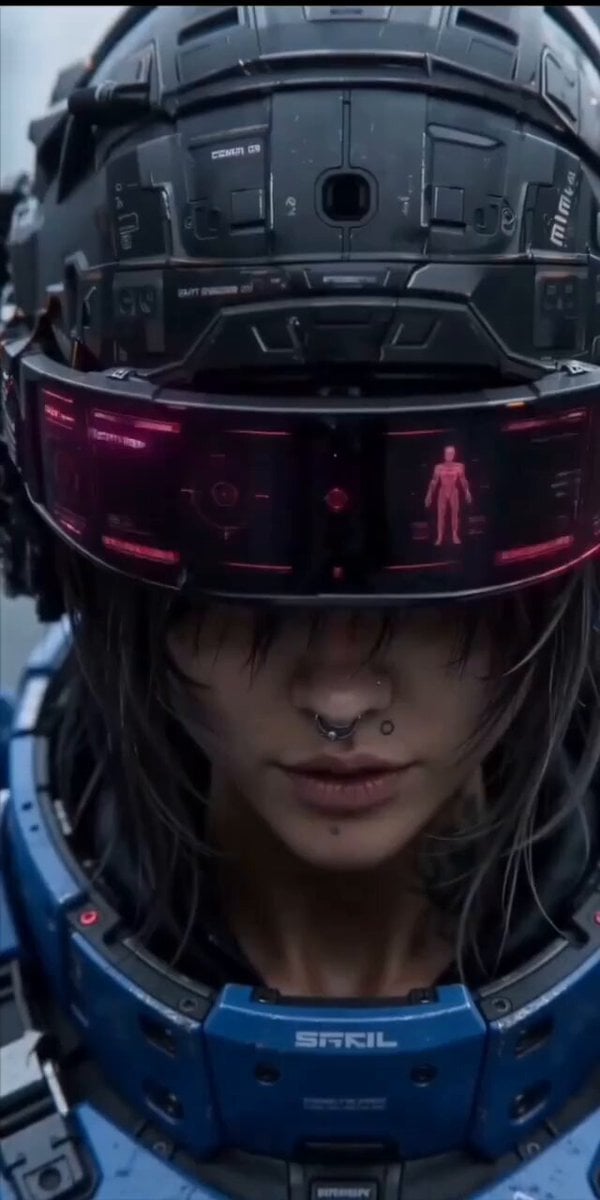
Cinematic action sequence video prompt of a futuristic female warrior

Sci-Fi Cinematic Corridor Walk
Browse template categories
The Dream of Billions Football Film questions
How do I use the The Dream of Billions Football Film template?
Add your photo if the template asks for one, edit the prompt if you like — the template's model and format are already selected — and press Generate. Your version opens in PicX Studio.
Can I customize the The Dream of Billions Football Film template?
Yes. You can change the subject, setting, lighting, mood, format, and available model controls before creating your video.
Is the The Dream of Billions Football Film template free?
Opening and editing this template is free. Generating uses credits, shown on the Generate button when you are signed in.
Which AI model should I use?
Start with Seedance 2.0, which is the model associated with this template. You can compare another compatible model for a different finish.
Looking for something else? Browse all templates.

Your photo, any look
Thousands of ready templates for every top image and video model, from one credit balance.