
Cinematic World Travel Hyper-lapse
A highly detailed cinematic prompt for a 15-second hyper-lapse travel video, featuring a consistent subject visiting thirty global landmarks with rapid cuts synced to a beat.
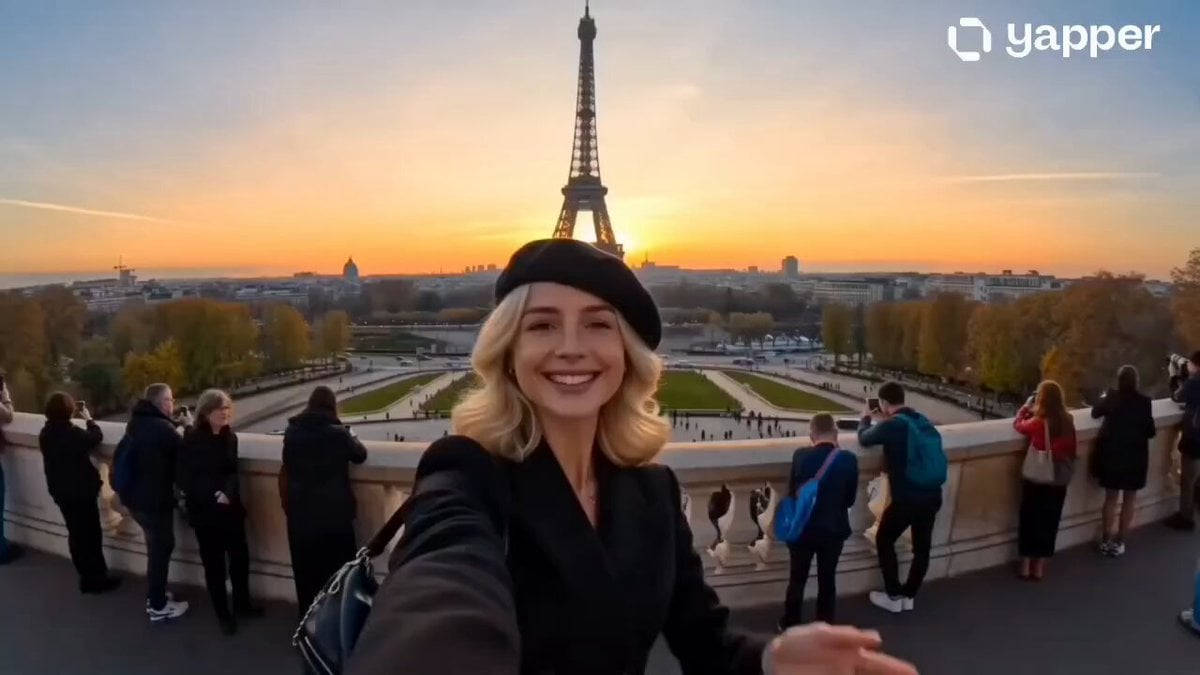
- Prompt included
- Model and format preset
- Premium template
The prompt behind this video
Copy the exact prompt behind Cinematic World Travel Hyper-lapse, or open it in the studio and make it yours.
Create a 15-second cinematic hyper-lapse selfie travel video of Subject across 30 world-famous destinations in 2026. Hard cuts every 0.5 seconds synced to the beat. Handheld selfie-stick camera, wide-angle lens, close selfie framing, energetic travel-vlogger style, vibrant cinematic colors, realistic lighting, dynamic motion blur, natural crowds, and clear landmarks in every shot. Strict identity consistency across all scenes: same face, same age, same hairstyle, same body proportions, same cheerful personality. No face morphing, gender changes, hairstyle changes,watch switching wrists, or outfit blending. Locations: Eiffel Tower Paris, Shibuya Tokyo, Times Square NYC, Colosseum Rome, Pyramids Egypt, Christ the Redeemer Rio, Big Ben London, Sydney Opera House, Grand Palace Bangkok, Taj Mahal India, Great Wall China, Burj Khalifa Dubai, Hagia Sophia Istanbul, Venice Grand Canal, Machu Picchu Peru, Acropolis Athens, Sagrada Familia Barcelona, Amsterdam Windmills, Gyeongbokgung Palace Seoul, Marina Bay Sands Singapore, Santorini Greece, Petra Jordan, Neuschwanstein Castle Germany, Golden Gate Bridge San Francisco, Niagara Falls Canada, Mount Fuji Japan, Angkor Wat Cambodia, Swiss Alps Switzerland, Cappadocia Turkey, and the Maldives. Each location features a unique stylish outfit matching the local vibe and a fun expressive pose such as waving, peace sign, namaste, finger heart, laughing, pointing at landmarks, thumbs-up, surprised reactions, dancing, or playful.
How to use Cinematic World Travel Hyper-lapse in 3 steps
- 1
Open
The prompt is already in the box next to the preview, with the template's model and format selected.
- 2…a portrait of your subject in softgolden-hour light, 85mm…
Personalize
Edit the subject and creative details for your destination.
- 3Generate
Generate
Press Generate — your video is created in PicX Studio, so you can compare it with the original and refine one variable at a time.
More like this
Templates with the same subject, style or setup. Open one to see its prompt.

Handheld Tokyo Travel Vlog - Seedance 2.5

Product UGC Commercial

Luxury Airport Travel Vlog

Kenting Lifestyle Travel Vlog
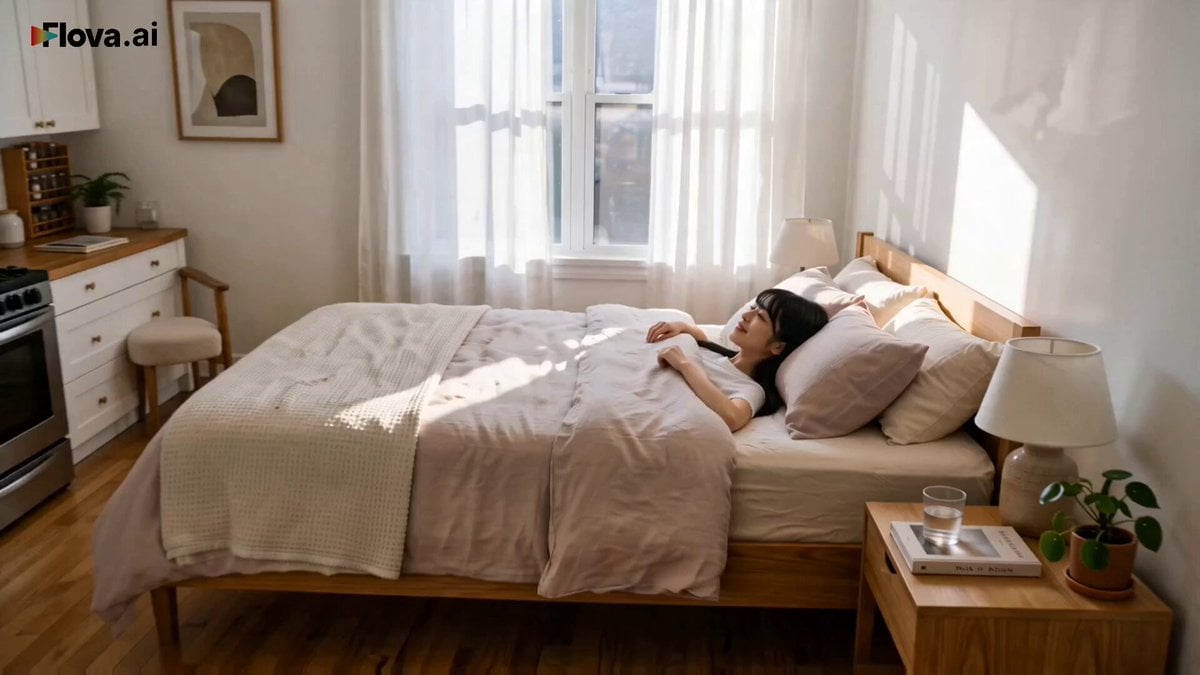
World Cup Final Travel Vlog
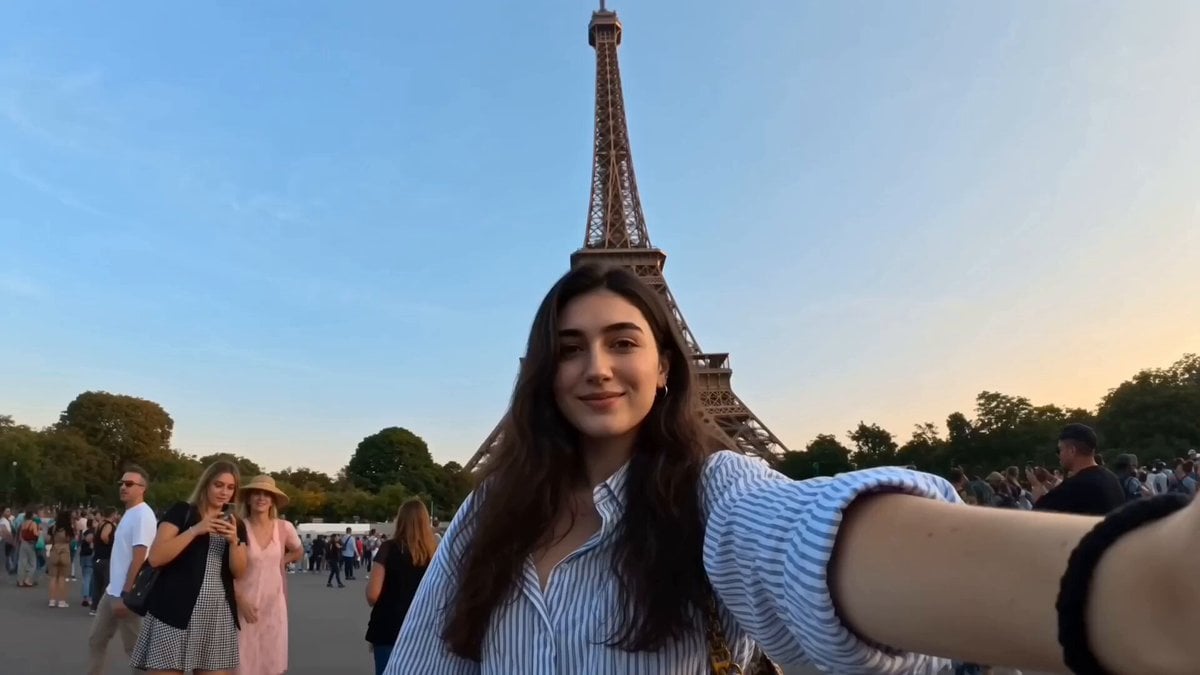
Global Travel Vlogger Hyper-lapse
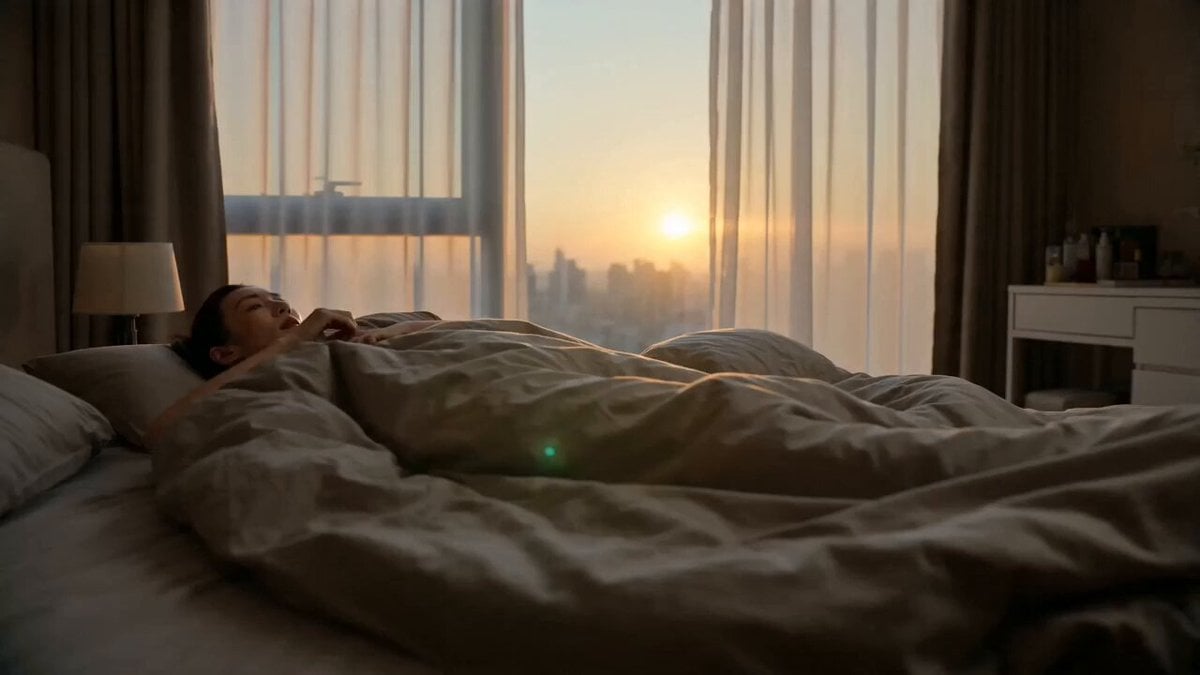
World Cup Travel Vlog Style Video
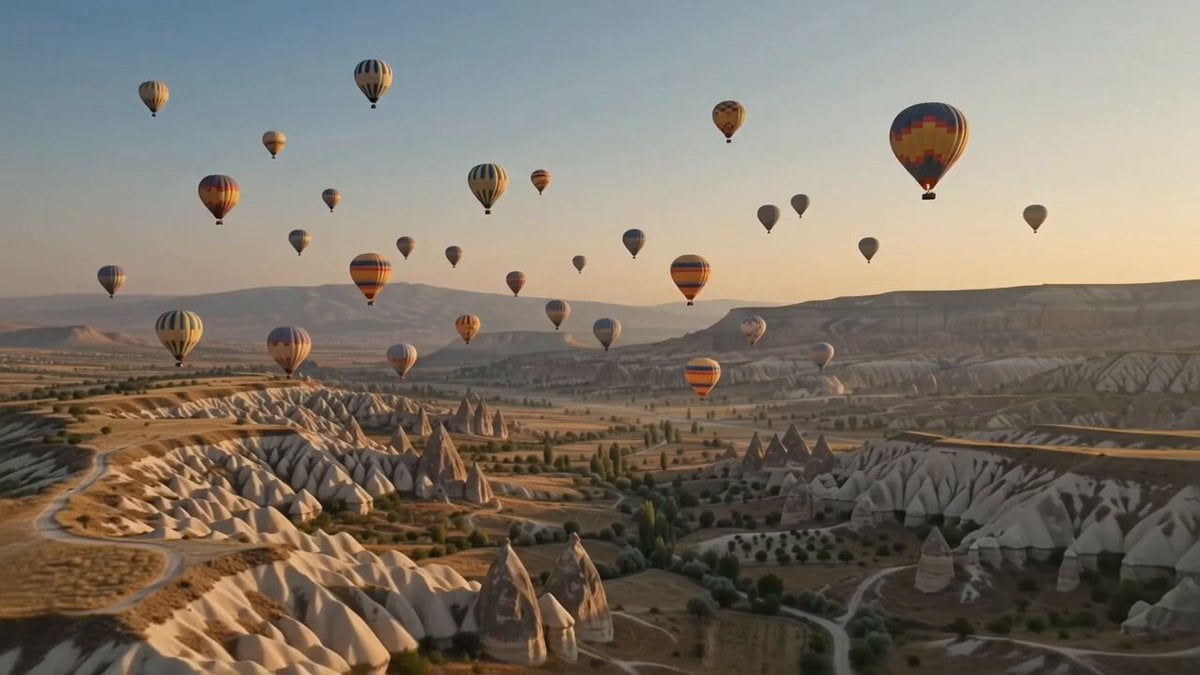
Hot-Air Balloon Travel Vlog
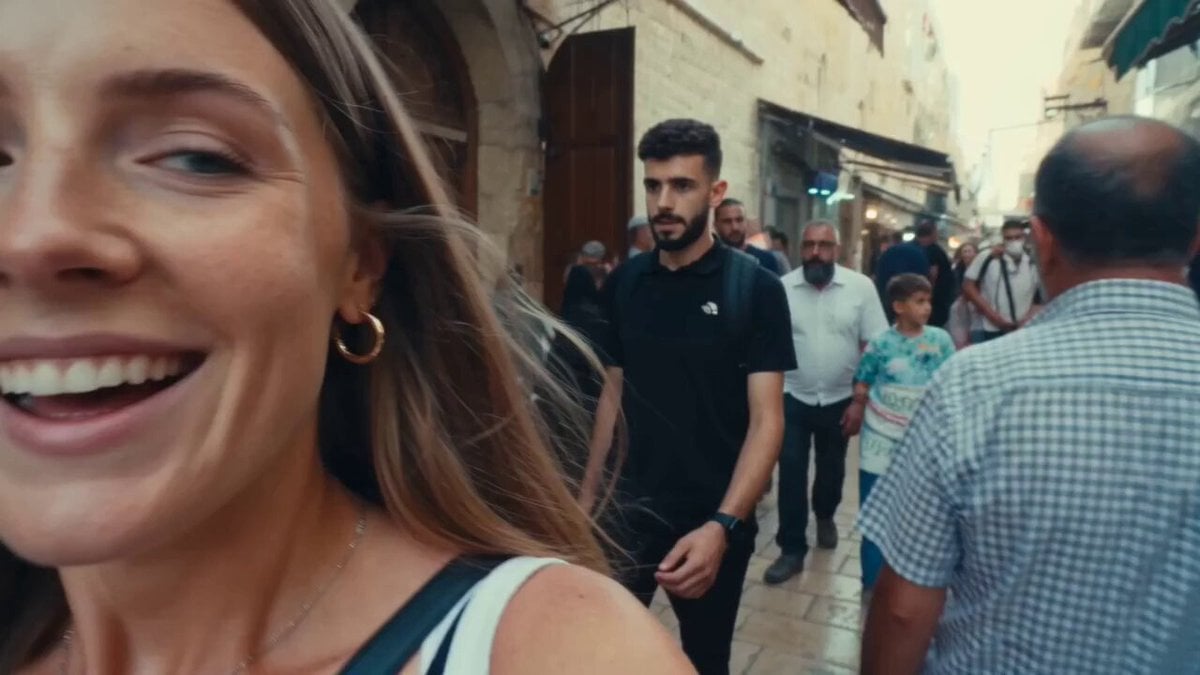
Vintage 16mm Jerusalem Travel Vlog

Japanese Summer Festival Travel Vlog
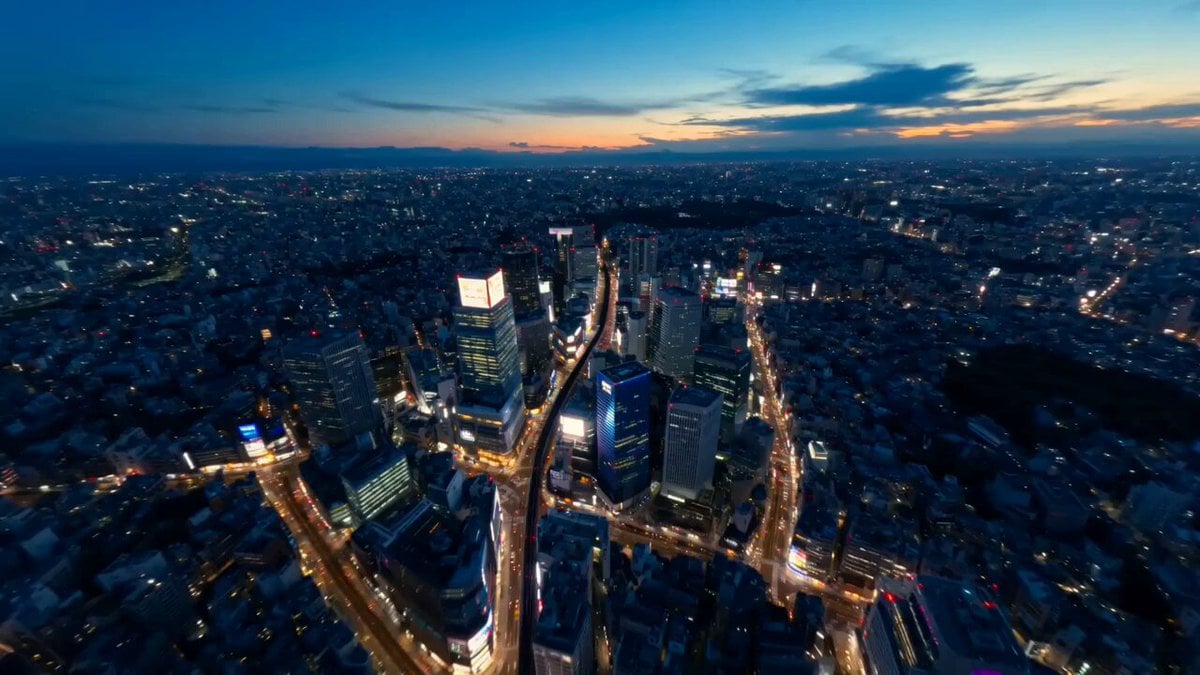
Tokyo Street Style Travel Film
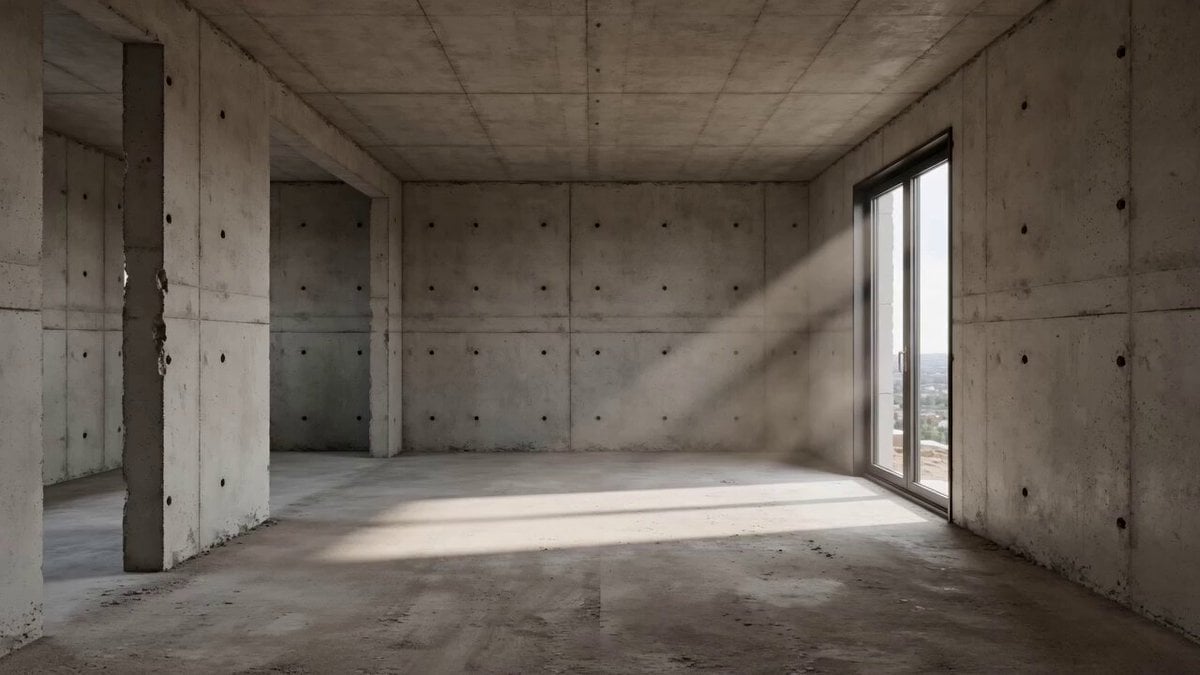
Architectural Space Renovation Timelapse
Make it yours
Cinematic World Travel Hyper-lapse works as-is. These are the safest ways to change it without losing the look.
Change one field
Copy a single group, rewrite it, and generate again so you can see what that field is doing.
Keep the frame, change the subject
Hold the composition and light of Cinematic World Travel Hyper-lapse, then swap wardrobe, props or the person for a new take.
| If the result… | Why | Fix |
|---|---|---|
| The result drifts from the preview | Too many fields changed at once. | Reuse Cinematic World Travel Hyper-lapse as-is first, then change one group — subject, light, or setting. |
| The model over-stylizes the scene | The prose prompt leaves finish and camera underspecified. | Add one camera or lighting sentence and stay on Seedance 2.0. |
More Seedance 2.0 templates
Other prompts made for Seedance 2.0.

Comical Martial Arts Punch Scene

Maglev Train Action Sequence

Martial Arts Fight Sequence

Wuxia Protection and Trust Script

Vintage Korean Arcade MiniDV Vlog

Mercedes 190 SL Luxury Ad

Rainy Night Supernatural Reverse Comedy Video Script

Amazon Civilization Discovery

Futuristic South Asian City Transformation

Cozy Luxury Cafe Commercial
More video prompts
Fresh picks from across the catalog.
Sorceress Frost Shockwave

Klimt-Inspired Ethereal Portrait Video Prompt
Ancient Chinese Pink Ru Skirt
Martial Arts Duel Cinematic Scene
Luxury Watch Mechanical Explosion

Japanese Slice-of-Life Street Conversation
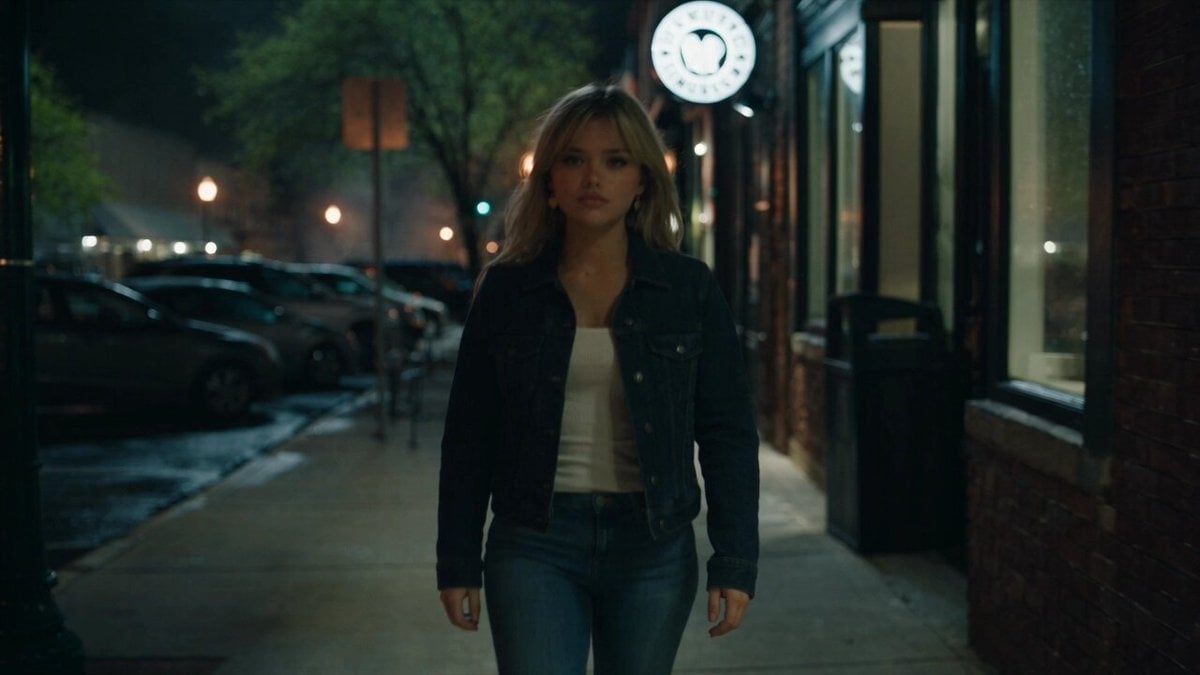
Urban Night Rain Tracking Shot
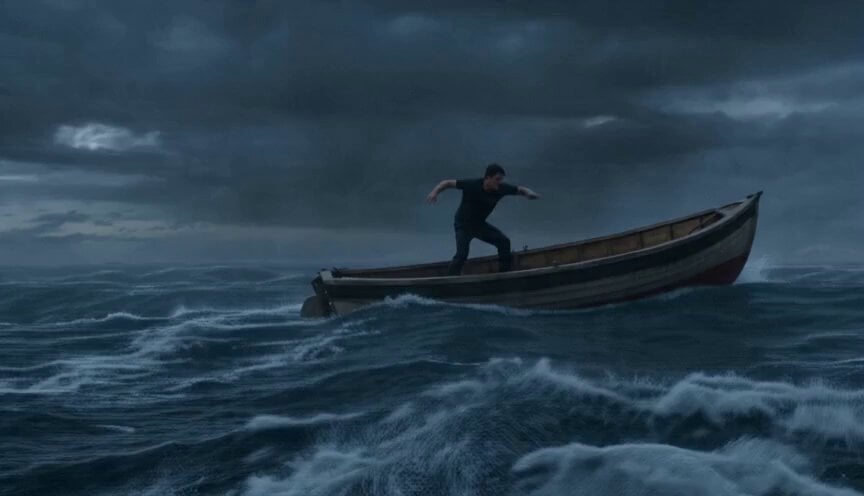
Sea Monster Storm Survival
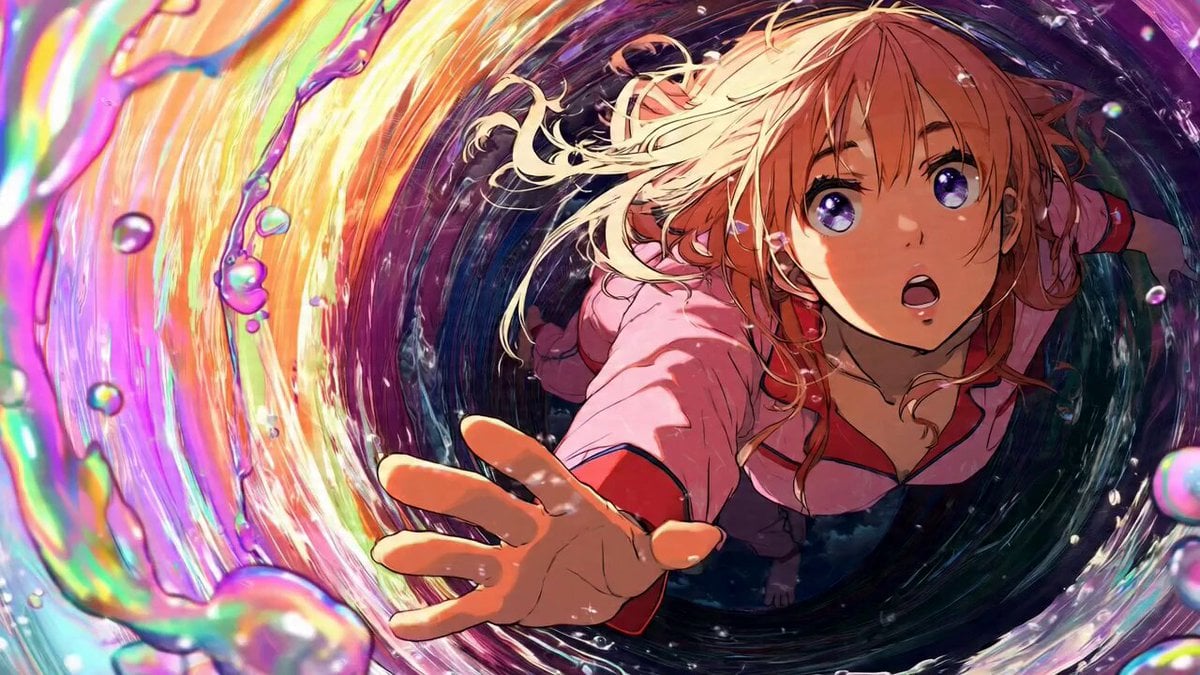
Girl Falling Through Digital Tunnel Video Prompt

Oceanic Civilization Epic Sci-Fi Film
Browse template categories
Cinematic World Travel Hyper-lapse questions
How do I use the Cinematic World Travel Hyper-lapse template?
Add your photo if the template asks for one, edit the prompt if you like — the template's model and format are already selected — and press Generate. Your version opens in PicX Studio.
Can I customize the Cinematic World Travel Hyper-lapse template?
Yes. You can change the subject, setting, lighting, mood, format, and available model controls before creating your video.
Is the Cinematic World Travel Hyper-lapse template free?
Opening and editing this template is free. Generating uses credits, shown on the Generate button when you are signed in.
Which AI model should I use?
Start with Seedance 2.0, which is the model associated with this template. You can compare another compatible model for a different finish.
Looking for something else? Browse all templates.

Your photo, any look
Thousands of ready templates for every top image and video model, from one credit balance.