
Liquid Metal Monster Transformation
A cinematic continuous shot prompt featuring a man transforming into a liquid metal monster on a stormy beach.

- Prompt included
- Model and format preset
- Free template
The prompt behind this video
Copy the exact prompt behind Liquid Metal Monster Transformation, or open it in the studio and make it yours.
Single continuous cinematic shot on a stormy beach under heavy overcast skies, dark clouds moving fast, strong ocean wind whipping sand and loose fabric through the air, dramatic cold blue-gray color grading, realistic professional film look. The camera begins with a low tracking shot across wet beach sand filled with scattered colorful beach toys and abandoned umbrellas trembling in the wind. A small droplet of liquid aluminum suddenly glides rapidly across the sand with unnatural motion, highly reflective chrome surface, moving silently between the toys without leaving any trail behind. The camera smoothly follows beside the metallic droplet in one uninterrupted motion as it accelerates toward a relaxed man sitting alone on a beach chair near the shoreline. Waves crash violently in the background, wind roaring loudly. The droplet instantly crawls onto his hand like living mercury. Extreme close-up as the reflective silver substance rapidly spreads across his skin. The man suddenly jolts in shock, breathing heavily, stumbling to his feet in panic while desperately trying to shake the substance off. Handheld camera movement intensifies slightly to emphasize fear and chaos. The liquid metal continues expanding across both arms, chest, neck, and face with realistic organic motion, forming a seamless silver shell around his entire body. His movements become slower and more desperate until he freezes completely like a metallic statue standing in the middle of the windy beach. Background people begin noticing him, confused and frightened. The camera slowly circles around the motionless silver figure while wind blows sand violently across the frame and distant thunder rumbles. Suddenly, thin glowing cracks emerge across the silver shell with faint purple light leaking from within. The camera pushes in slowly as the cracks rapidly spread louder and louder. In a violent explosive burst, the silver shell shatters outward into metallic fragments flying through the air in slow motion, revealing a terrifying monstrous creature radiating intense purple aura and smoke-like energy. The monster unleashes a massive roar directly toward camera while purple energy pulses around its body. Nearby beachgoers scream and run away in terror, some falling into the sand as umbrellas and beach objects are blown away by the wind. The camera pulls backward shakily while maintaining focus on the roaring monster standing alone against the dark stormy ocean backdrop, cinematic atmosphere, hyper realistic visual effects, dramatic lighting, intense tension, immersive film quality.
How to use Liquid Metal Monster Transformation in 3 steps
- 1
Open
The prompt is already in the box next to the preview, with the template's model and format selected.
- 2…a portrait of your subject in softgolden-hour light, 85mm…
Personalize
Edit the subject and creative details for your destination.
- 3Generate
Generate
Press Generate — your video is created in PicX Studio, so you can compare it with the original and refine one variable at a time.
More like this
Templates with the same subject, style or setup. Open one to see its prompt.
Mecha Transformation vs Kaiju — 4-Scene Epic

Magical Room Transformation - Seedance 2.5

Dark Tokusatsu Transformation - Seedance 2.5

RX-7 to Mech Transformation Cyberpunk
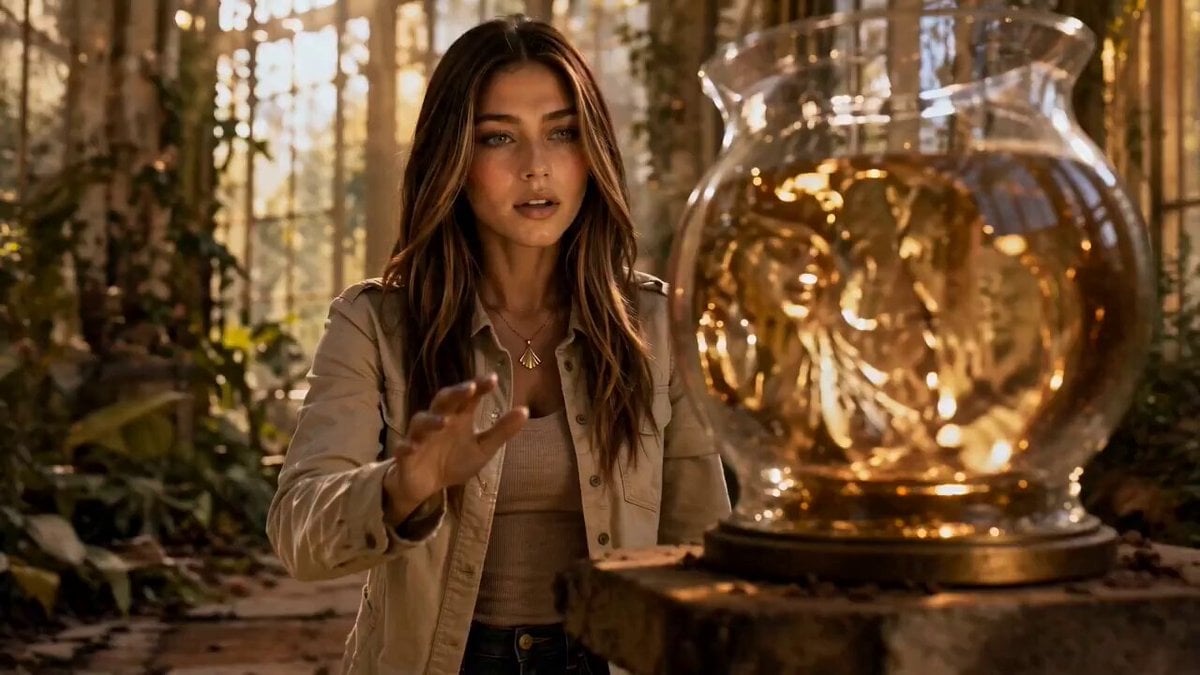
Liquid Gold Cinematic Transformation
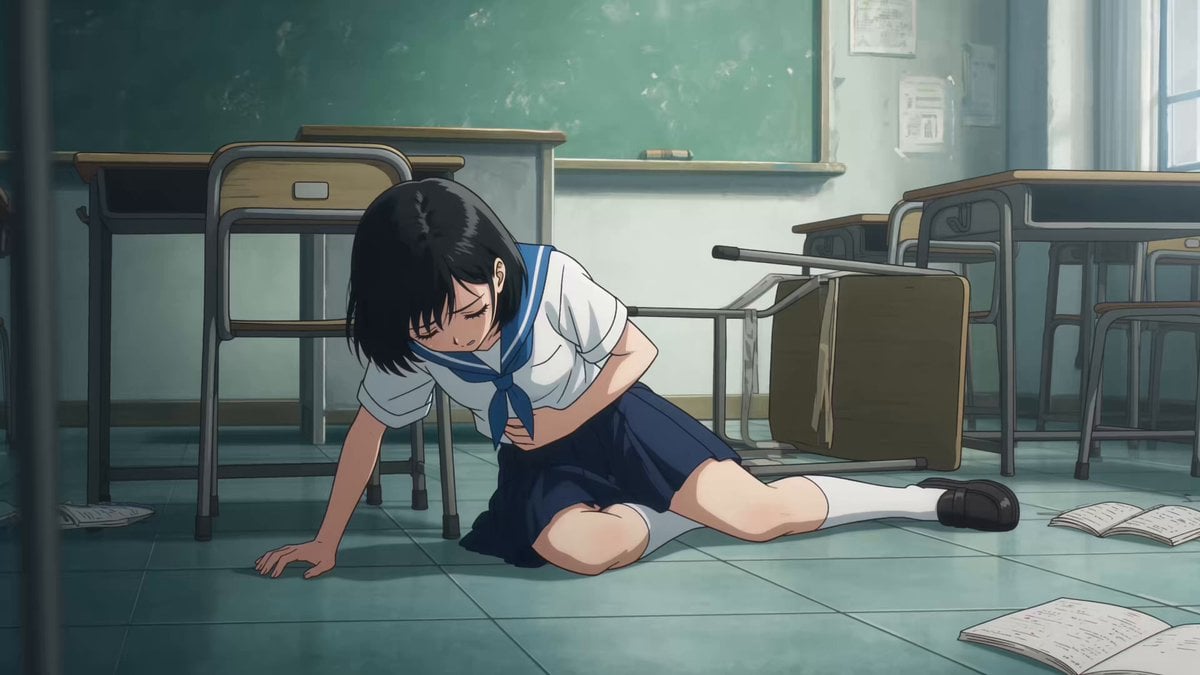
School Monster Transformation Battle
Liquid Gold Futuristic City Transformation Prompt for Seedance 2.0
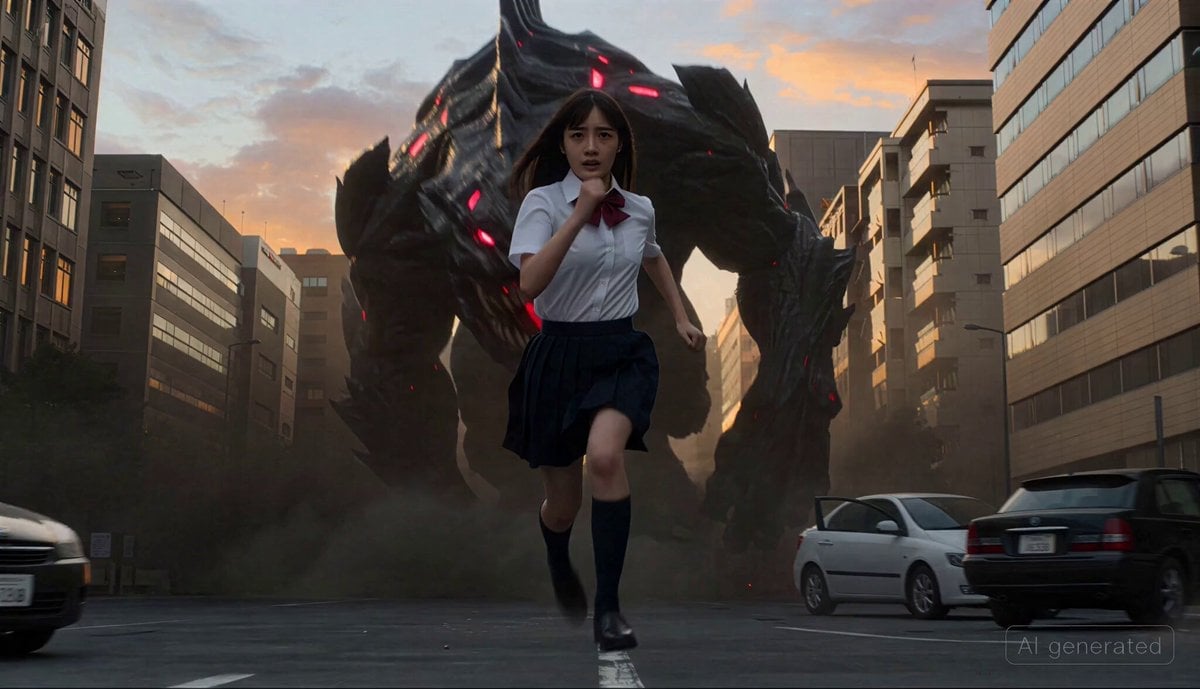
Cinematic transformation sequence of a Japanese high school girl fighting a giant monster
Thornmaw Monarch — Crimson Glass Desert Beast
Colossal Sea Creature — Stormy Shore Charge (Seedance)
Swordsman vs Shadow Monster — Bamboo Forest Battle
Stone Colossus Desert Riders — Golden Fire Reveal
Make it yours
Liquid Metal Monster Transformation works as-is. These are the safest ways to change it without losing the look.
Change one field
Copy a single group, rewrite it, and generate again so you can see what that field is doing.
Keep the frame, change the subject
Hold the composition and light of Liquid Metal Monster Transformation, then swap wardrobe, props or the person for a new take.
| If the result… | Why | Fix |
|---|---|---|
| The result drifts from the preview | Too many fields changed at once. | Reuse Liquid Metal Monster Transformation as-is first, then change one group — subject, light, or setting. |
| The model over-stylizes the scene | The prose prompt leaves finish and camera underspecified. | Add one camera or lighting sentence and stay on Seedance 2.0. |
More Seedance 2.0 templates
Other prompts made for Seedance 2.0.

Comical Martial Arts Punch Scene

Maglev Train Action Sequence

Martial Arts Fight Sequence

Wuxia Protection and Trust Script

Vintage Korean Arcade MiniDV Vlog

Mercedes 190 SL Luxury Ad

Rainy Night Supernatural Reverse Comedy Video Script

Amazon Civilization Discovery

Futuristic South Asian City Transformation

Cozy Luxury Cafe Commercial
More video prompts
Fresh picks from across the catalog.
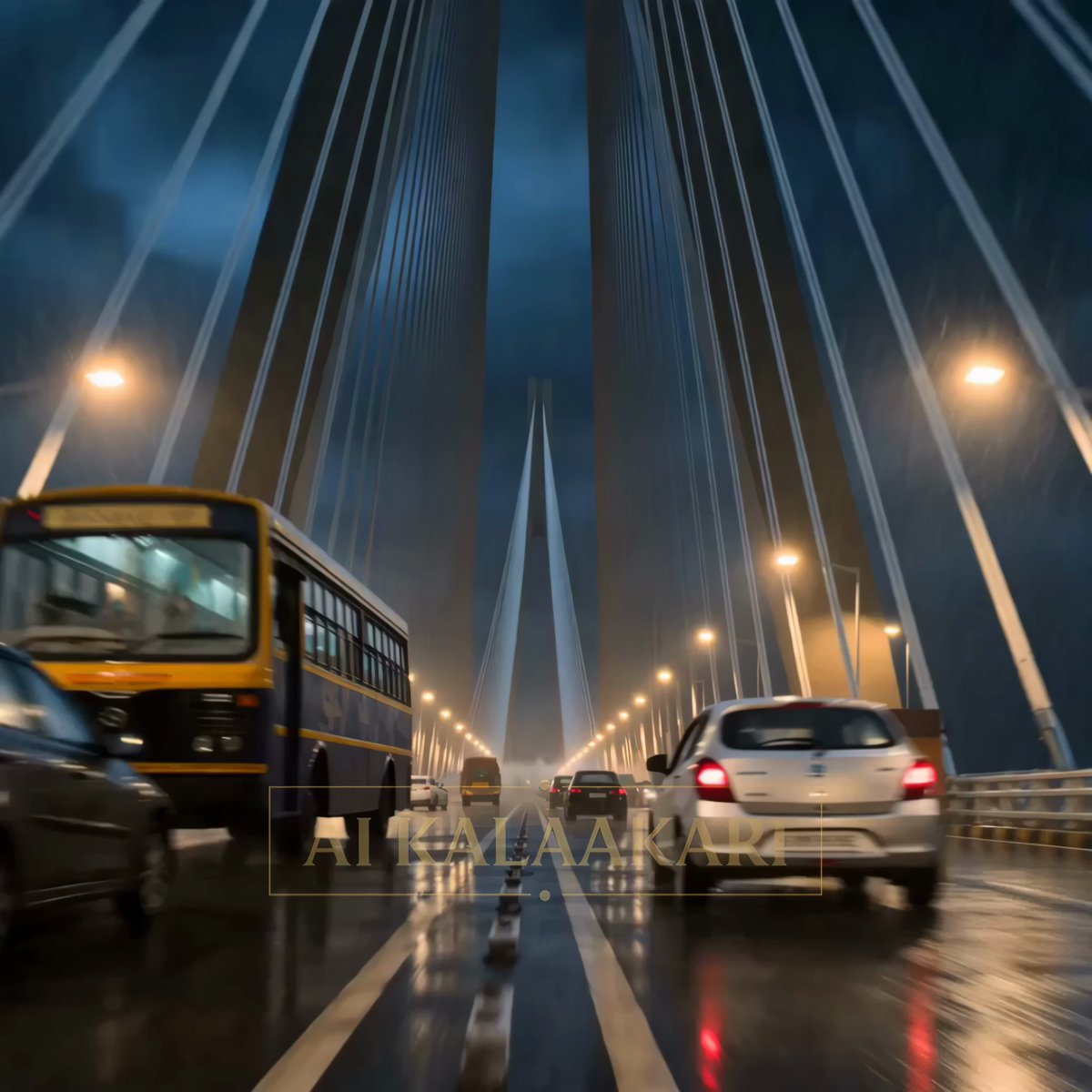
Kaiju Attack on Mumbai Sea Link
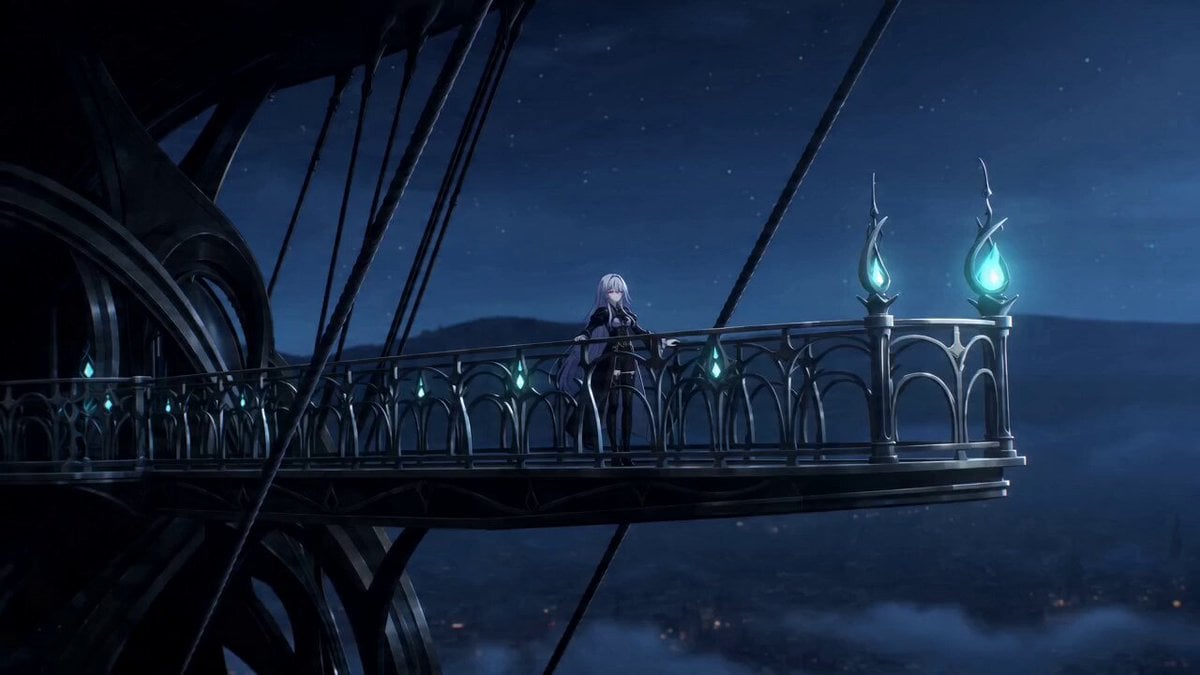
Gothic Airship Transformation
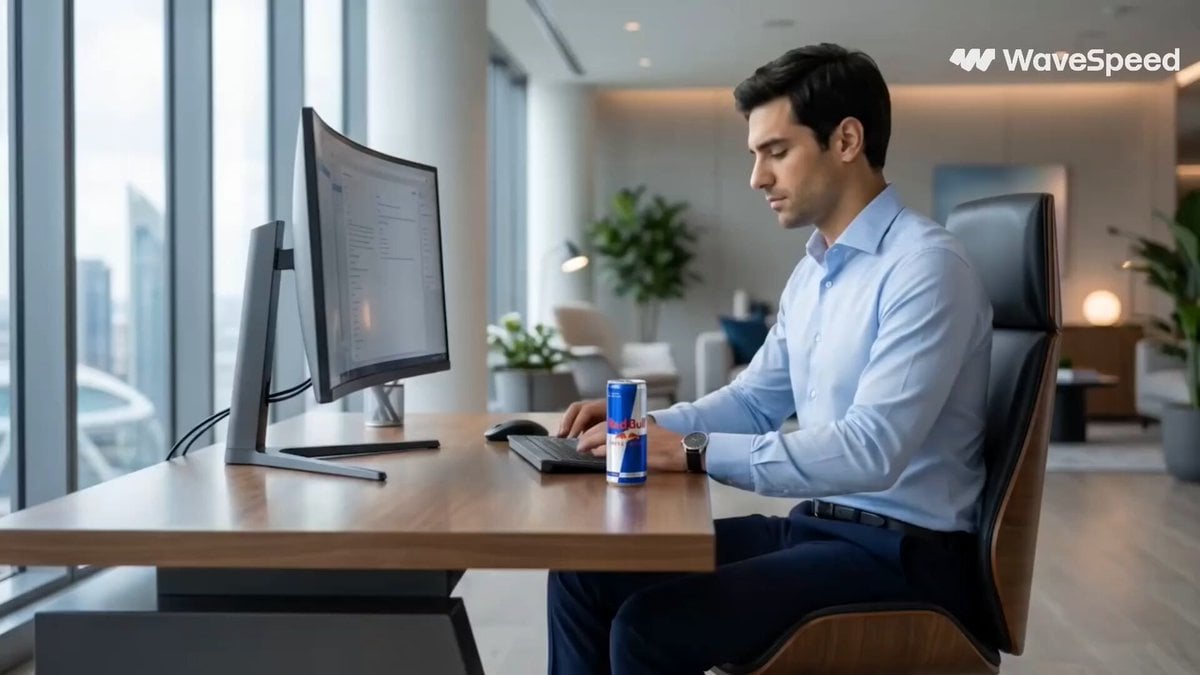
Red Bull Formula 1 Commercial
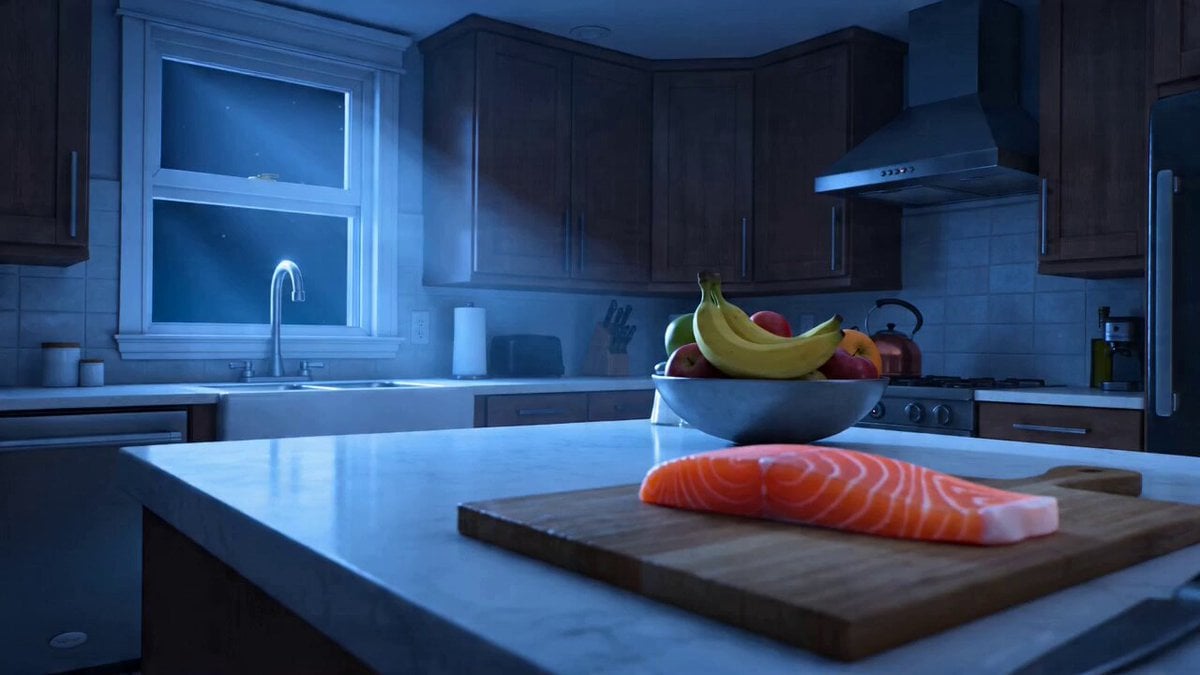
The Great Fish Heist: Cat Burglar Kitchen Raid Video
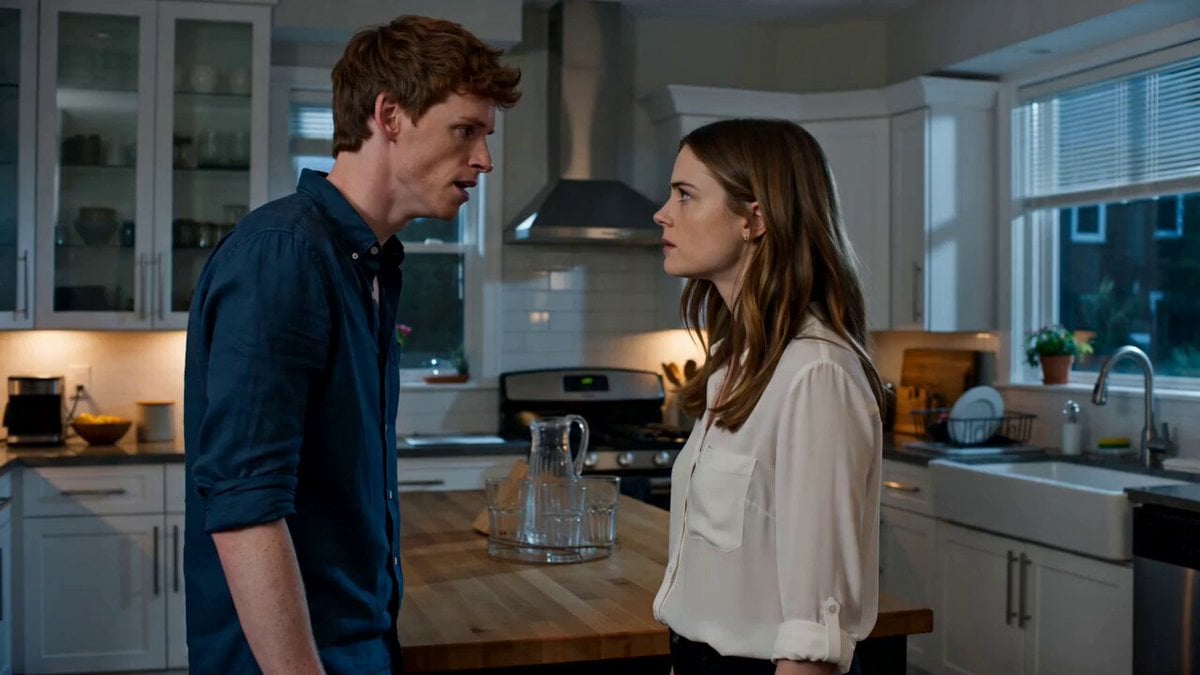
Emotional Kitchen Confrontation Drama
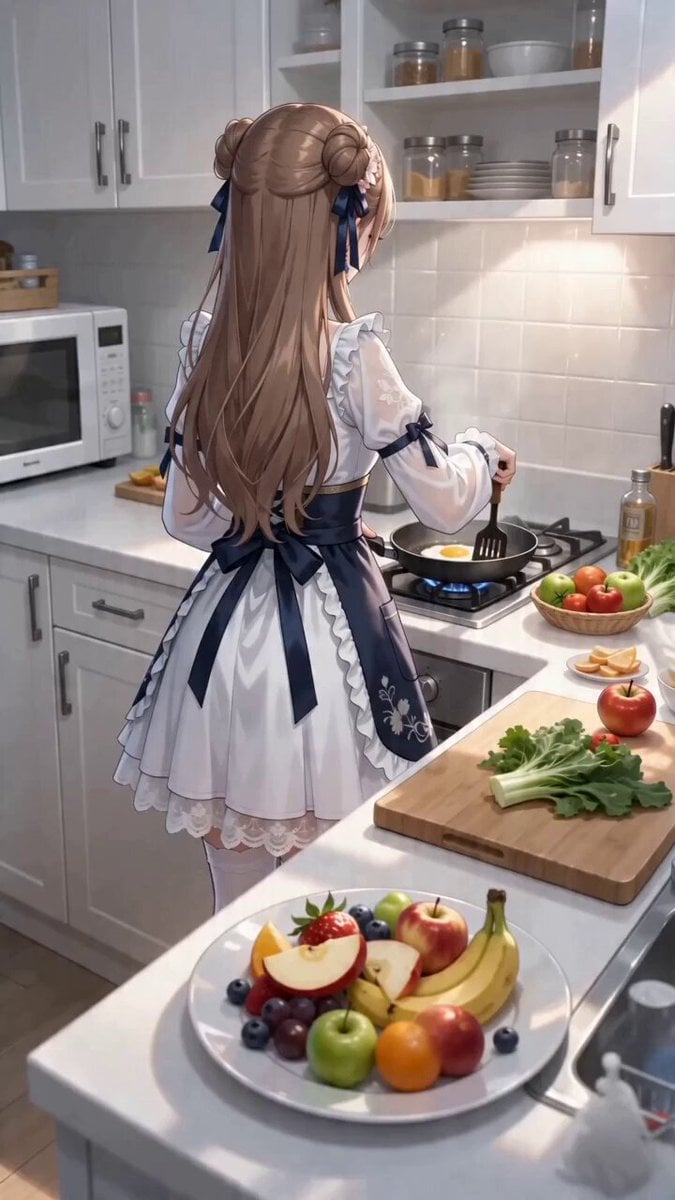
First-Person POV Kitchen Scene with Dialogue
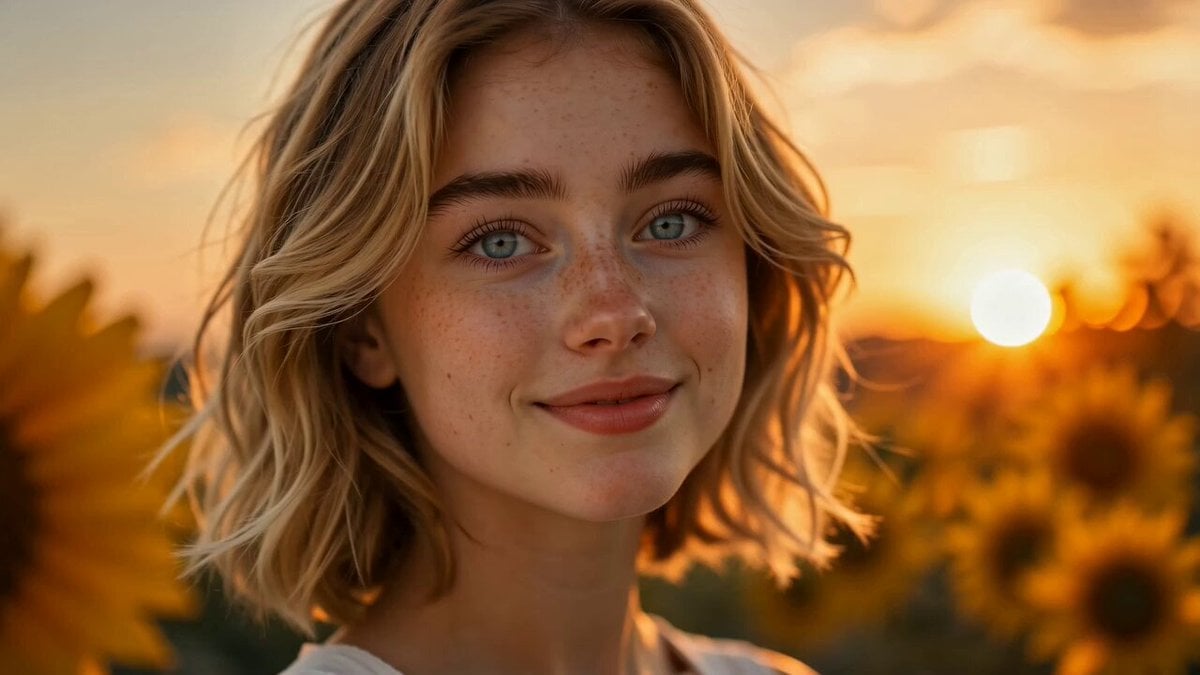
Sunflower Field Character Consistency Video Prompt
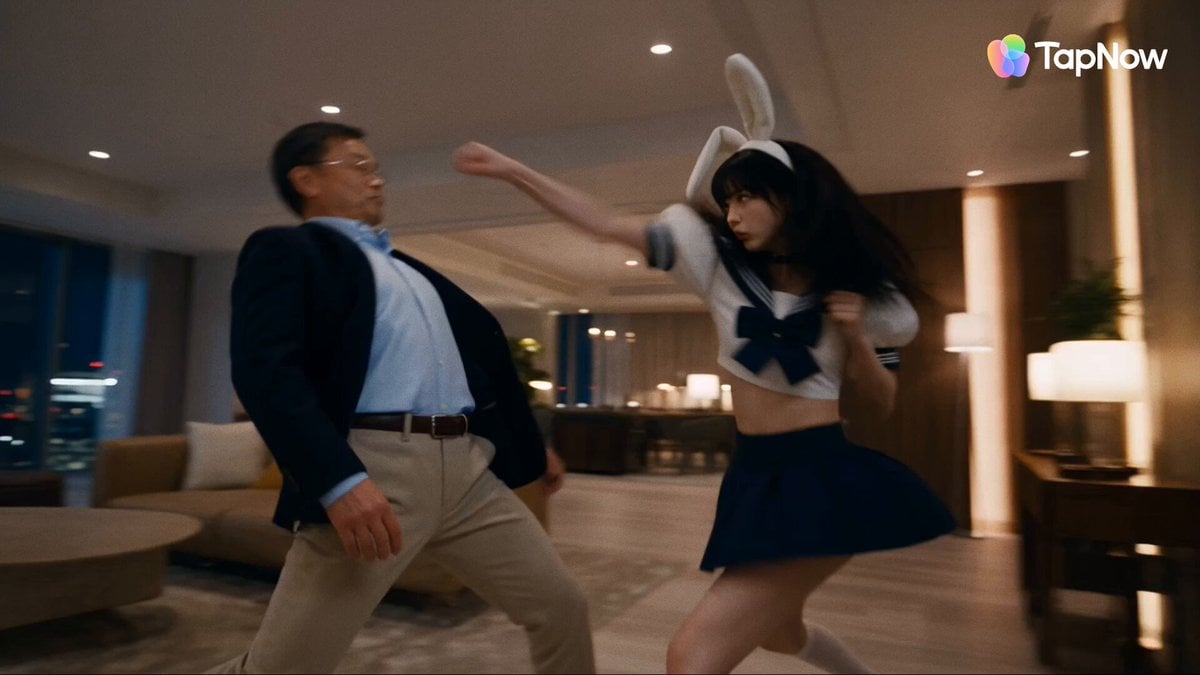
Tokyo Penthouse Action-Comedy Cinematic
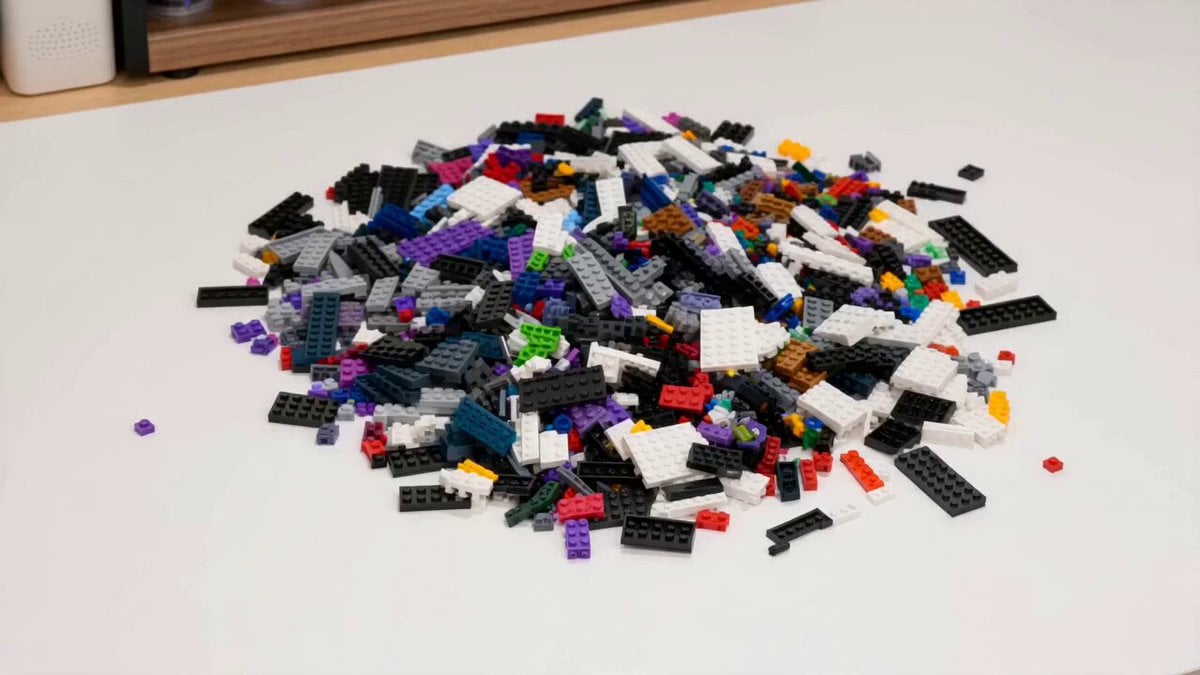
Children Building Blocks Animation
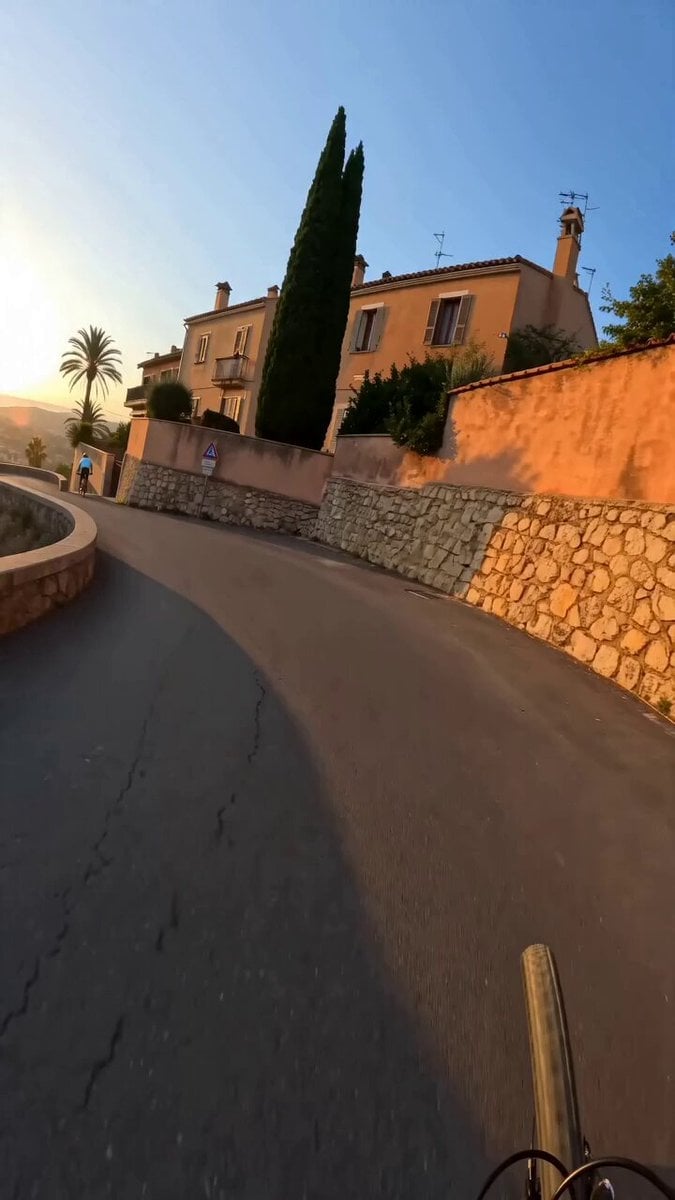
GoPro POV Mountain Bike Sunset Descent
Browse template categories
Liquid Metal Monster Transformation questions
How do I use the Liquid Metal Monster Transformation template?
Add your photo if the template asks for one, edit the prompt if you like — the template's model and format are already selected — and press Generate. Your version opens in PicX Studio.
Can I customize the Liquid Metal Monster Transformation template?
Yes. You can change the subject, setting, lighting, mood, format, and available model controls before creating your video.
Is the Liquid Metal Monster Transformation template free?
Opening and editing this template is free. Generating uses credits, shown on the Generate button when you are signed in.
Which AI model should I use?
Start with Seedance 2.0, which is the model associated with this template. You can compare another compatible model for a different finish.
Looking for something else? Browse all templates.

Your photo, any look
Thousands of ready templates for every top image and video model, from one credit balance.