
Anime Style Fried Rice Cooking
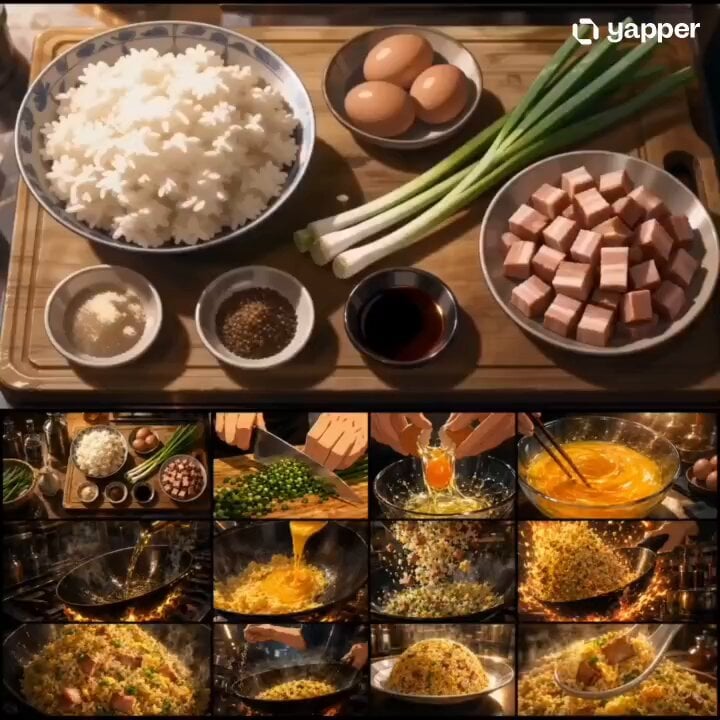
A high-energy animated cooking scene prompt for Seedance 2.0, focusing on the dynamic process of making golden fried rice.
- Prompt included
- Model and format preset
- Premium template
The prompt behind this video
Copy the exact prompt behind Anime Style Fried Rice Cooking, or open it in the studio and make it yours.
Based on the attached storyboard images, create a 15-second horizontal 16:9 animated cooking video. Theme: Golden Fried Rice Follow the storyboard's panel sequence and turn it into a fast-paced cooking scene. Flow: Ingredients→ Chopping → Cracking and mixing eggs → Heated wok → Adding eggs and rice → Shaking the wok while raising flames Close-up of golden fried rice Plating → Hero shot of the finished dish Style: High-quality animated film style, cinematic lighting, god-tier food animation artwork, high definition, vibrant colors, strong sizzle appeal, steam, flames, glistening oil, glossy rice, mouthwatering rice terrorism vibe. Editing: Use rhythmic fast cuts, close-ups, extreme close-ups, low-angle shots, overhead shots, quick pans, and satisfying match cuts. Make it energetic and stylish while keeping the cooking process clear and easy to follow. Important: Do not make it a slideshow of still images. Naturally animate hand movements, wok motions, flying rice grains, steam, flames, and oil glistens. Maintain the same kitchen atmosphere and animation style throughout the entire video. Do not include text, subtitles, logos, or watermarks. Avoid distorted hands, crumbling ingredients, melted-like shapes, or unnatural movements.
How to use Anime Style Fried Rice Cooking in 3 steps
- 1Upload ImagePNG, JPG or paste
Add your photo
Upload the photo the template builds on. The prompt, model and format are already set.
- 2…a portrait of your subject in softgolden-hour light, 85mm…
Personalize
Edit the subject and creative details for your destination.
- 3Generate
Generate
Press Generate — your video is created in PicX Studio, so you can compare it with the original and refine one variable at a time.
More like this
Templates with the same subject, style or setup. Open one to see its prompt.

Studio Ghibli Dumpling Kitchen Cooking Scene

MiniMax H3 Character Introduction

Japanese Pure Love Short Film
Mecha Transformation vs Kaiju — 4-Scene Epic
POV Japanese Omurice Cooking Scene
Anime Cooking Vongole Bianco Scene
Anime Souffle Pancake Cooking Sequence
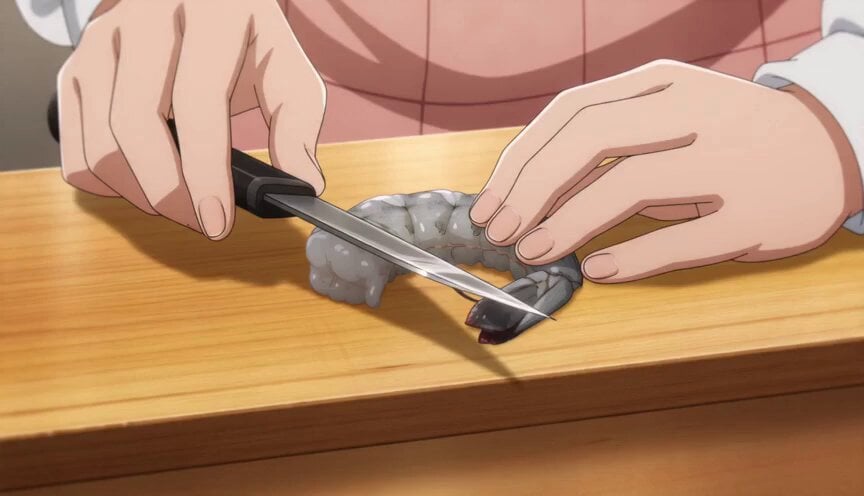
Anime Chef Shrimp Tempura Cooking
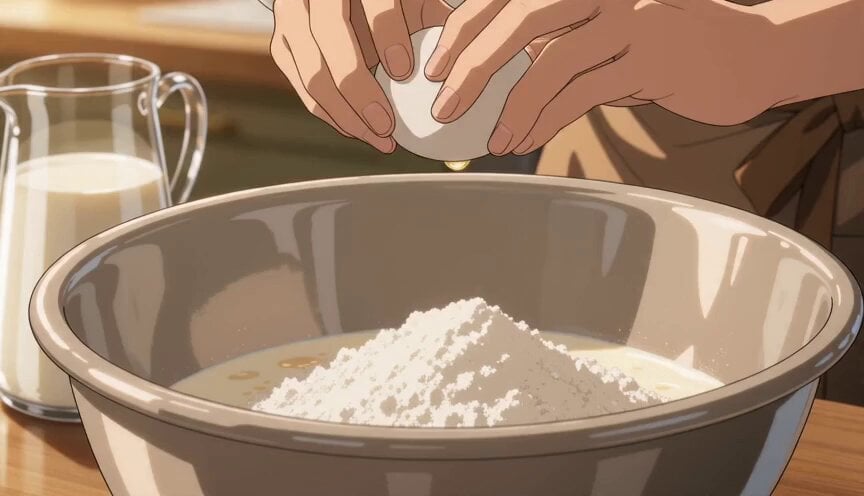
Anime Pancake Cooking Montage
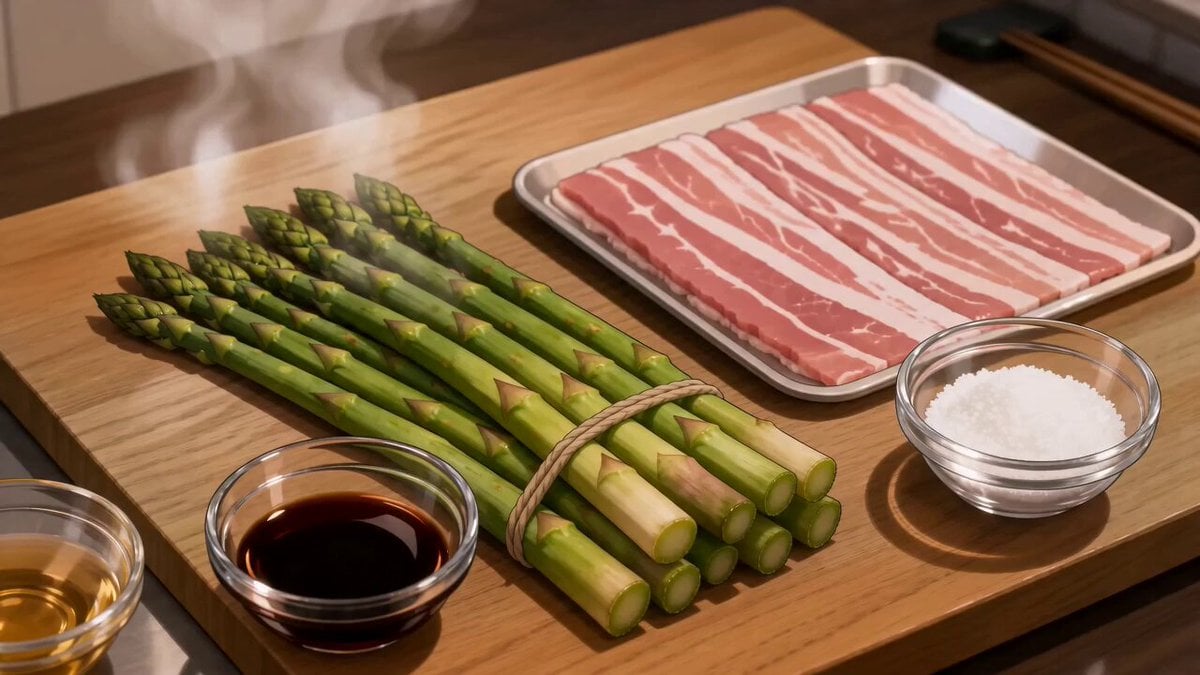
Anime Pork-Wrapped Asparagus Cooking Video
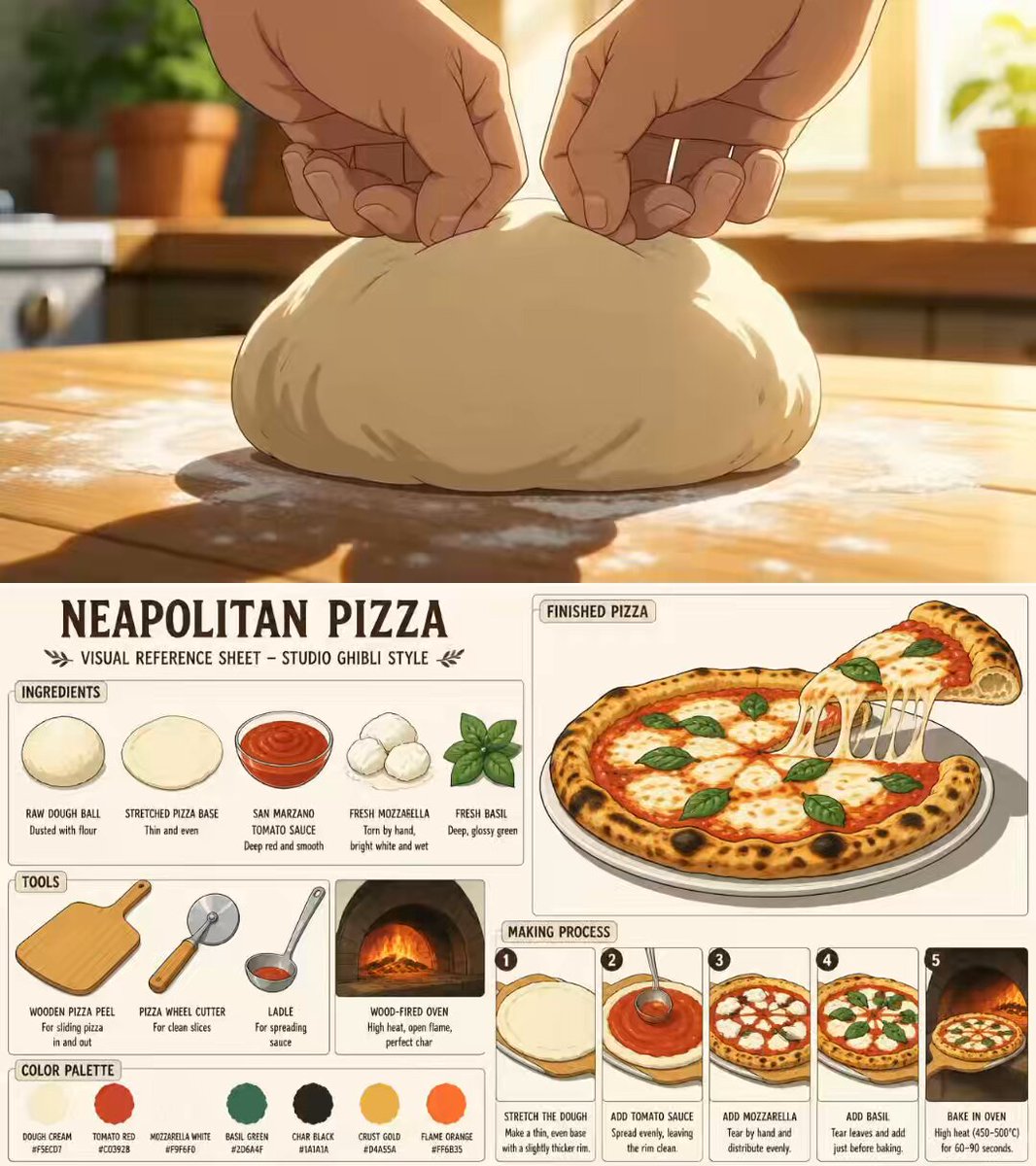
Ghibli Aesthetic Anime Cooking Video
Japanese Anime Mapo Tofu Cooking Process
Make it yours
Anime Style Fried Rice Cooking works as-is. These are the safest ways to change it without losing the look.
Change one field
Copy a single group, rewrite it, and generate again so you can see what that field is doing.
Keep the frame, change the subject
Hold the composition and light of Anime Style Fried Rice Cooking, then swap wardrobe, props or the person for a new take.
| If the result… | Why | Fix |
|---|---|---|
| The result drifts from the preview | Too many fields changed at once. | Reuse Anime Style Fried Rice Cooking as-is first, then change one group — subject, light, or setting. |
| The model over-stylizes the scene | The prose prompt leaves finish and camera underspecified. | Add one camera or lighting sentence and stay on Seedance 2.0. |
More Seedance 2.0 templates
Other prompts made for Seedance 2.0.

Comical Martial Arts Punch Scene

Maglev Train Action Sequence

Martial Arts Fight Sequence

Wuxia Protection and Trust Script

Vintage Korean Arcade MiniDV Vlog

Mercedes 190 SL Luxury Ad

Rainy Night Supernatural Reverse Comedy Video Script

Amazon Civilization Discovery

Futuristic South Asian City Transformation

Cozy Luxury Cafe Commercial
More video prompts
Fresh picks from across the catalog.
Medieval Battlefield FPV Drone Flight
Martial Arts Cyborg Battle and Transformation
Chibi Fast Food Commercial
Premium Hair Color Beauty Commercial
Bus Stop Flyer Mishap
Skeletal Decay Horror Transformation
Cartoon Naan Pizza Animation
Continuous Unbroken Selfie Vlog Prompt
Giant Leviathan Under Frozen Lake
Hyper-realistic Football Action Shot Video
Browse template categories
Anime Style Fried Rice Cooking questions
How do I use the Anime Style Fried Rice Cooking template?
Add your photo if the template asks for one, edit the prompt if you like — the template's model and format are already selected — and press Generate. Your version opens in PicX Studio.
Can I customize the Anime Style Fried Rice Cooking template?
Yes. You can change the subject, setting, lighting, mood, format, and available model controls before creating your video.
Is the Anime Style Fried Rice Cooking template free?
Opening and editing this template is free. Generating uses credits, shown on the Generate button when you are signed in.
Which AI model should I use?
Start with Seedance 2.0, which is the model associated with this template. You can compare another compatible model for a different finish.
Looking for something else? Browse all templates.

Your photo, any look
Thousands of ready templates for every top image and video model, from one credit balance.