
Dr. Slump Style Anime Short
A creative prompt for an animation in the style of Dr.
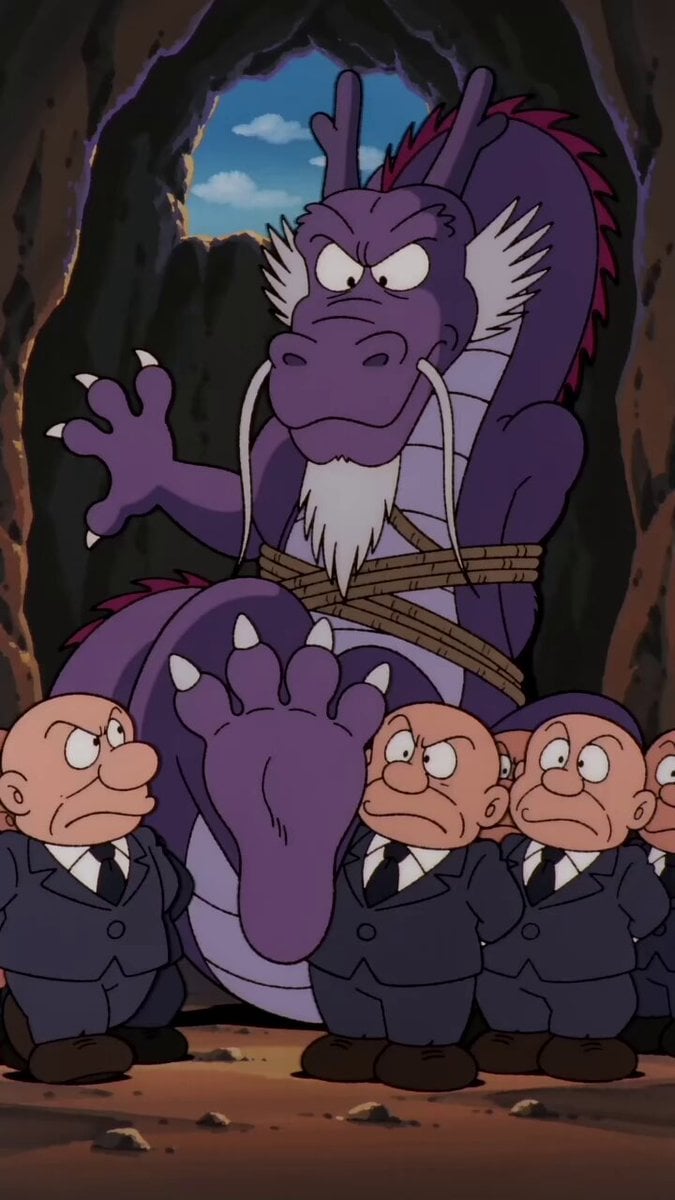
- Prompt included
- Model and format preset
- Free template
The prompt behind this video
Copy the exact prompt behind Dr. Slump Style Anime Short, or open it in the studio and make it yours.
请制作一段《阿拉蕾》风格的动画短片:动画中的反派抓住了一位龙族长老,把他绑了起来,双脚露在外面。他们命令龙族长老带他们去远古洞穴,但龙族长老拒绝了。其中一个反派咧嘴一笑,掏出一根羽毛,开始挠龙族长老的脚底。龙族长老非常怕痒,立刻咧嘴一笑,露出滑稽的表情,用低沉的声音发出闷闷的笑声。龙族长老开始大笑,命令反派们住手,并威胁说如果他们不住手,就让他们好看。与此同时,反派们继续用羽毛挠龙族长老的脚底。配音为日语。
How to use Dr. Slump Style Anime Short in 3 steps
- 1
Open
The prompt is already in the box next to the preview, with the template's model and format selected.
- 2…a portrait of your subject in softgolden-hour light, 85mm…
Personalize
Edit the subject and creative details for your destination.
- 3Generate
Generate
Press Generate — your video is created in PicX Studio, so you can compare it with the original and refine one variable at a time.
More like this
Templates with the same subject, style or setup. Open one to see its prompt.
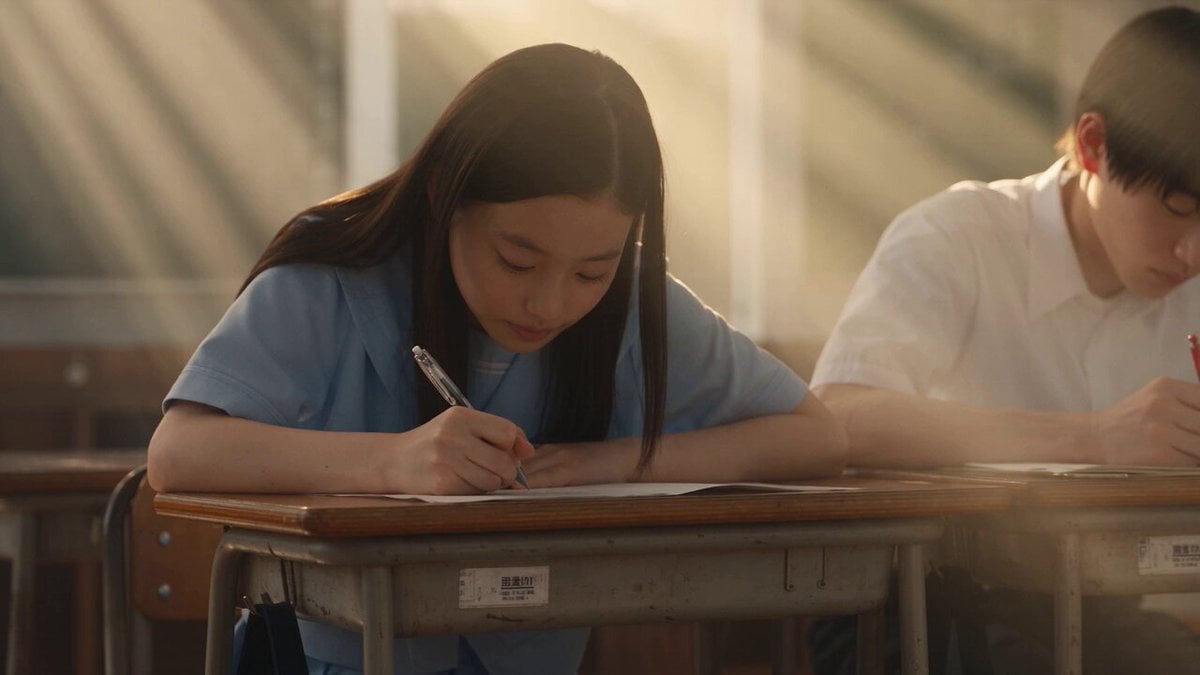
Japanese Pure Love Short Film
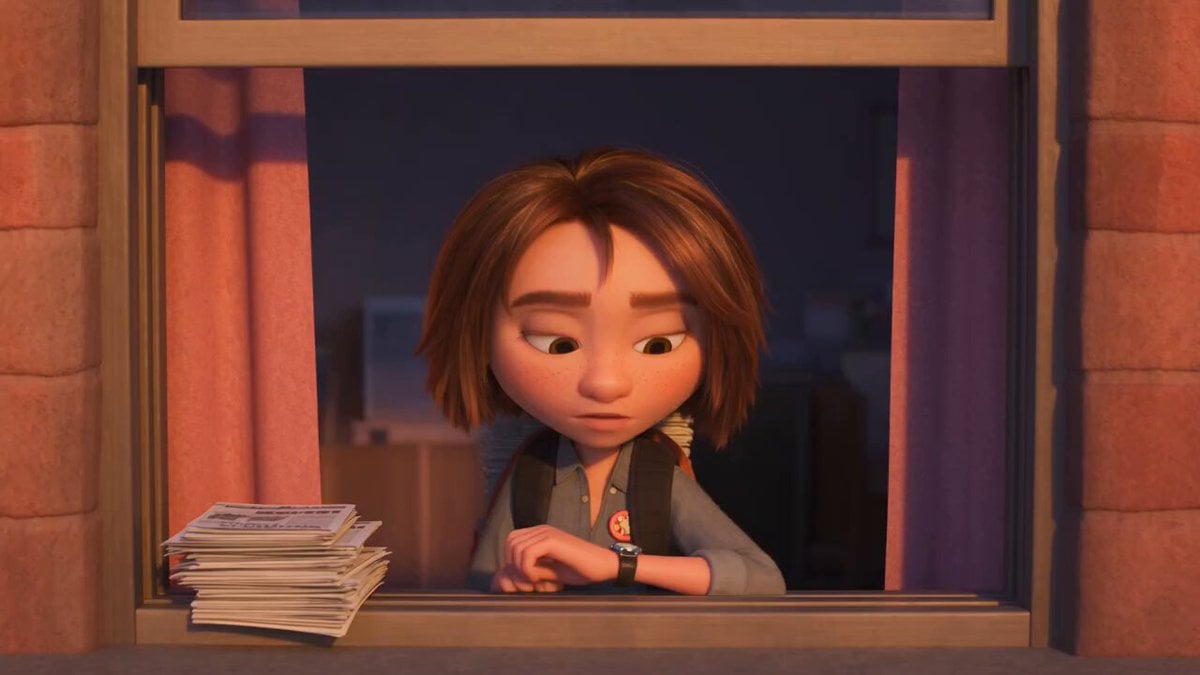
3D Animated Newspaper Delivery Short - Seedance 2.5

MiniMax H3 Character Introduction
Youth Racing Short Film
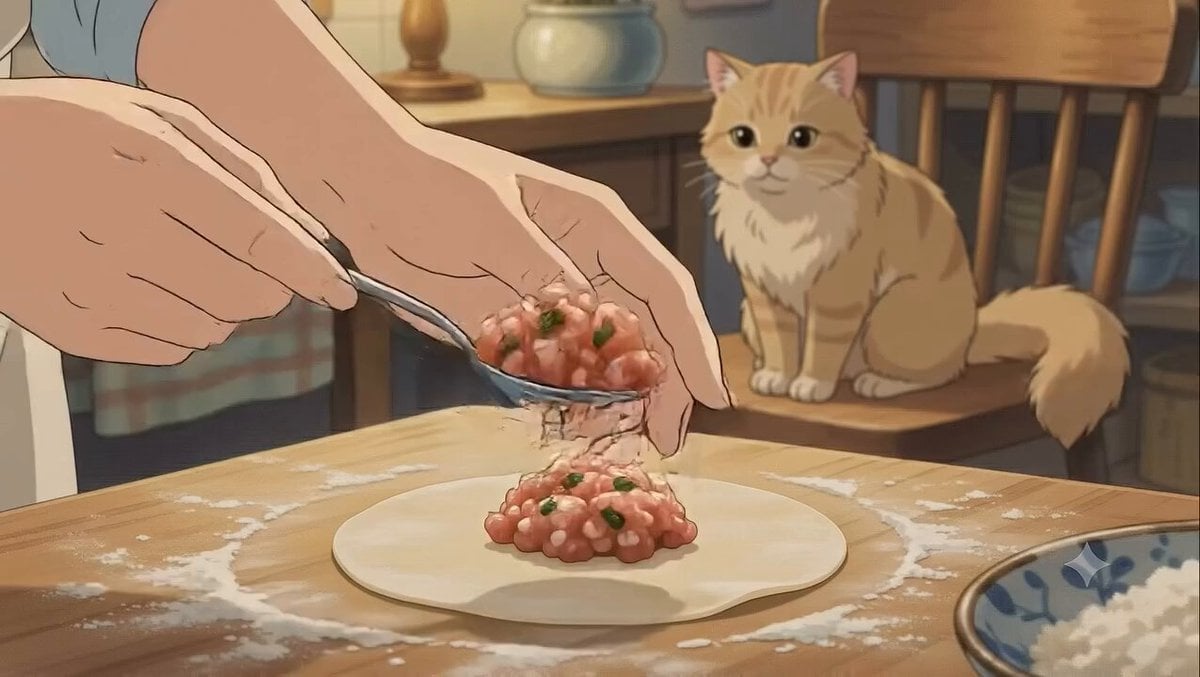
Studio Ghibli Dumpling Kitchen Cooking Scene
Mecha Transformation vs Kaiju — 4-Scene Epic
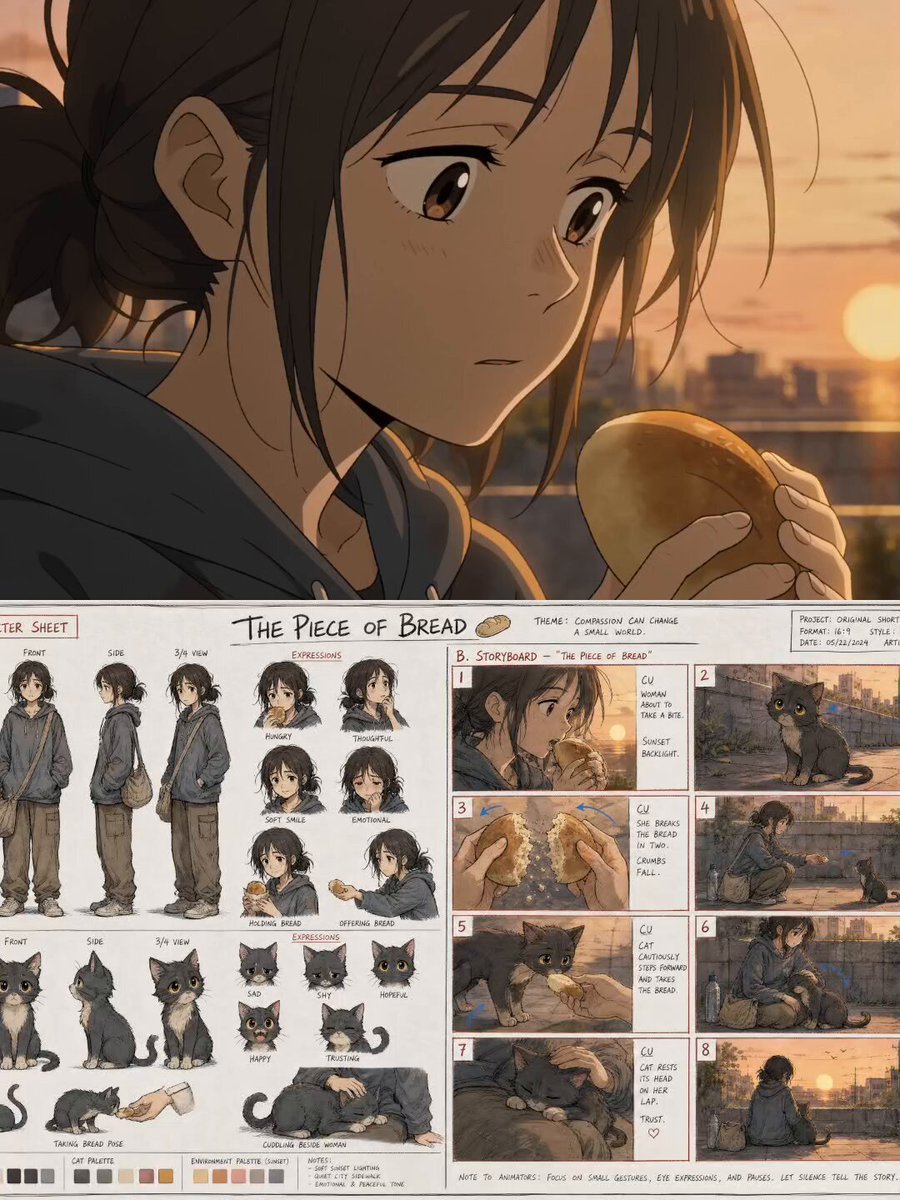
The Piece of Bread: Anime Short Film
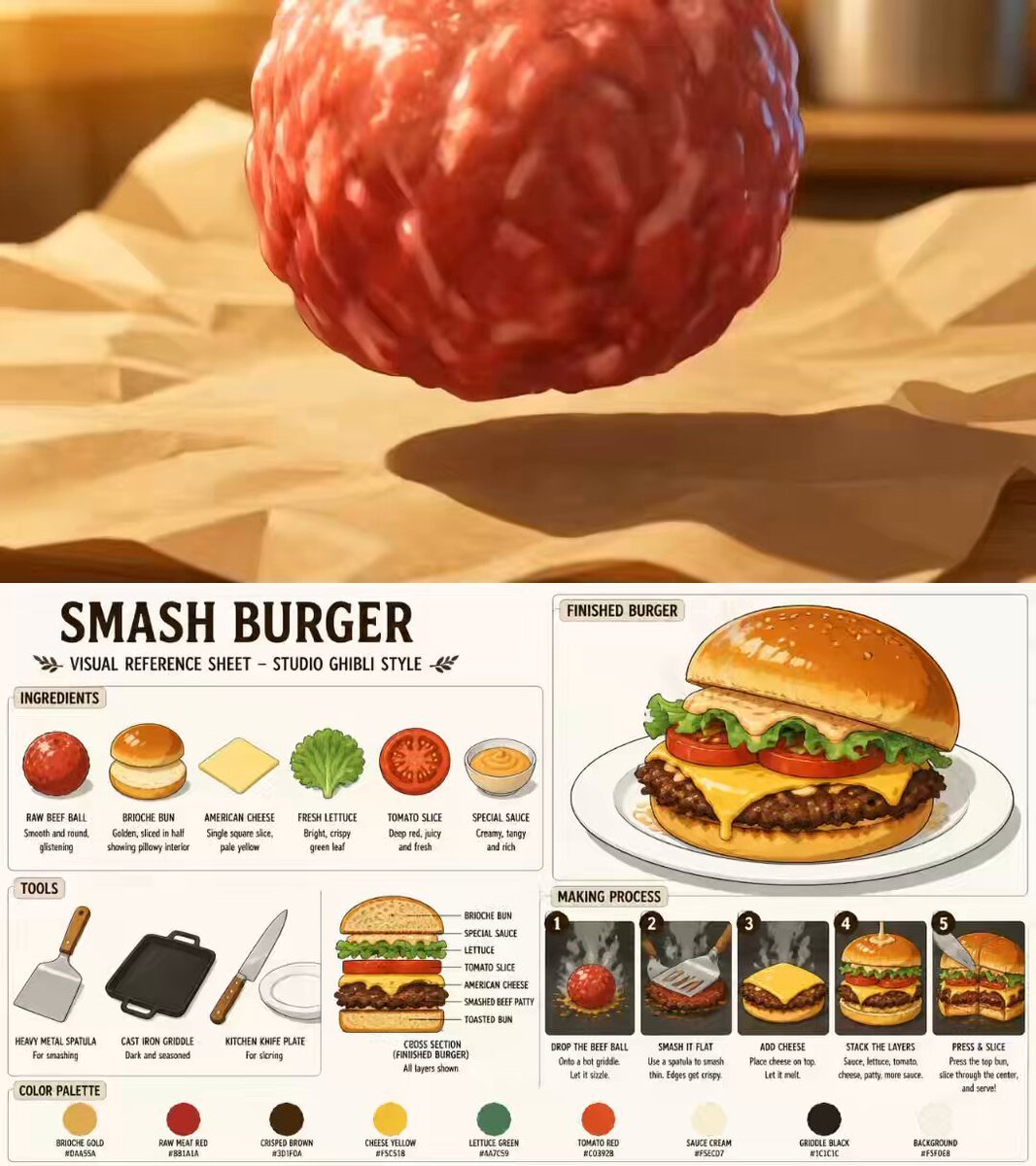
Ghibli Style Anime Cooking Short
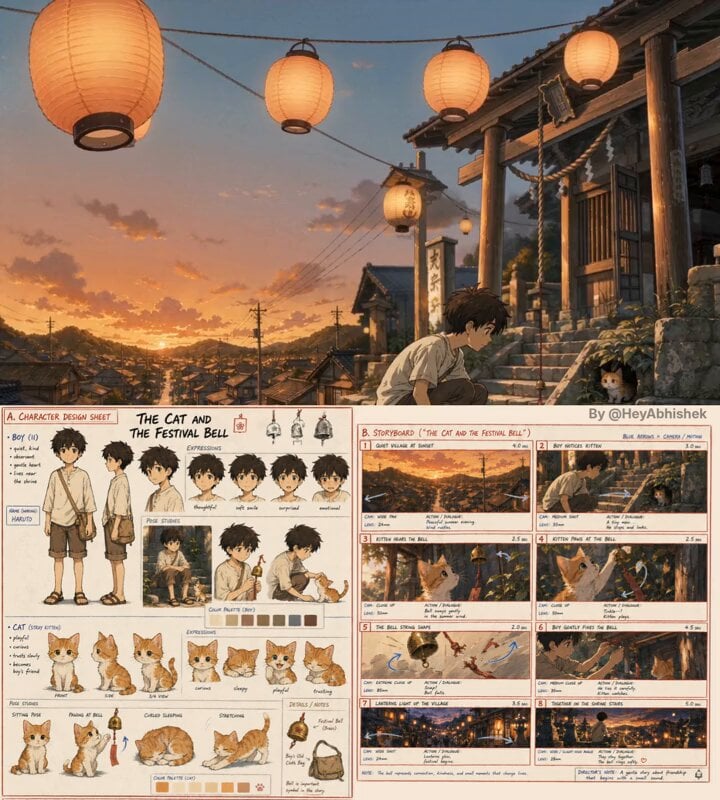
Seedance 2.0 Anime Short Film Video Prompt
Cosmic Marble Animated Short
Cinematic Short Film Scene 2
Cinematic Short Film Scene
Make it yours
Dr. Slump Style Anime Short works as-is. These are the safest ways to change it without losing the look.
Change one field
Copy a single group, rewrite it, and generate again so you can see what that field is doing.
Keep the frame, change the subject
Hold the composition and light of Dr. Slump Style Anime Short, then swap wardrobe, props or the person for a new take.
| If the result… | Why | Fix |
|---|---|---|
| The result drifts from the preview | Too many fields changed at once. | Reuse Dr. Slump Style Anime Short as-is first, then change one group — subject, light, or setting. |
| The model over-stylizes the scene | The prose prompt leaves finish and camera underspecified. | Add one camera or lighting sentence and stay on Seedance 2.0. |
More Seedance 2.0 templates
Other prompts made for Seedance 2.0.

Comical Martial Arts Punch Scene

Maglev Train Action Sequence

Martial Arts Fight Sequence

Wuxia Protection and Trust Script

Vintage Korean Arcade MiniDV Vlog
Ancient Roman Celestial Flight

Mercedes 190 SL Luxury Ad

Rainy Night Supernatural Reverse Comedy Video Script

Amazon Civilization Discovery

Futuristic South Asian City Transformation
More video prompts
Fresh picks from across the catalog.
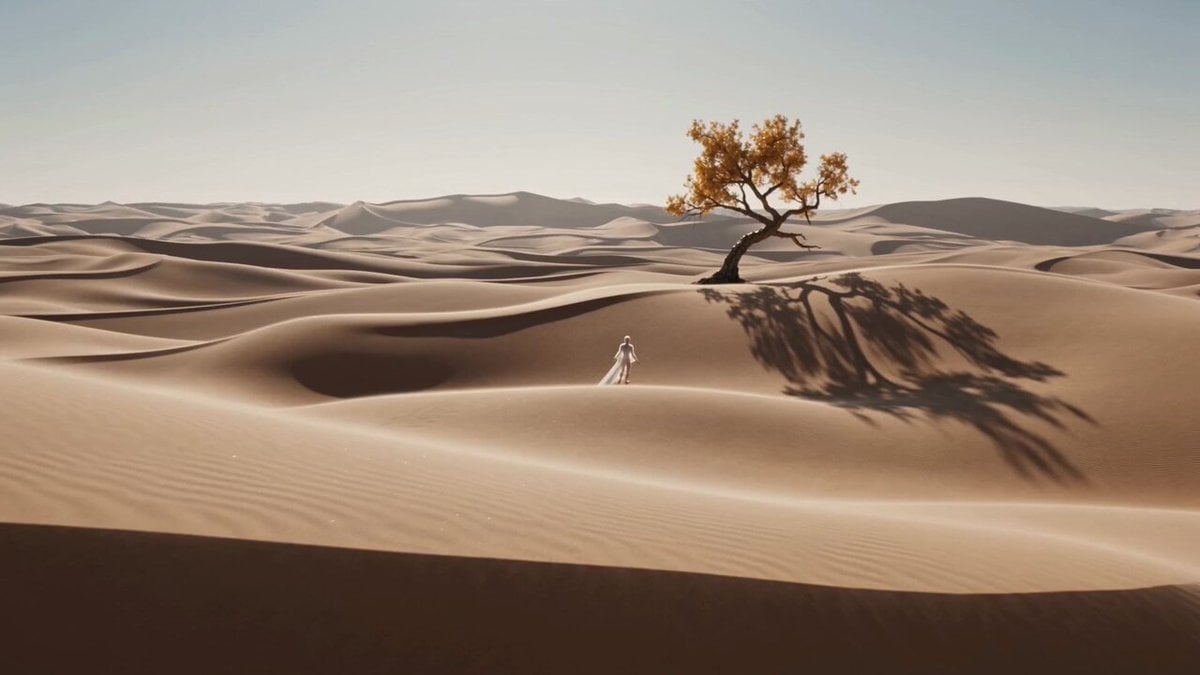
Dreamlike Surreal Desert figure
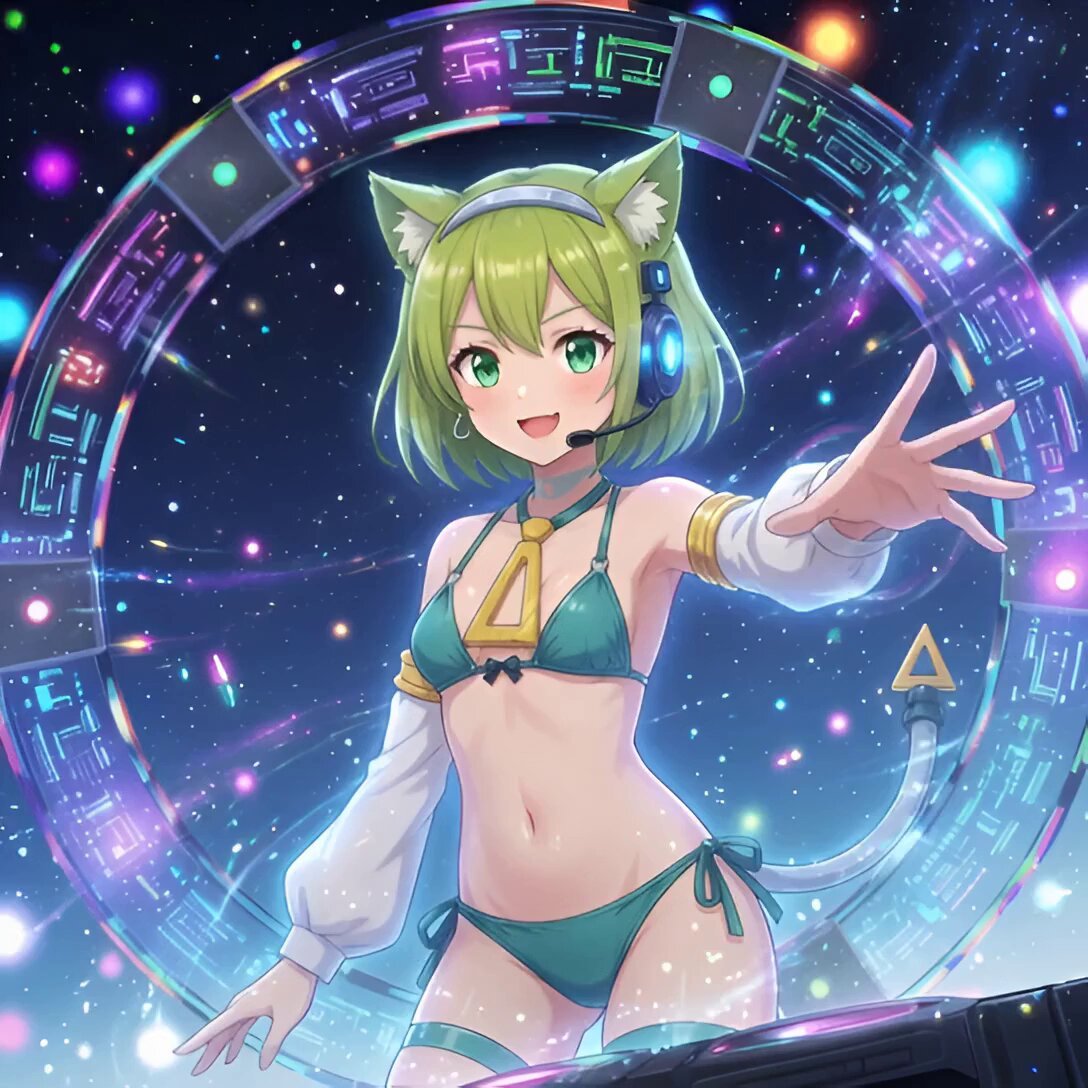
Android Deltamon Anime DJ Loop
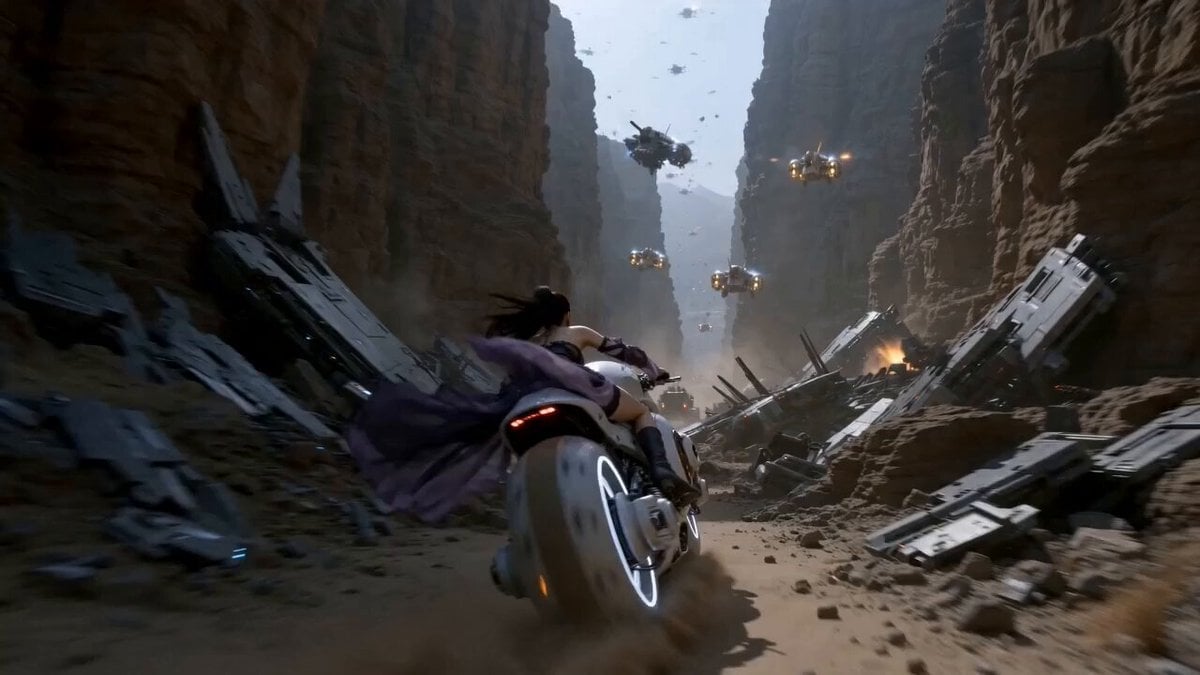
Futuristic Desert Starport Motorcycle Chase
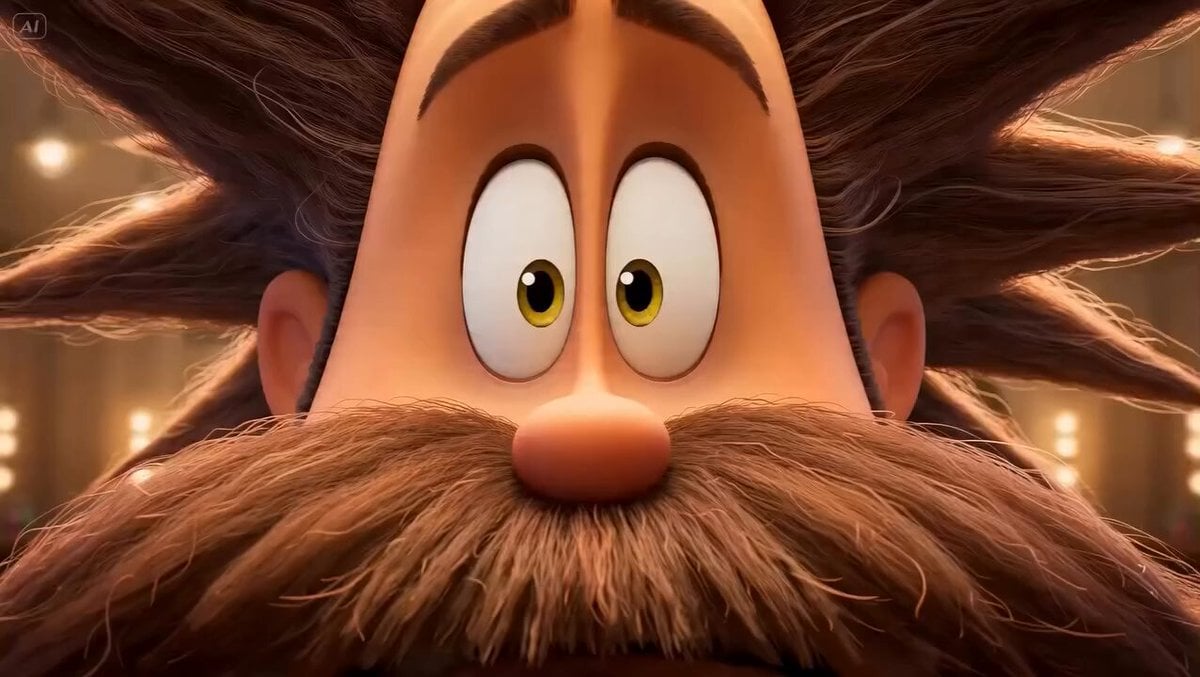
Stylized 3D Barbershop Transformation Sequence
Smartphone Overhead Street Comedy
Volcanic Observatory Cinematic Disaster
Grok Imagine prompt for a Frankenstein-like robot and a kind fairy
Girl and Dragon Cinematic Orbit
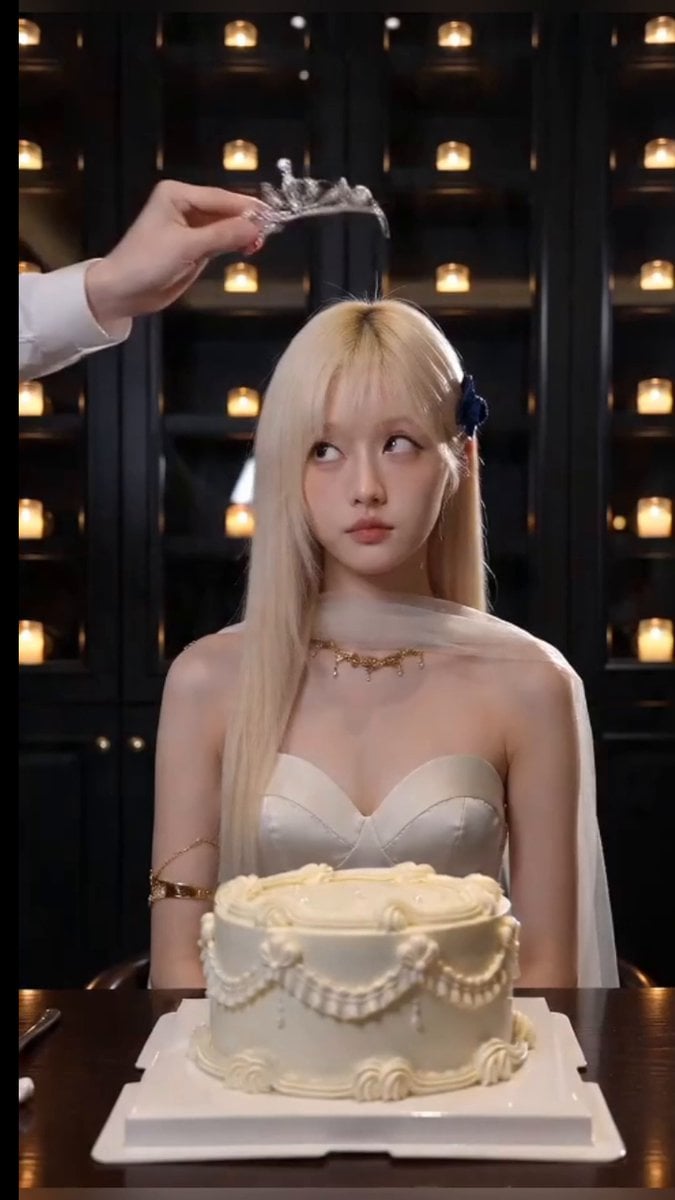
Cinematic Birthday Fire Breathing Video
Seedance 2.0 Prompt: Stories of a Hopper
Browse template categories
Dr. Slump Style Anime Short questions
How do I use the Dr. Slump Style Anime Short template?
Add your photo if the template asks for one, edit the prompt if you like — the template's model and format are already selected — and press Generate. Your version opens in PicX Studio.
Can I customize the Dr. Slump Style Anime Short template?
Yes. You can change the subject, setting, lighting, mood, format, and available model controls before creating your video.
Is the Dr. Slump Style Anime Short template free?
Opening and editing this template is free. Generating uses credits, shown on the Generate button when you are signed in.
Which AI model should I use?
Start with Seedance 2.0, which is the model associated with this template. You can compare another compatible model for a different finish.
Looking for something else? Browse all templates.

Your photo, any look
Thousands of ready templates for every top image and video model, from one credit balance.