
Cyberpunk City Chase Animation
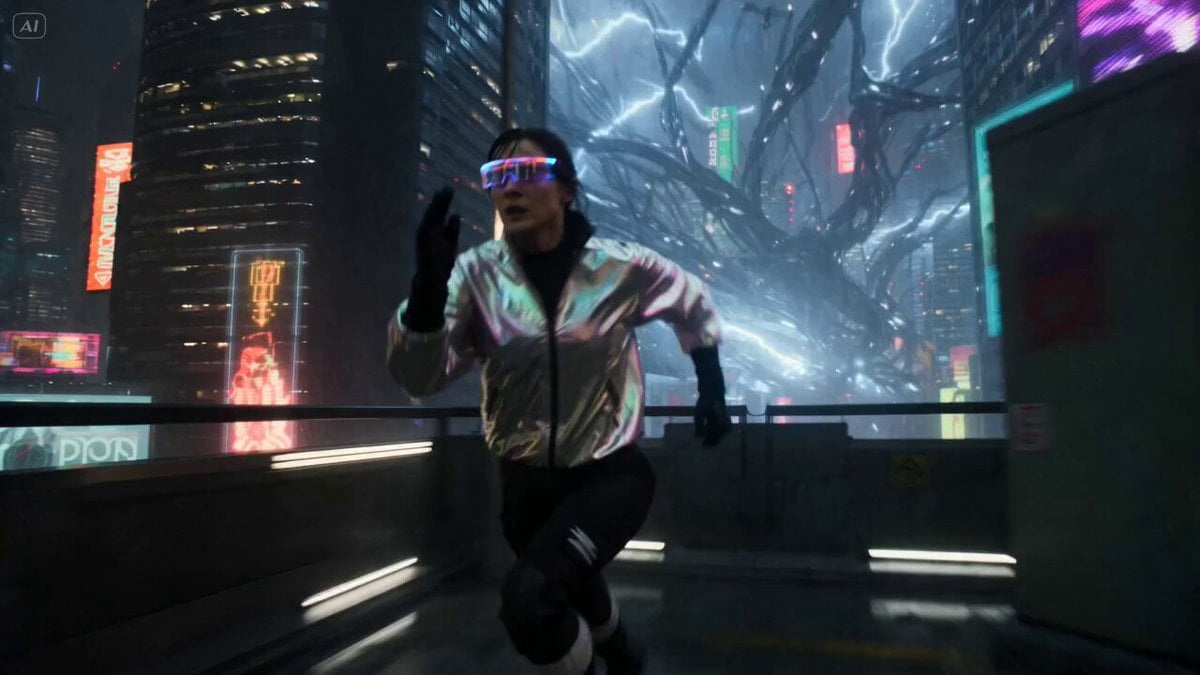
A high-octane cyberpunk prompt featuring a technician fleeing from an electrical entity through a neon-lit megacity.
- Prompt included
- Model and format preset
- Premium template
The prompt behind this video
Copy the exact prompt behind Cyberpunk City Chase Animation, or open it in the studio and make it yours.
A 26-year-old technician with neon-lit goggles and a reflective jacket sprints through a dense cyberpunk megacity district in the first two seconds as a massive electrical entity made of live cables, plasma arcs, and flickering holograms bursts out of a power station behind her, instantly blacking out entire city blocks and causing signage, drones, and infrastructure to glitch and collapse, and the sequence maintains constant speed as she runs through narrow alleys, elevated walkways, neon-lit markets, and collapsing transit lines while the entity surges forward in unpredictable bursts, jumping between structures, ripping power grids from walls, and sending arcs of electricity that explode surfaces on contact, forcing her to dive through doorways, slide beneath sparking conduits, and leap across broken platforms. The render in high-end cyberpunk realism with practical light sources, heavy rain reflections, glitch artifacts, lens distortion, and strong contrast between dark shadows and neon highlights, the camera locked in kinetic chase mode with dynamic shifts between shoulder-level tracking and wide city reveals, and at the final moment, as she reaches a sealed subway entrance, the entire grid surges and freezes for a fraction of a second before a massive energy discharge floods the frame.
How to use Cyberpunk City Chase Animation in 3 steps
- 1
Open
The prompt is already in the box next to the preview, with the template's model and format selected.
- 2…a portrait of your subject in softgolden-hour light, 85mm…
Personalize
Edit the subject and creative details for your destination.
- 3Generate
Generate
Press Generate — your video is created in PicX Studio, so you can compare it with the original and refine one variable at a time.
More like this
Templates with the same subject, style or setup. Open one to see its prompt.

Walking Factory with Rebel on Hoverbike - Wasteland
Dim Sum Chase — Shrimp Dumpling Monster
Speeder Chase Across a Cliff City

Cyberpunk Holographic Dance Performance - Seedance 2.5

3D Glossy Fairy Animation - Seedance 2.5

Realistic City Street Story Cinematic Video - Seedance

Magic City Fantasy Battle Animation

RX-7 to Mech Transformation Cyberpunk

Silk Road Pomegranate Folk Animation

Multilingual Creative Typography Loop

Luxury Lifestyle Day Vlog

NYC Wingsuit Hot Dog Landing
Make it yours
Cyberpunk City Chase Animation works as-is. These are the safest ways to change it without losing the look.
Change one field
Copy a single group, rewrite it, and generate again so you can see what that field is doing.
Keep the frame, change the subject
Hold the composition and light of Cyberpunk City Chase Animation, then swap wardrobe, props or the person for a new take.
| If the result… | Why | Fix |
|---|---|---|
| The result drifts from the preview | Too many fields changed at once. | Reuse Cyberpunk City Chase Animation as-is first, then change one group — subject, light, or setting. |
| The model over-stylizes the scene | The prose prompt leaves finish and camera underspecified. | Add one camera or lighting sentence and stay on Seedance 2.0. |
More Seedance 2.0 templates
Other prompts made for Seedance 2.0.

Comical Martial Arts Punch Scene

Maglev Train Action Sequence

Martial Arts Fight Sequence

Wuxia Protection and Trust Script

Vintage Korean Arcade MiniDV Vlog

Mercedes 190 SL Luxury Ad

Rainy Night Supernatural Reverse Comedy Video Script

Amazon Civilization Discovery

Futuristic South Asian City Transformation

Cozy Luxury Cafe Commercial
More video prompts
Fresh picks from across the catalog.
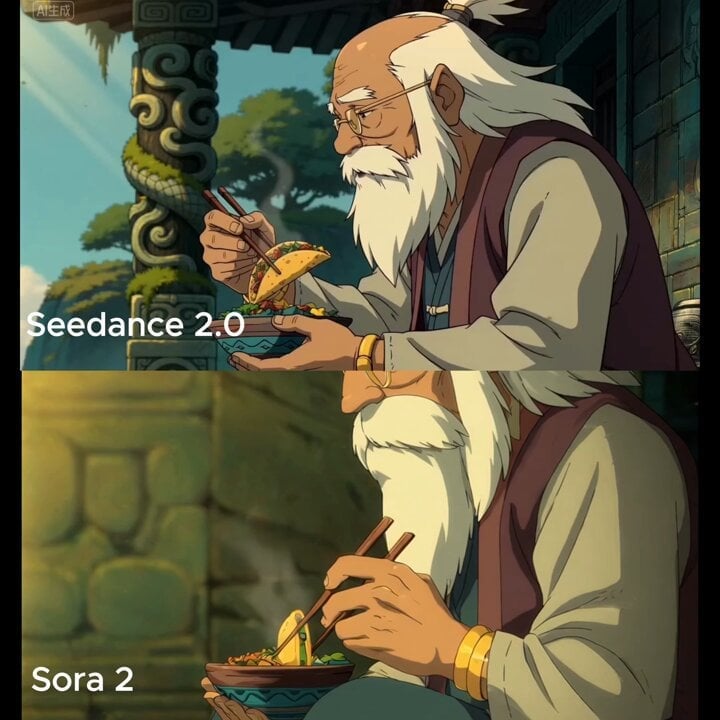
Medium shot of man lifting taco with chopsticks
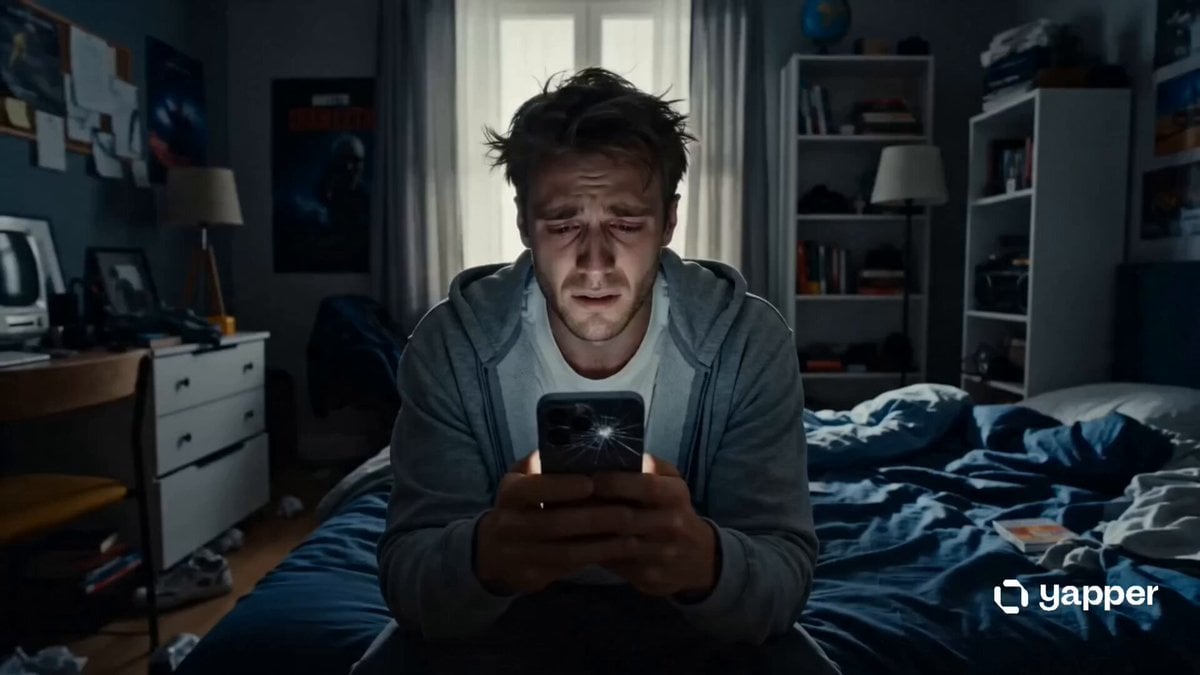
Phone Upgrade Dramatic Story
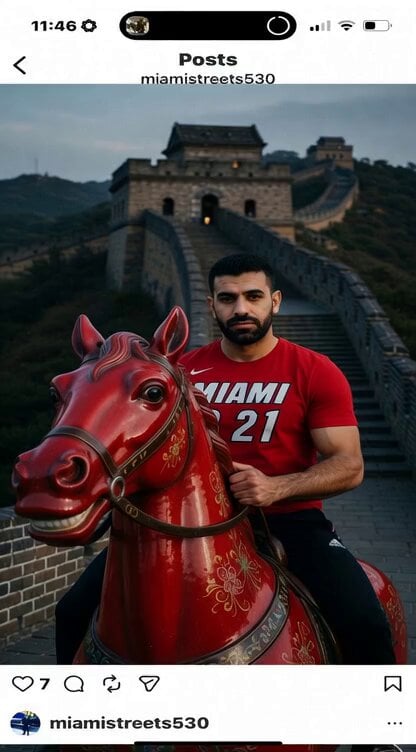
Horse Galloping with Golden Fireworks
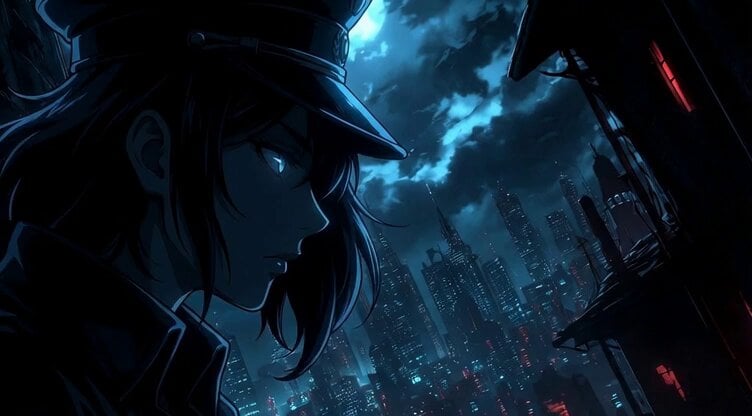
Static Camera Shot of Psyopqeen Silhouetted by the Moon
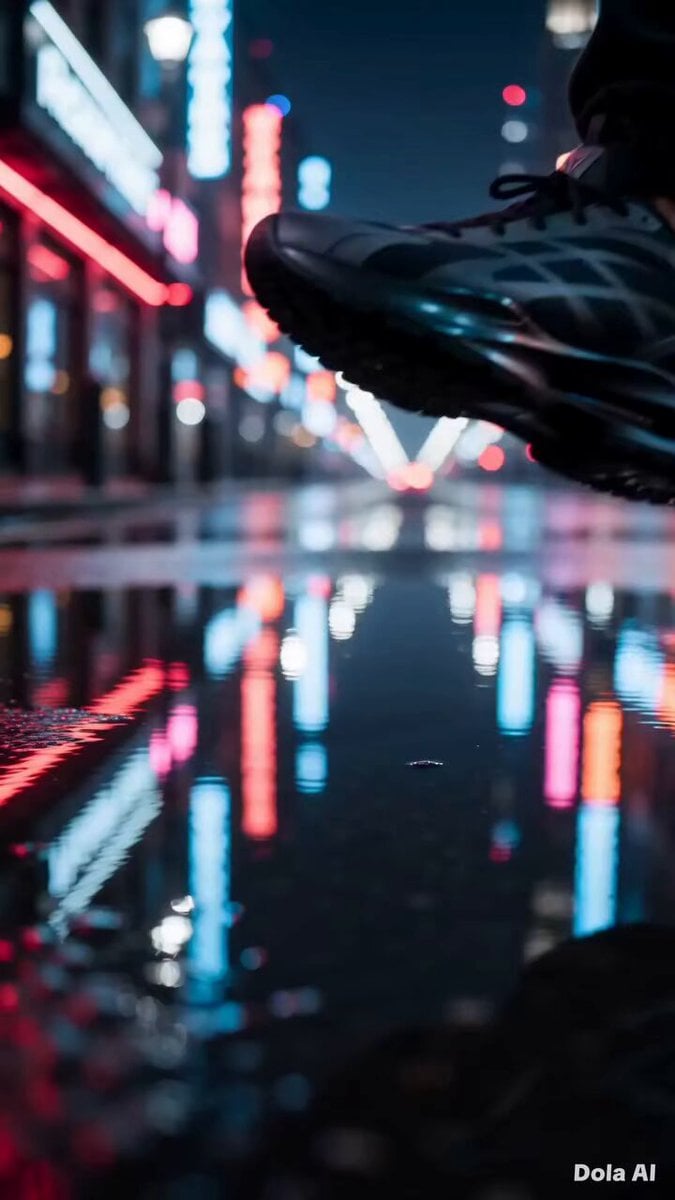
Modern Sneaker Product Advertisement
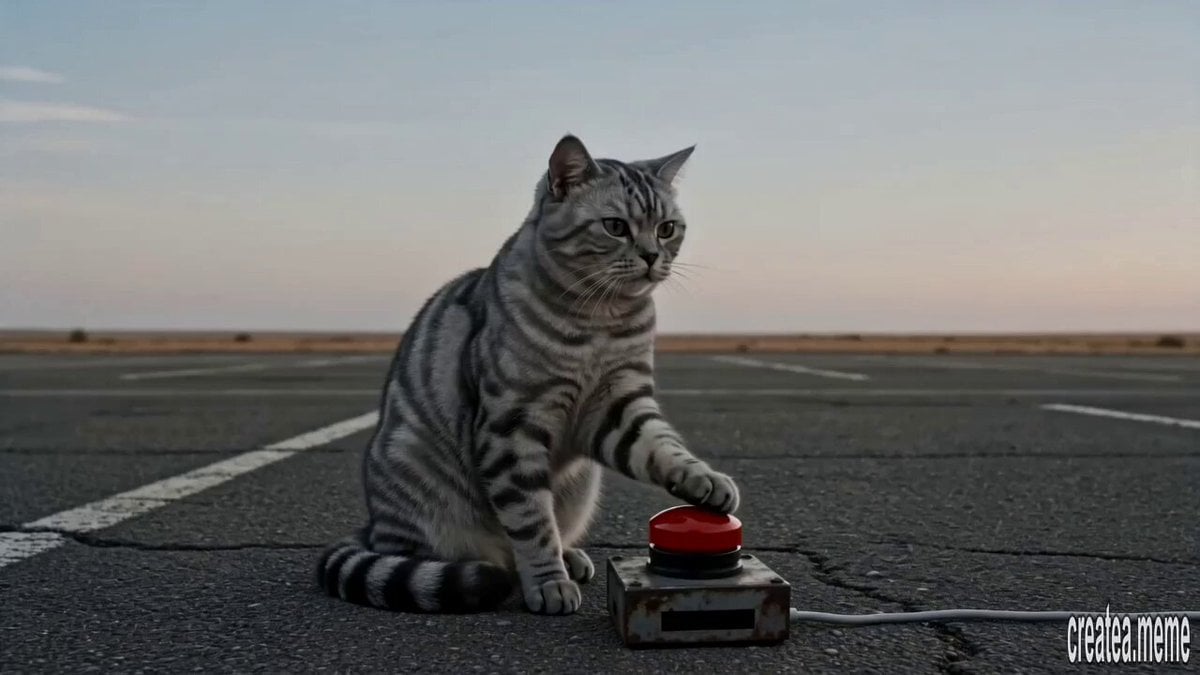
Cinematic Tabby Cat Explosion Meme
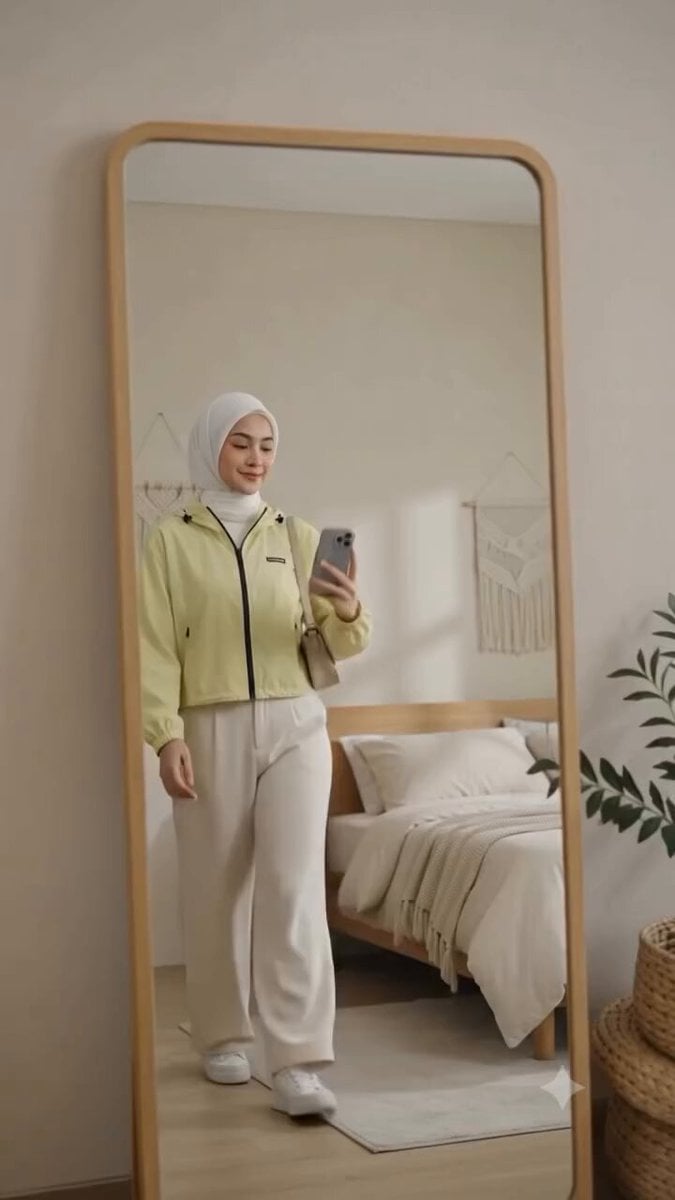
Cinematic Fashion Mirror Selfie

Surreal Monkey Hatching Scene

Cinematic Japanese Action Anime Combat Prompt for Seedance 2
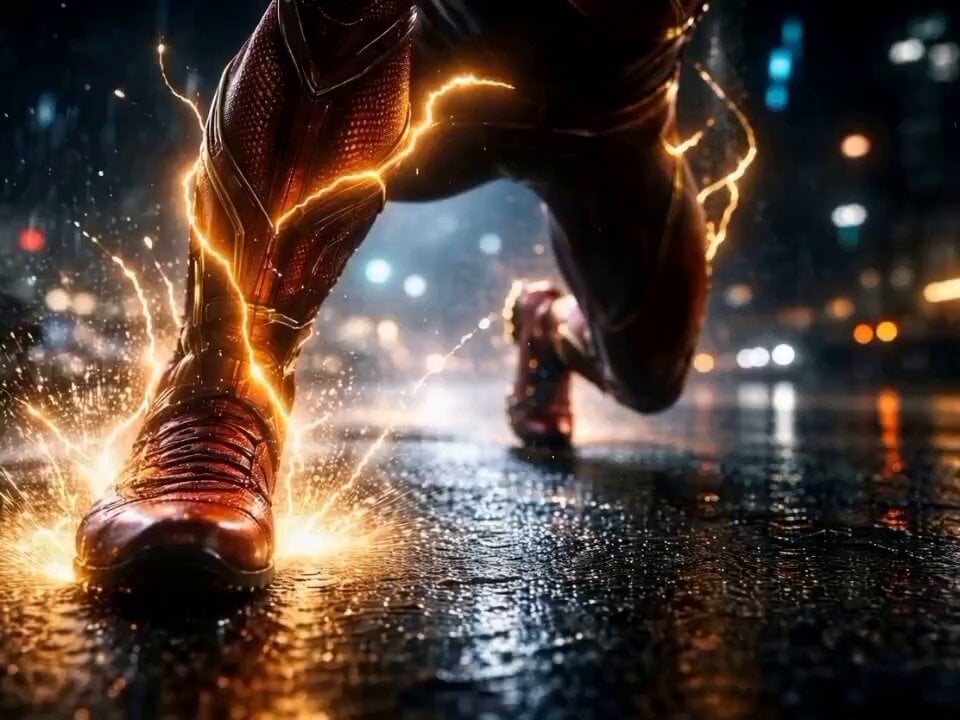
The Flash Director's Prompt
Browse template categories
Cyberpunk City Chase Animation questions
How do I use the Cyberpunk City Chase Animation template?
Add your photo if the template asks for one, edit the prompt if you like — the template's model and format are already selected — and press Generate. Your version opens in PicX Studio.
Can I customize the Cyberpunk City Chase Animation template?
Yes. You can change the subject, setting, lighting, mood, format, and available model controls before creating your video.
Is the Cyberpunk City Chase Animation template free?
Opening and editing this template is free. Generating uses credits, shown on the Generate button when you are signed in.
Which AI model should I use?
Start with Seedance 2.0, which is the model associated with this template. You can compare another compatible model for a different finish.
Looking for something else? Browse all templates.

Your photo, any look
Thousands of ready templates for every top image and video model, from one credit balance.