How do I use the Luxe Lip-Gloss Ad Visual template?
Choose the primary action to open PicX Studio with the available template settings. Review the model and format, personalize the creative direction, and generate when ready.
A ready image prompt for PicX Studio. Change the subject, setting, or lighting one variable at a time.
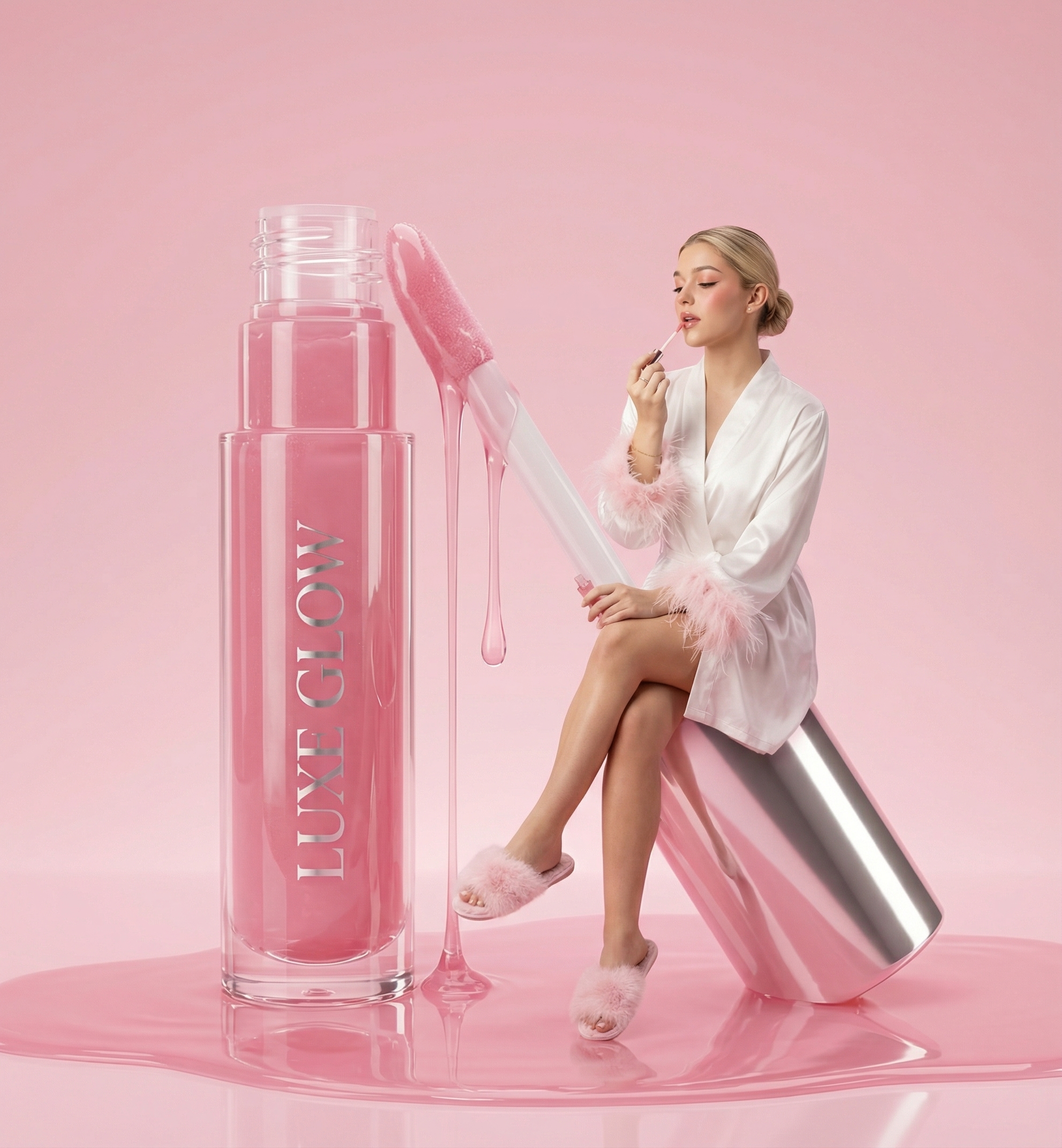
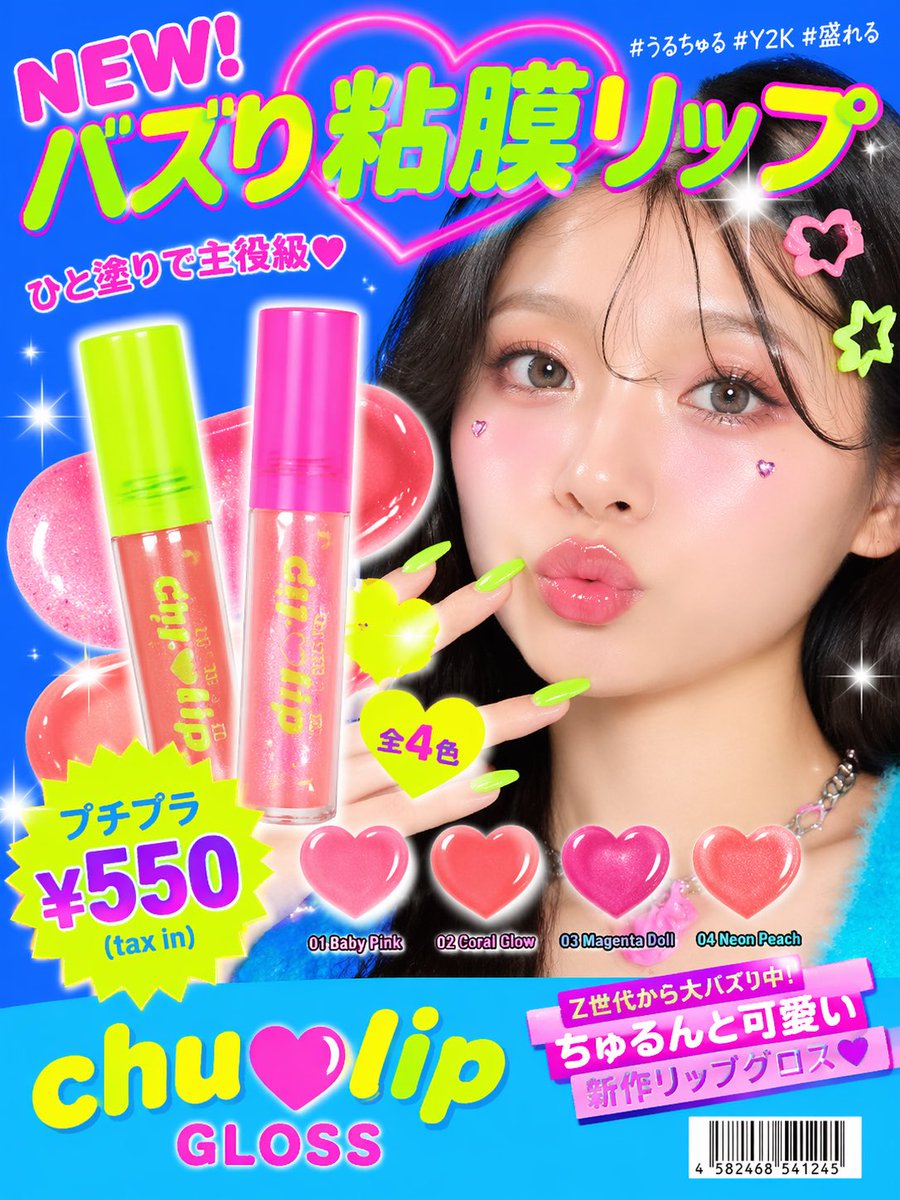
Hyper-realistic luxury beauty fantasy scene in a seamless pastel pink studio environment. Floor and background blend smoothly with no visible corners. The surface is glossy and reflective, coated with thick, semi-transparent pink lip gloss liquid that pools naturally and reflects light. A giant transparent lip gloss bottle stands upright on the left, filled with viscous pink gloss. The applicator wand is oversized and partially lifted, dripping glossy liquid downward in slow, thick strands. The product branding is visible and centered on the bottle. To the right, a woman sits elegantly on an oversized silver lip gloss cap that is tilted diagonally. Her posture is relaxed yet poised, legs crossed at the knee. She wears a white satin robe with soft pink feather cuffs at the sleeves and fluffy pink slippers. Fabric has visible satin sheen and feather texture. Hair is blonde, styled in a clean low bun with no flyaways. Makeup is soft glam: rosy blush, subtle eyeliner, glossy lips matching the product tone. She is mid-gesture applying lip gloss, looking slightly downward with a calm, indulgent expression. Lighting is high-key, fully diffused, shadowless, studio-perfect. Highlights are smooth and controlled, emphasizing gloss texture and reflections. Color palette is strictly pink, white, and silver. Mood is feminine, indulgent, high-end cosmetic advertising. Ultra-clean, no noise, no background elements, commercial perfection.
Choose the primary action to open PicX Studio with the available template settings. Review the model and format, personalize the creative direction, and generate when ready.
Yes. You can change the subject, setting, lighting, mood, format, and available model controls before creating your image.
This template is free to open and customize. Generation usage is shown in PicX Studio before you create.
Choose a compatible model in PicX Studio based on the style, speed, and output controls your project needs.
Follow a topic to a crawlable collection of related PicX Studio templates.
43,474 public templates available. Verified via the PicX Studio public templates API; refreshed hourly.


![Act as a Senior 3D Product Visualization Artist and Cinematic Art — [BRAND NAME]. Act as a Senior 3D Product Visualization Artist and Cinematic Art Director spe](https://images.meigen.ai/tweets/2037605625463550080/0.jpg)



![A hero crystal typography visual for a luxury brand campaign — [BRAND NAME]
Act as a CGI Optical Physicist and 3D Type Sculptor creating a hero crystal typograp](https://images.meigen.ai/tweets/2043748561729302884/0.jpg)


![Act as a Master of Material Science and World-Class 3D Visualizer — [BRAND NAME]. Act as a Master of Material Science and World-Class 3D Visualizer.
PHASE 1: DY](https://images.meigen.ai/tweets/2021588846849282513/0.jpg)
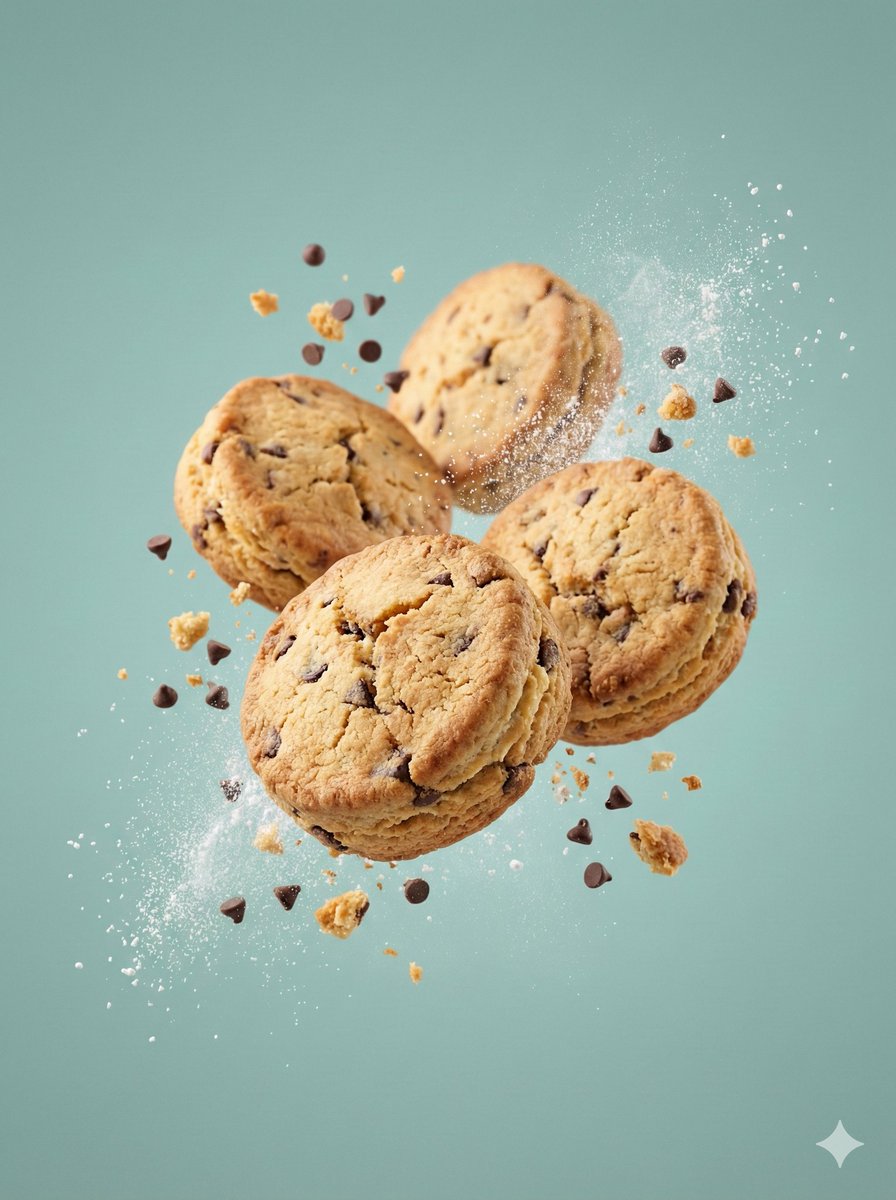
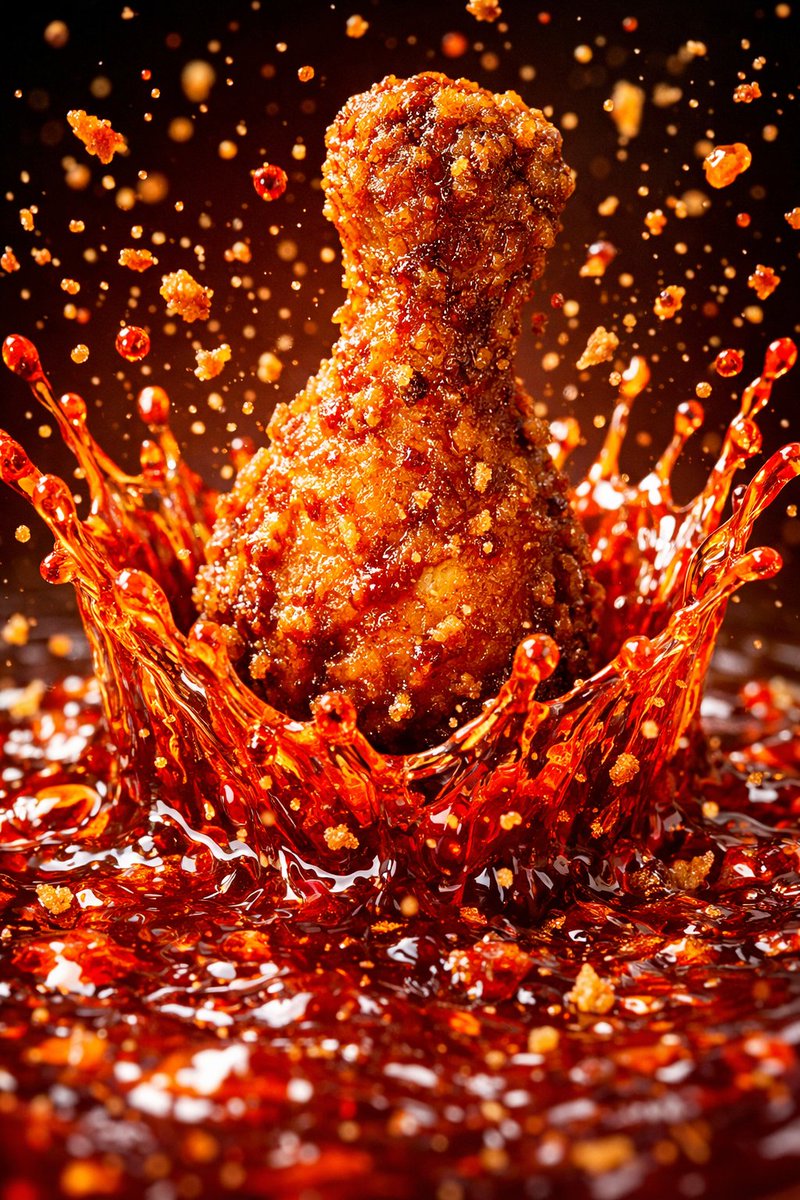

![Historical Invention Visualization Formula — innovation_ripple_effect_for_{argument name="invention" default="[historical_invention]"} = ( mechanical_anatomy_ex](https://cms-assets.youmind.com/media/1782205402178_1sf1j2_HLOgBgqXwAAbRc0-300x225.jpg)
![3x3 Editorial Photo Collage Contact Sheet Portrait — [Layout & Format] 3x3 grid editorial photo collage, a contact sheet of 9 cinematic frames, consistent chara](https://pbs.twimg.com/media/G-mpXYHbcAAGnmV.jpg)




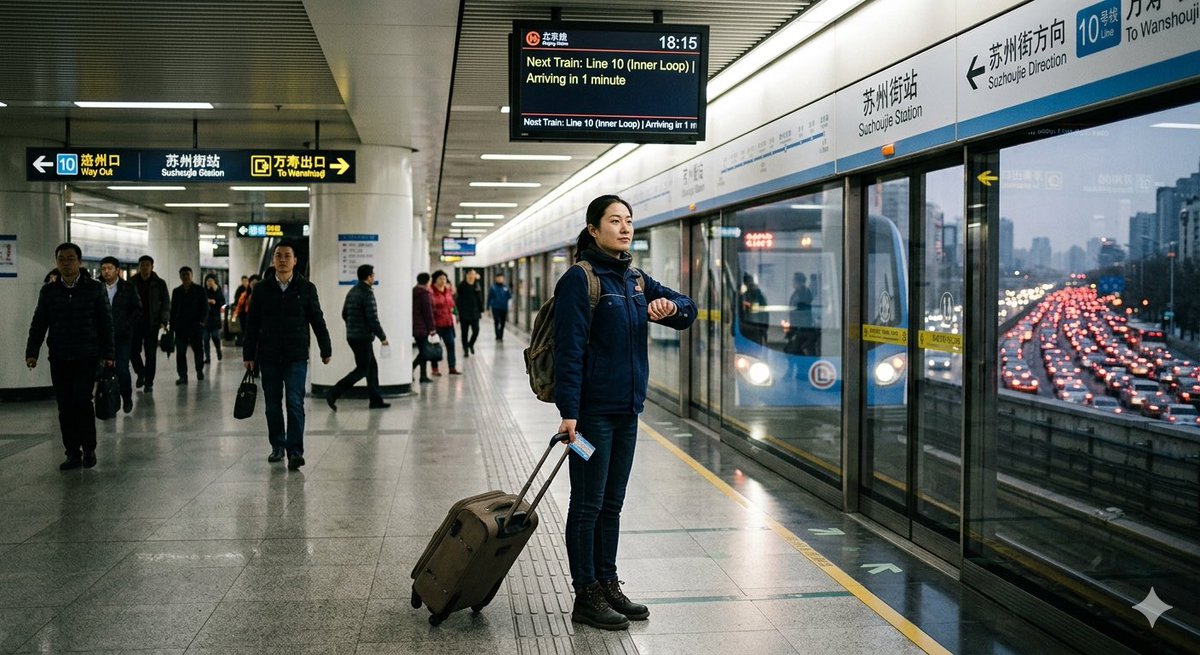
![Cinematic Neon Rain Portrait Prompt — Subject & Pose
Reference: [Use Uploaded Face Reference]
Action: Standing with one hand casually in a pocket.
Pose: Body sl](https://pbs.twimg.com/media/G_HE2pmWcAAHsat.jpg)

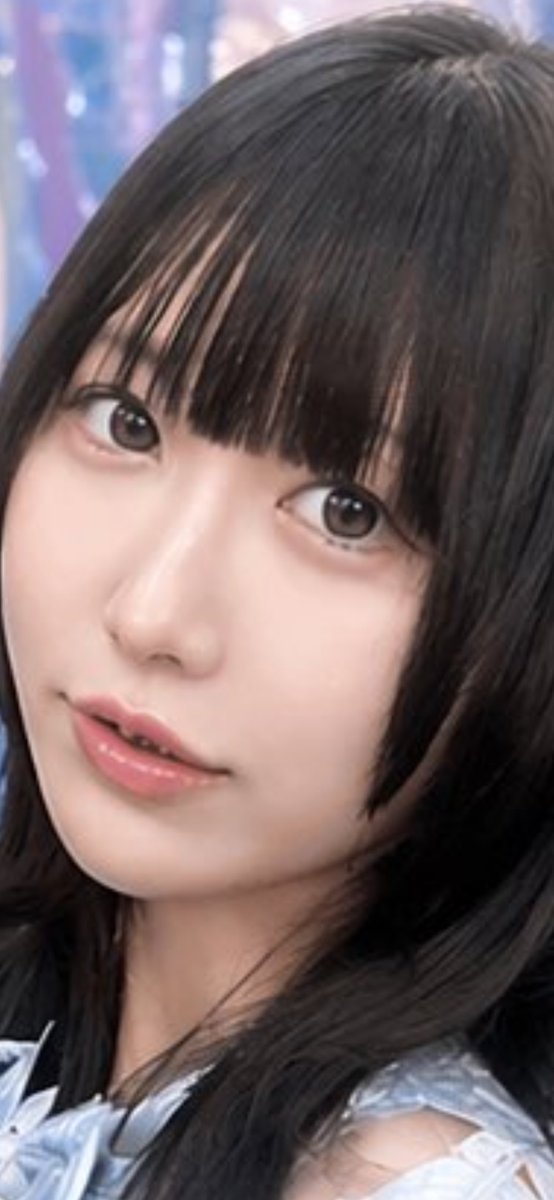









![Editorial Product Photography Prompt for Levitation Effect — [PRODUCT] and supporting props floating in mid-air, soft shadows anchored below, motion blur on tra](https://pbs.twimg.com/media/G9PZG7sa4AAOcF_.jpg)


