
Minimalist Product Photography on Grassy Hill
A professional product photography prompt for Nano Banana Pro featuring a minimalist scene on a grassy hill during golden hour, ideal for high-end editorials.
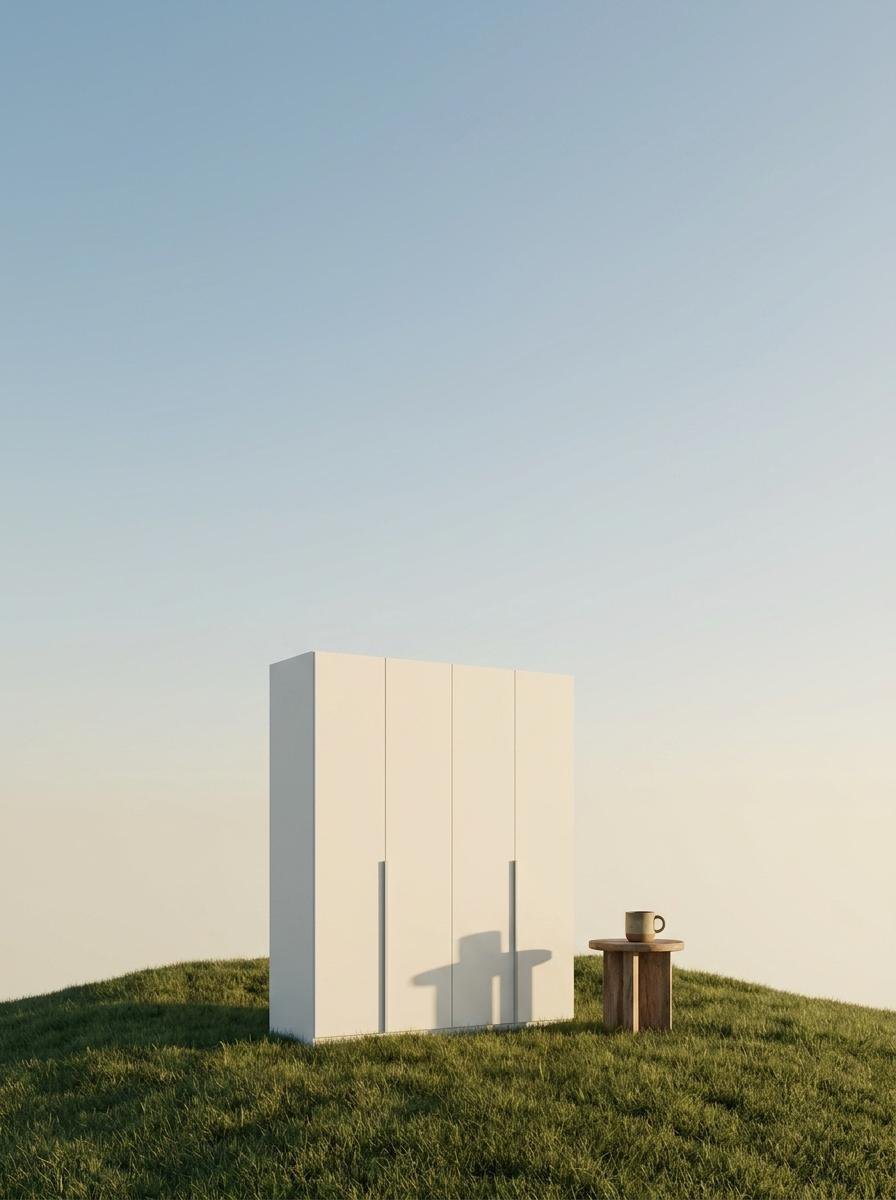
- Prompt included
- Model and format preset
- Free template
The prompt behind this image
Copy the exact prompt behind Minimalist Product Photography on Grassy Hill, or open it in the studio and make it yours.
Minimalist product photography, {argument name="subject" default="product from uploaded photo"} placed on top of a {argument name="setting" default="small rounded green grassy hill"}, positioned low in frame with vast empty sky taking up most of the composition, small wooden side table beside it with a single ceramic coffee cup, soft warm golden hour lighting, clear pale blue sky gradient transitioning to warm cream near the horizon, serene and calm atmosphere, negative space composition, vertical mobile wallpaper format, photorealistic, soft natural shadows, muted earthy color palette, high-end editorial product photography, 8k resolution
How to use Minimalist Product Photography on Grassy Hill in 3 steps
- 1Upload ImagePNG, JPG or paste
Add your photo
Upload the photo the template builds on. The prompt, model and format are already set.
- 2…a portrait of your subject in softgolden-hour light, 85mm…
Personalize
Edit the subject and creative details for your destination.
- 3Generate
Generate
Press Generate — your image is created in PicX Studio, so you can compare it with the original and refine one variable at a time.
More like this
Templates with the same subject, style or setup. Open one to see its prompt.
Elegant Minimalist Product Photography
Minimalist Skincare Product Water Stone Still
Minimalist Luxury Brand Concept
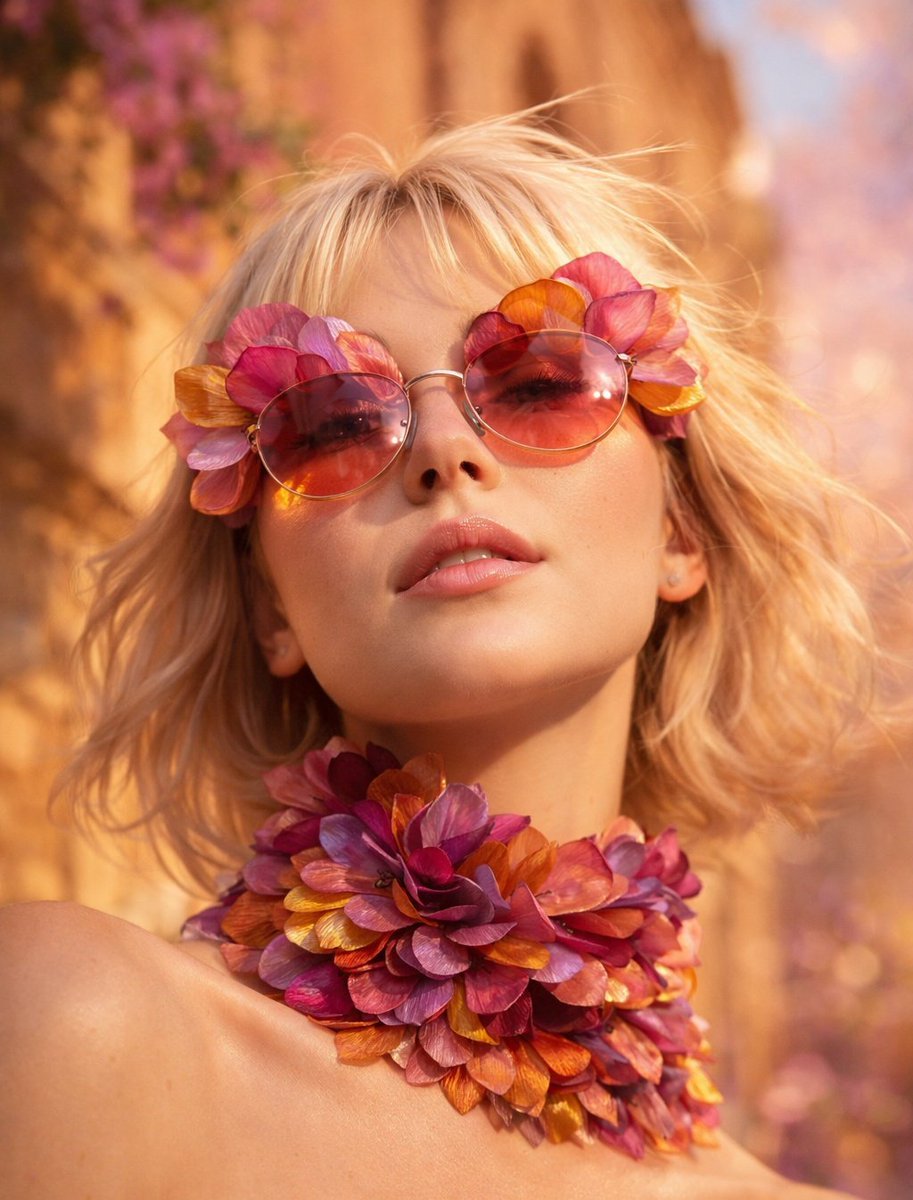
Flower Petal Sunglasses Couture Portrait
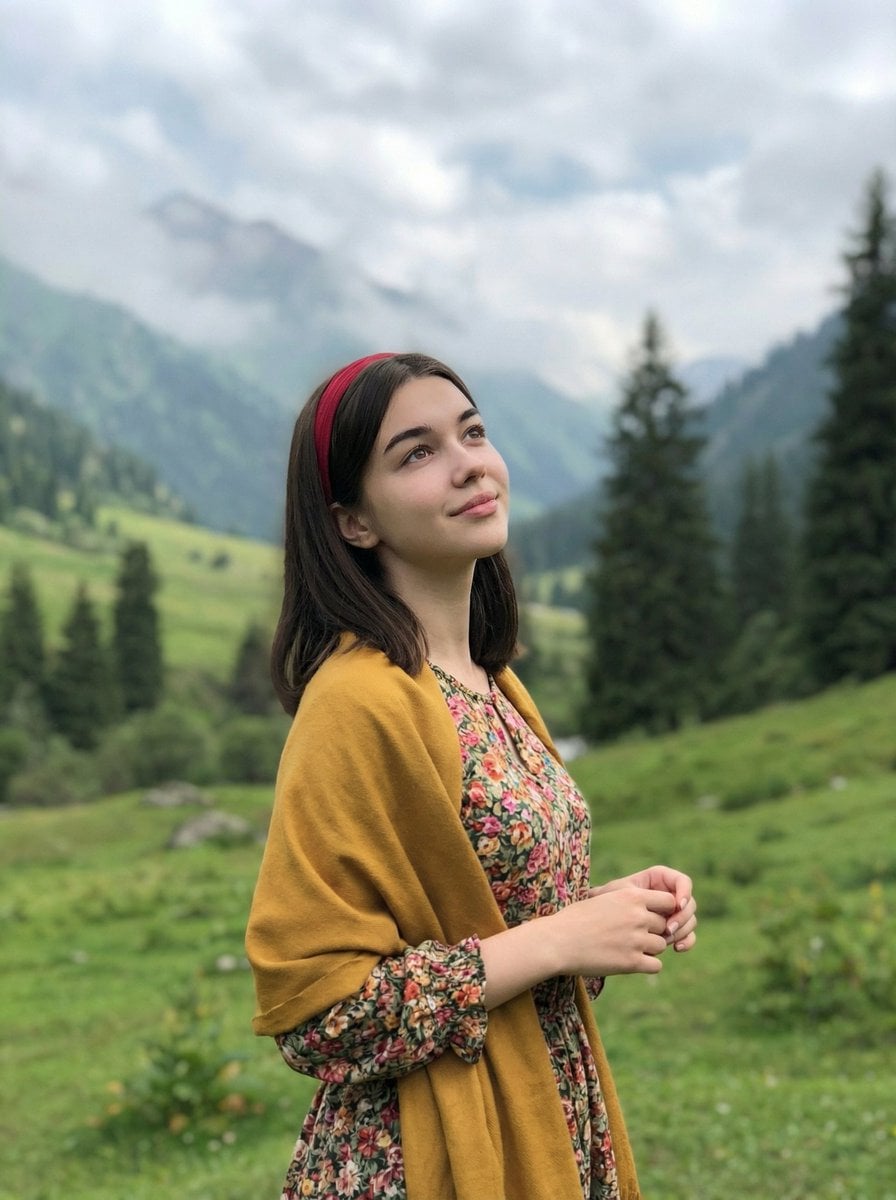
Mountain Valley Lifestyle Portrait
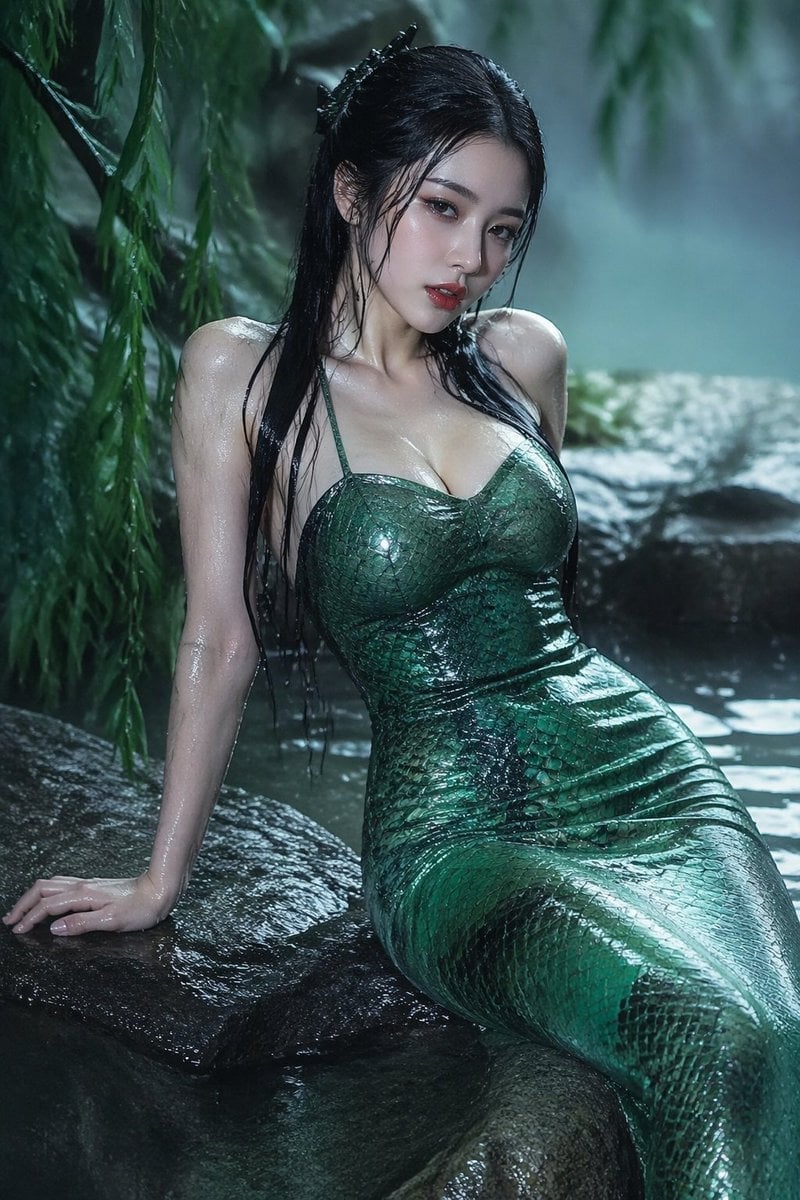
青蛇小青写真大片,绿色紧身蛇鳞裙,湿发红唇,妖娆妩媚
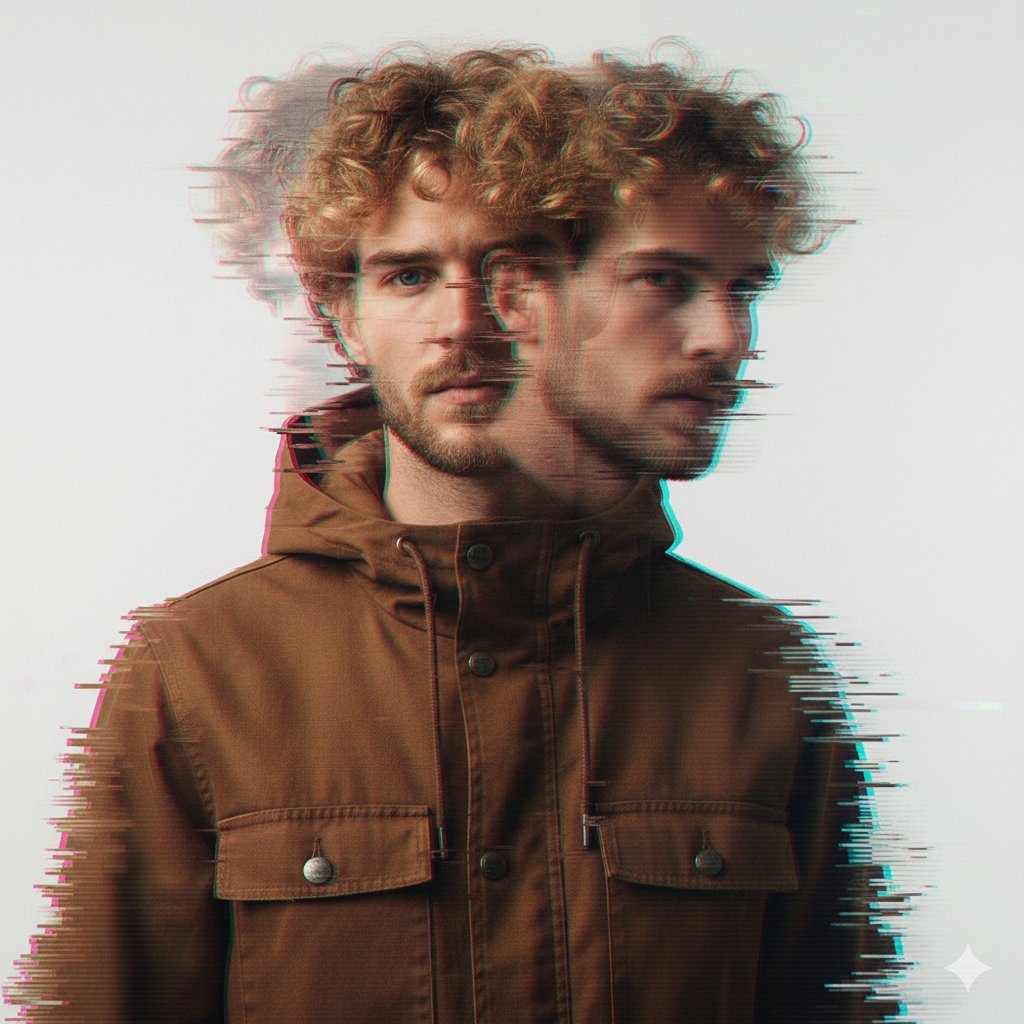
A double exposure, long exposure editorial photograph of a man Use image

Portrait of a young woman in her early 20s walking calmly on a beautiful
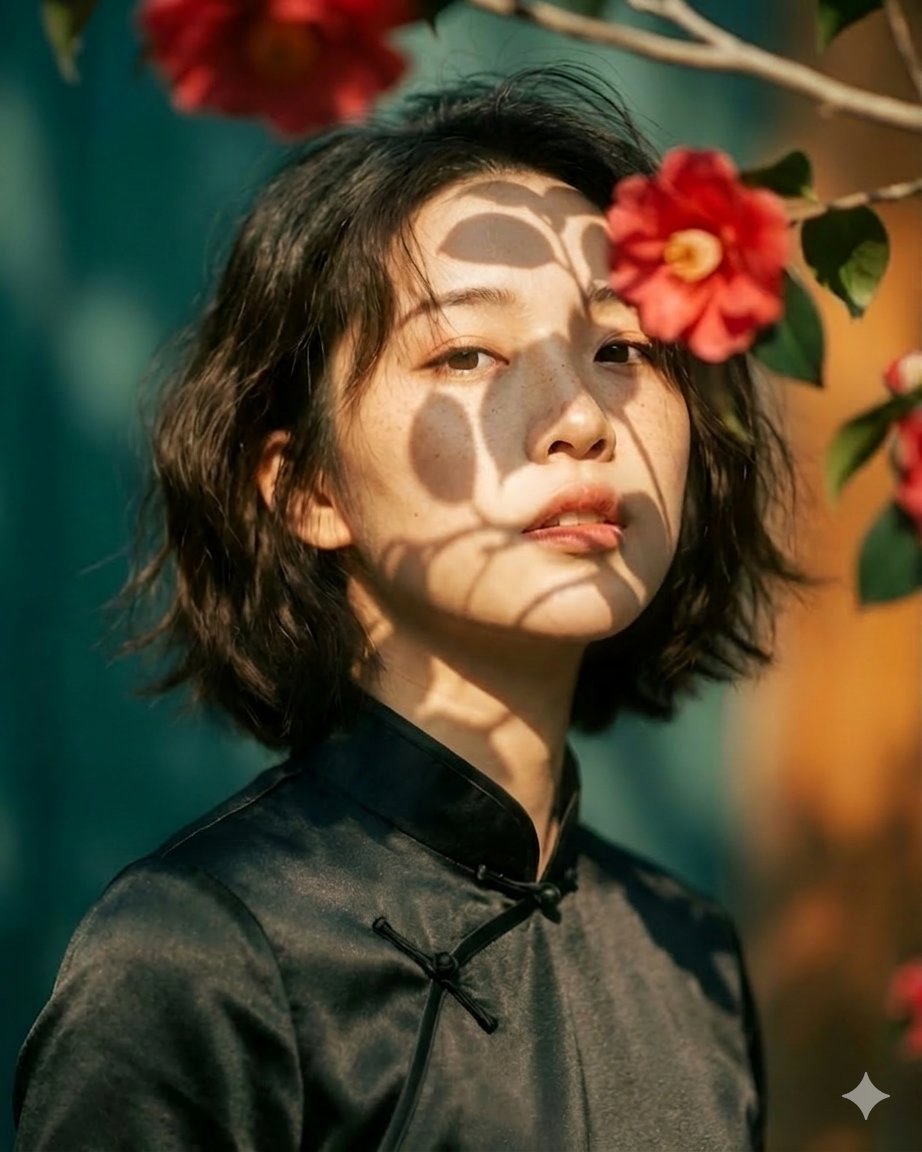
Artistic portrait of an elegant Asian woman wearing a black silk
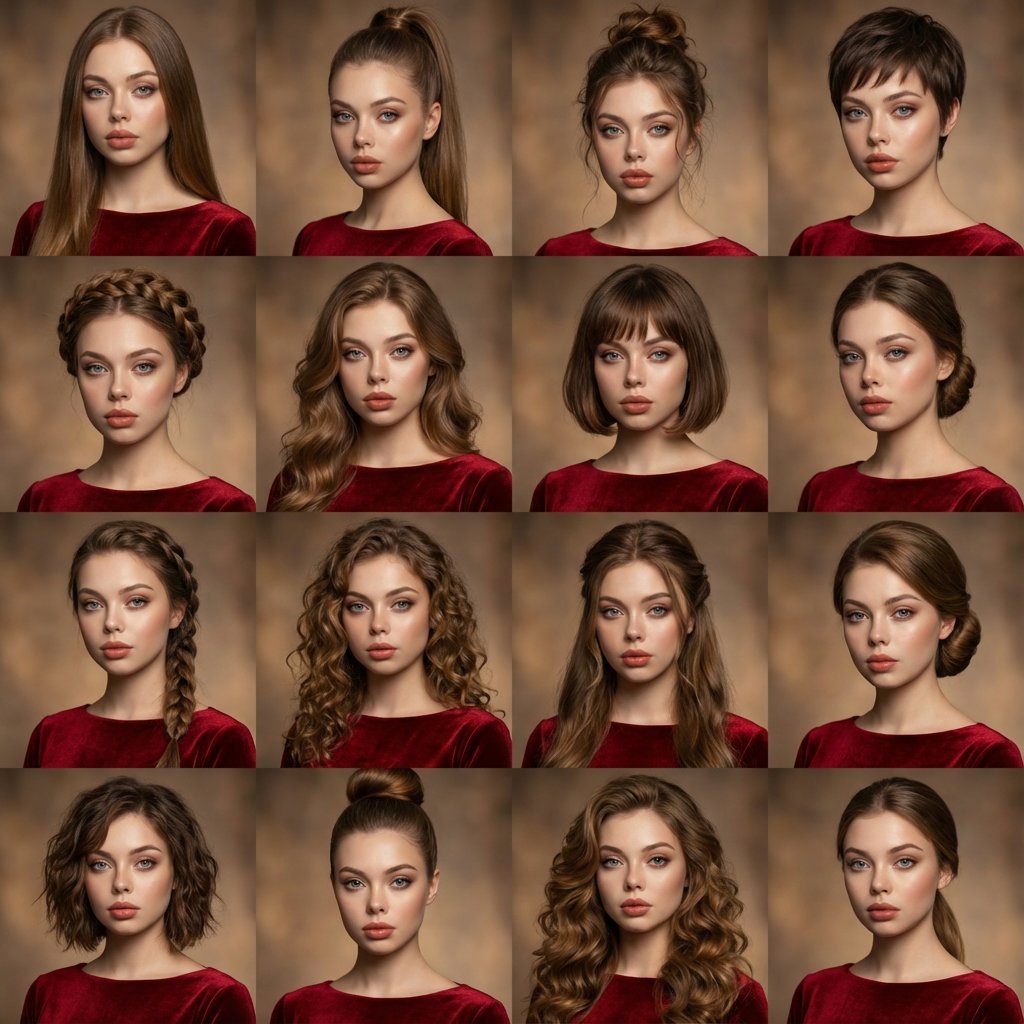
A high-quality photo collage featuring the same person with identical
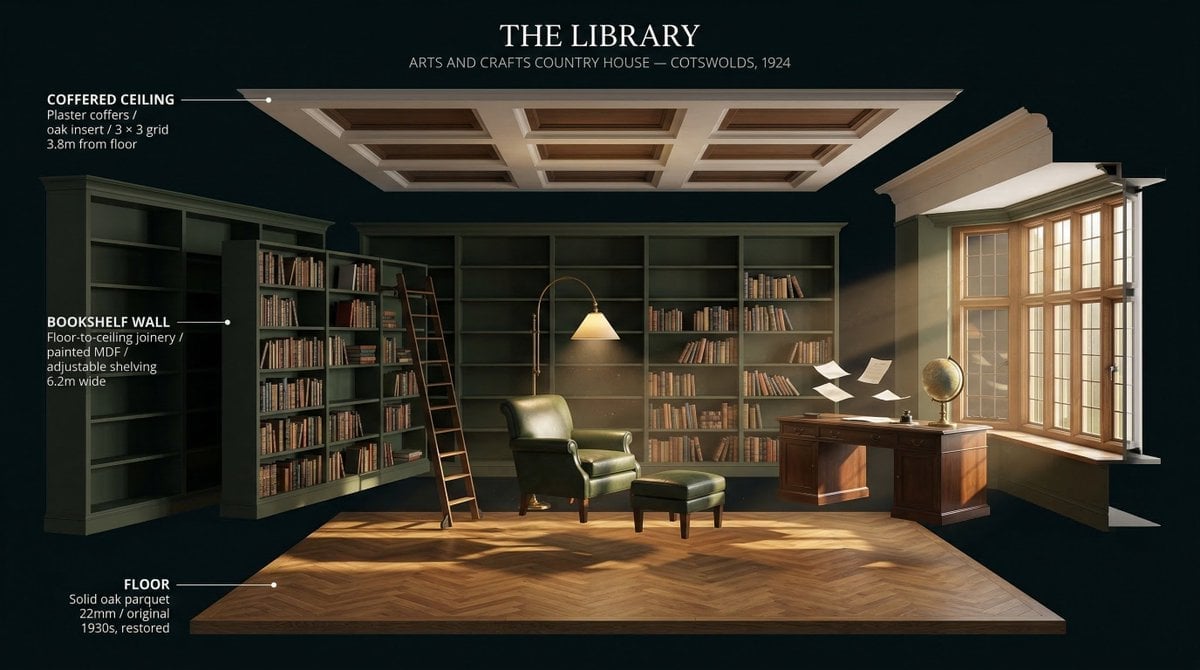
LIGHTING each element still lit by its original source, windows casting
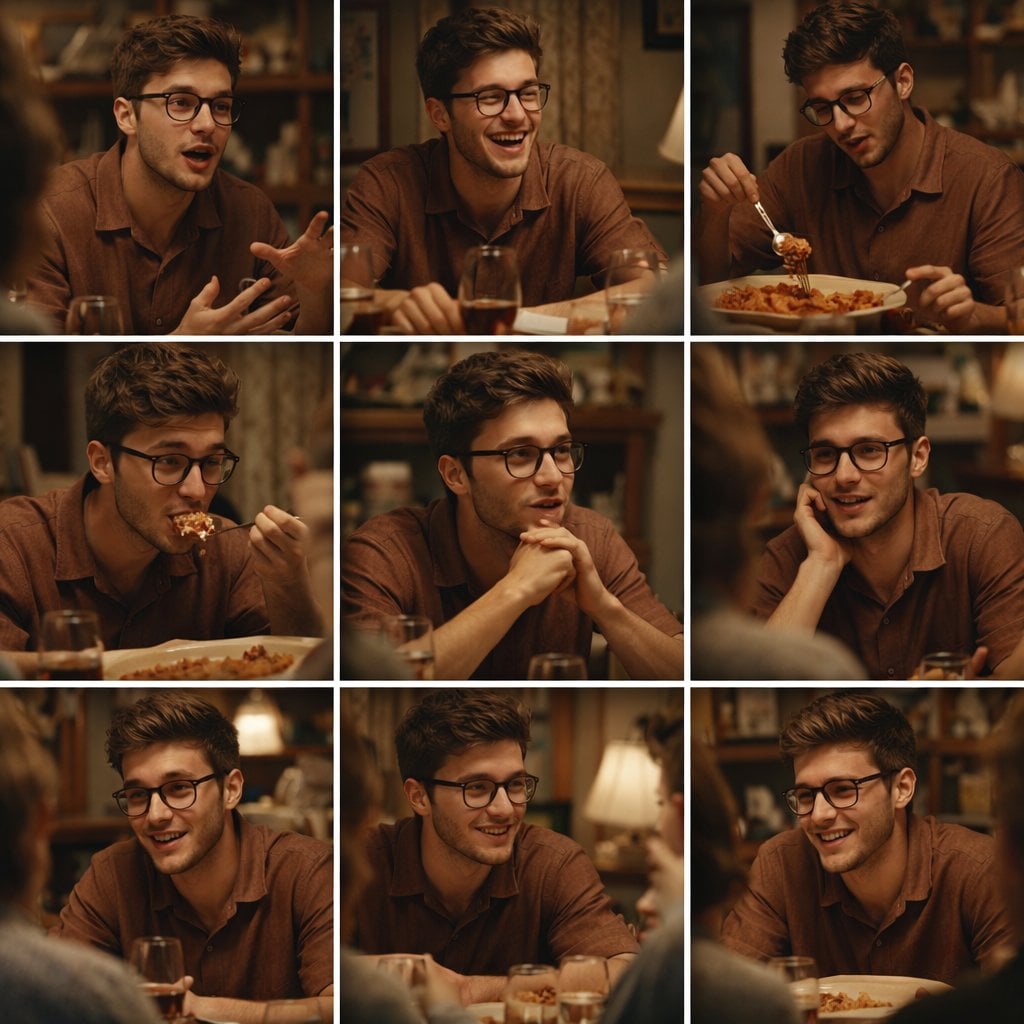
A 3x3 grid storyboard contact sheet comprised of nine candid, cinematic
Make it yours
Minimalist Product Photography on Grassy Hill works as-is. These are the safest ways to change it without losing the look.
Change one field
Copy a single group, rewrite it, and generate again so you can see what that field is doing.
Keep the frame, change the subject
Hold the composition and light of Minimalist Product Photography on Grassy Hill, then swap wardrobe, props or the person for a new take.
| If the result… | Why | Fix |
|---|---|---|
| The result drifts from the preview | Too many fields changed at once. | Reuse Minimalist Product Photography on Grassy Hill as-is first, then change one group — subject, light, or setting. |
| The model over-stylizes the scene | The prose prompt leaves finish and camera underspecified. | Add one camera or lighting sentence and stay on Nano Banana 2. |
More Nano Banana 2 templates
Other prompts made for Nano Banana 2.

Photorealistic Leaf Shaped Like a Dragon

K-Pop Idol Portrait Grid for Rapid Selection

Poetic Rain Forest Portrait During Golden Hour

Urban Street Portrait with Cartoon Inner Self Duo

Candid Nighttime Photo with Cat Prompt

High-Concept 3D Diorama Generation Prompt

Cinematic Futuristic Studio Portrait Template

Skincare Editorial Photography Collage Prompt

Hyper-Realistic Commercial Product Photography (Splash Effect)

Hyper-Realistic Nightclub Portrait Prompt
More image prompts
Fresh picks from across the catalog.
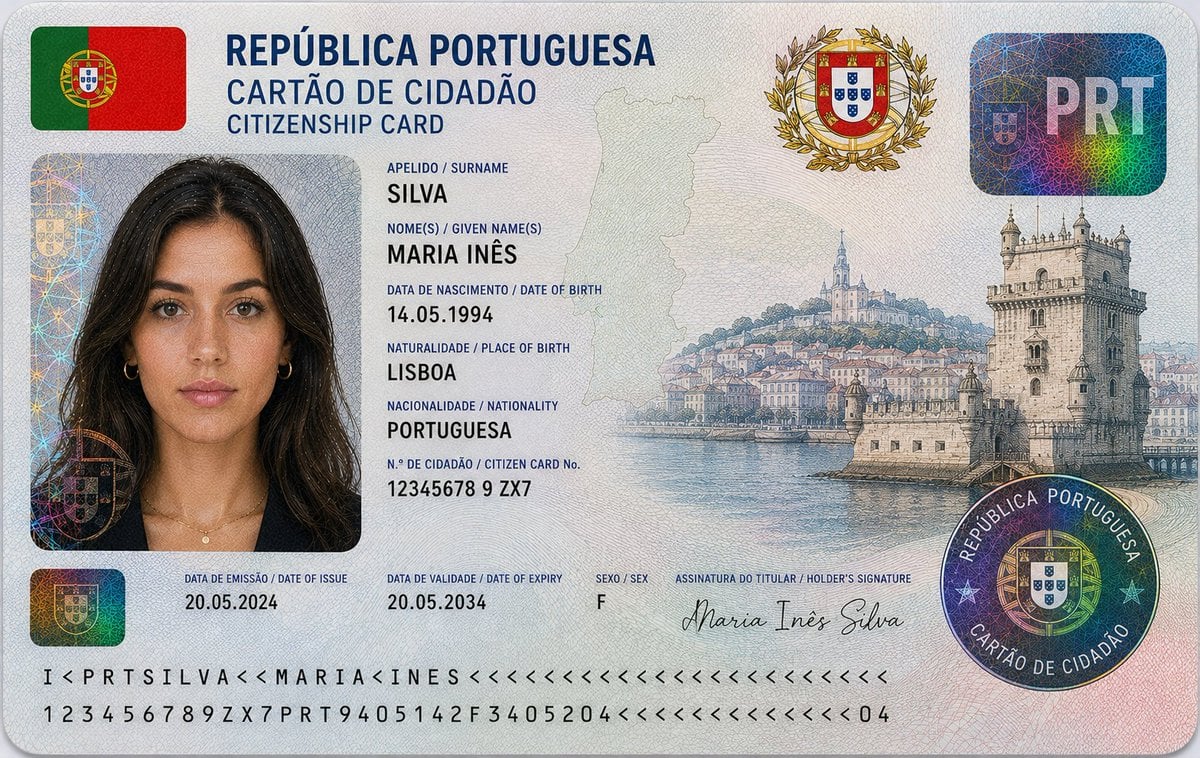
Nigerian Citizenship Identity Card Mockup
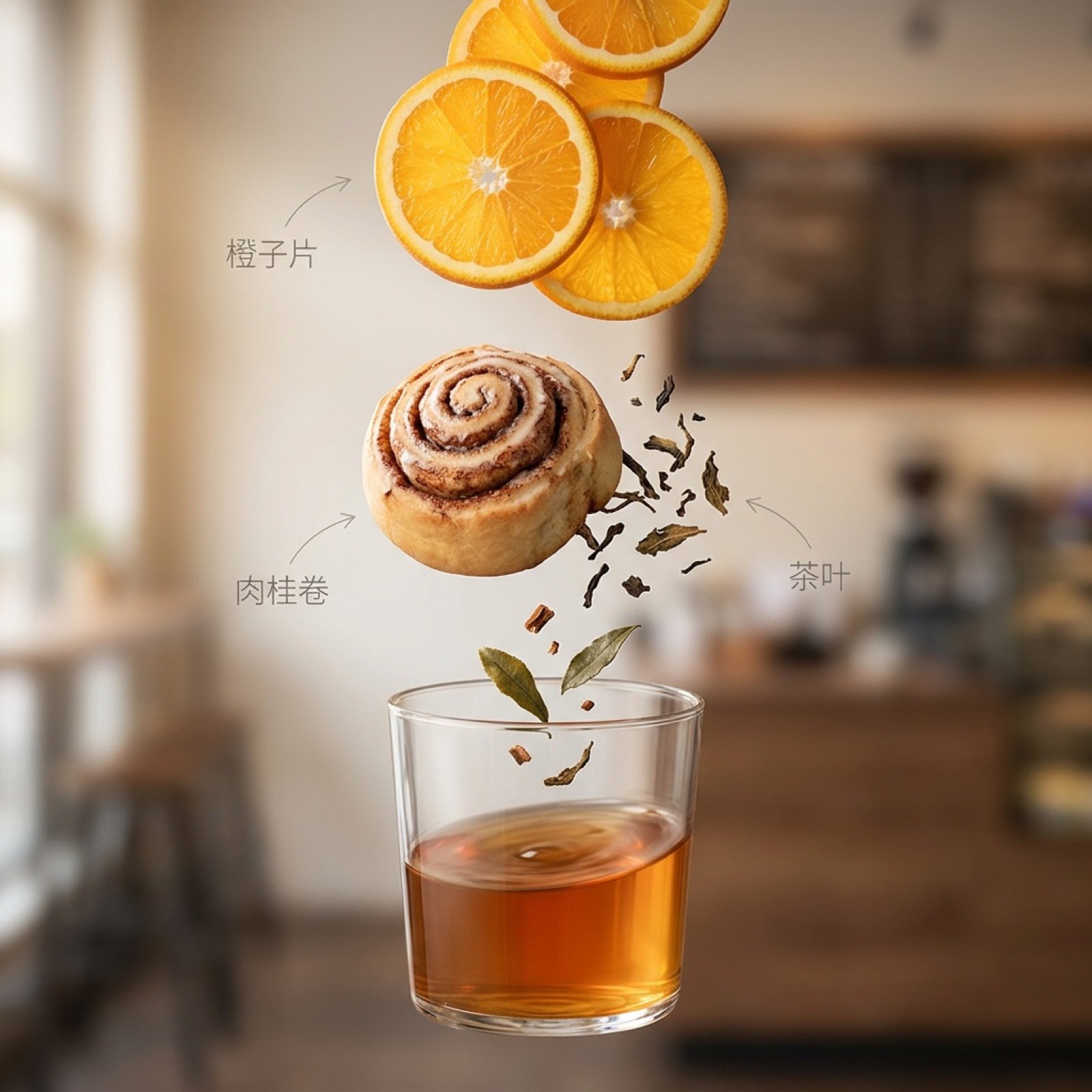
Exploded Ingredient Diagram and Motion Video Prompt for Drinks

Minimalist Product Photography with Sketch Illustration
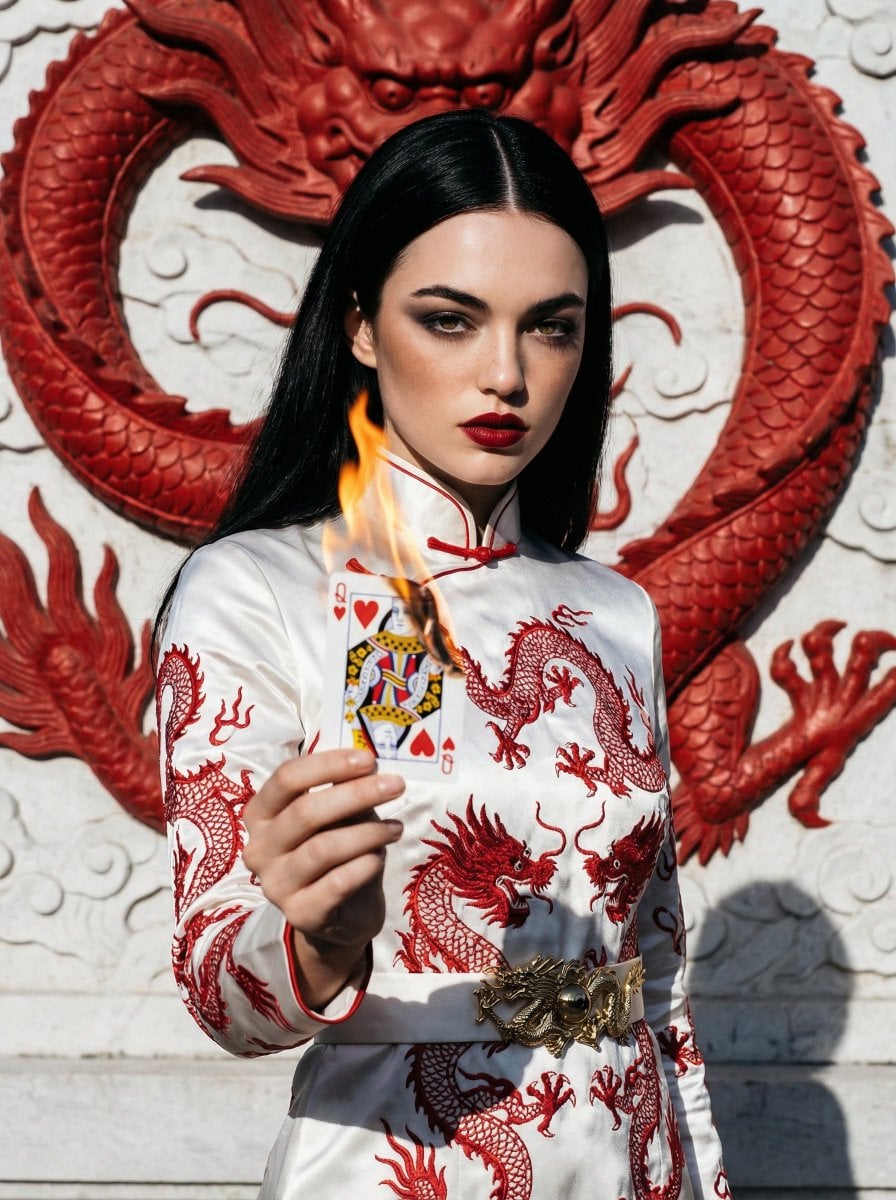
Fashion Portrait with Chinese Dragon Qipao
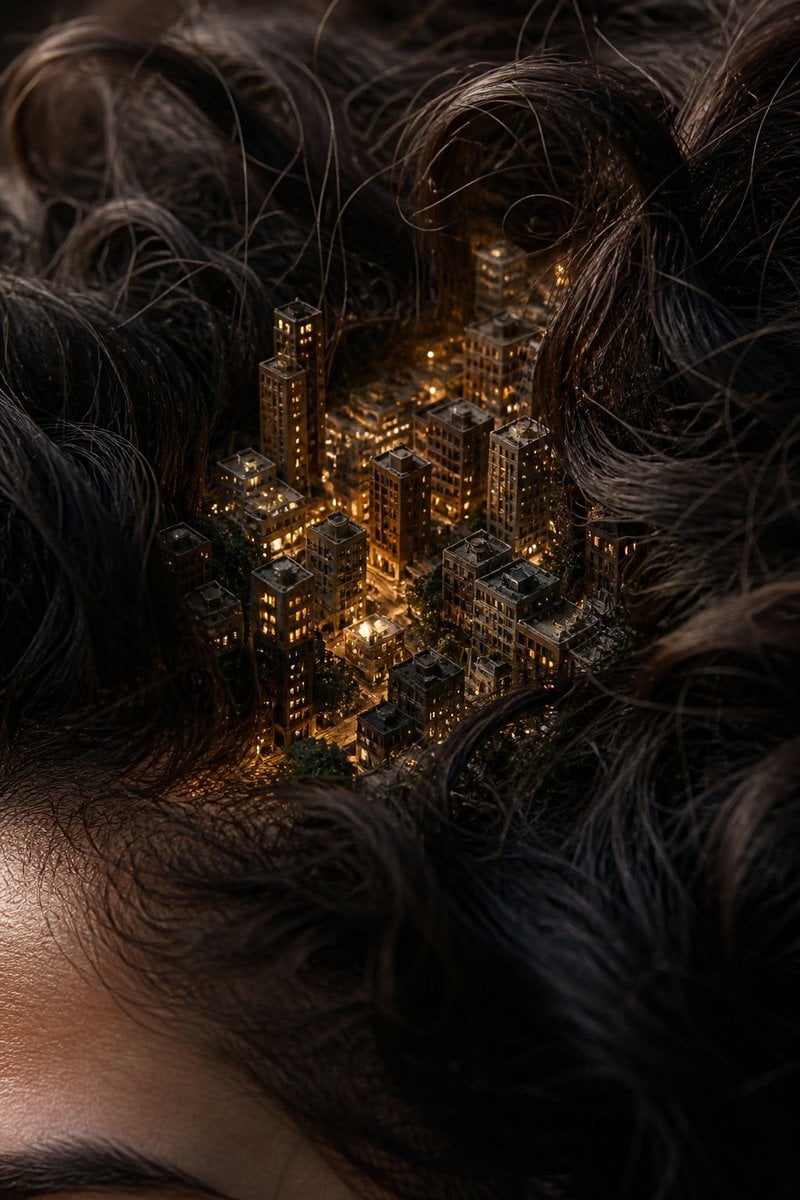
Miniature City Tiny Worlds
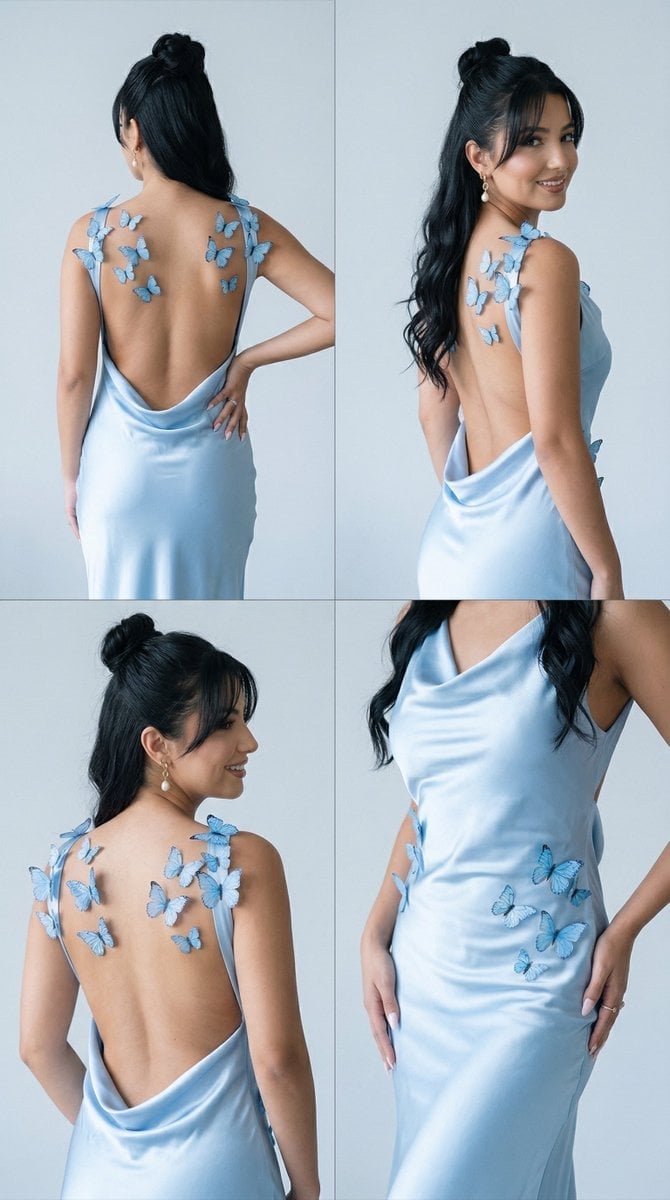
Butterfly Dress Editorial Grid Prompt for Nano Banana 2
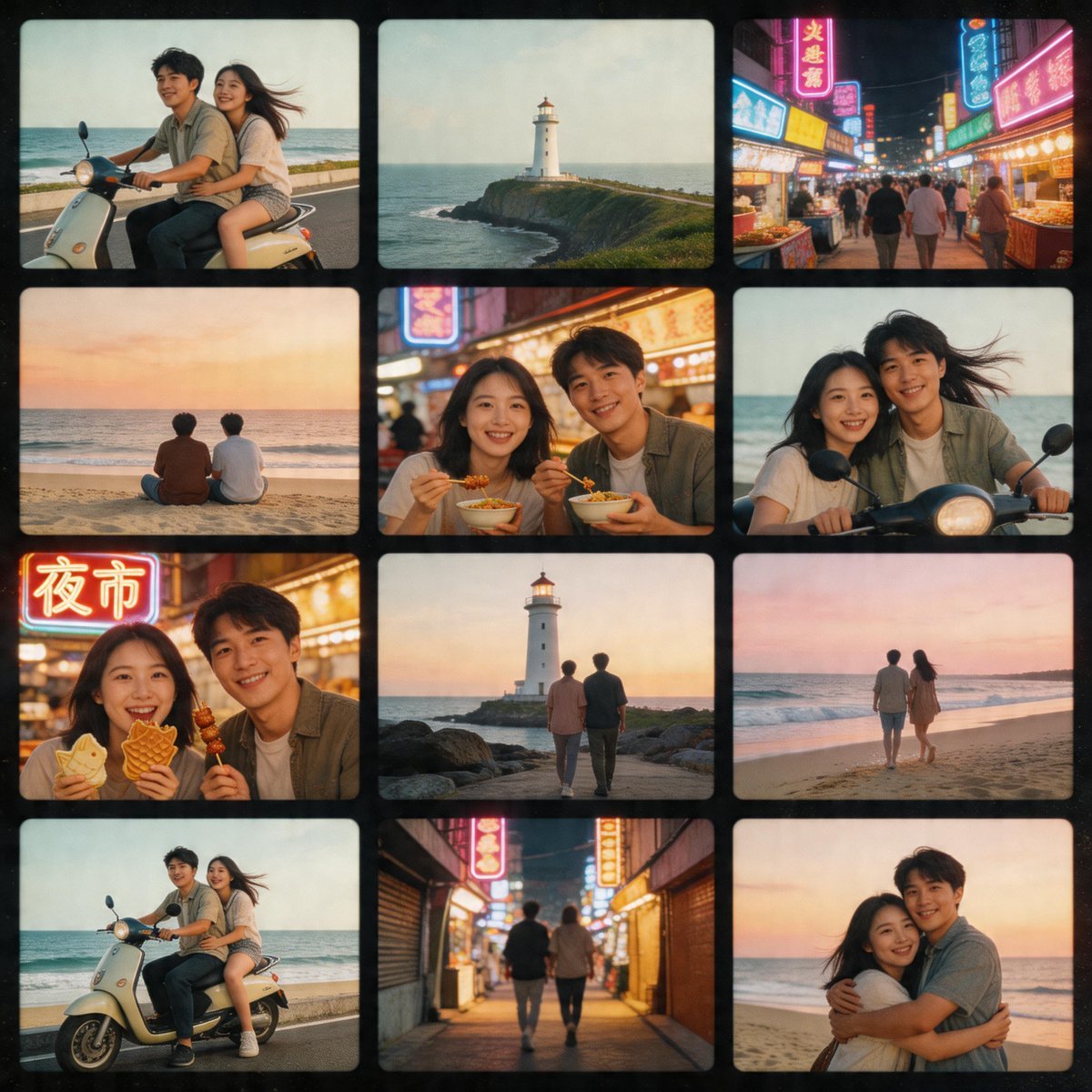
Nostalgic Tokyo Travel Collage
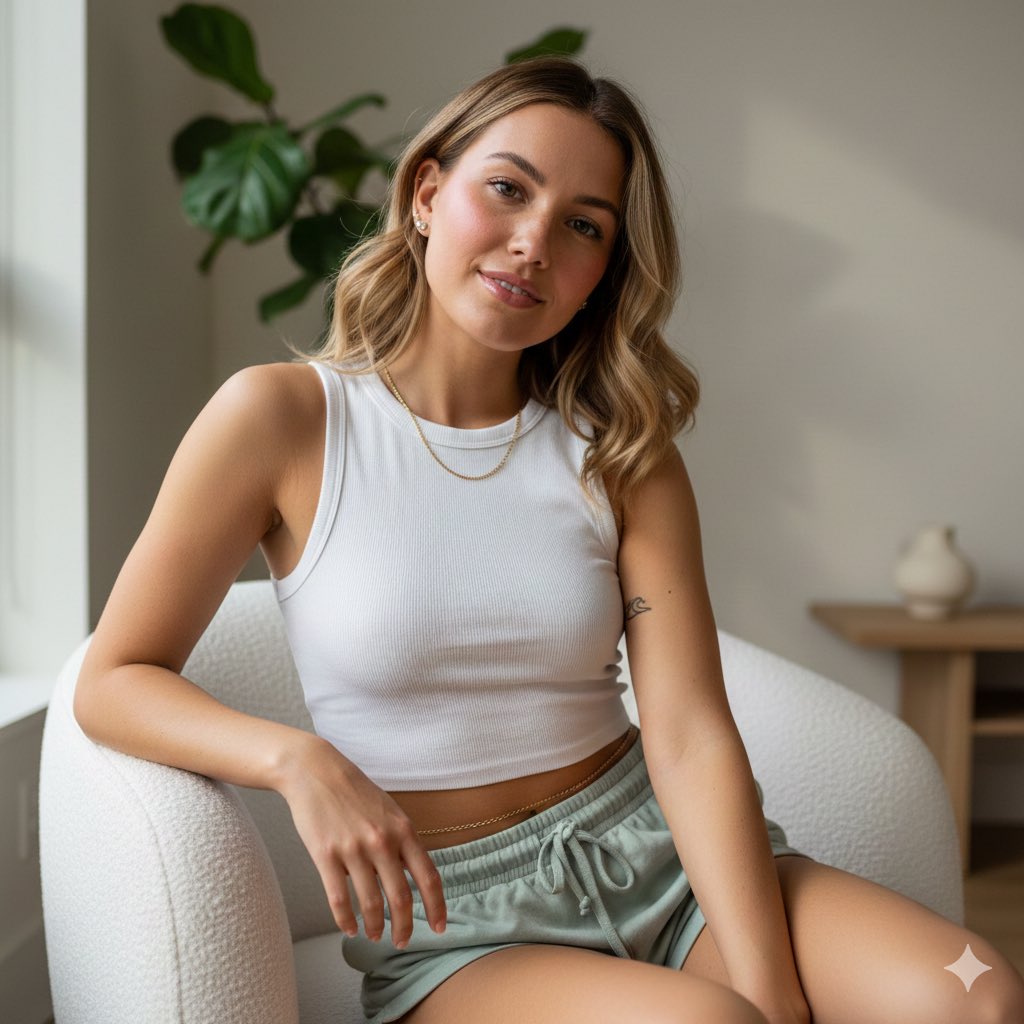
Photorealistic Portrait of Young Woman in Lounge Wear
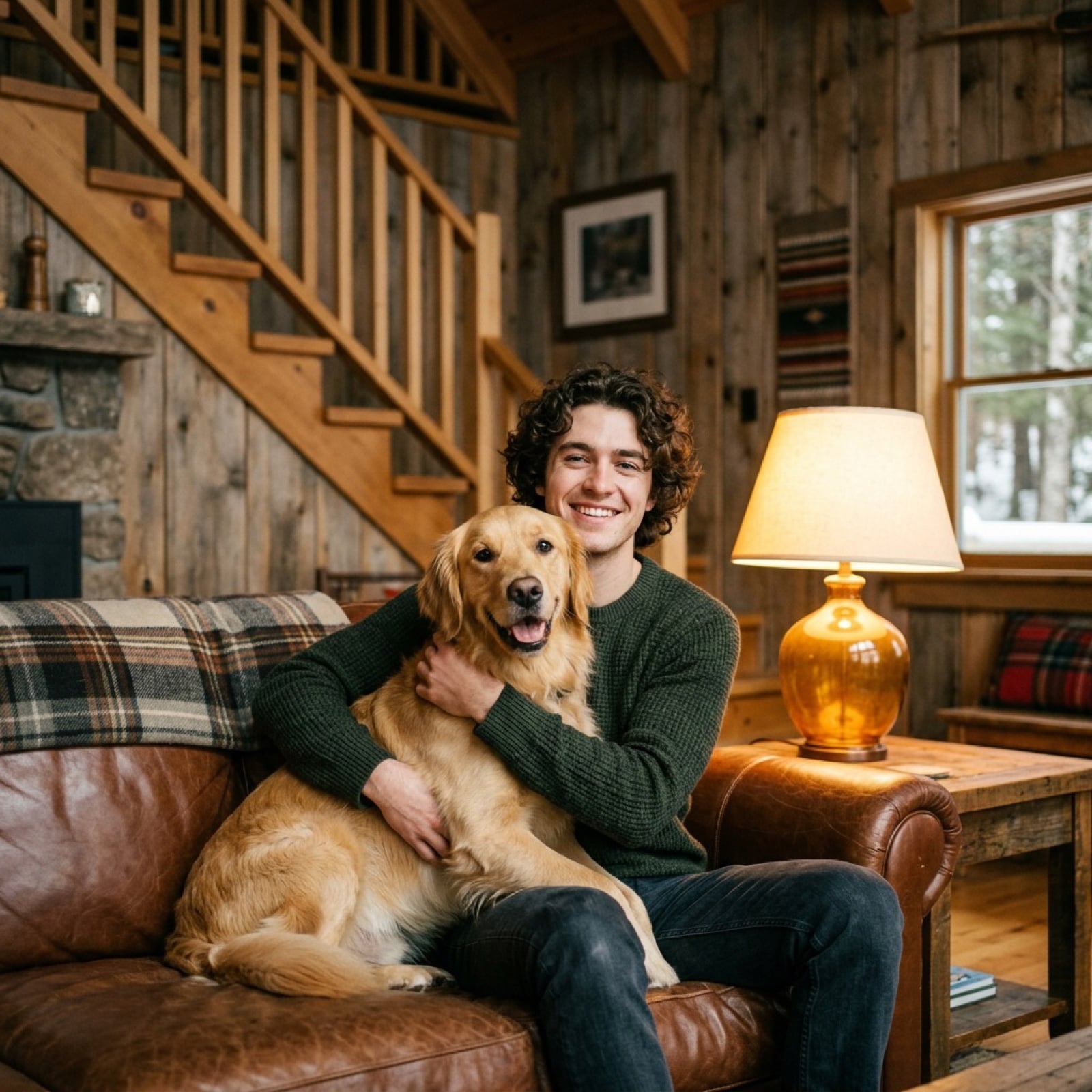
Cozy Cabin Interior Lifestyle Photography Prompt
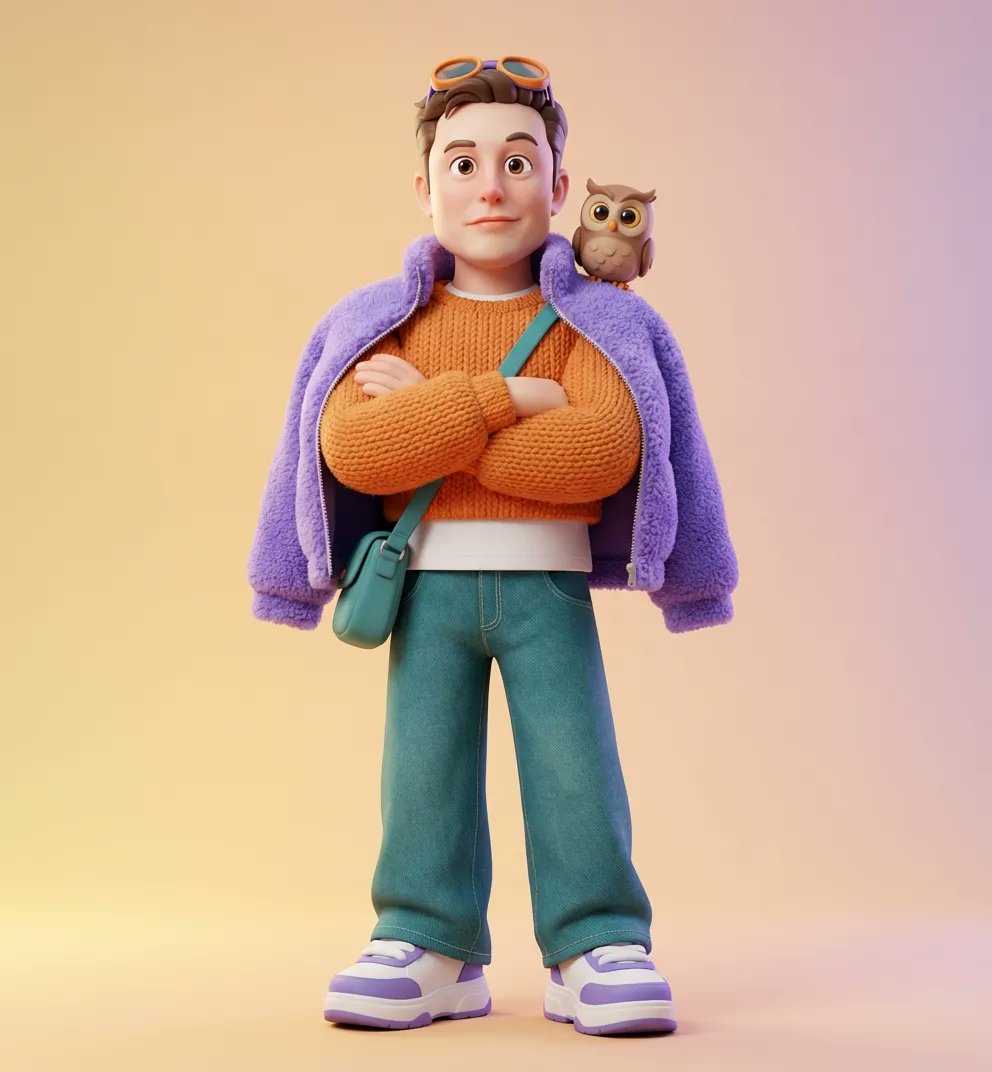
Ultra-Detailed 3D Stylized Character Design Prompt
Browse template categories
Minimalist Product Photography on Grassy Hill questions
How do I use the Minimalist Product Photography on Grassy Hill template?
Add your photo if the template asks for one, edit the prompt if you like — the template's model and format are already selected — and press Generate. Your version opens in PicX Studio.
Can I customize the Minimalist Product Photography on Grassy Hill template?
Yes. You can change the subject, setting, lighting, mood, format, and available model controls before creating your image.
Is the Minimalist Product Photography on Grassy Hill template free?
Opening and editing this template is free. Generating uses credits, shown on the Generate button when you are signed in.
Which AI model should I use?
Start with Nano Banana 2, which is the model associated with this template. You can compare another compatible model for a different finish.
Looking for something else? Browse all templates.

Your photo, any look
Thousands of ready templates for every top image and video model, from one credit balance.