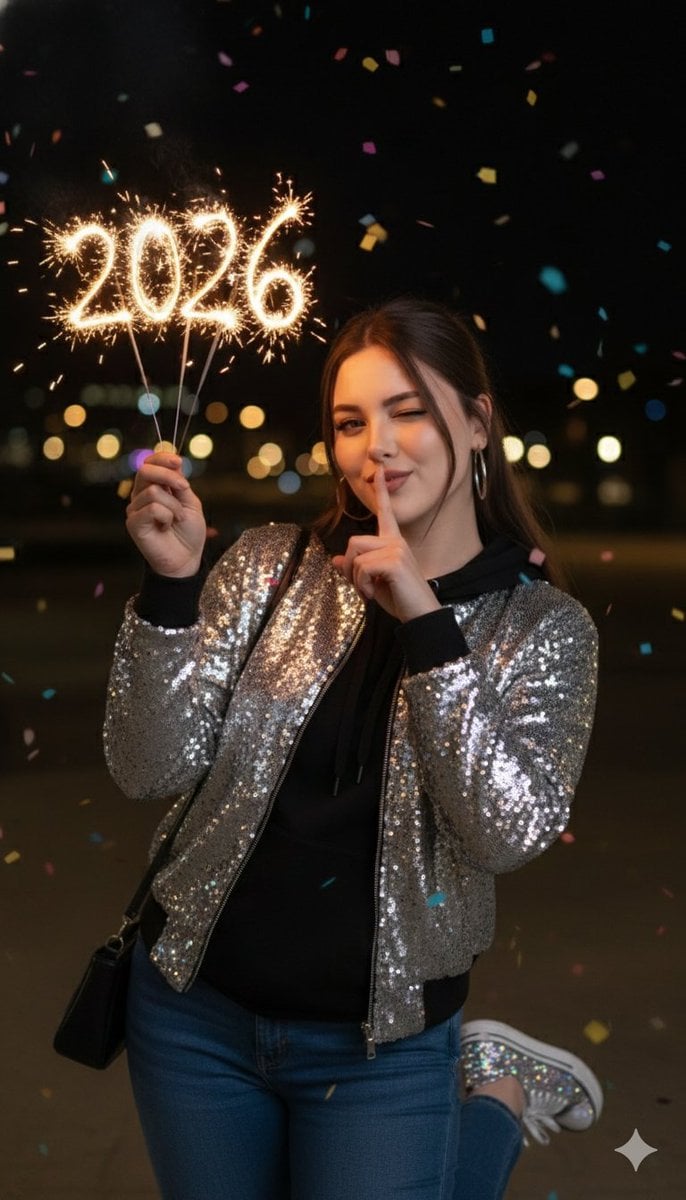
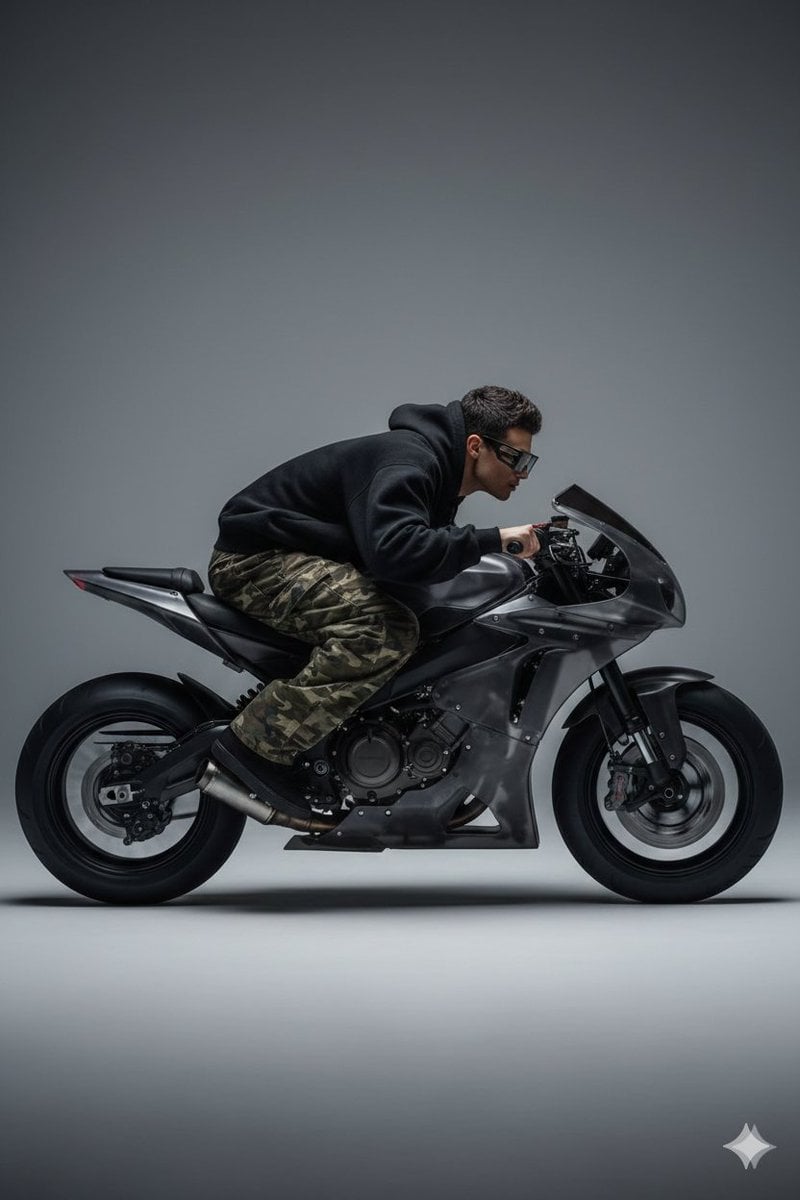
How do I use the Photorealistic High-Angle Fashion Portrait template?
Edit the prompt in the box under the preview — the template's model and format are already selected — and press Generate. Your version appears right on this page.
A high-resolution fashion portrait prompt featuring a model in a vibrant outfit, set in a minimalist modern interior with precise detailing on textures and lighting.

{"subject": {"description": "A beautiful young woman with tanned skin, long dark hair in a high ponytail, striking dark eyes, and full lips with a neutral, confident expression. She has a toned, curvaceous figure.", "pose": "Standing from a high-angle view, looking directly up at the camera with hands near her waist.", "clothing": {"original": "Orange strapless tube top and distressed green jeans.", "modifications": "Change the top to a bright pink strapless tube top. Remove the jeans and replace with a short black skirt. Add pink high-heel stilettos."}, "accessories": "Gold cross necklace and large hoop earrings."}, "setting": {"environment": "Modern minimalist room with white walls, black seating area with pillows, and large gray tiled floor.", "modifications": "Add a small, elegant 'Keor' engraving or inlaid text on the floor near her feet, in a stylish font."}, "style": {"photography": "Realistic, high-resolution fashion photograph taken from a high angle. Sharp details on skin, hair, clothing, and floor tiles. Strong natural lighting with clear shadows.", "mood": "Confident and bold.", "composition": "Full-body high-angle shot emphasizing the figure and outfit."}, "full_prompt": "Photorealistic high-angle full-body portrait of a beautiful woman with dark hair in a high ponytail, wearing a bright red strapless tube top, short white skirt, and red high-heel stilettos. She stands on a large gray tiled floor looking up at the camera with a confident expression. Add elegant 'Keor' engraving on the floor near her feet. Modern minimalist interior with white walls and black seating in background, natural lighting, highly detailed skin, hair, and fabric textures."}
Edit the prompt in the box under the preview — the template's model and format are already selected — and press Generate. Your version appears right on this page.
Yes. You can change the subject, setting, lighting, mood, format, and available model controls before creating your image.
Opening and editing this template is free. Generating uses credits, shown on the Generate button when you are signed in.
Start with Nano Banana 2, which is the model associated with this template. You can compare another compatible model for a different finish.
Follow a topic to a crawlable collection of related PicX Studio templates.