
ChatGPT Cyberpunk Manga Screenshot
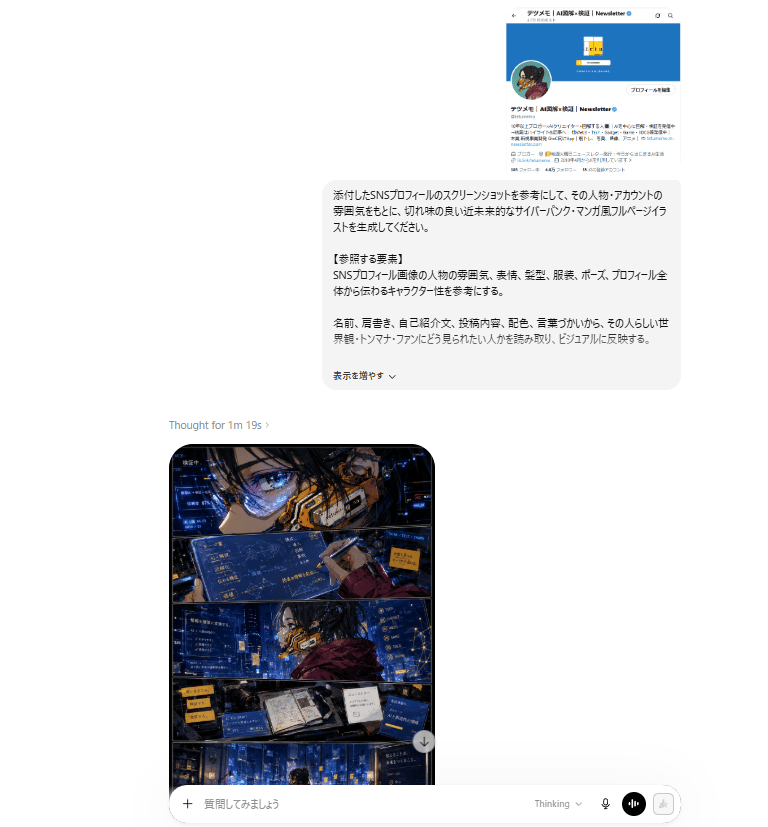
Generates a realistic AI chat webpage screenshot showing a Japanese SNS-profile prompt and a four-panel cyberpunk manga result.
- Prompt included
- Model and format preset
- Free template
The prompt behind this image
Copy the exact prompt behind ChatGPT Cyberpunk Manga Screenshot, or open it in the studio and make it yours.
Goal: Create a realistic desktop screenshot of a ChatGPT-style web interface showing a Japanese prompt request and the resulting cyberpunk manga illustration. Canvas: Landscape browser screenshot, approximately 768×827 px, mostly white background with lots of empty margin. The conversation column is centered slightly to the right, with a generated image preview aligned below and left of the prompt card. Layout: At the top right, show a small embedded social media profile screenshot. Beneath it, show one large rounded light-gray Japanese prompt bubble. Below and left of the bubble, show a small status line reading “Thought for 1m 19s ›”. Under that, show one tall generated image card with rounded corners, partly visible, followed by a bottom message composer bar spanning the lower width. Top social profile screenshot: Show exactly 1 miniature Japanese X/Twitter-style profile card with a bright blue header, circular avatar on the left, a small square yellow logo in the header area, Japanese account name text including “Newsletter”, a follow/profile button, and dense Japanese bio text. Keep it small and slightly blurry like a pasted reference screenshot. Japanese prompt bubble: A rounded rectangle in very pale gray with black Japanese text. The text should request generating a stylish, sharp, futuristic cyberpunk manga-style full-page illustration based on an attached SNS profile screenshot. Include a bold-looking section label “【参照する要素】”. Mention referencing the person/account atmosphere, facial expression, hairstyle, clothing, pose, overall profile feel, name, writing style, self-introduction, posts, colors, wording, worldview, catchphrases, and activities. At the bottom, include a small control line similar to “表示を増やす⌄”. Generated manga card: Show exactly 1 vertical full-page cyberpunk manga image inside a rounded black-bordered card. The manga page is divided into exactly 4 horizontal panels: 1. Top panel: Extreme close-up of an anime character’s eye and face, wearing angular futuristic glasses or visor elements, with blue holographic UI screens and orange mechanical cybernetic face gear. 2. Second panel: Wider shot of the same character in a dark blue neon city/control-room environment, wearing a maroon jacket or cloak, surrounded by floating blue interface panels with Japanese text. 3. Third panel: Desk or workstation panel with an open notebook/book, devices, screens, sticky-note-like yellow labels, and data panels, all lit by blue neon. 4. Bottom panel: Wide cityscape or server-room-like cyberpunk environment in deep blues with small glowing windows, data panels, and a tiny silhouetted figure near the bottom. Manga visual style: High-detail Japanese cyberpunk comic art, dramatic ink lines, glossy digital painting, cinematic blue-and-orange lighting, dense holographic overlays, futuristic UI typography, high contrast shadows, rain-slick neon atmosphere, sharp manga panel borders, no speech balloons except tiny decorative Japanese UI text. Bottom composer UI: Show exactly 1 rounded white input bar at the bottom. Include a plus icon on the left, placeholder Japanese text “質問してみましょう”, and on the right exactly 4 controls: “Thinking” dropdown text, a microphone icon, a black circular voice/equalizer button, and a pale disabled send/icon button. Constraints: Make the whole image look like a captured AI chat webpage, not a standalone poster. Preserve Japanese text where visible but keep most of it small and not perfectly legible. Use clean browser UI spacing, rounded cards, soft shadows, and no extra watermarks. The primary illustrated character should be {argument name="character vibe" default="a sharp futuristic cyberpunk manga persona inspired by a Japanese SNS newsletter account"}; the main neon palette should be {argument name="neon color palette" default="deep electric blue with orange accents"}; the prompt language should be {argument name="prompt language" default="Japanese"}; the manga page style should be {argument name="comic style" default="high-detail cyberpunk Japanese manga"}; the visible chat status should be {argument name="thinking status text" default="Thought for 1m 19s ›"}.
How to use ChatGPT Cyberpunk Manga Screenshot in 3 steps
- 1Upload ImagePNG, JPG or paste
Add your photo
Upload the photo the template builds on. The prompt, model and format are already set.
- 2…a portrait of your subject in softgolden-hour light, 85mm…
Personalize
Edit the subject and creative details for your destination.
- 3Generate
Generate
Press Generate — your image is created in PicX Studio, so you can compare it with the original and refine one variable at a time.
More like this
Templates with the same subject, style or setup. Open one to see its prompt.

Minecraft Next-Gen Voxel World Screenshot
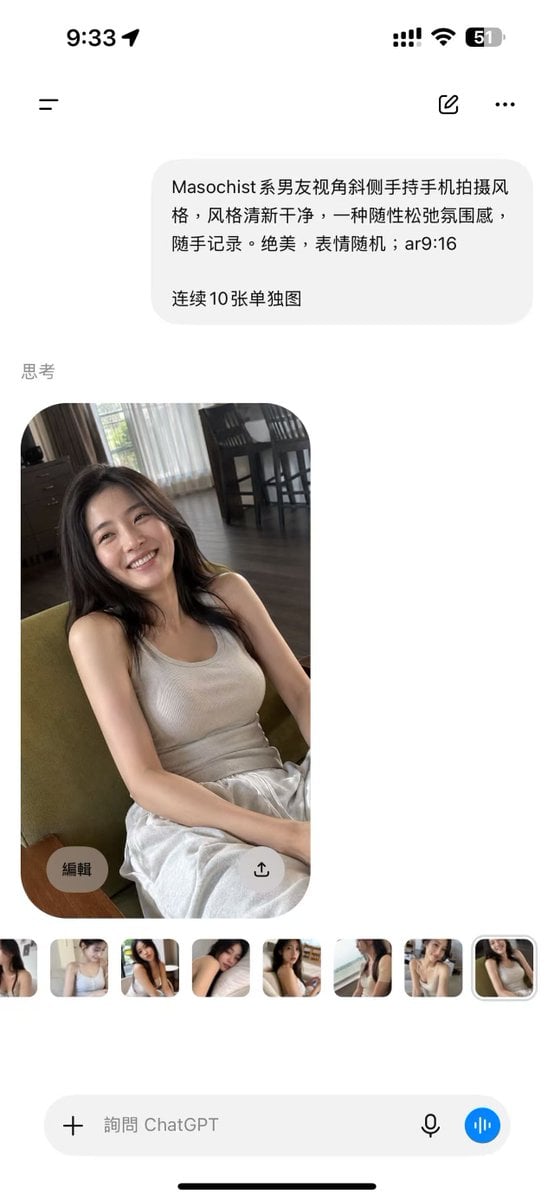
ChatGPT Mobile Photo Carousel Screenshot

ChatGPT Bonus Banner Screenshot
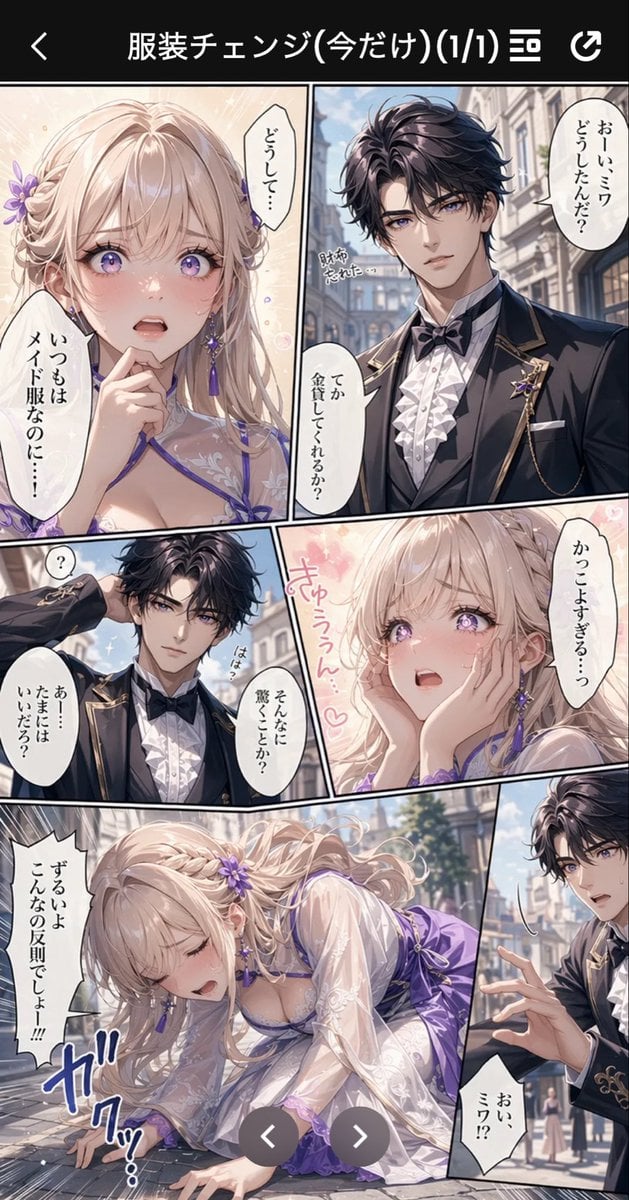
Anime Butler Date Manga Screenshot
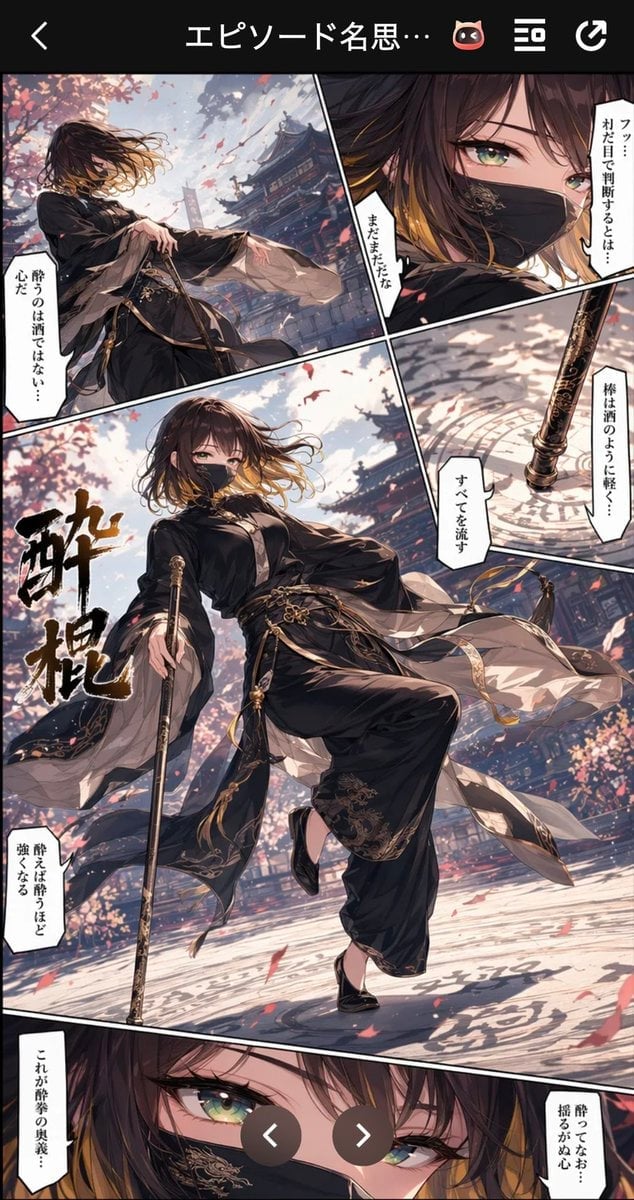
Drunken Staff Manga Screenshot

Seven-Panel Cyberpunk Manga Alley

Floraverse Botanical Fusion

FLORAVERSE BOTANICAL FUSION

Rainy Night Android Cyberpunk Portrait

Korean Idol Partial Shadow Editorial Portrait

Cinematic Sci-Fi Interface Side Profile

Cyberpunk Neon Profile Fashion Portrait
Make it yours
ChatGPT Cyberpunk Manga Screenshot works as-is. These are the safest ways to change it without losing the look.
Change one field
Copy a single group, rewrite it, and generate again so you can see what that field is doing.
Keep the frame, change the subject
Hold the composition and light of ChatGPT Cyberpunk Manga Screenshot, then swap wardrobe, props or the person for a new take.
| If the result… | Why | Fix |
|---|---|---|
| The result drifts from the preview | Too many fields changed at once. | Reuse ChatGPT Cyberpunk Manga Screenshot as-is first, then change one group — subject, light, or setting. |
| The model over-stylizes the scene | The prose prompt leaves finish and camera underspecified. | Add one camera or lighting sentence and stay on GPT Image 2. |
More GPT Image 2 templates
Other prompts made for GPT Image 2.

Six VTuber Japanese Logo Sheet

Realistic Portrait of Woman and Deer

The Vista Modular Condo Poster

AI Model Routing Comparison Infographic

2.5D Anime Art Board

Isometric Productivity Desk Scene

New York Double Exposure Poster

Four-Panel AI Landscape Comparison

Japanese Tatami Lifestyle Magazine Cover

NESCAFÉ Coffee Map Poster
More image prompts
Fresh picks from across the catalog.
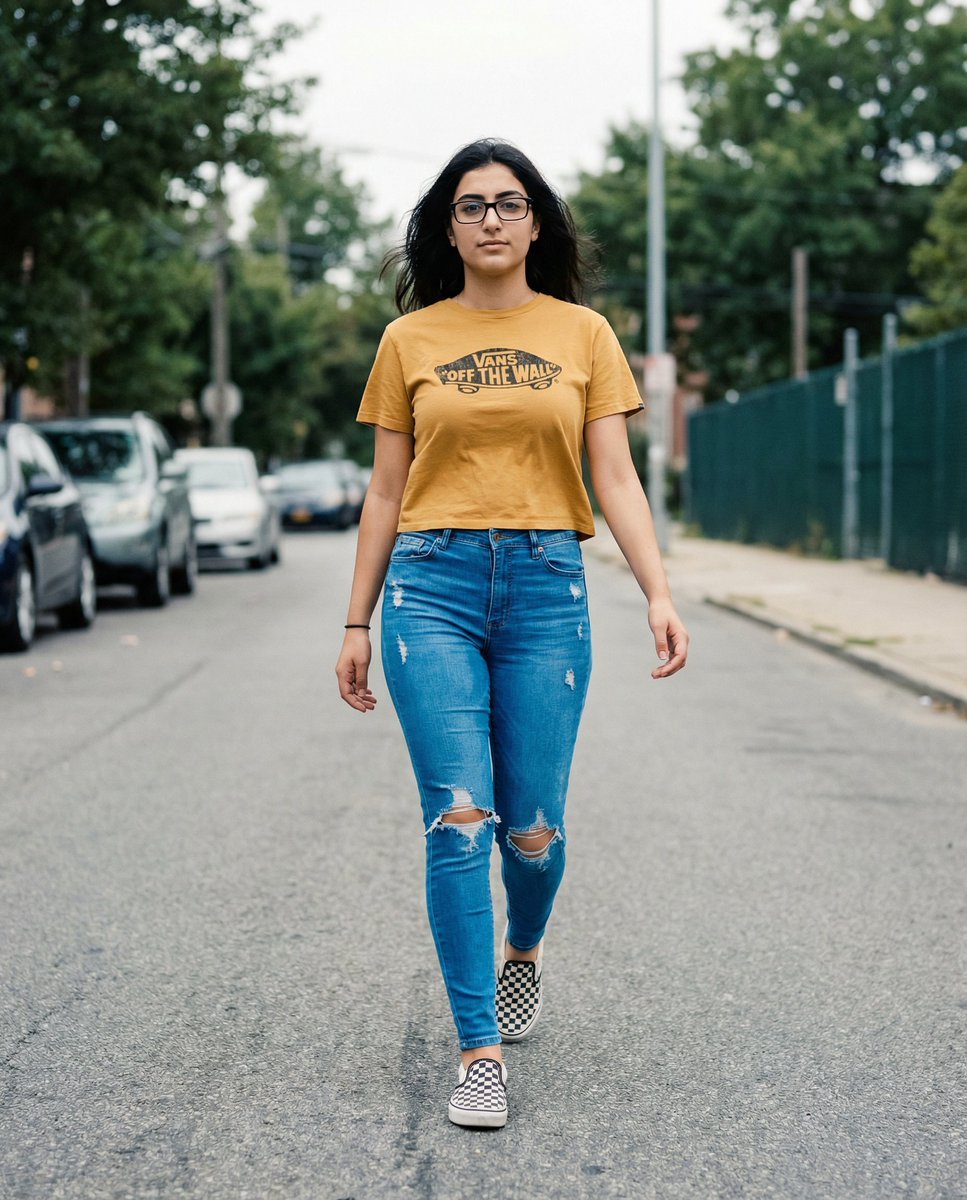
Vans Logo Street Fashion Portrait Replication
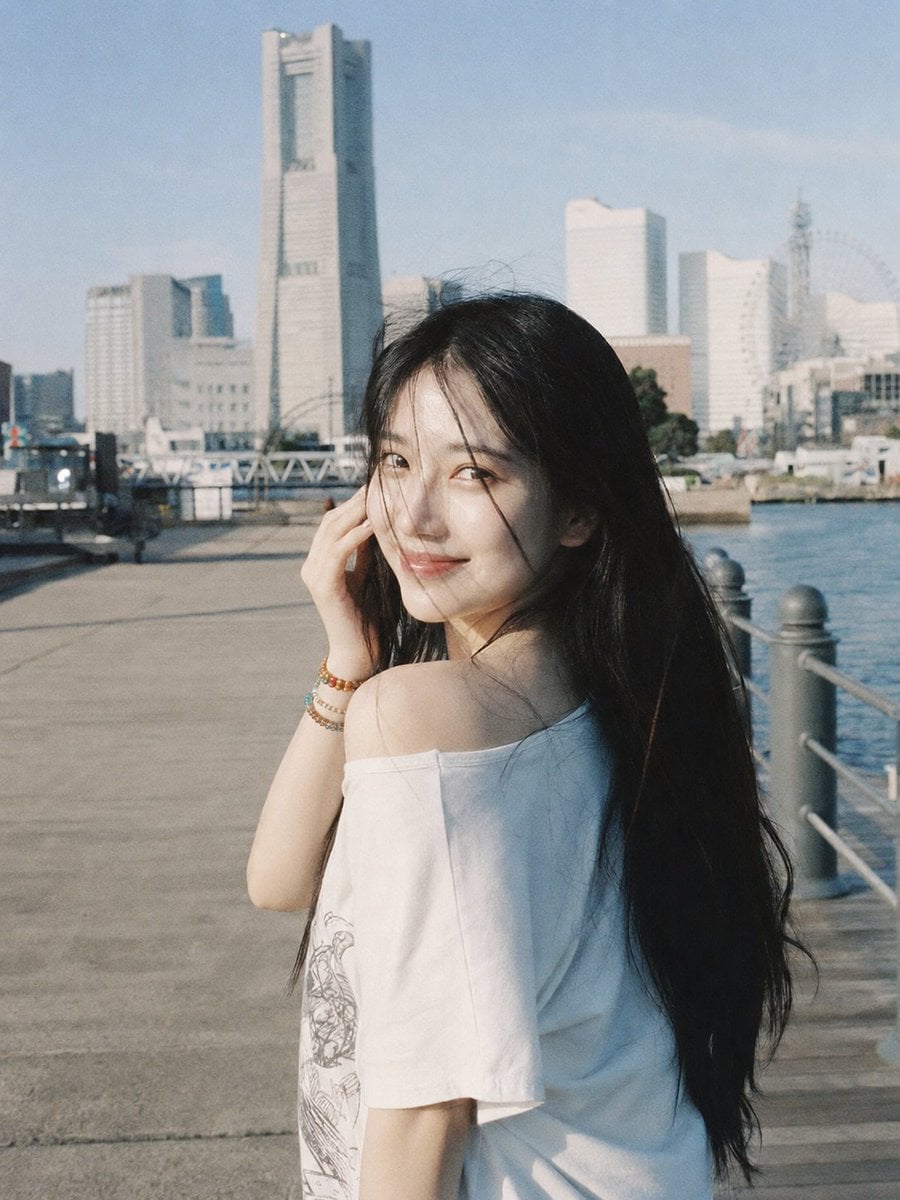
Yokohama Waterfront Film Portrait
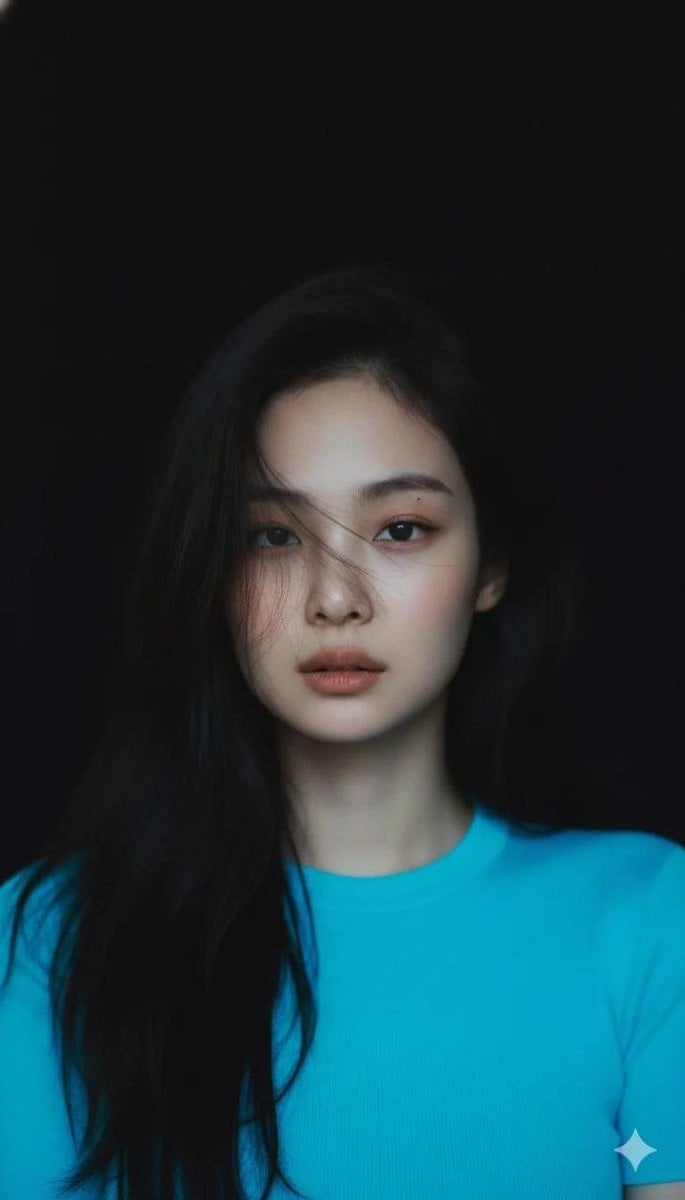
Melancholic Cinematic Portrait Prompt for Nano Banana Pro
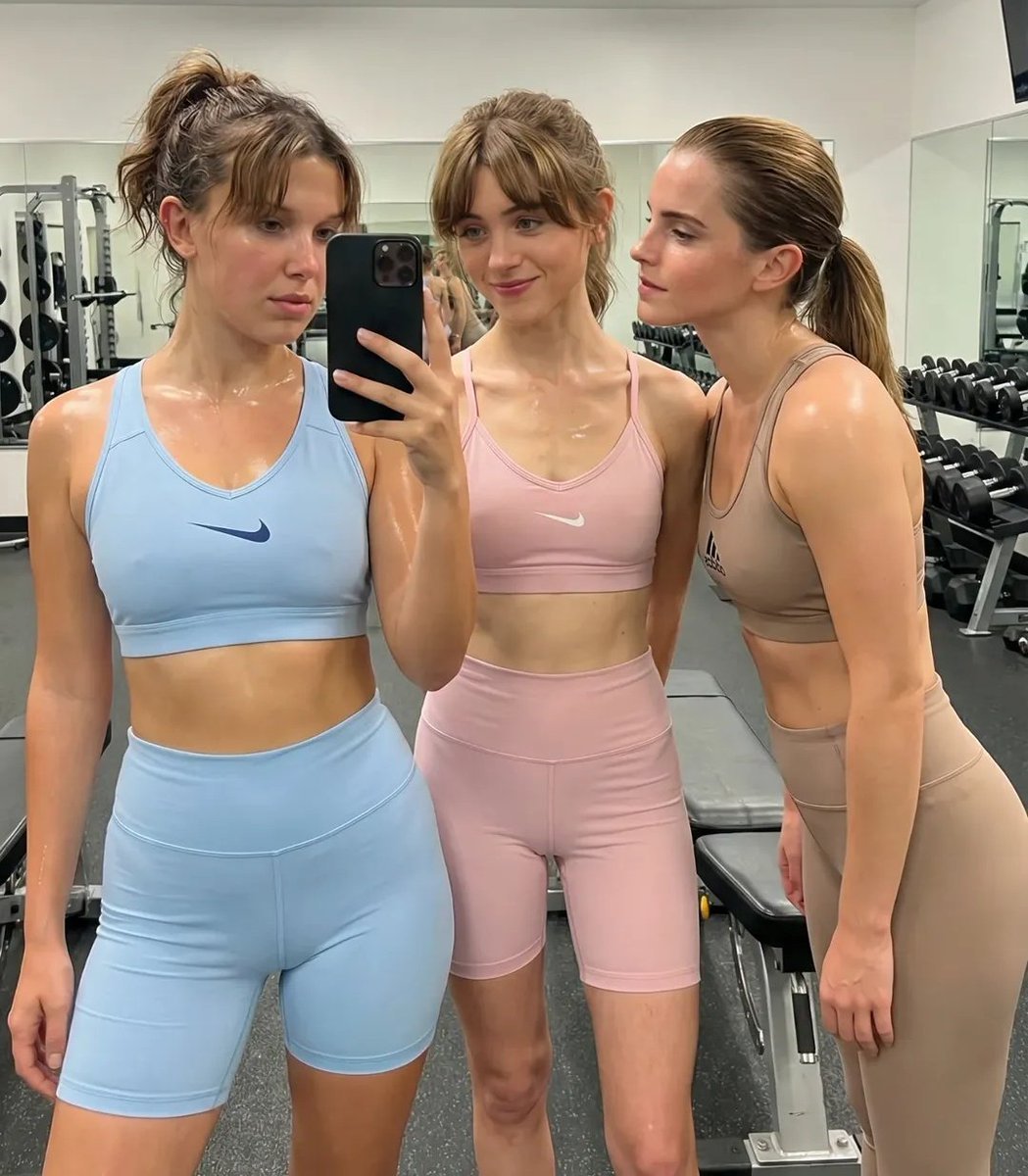
Ultra-Realistic Gym Mirror Selfie
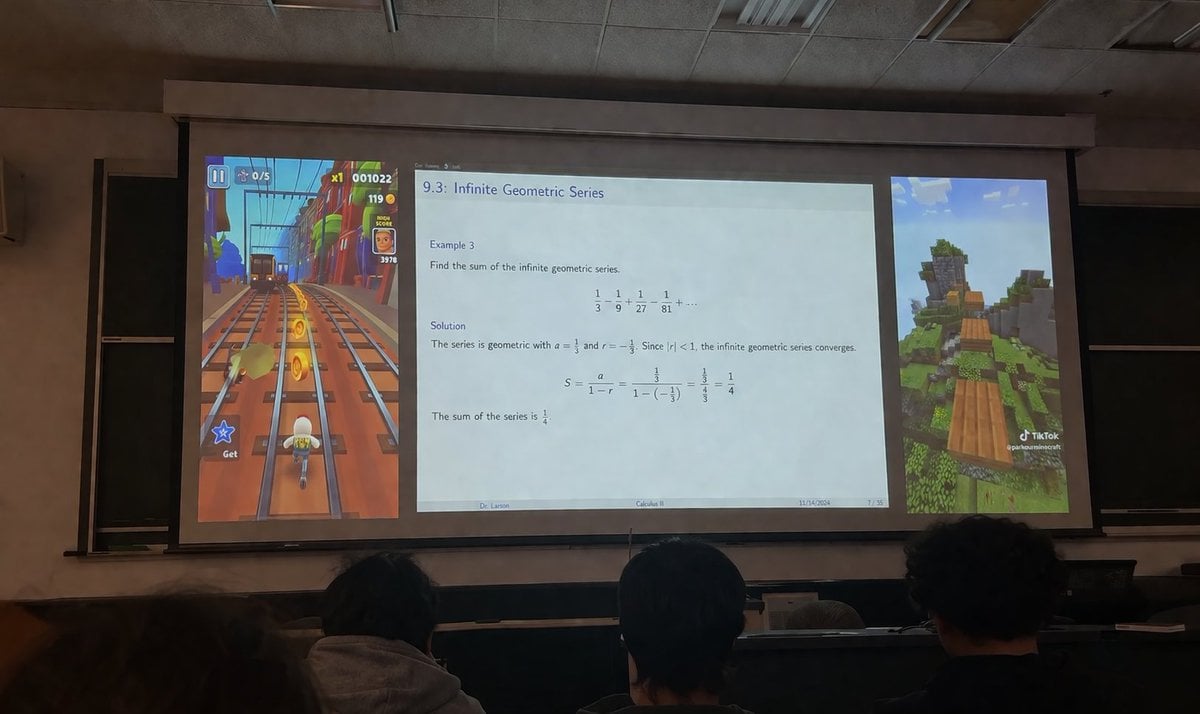
Brainrot Lecture Hall Projector
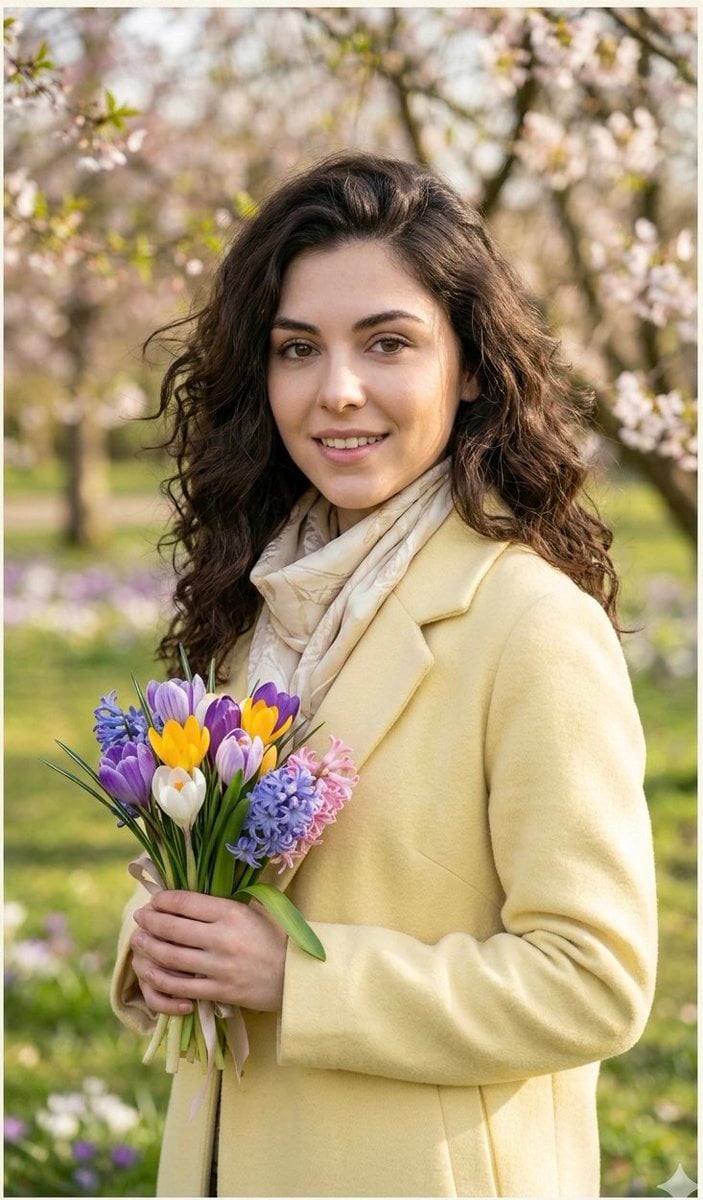
Realistic Spring Greeting Card Portrait
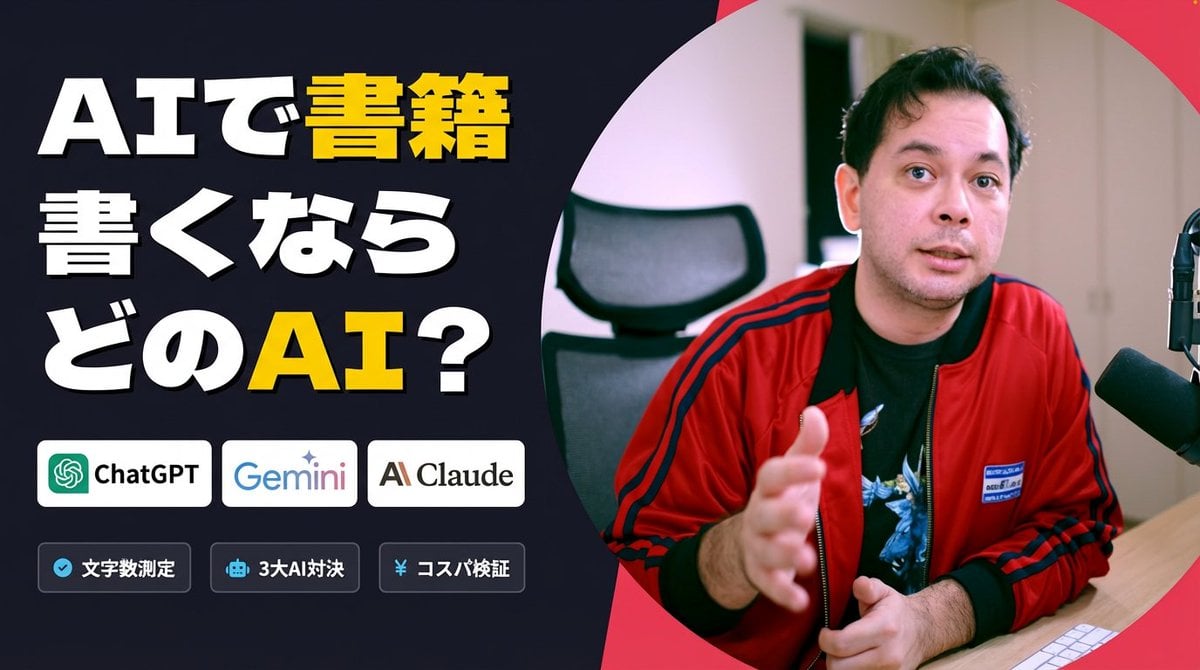
Preserve Original Photo in YouTube Thumbnail Prompt
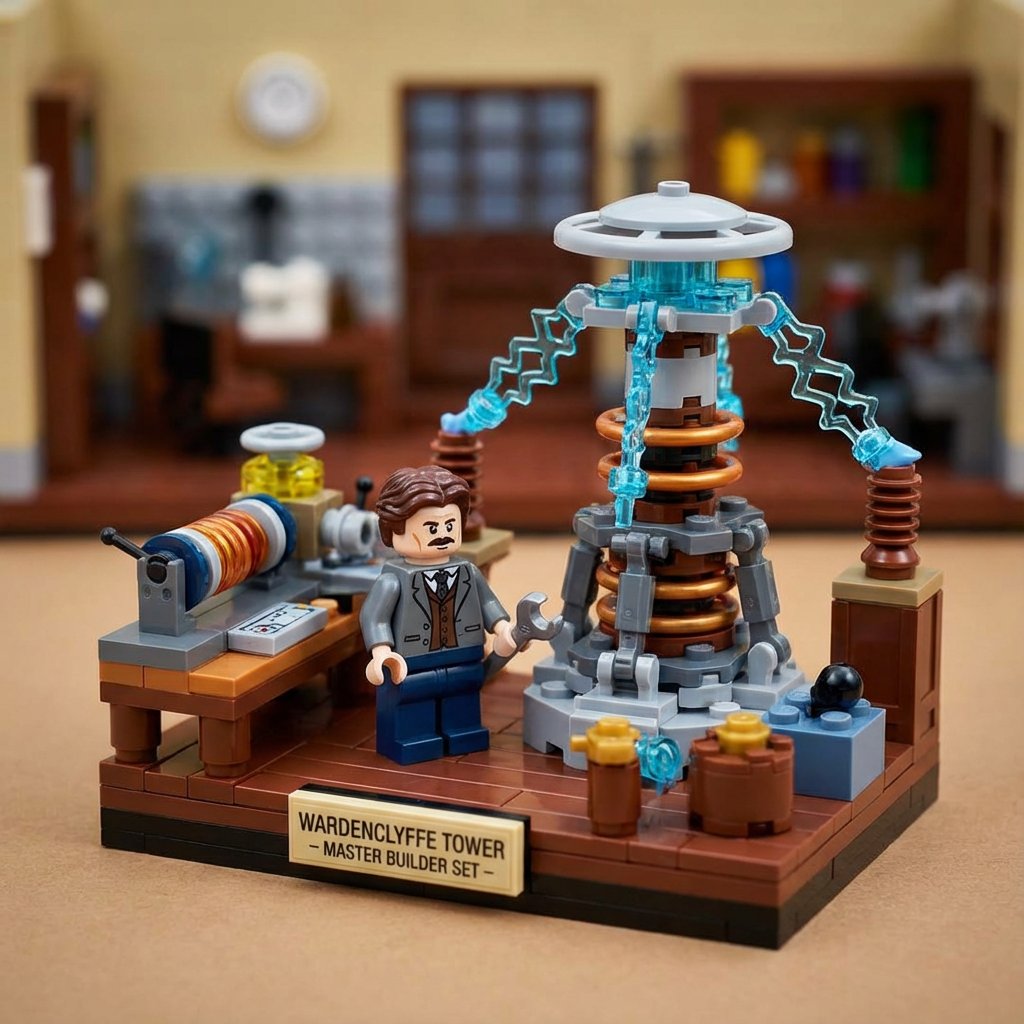
LEGO History Retelling Template
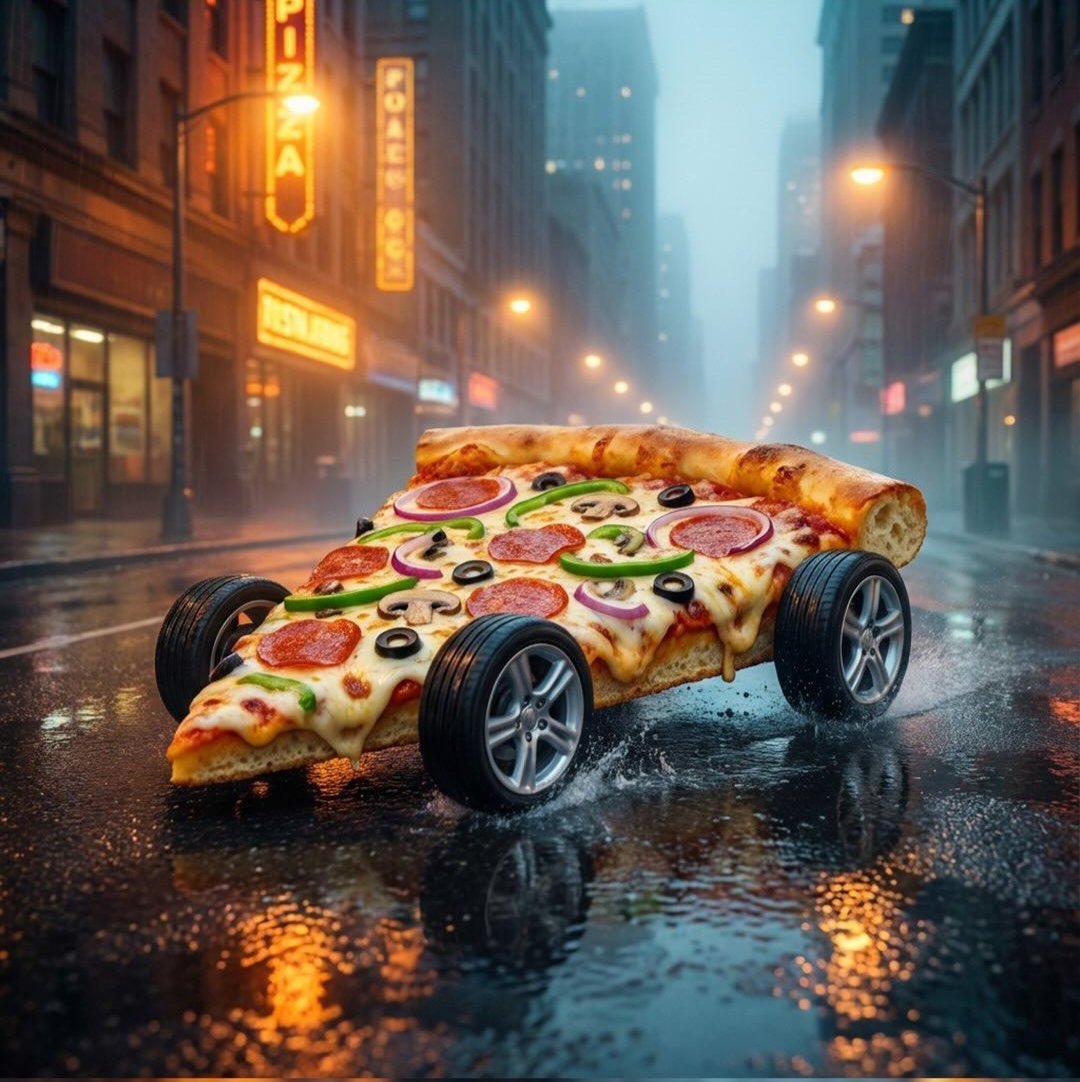
Surreal Pizza Landscapes and Cyberpunk Cars
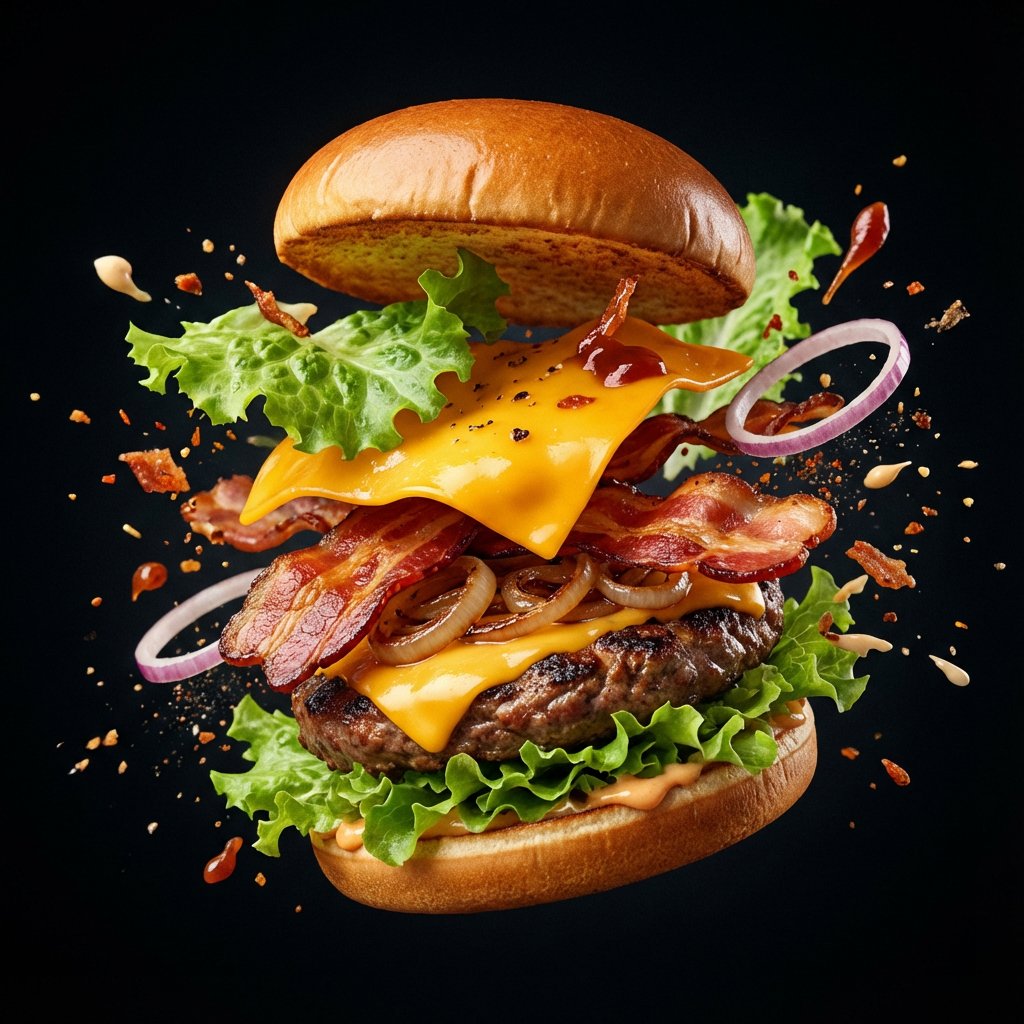
Explosion Food Poster for Marketing
Browse template categories
ChatGPT Cyberpunk Manga Screenshot questions
How do I use the ChatGPT Cyberpunk Manga Screenshot template?
Add your photo if the template asks for one, edit the prompt if you like — the template's model and format are already selected — and press Generate. Your version opens in PicX Studio.
Can I customize the ChatGPT Cyberpunk Manga Screenshot template?
Yes. You can change the subject, setting, lighting, mood, format, and available model controls before creating your image.
Is the ChatGPT Cyberpunk Manga Screenshot template free?
Opening and editing this template is free. Generating uses credits, shown on the Generate button when you are signed in.
Which AI model should I use?
Start with GPT Image 2, which is the model associated with this template. You can compare another compatible model for a different finish.
Looking for something else? Browse all templates.

Your photo, any look
Thousands of ready templates for every top image and video model, from one credit balance.